Configure your rim decals
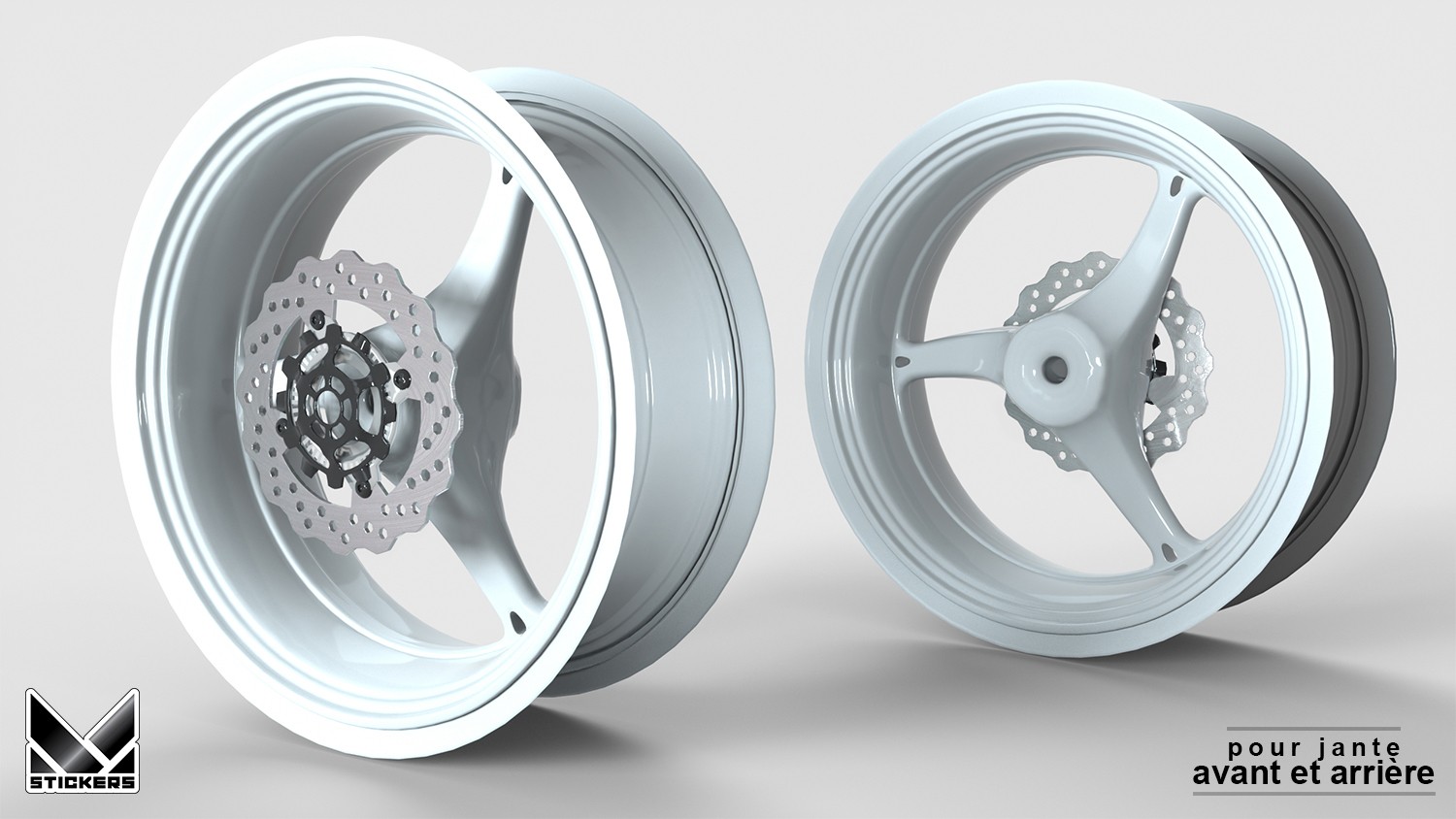
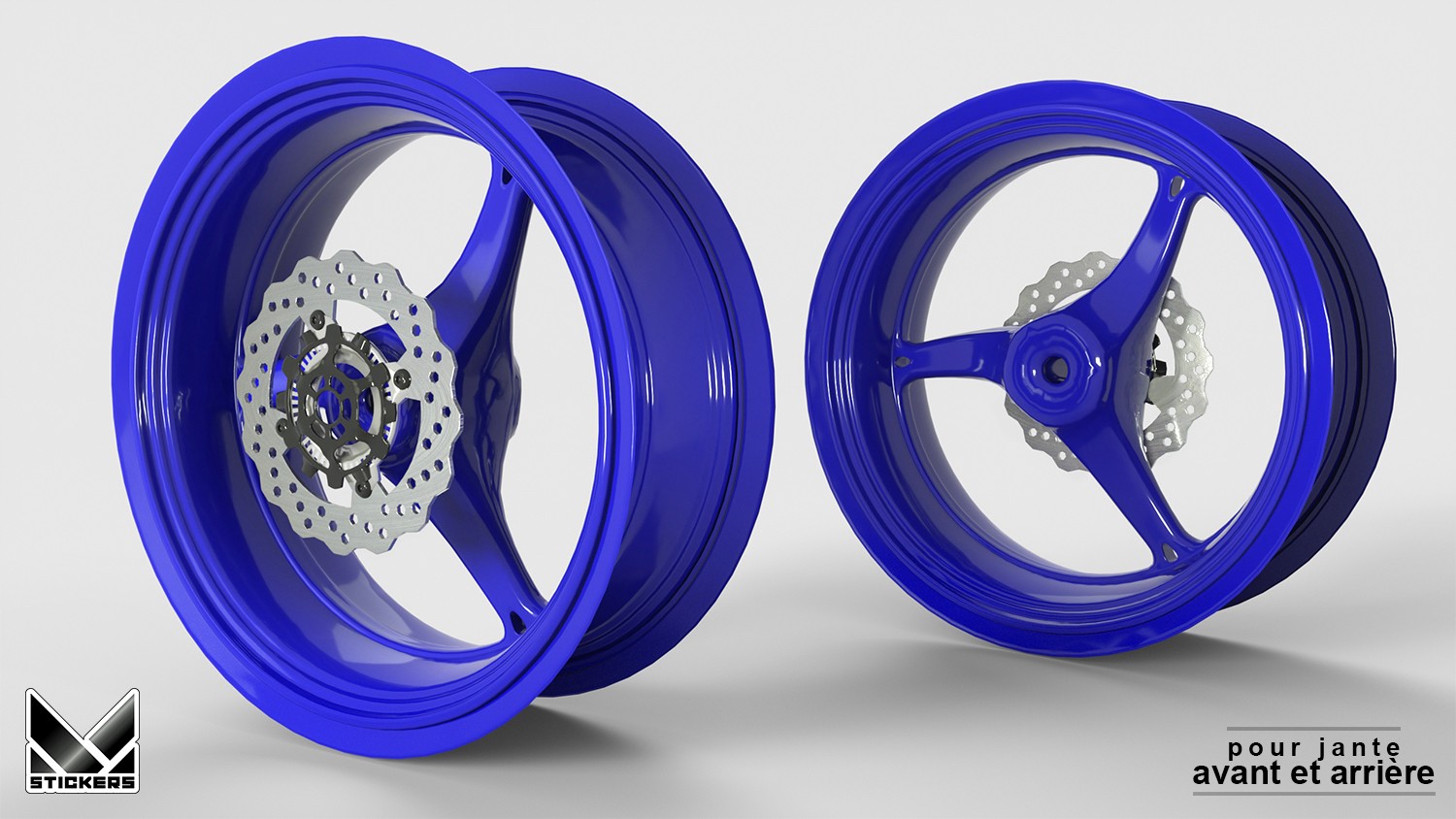
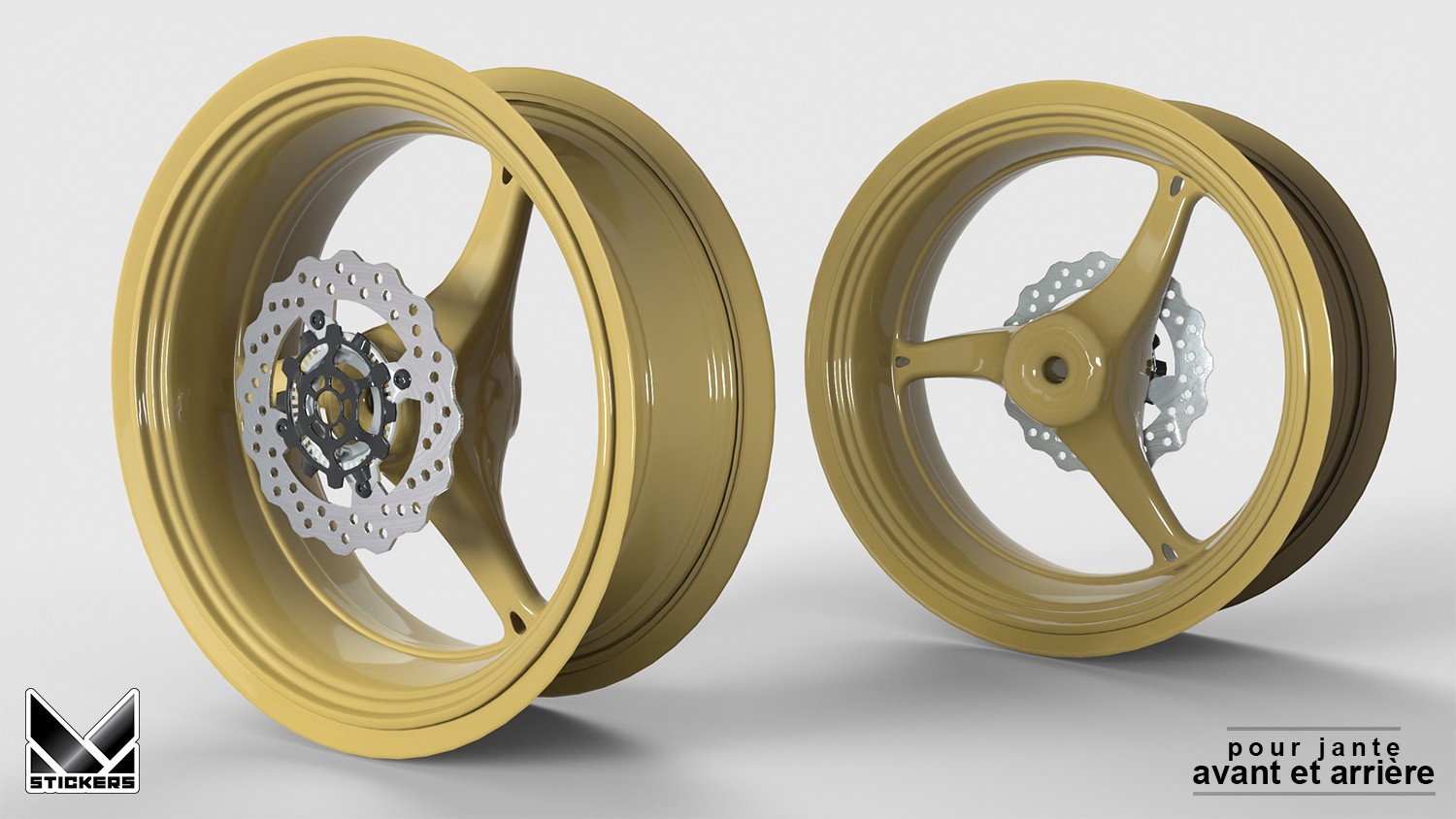
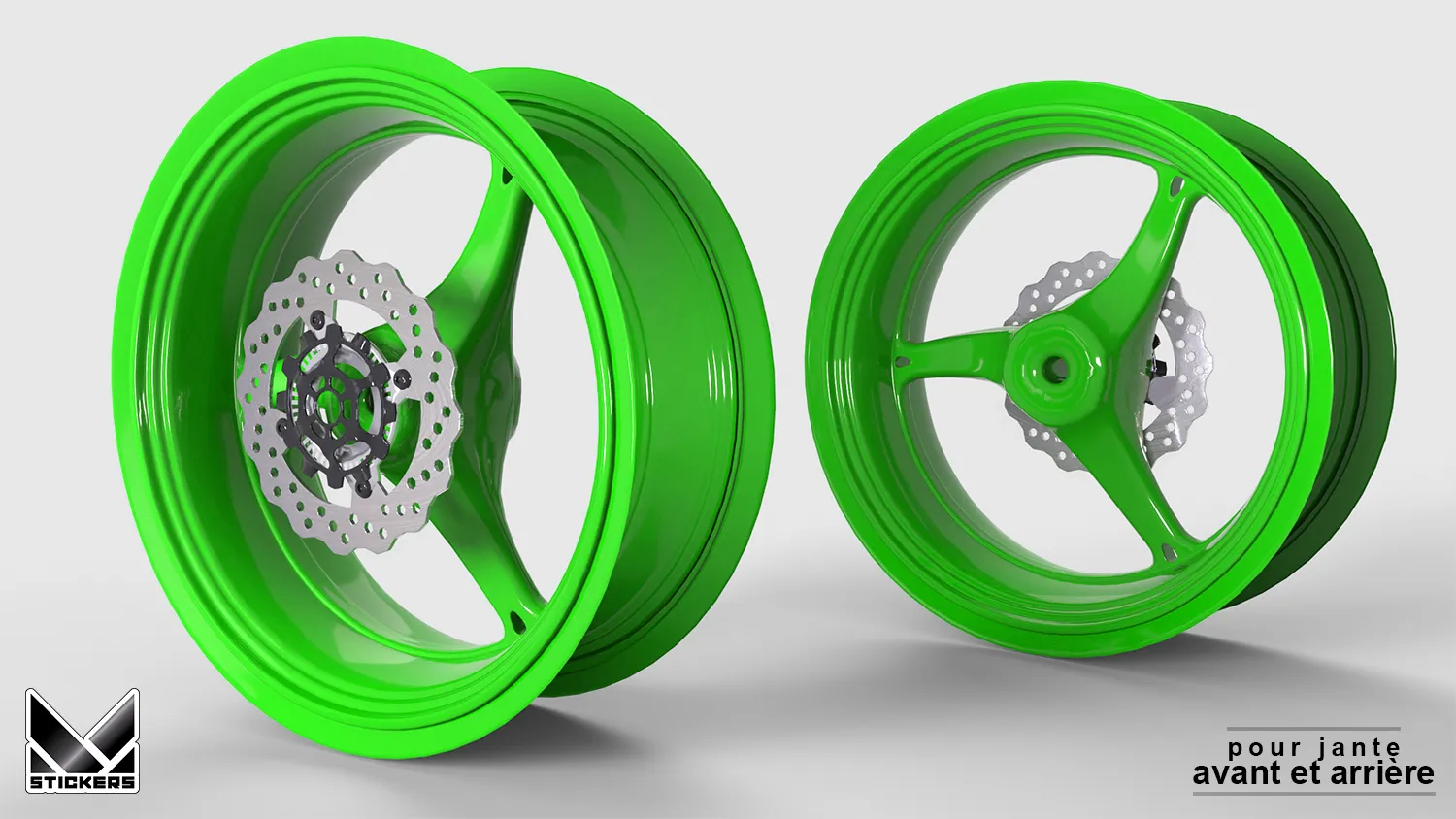
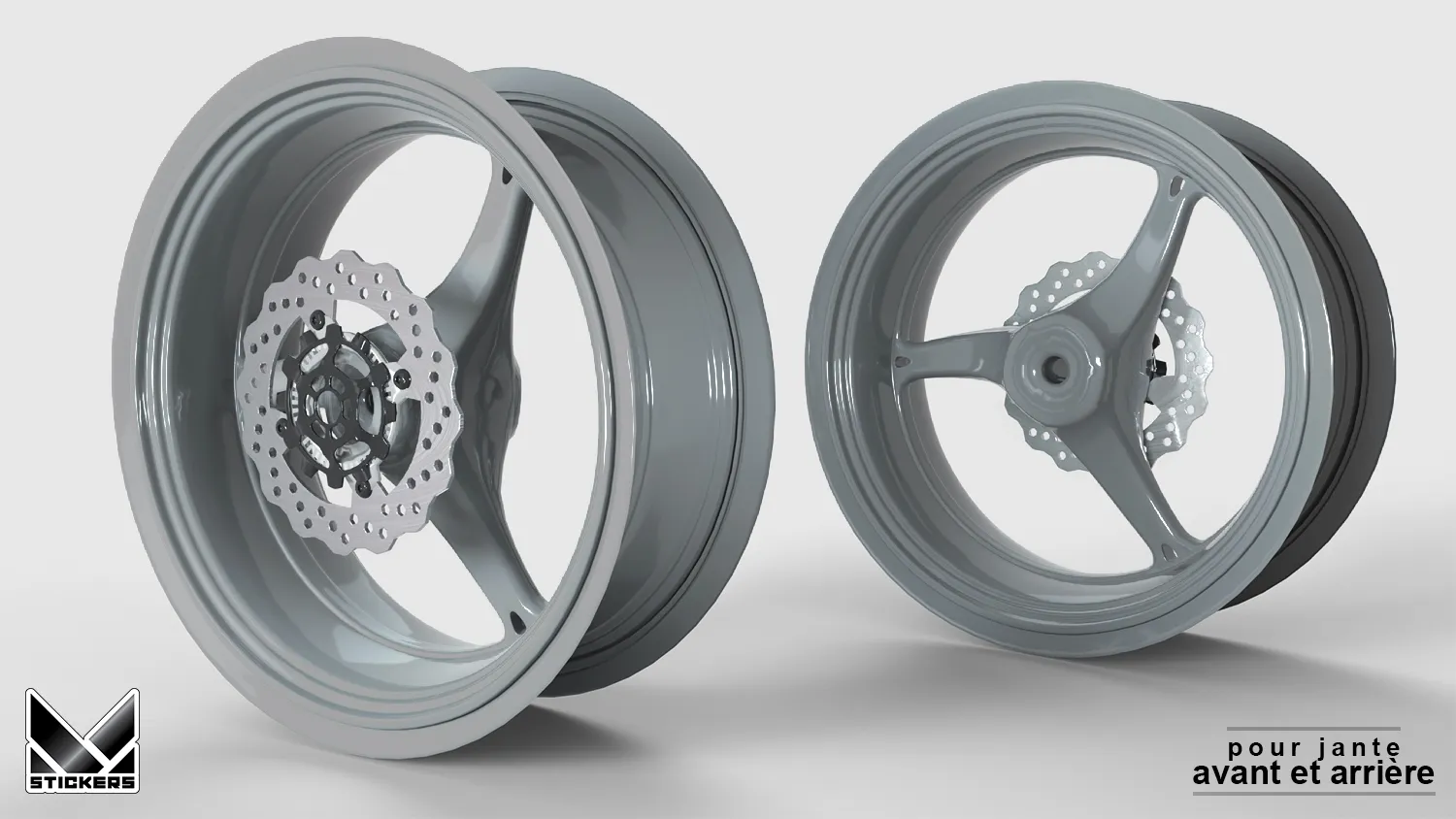
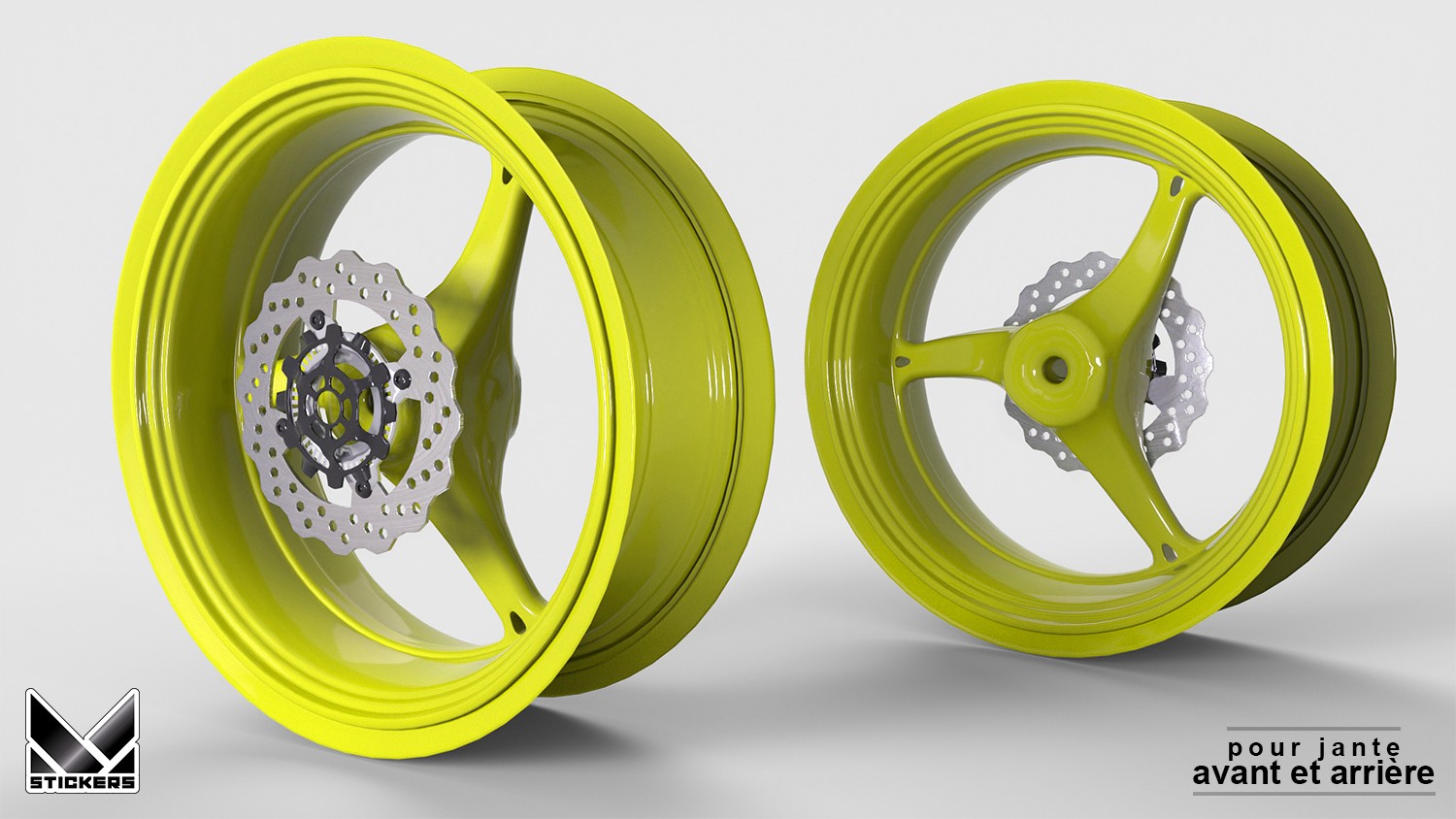
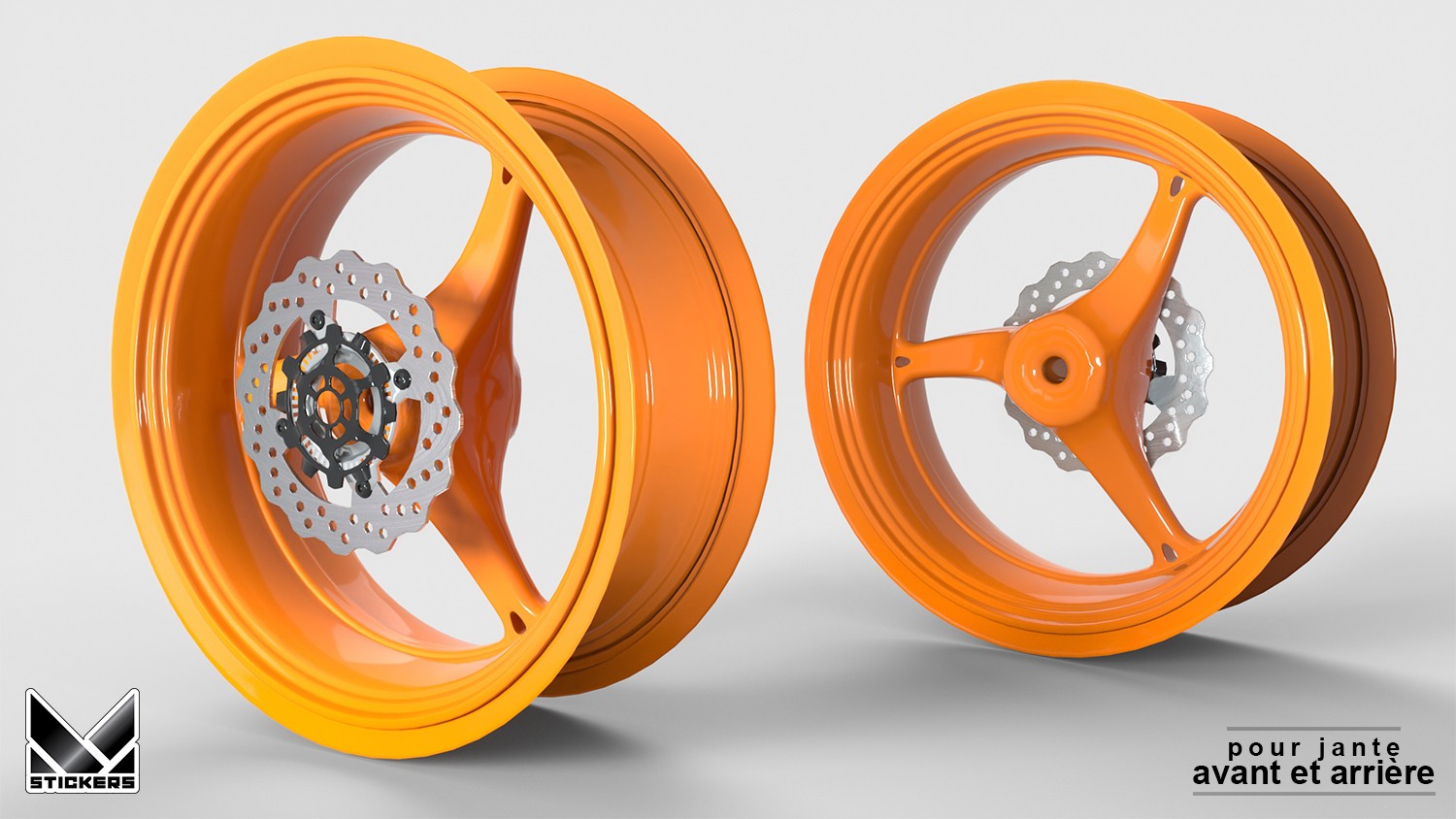
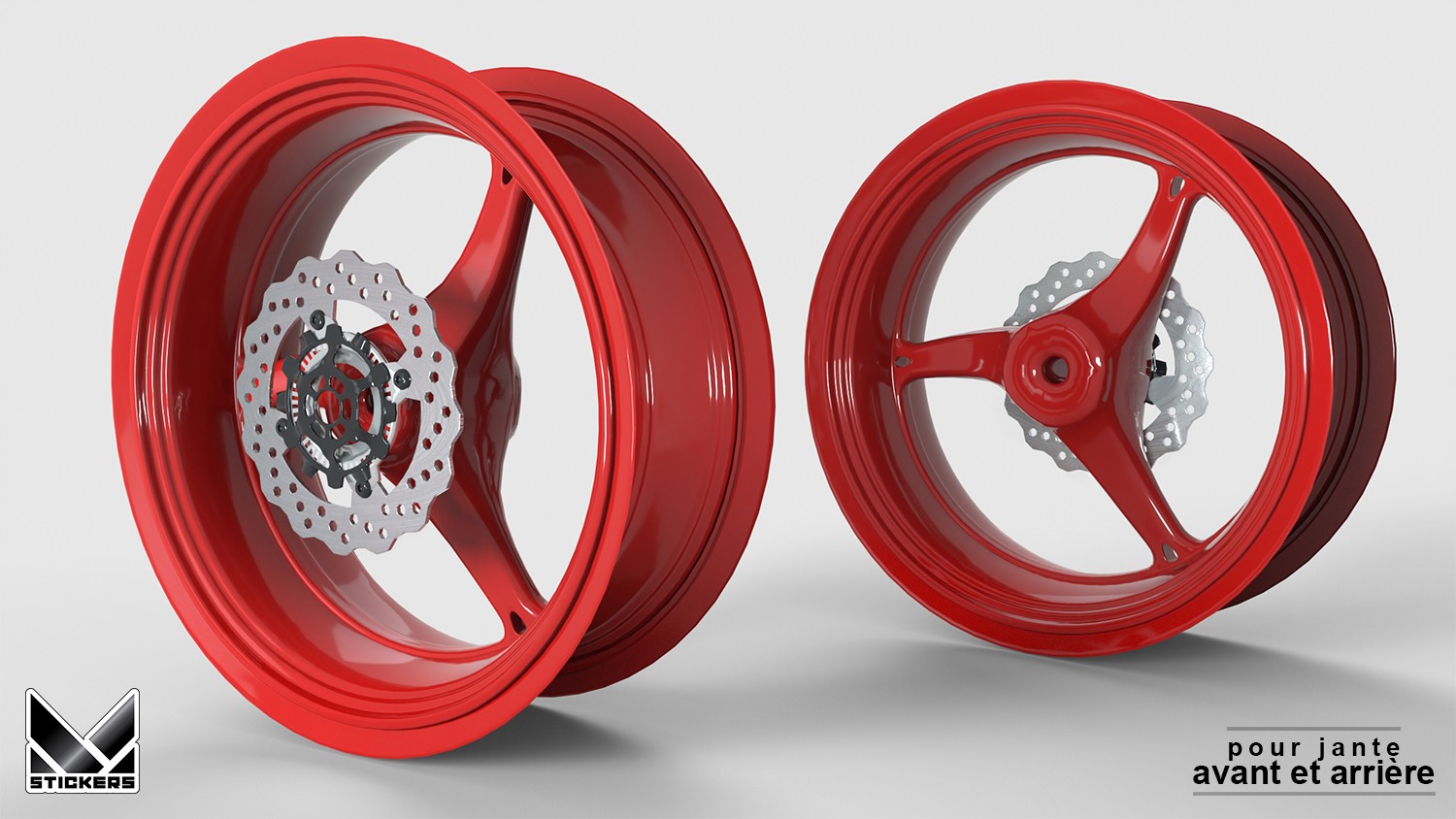
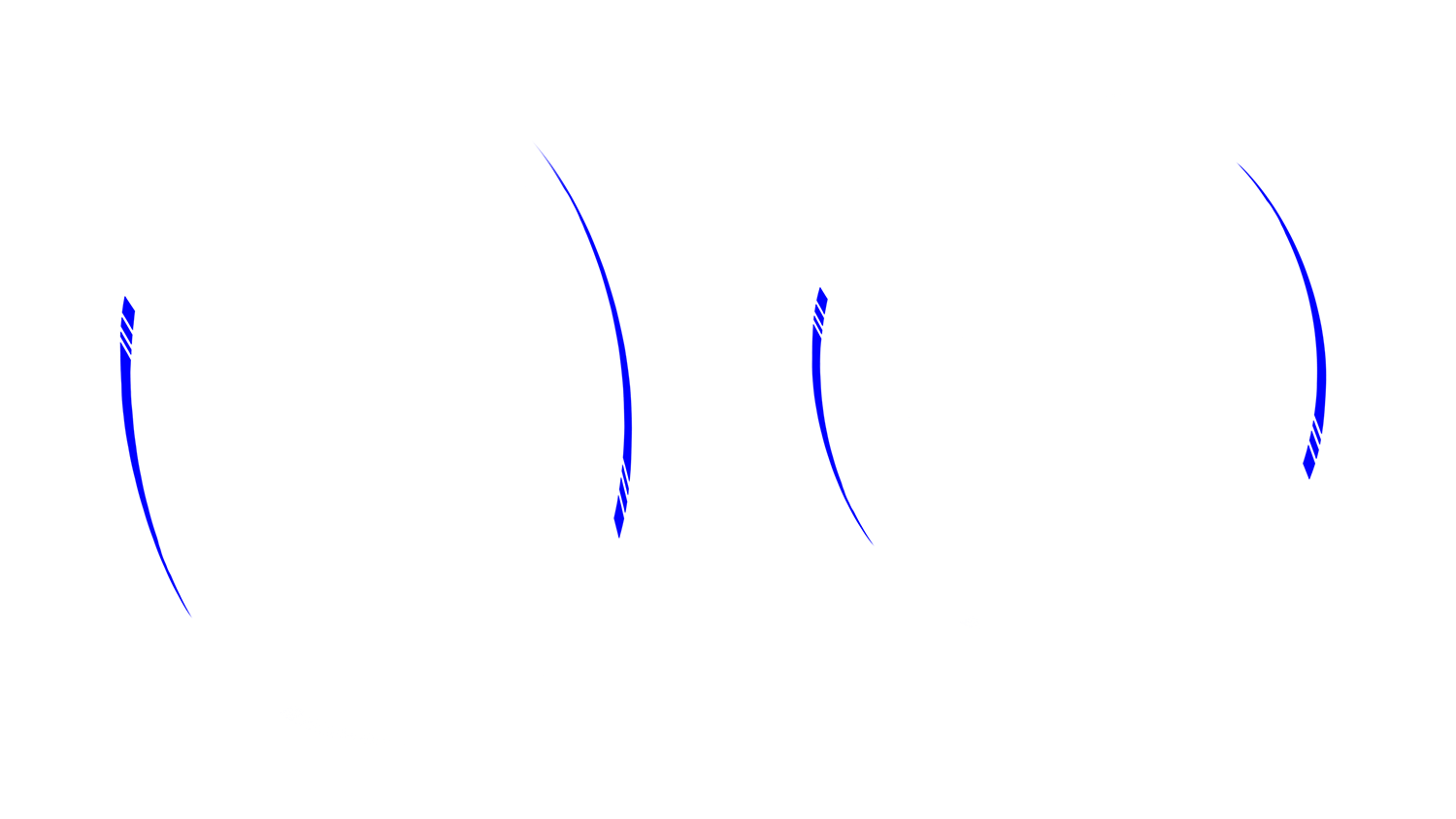
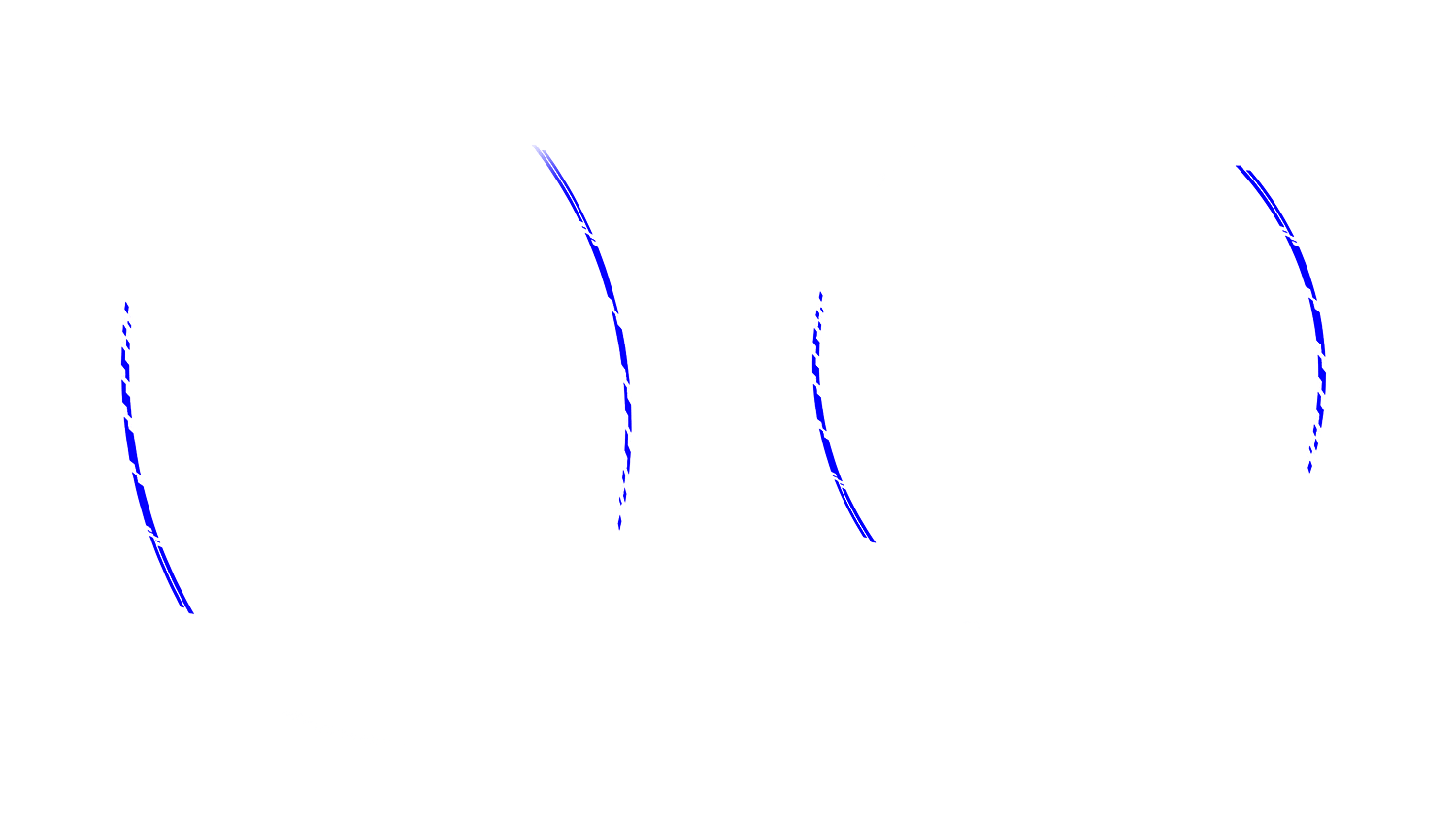
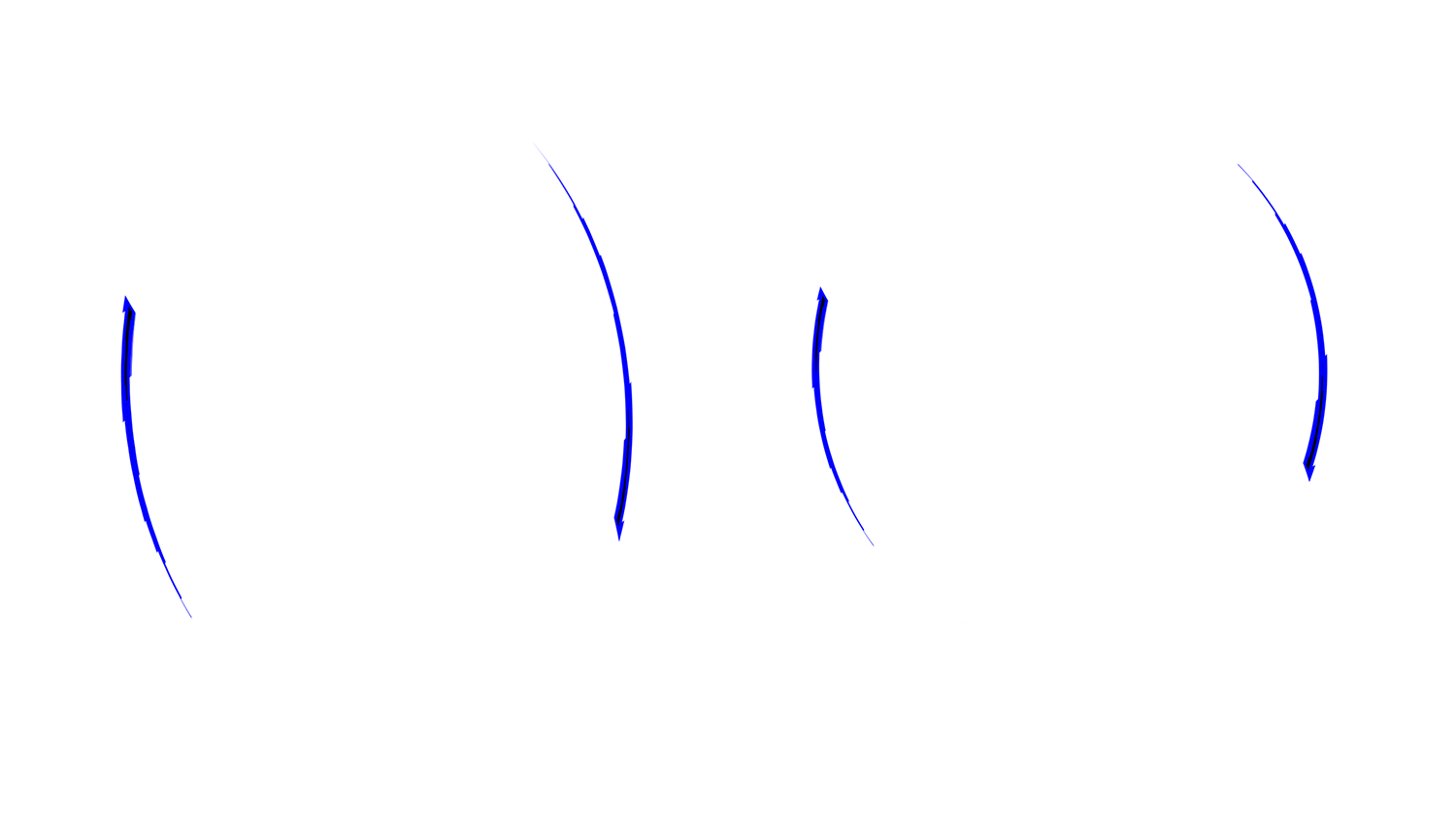
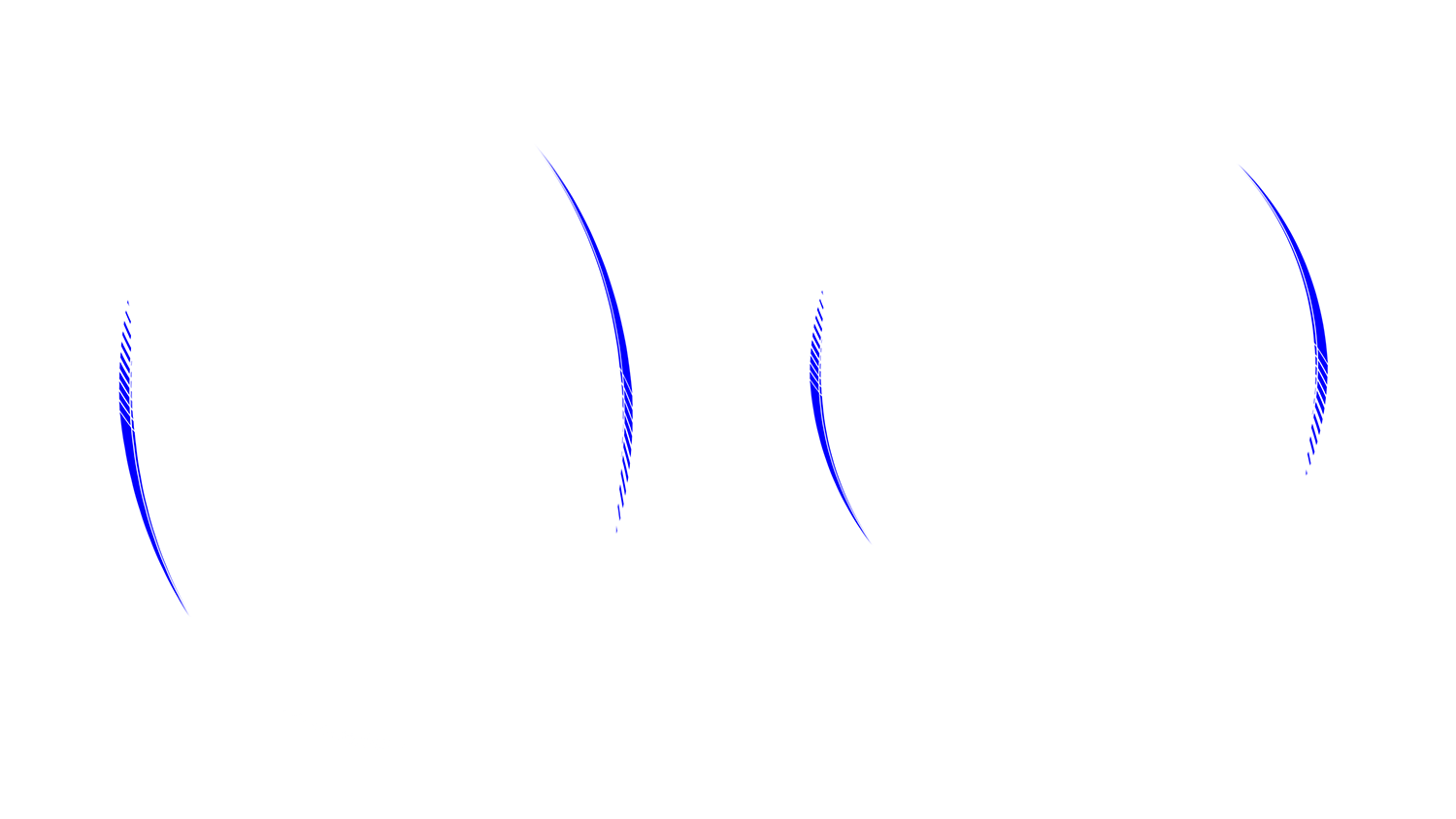
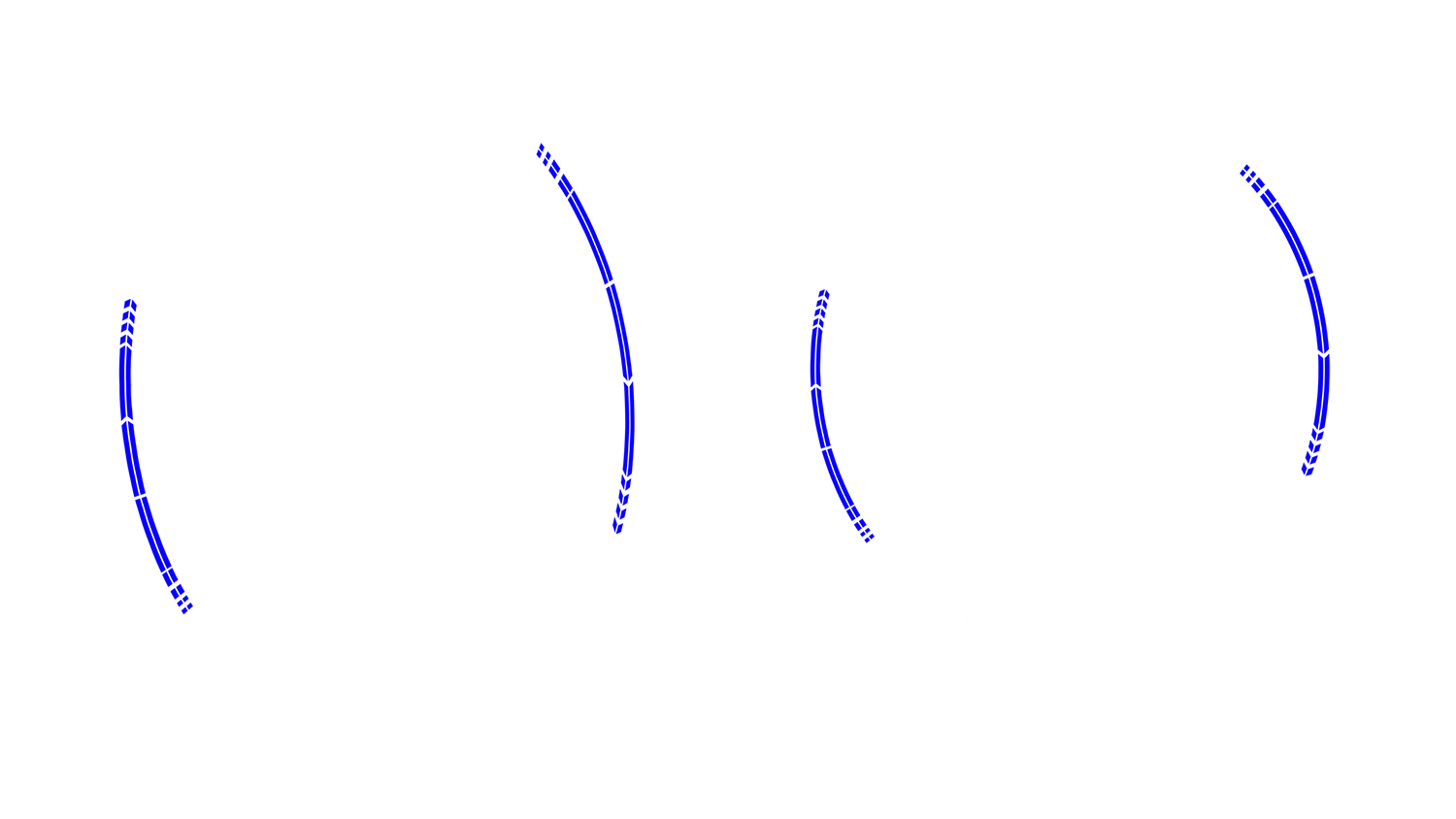
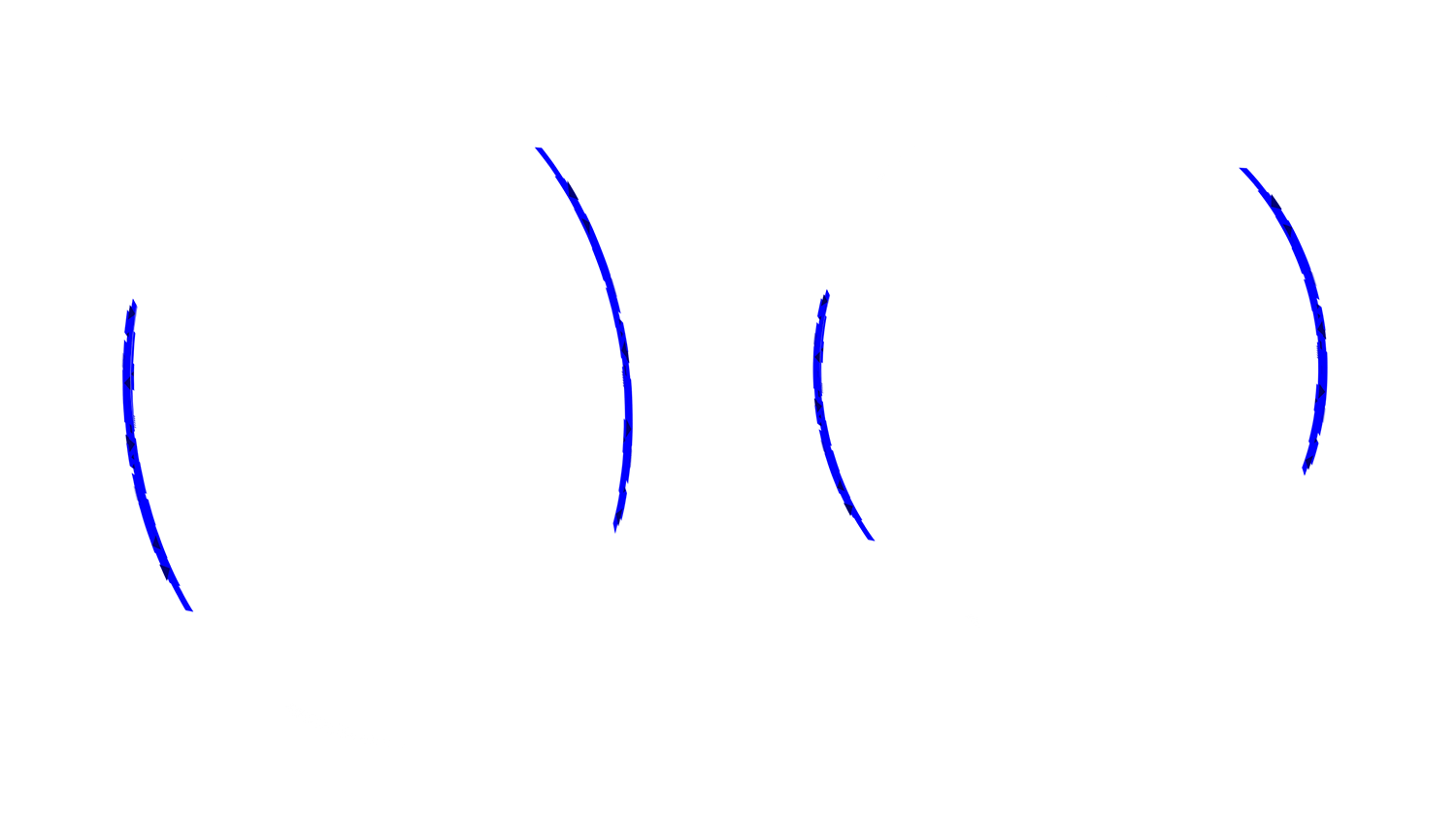
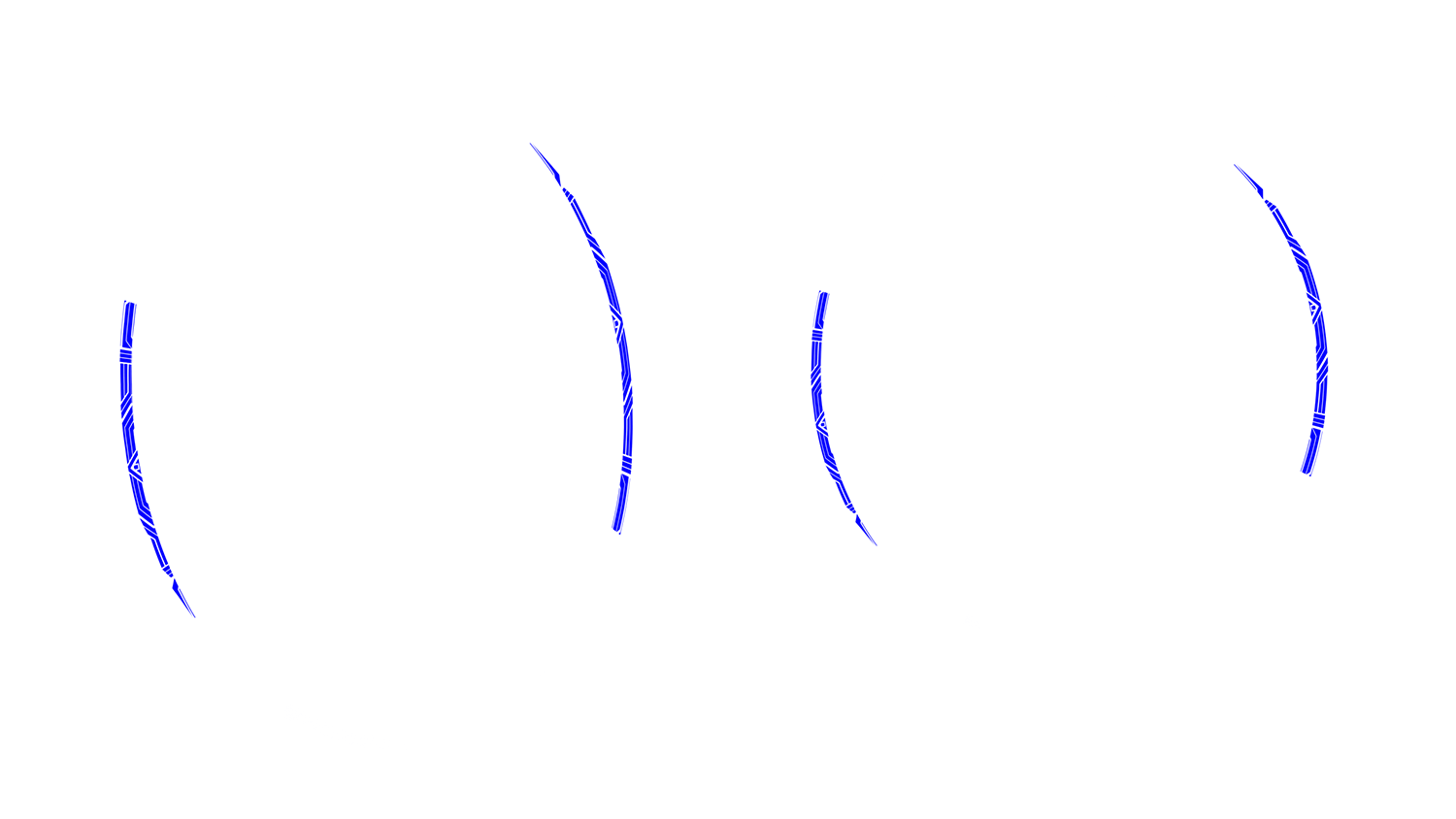
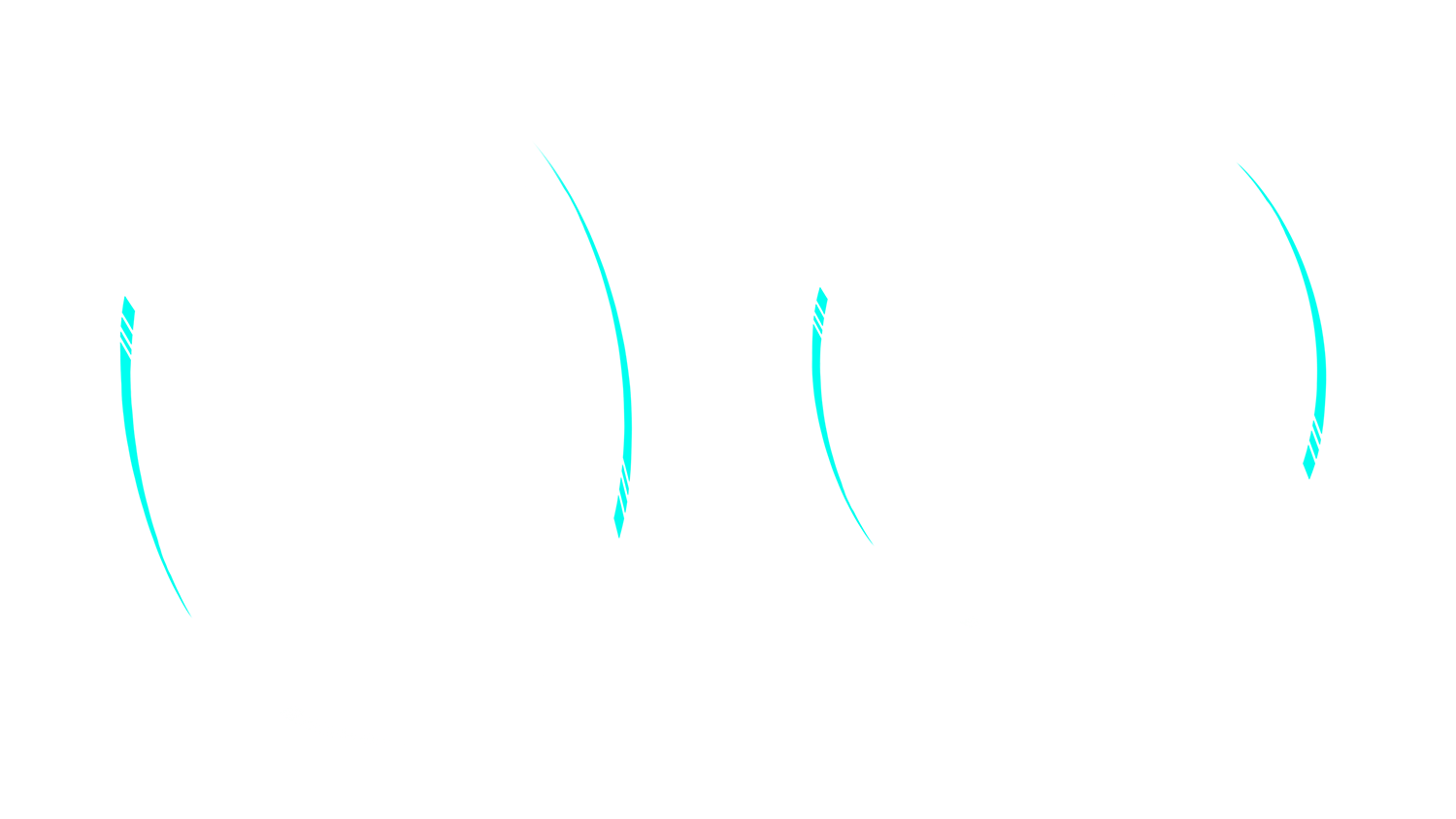
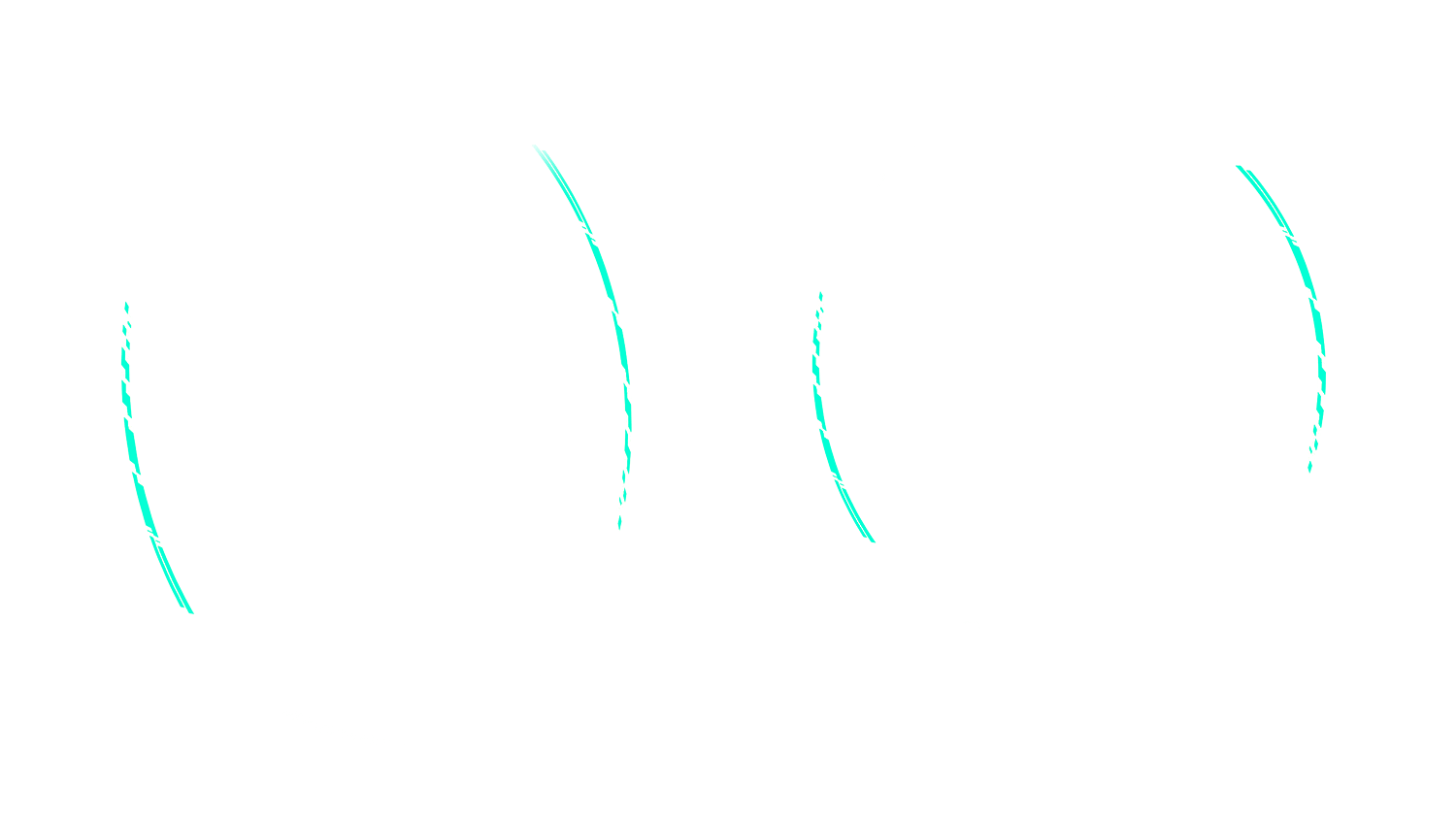
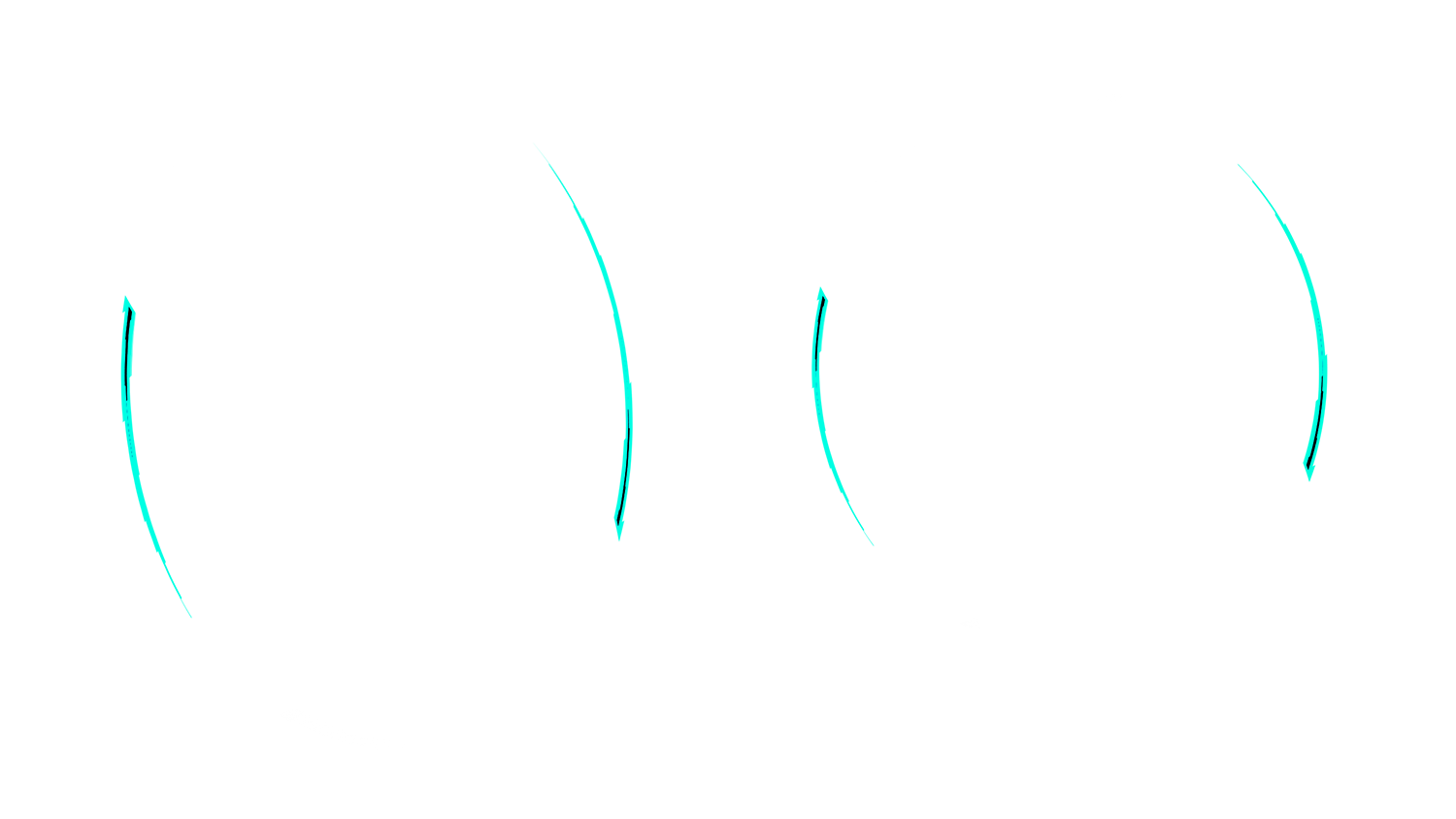
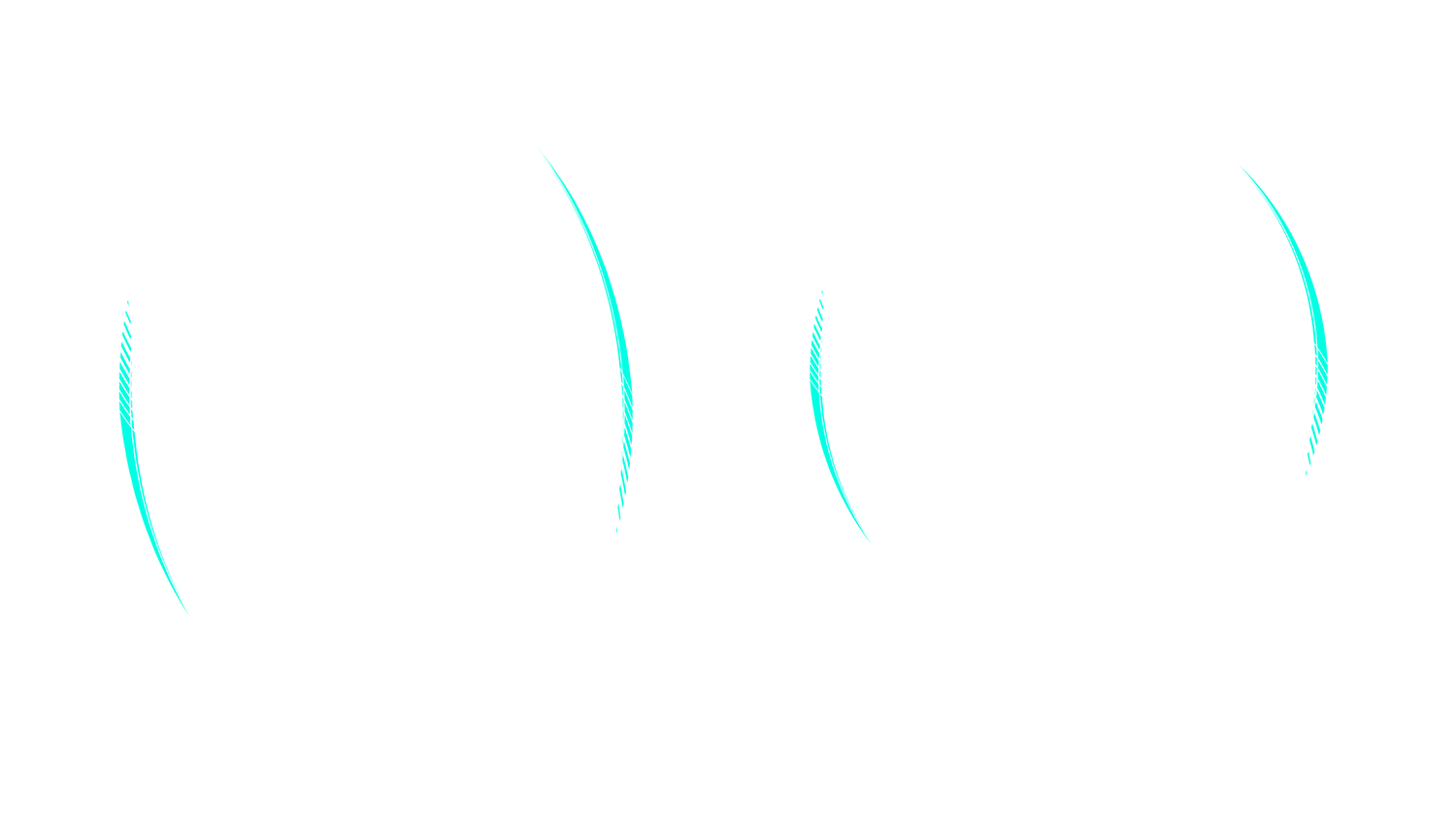
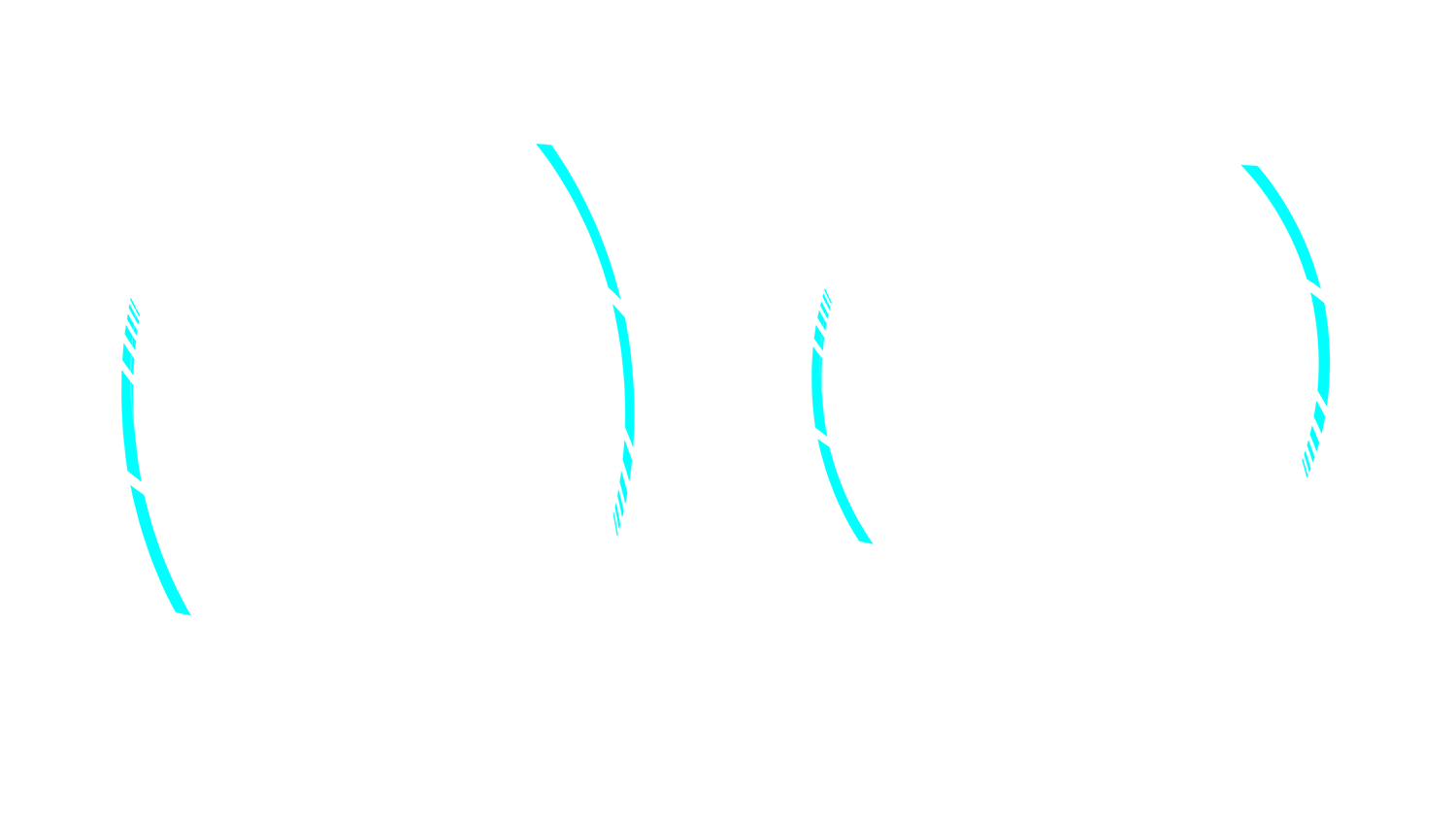
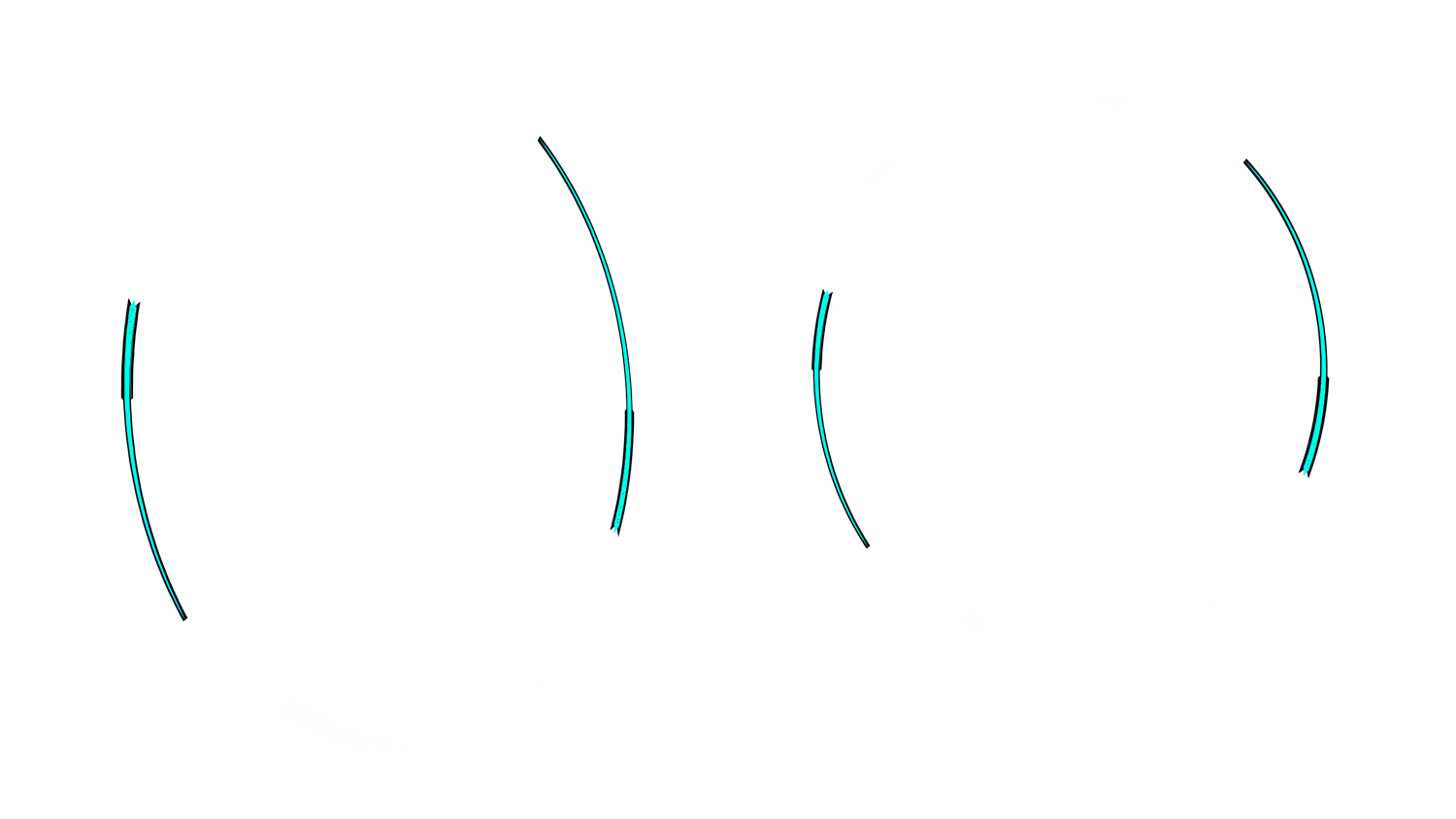
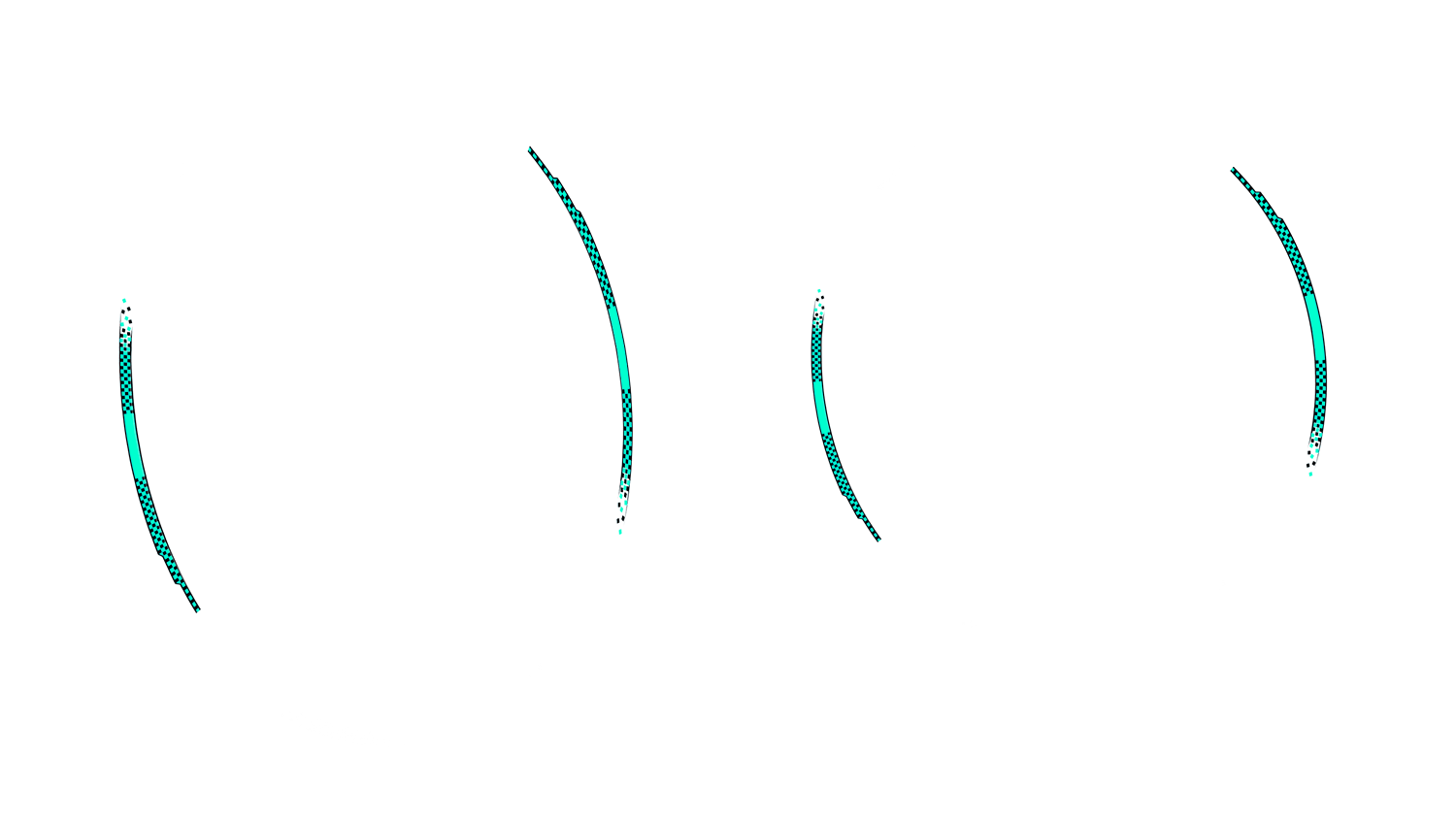
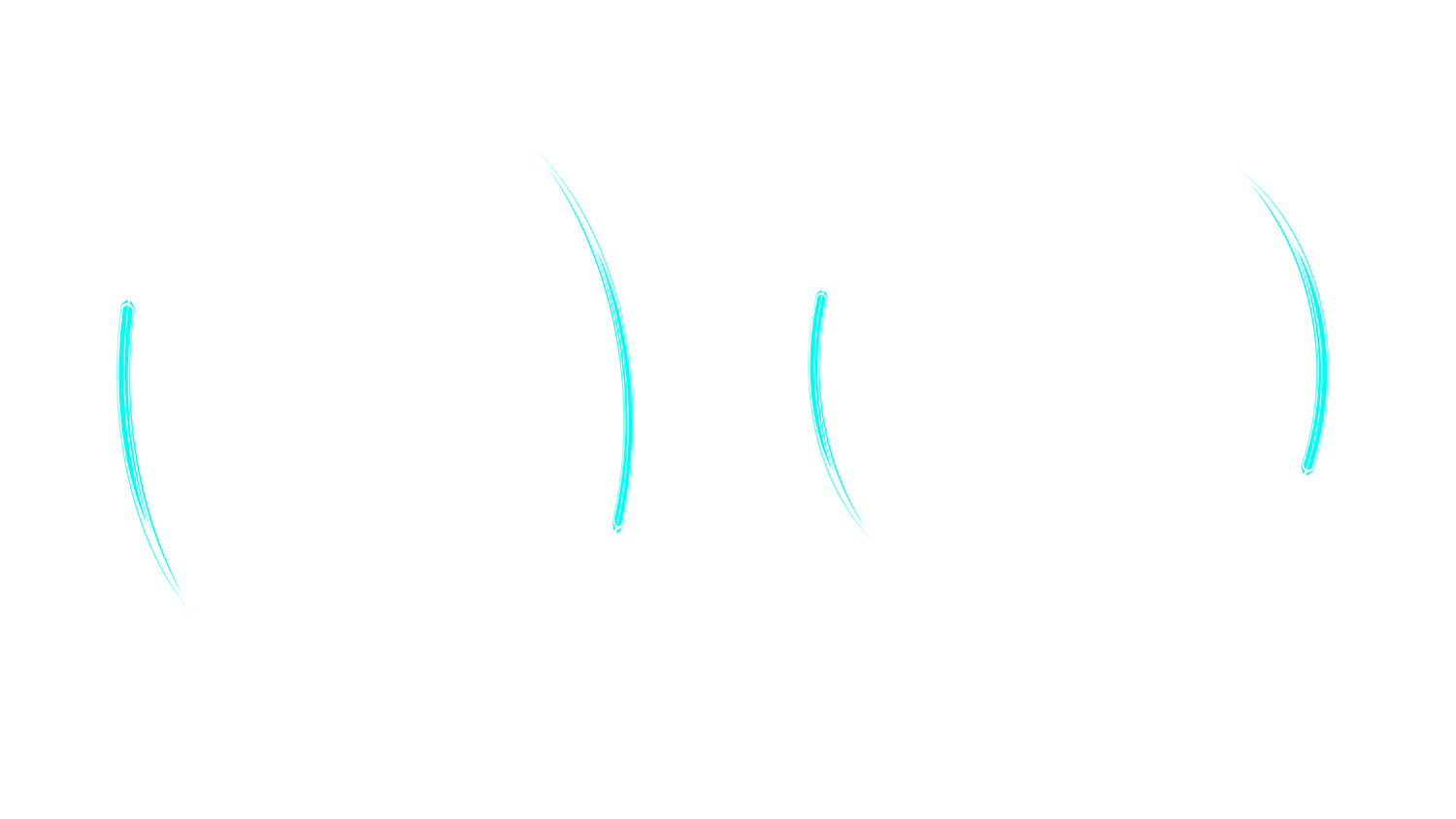
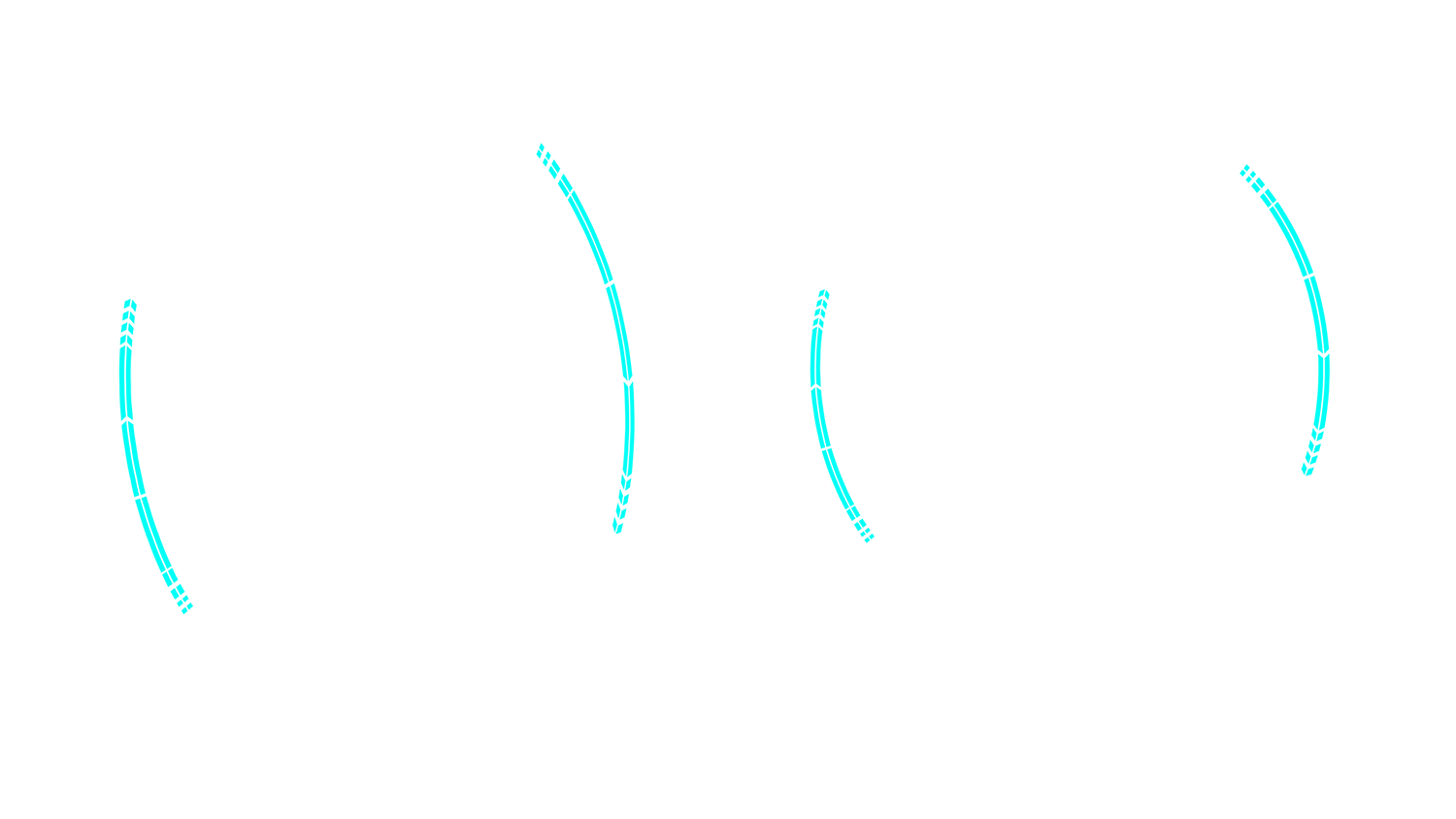
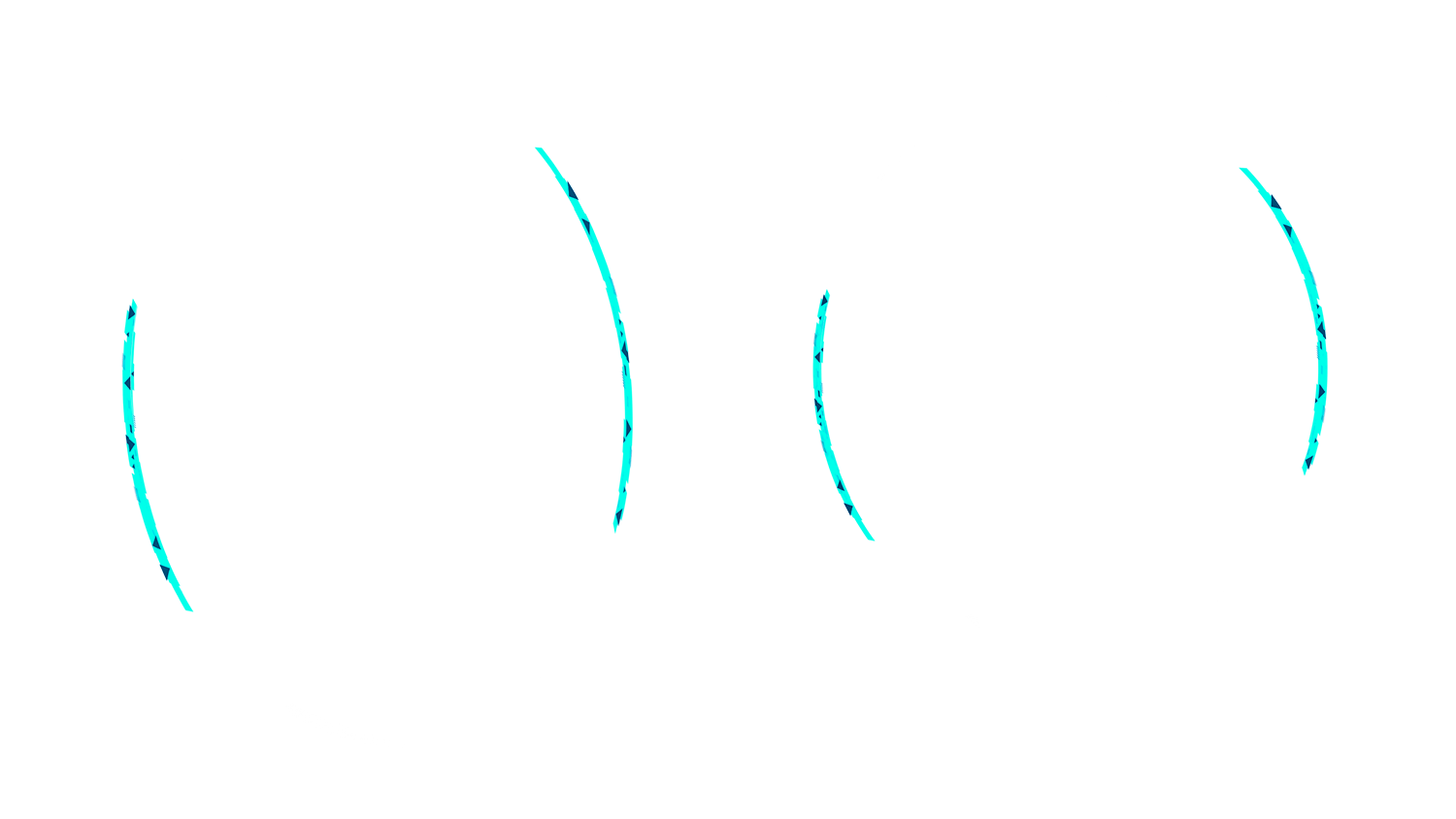
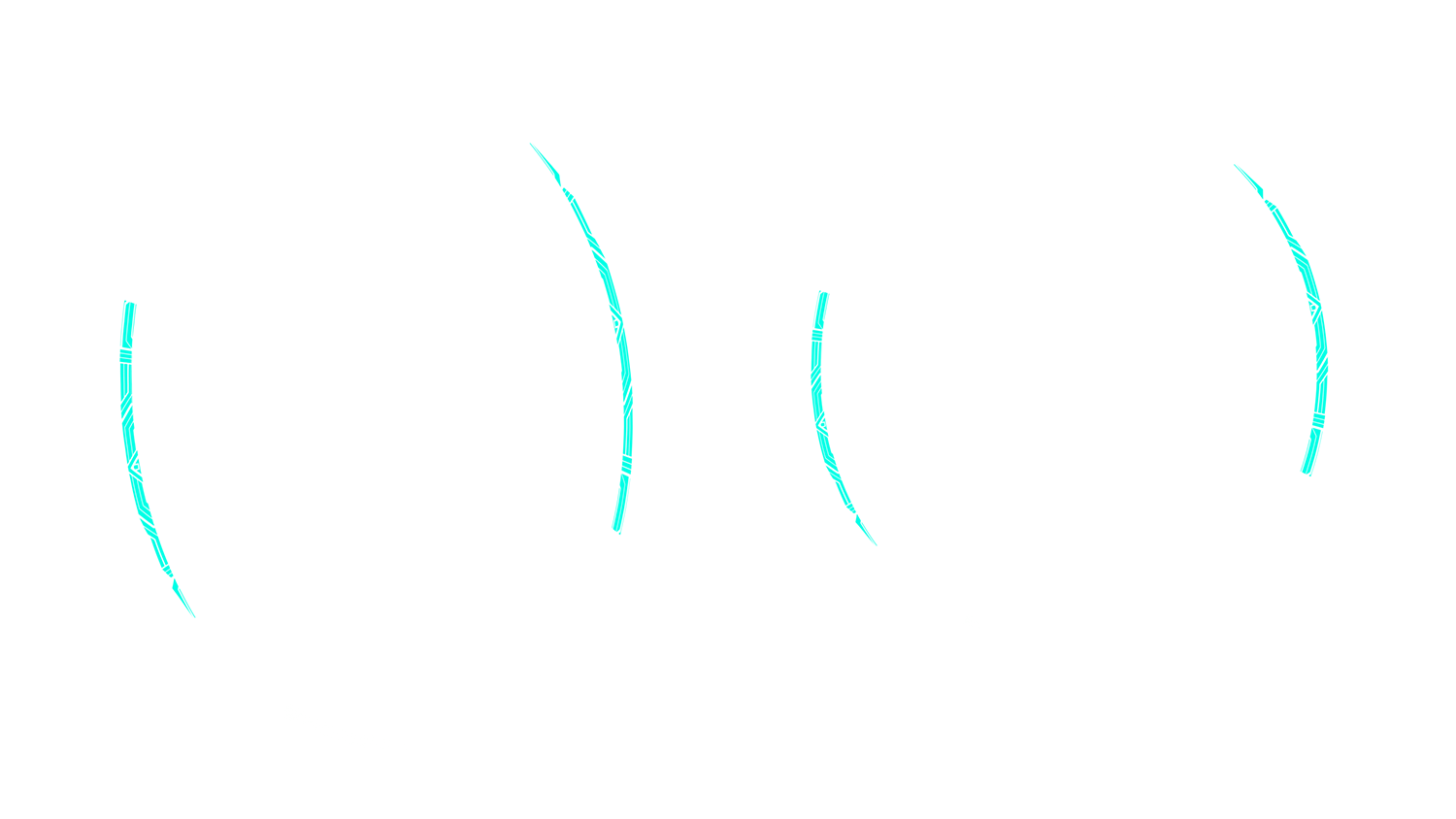
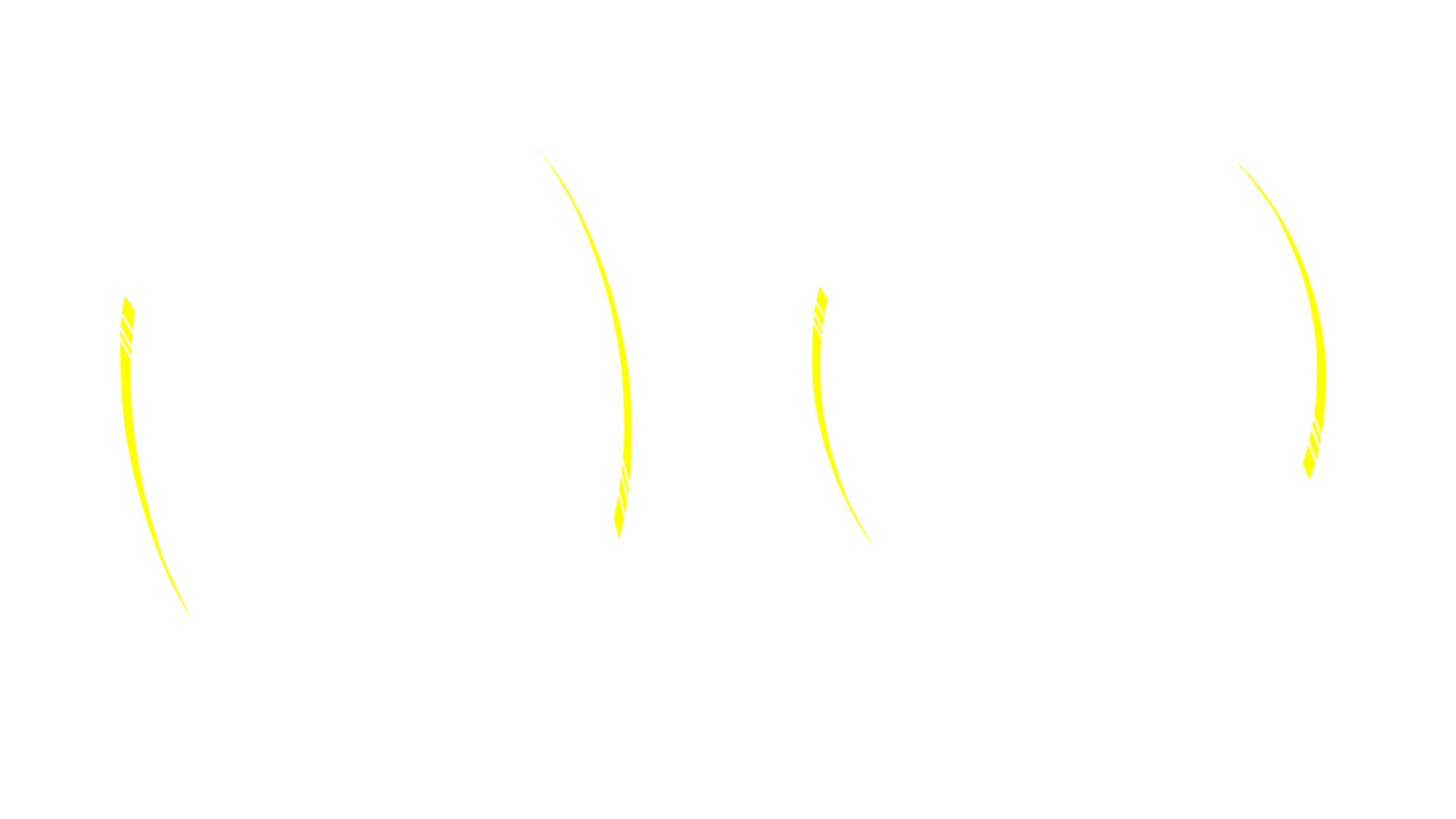
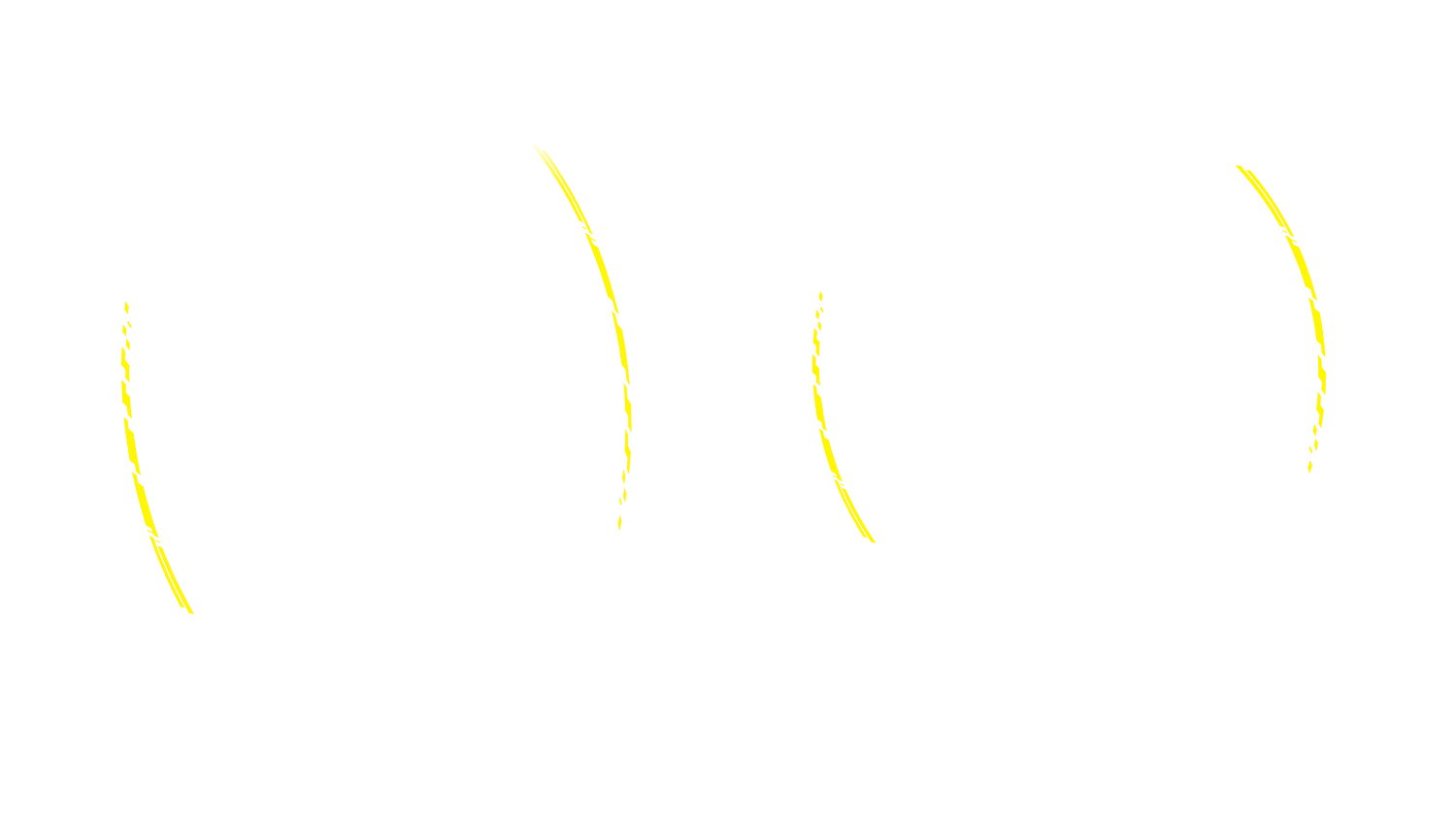
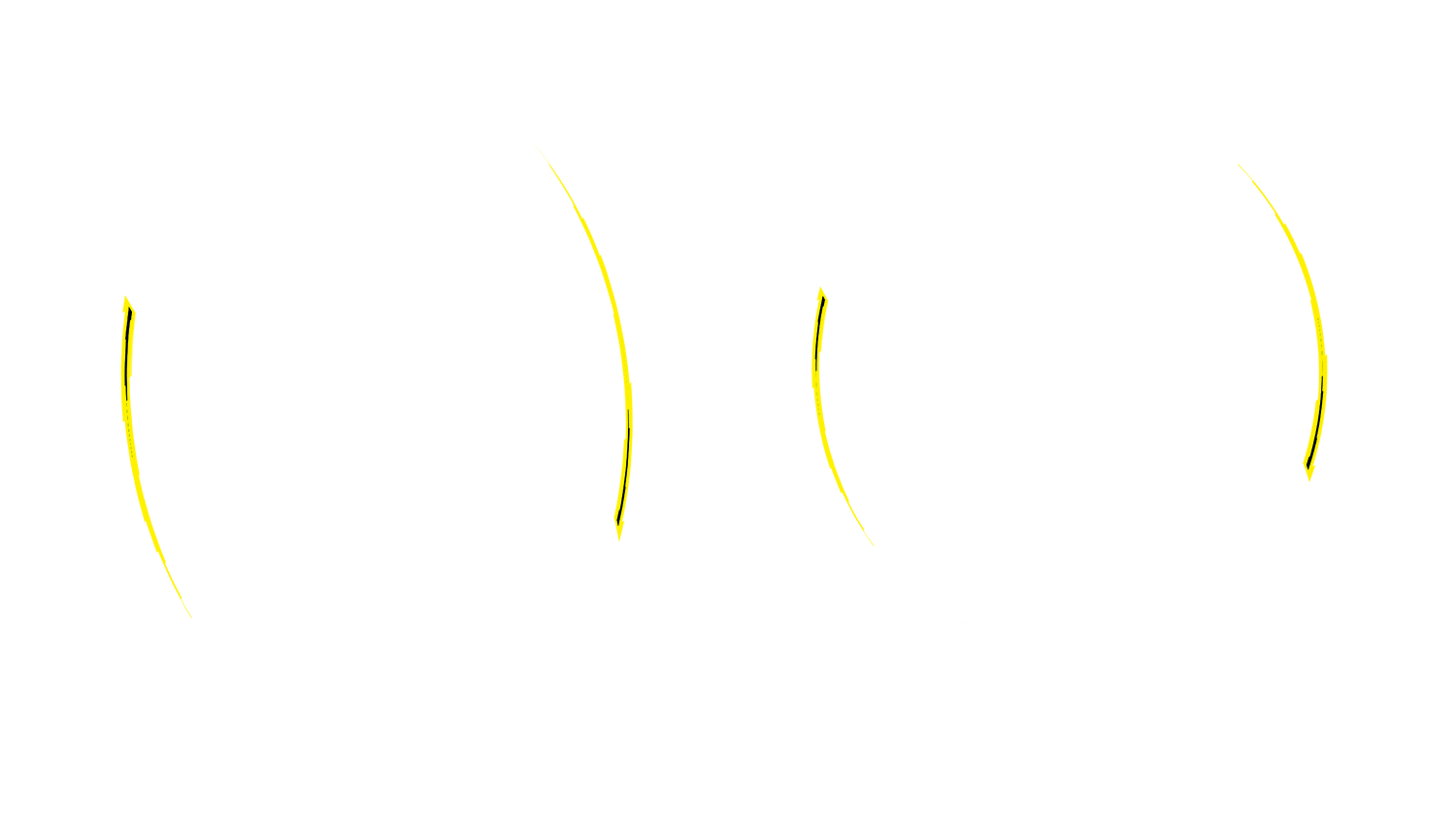
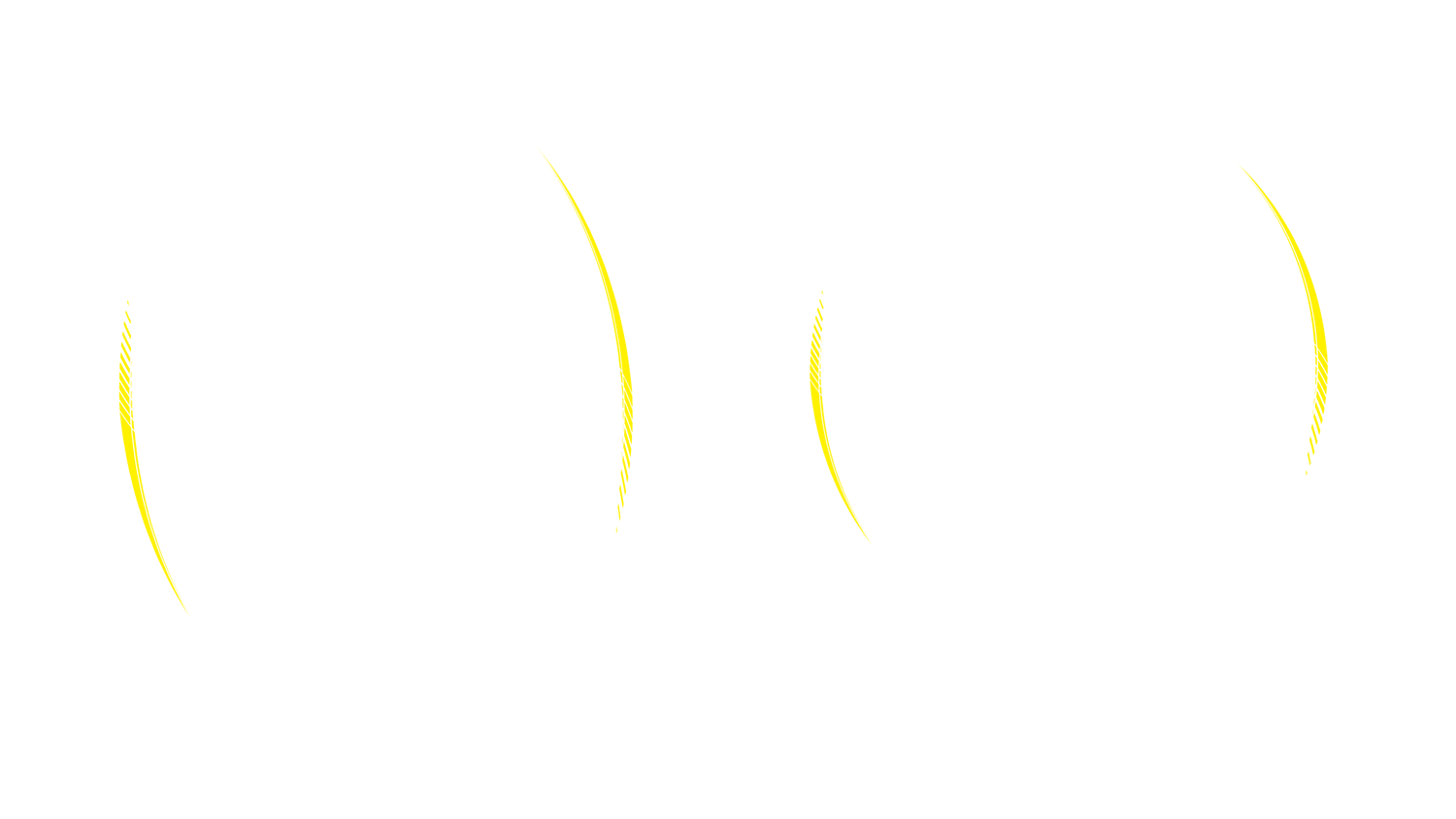
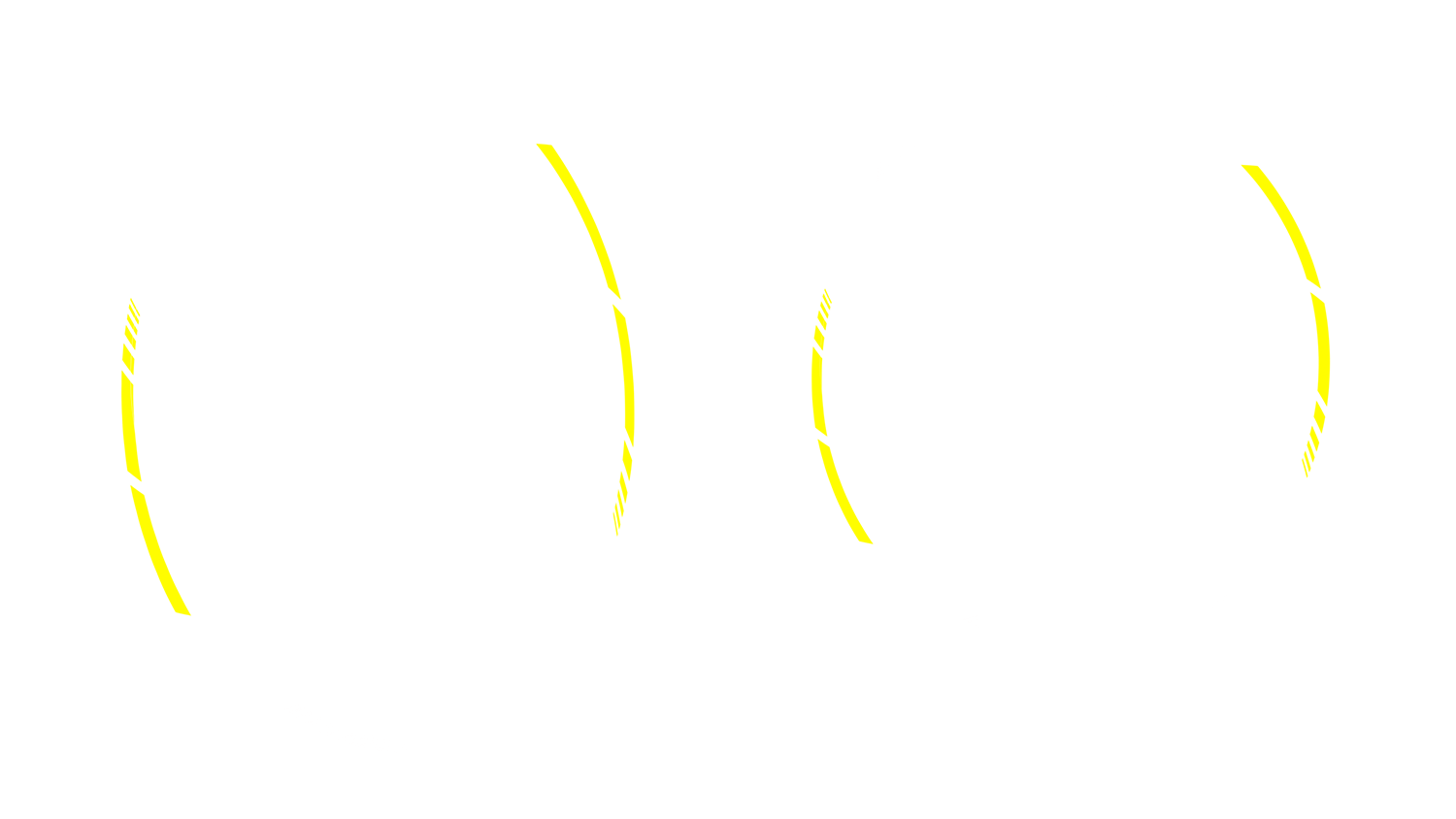
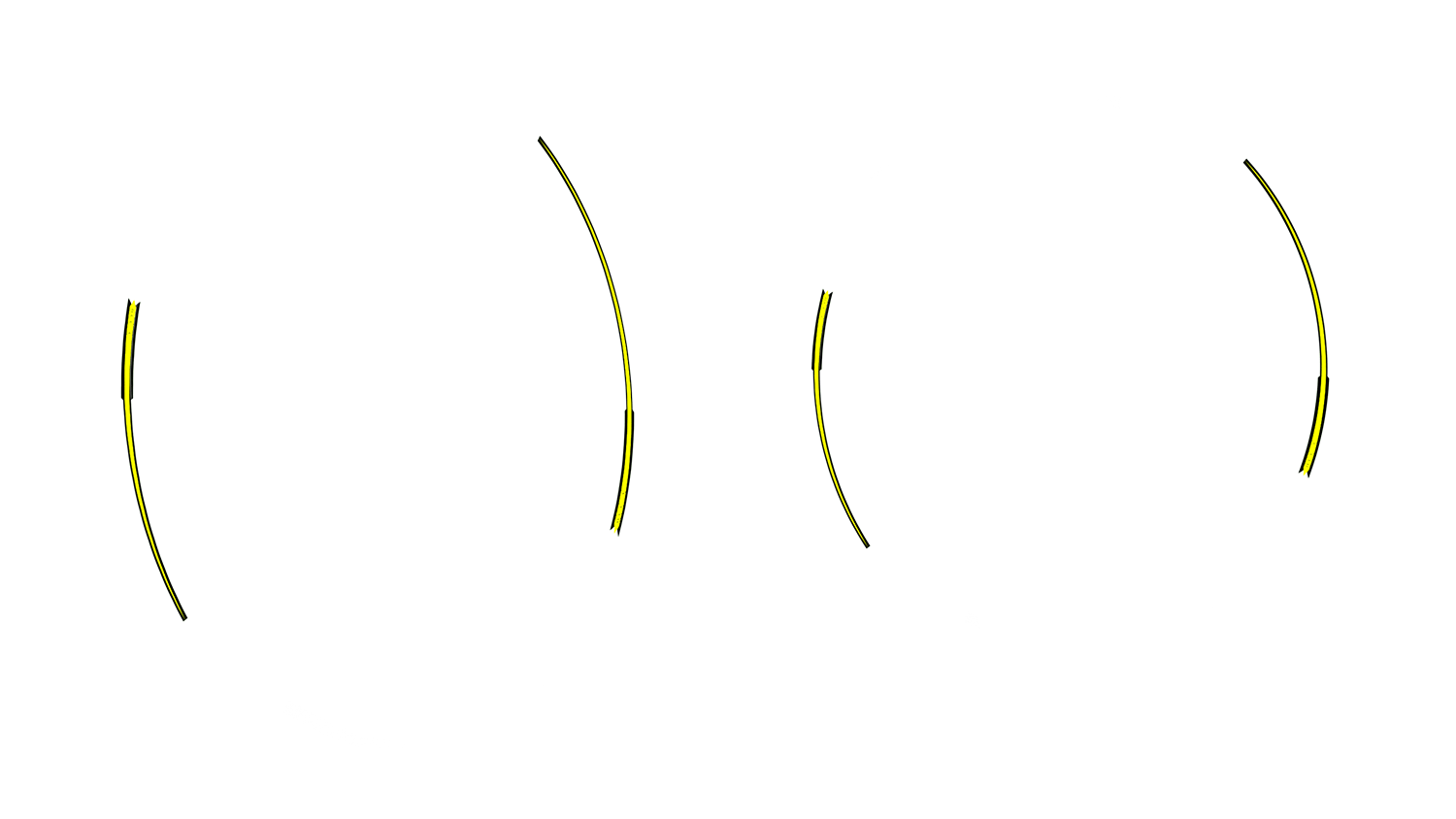
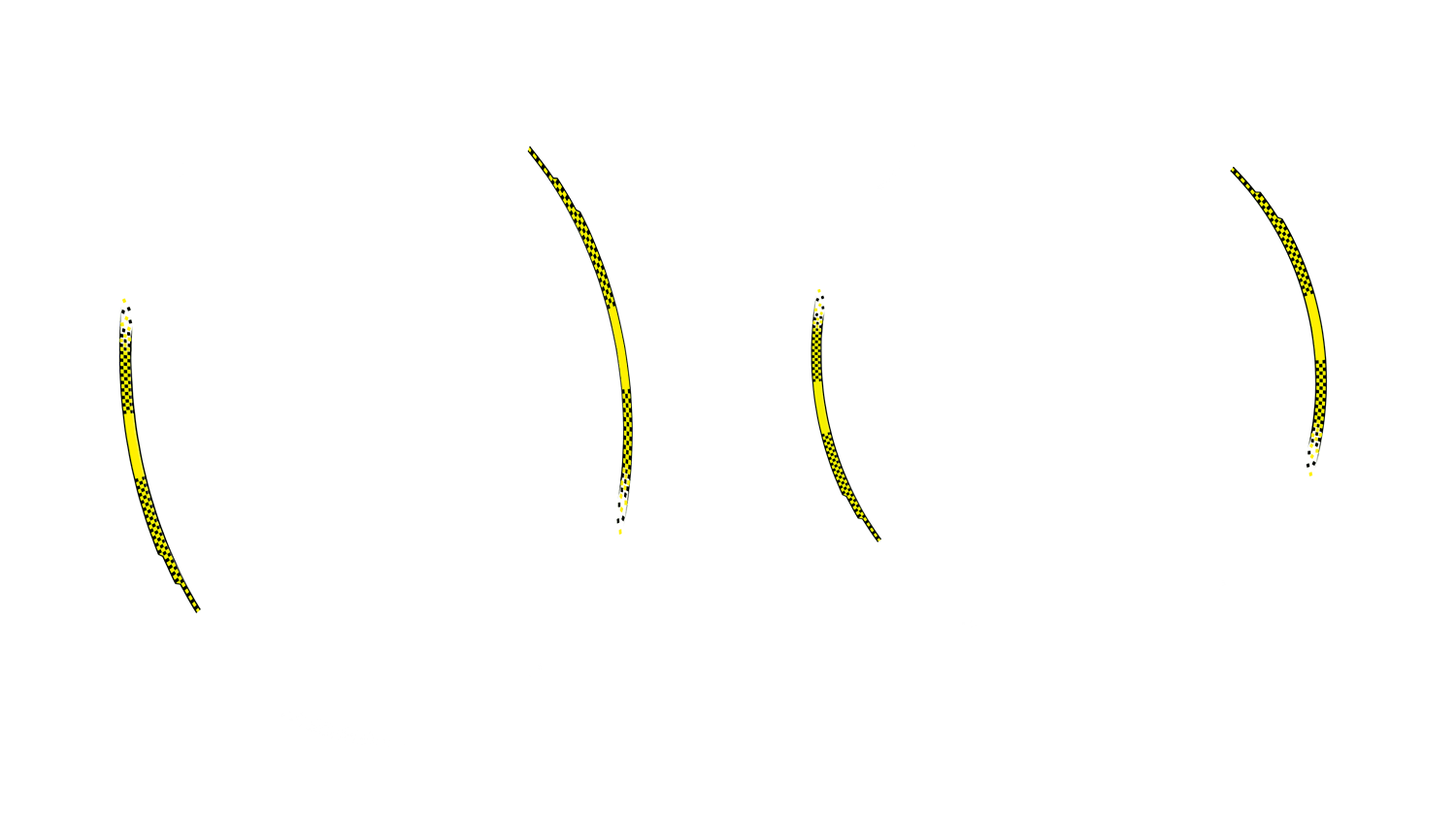
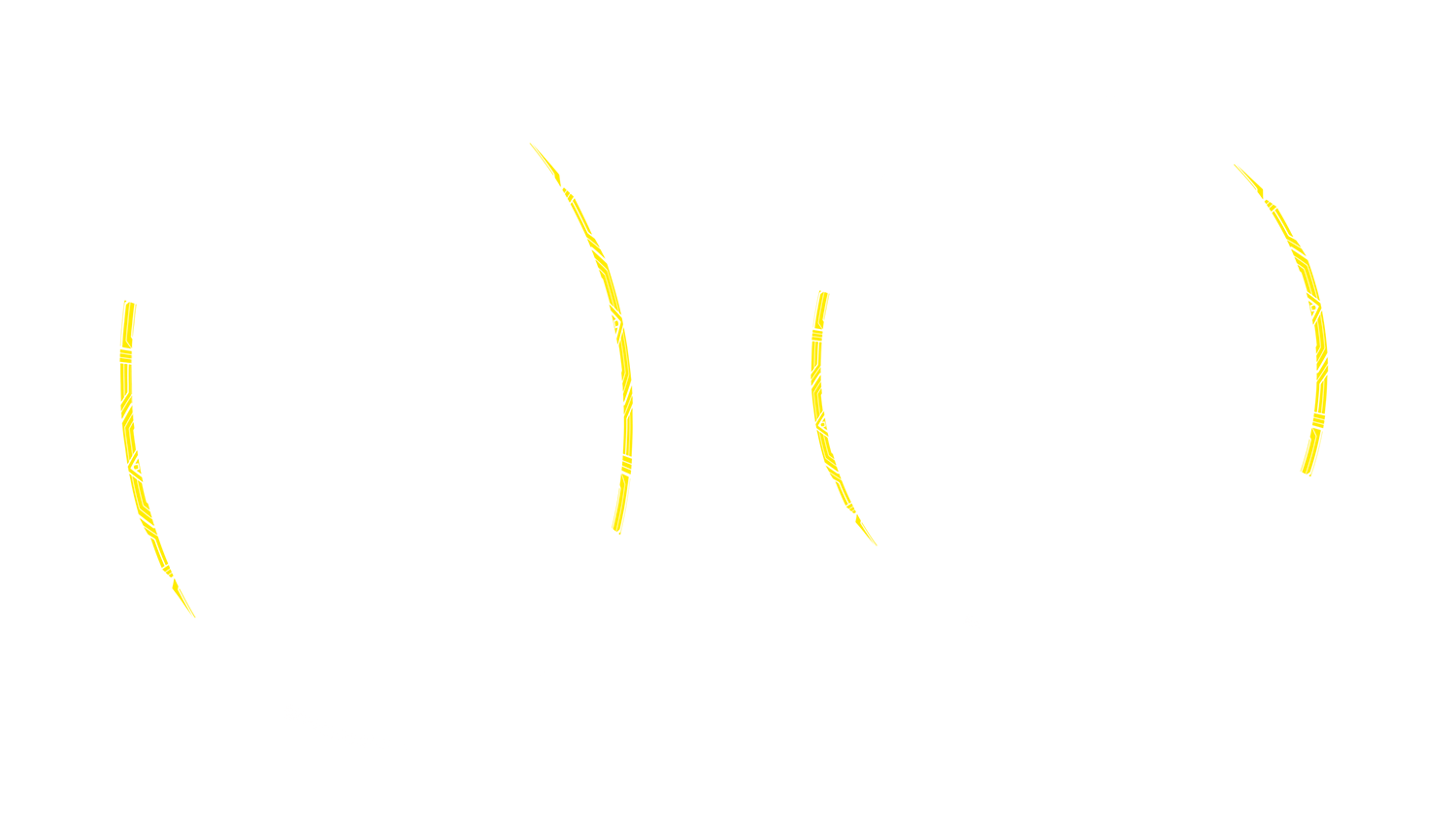
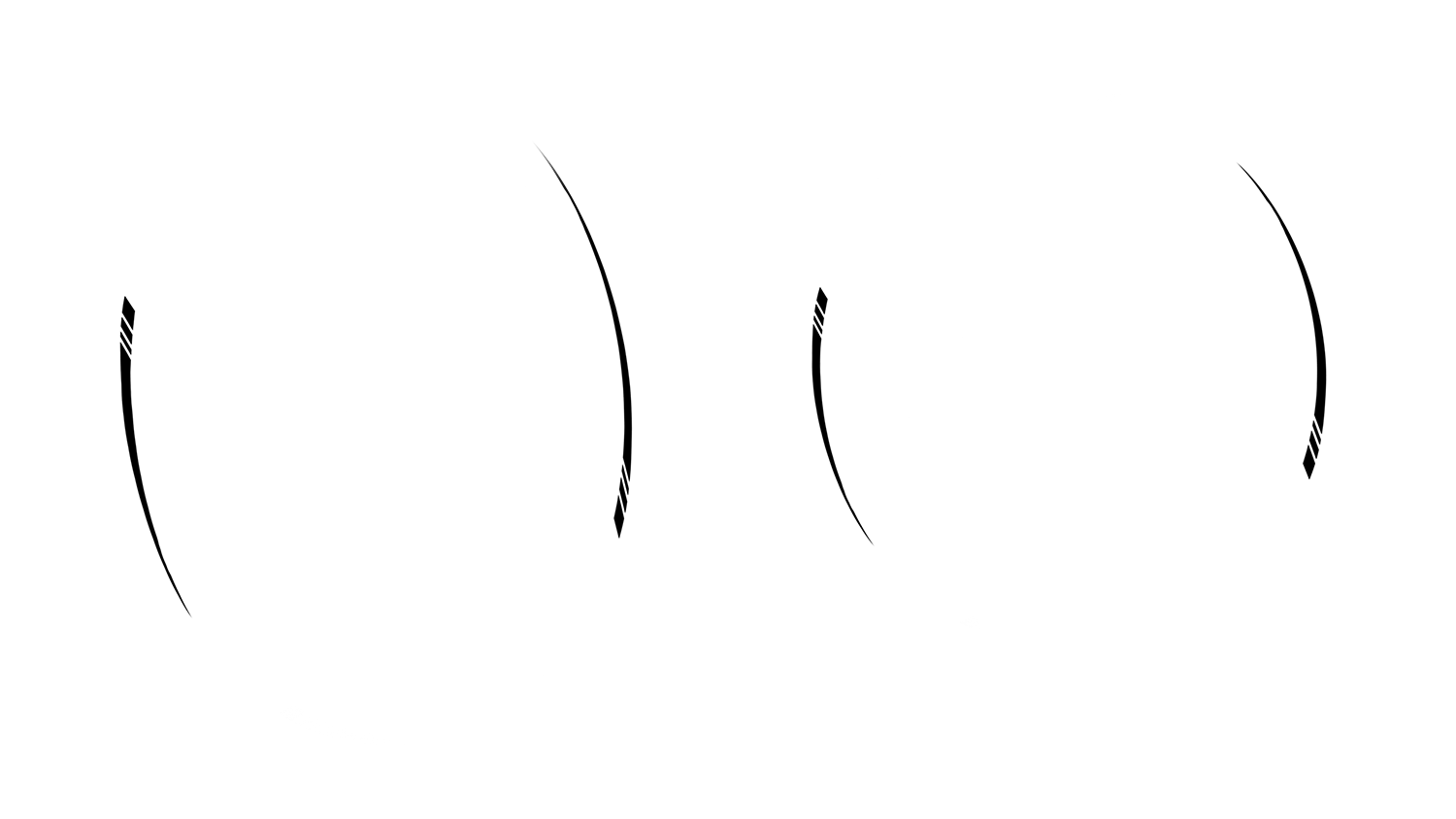
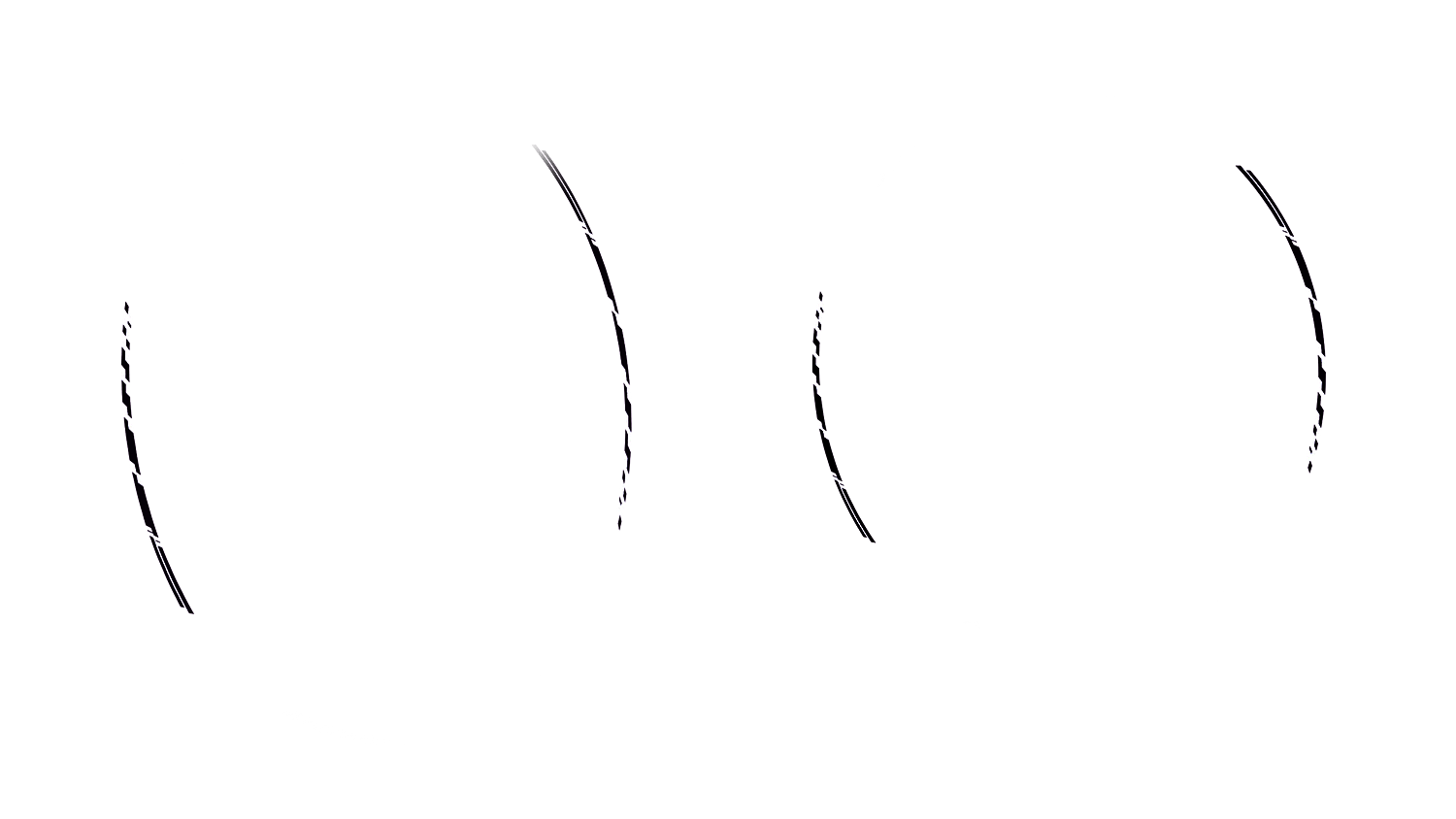
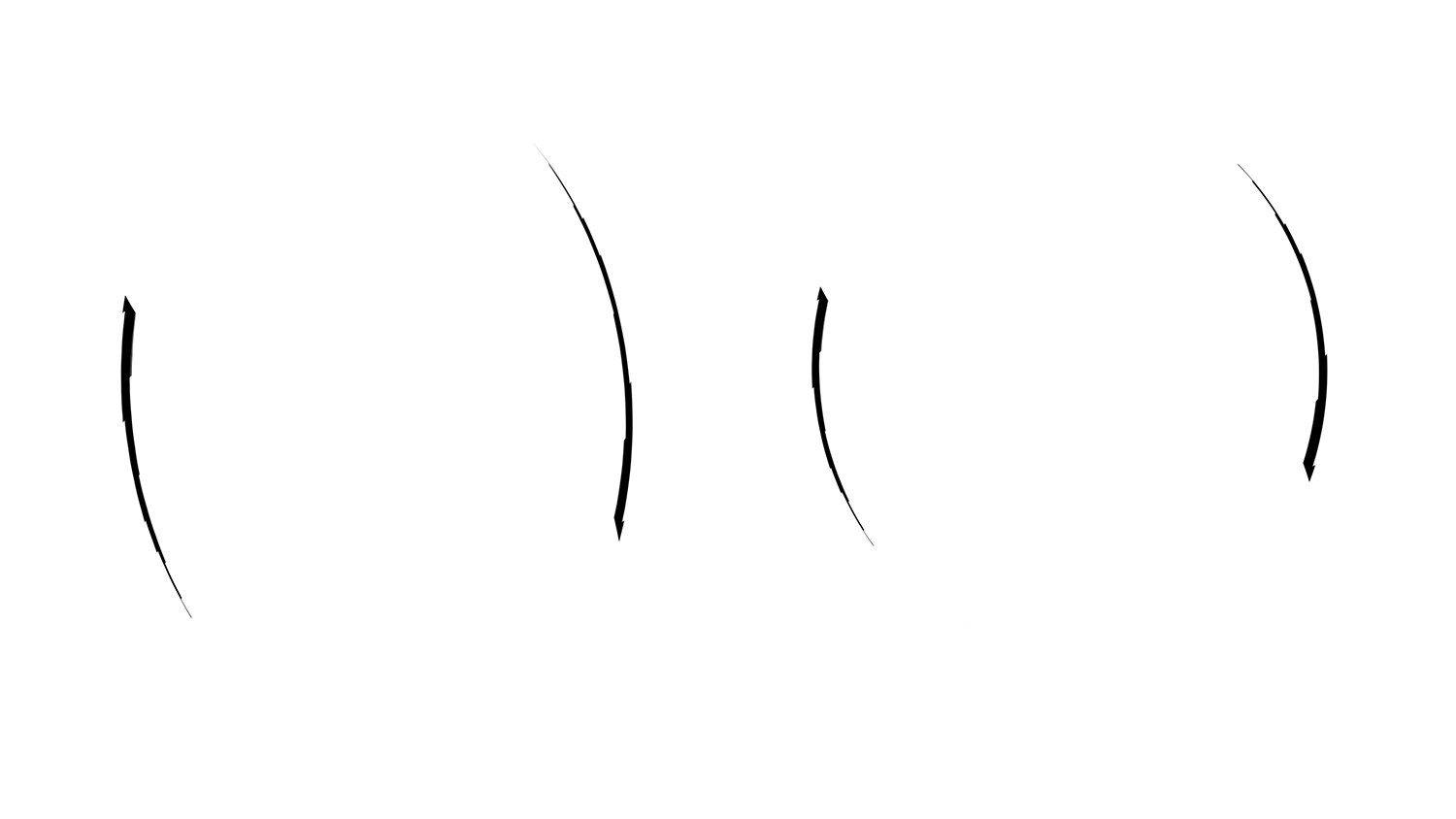
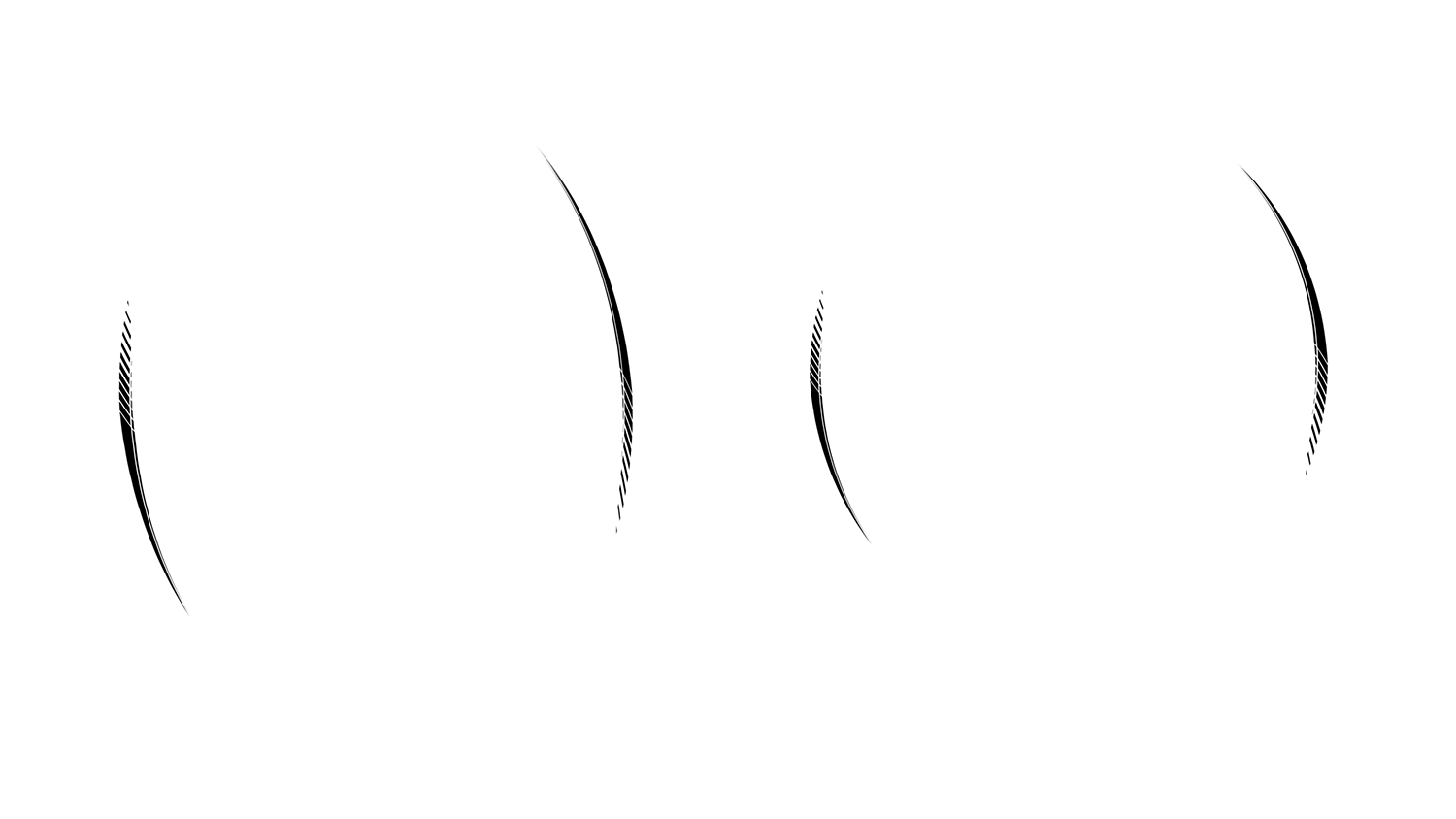
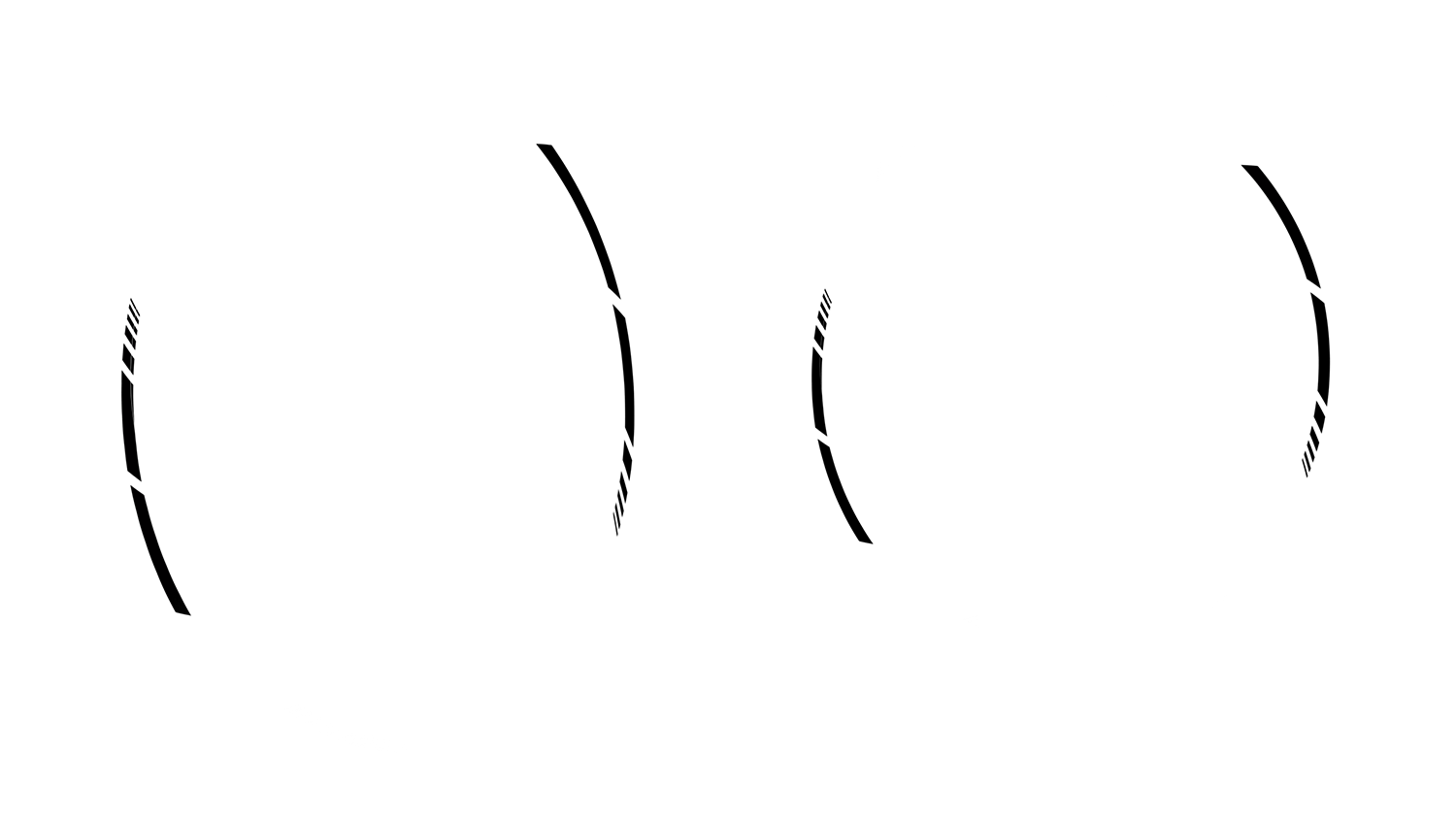
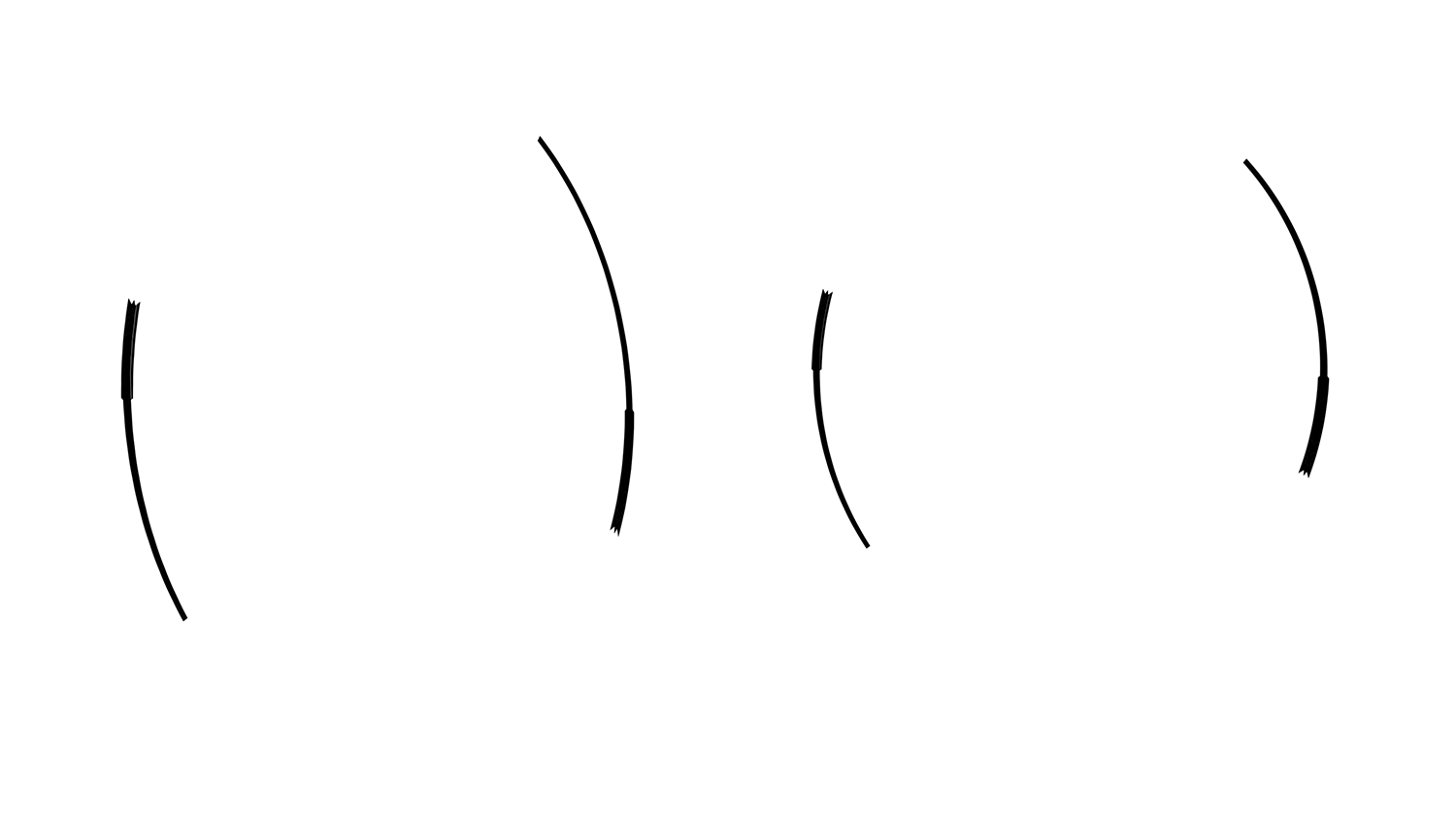
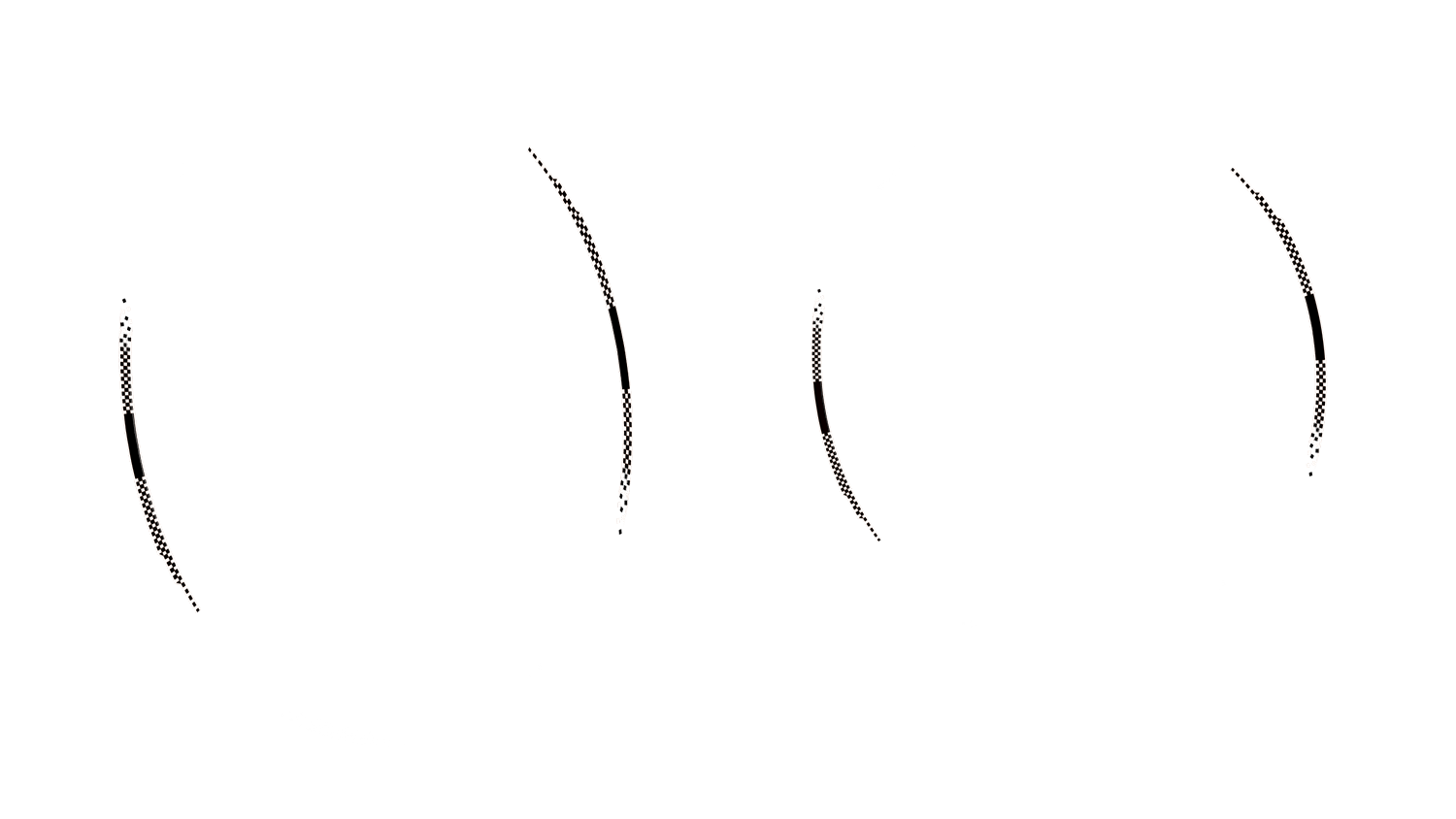
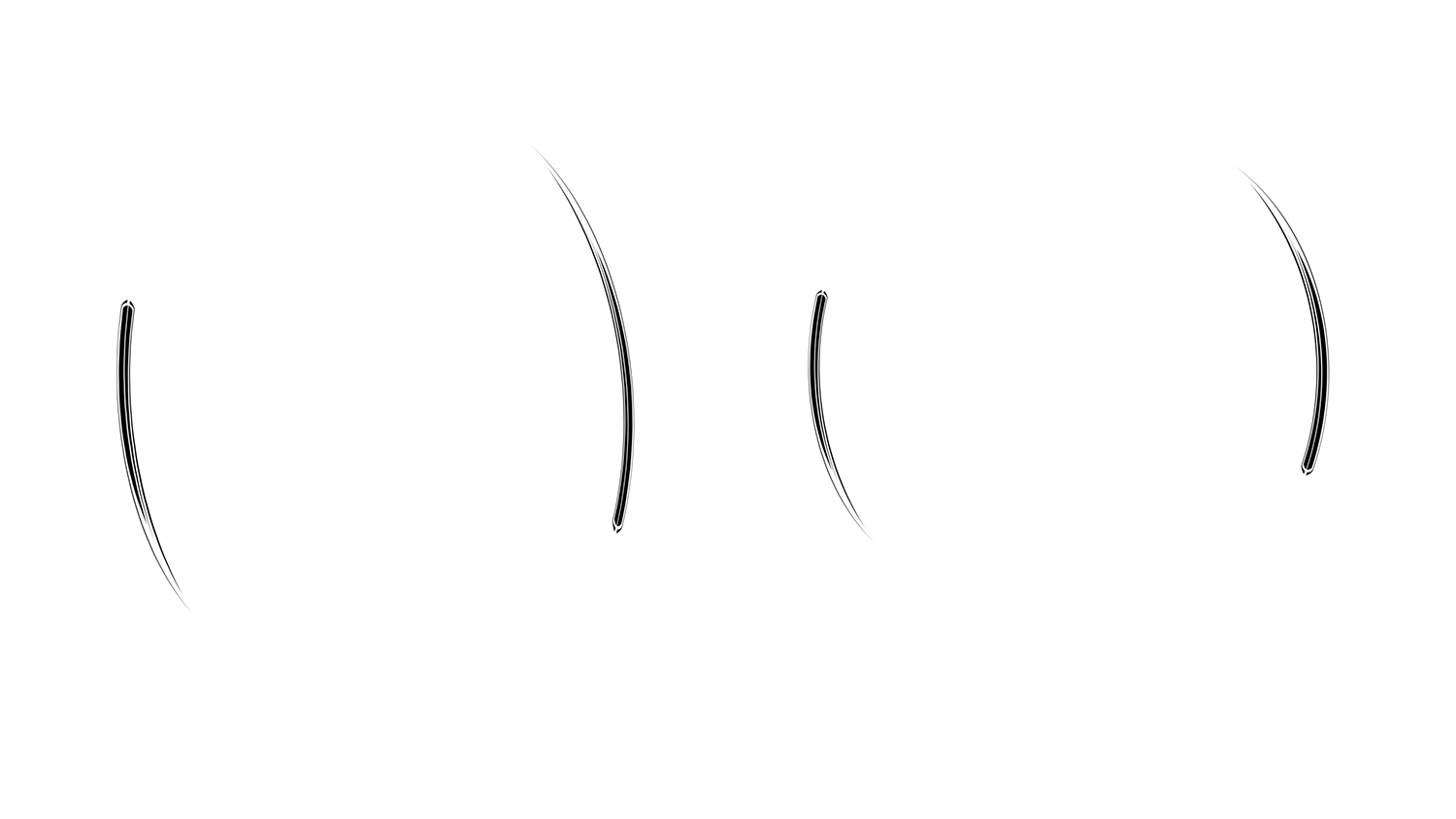
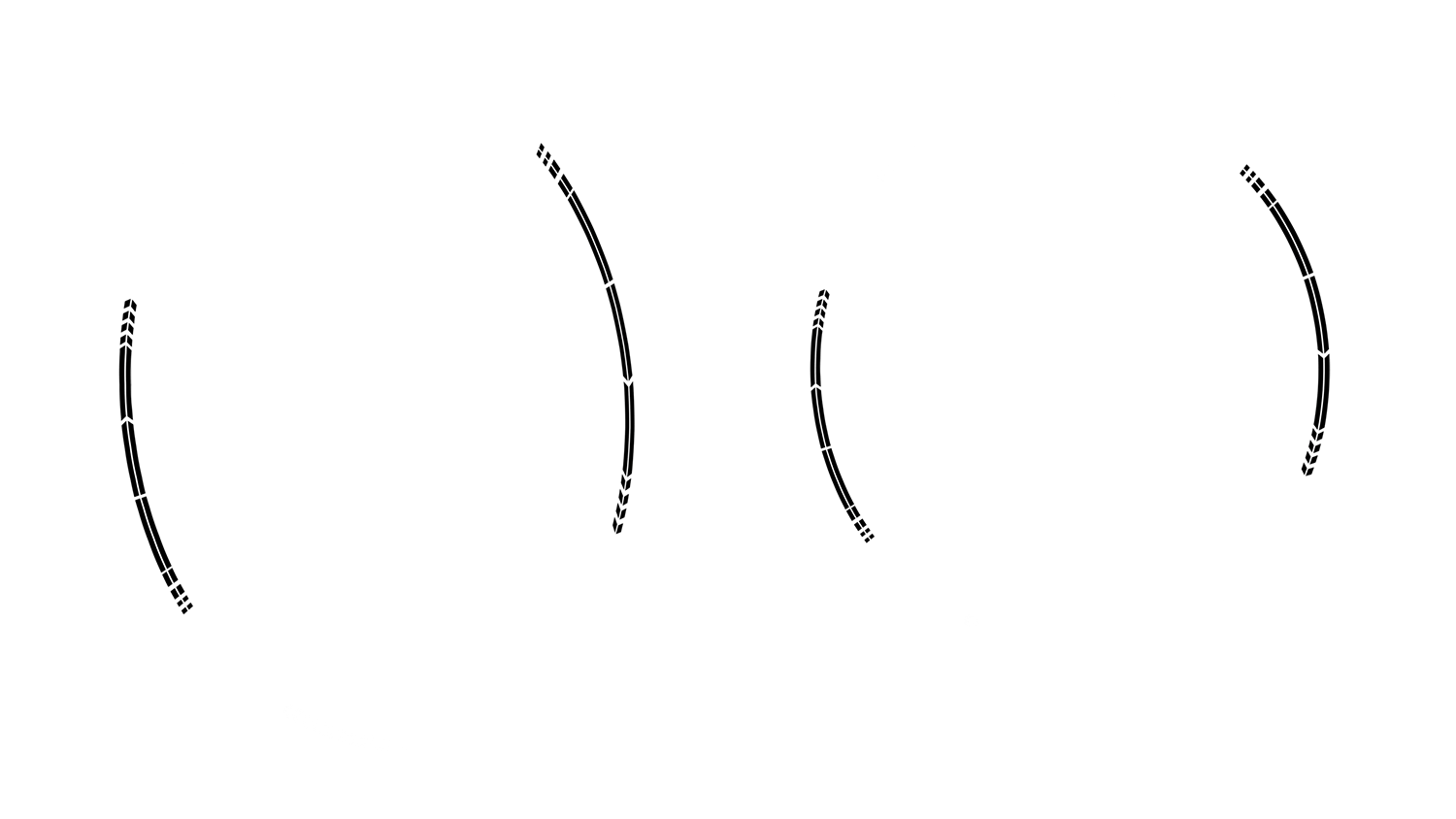
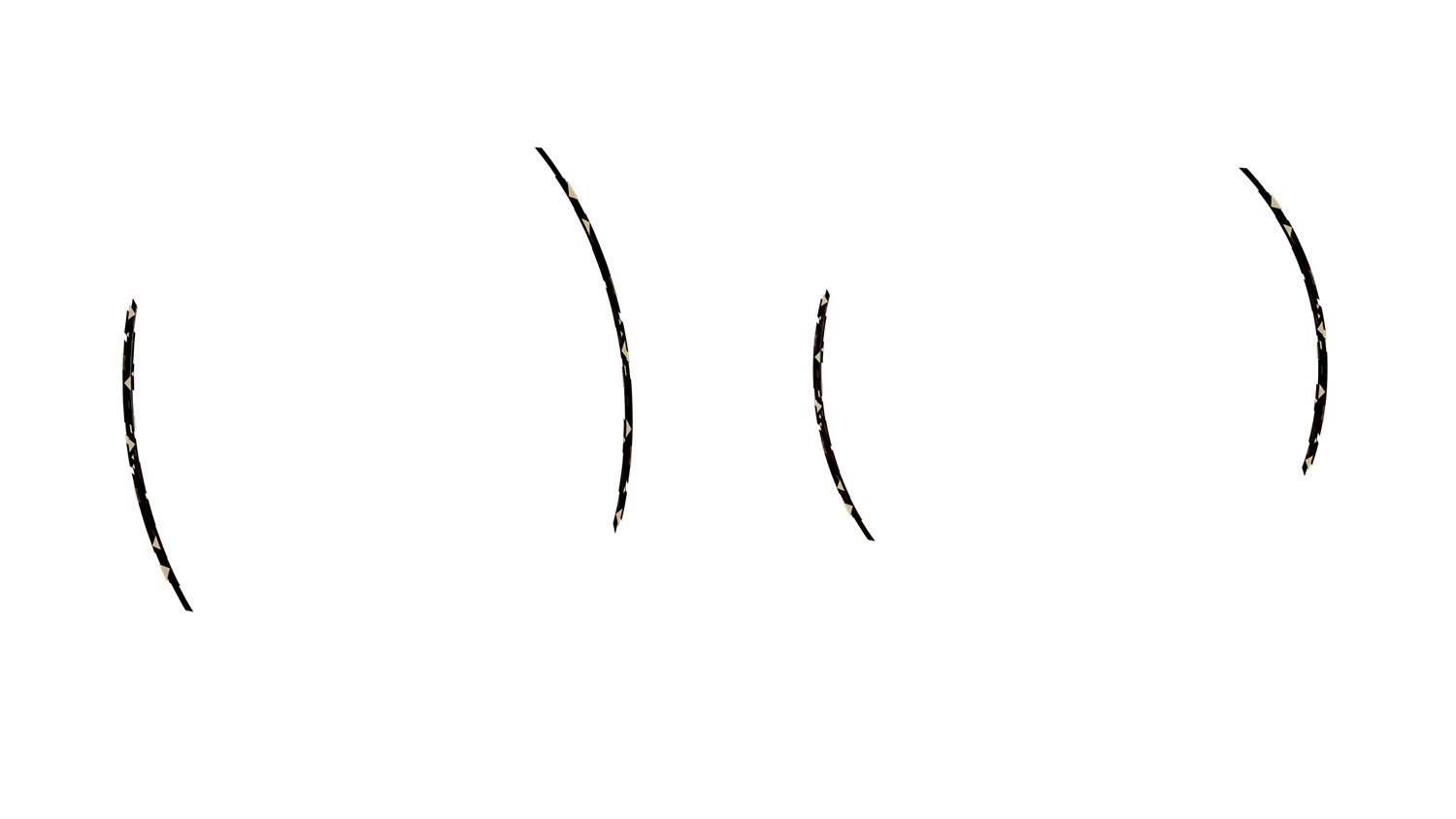
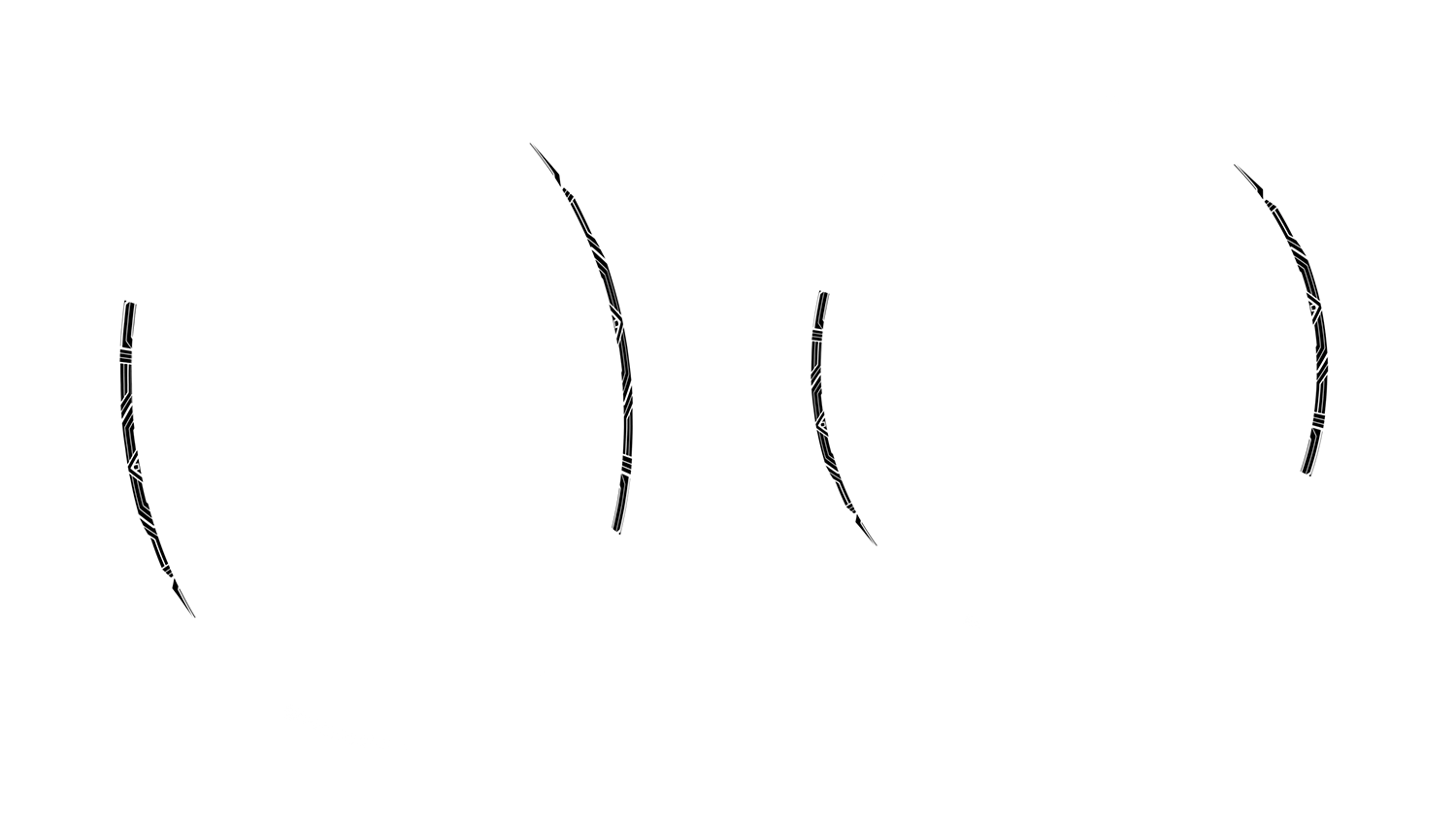
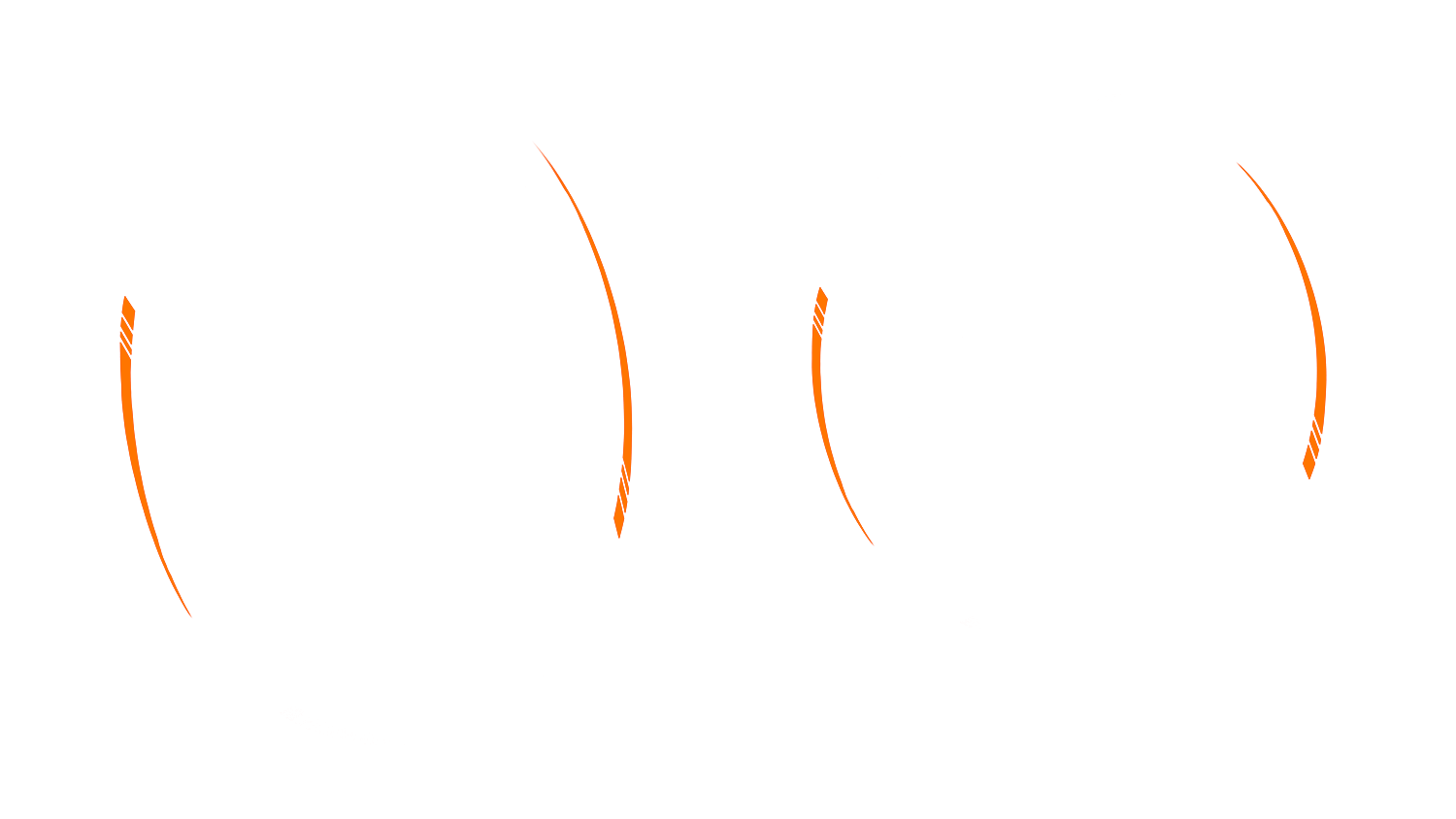
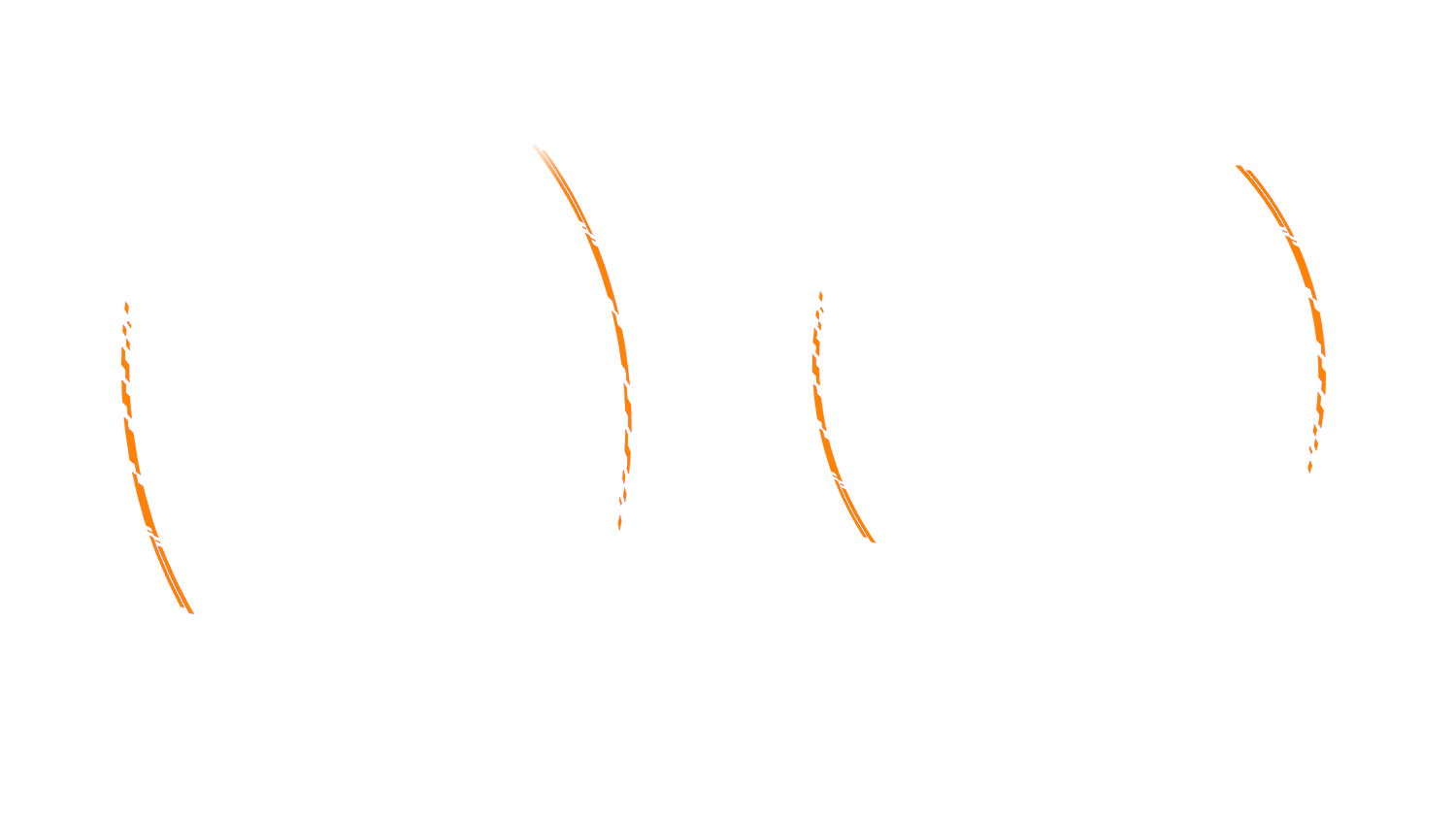
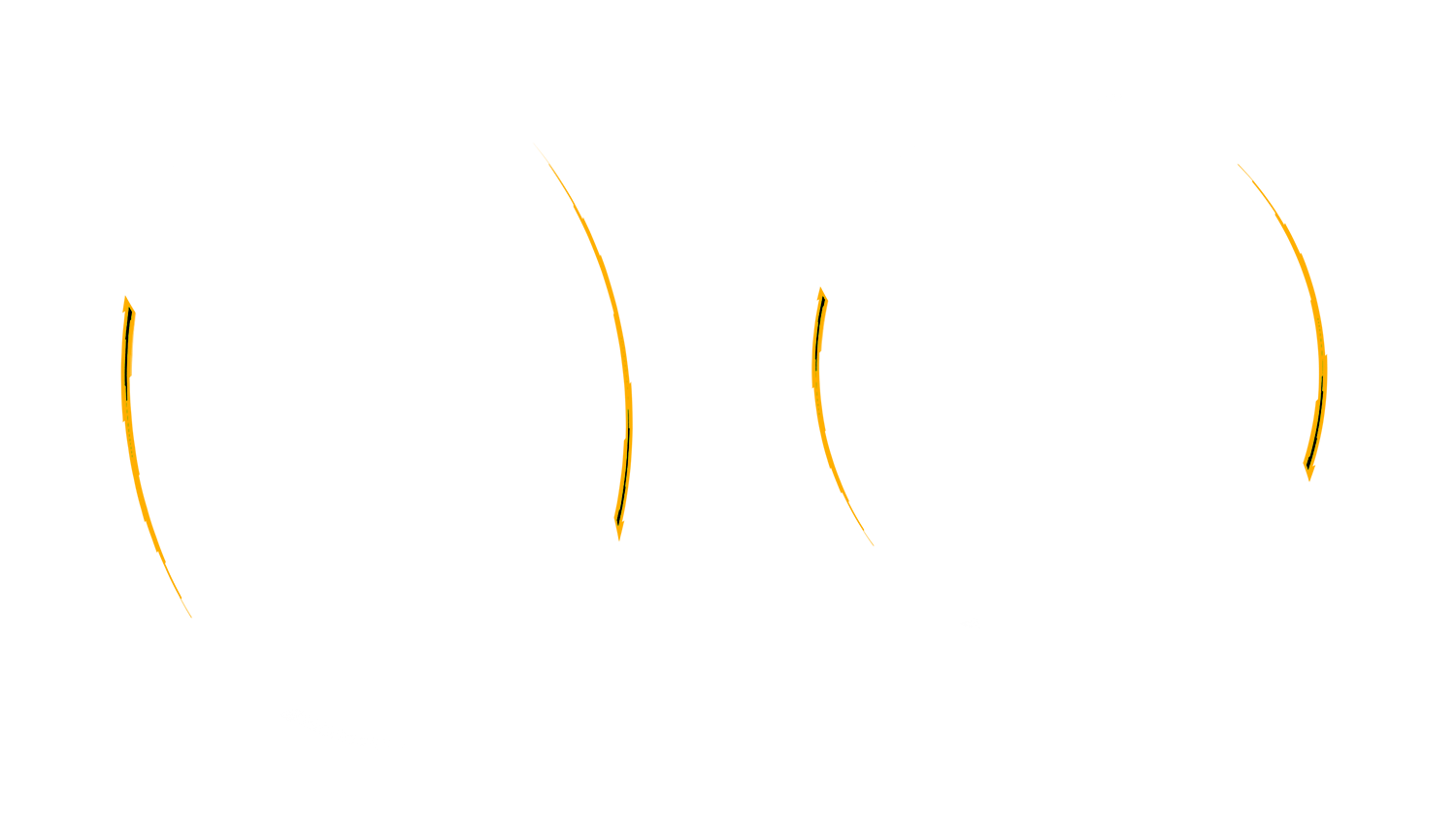

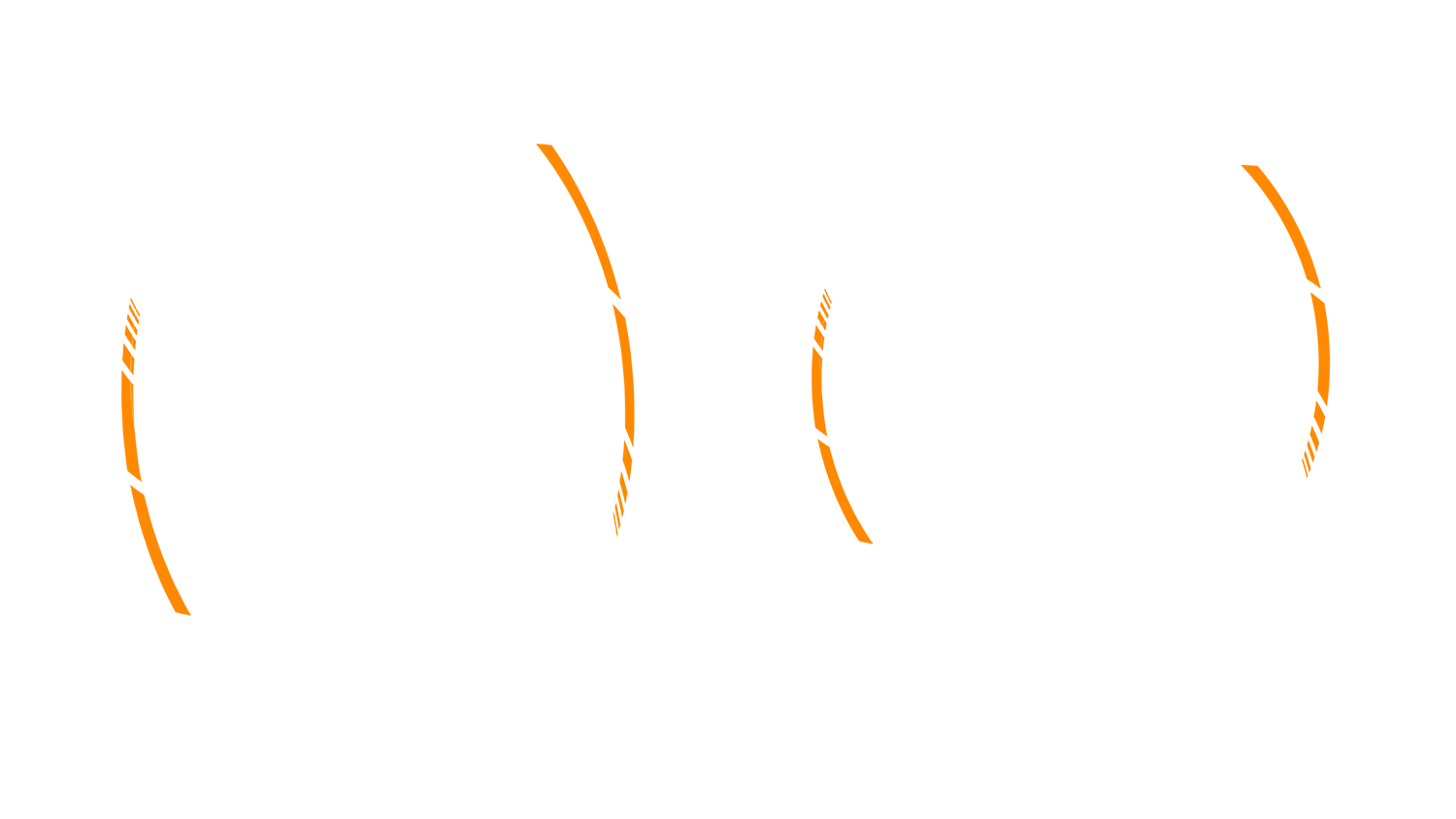
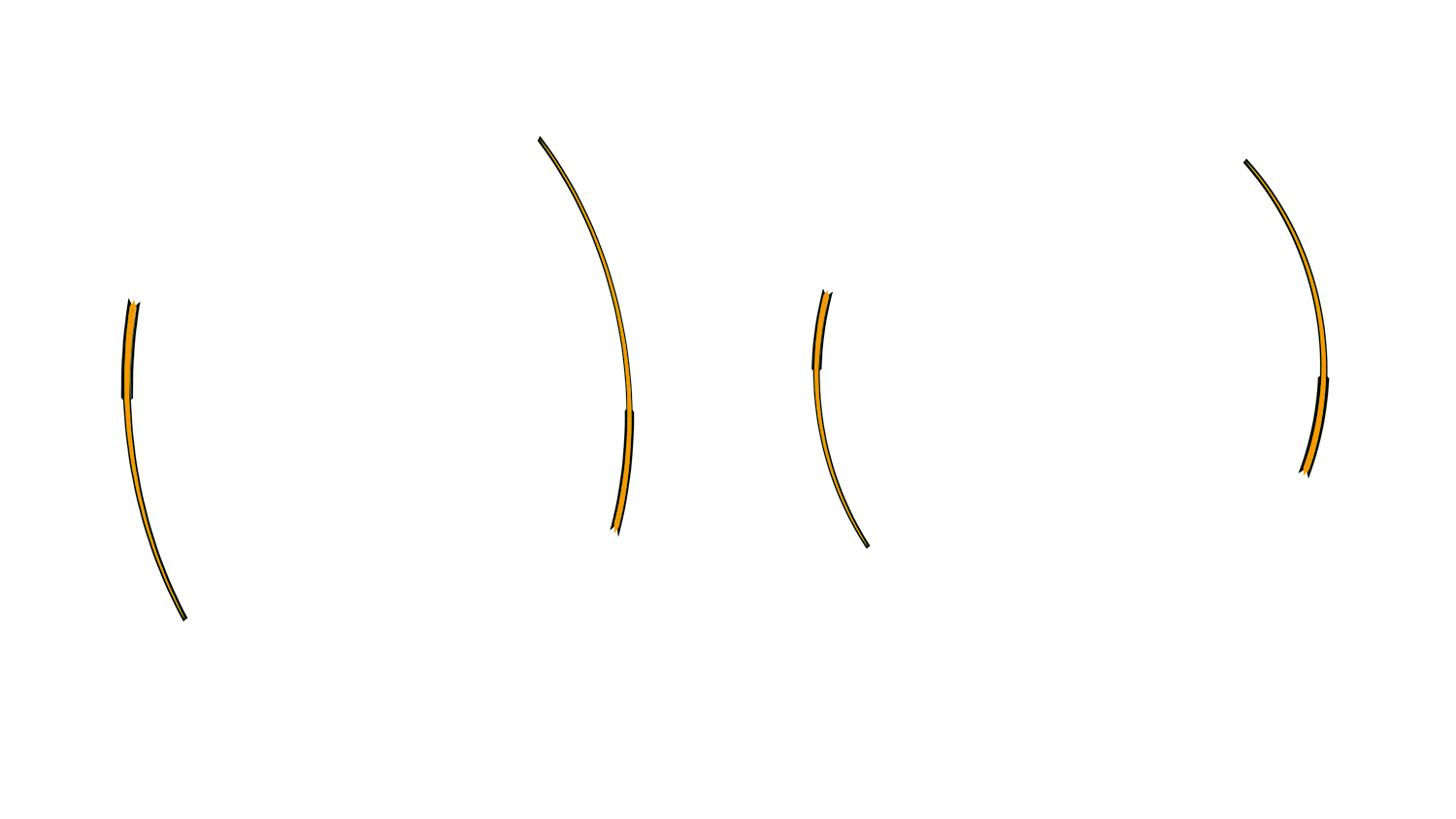
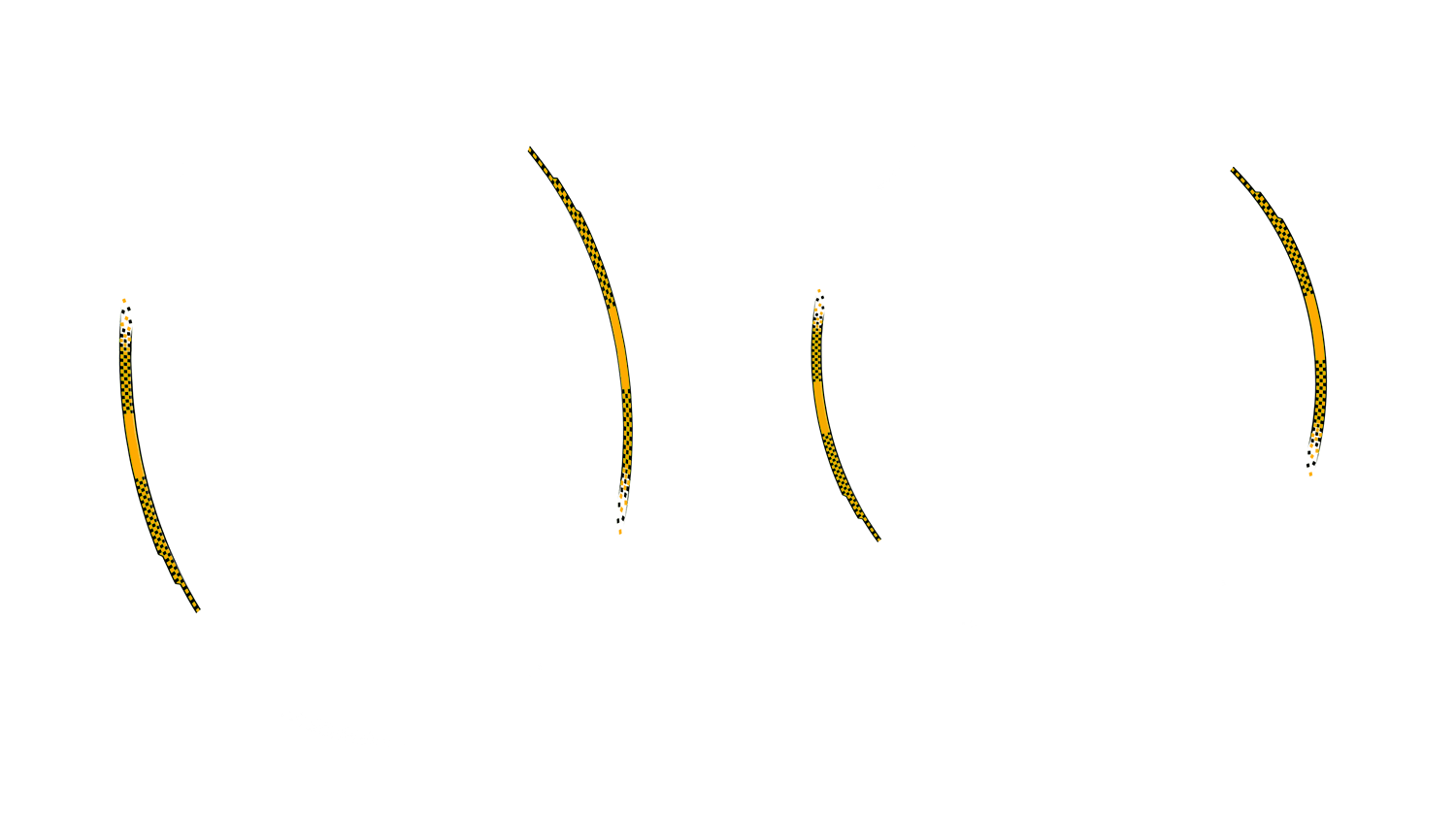
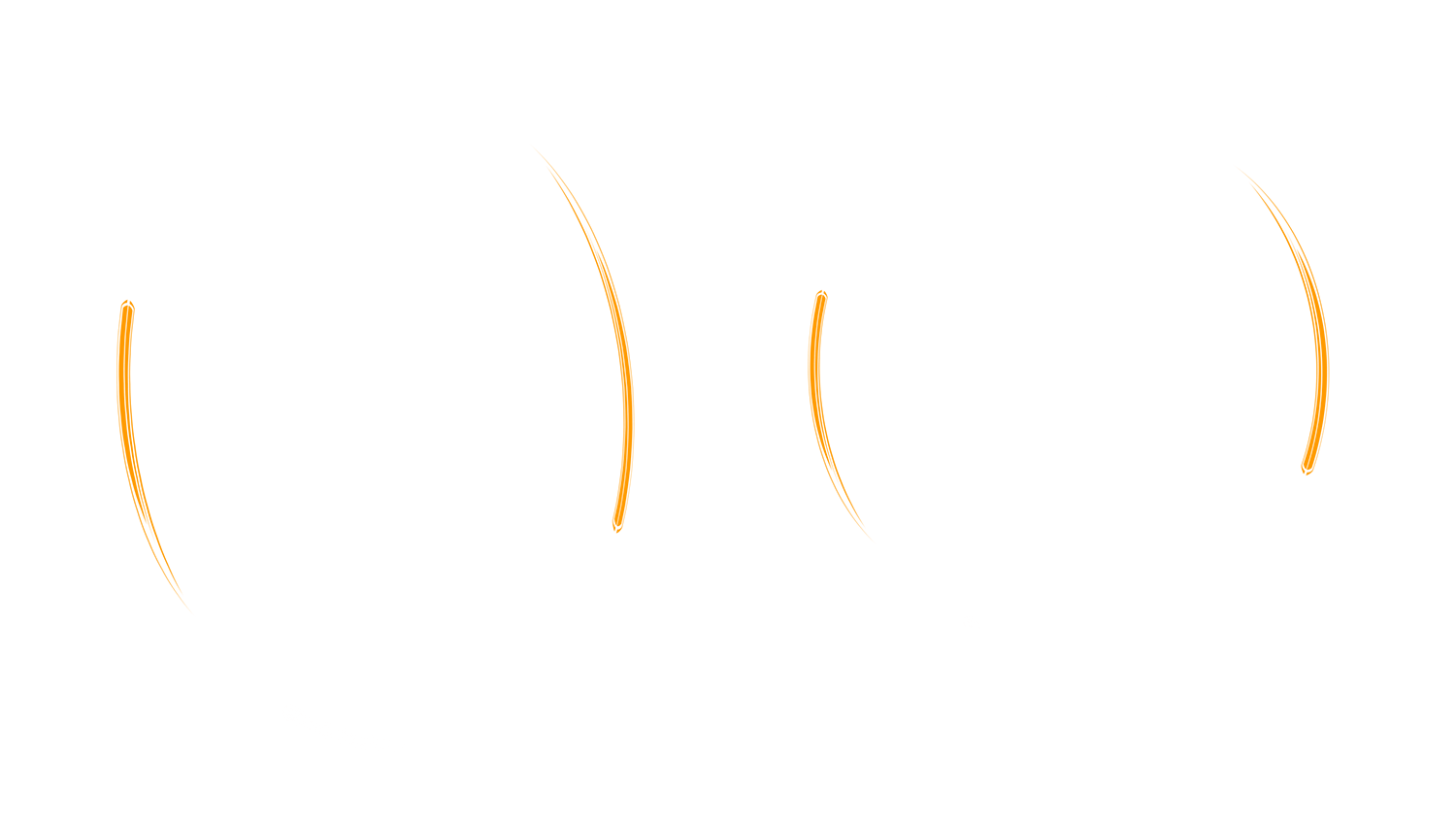
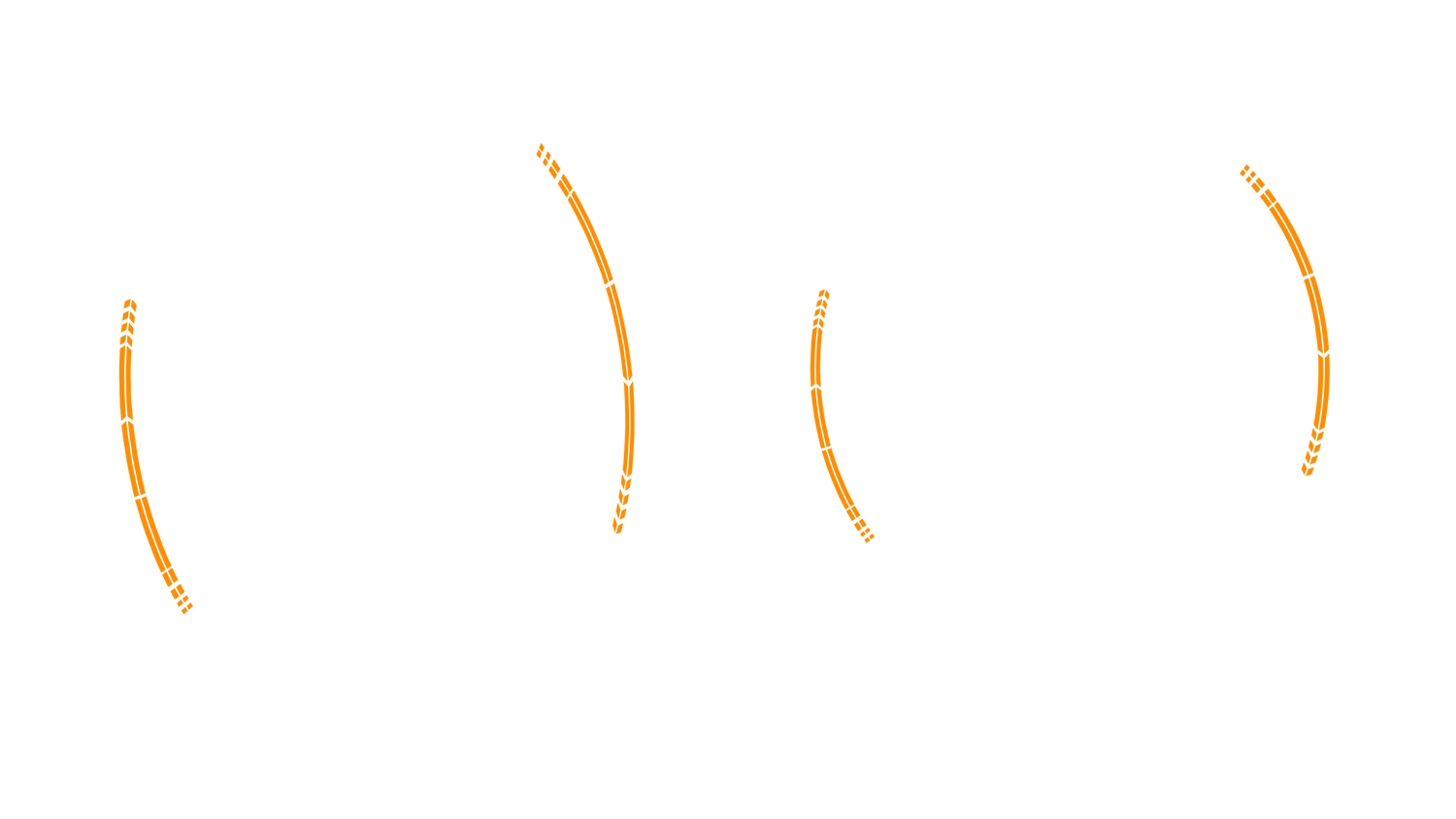
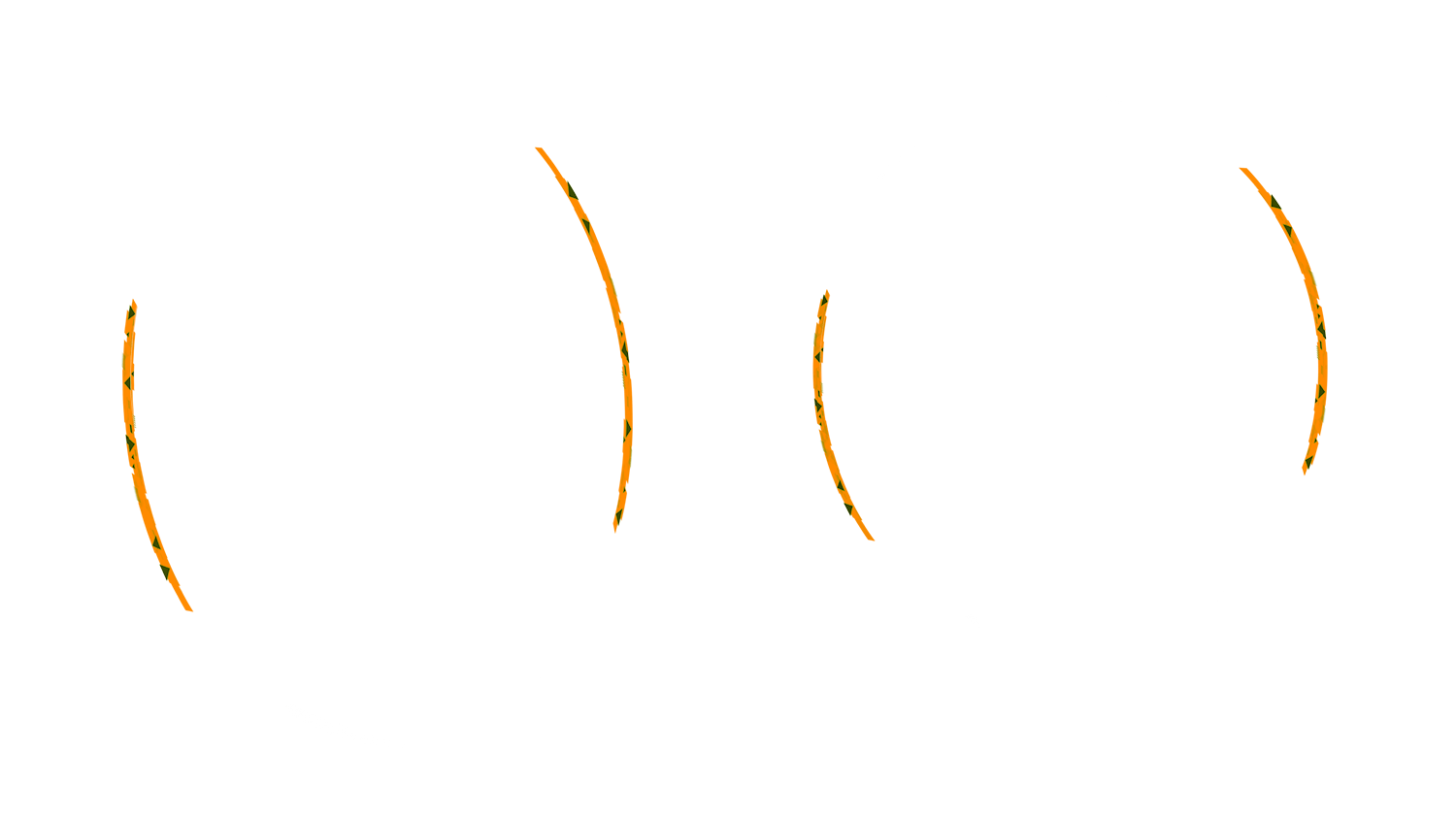
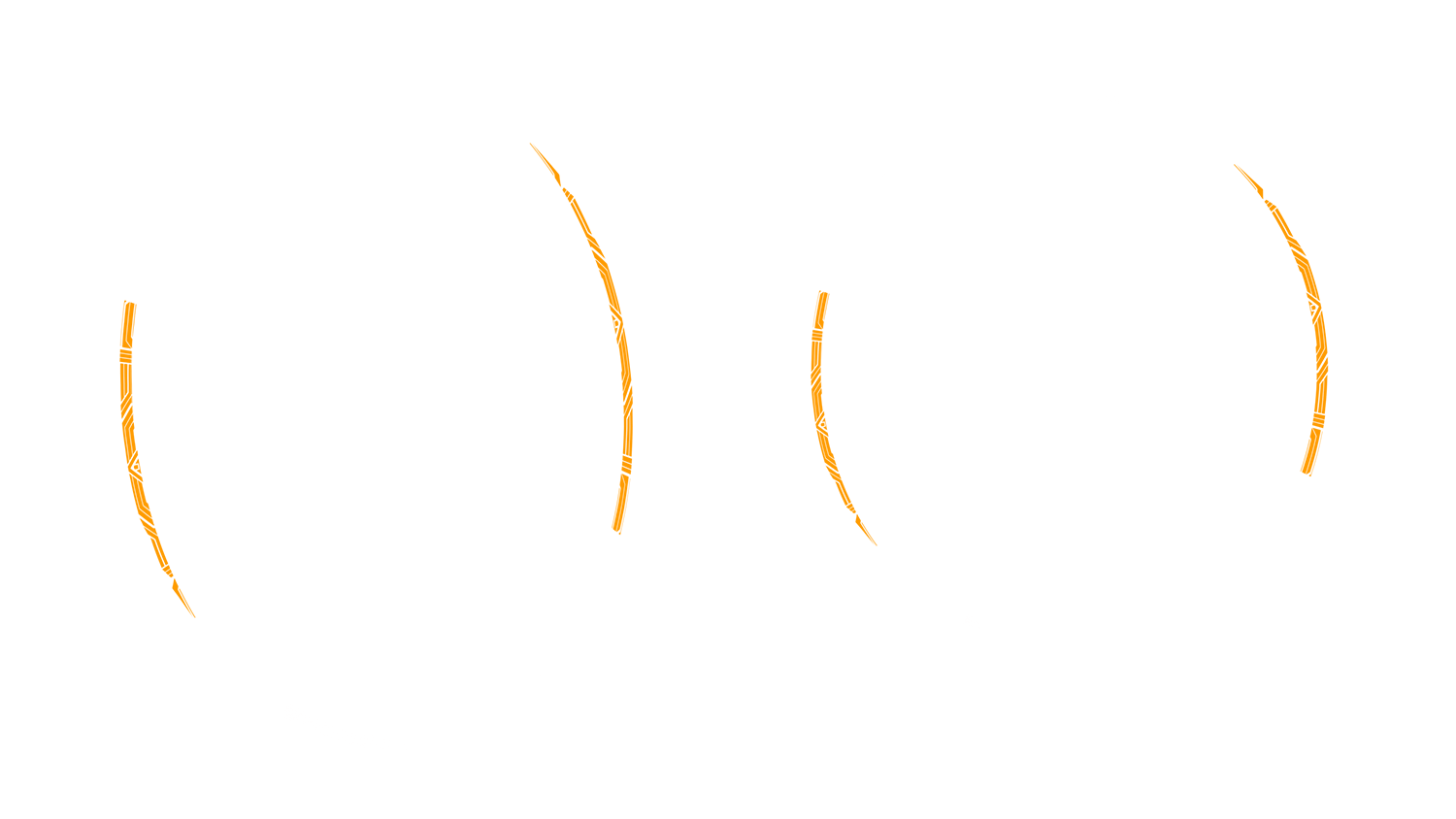
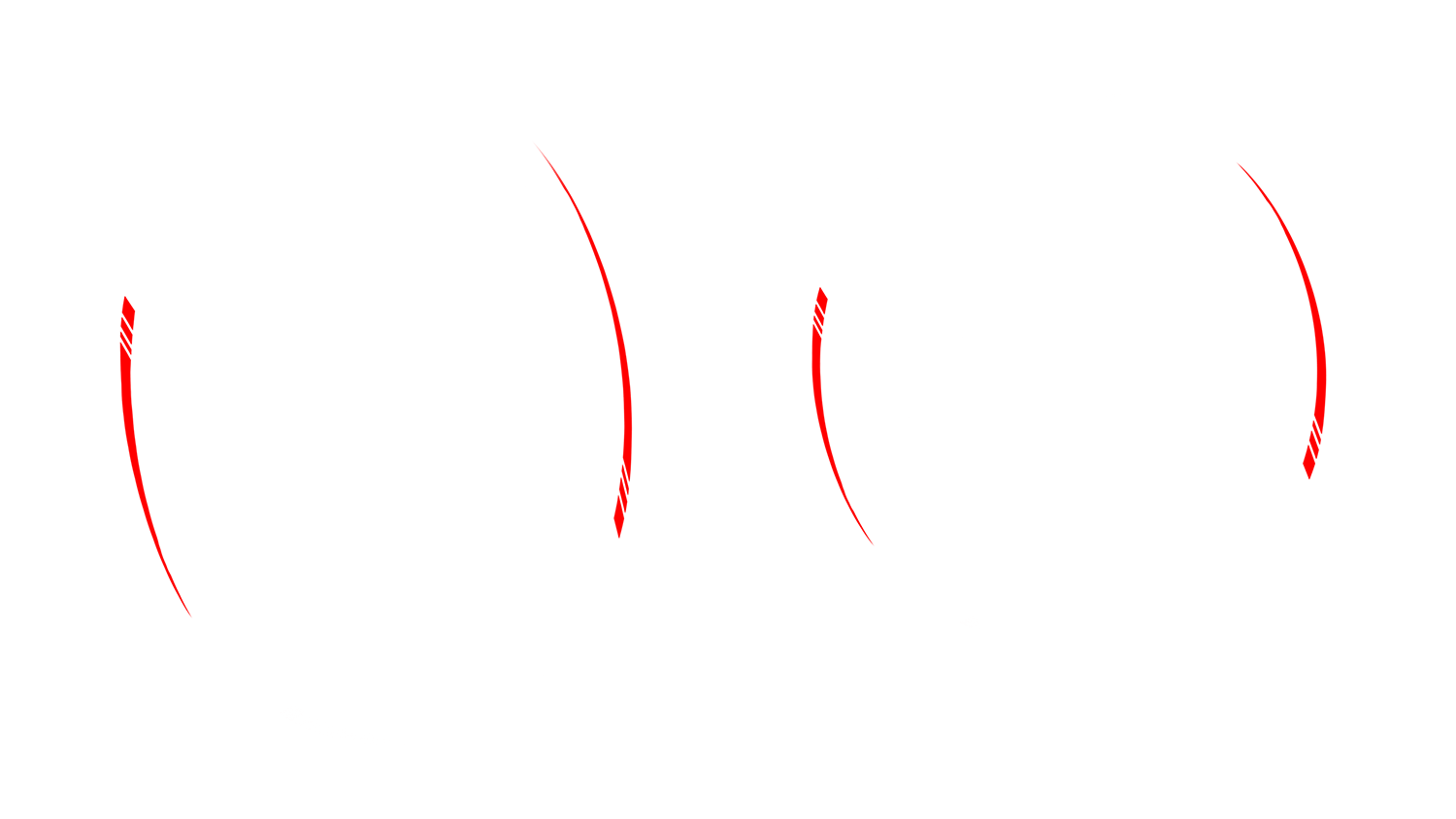
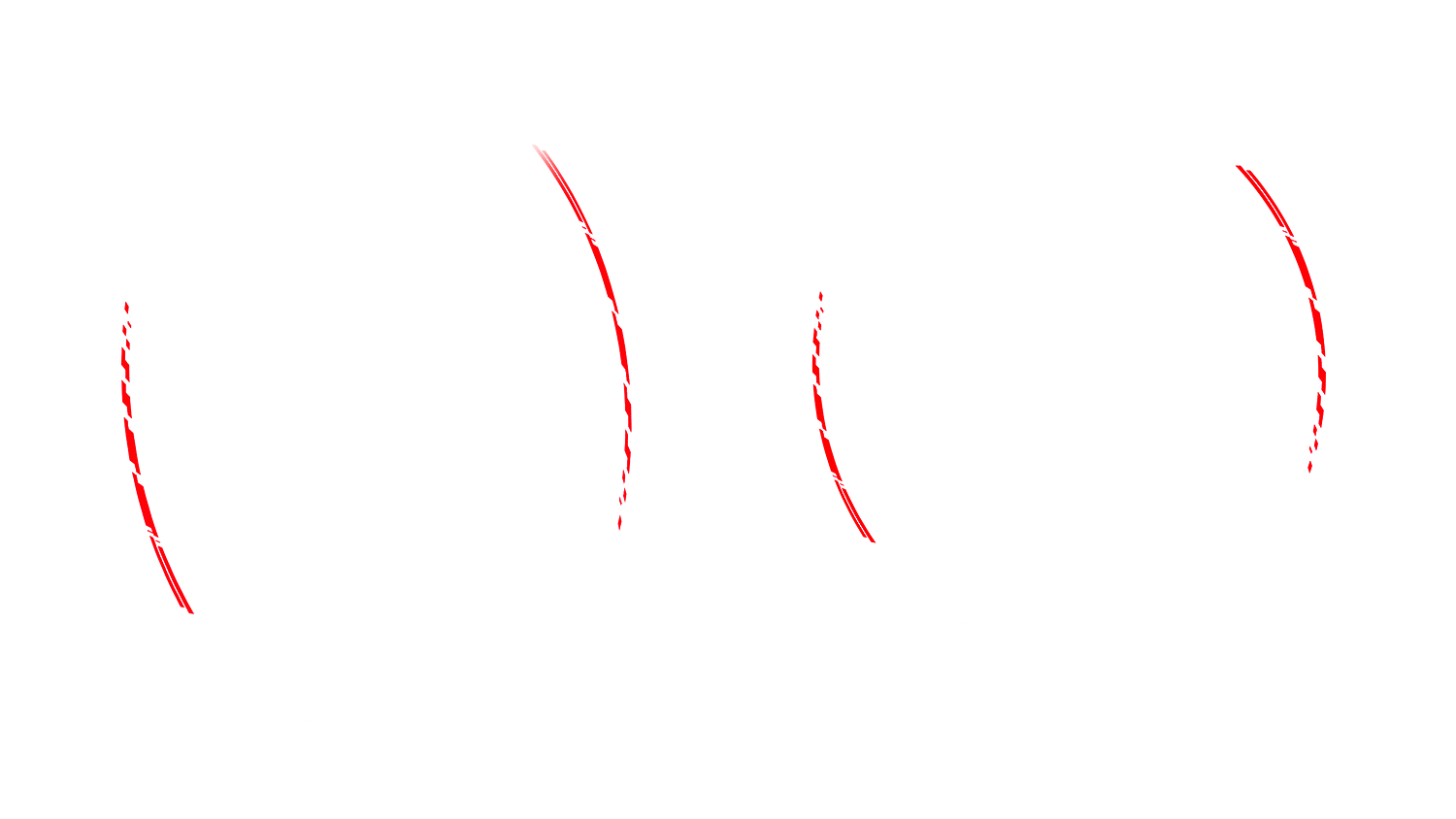
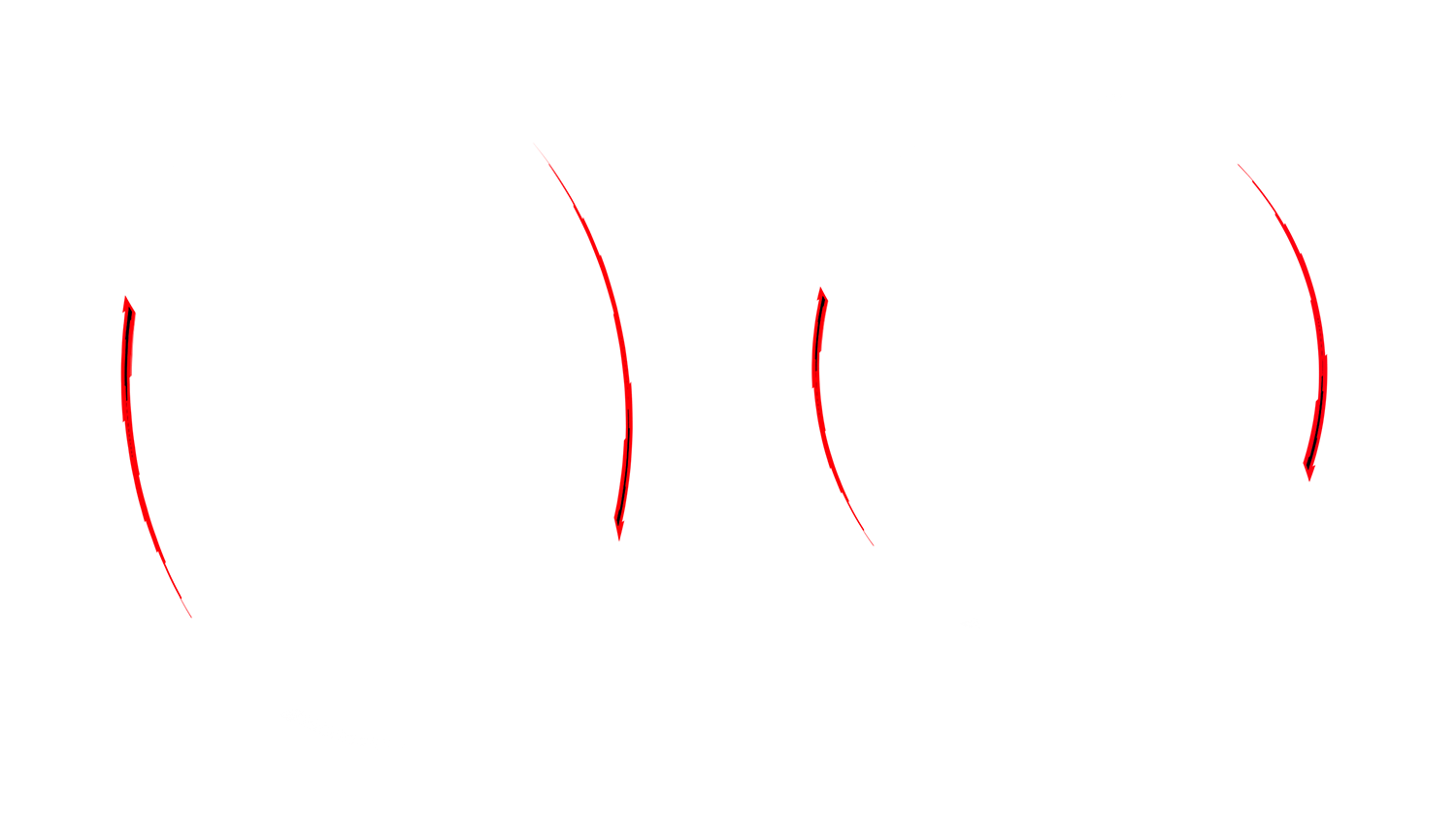
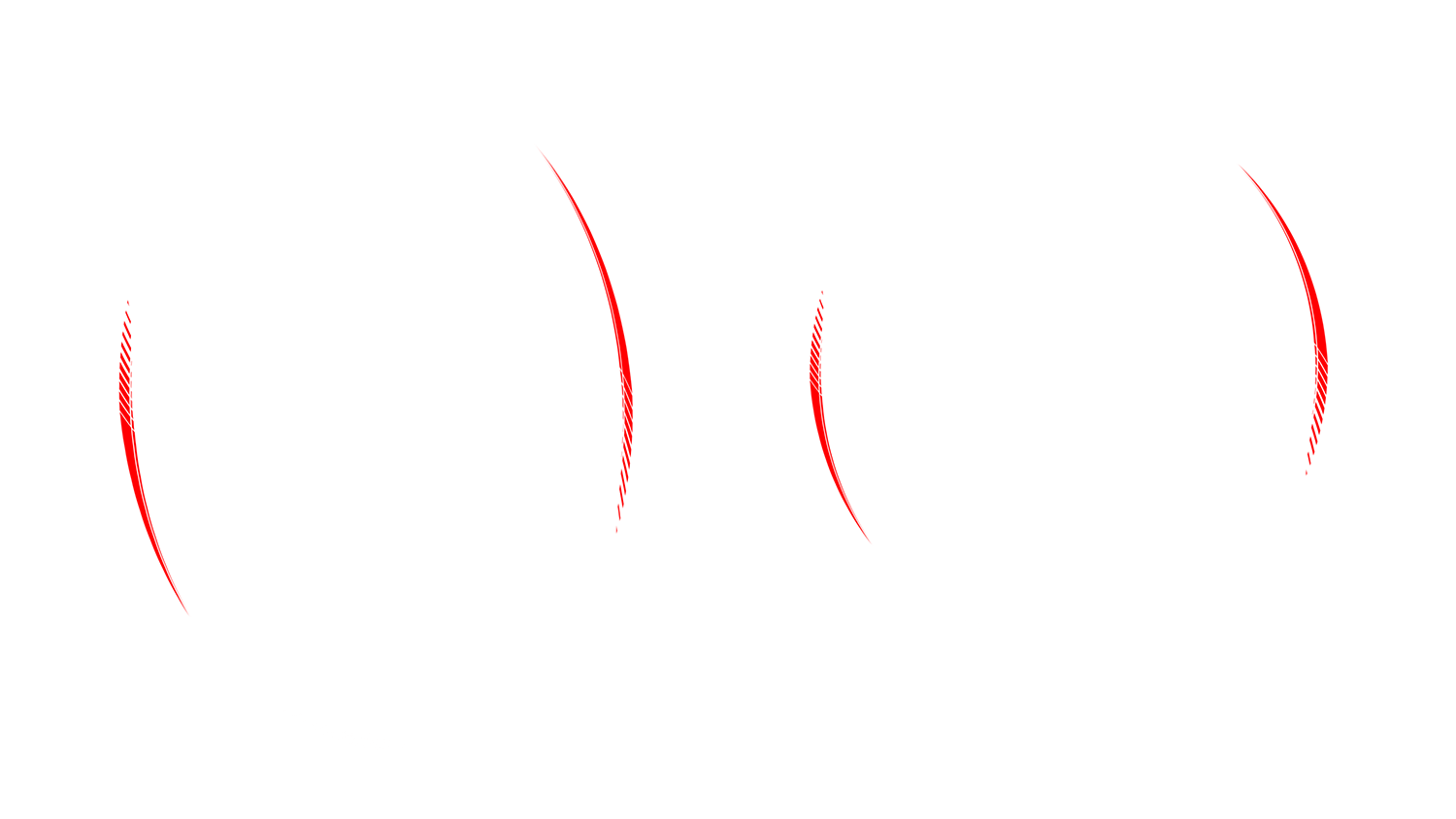
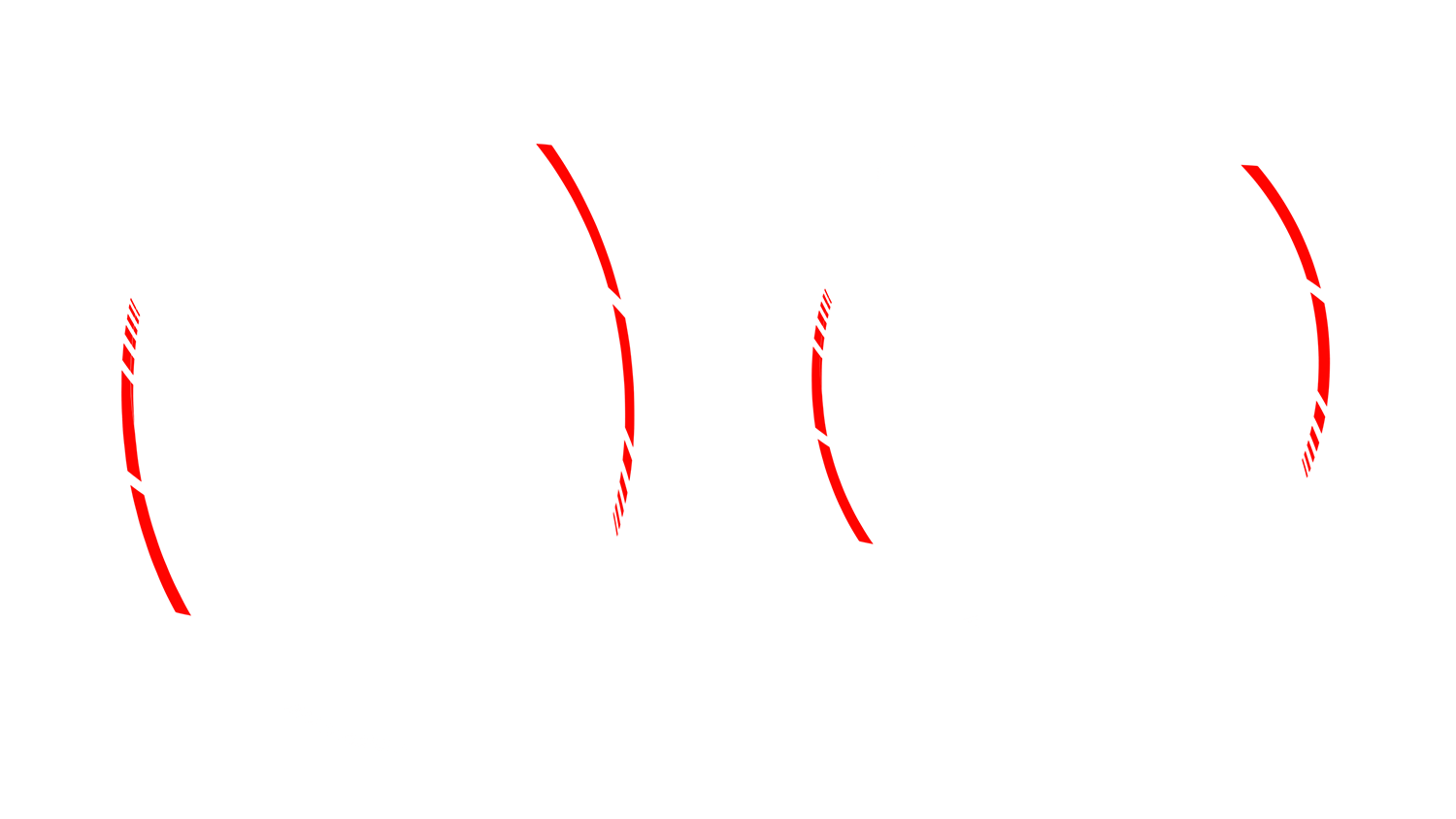
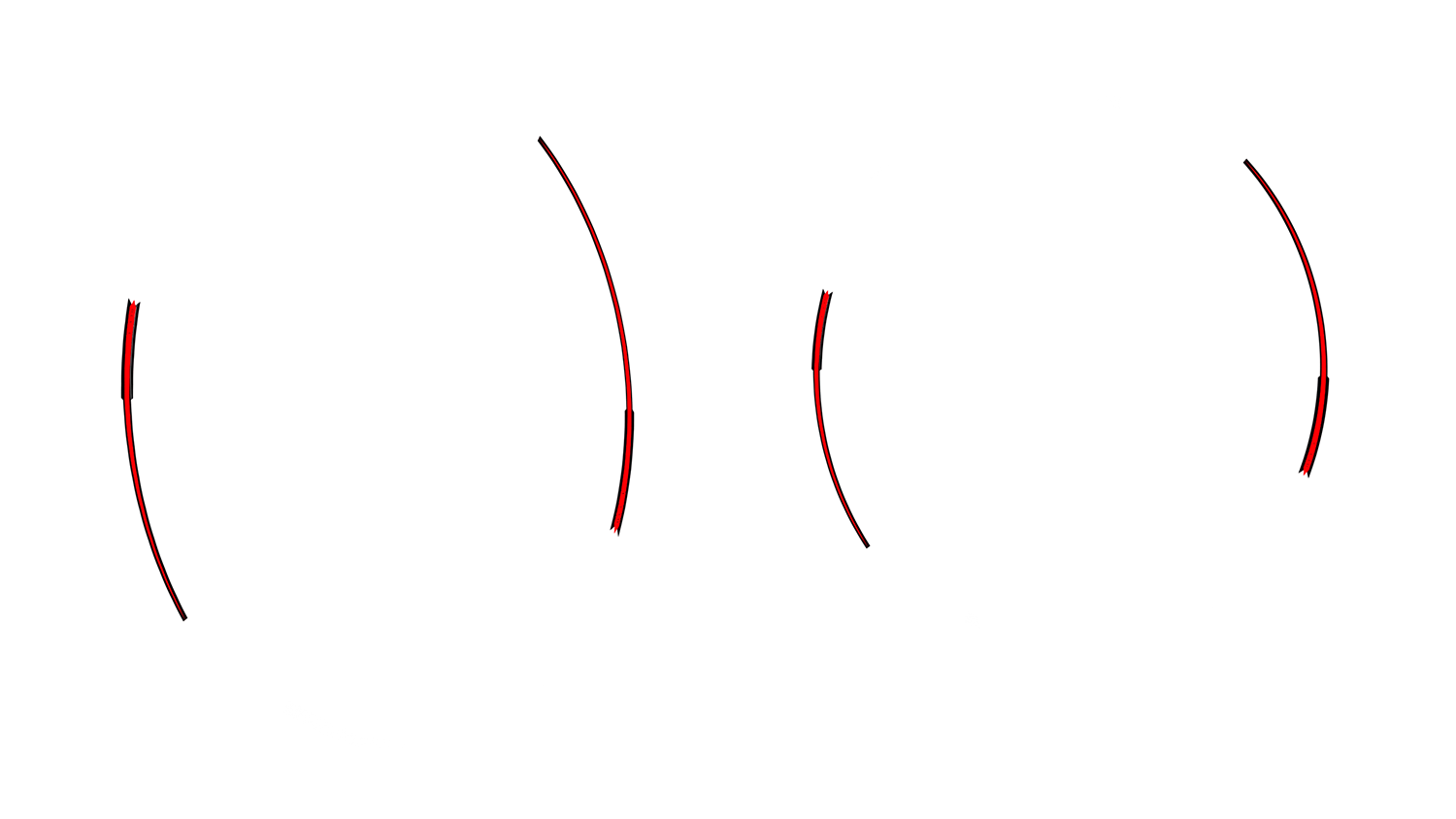
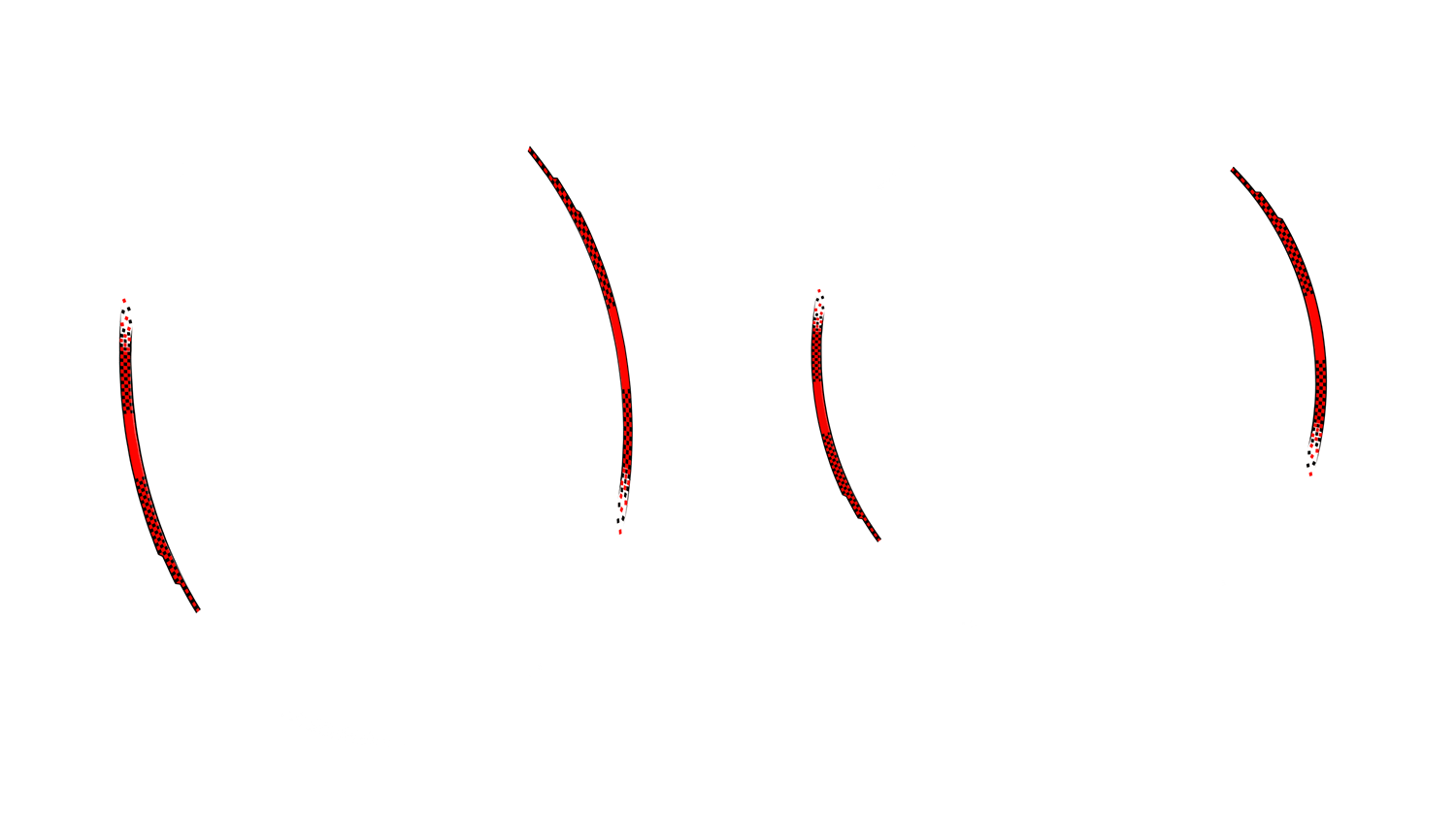
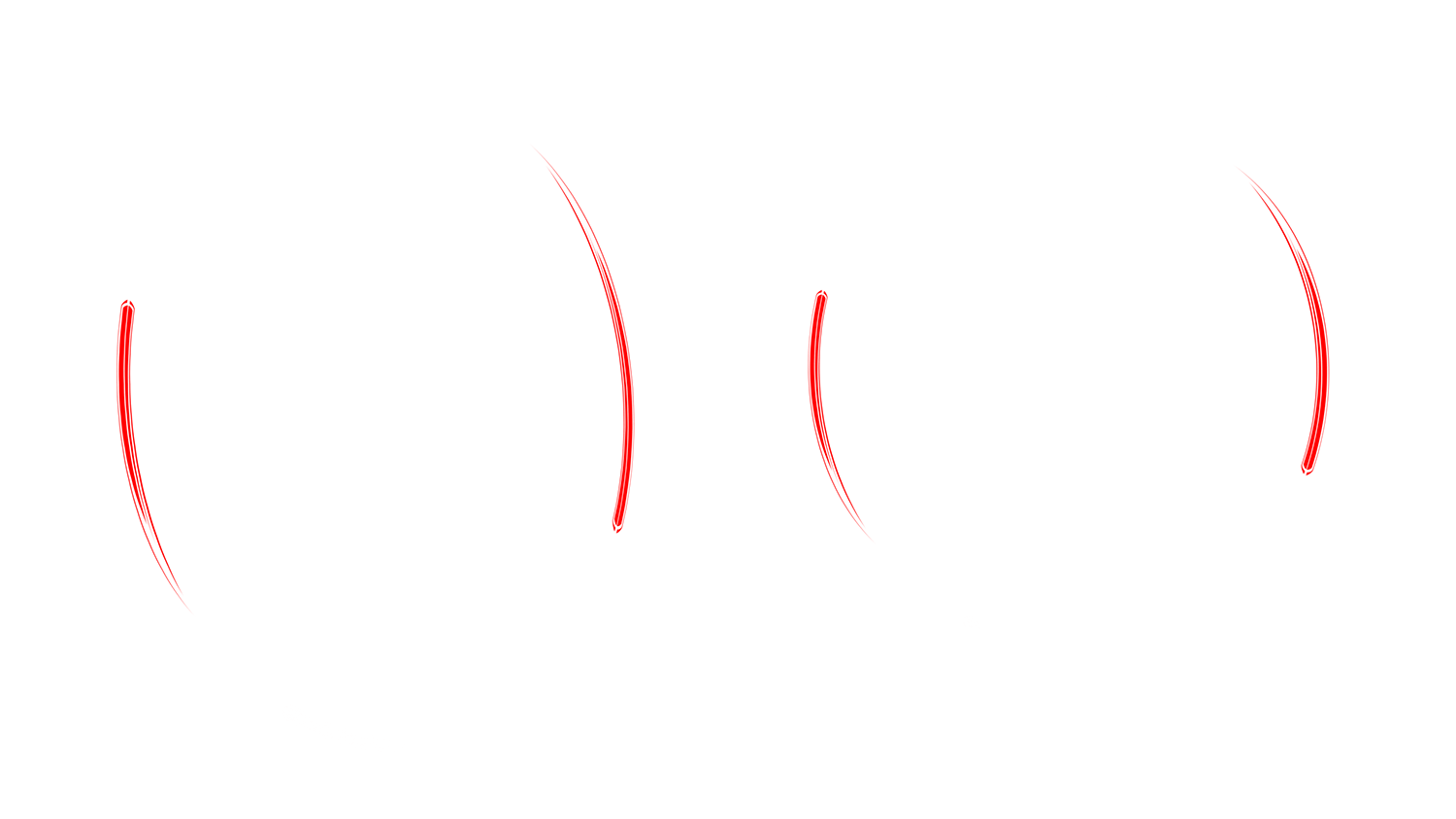
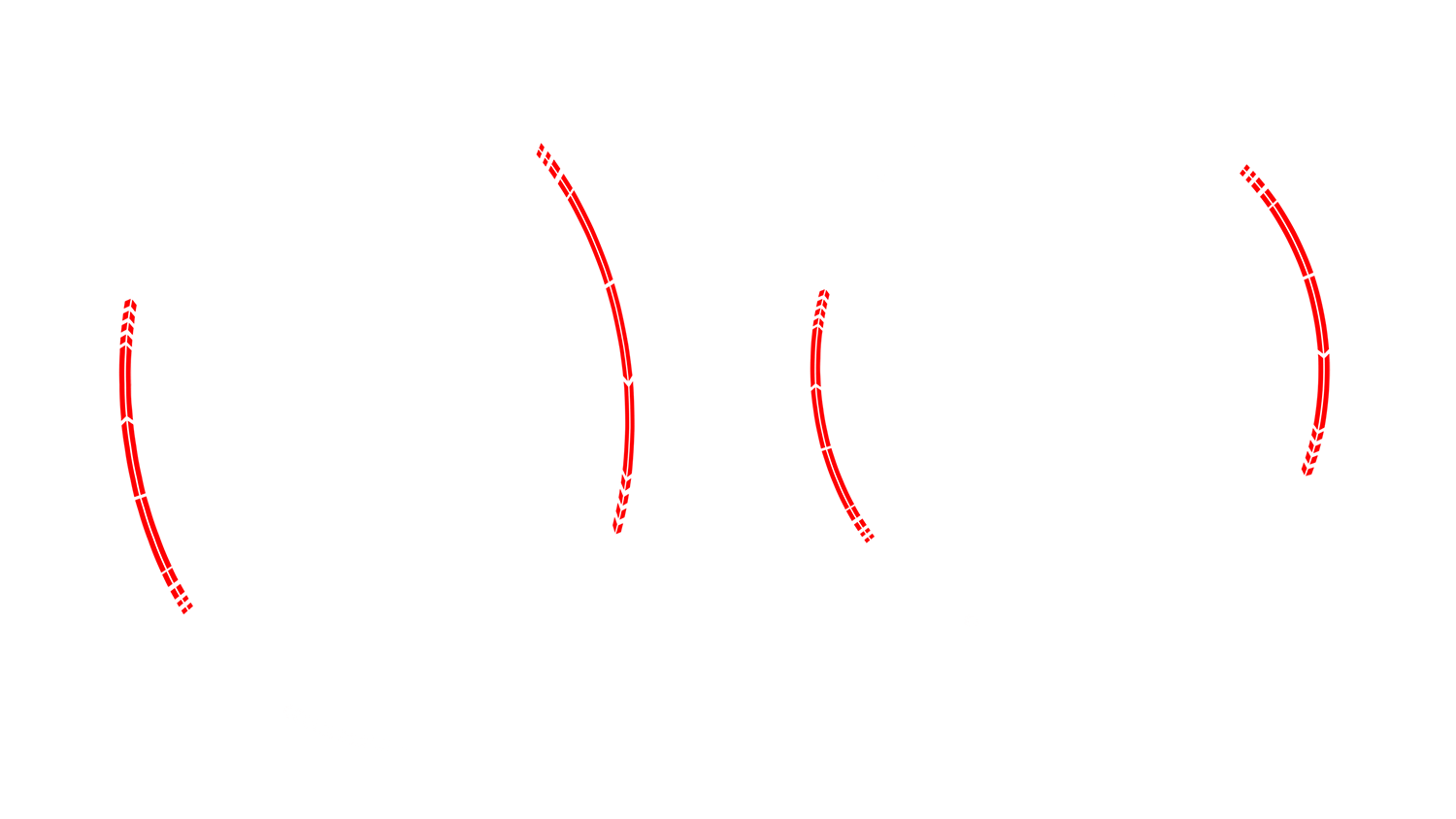
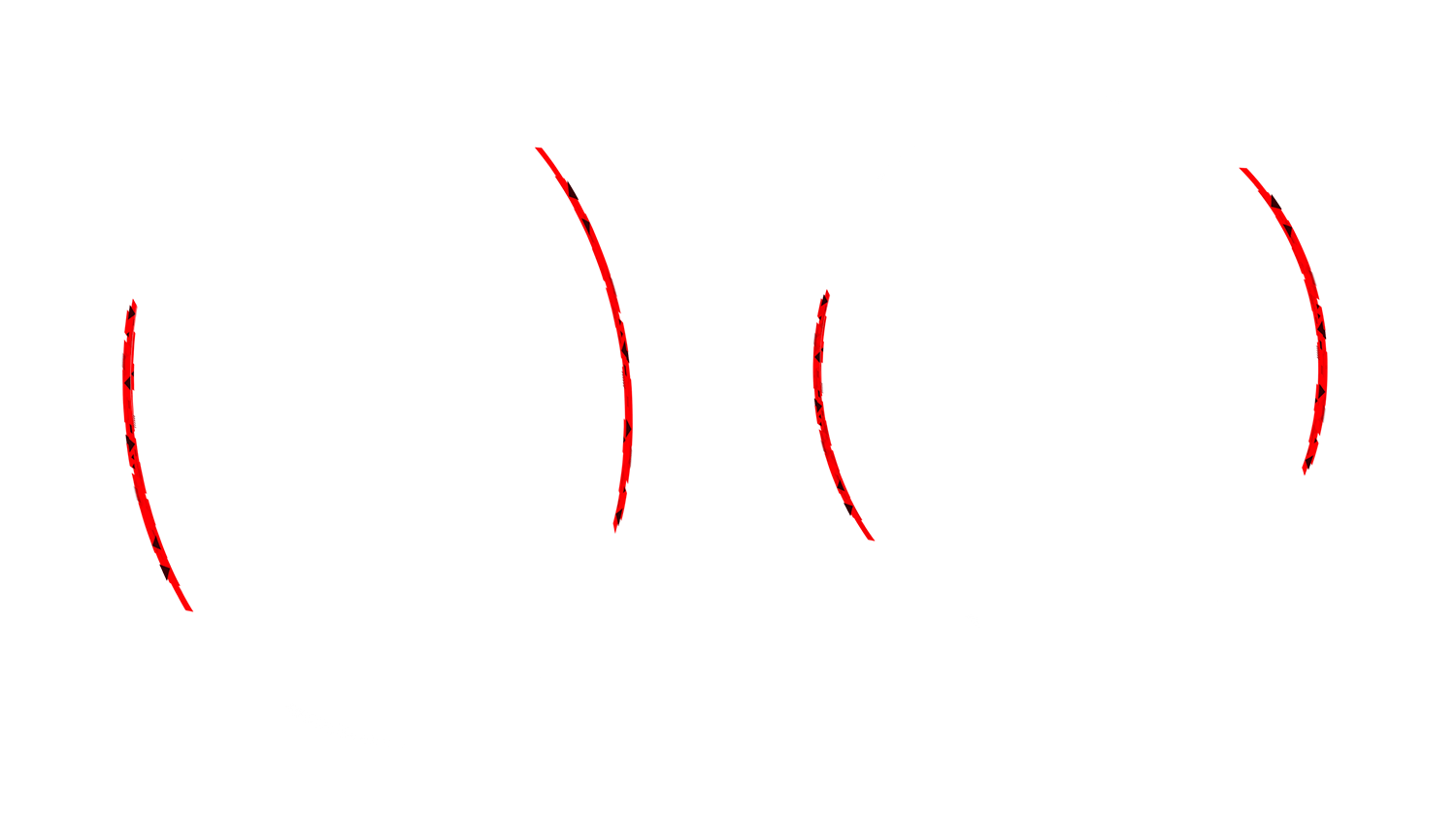
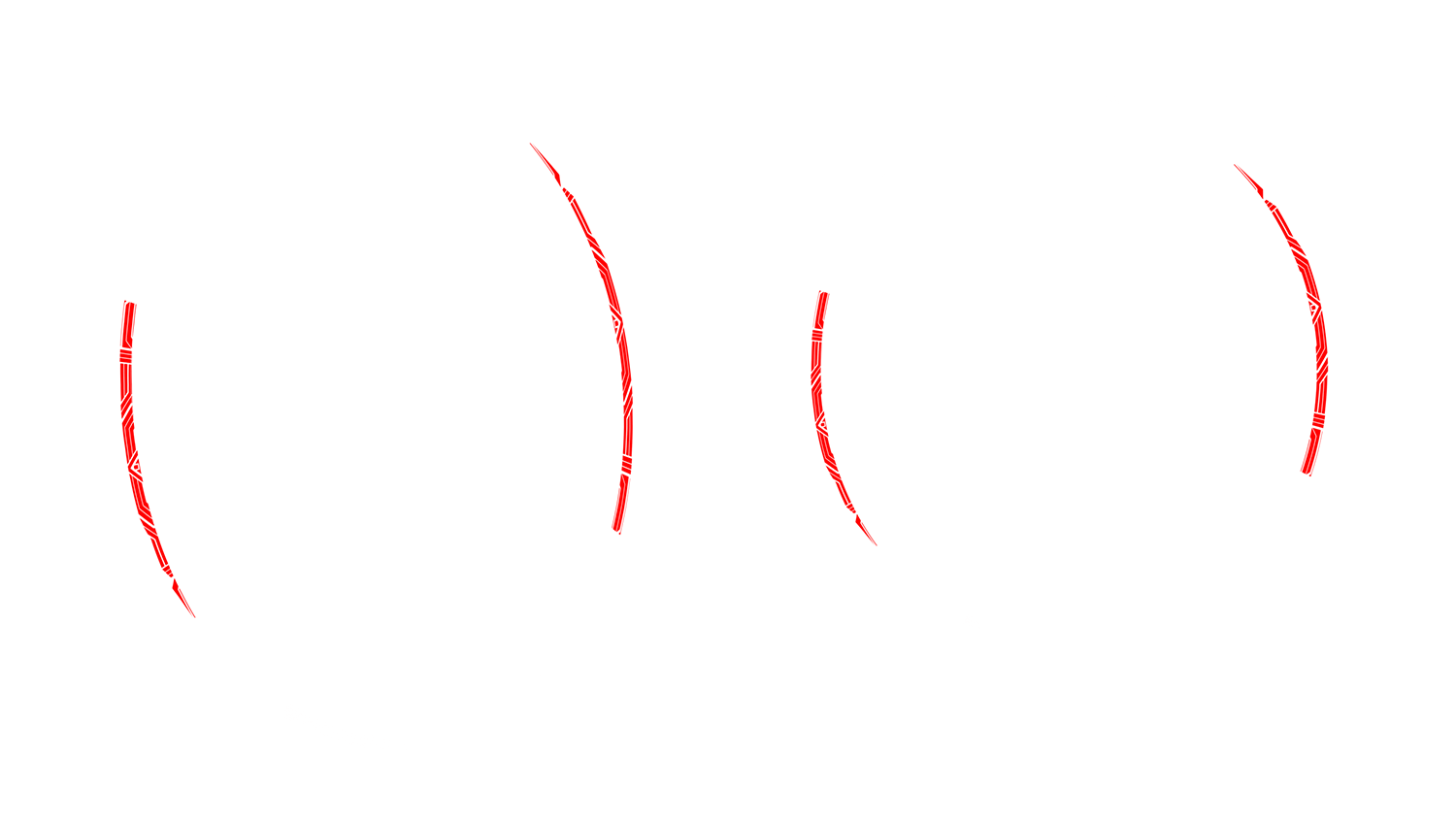
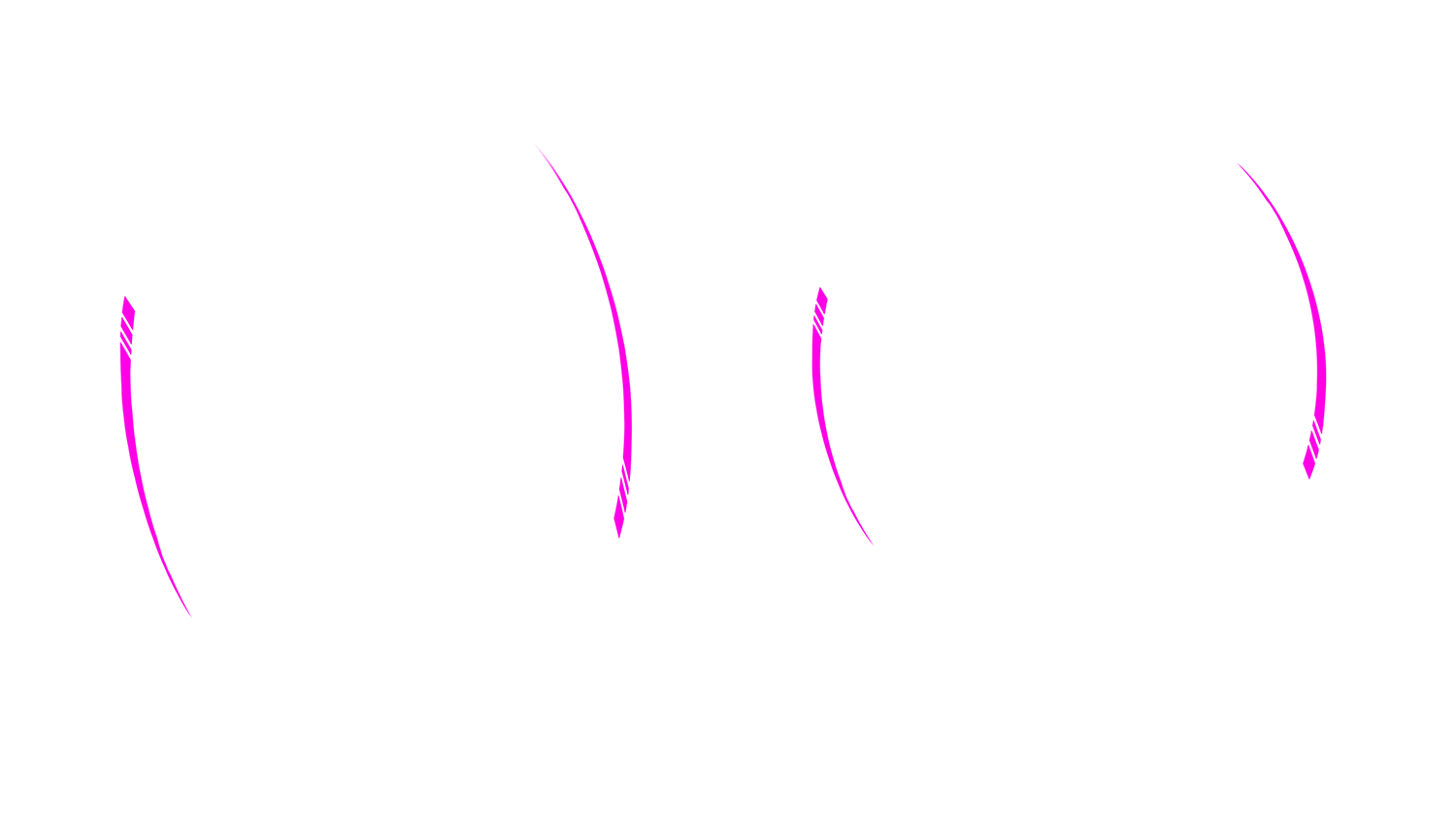
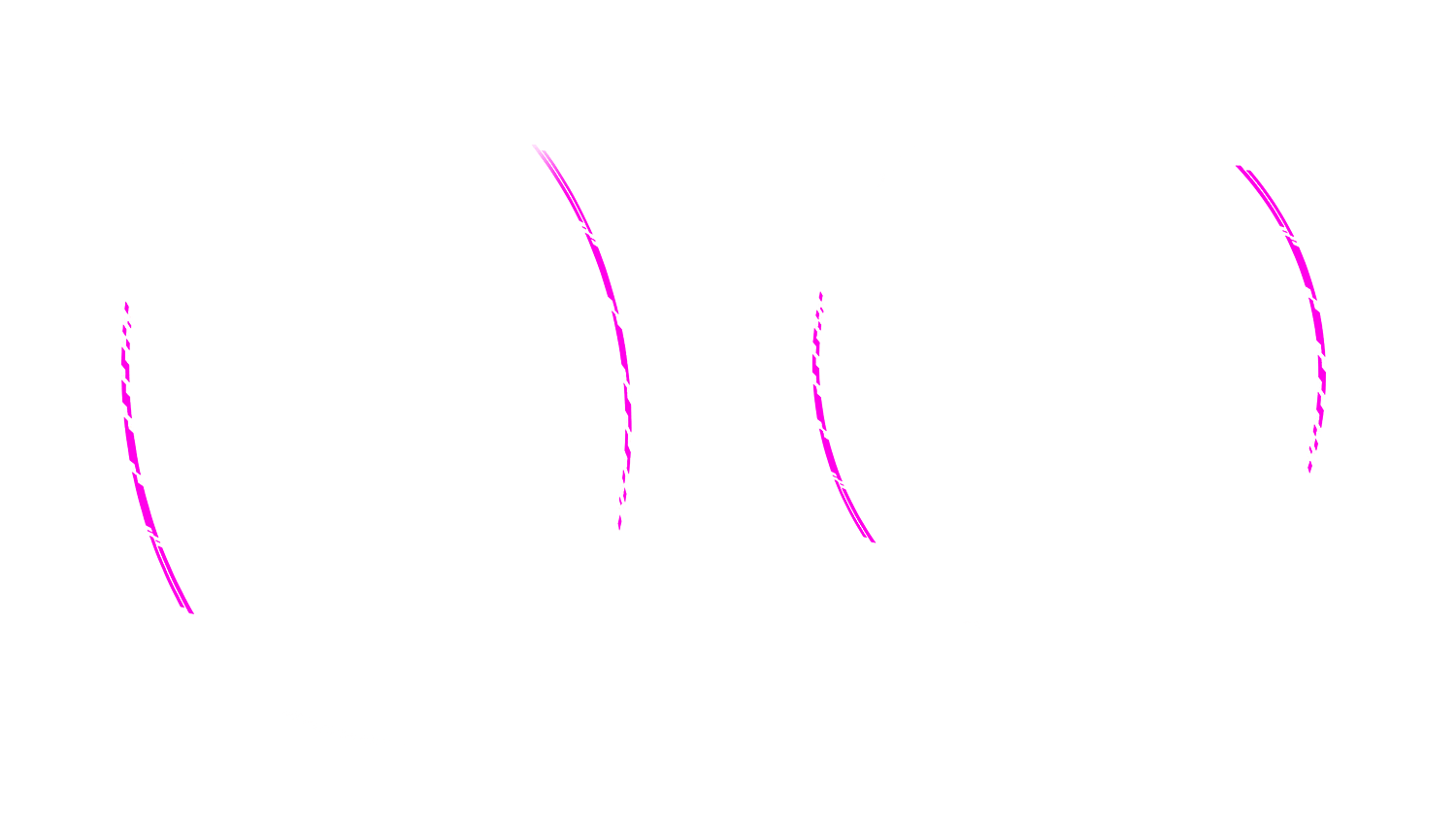
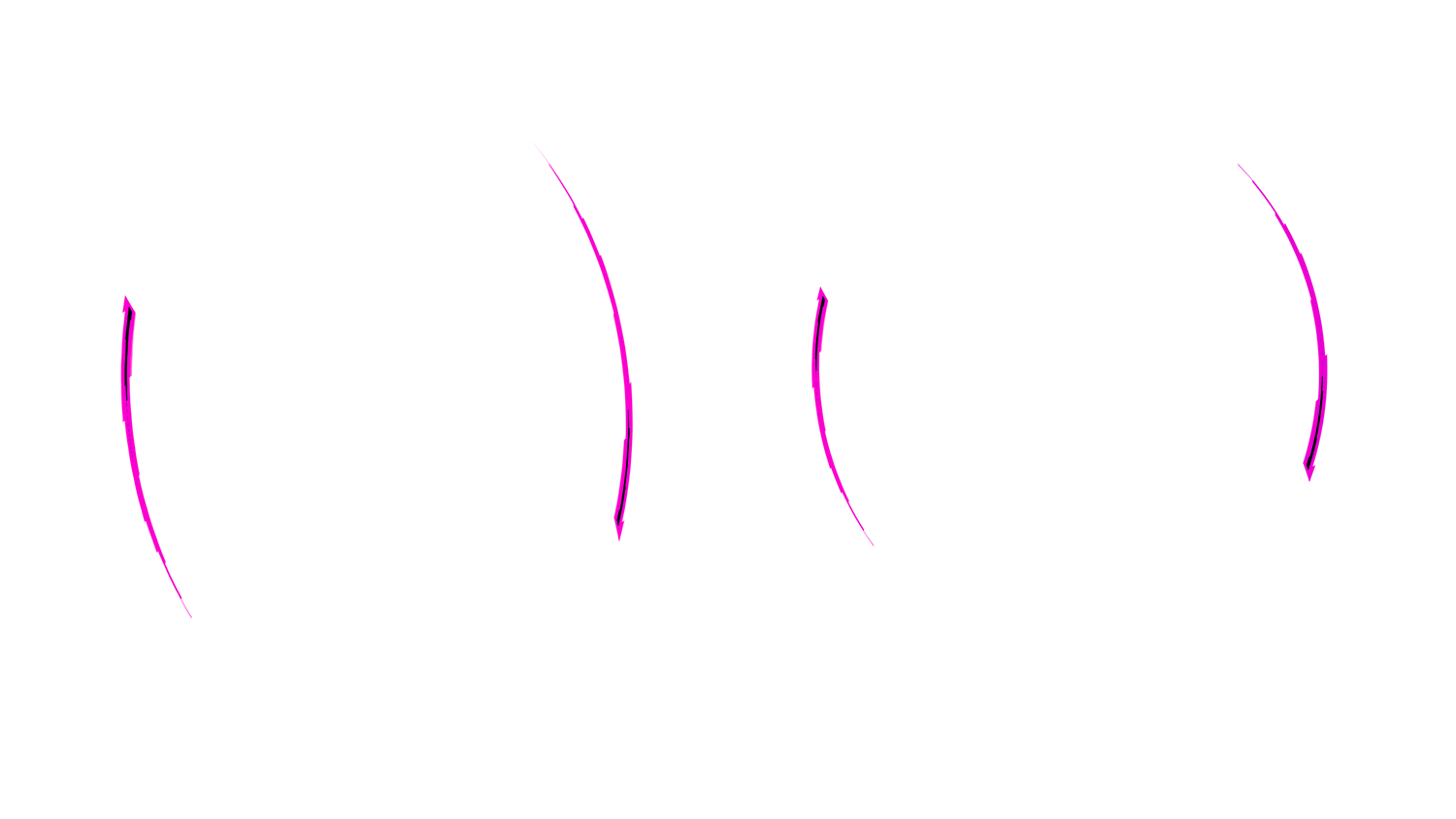
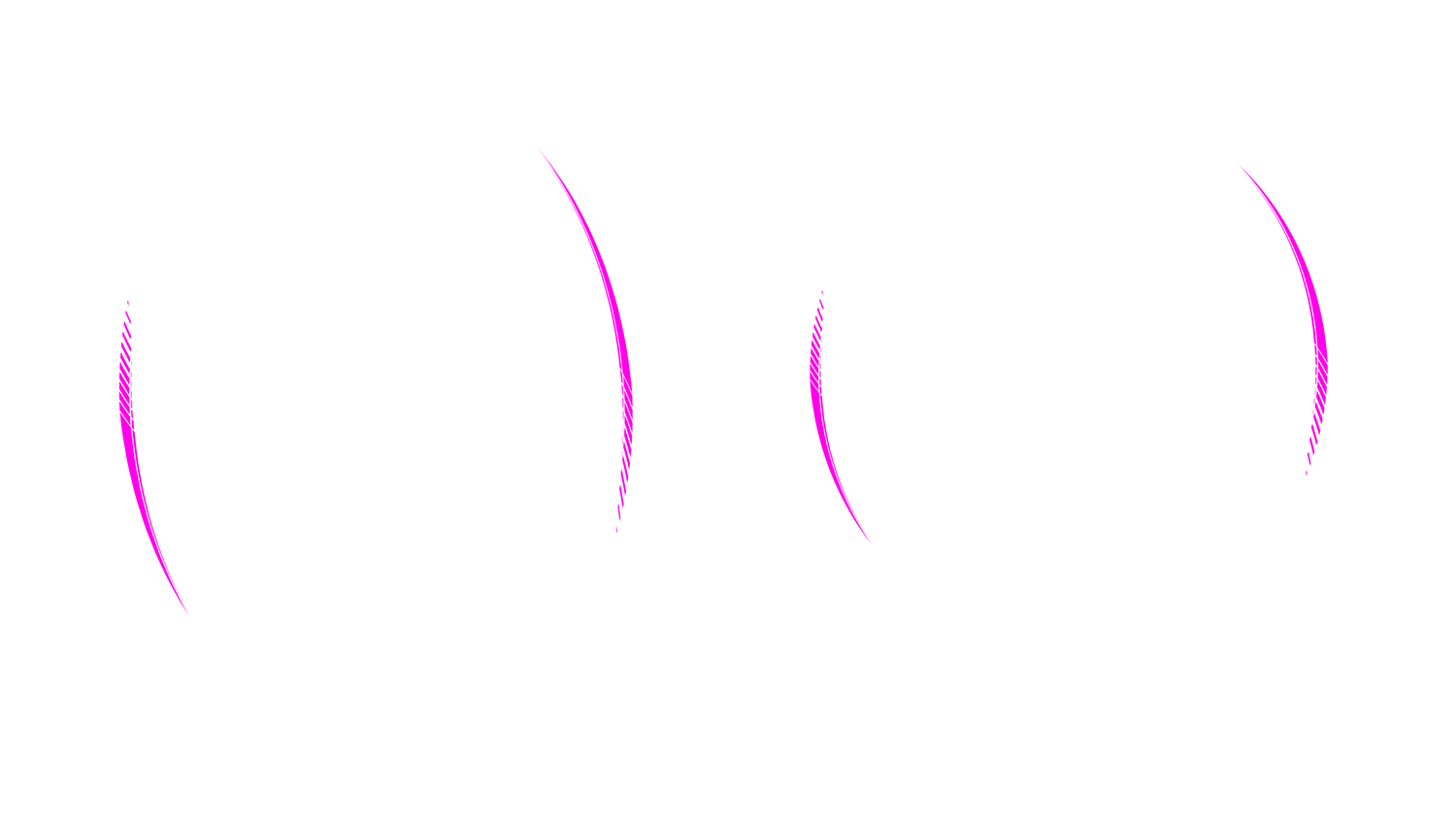
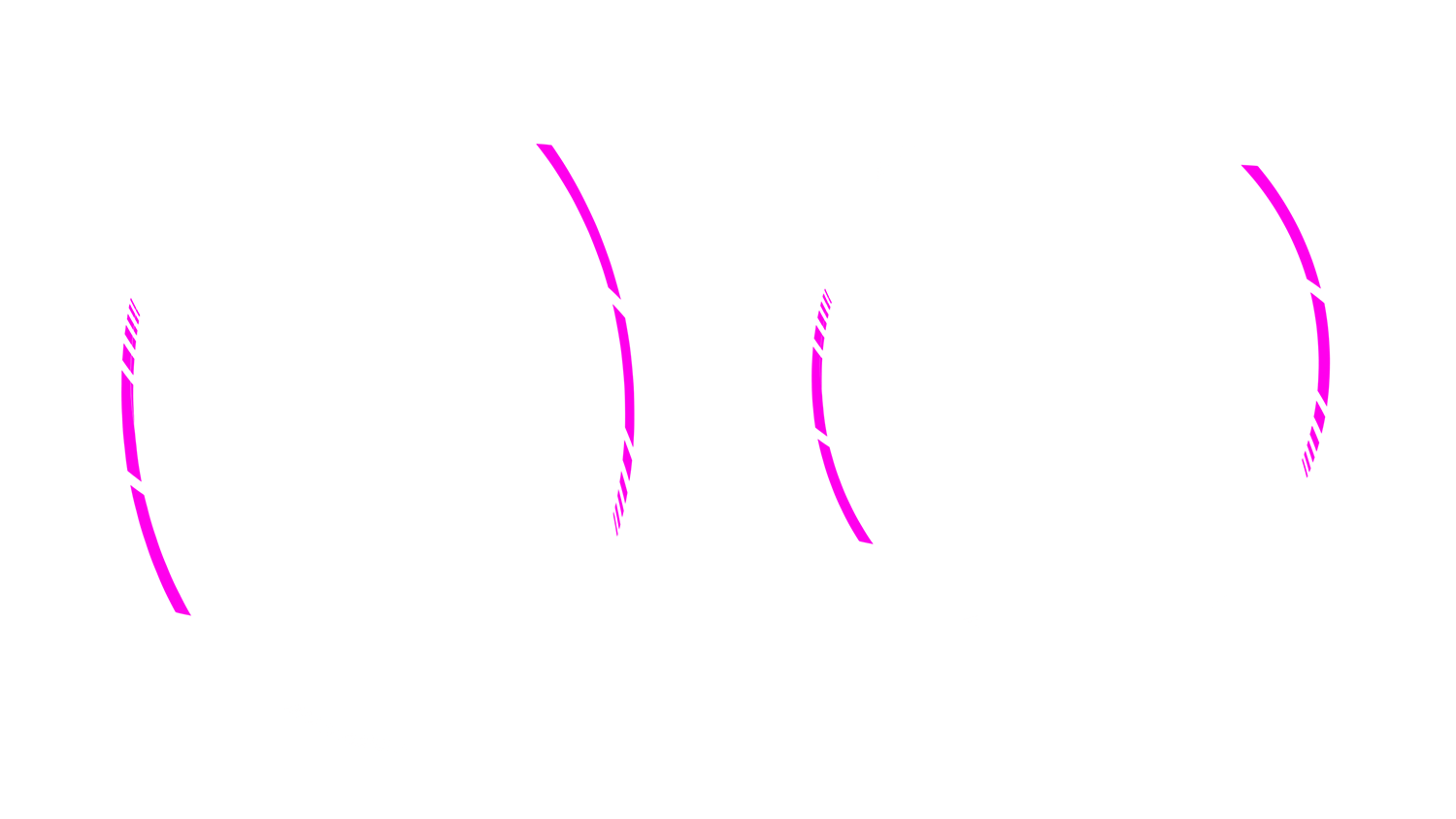
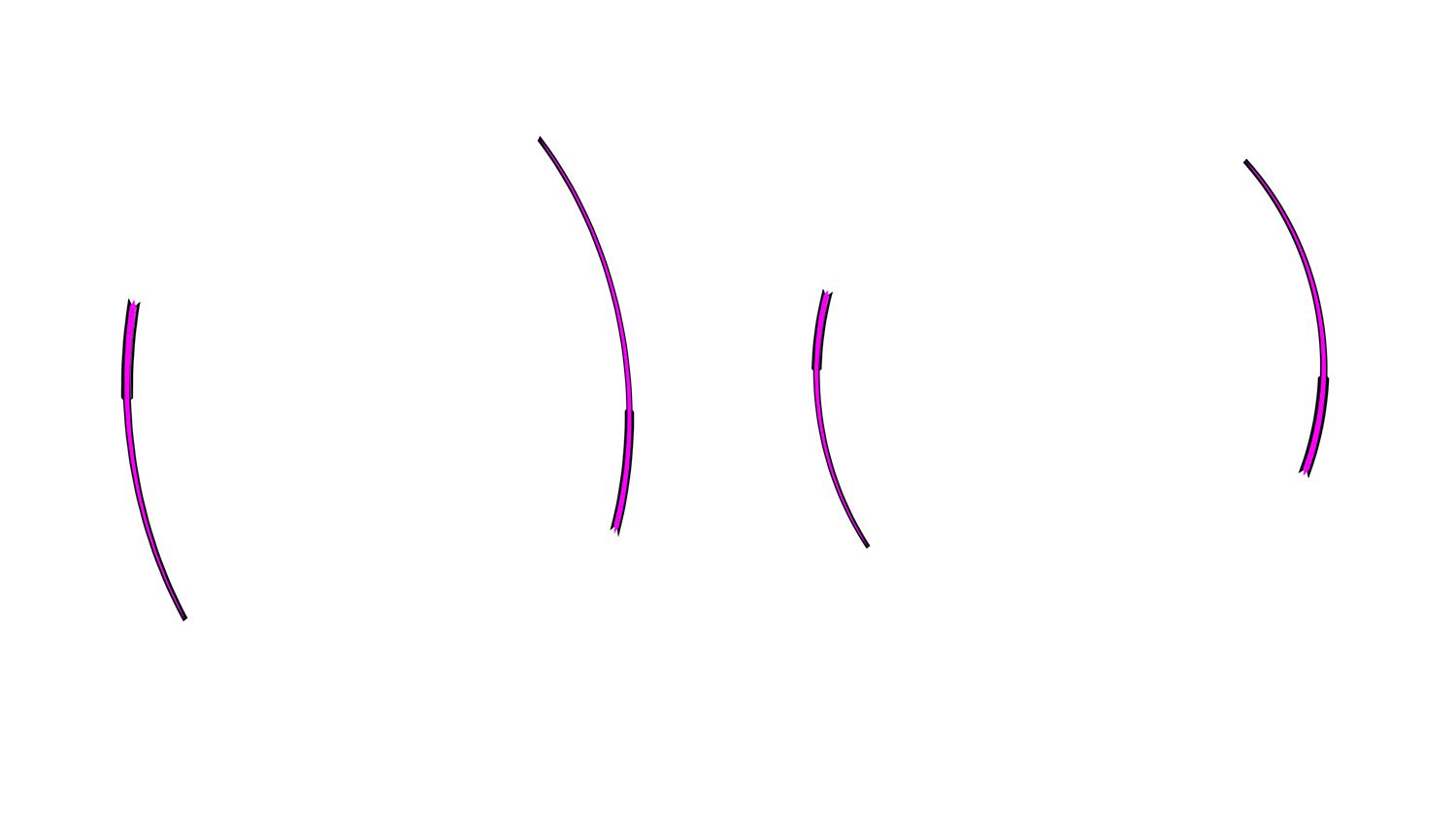
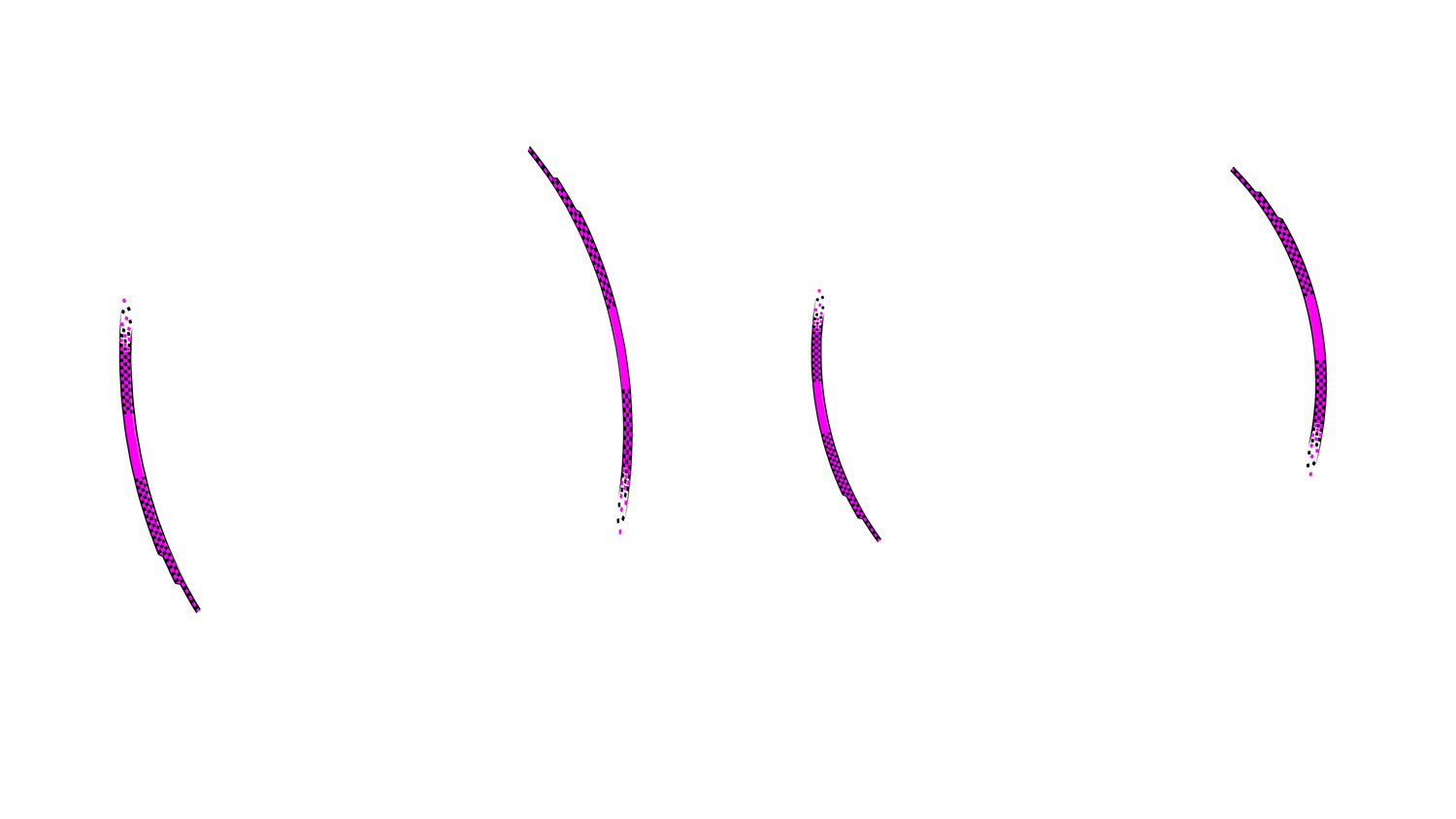
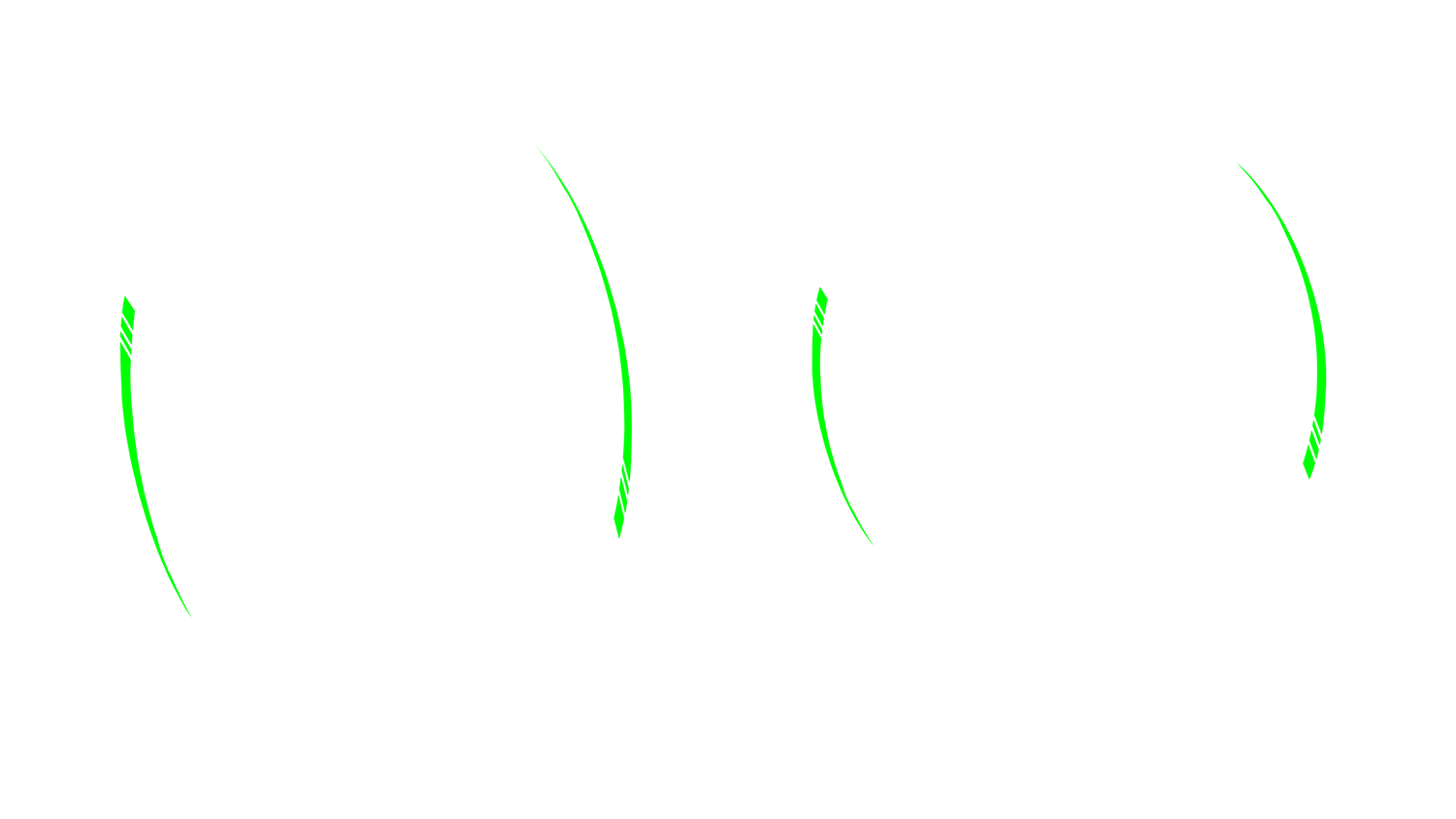
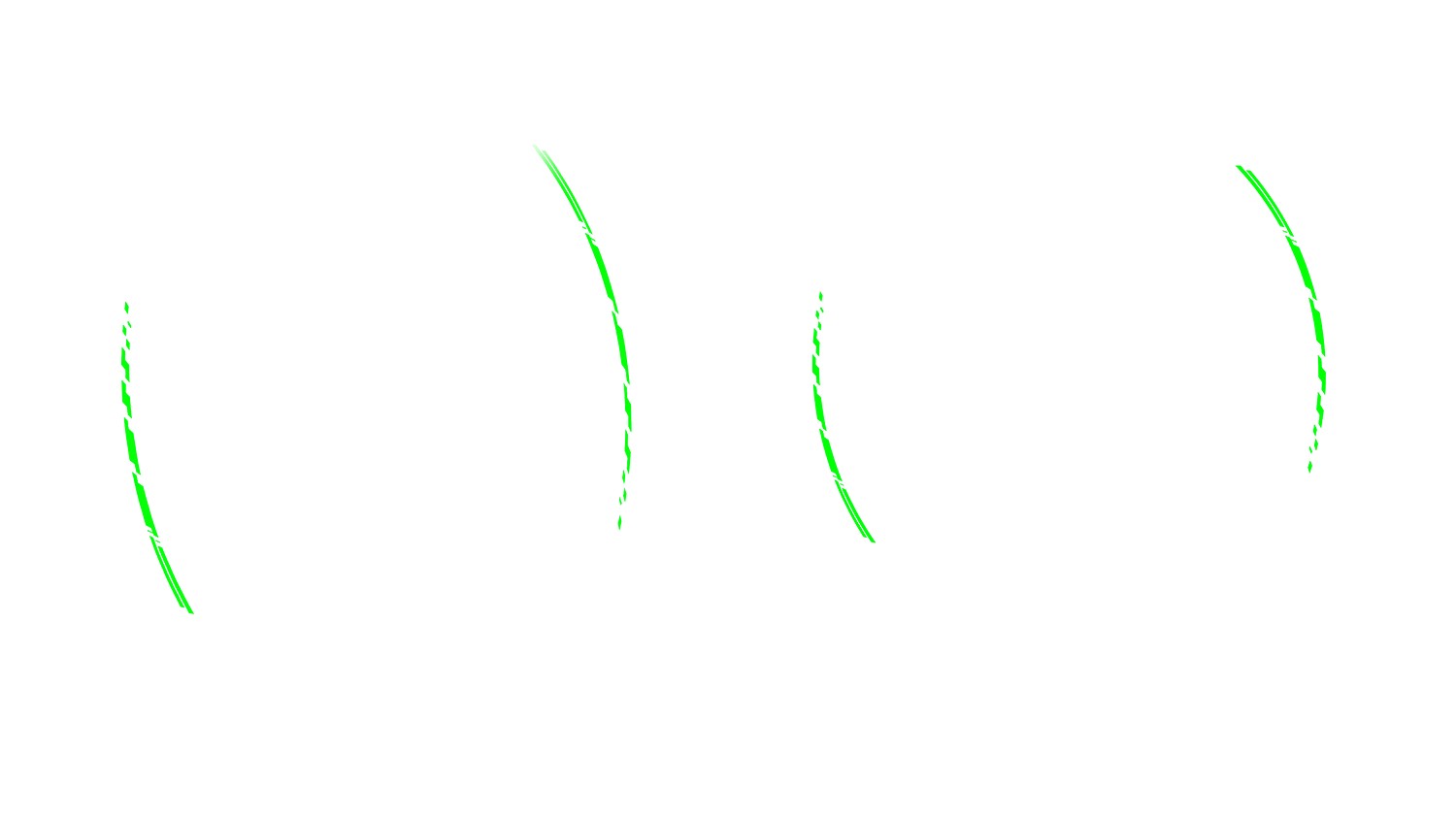
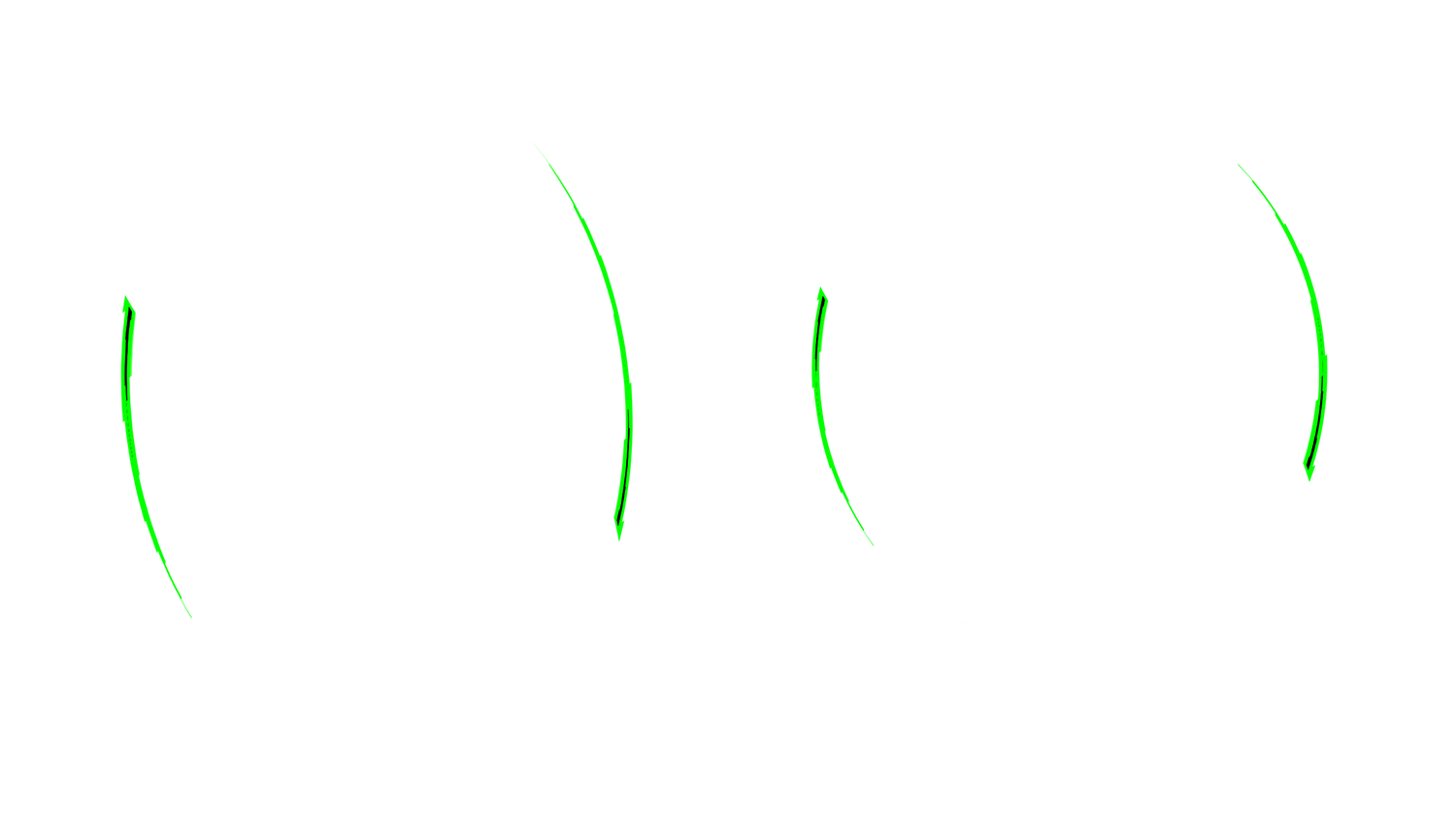
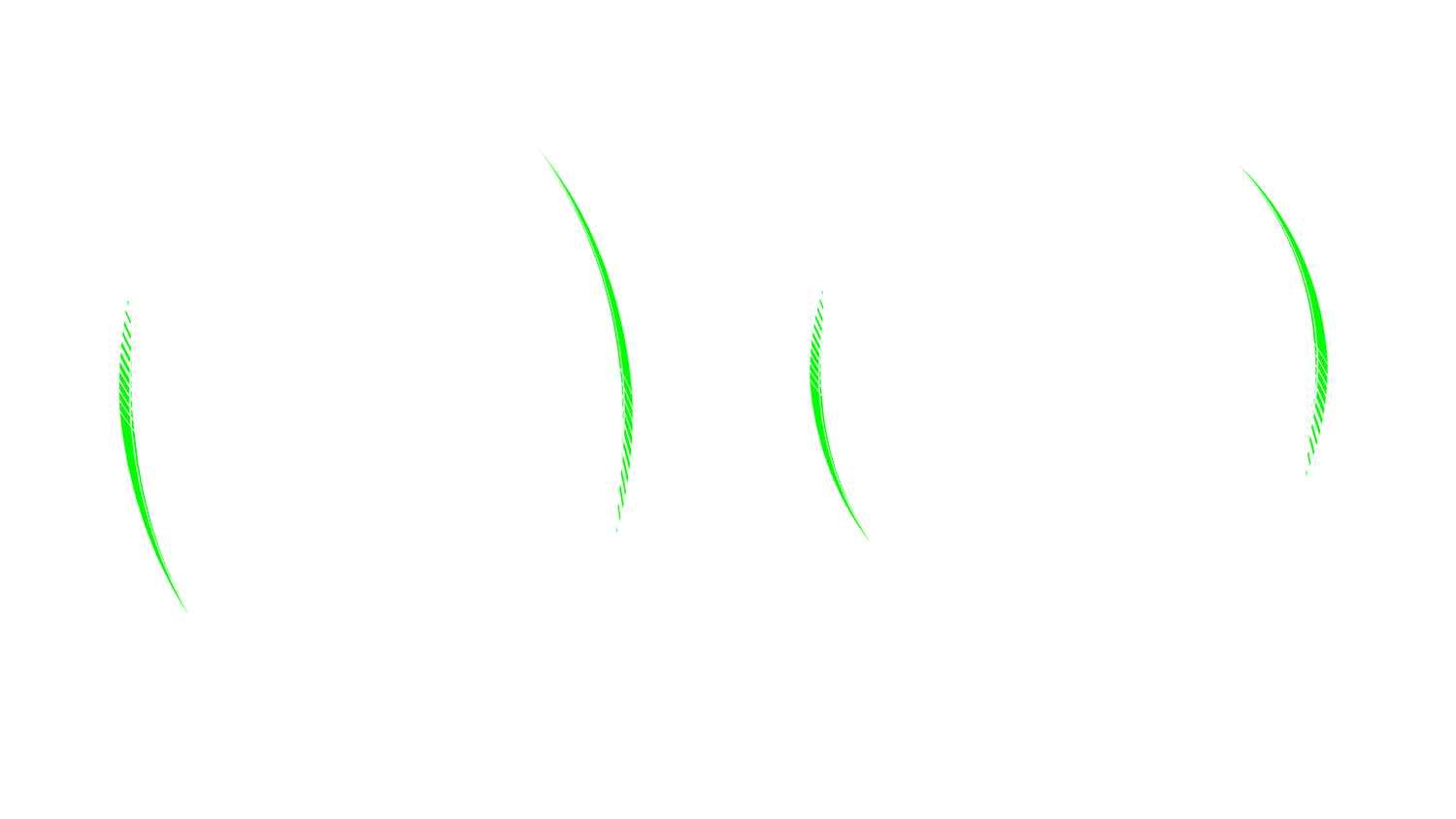
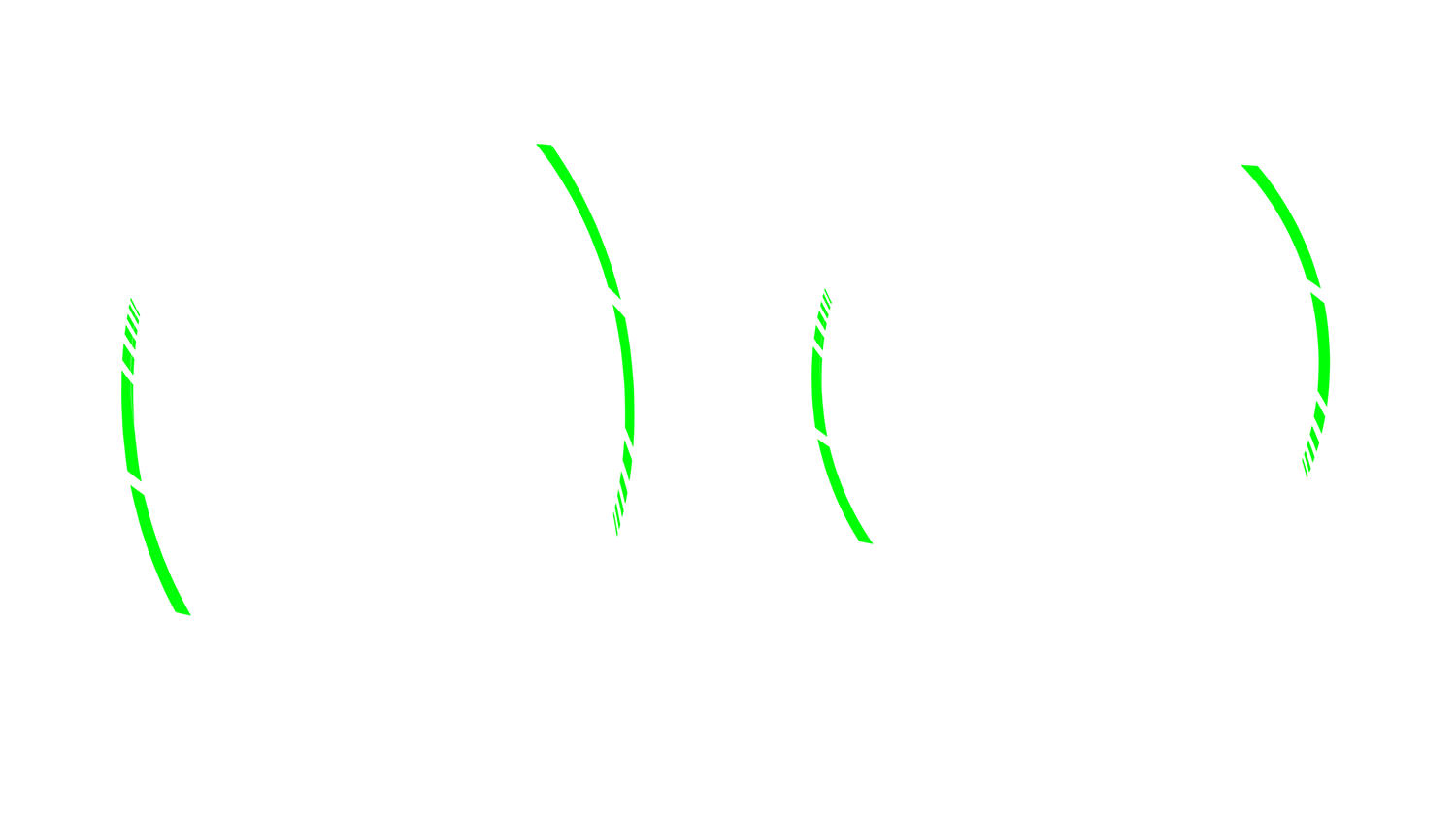
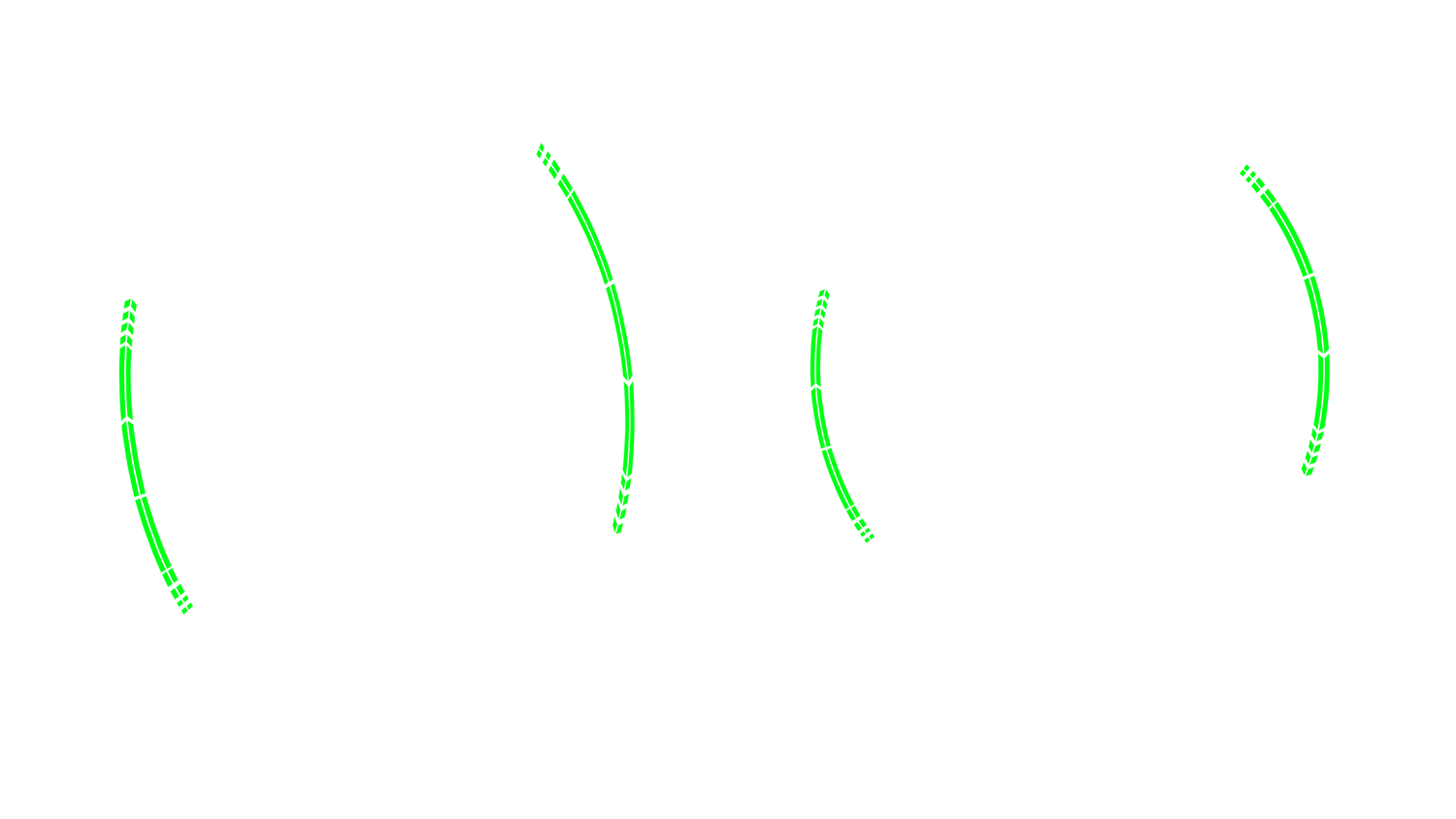
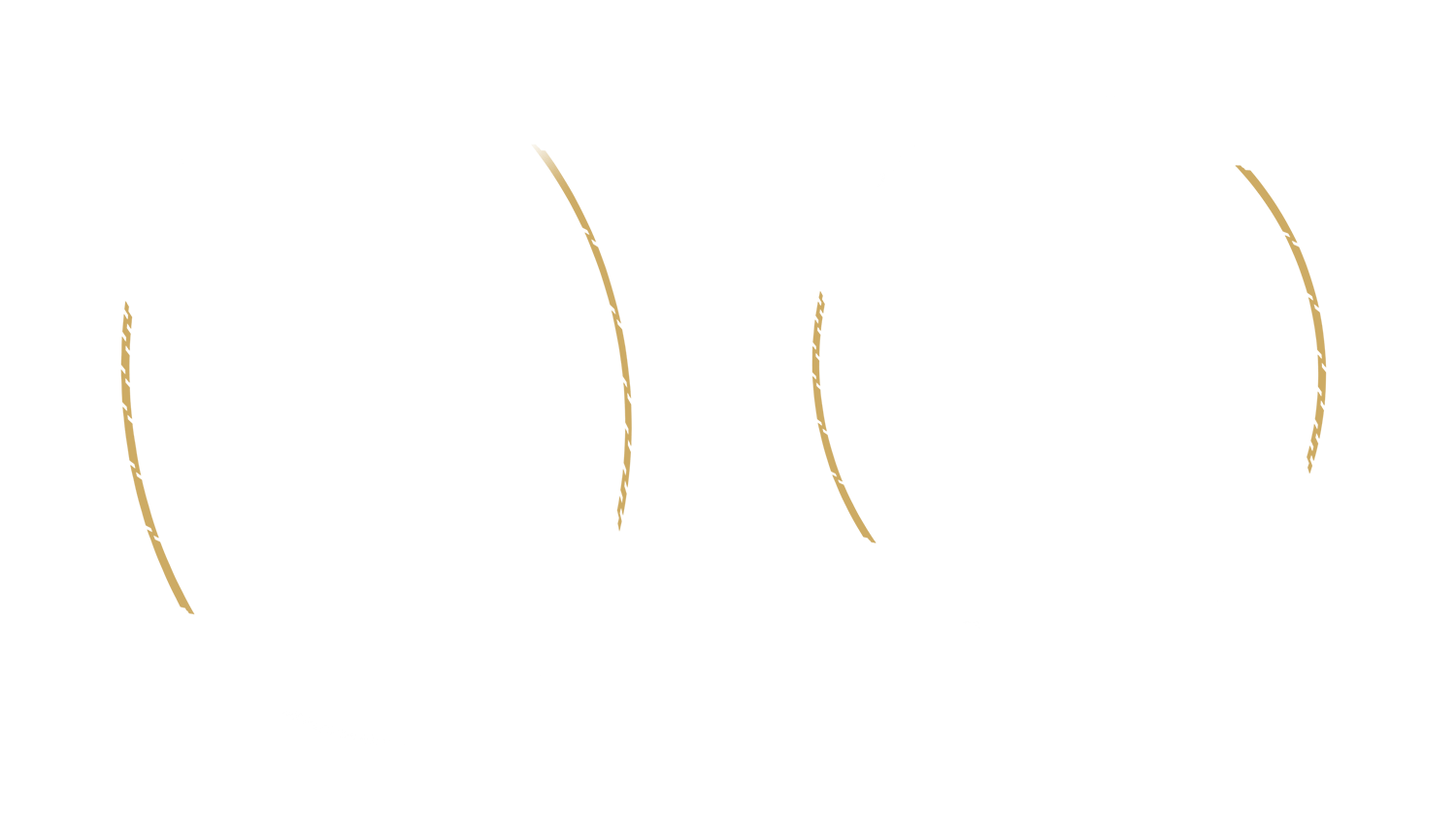
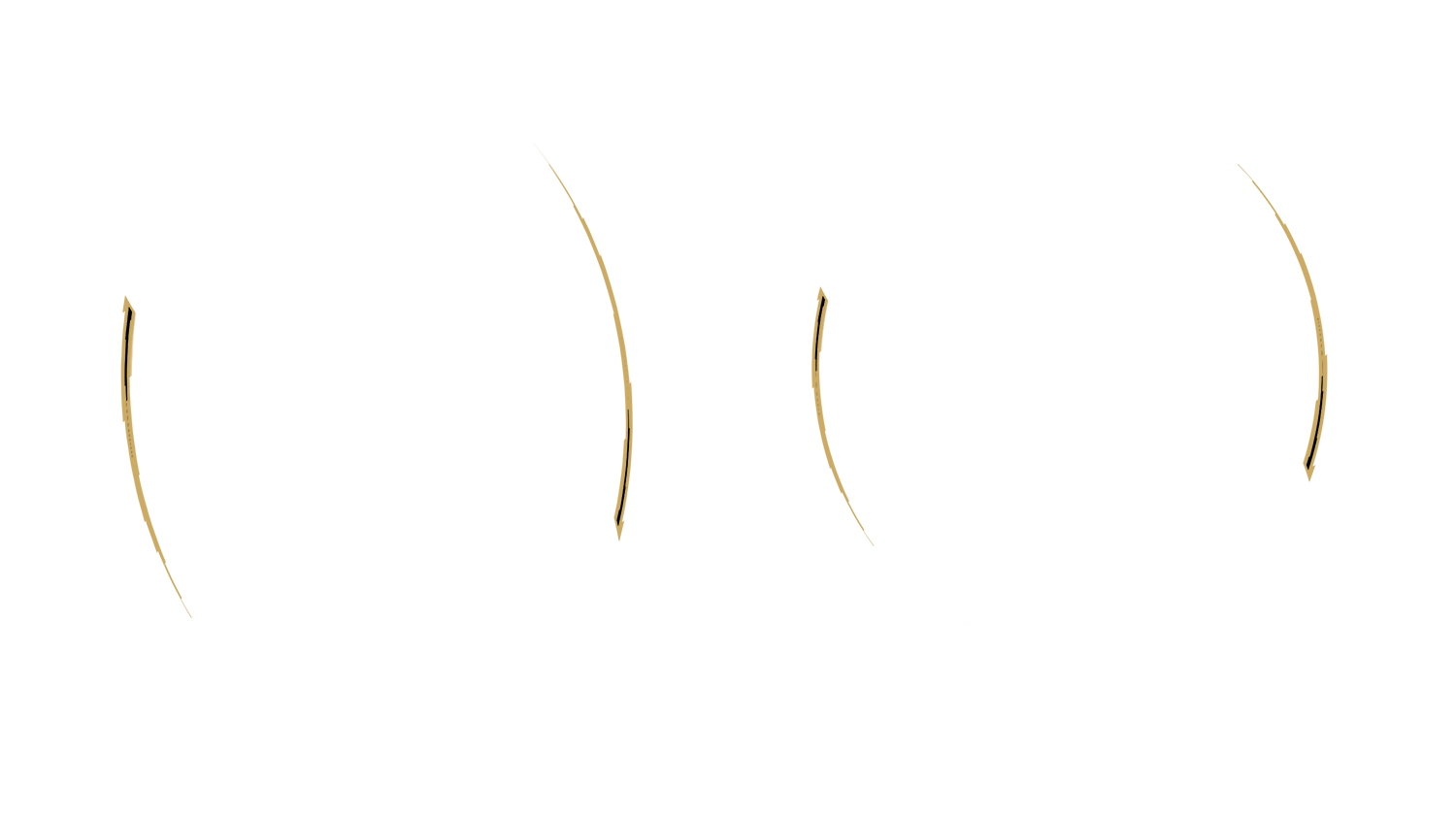
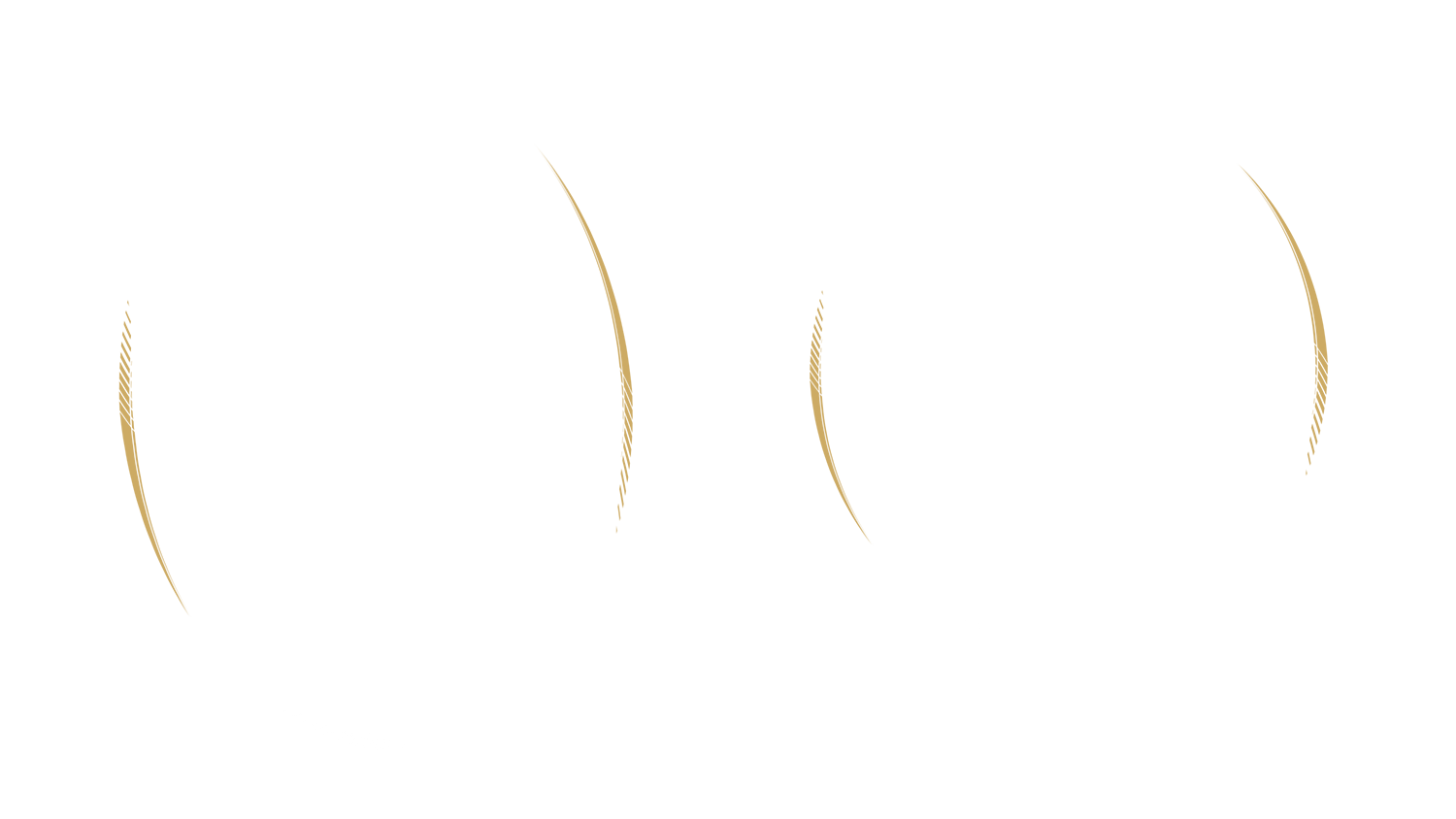
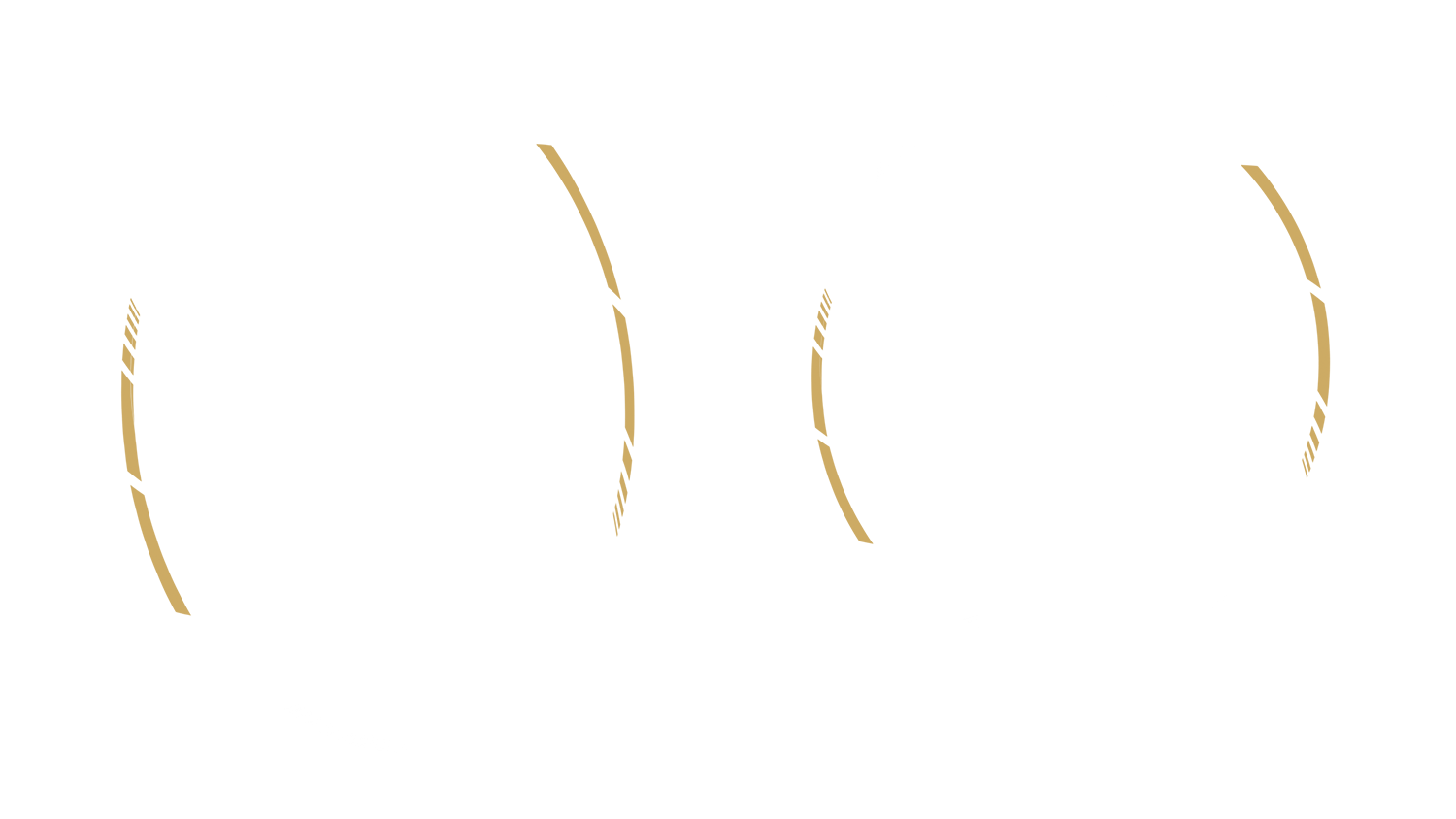
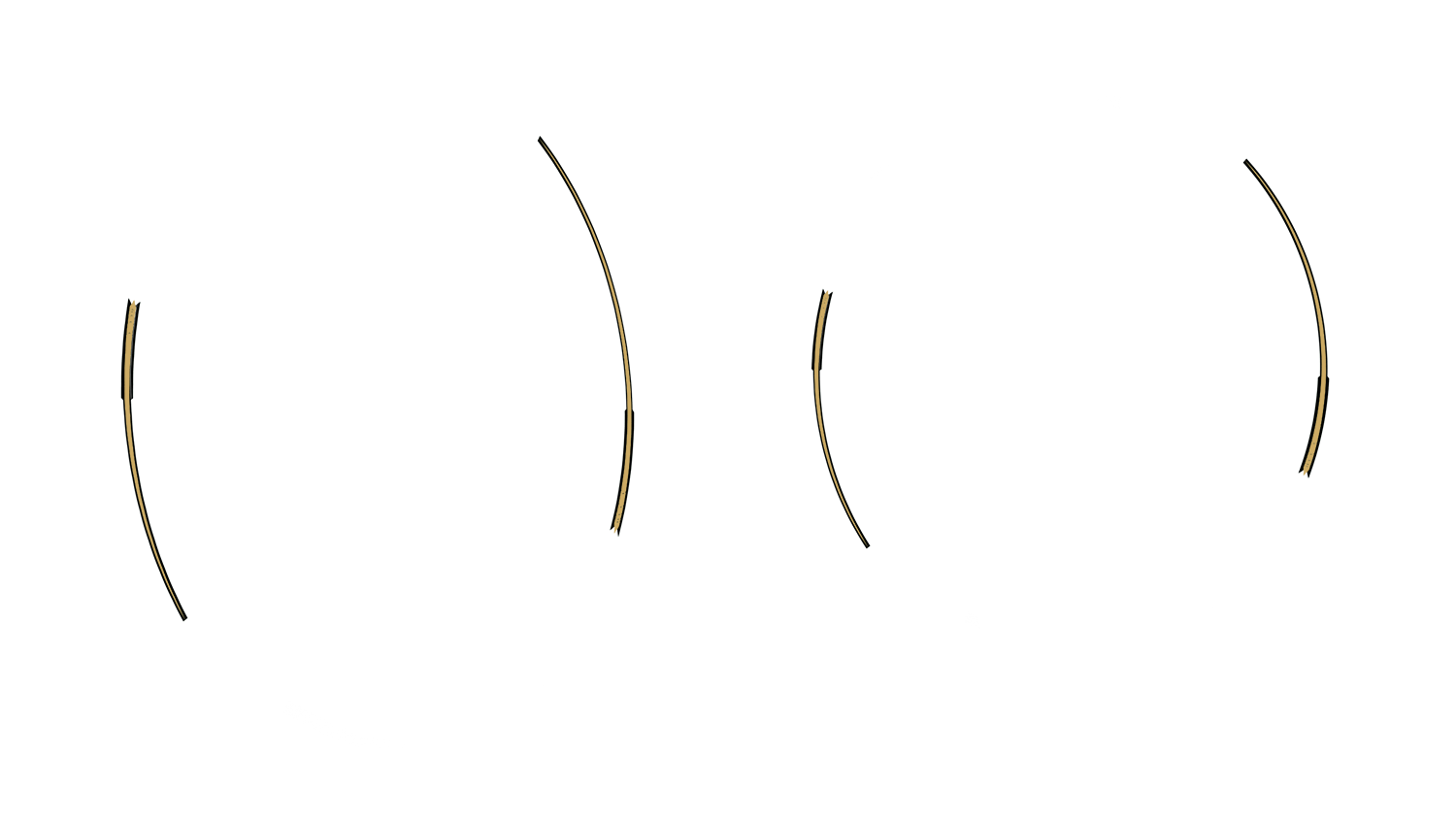
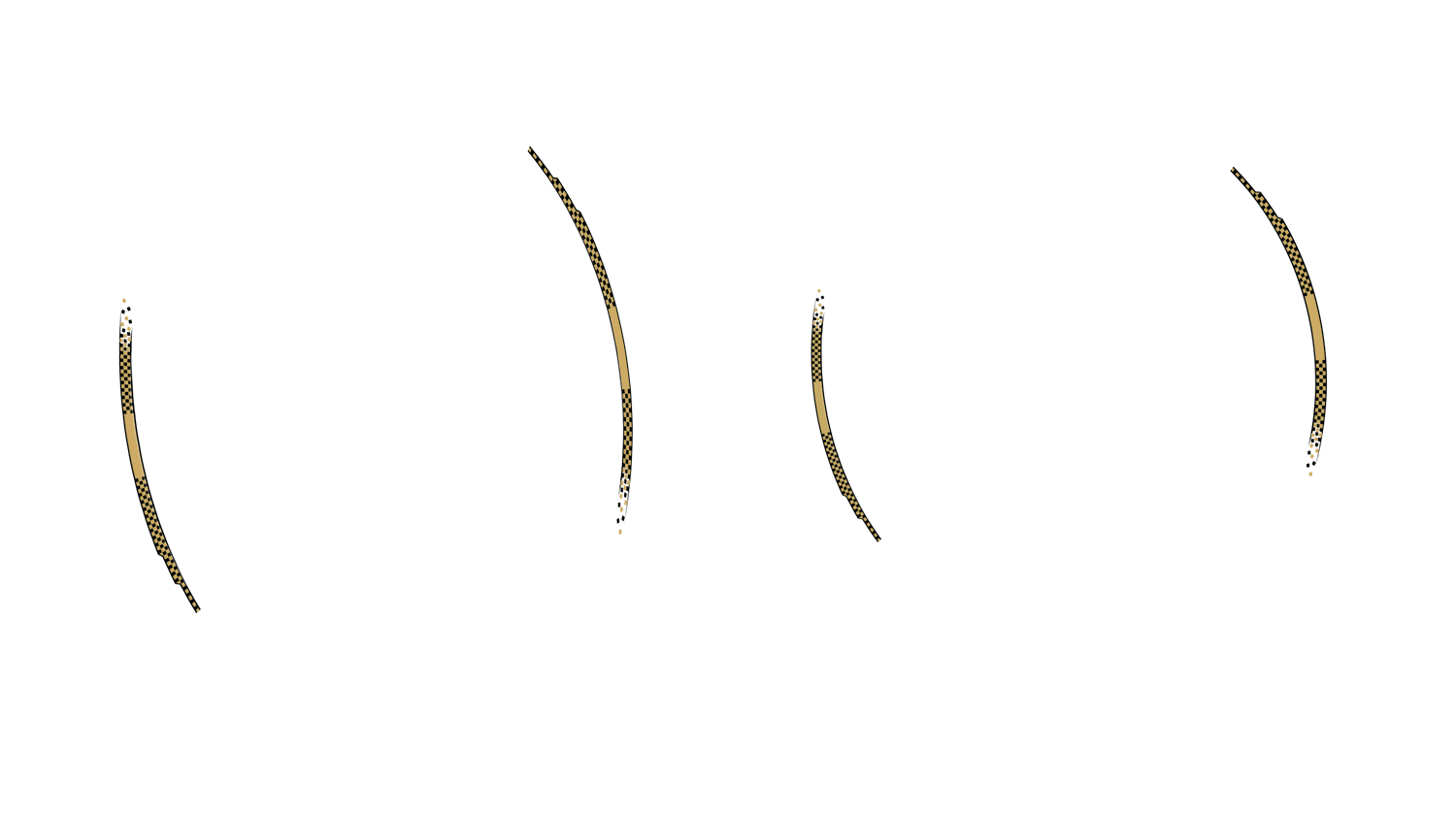
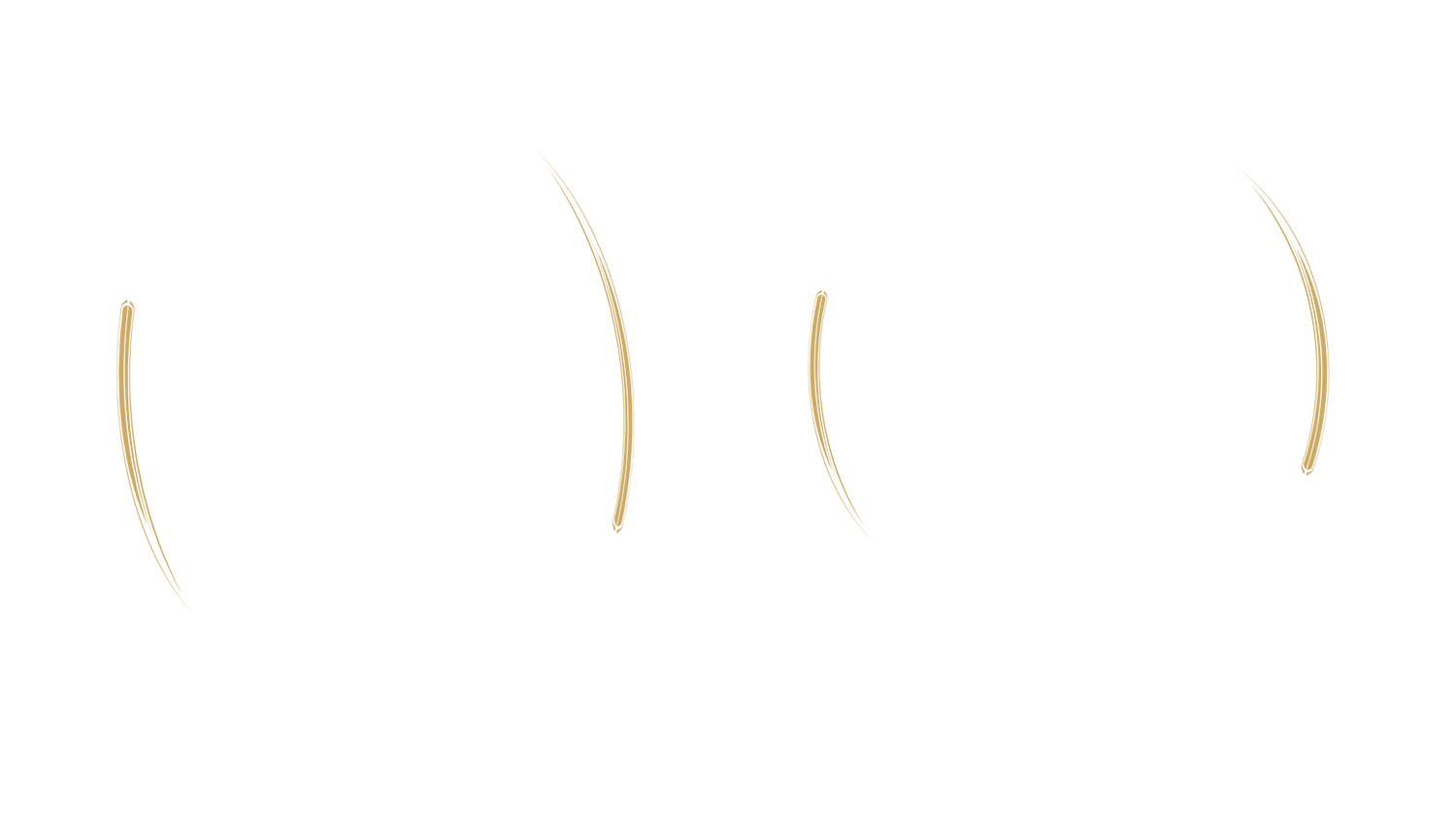
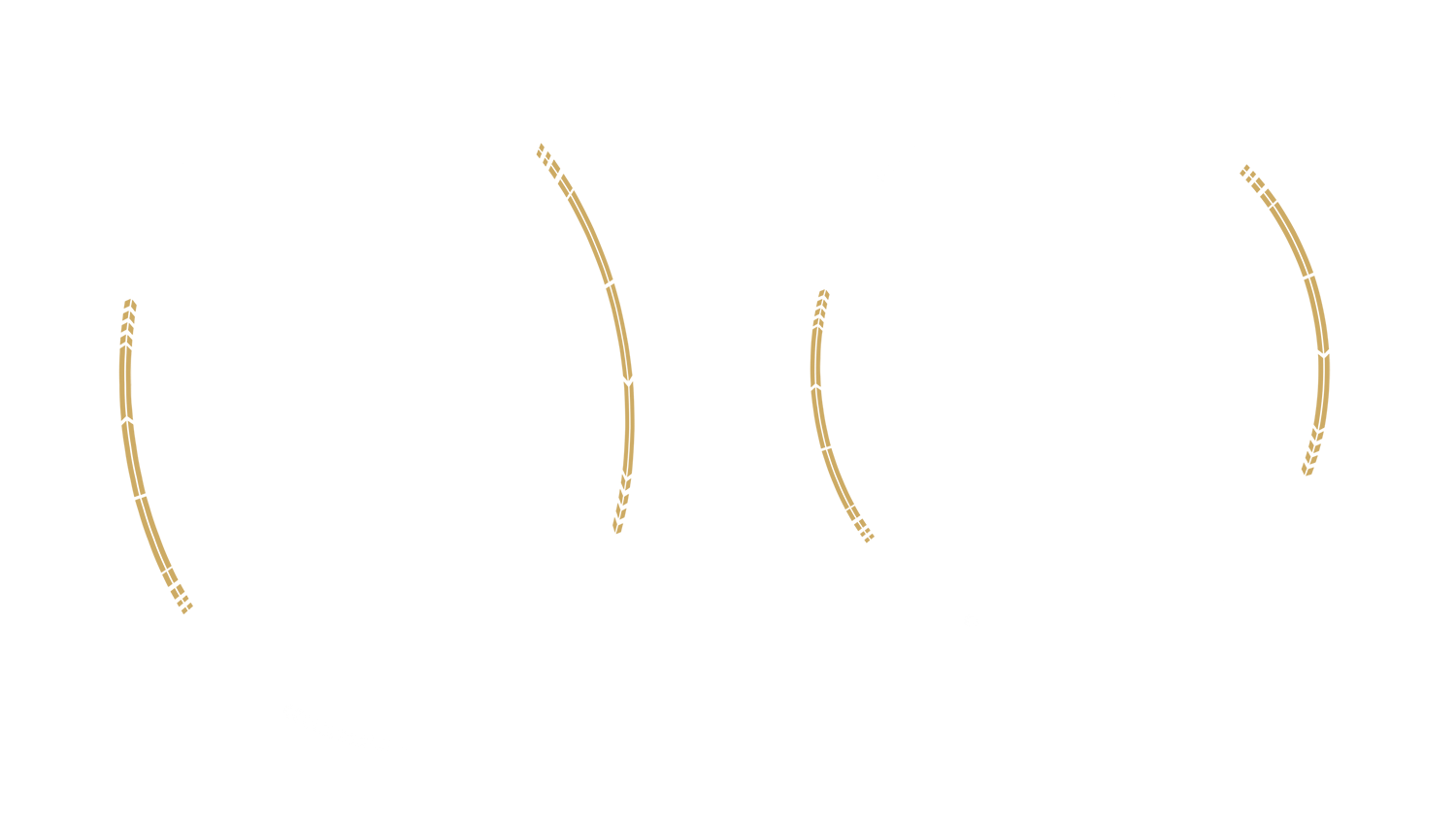
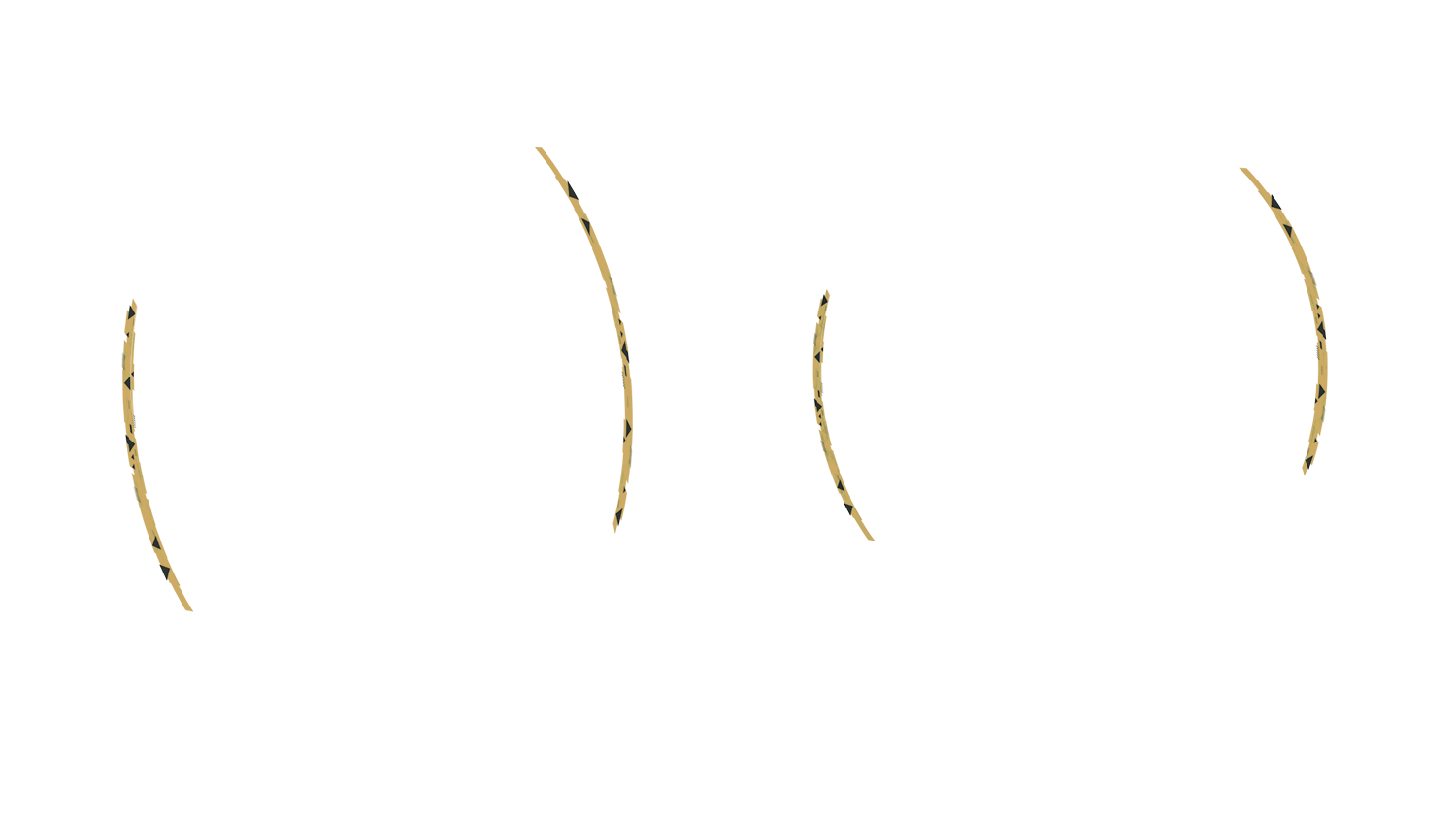
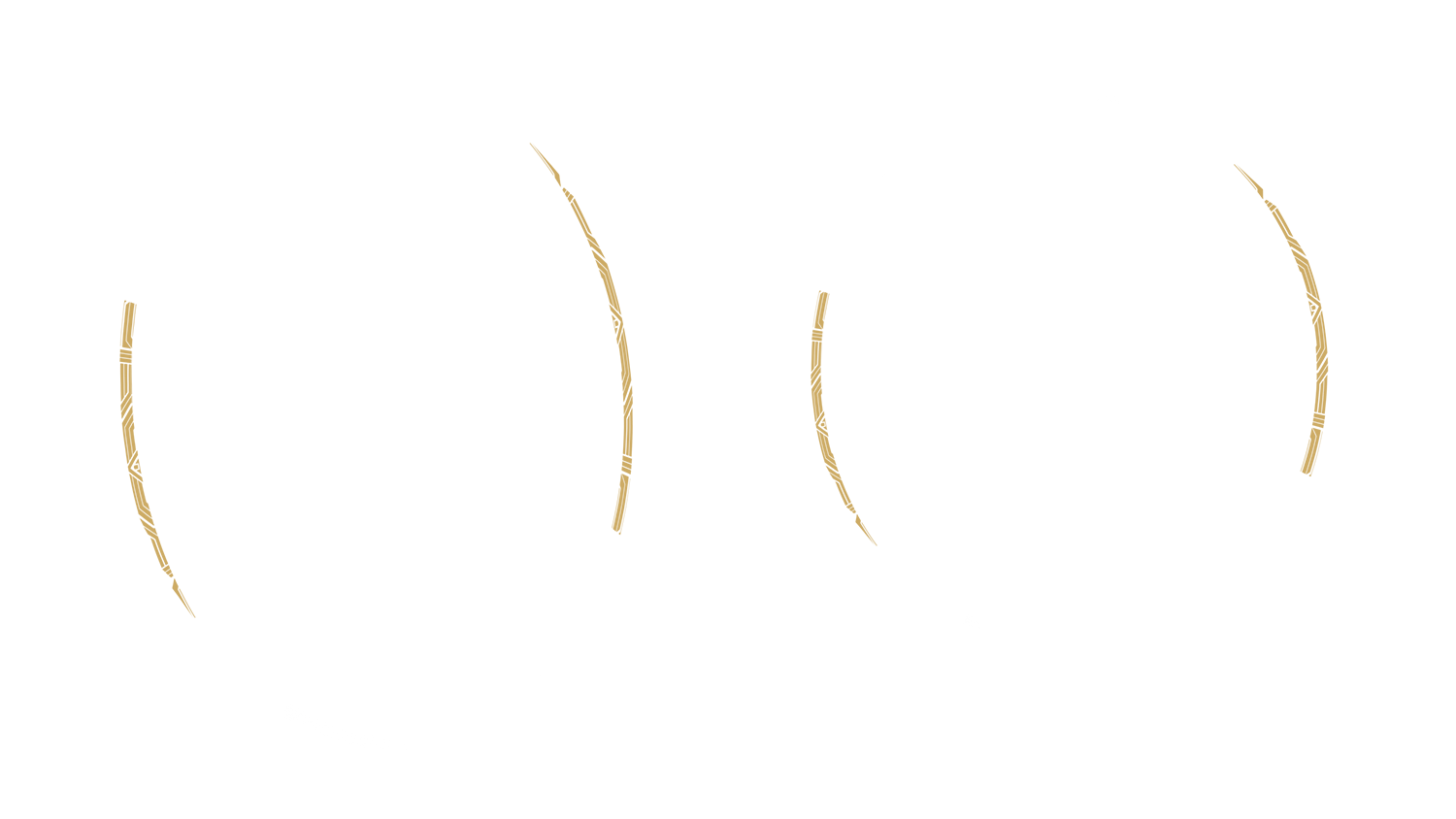
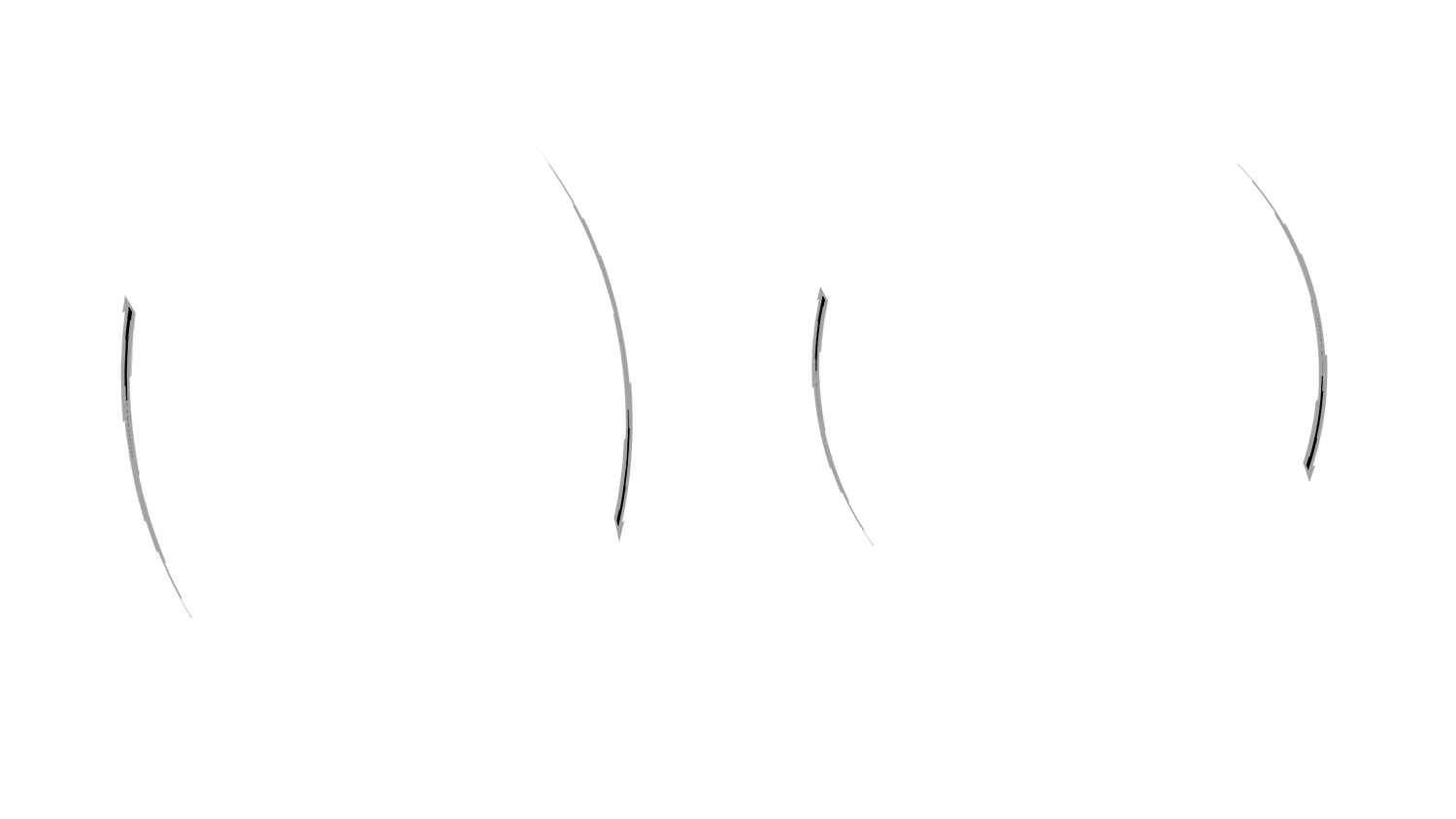
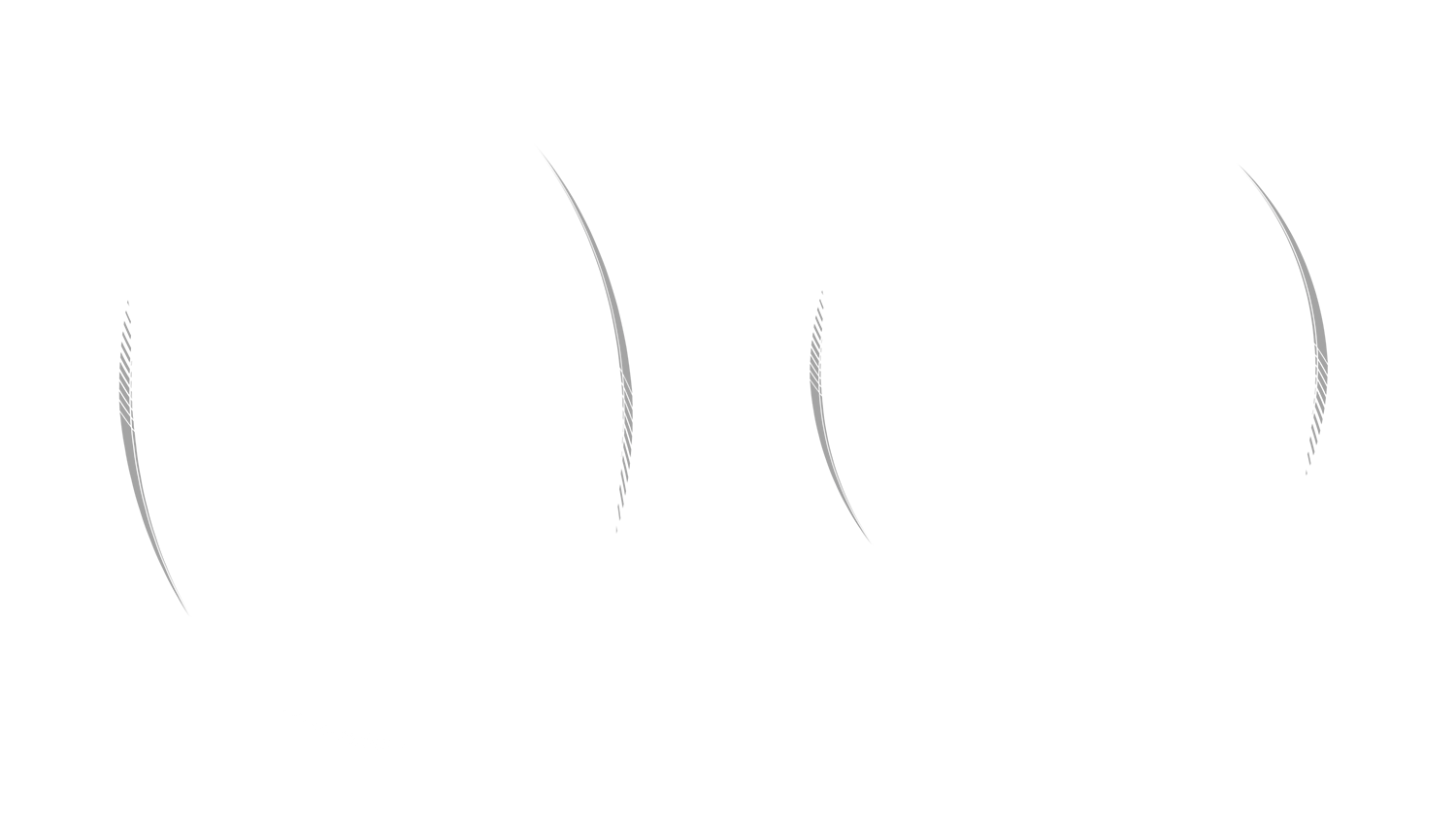
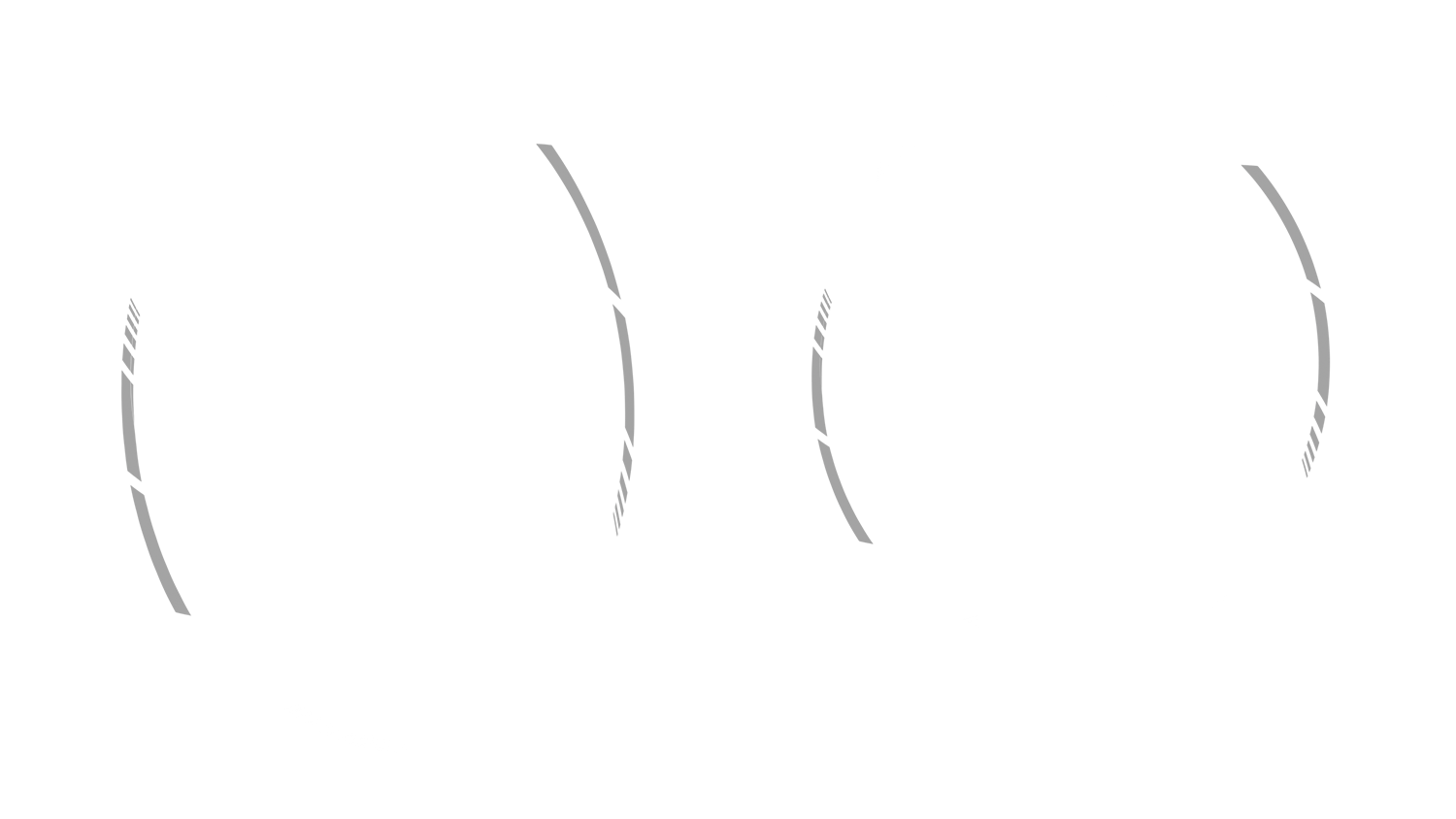
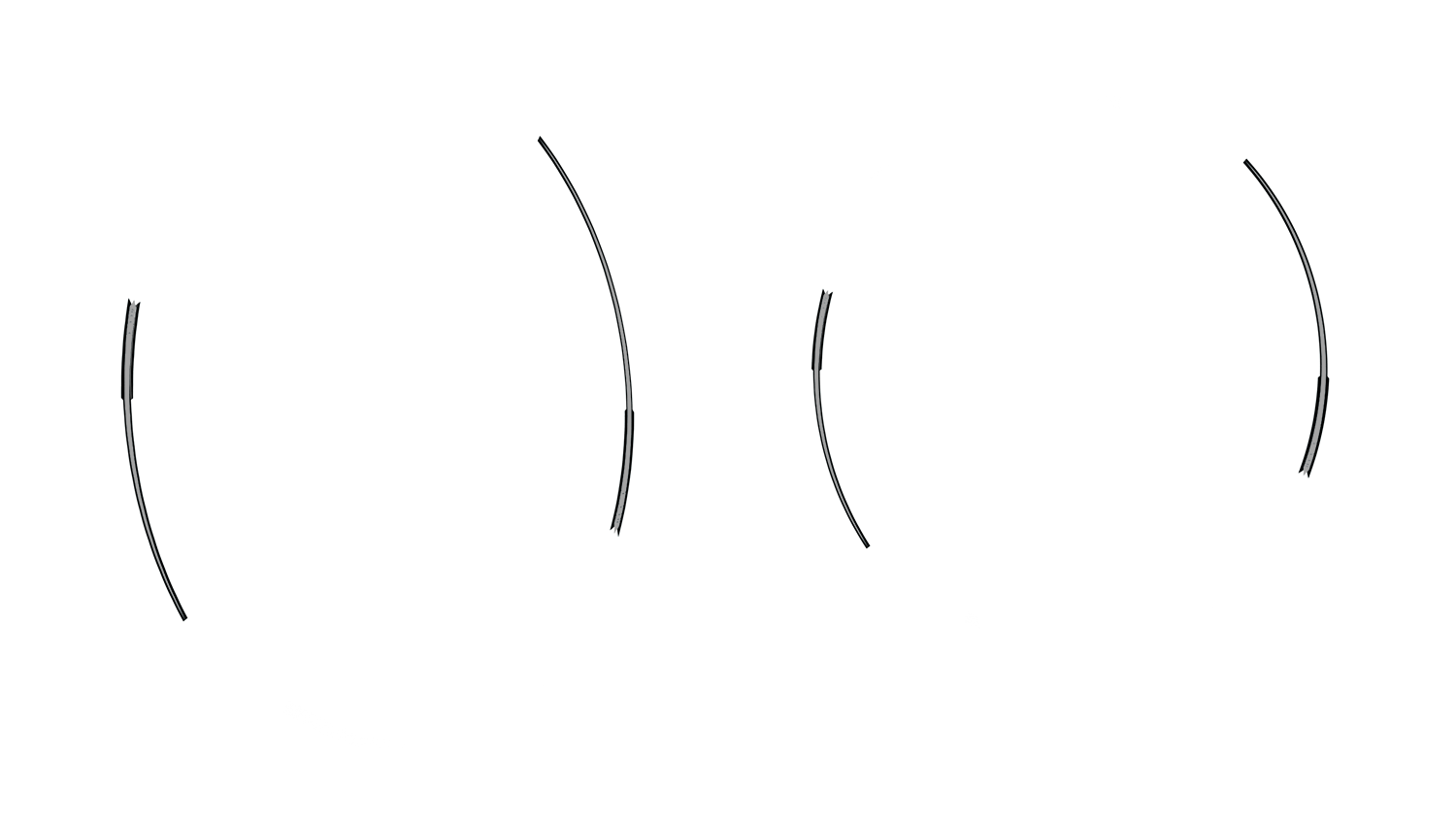
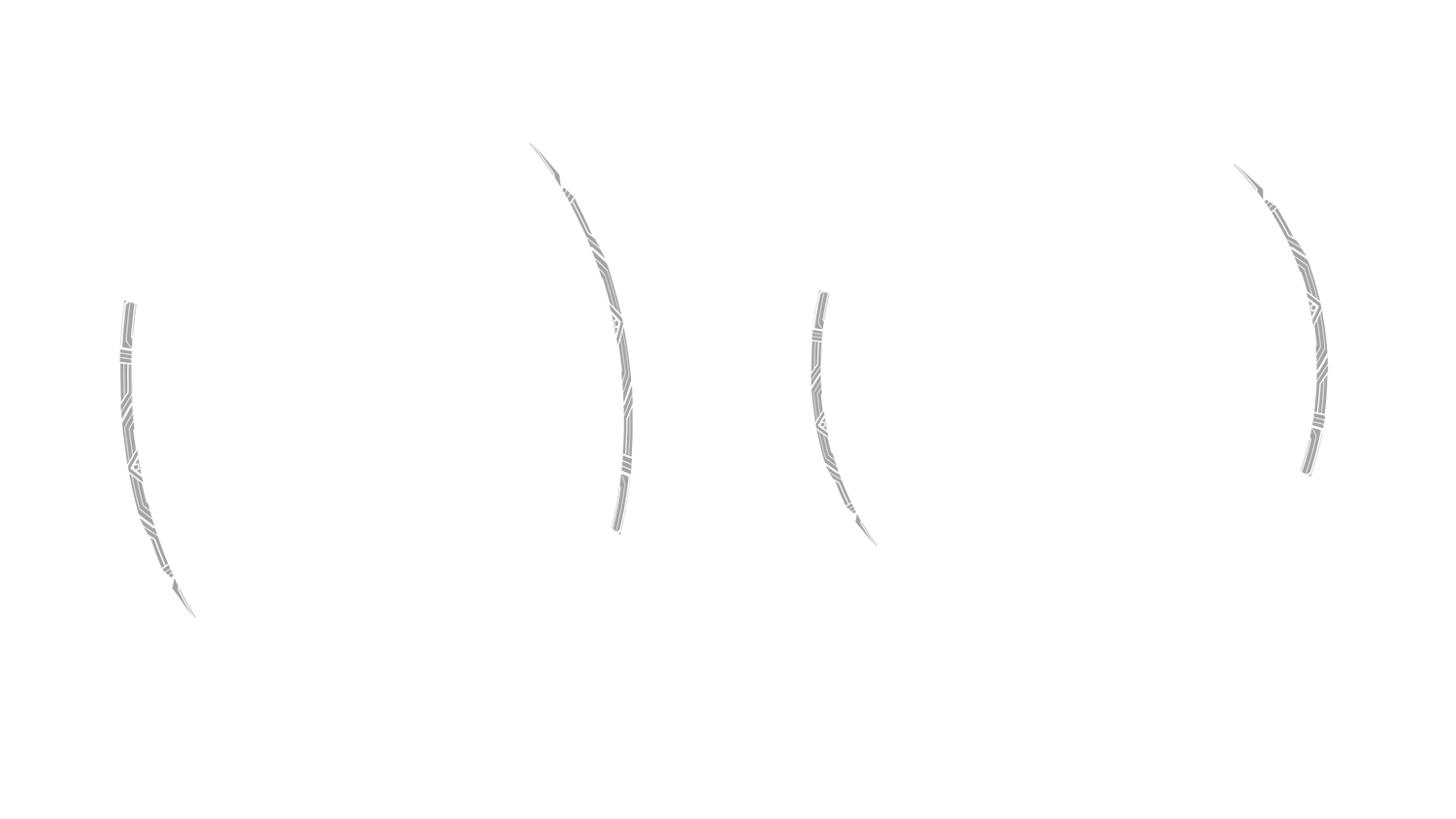






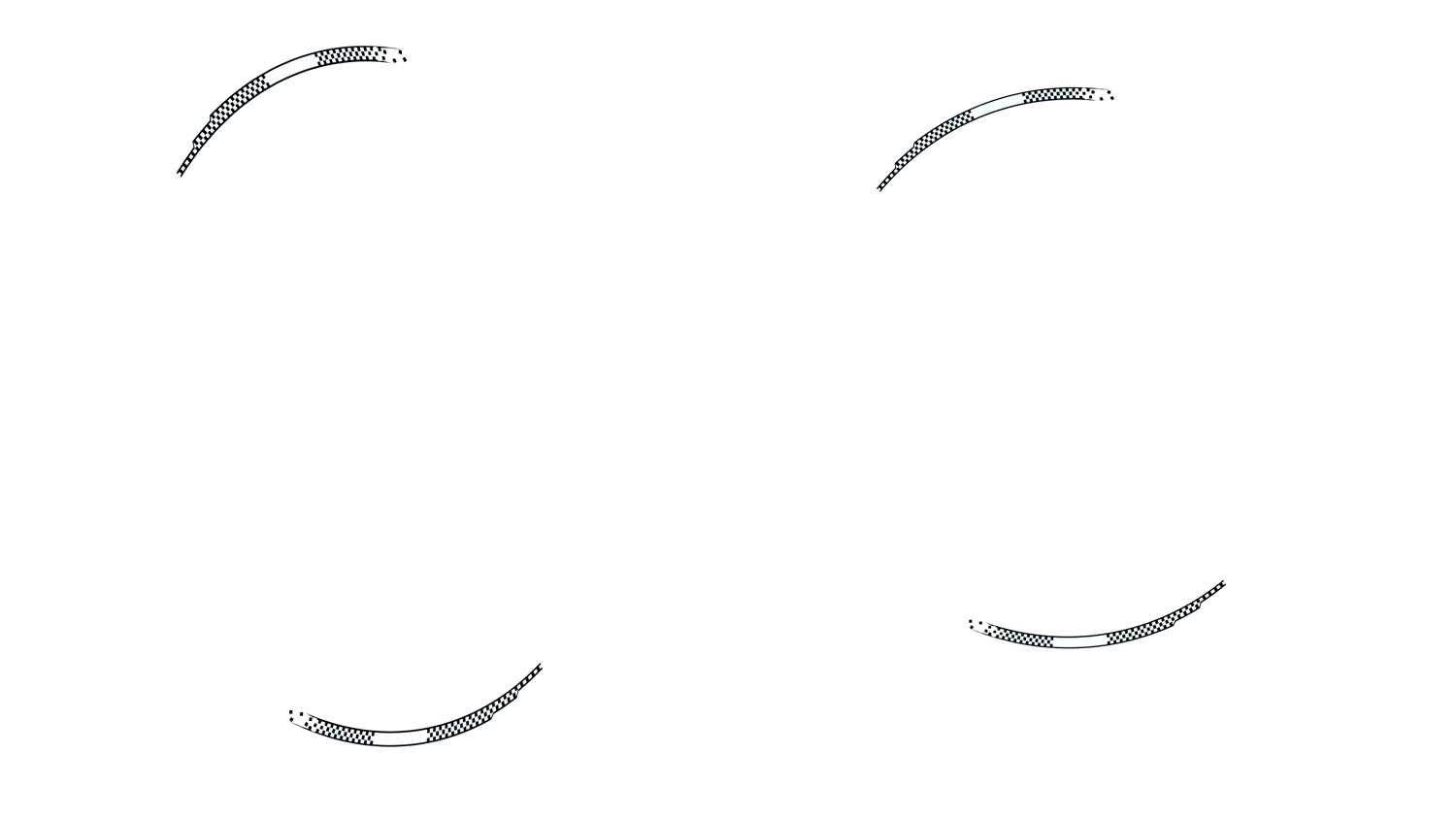




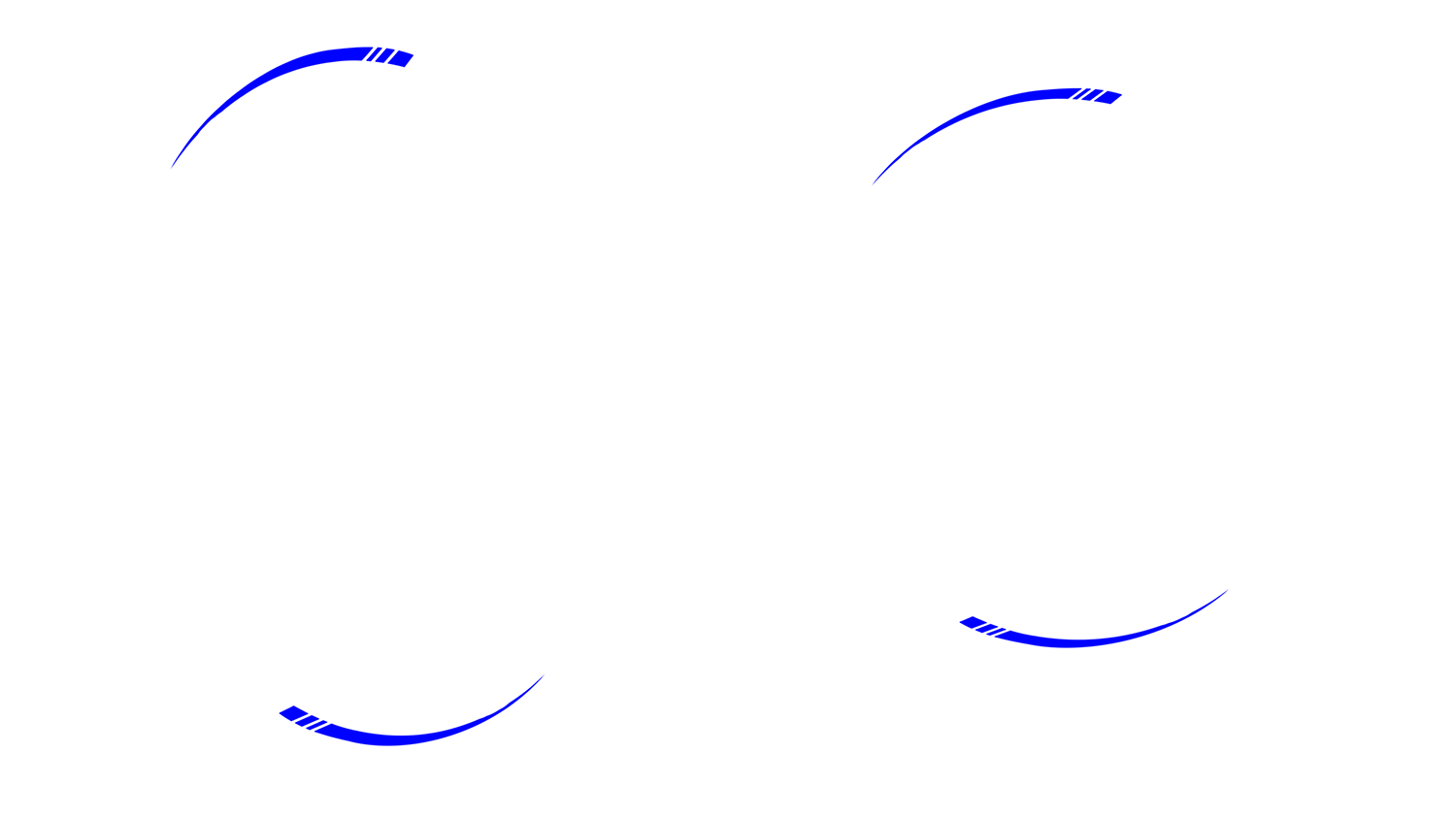
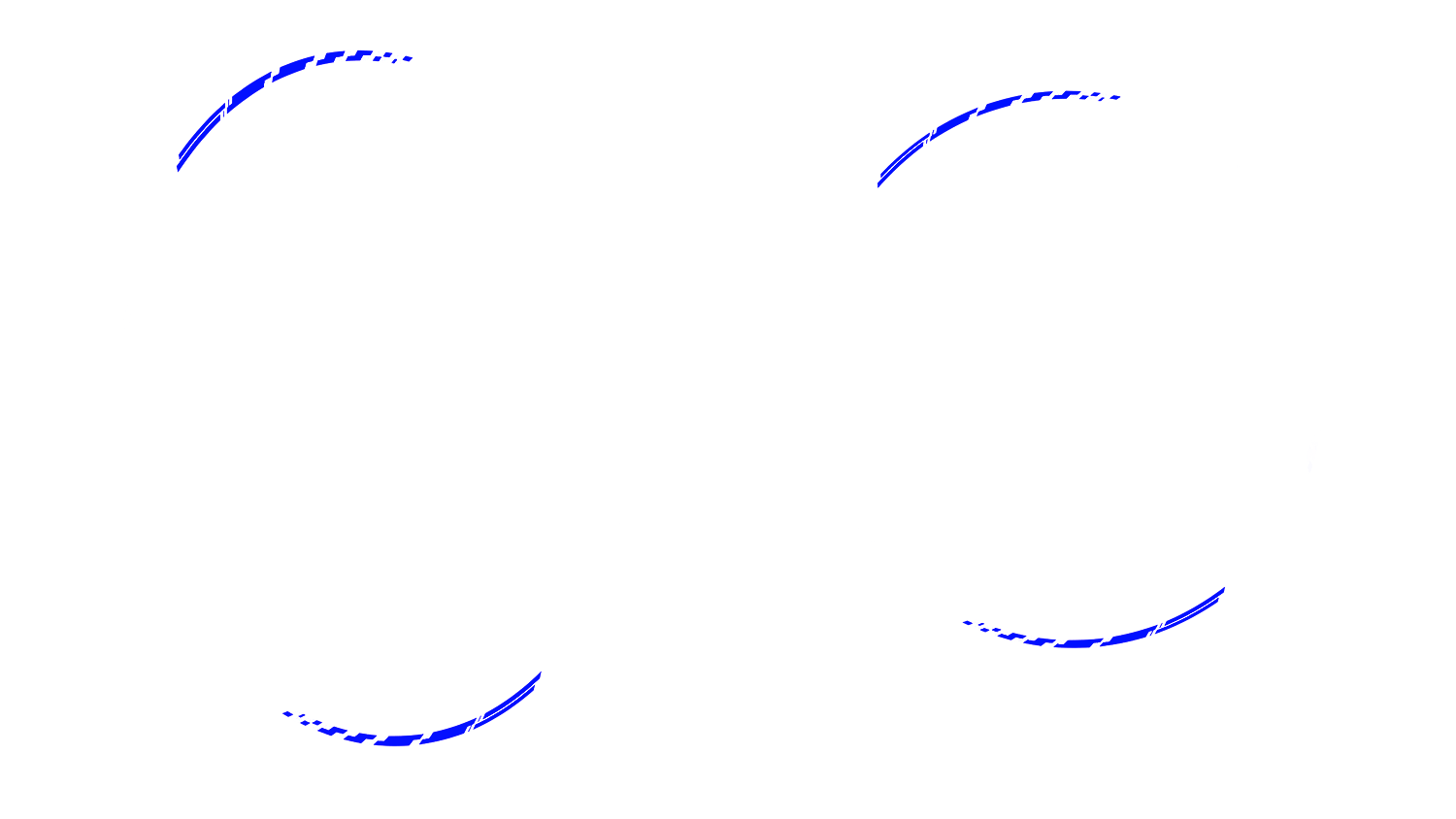
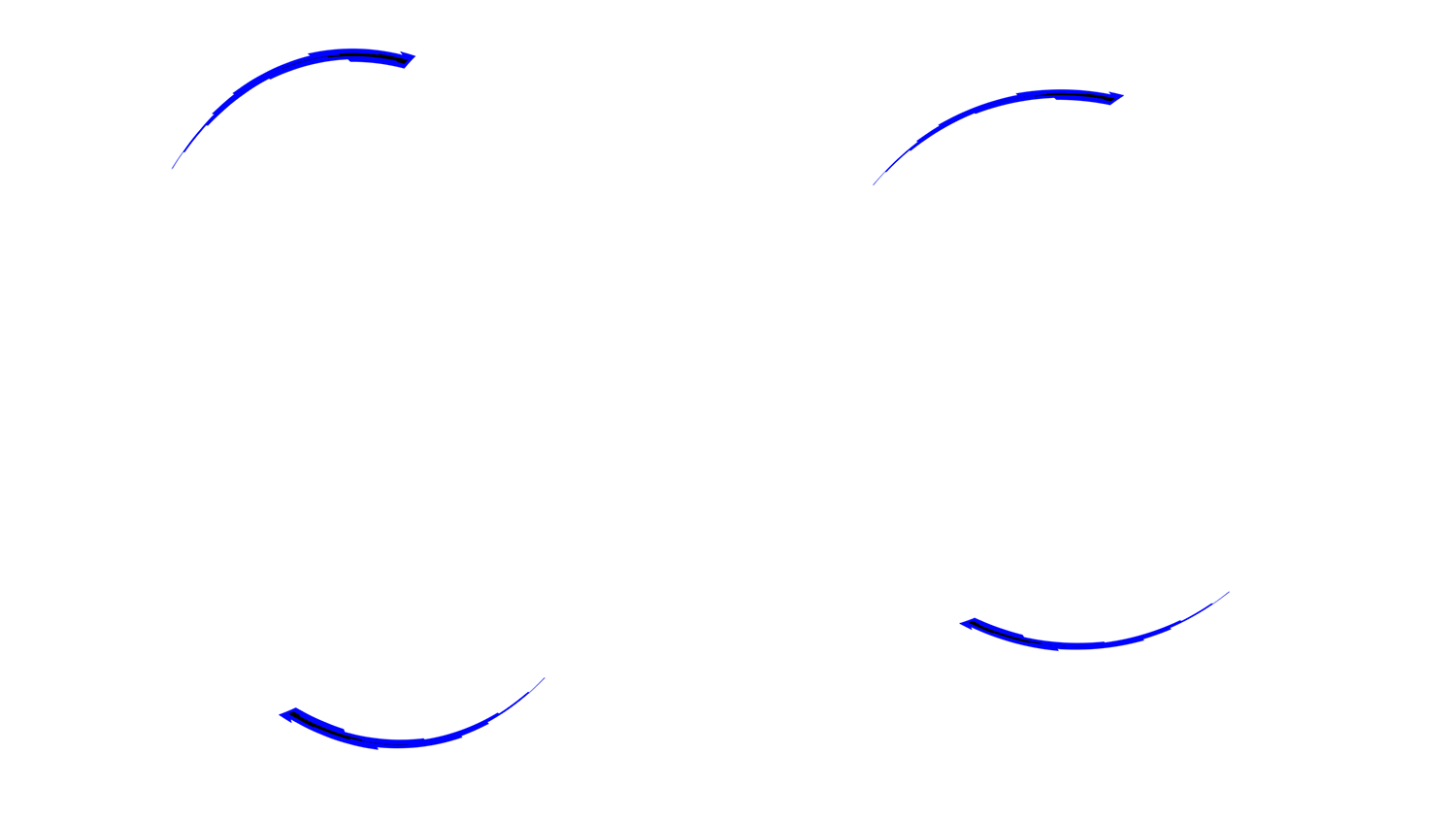



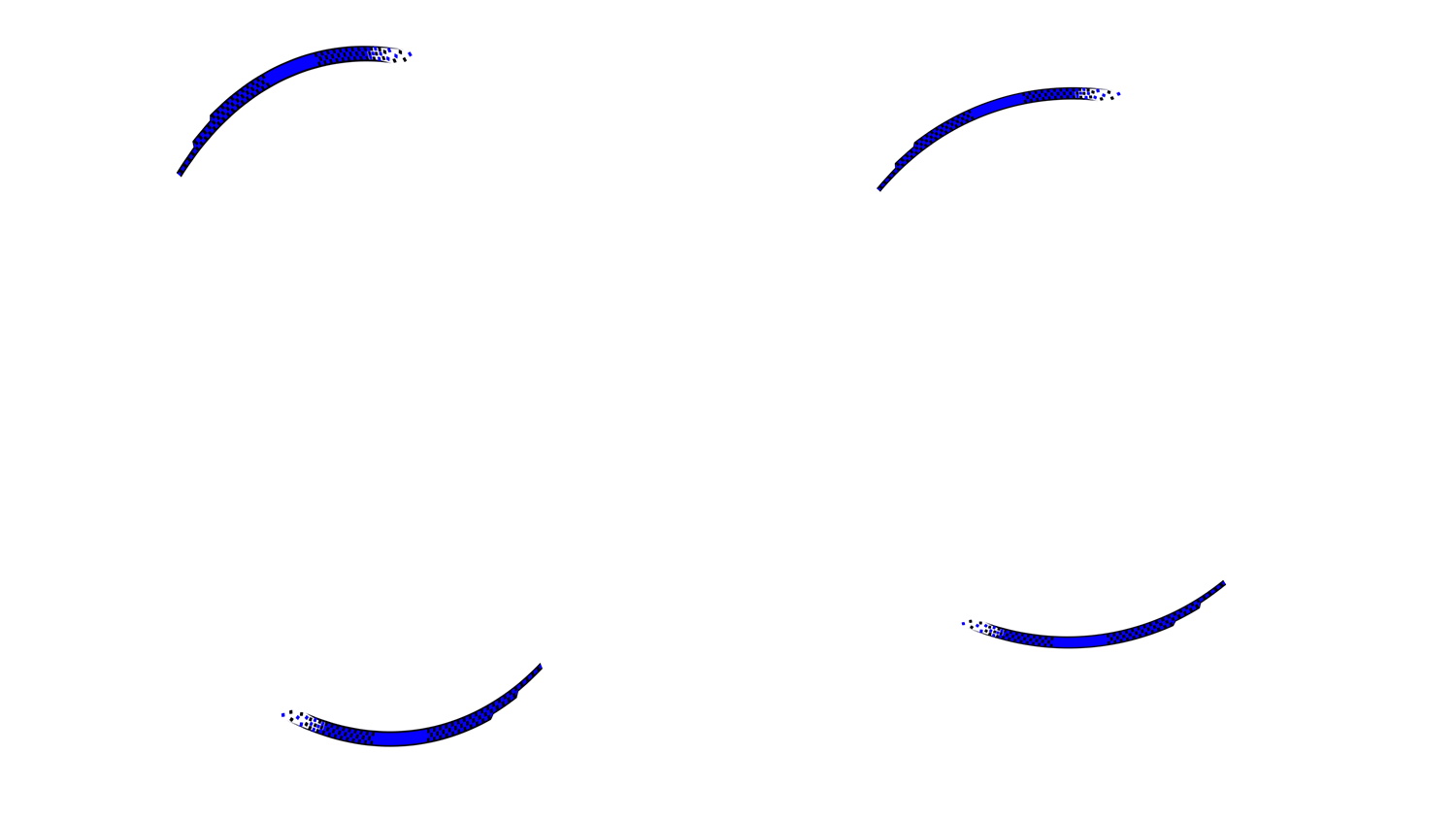





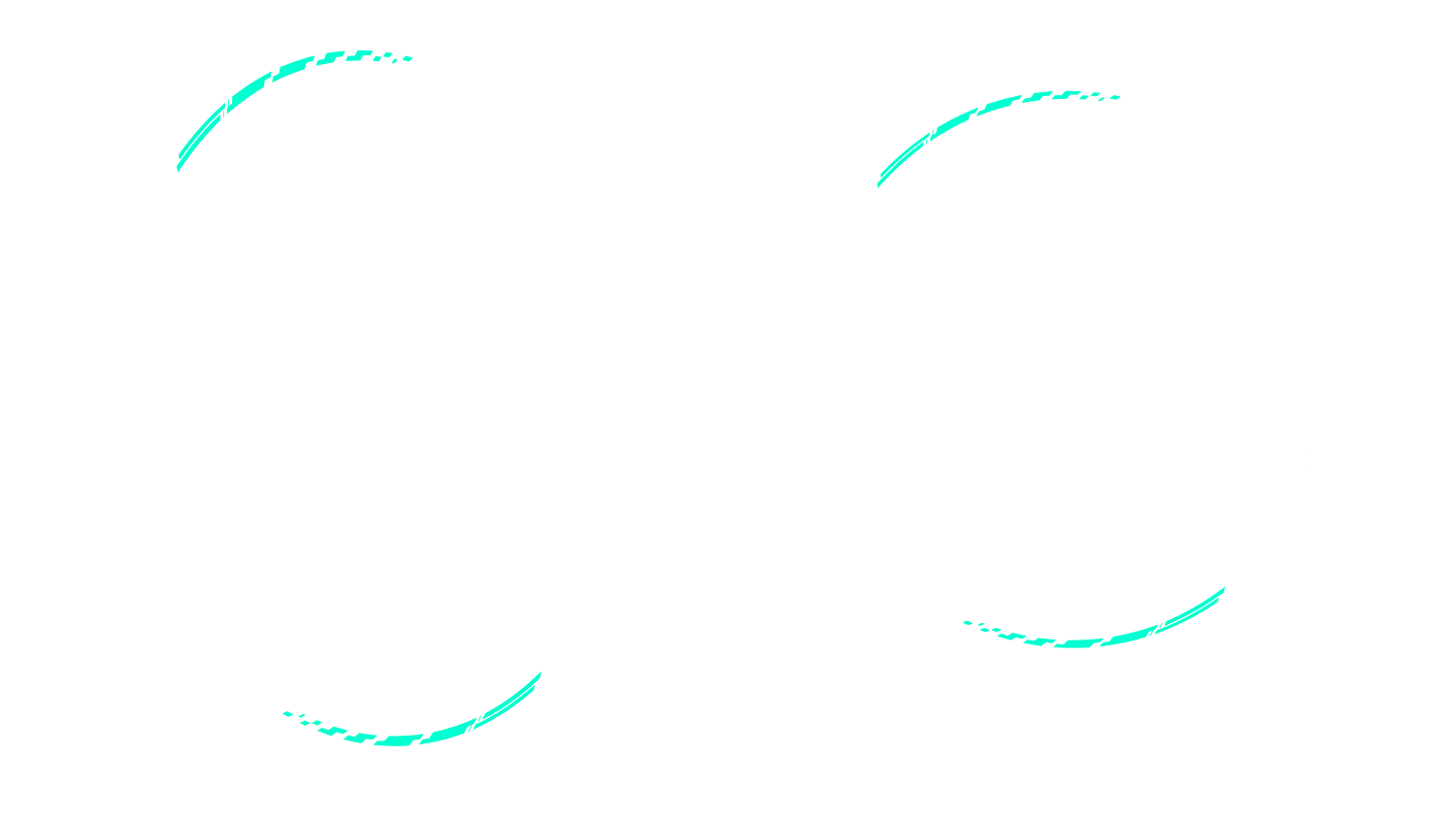




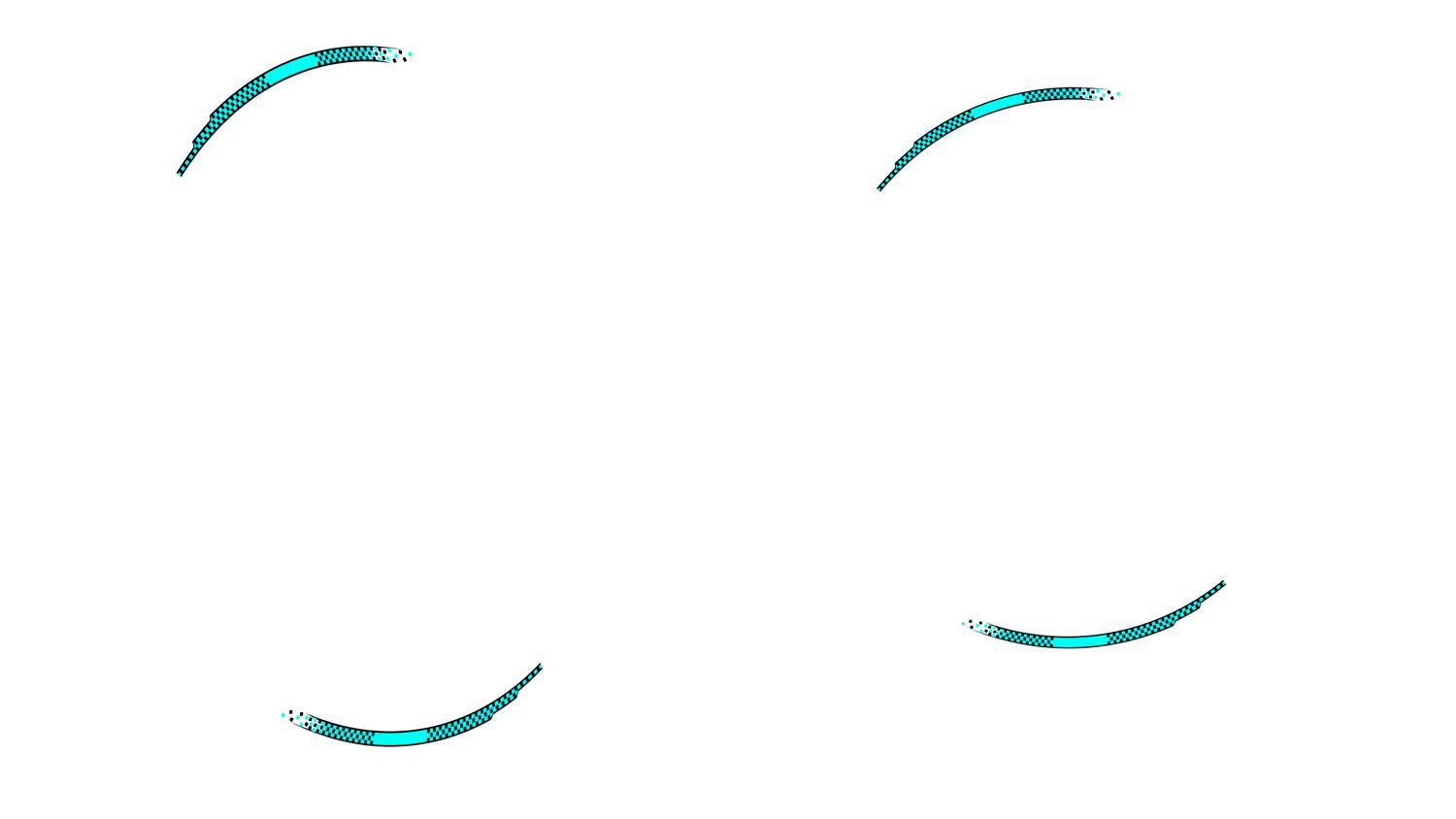


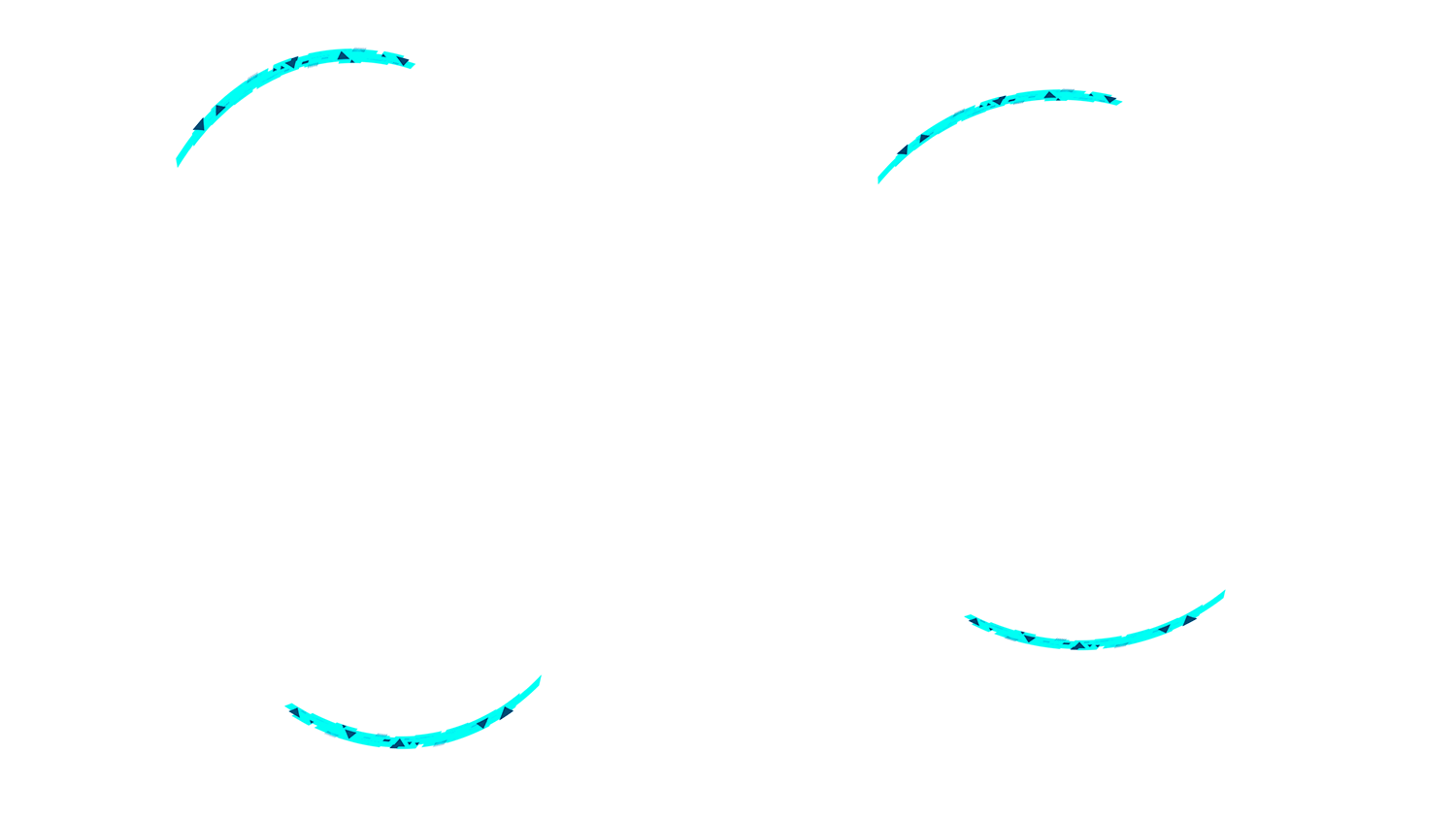







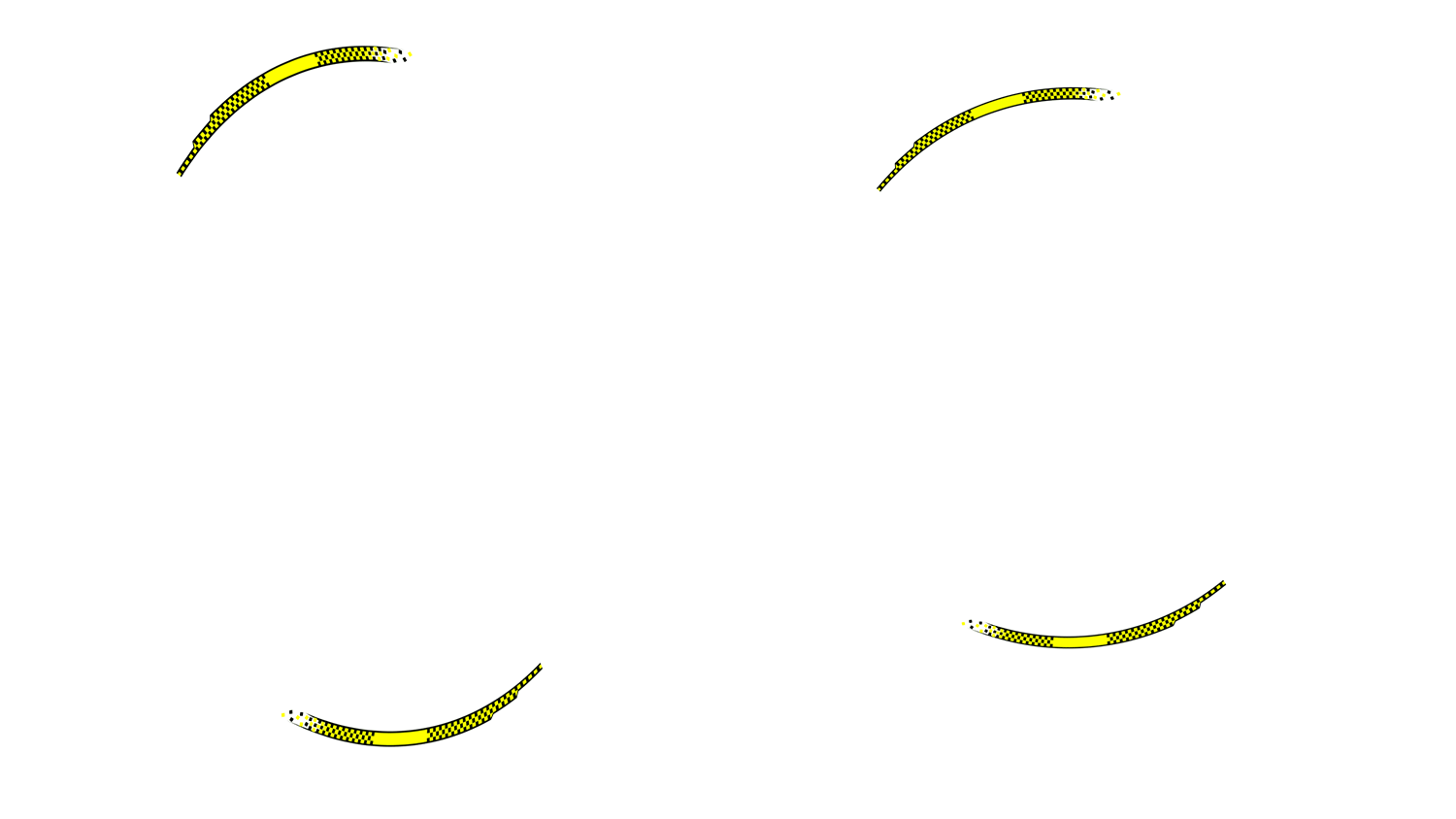











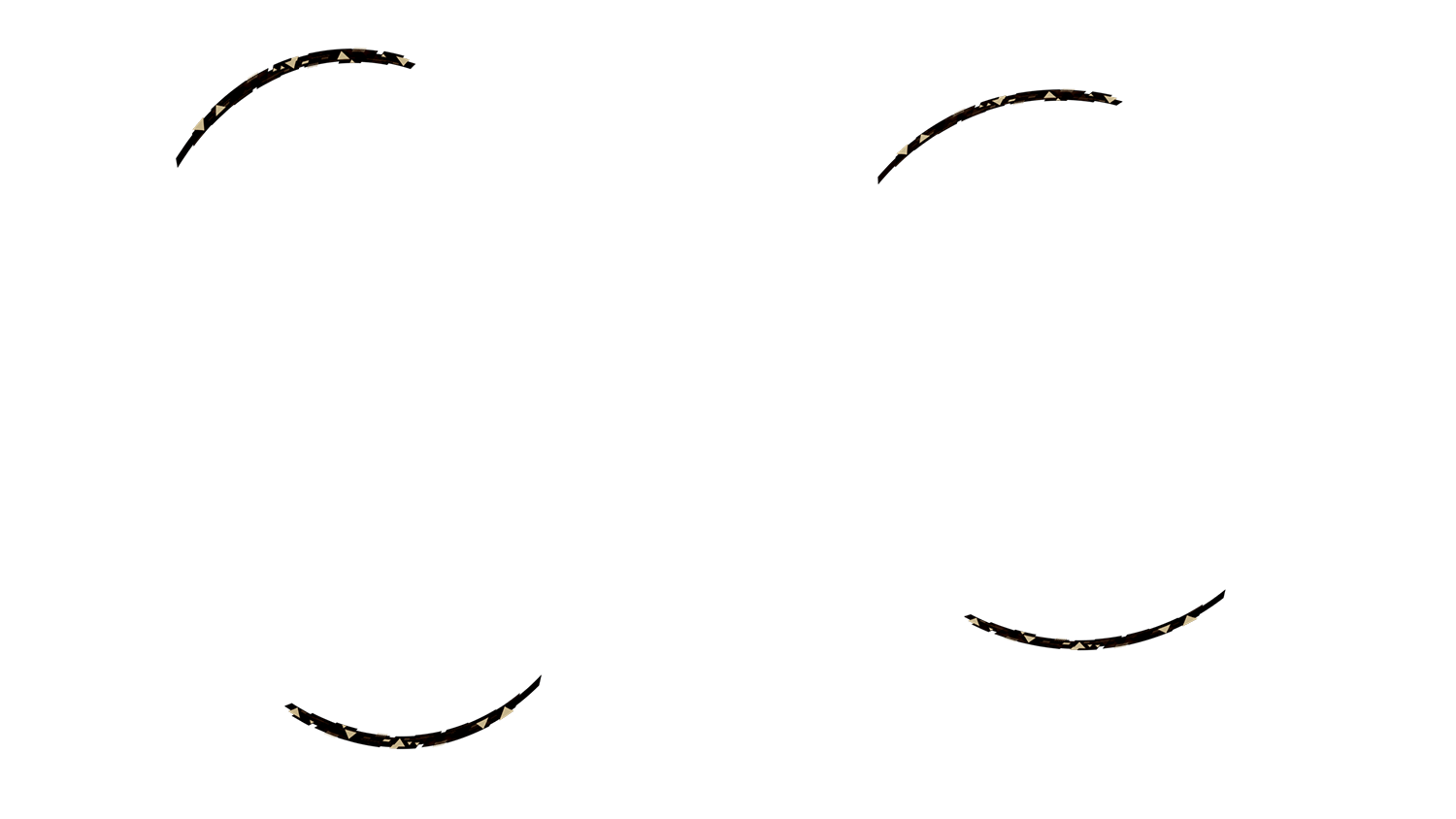


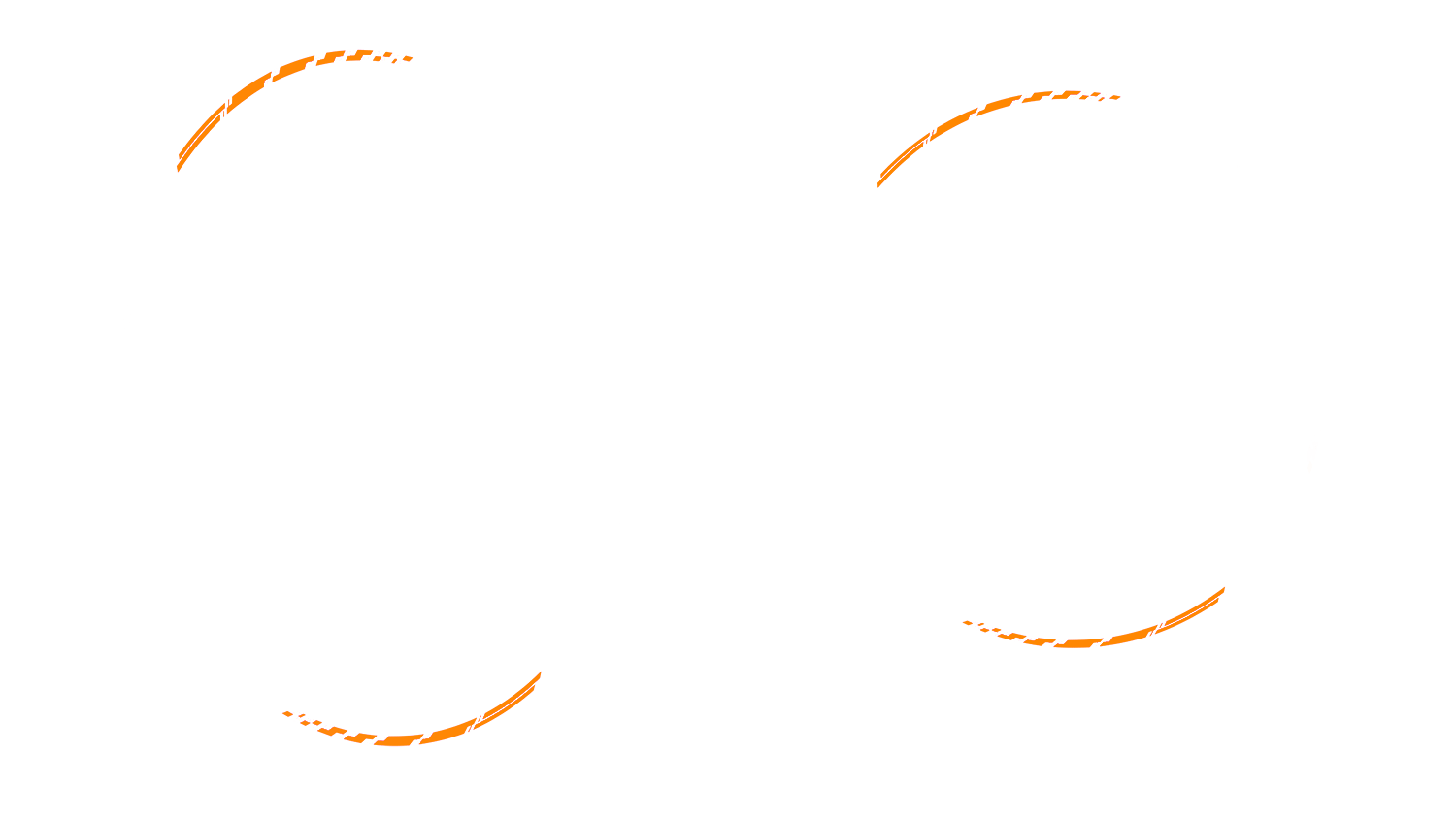




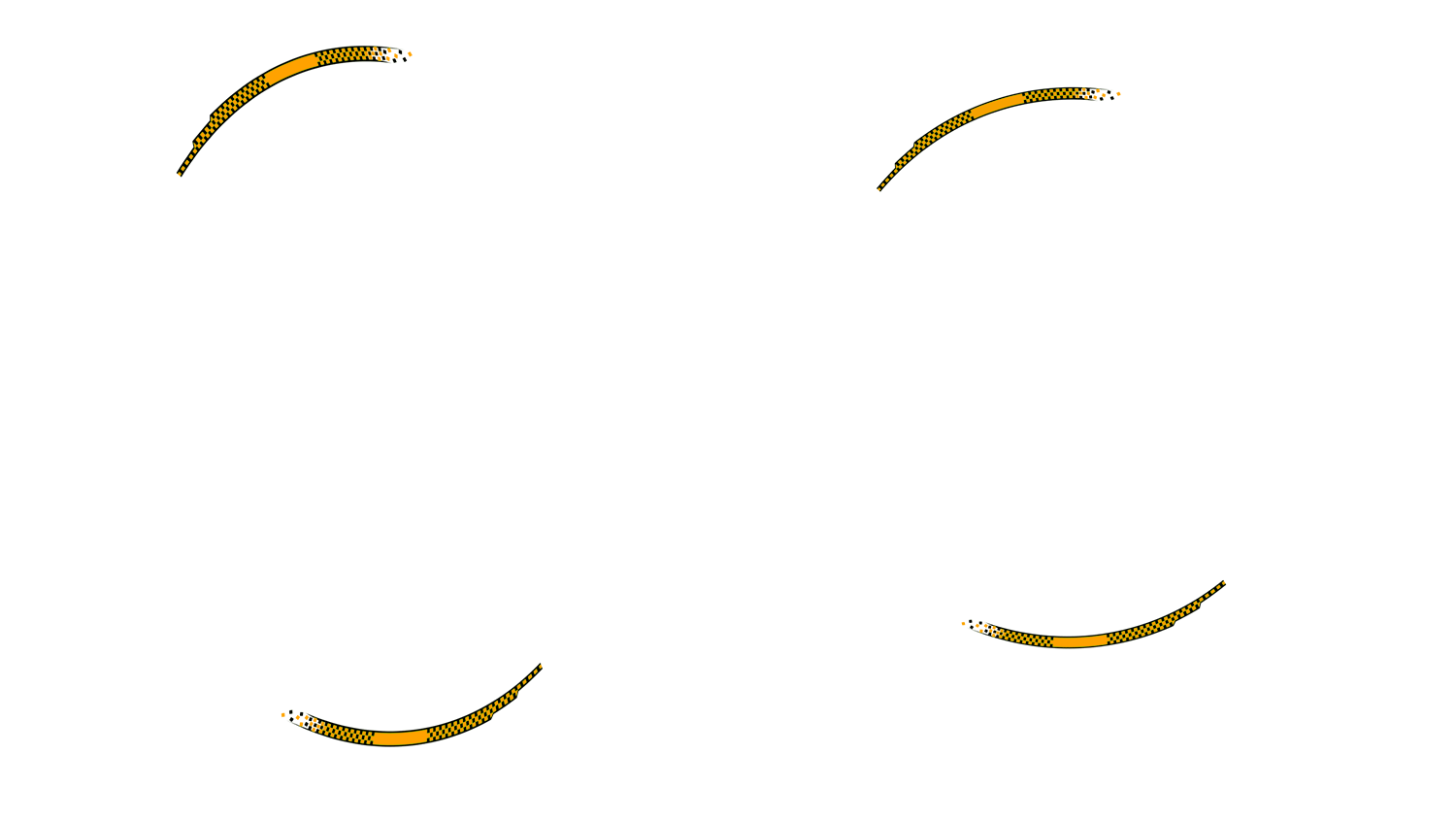





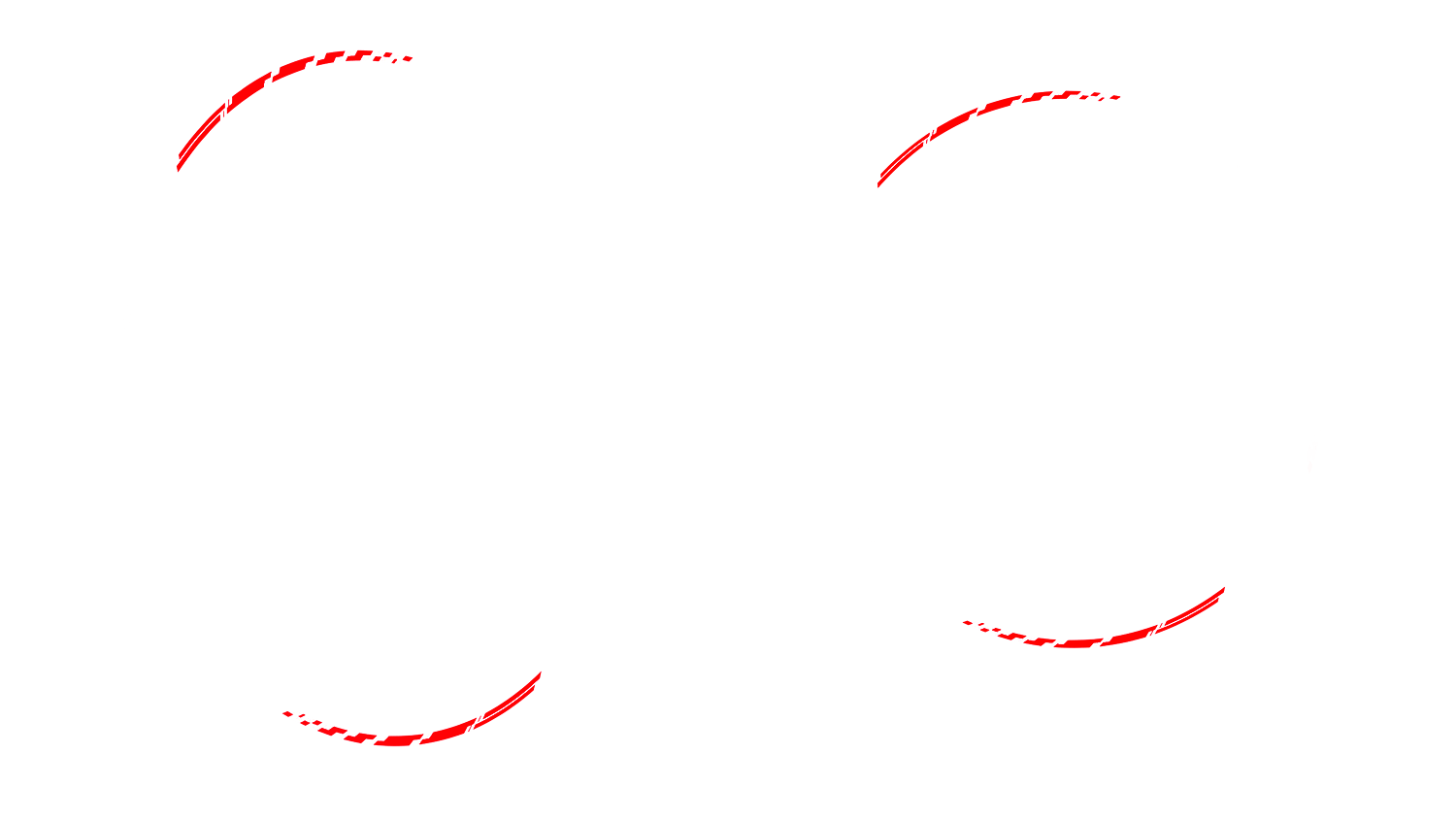



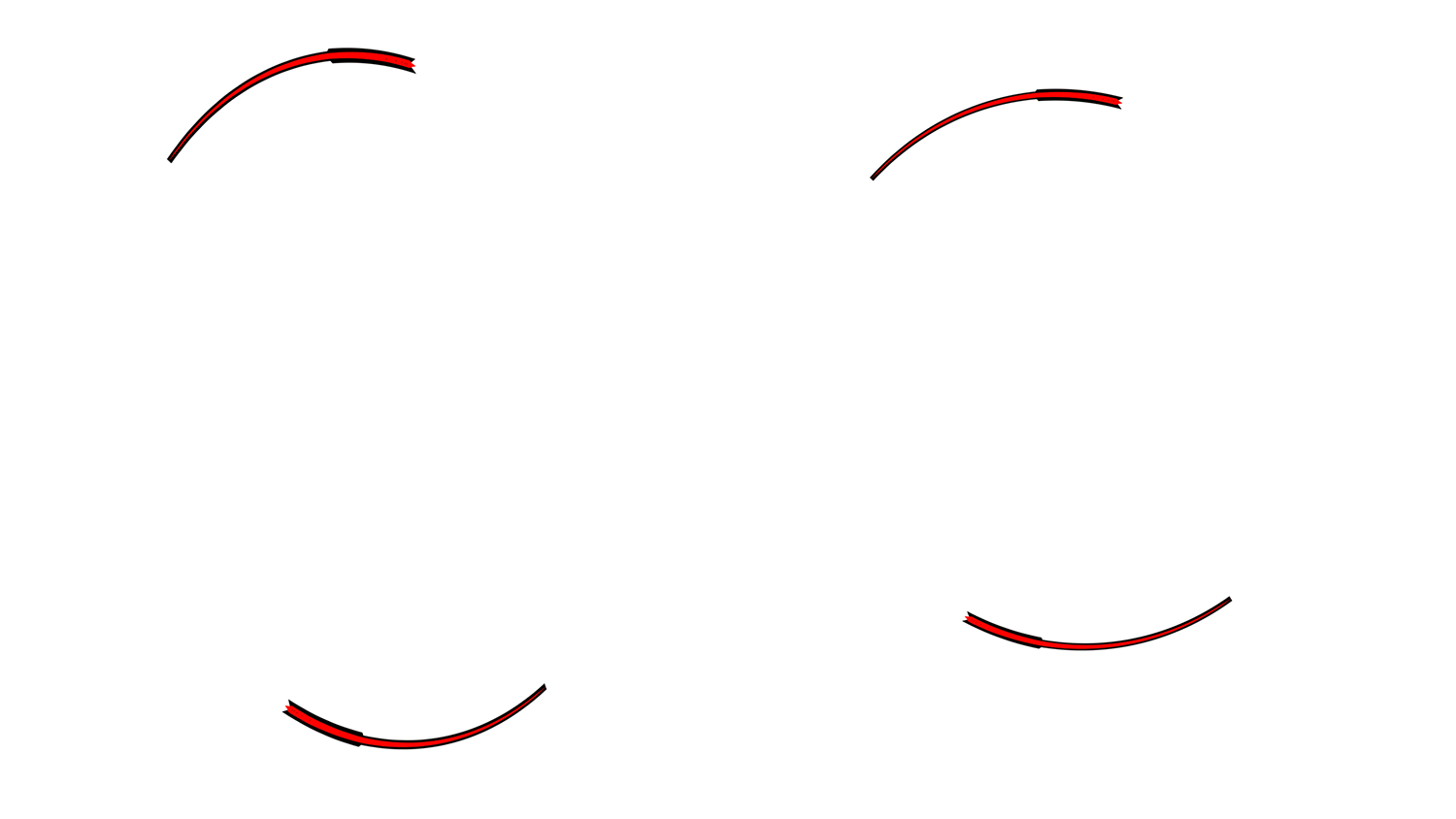




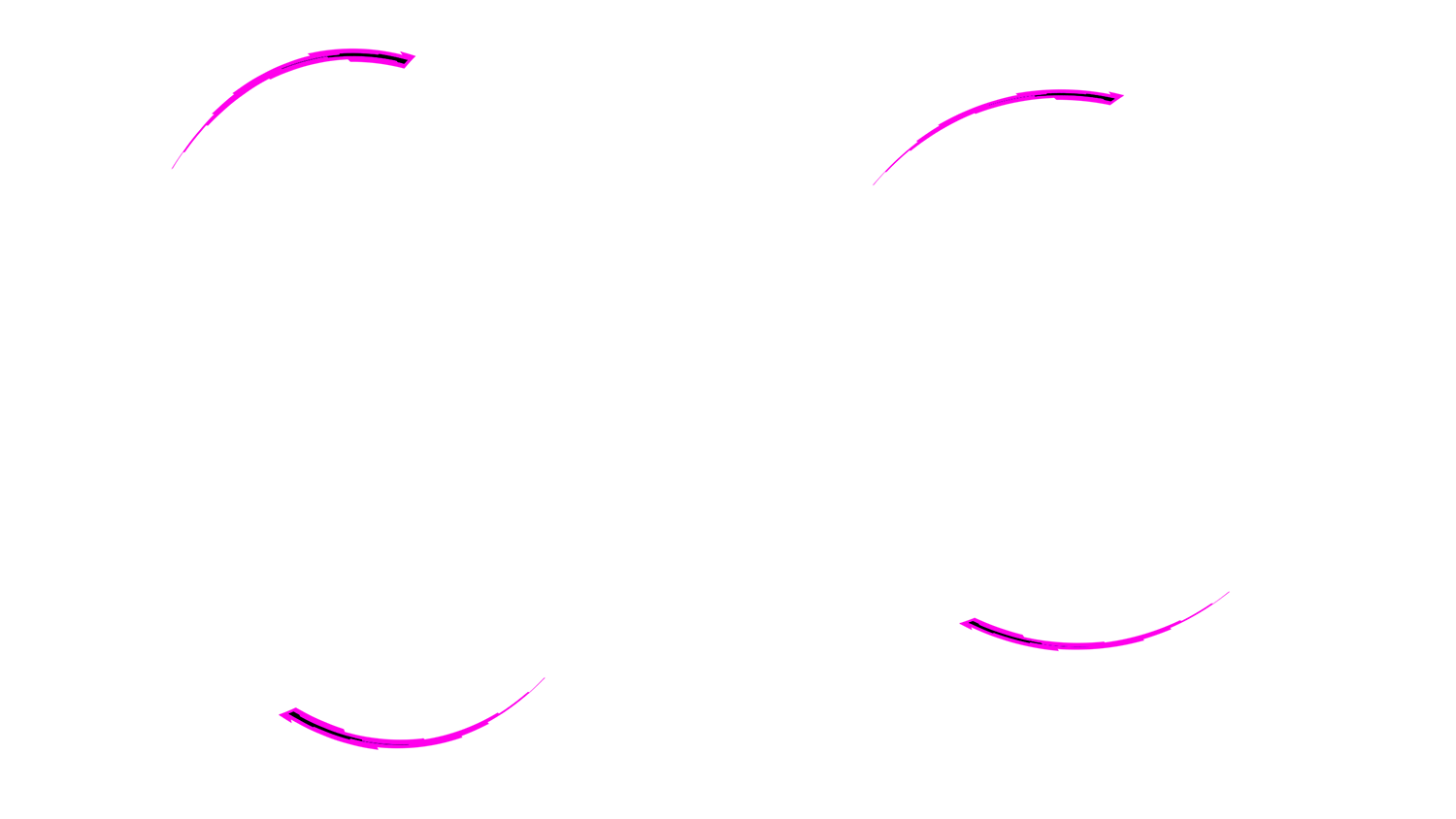


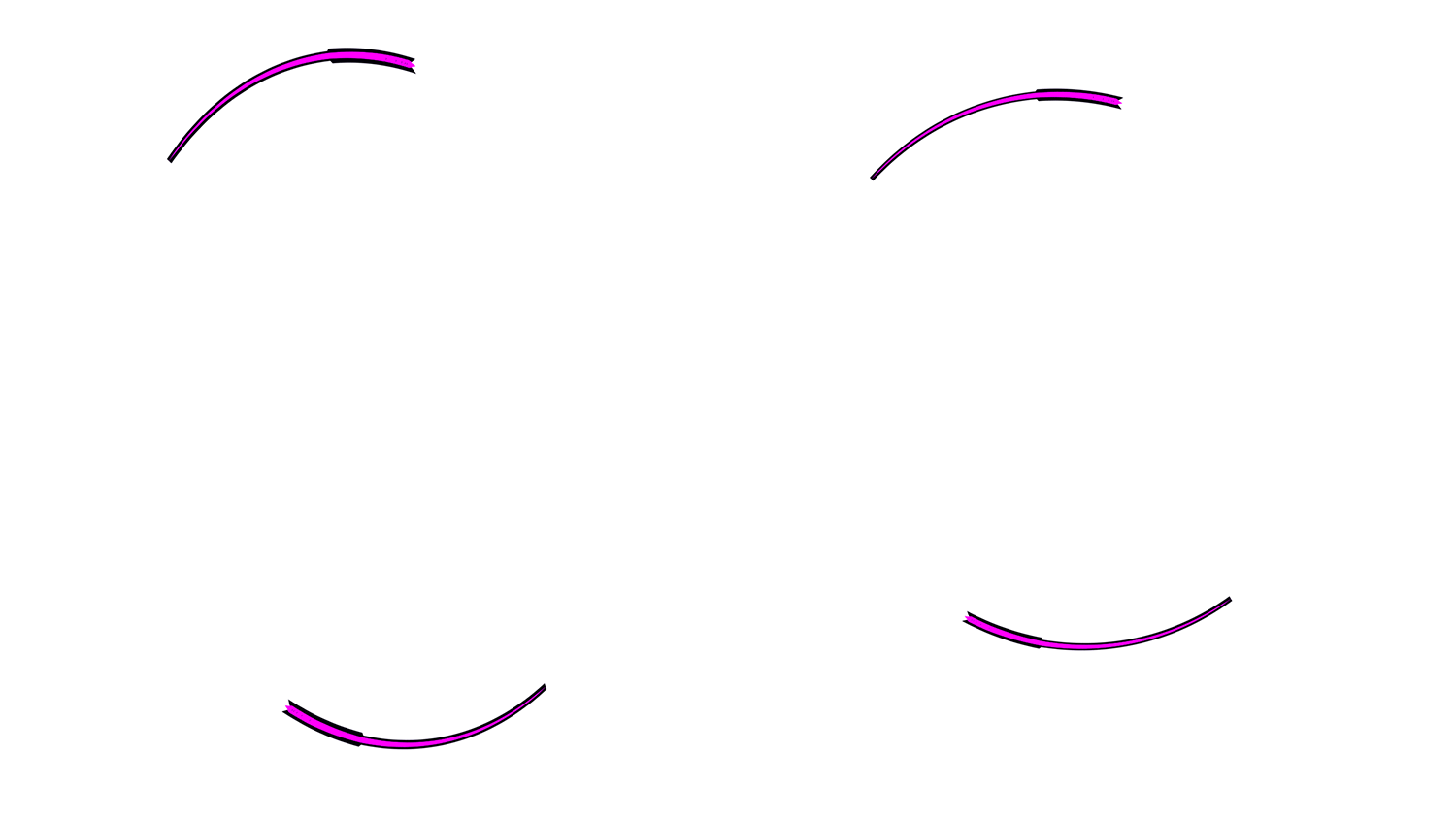
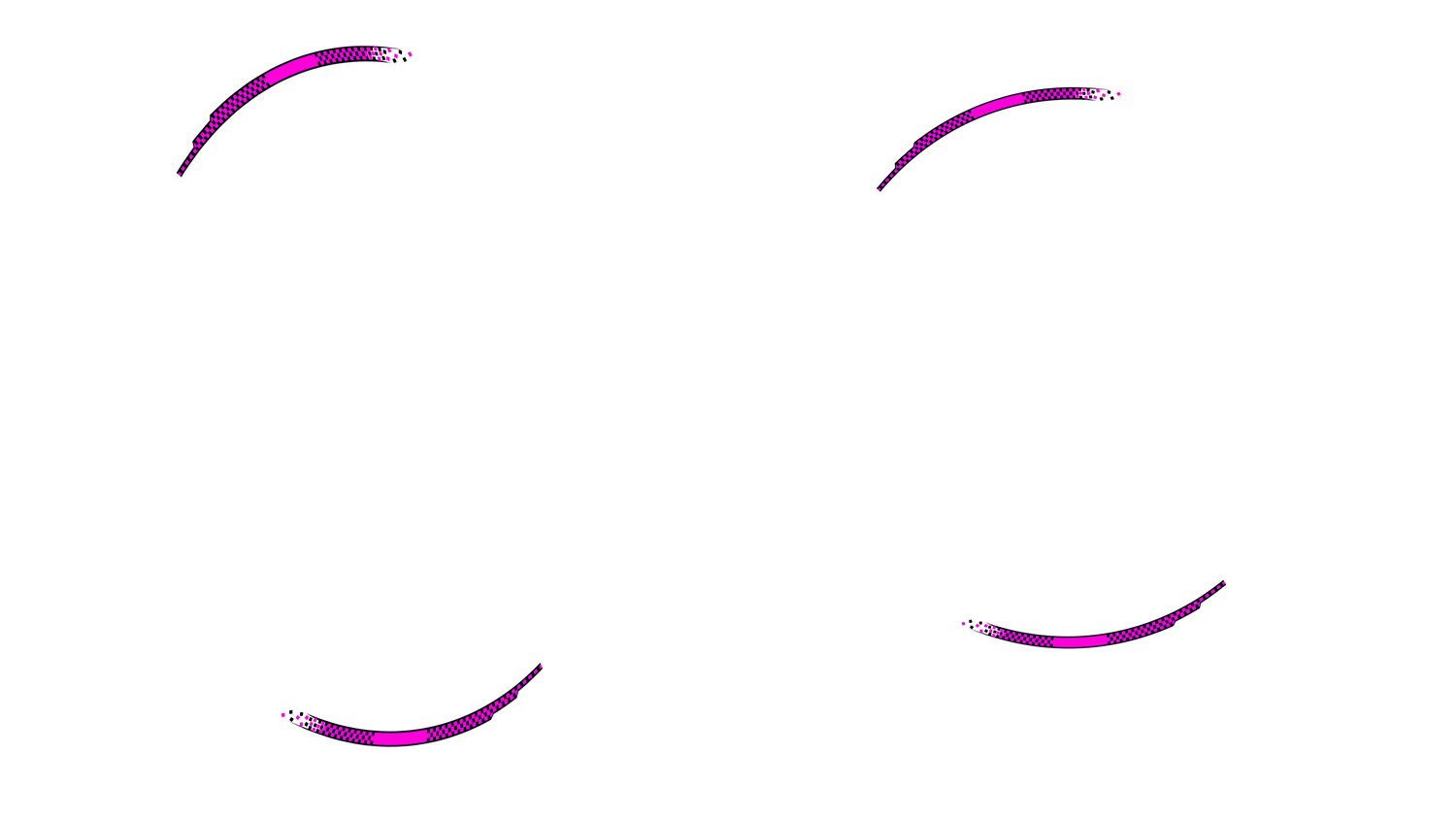
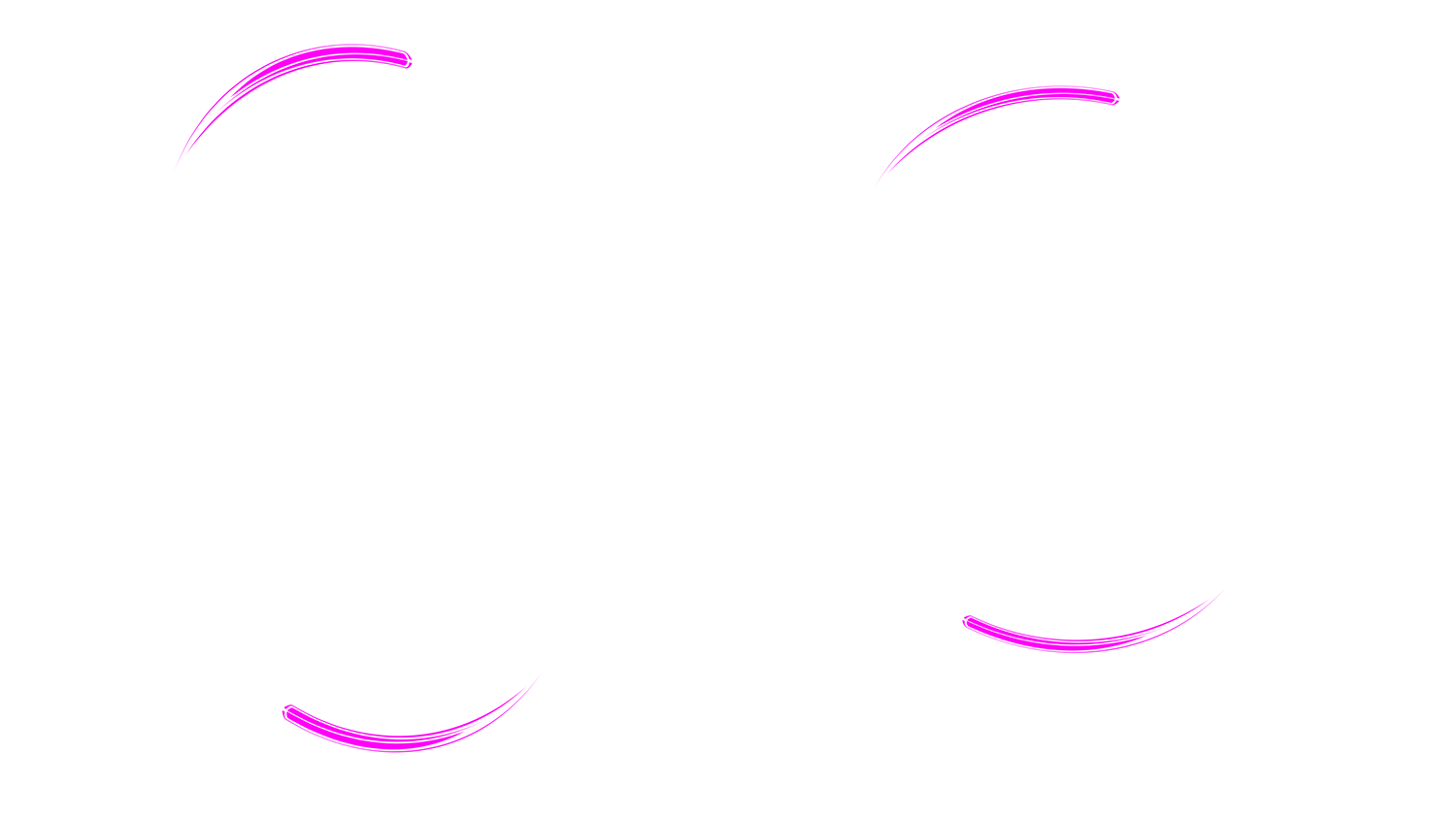

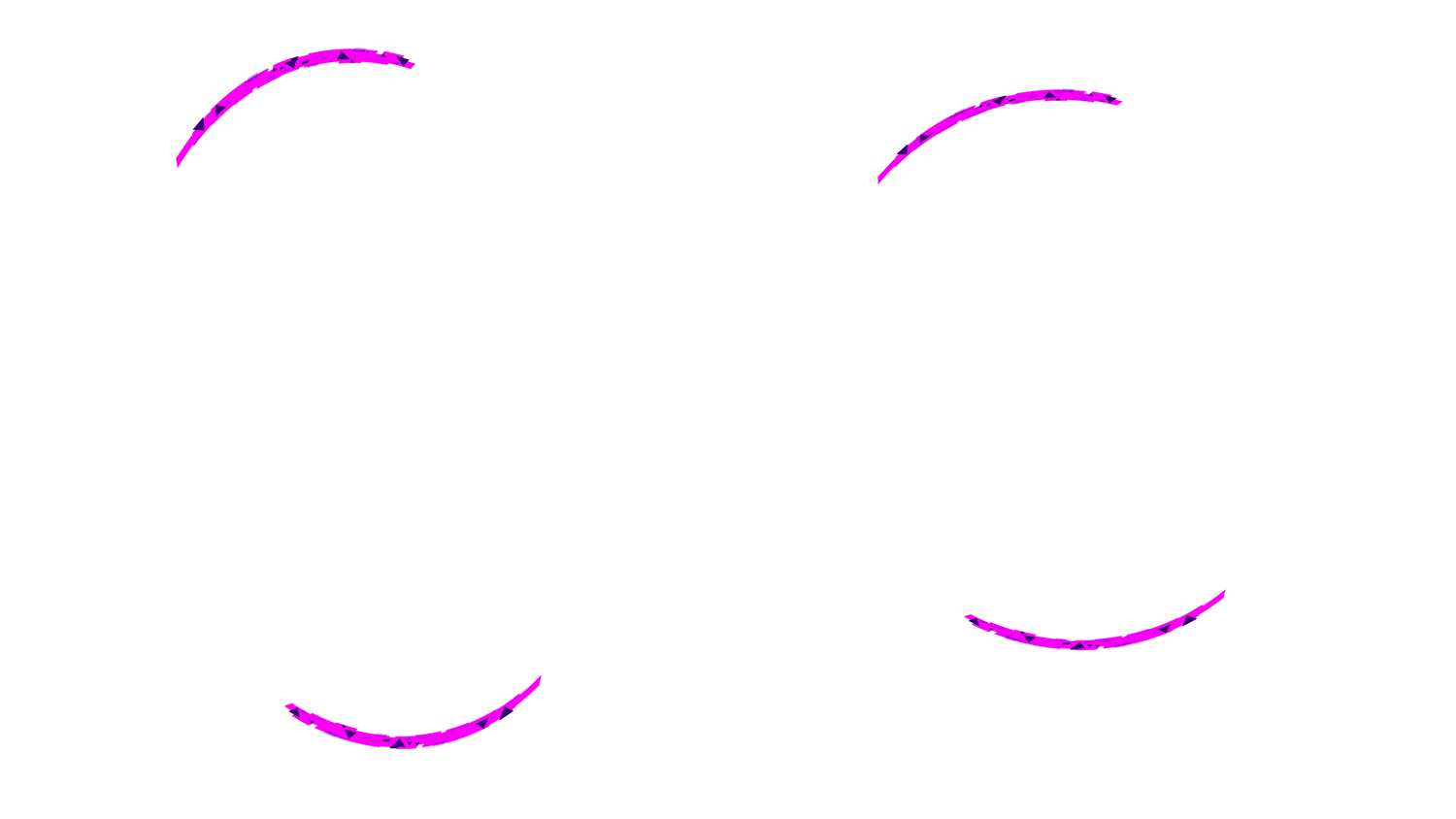


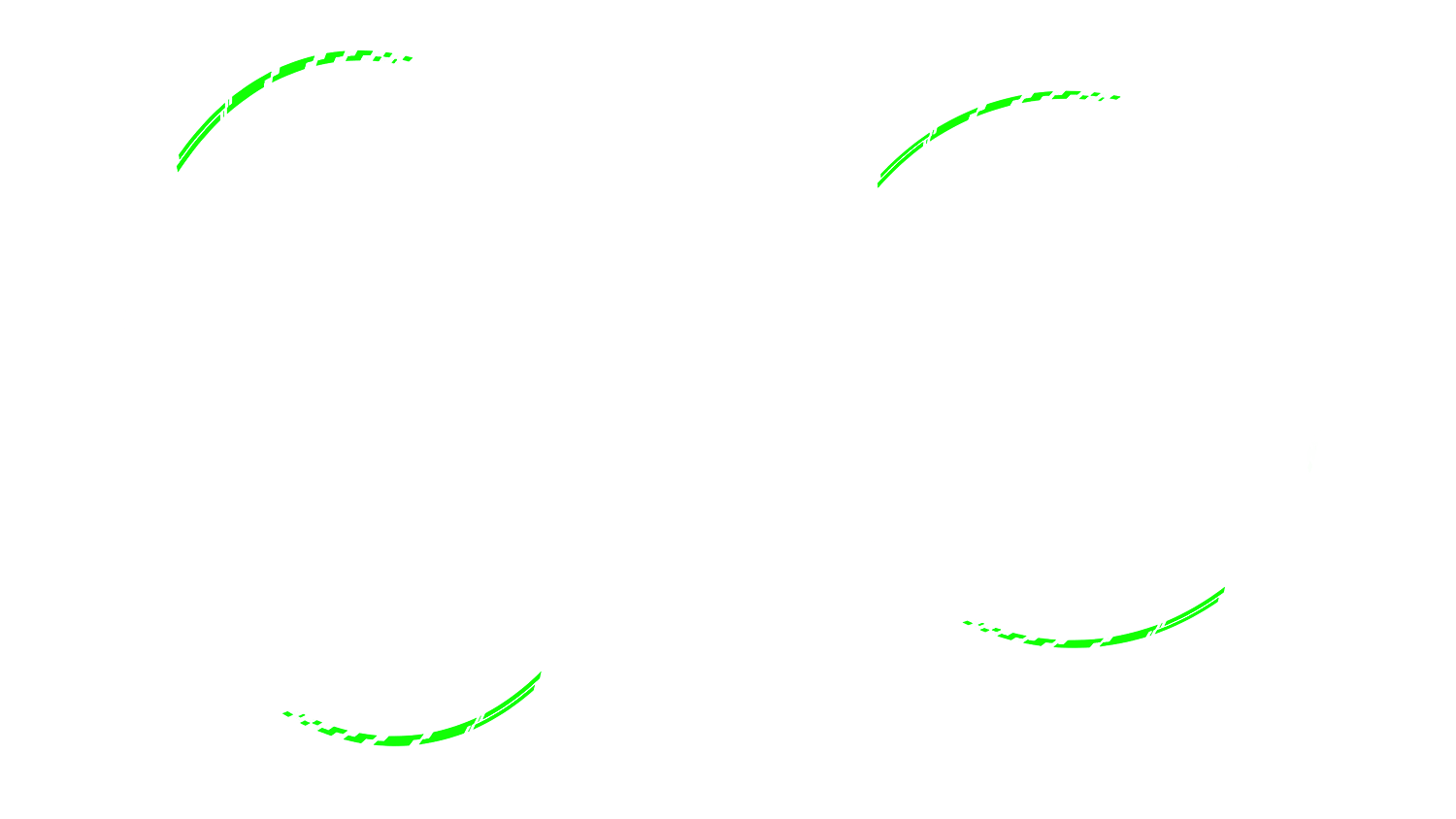




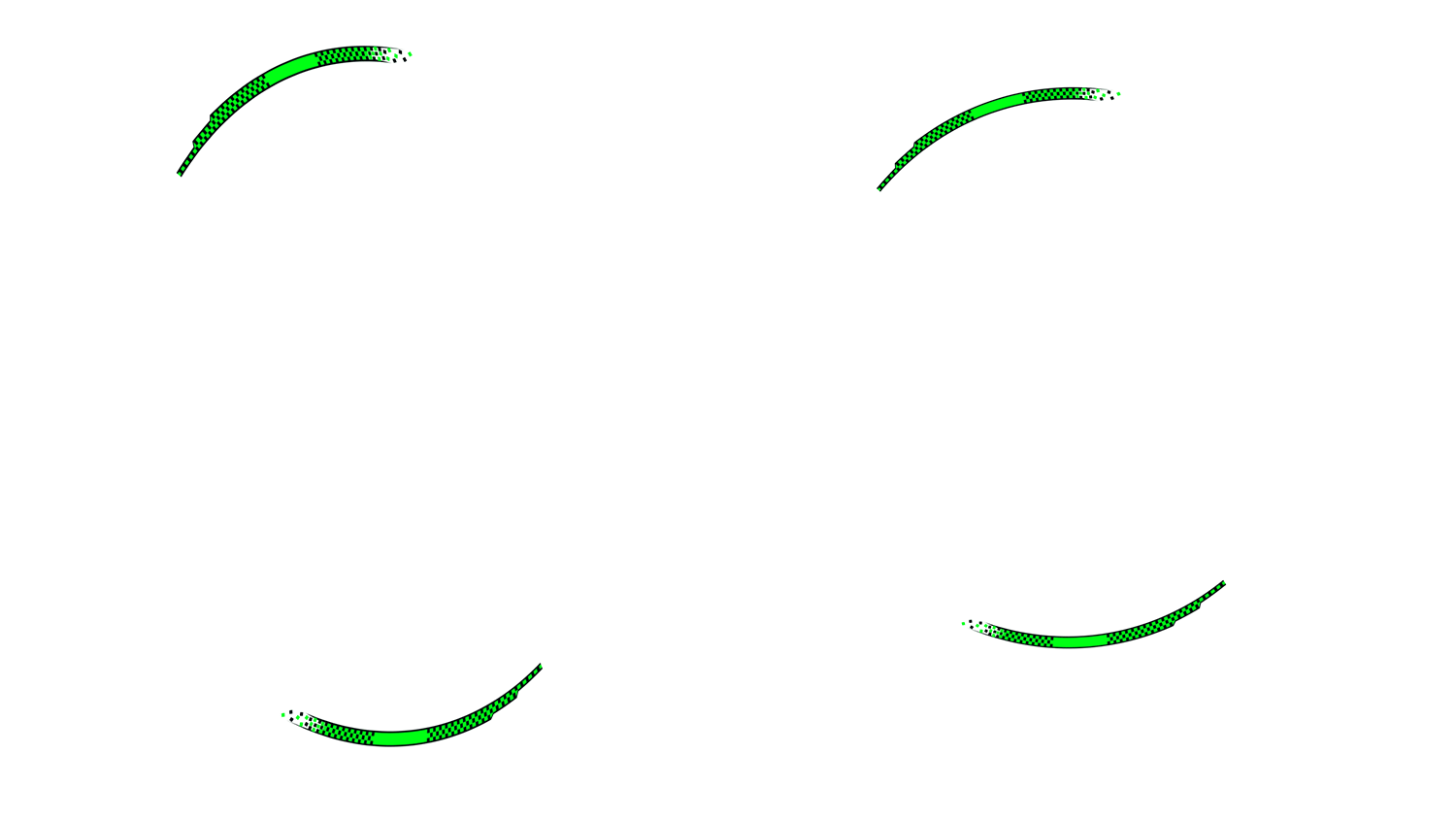










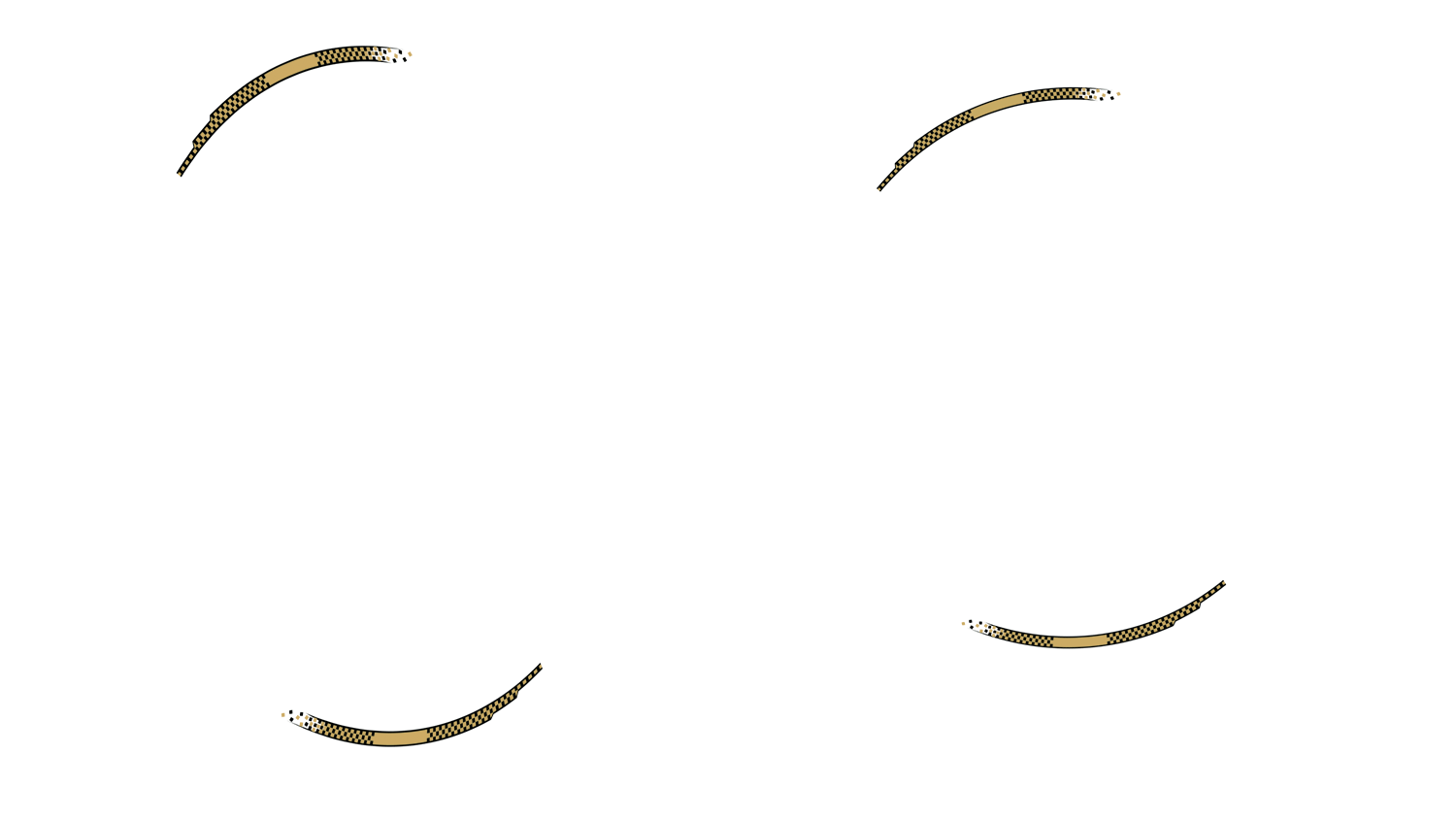


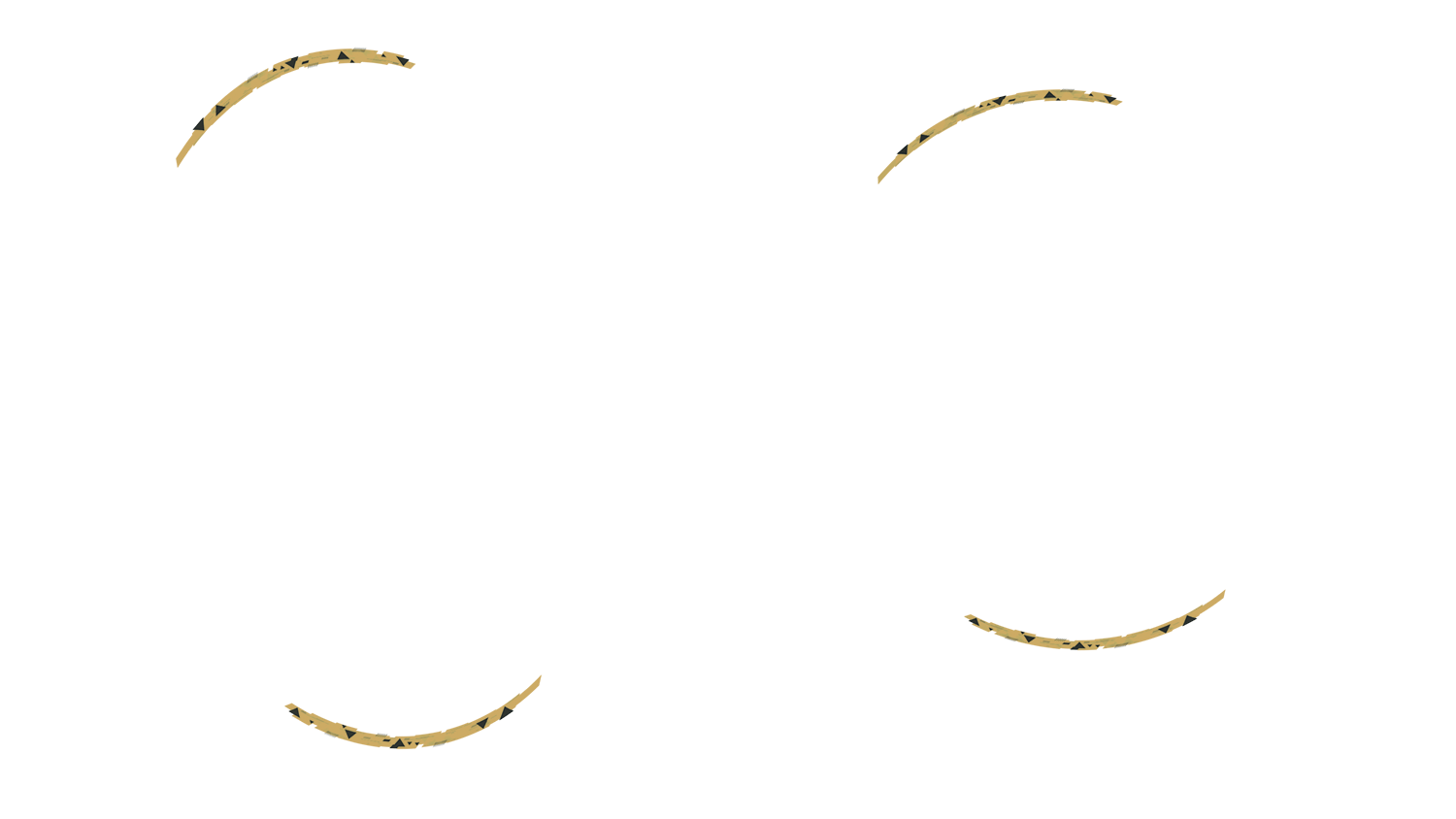




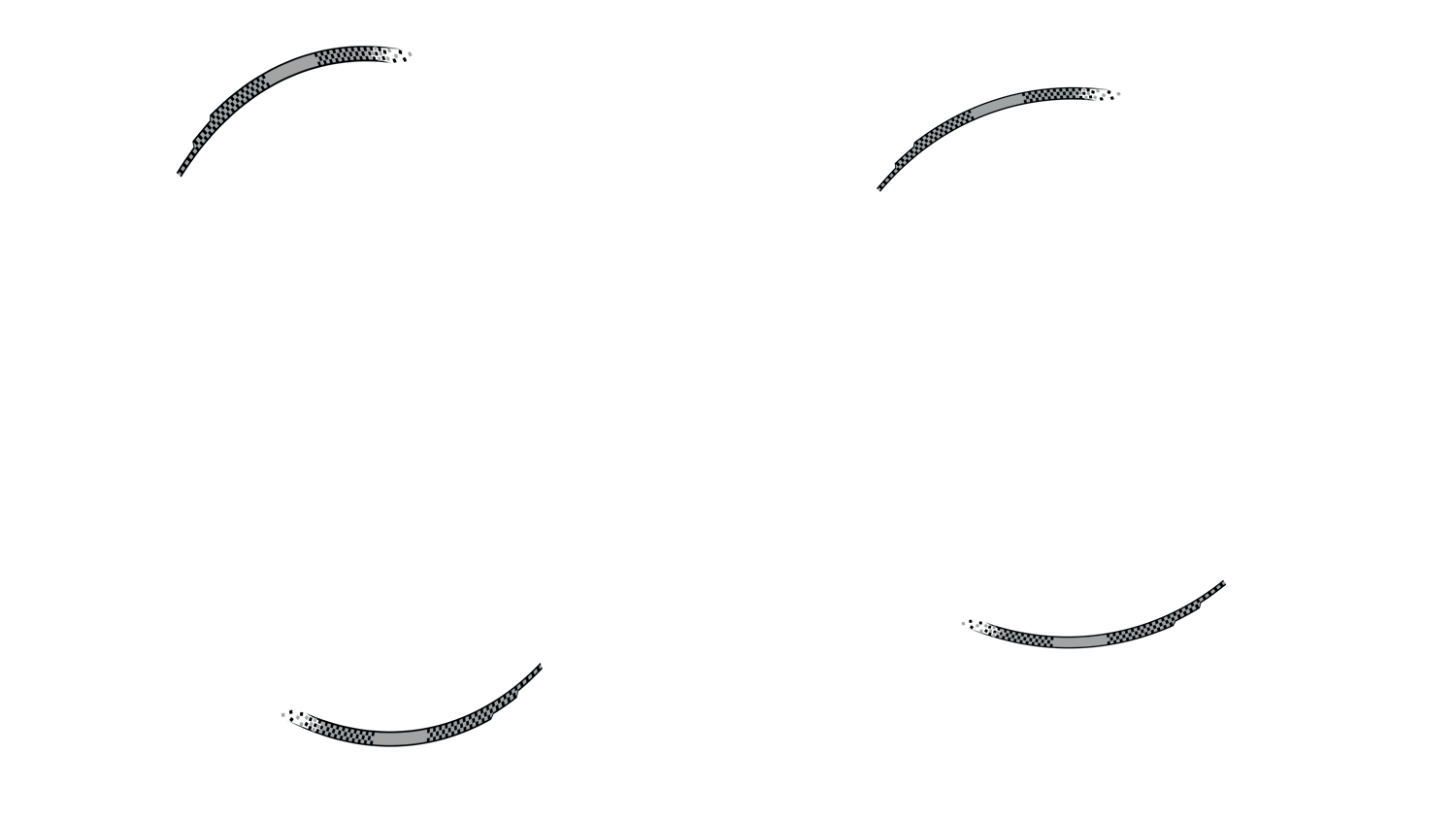










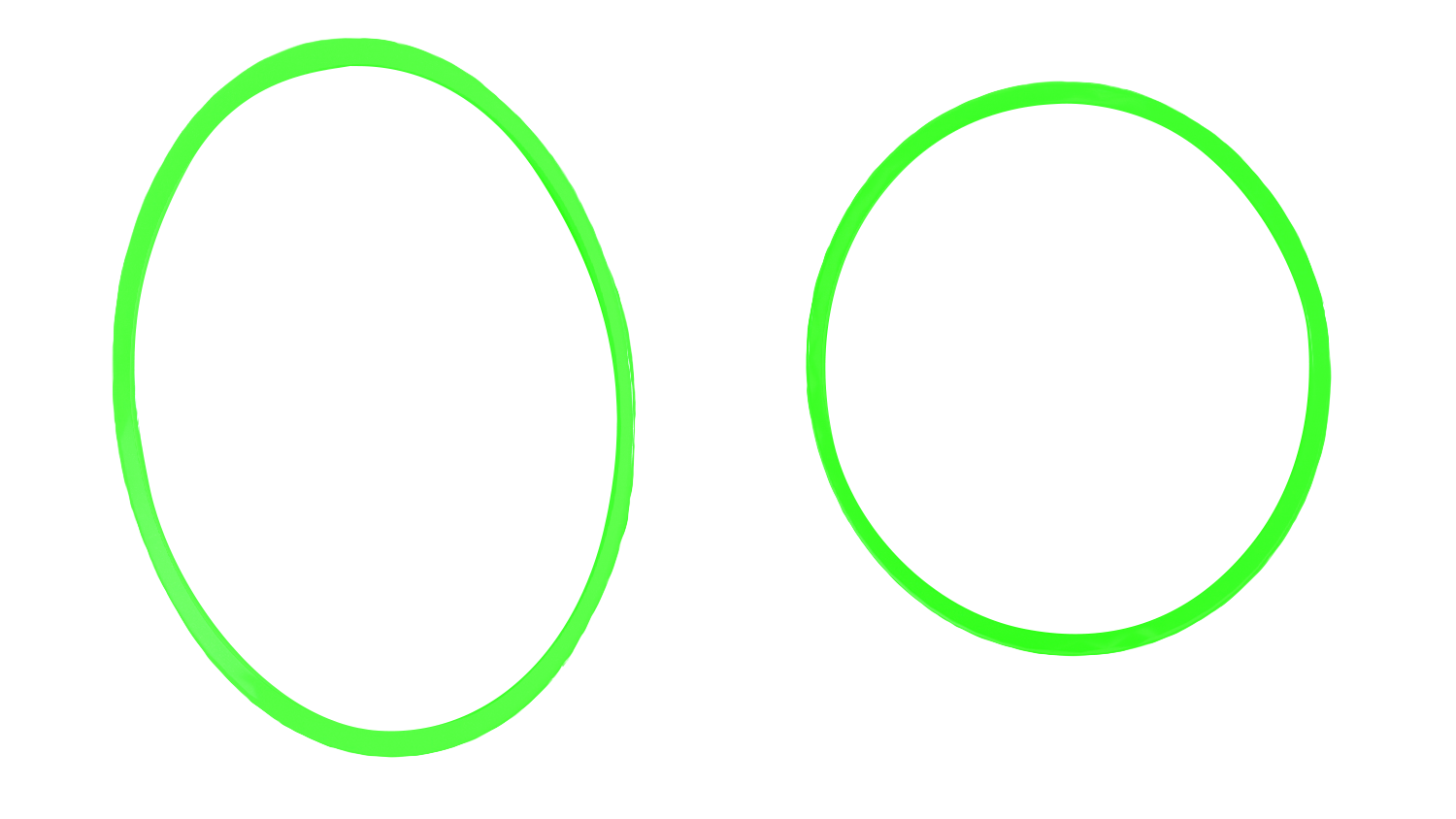


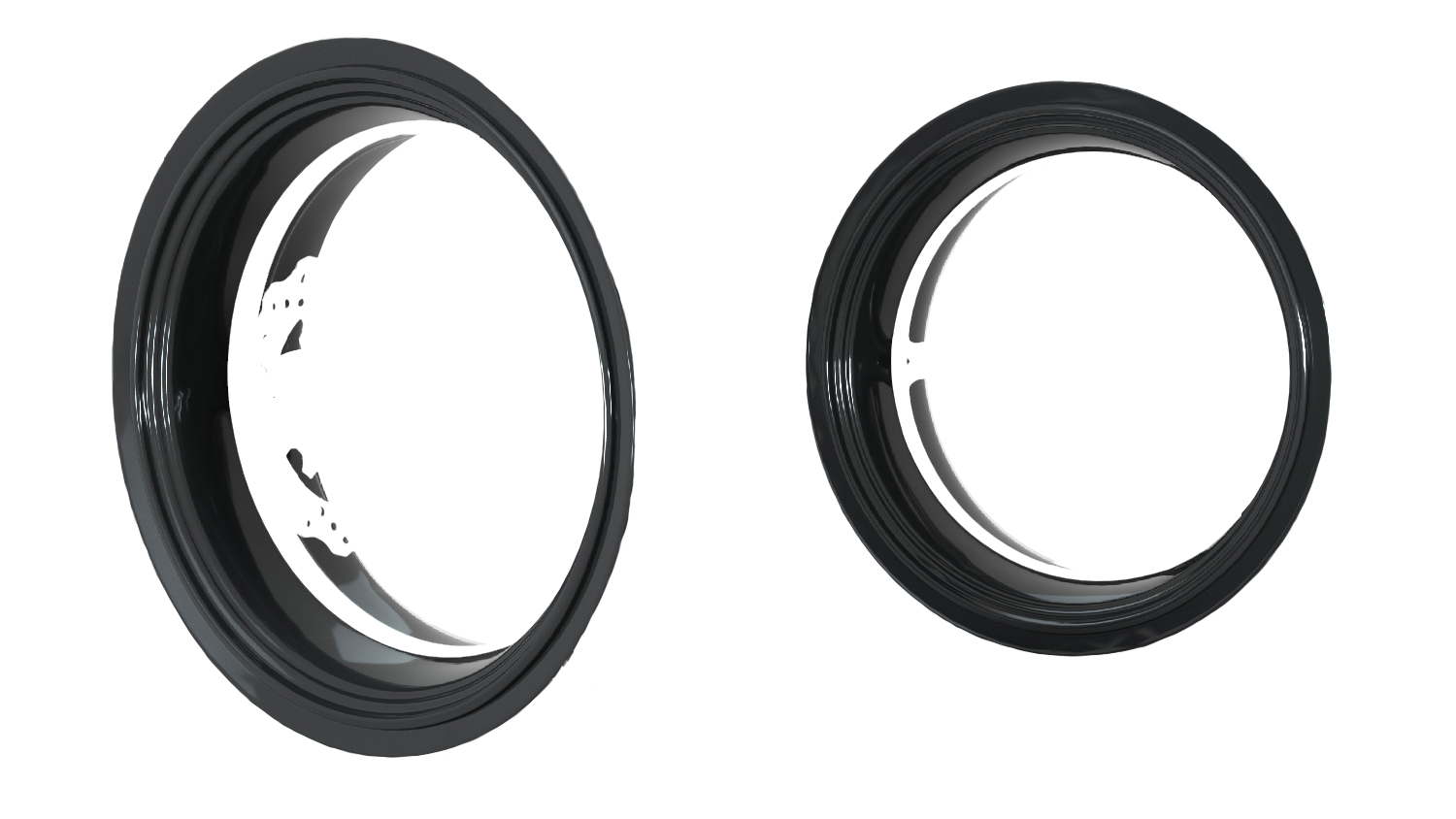
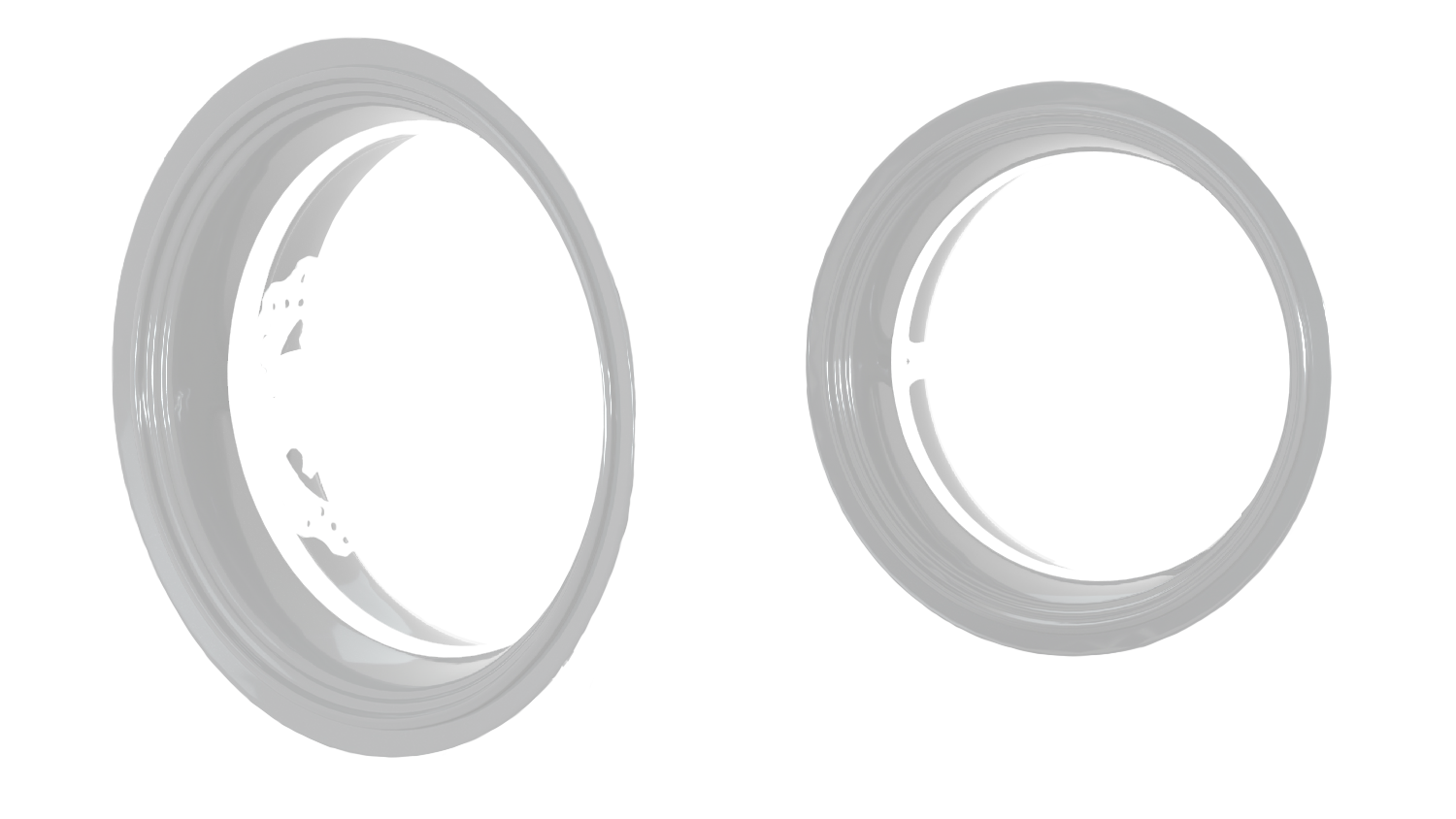
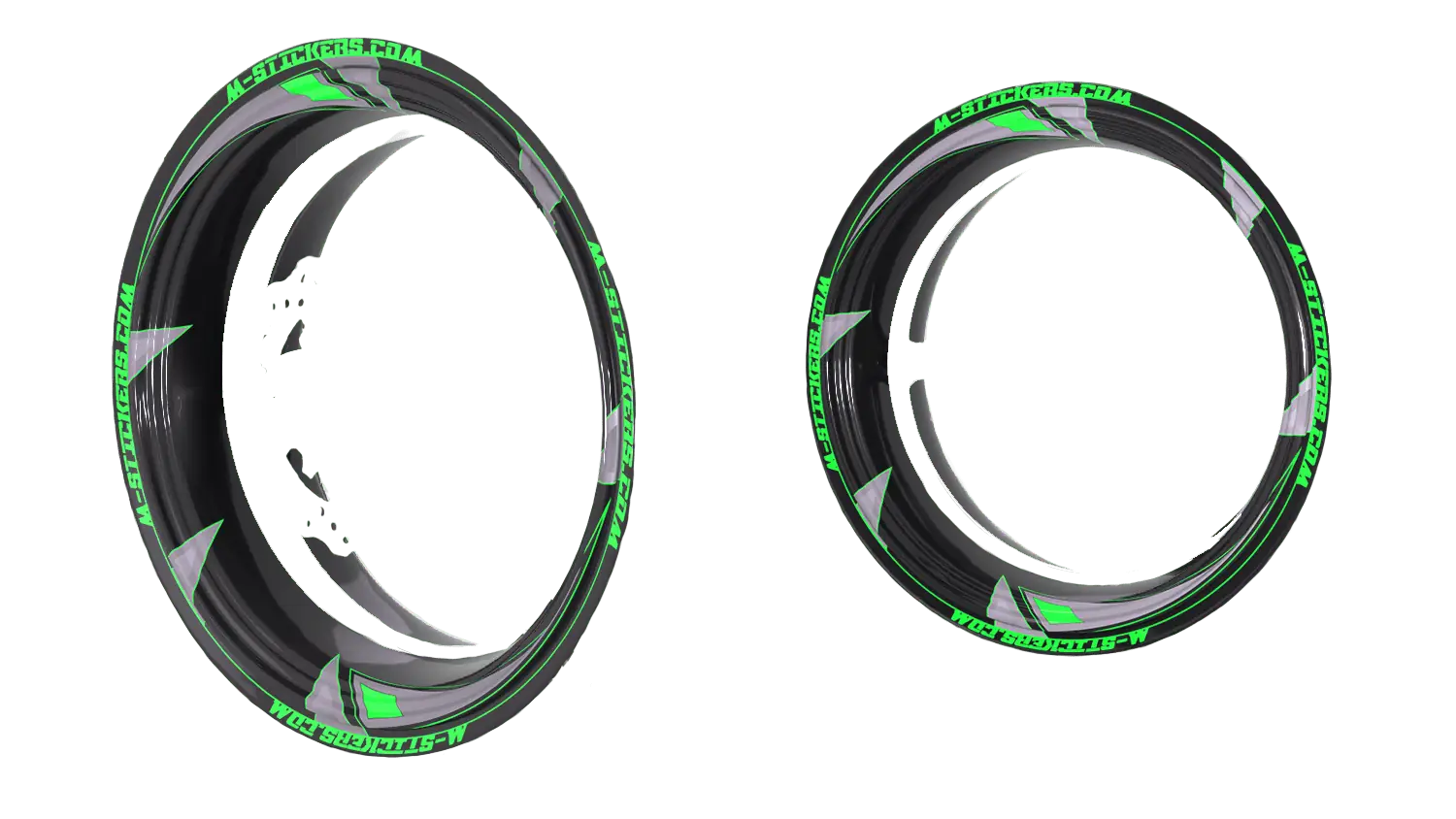
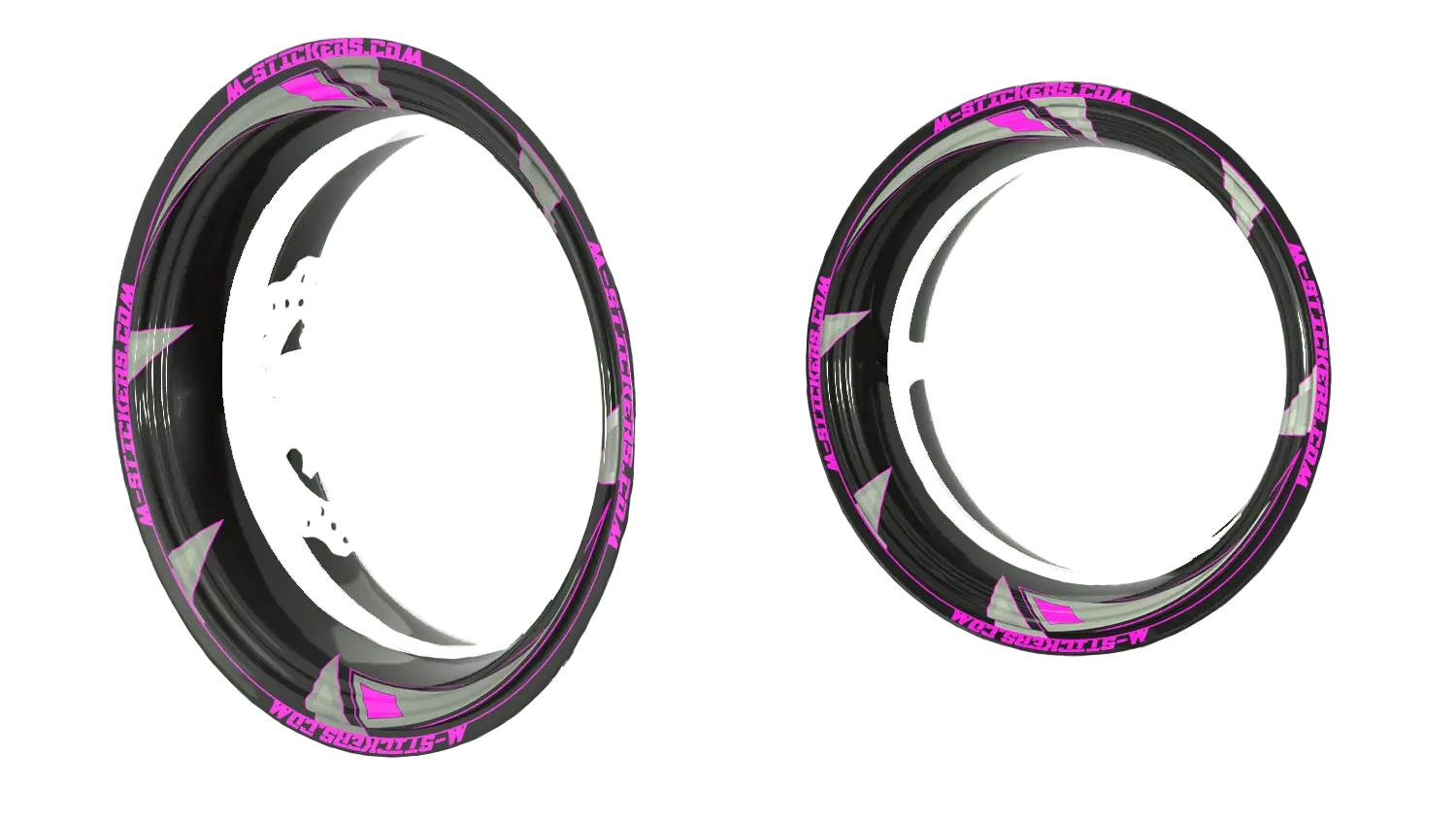

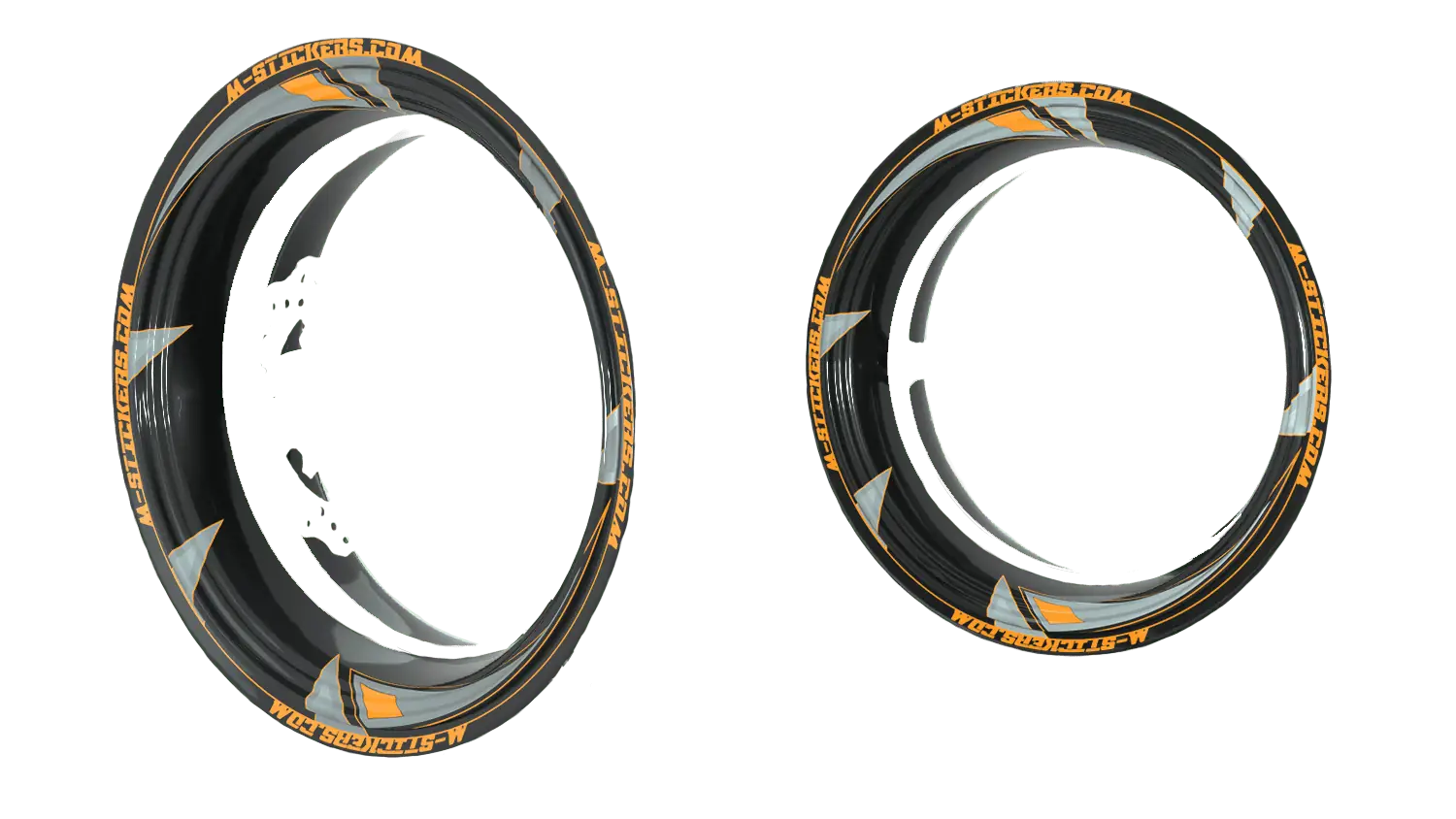
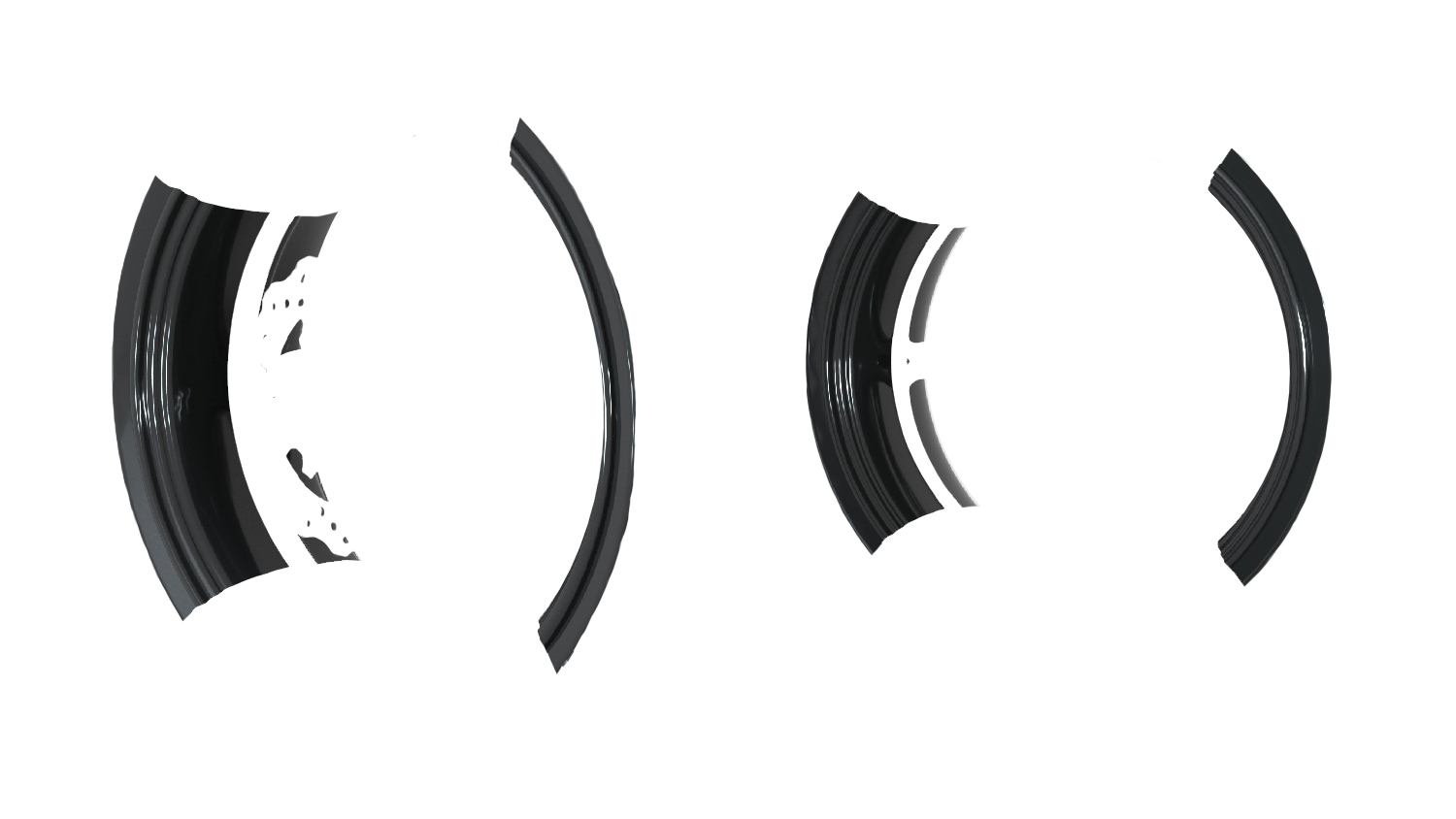
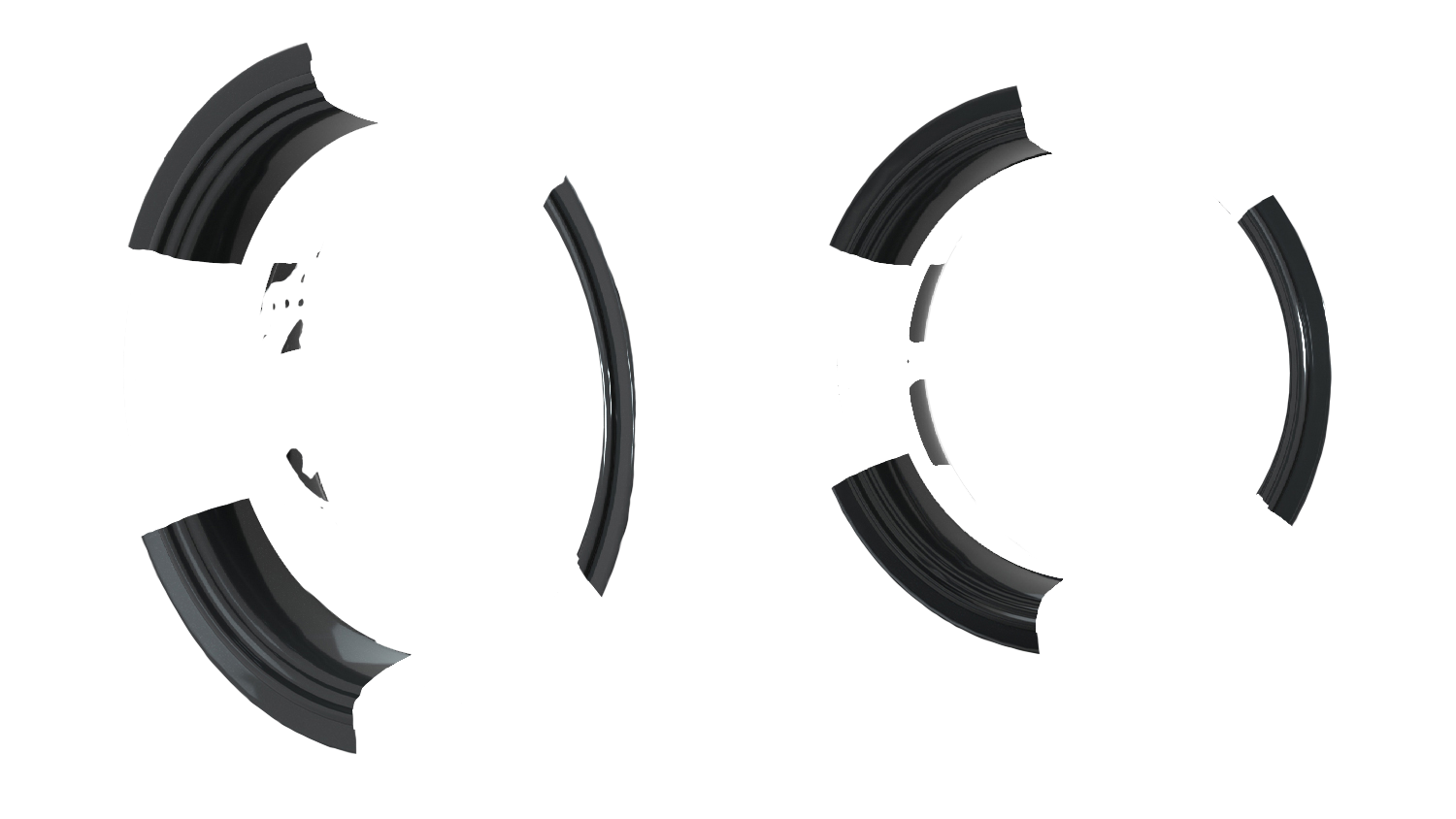




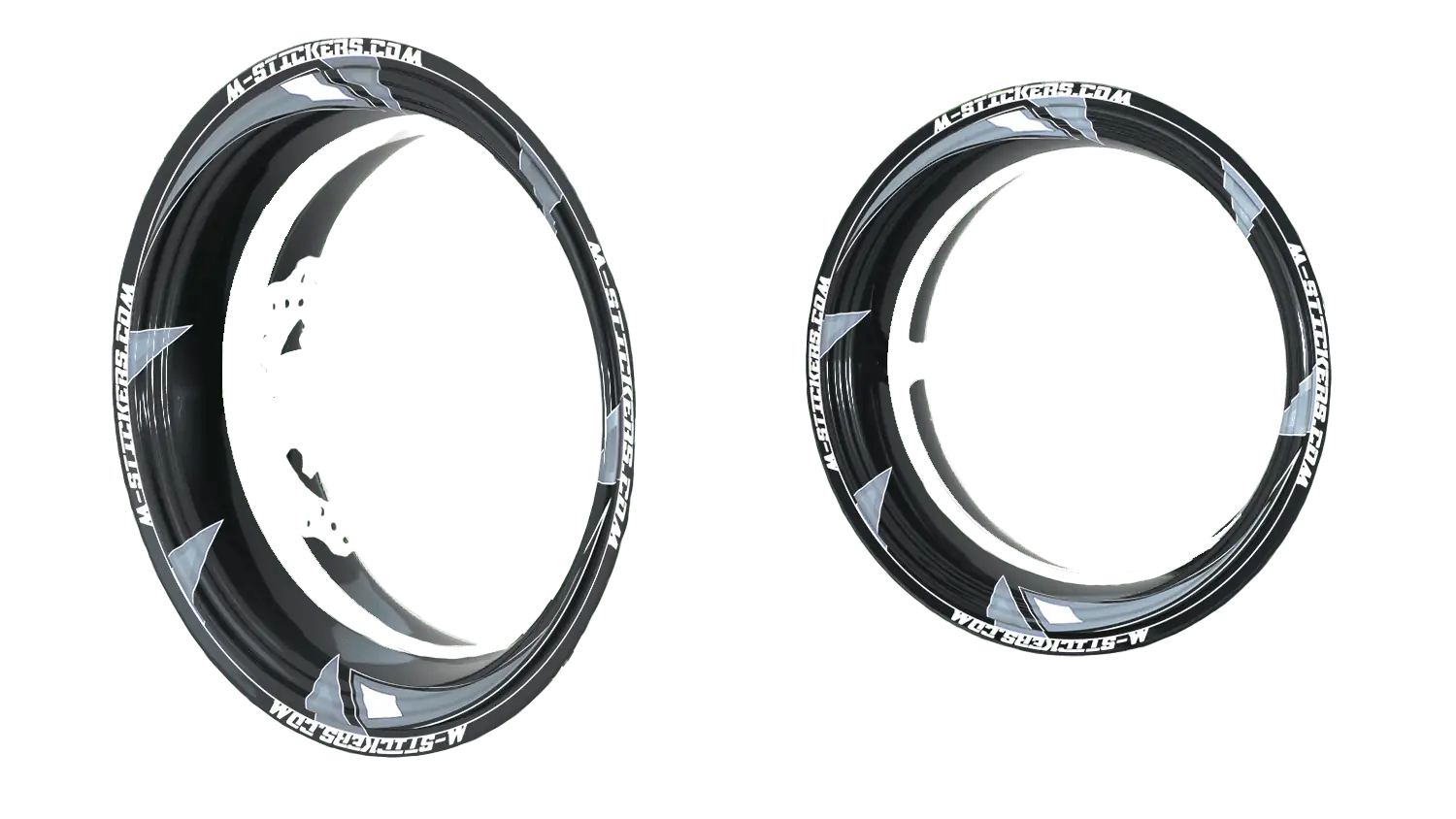
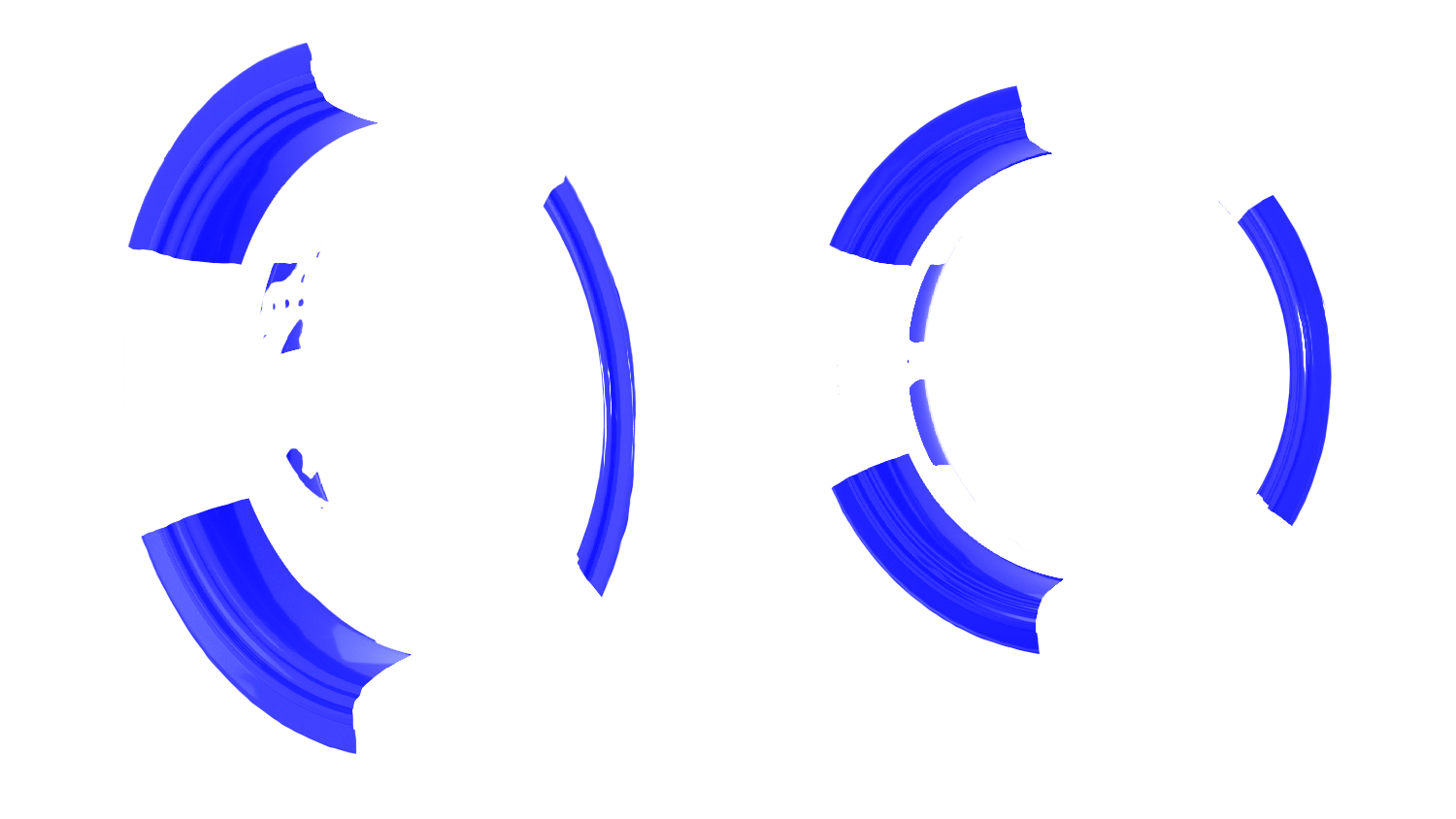


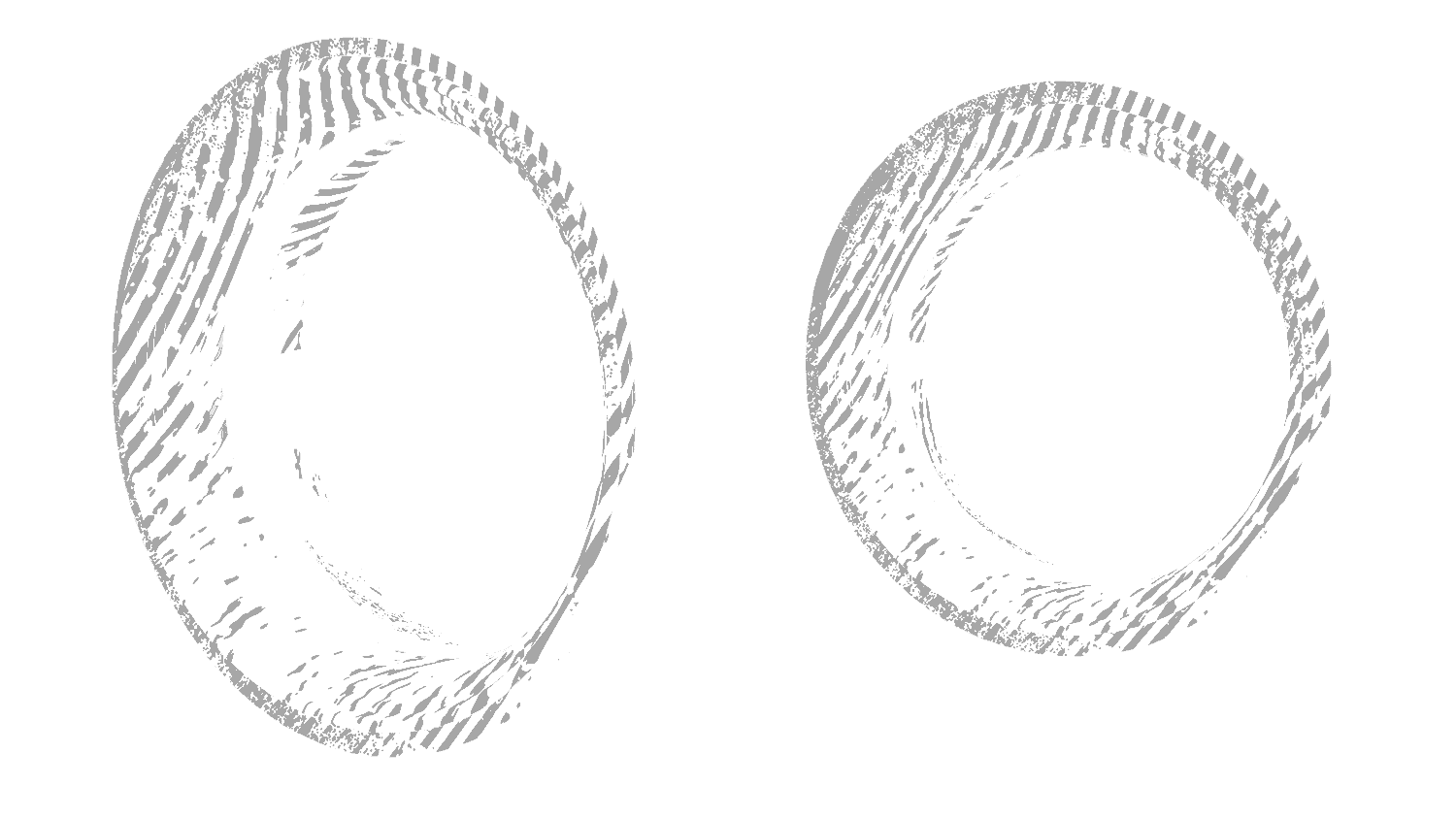

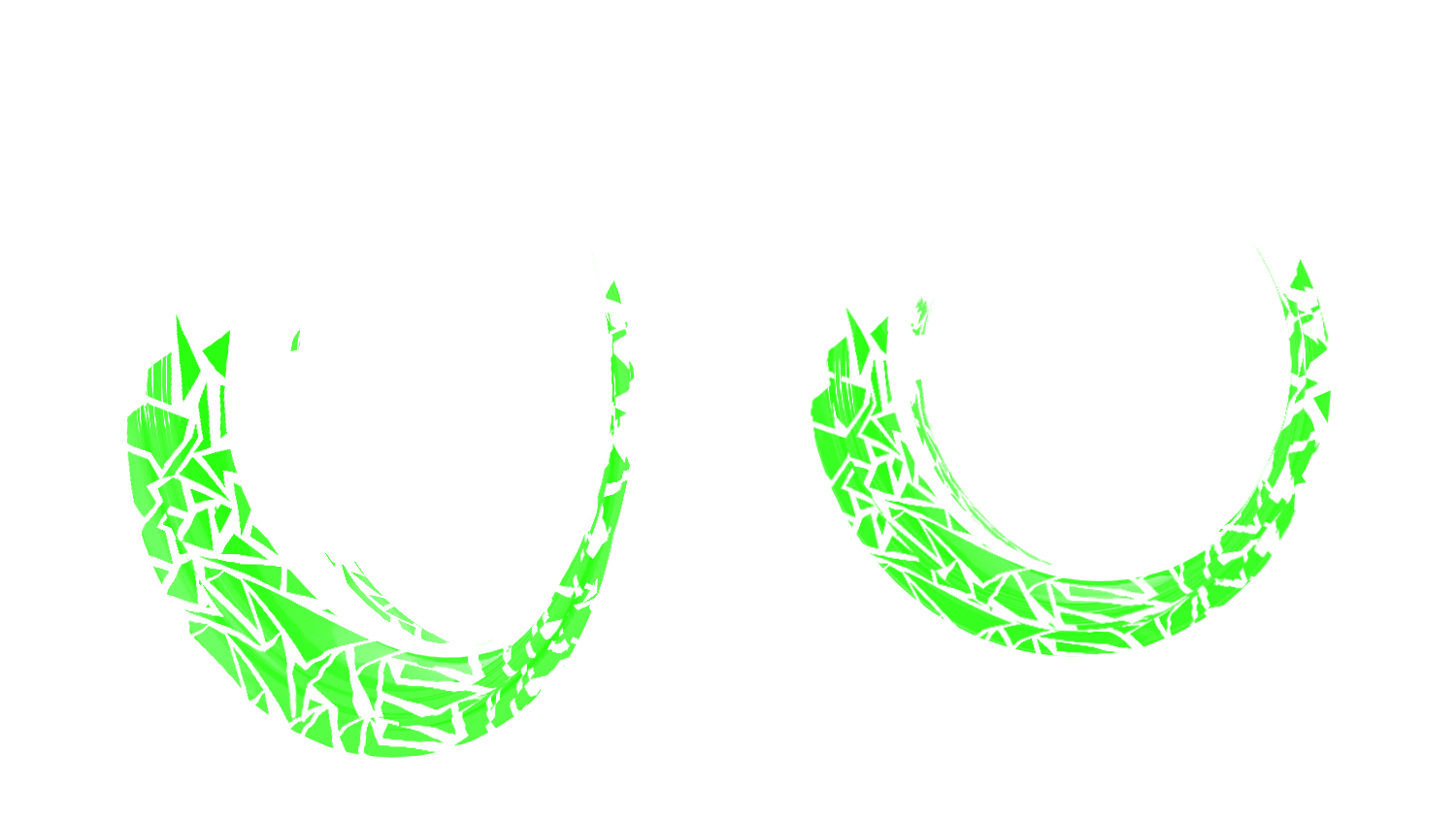
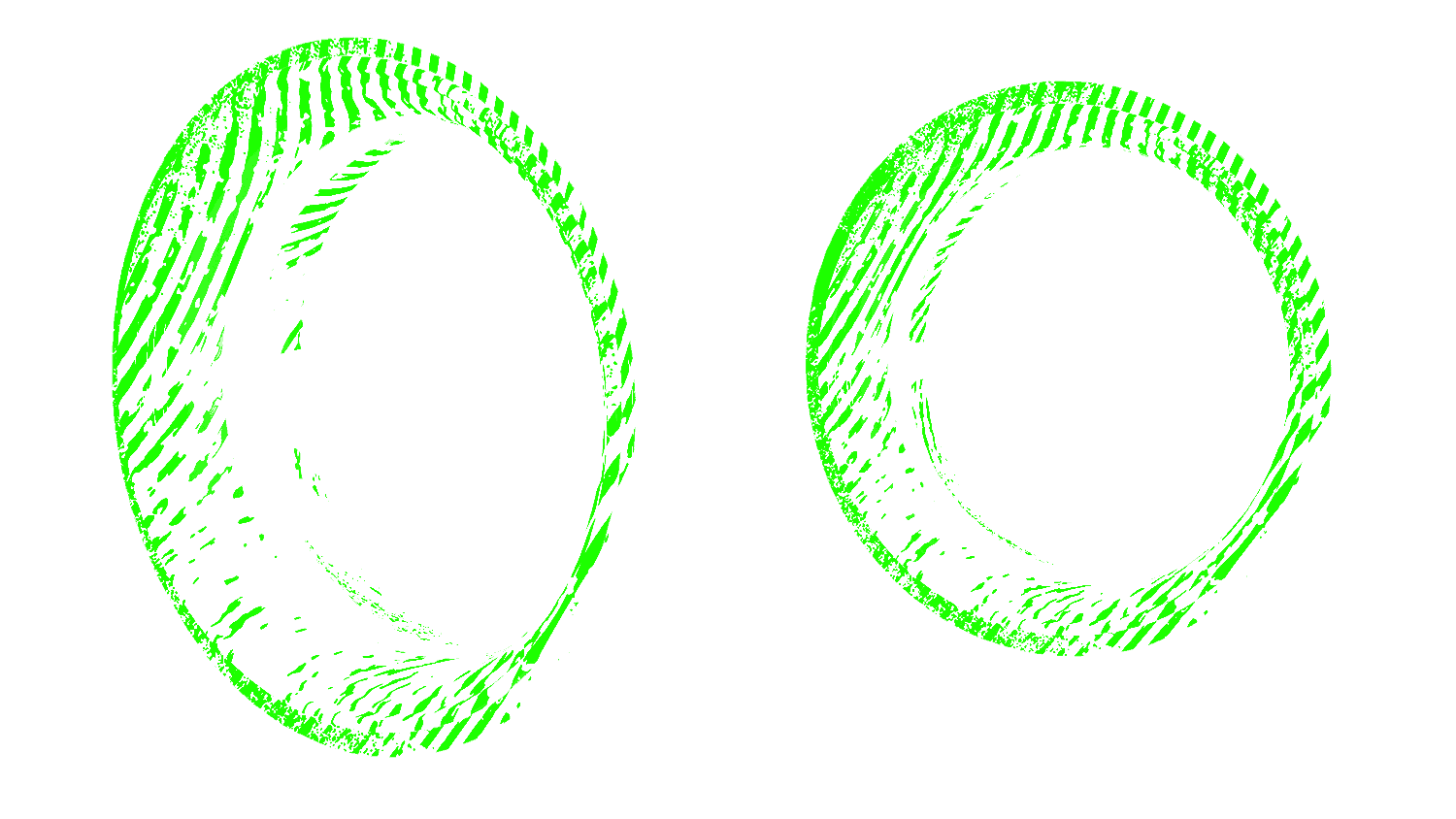

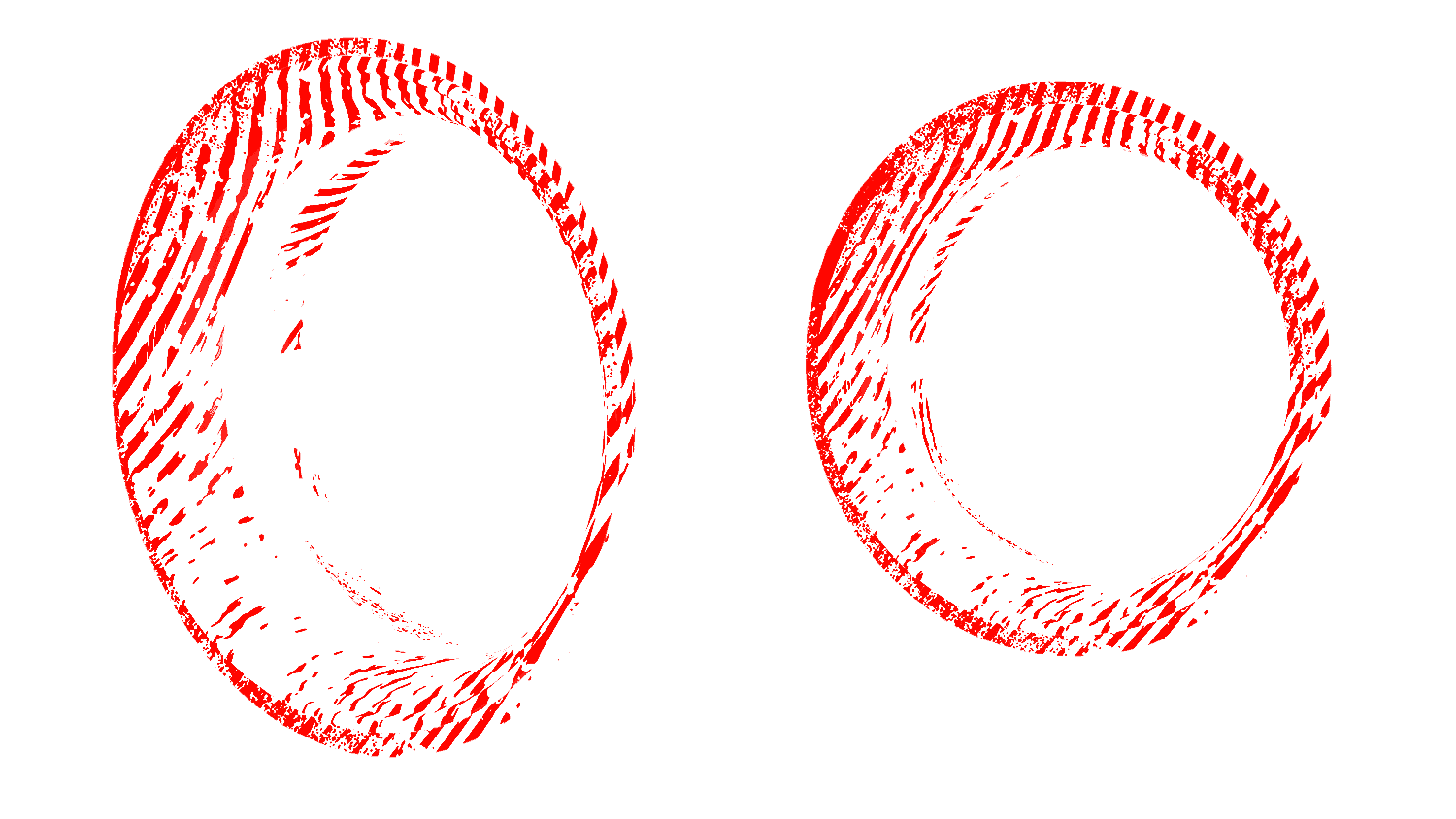
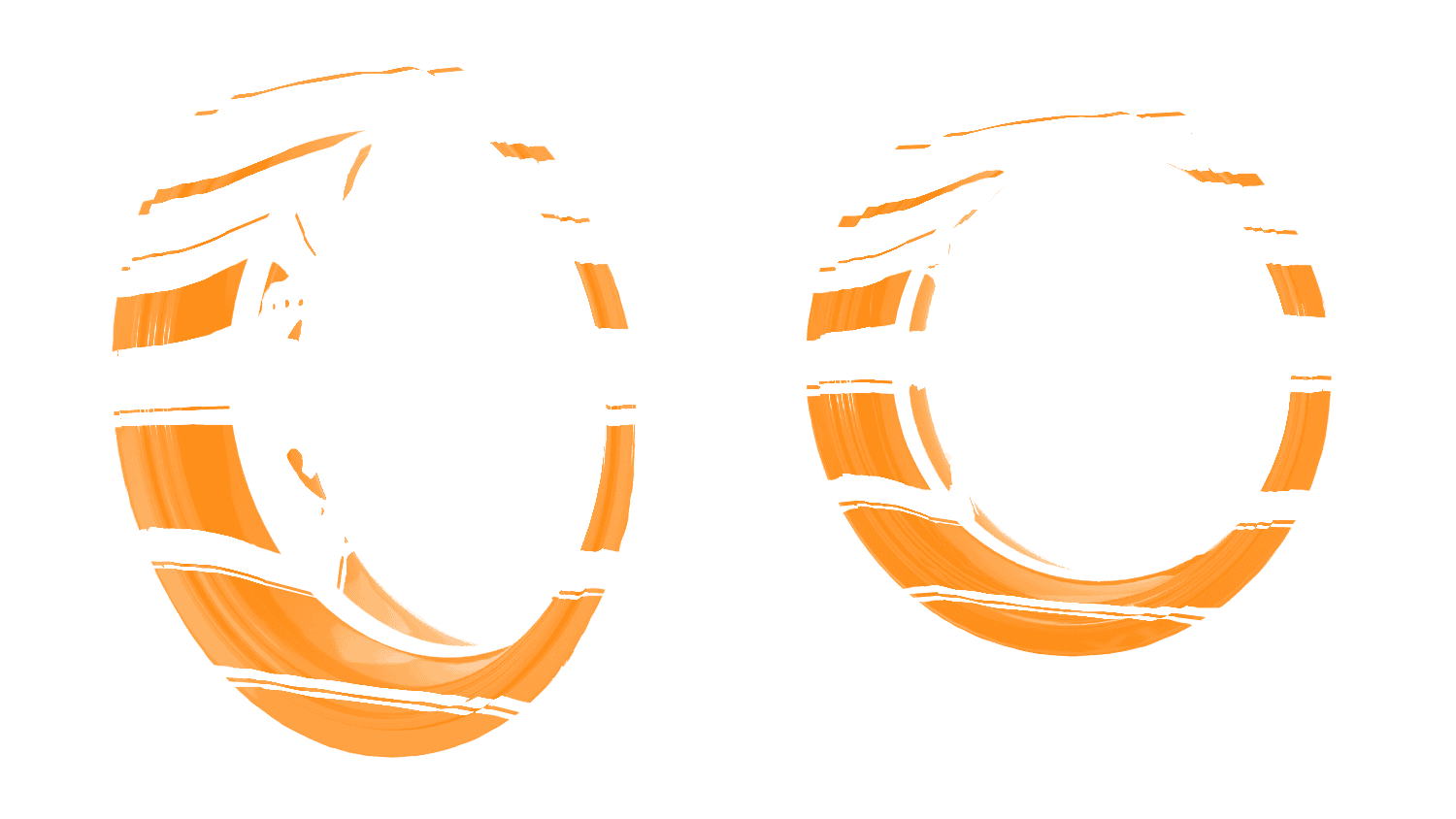
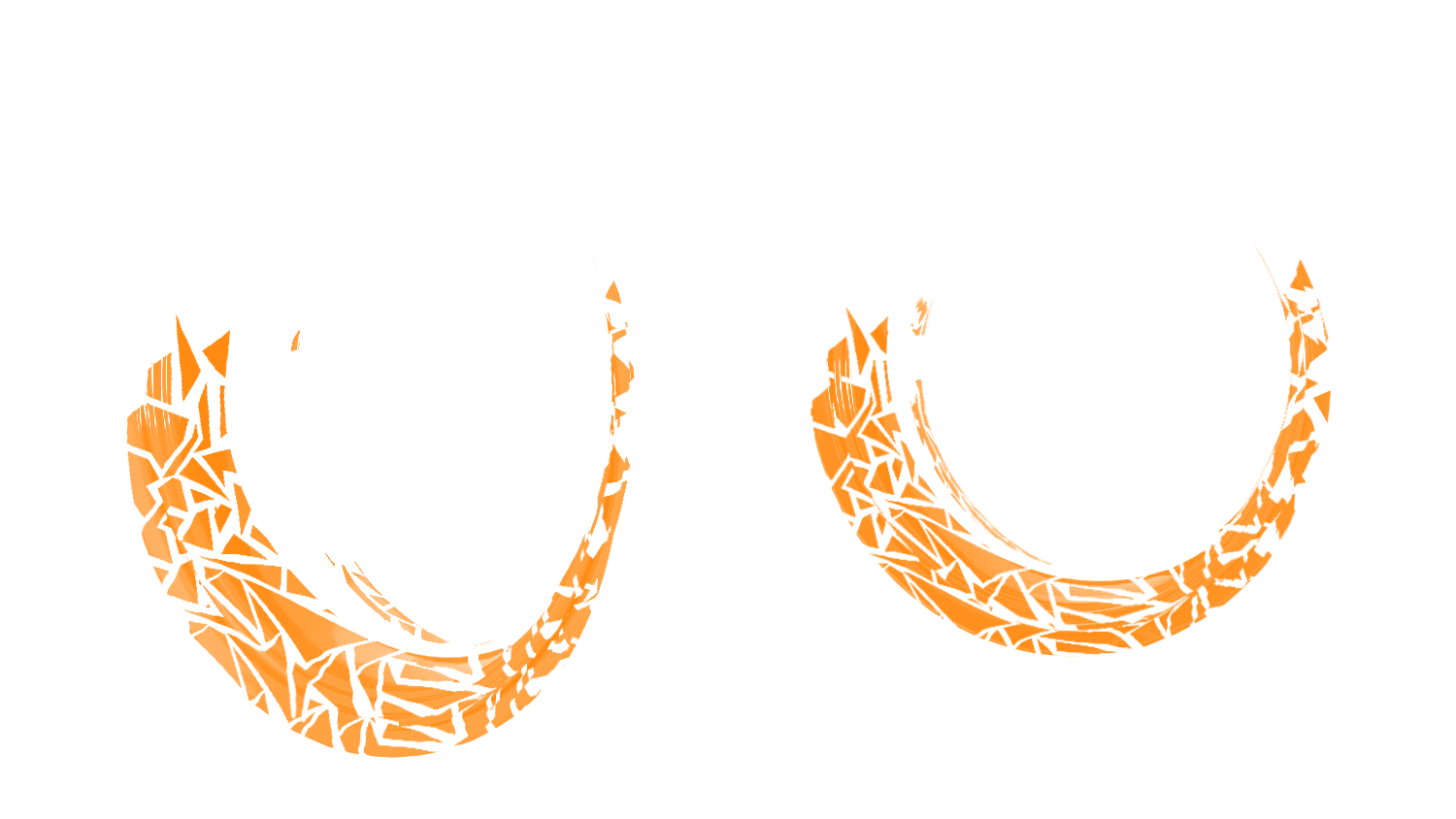
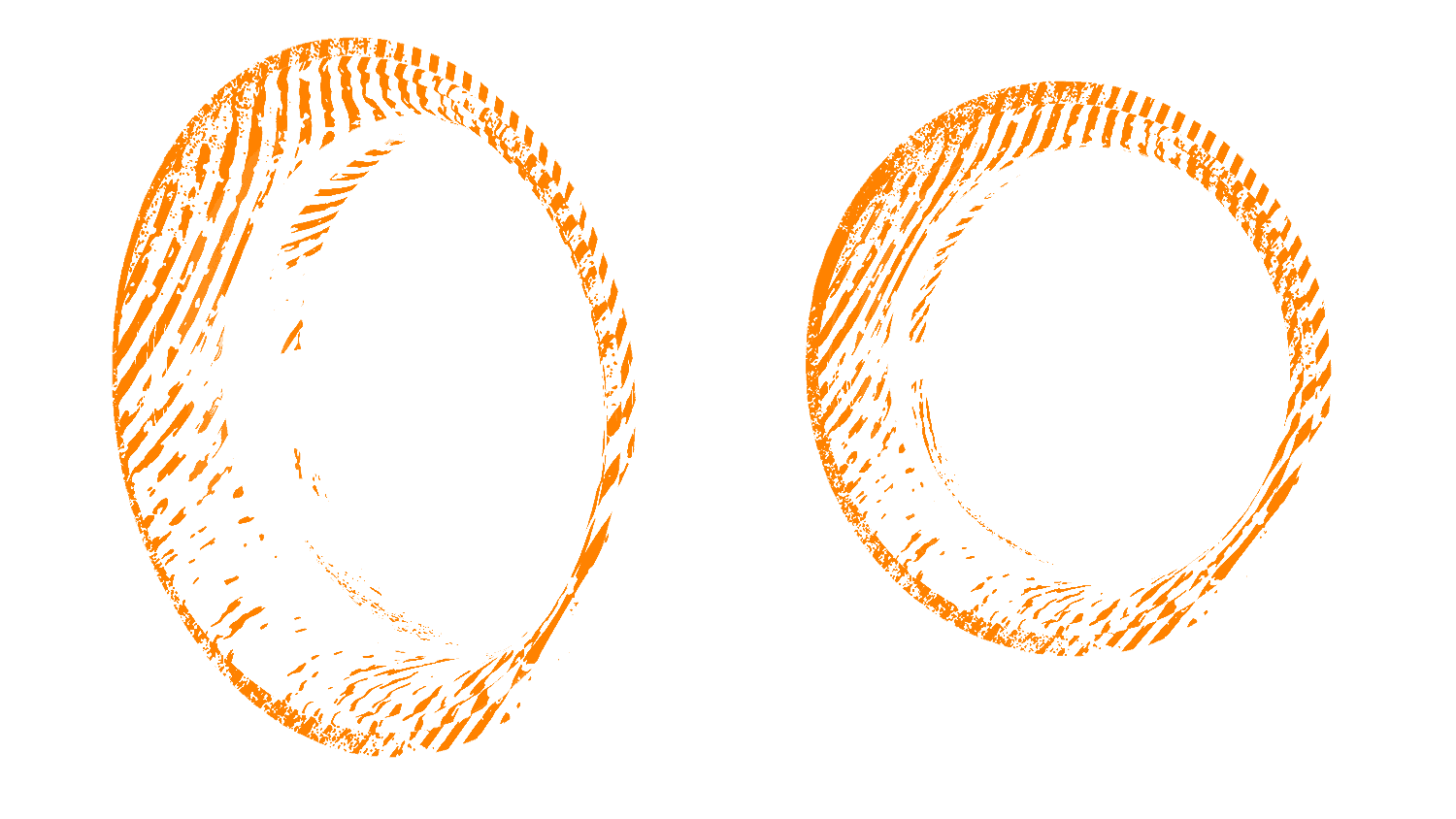

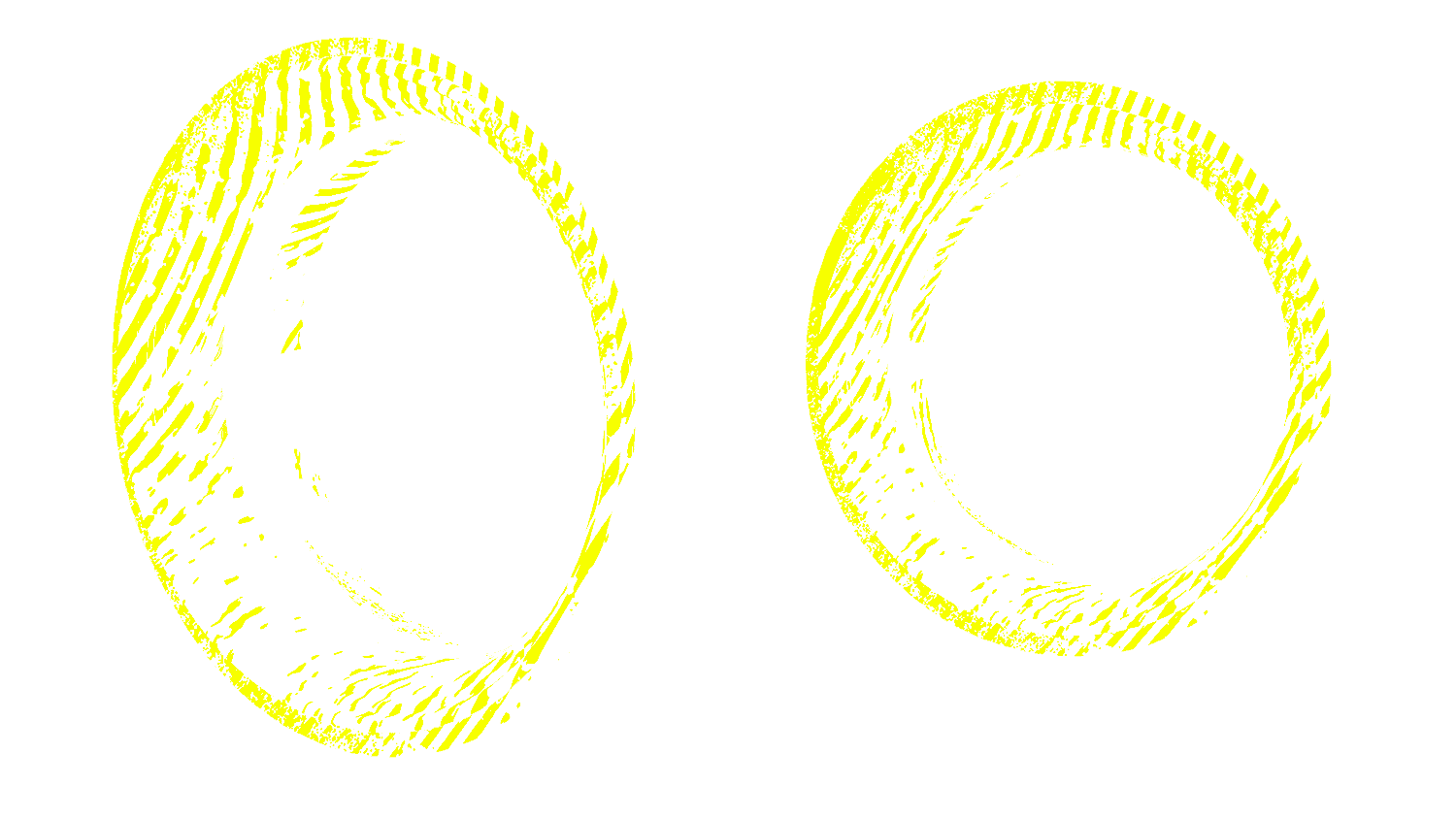
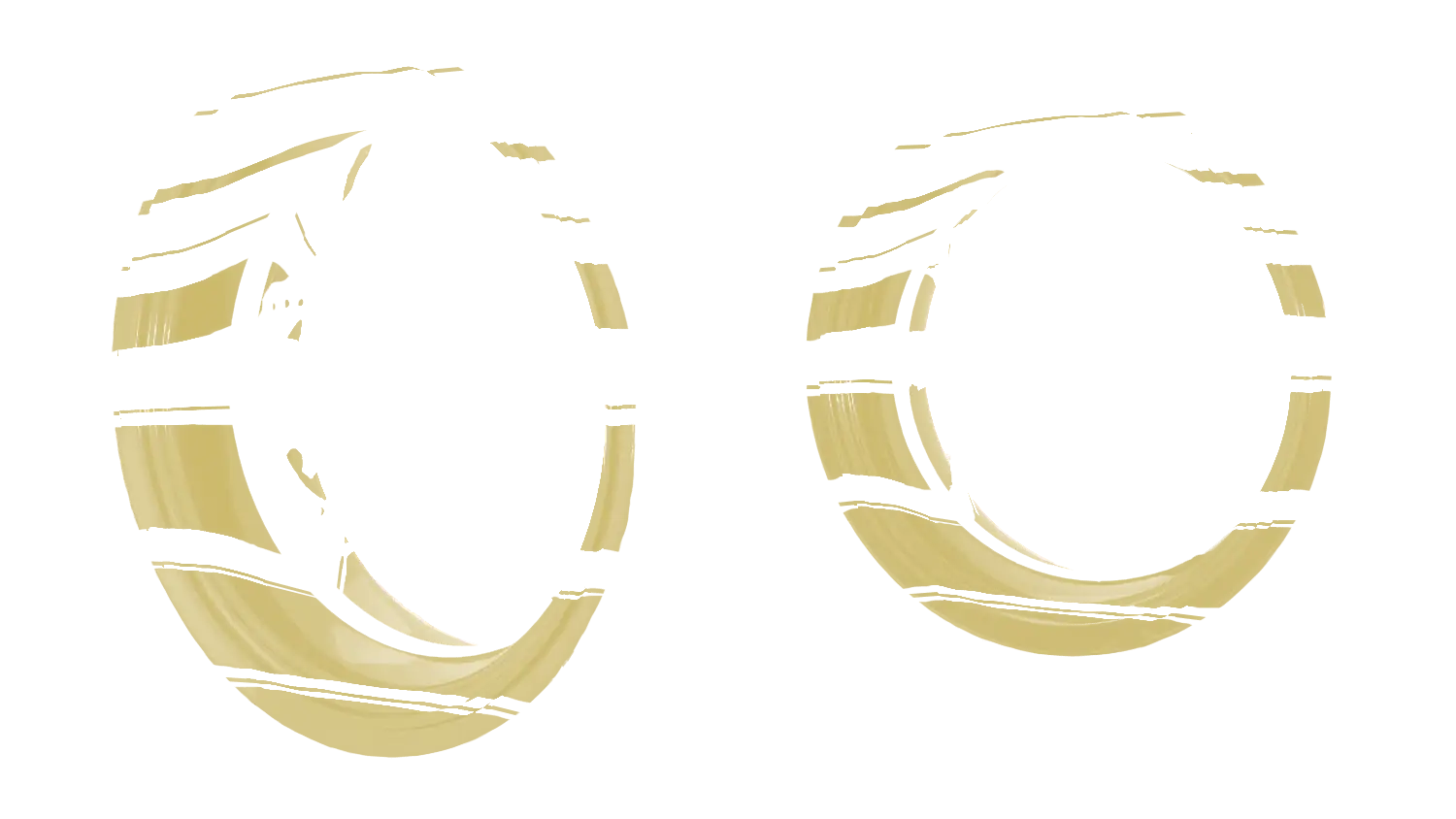
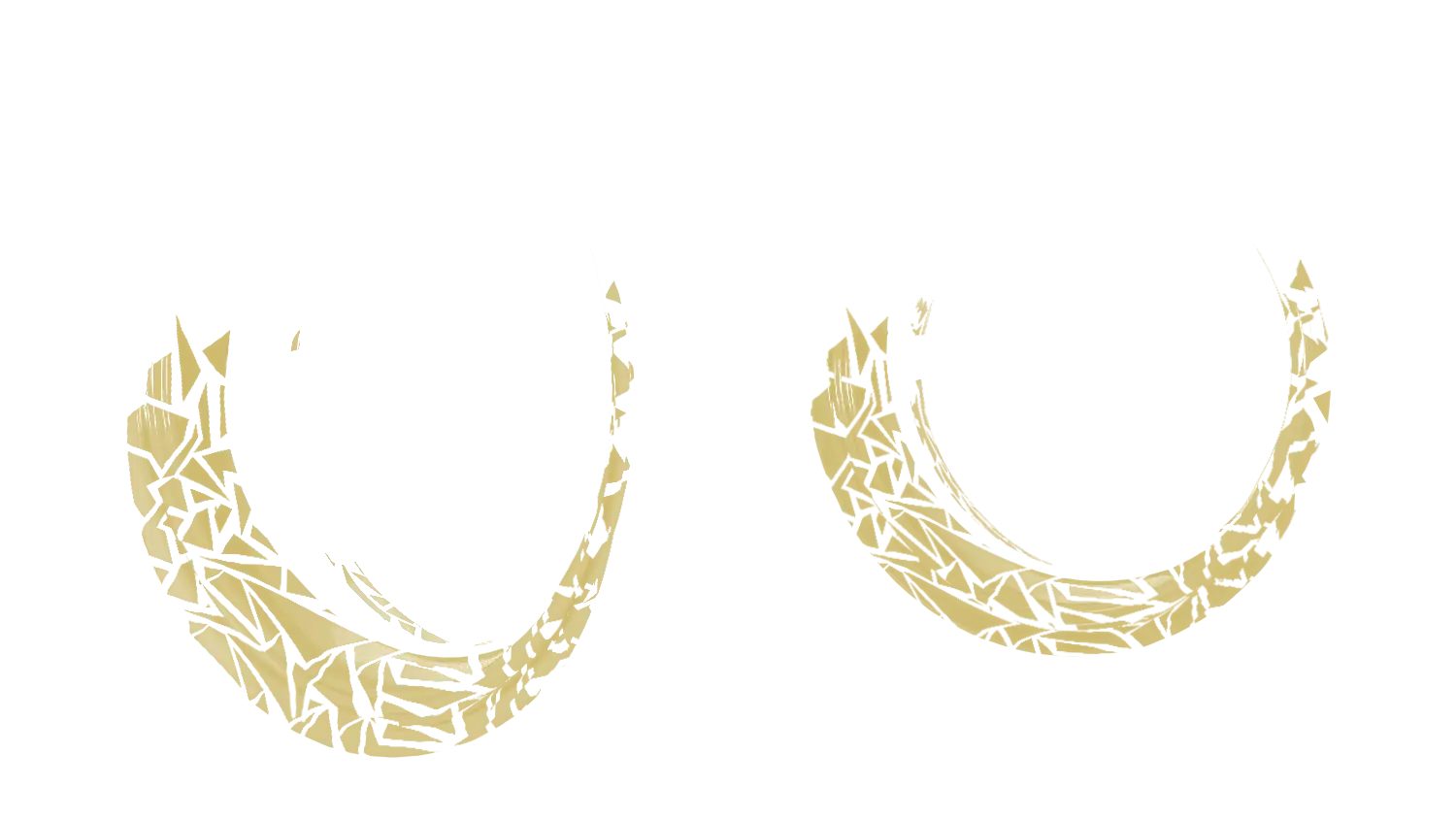
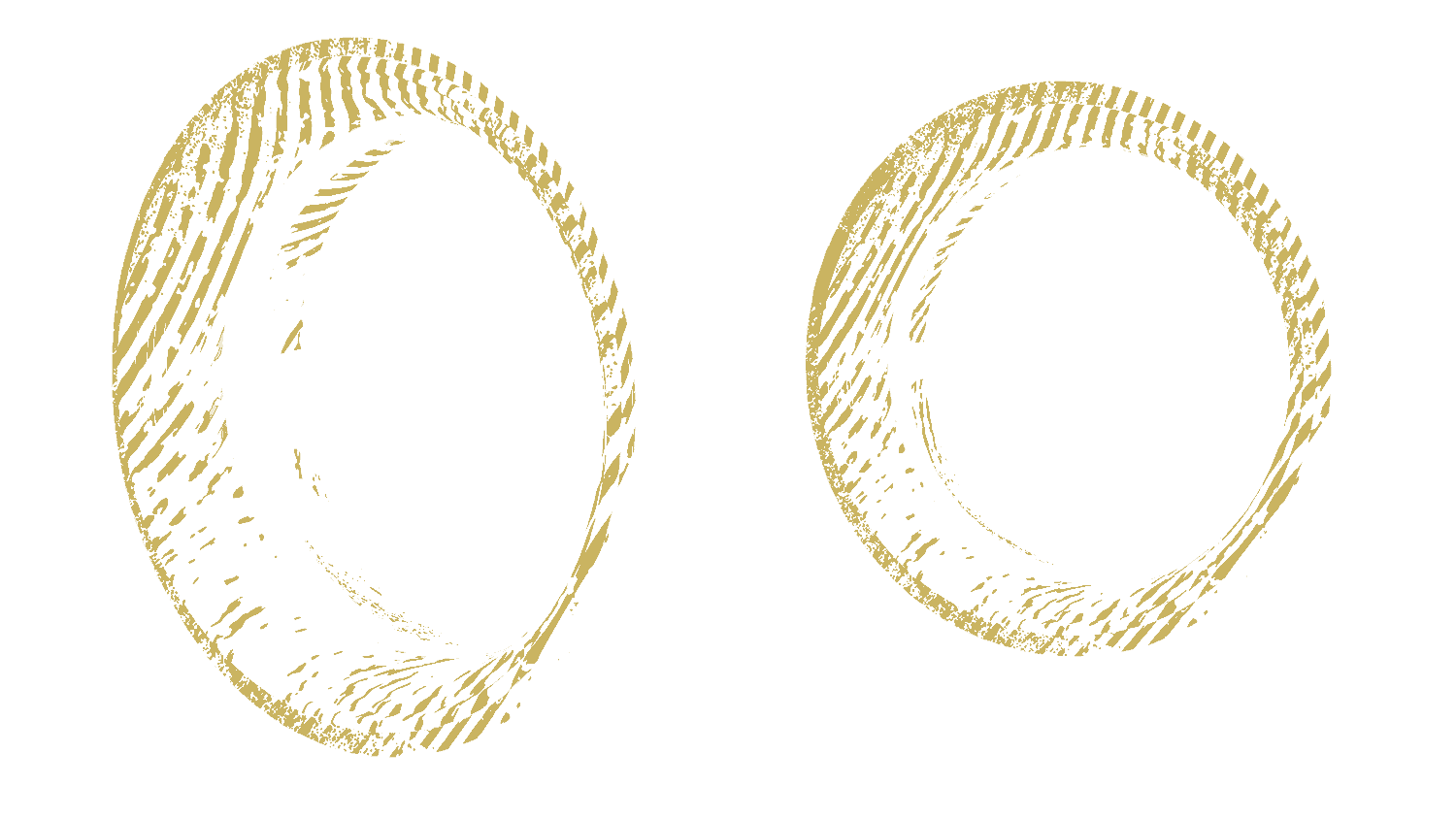


Rims Black rims

Rim 1 Without
Rim 2 Without

Semi-Rim Without

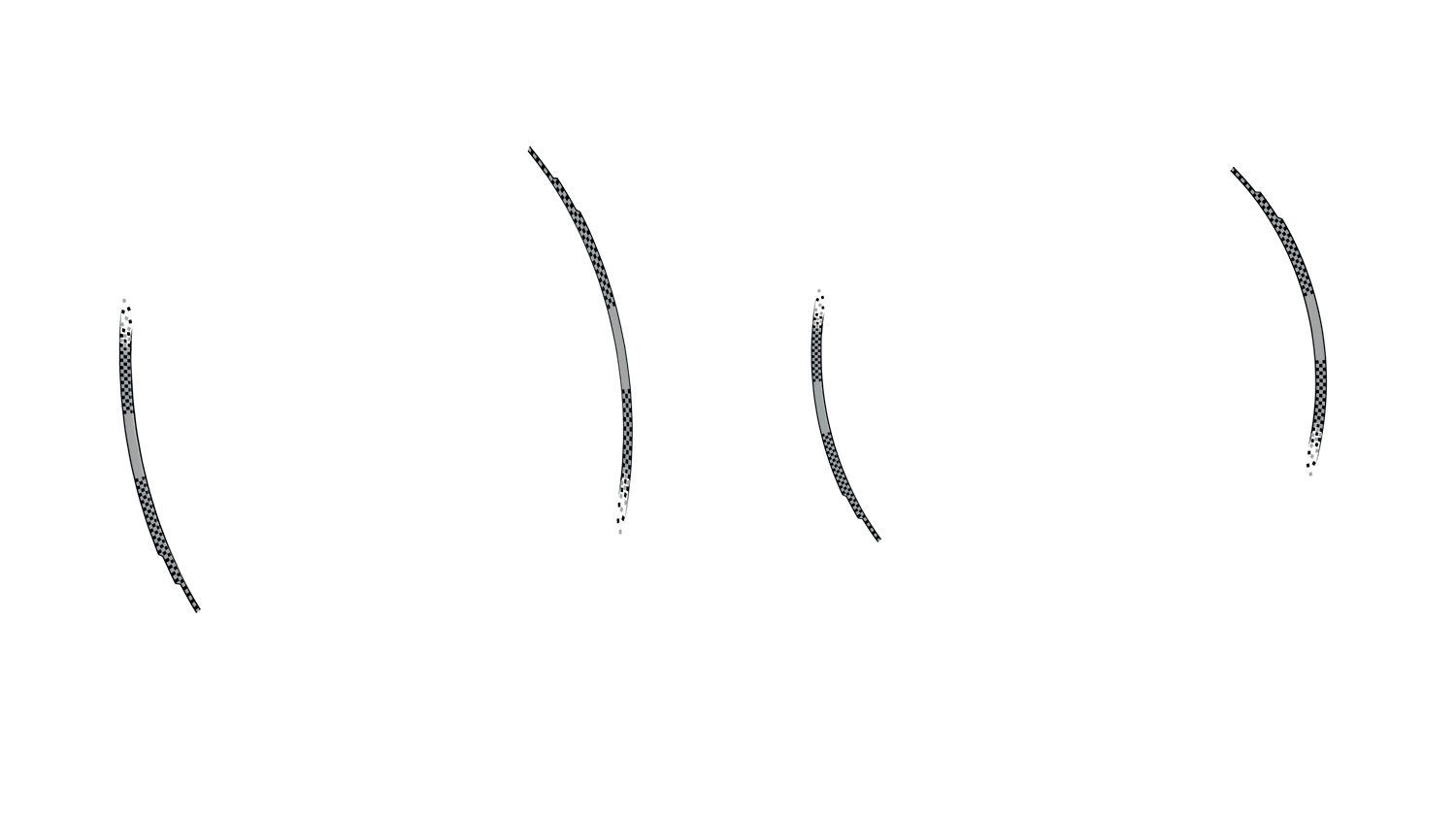
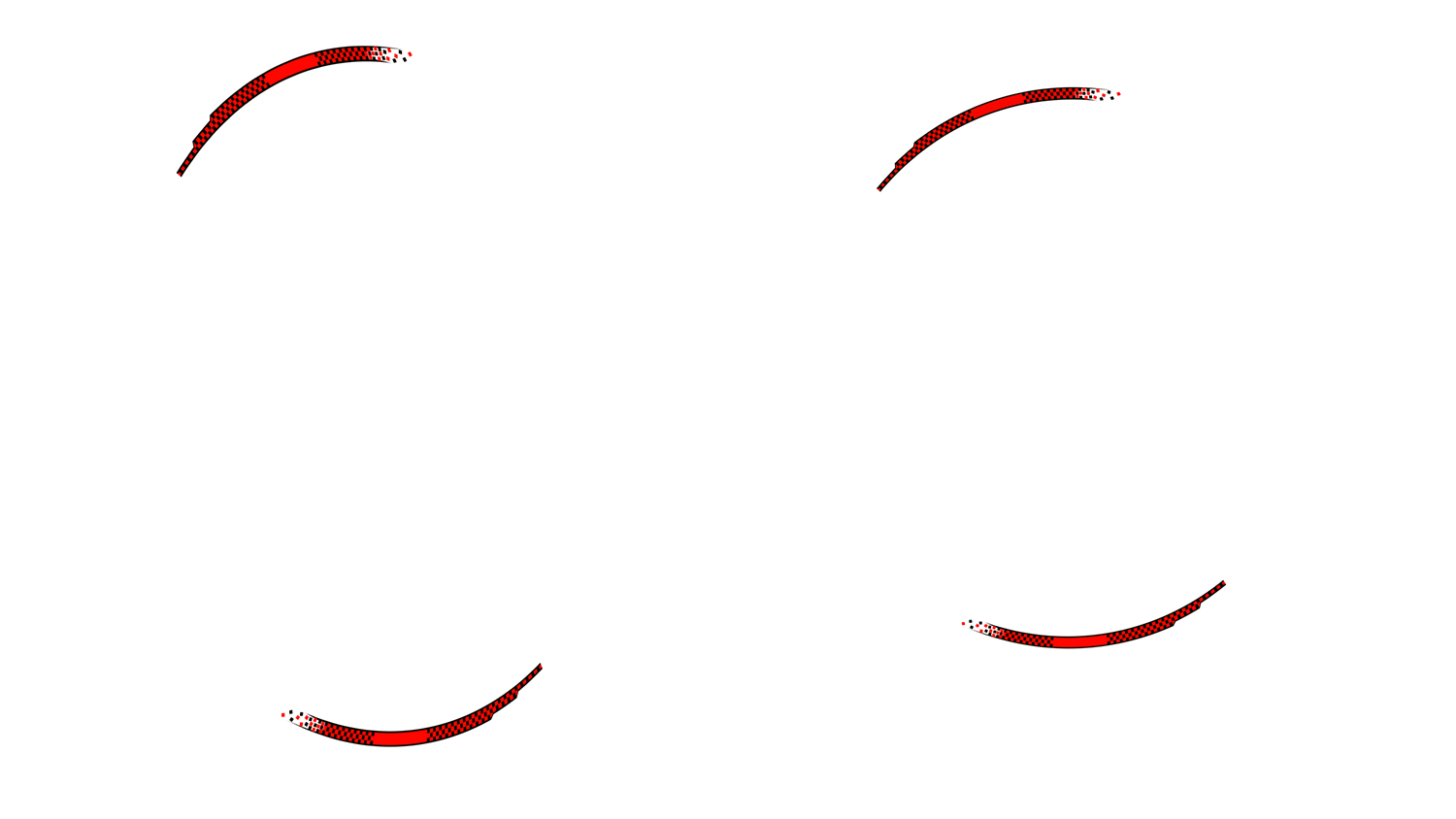
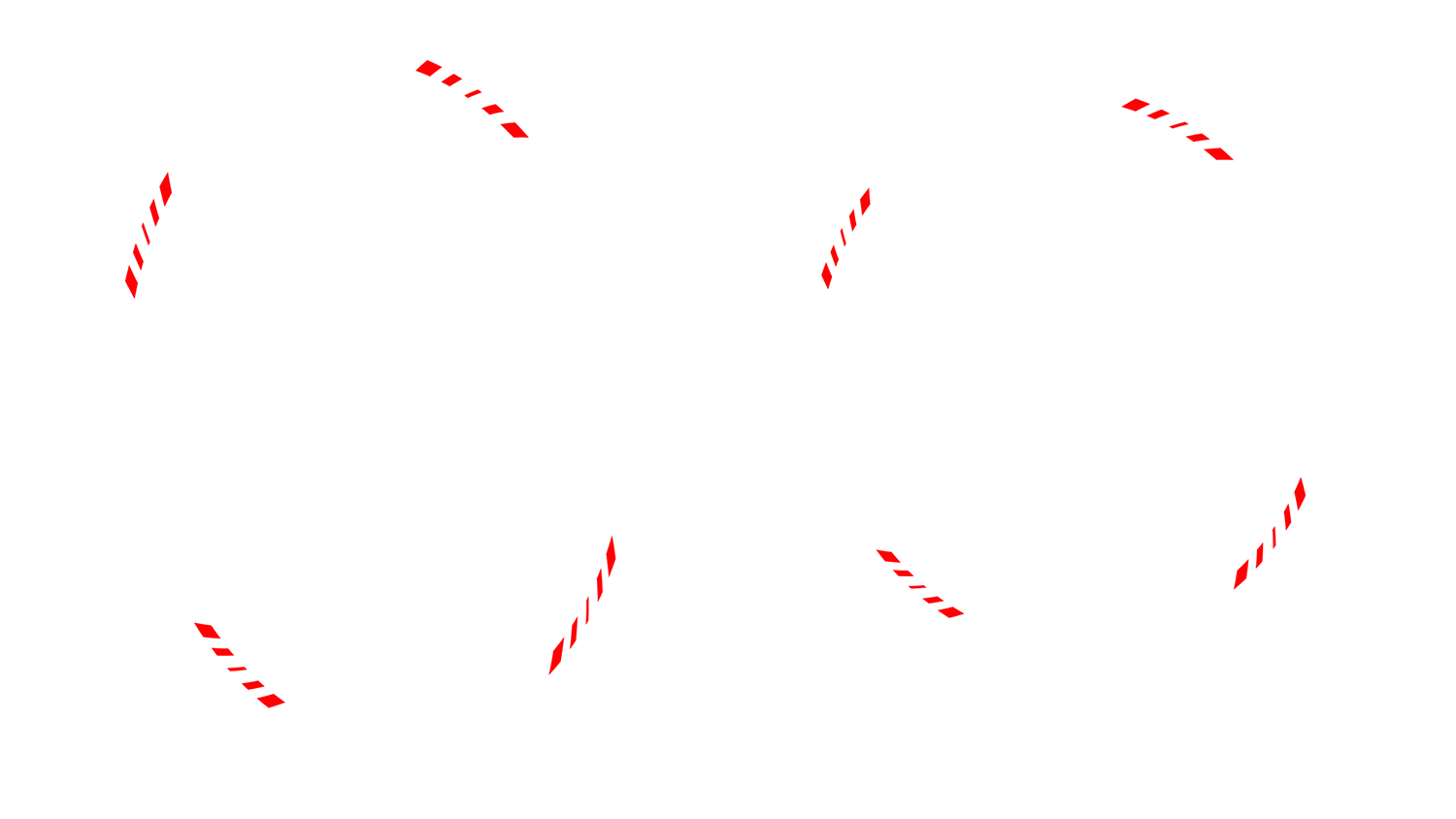
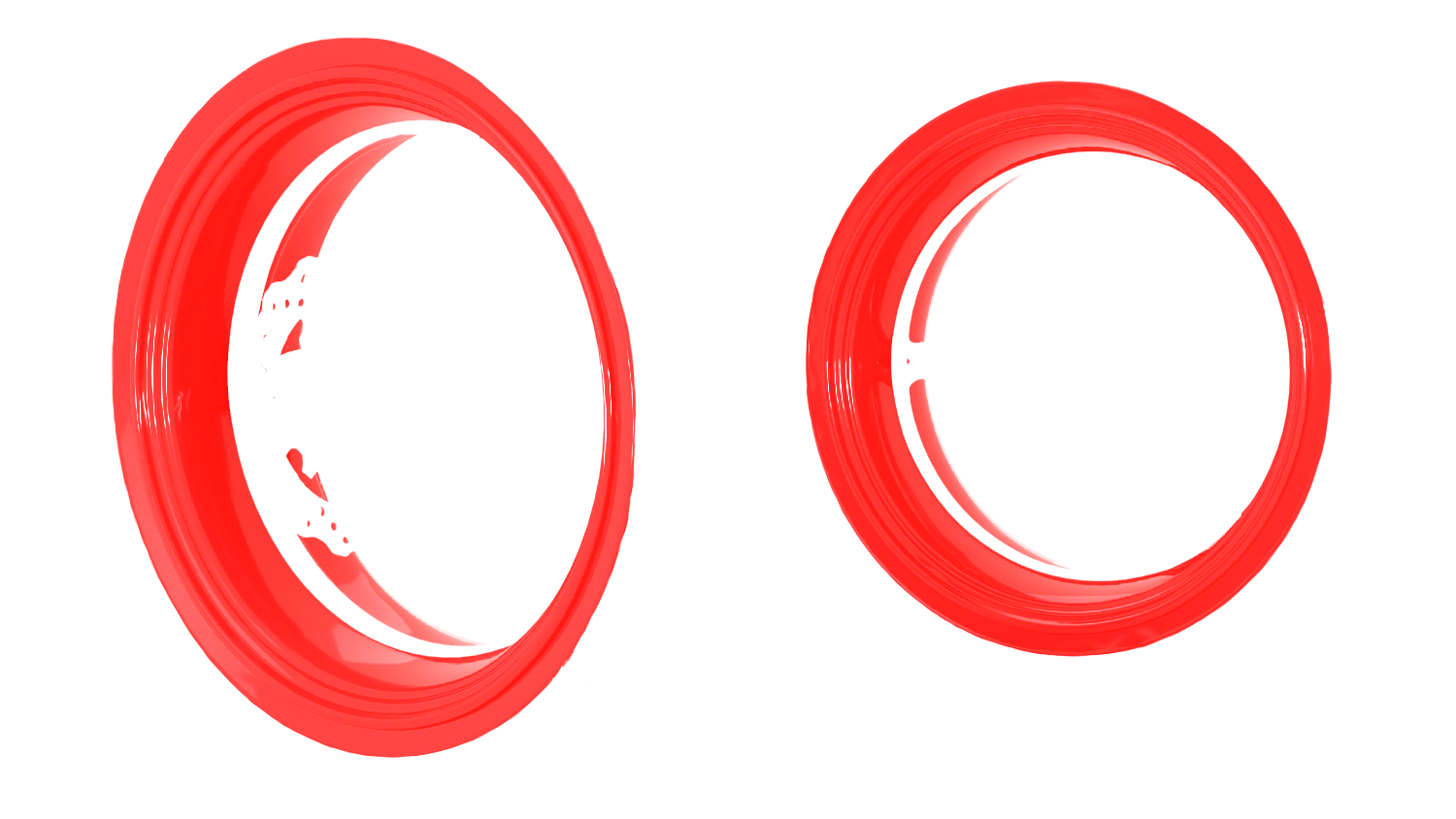
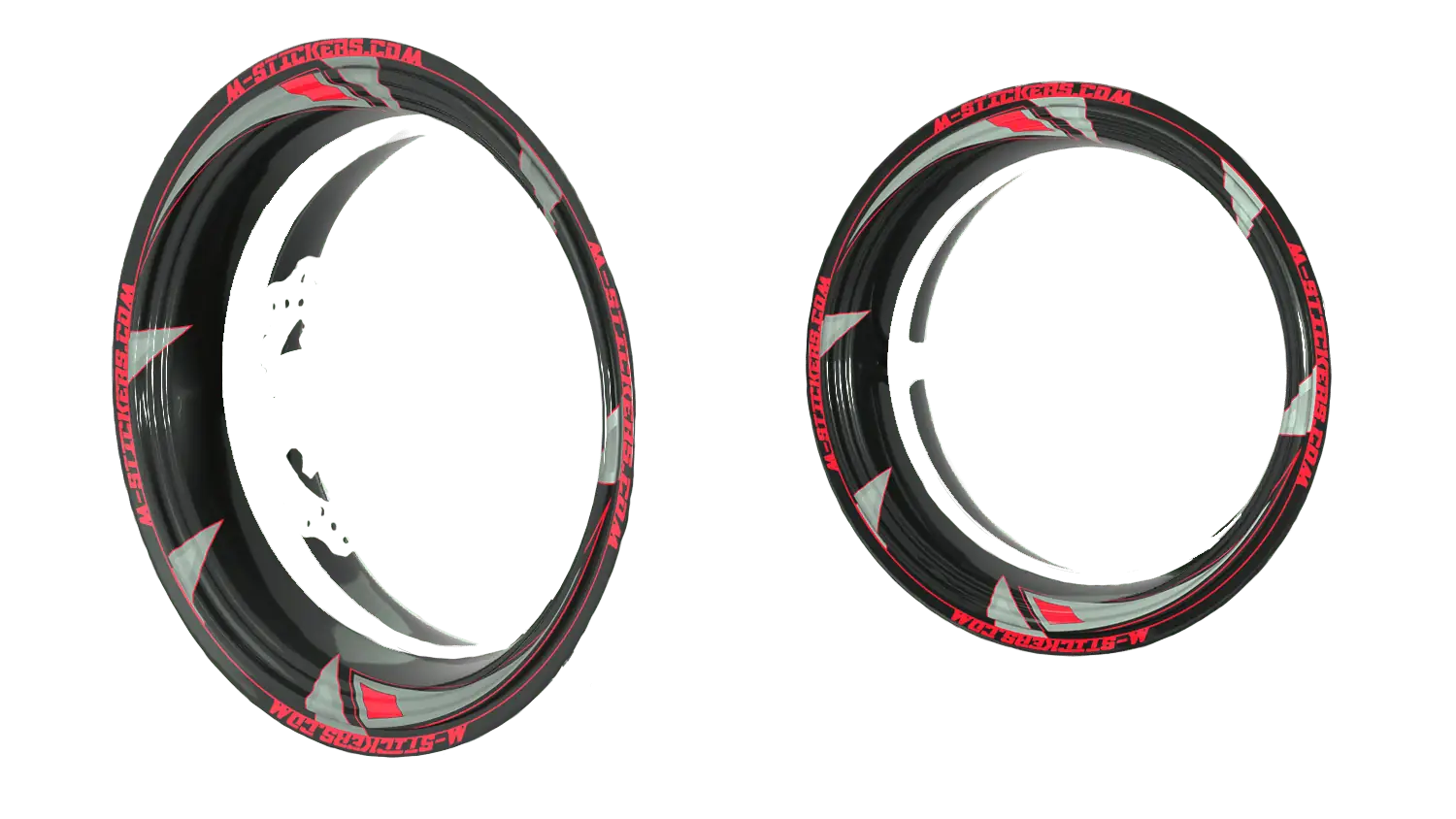
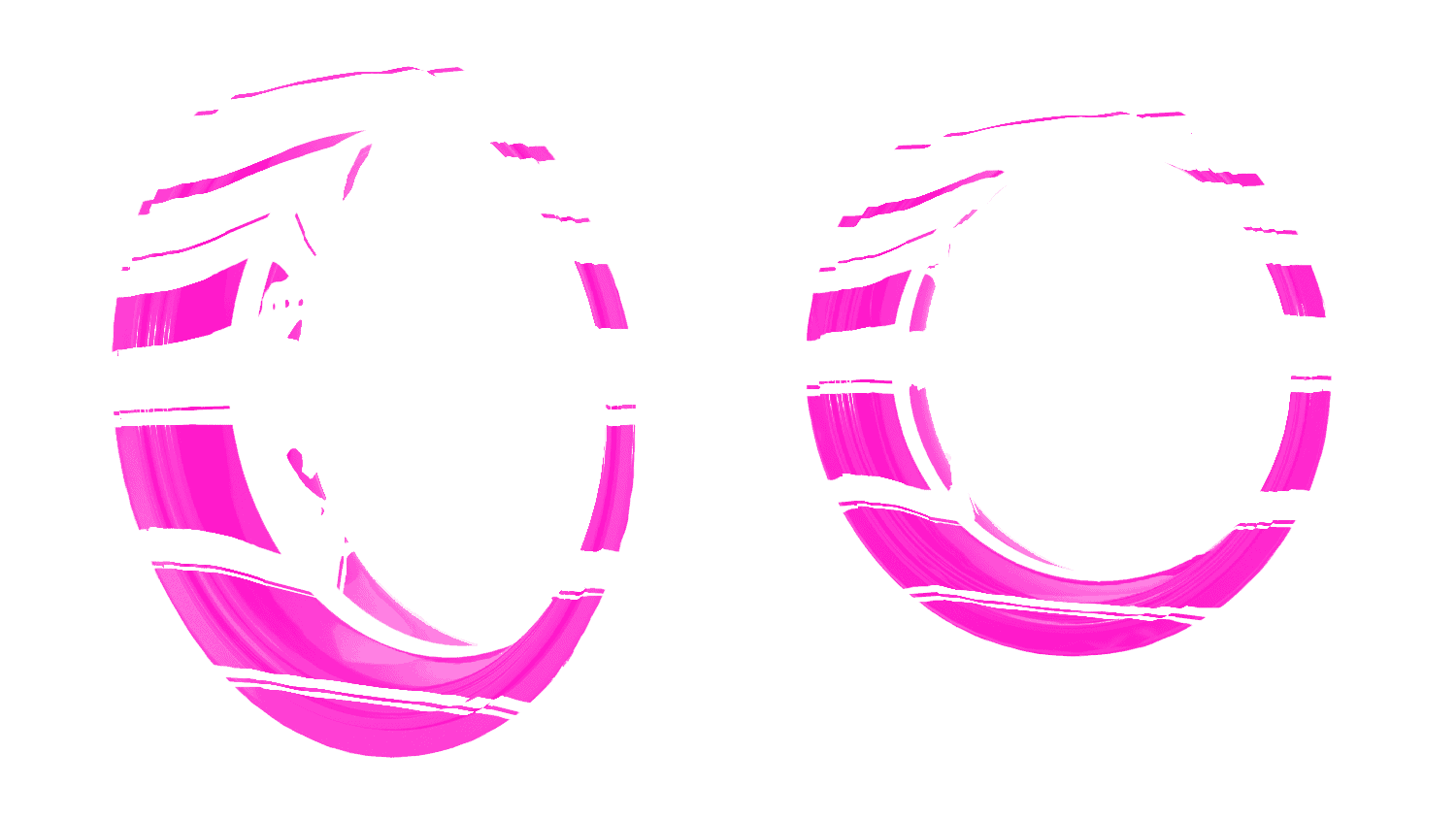
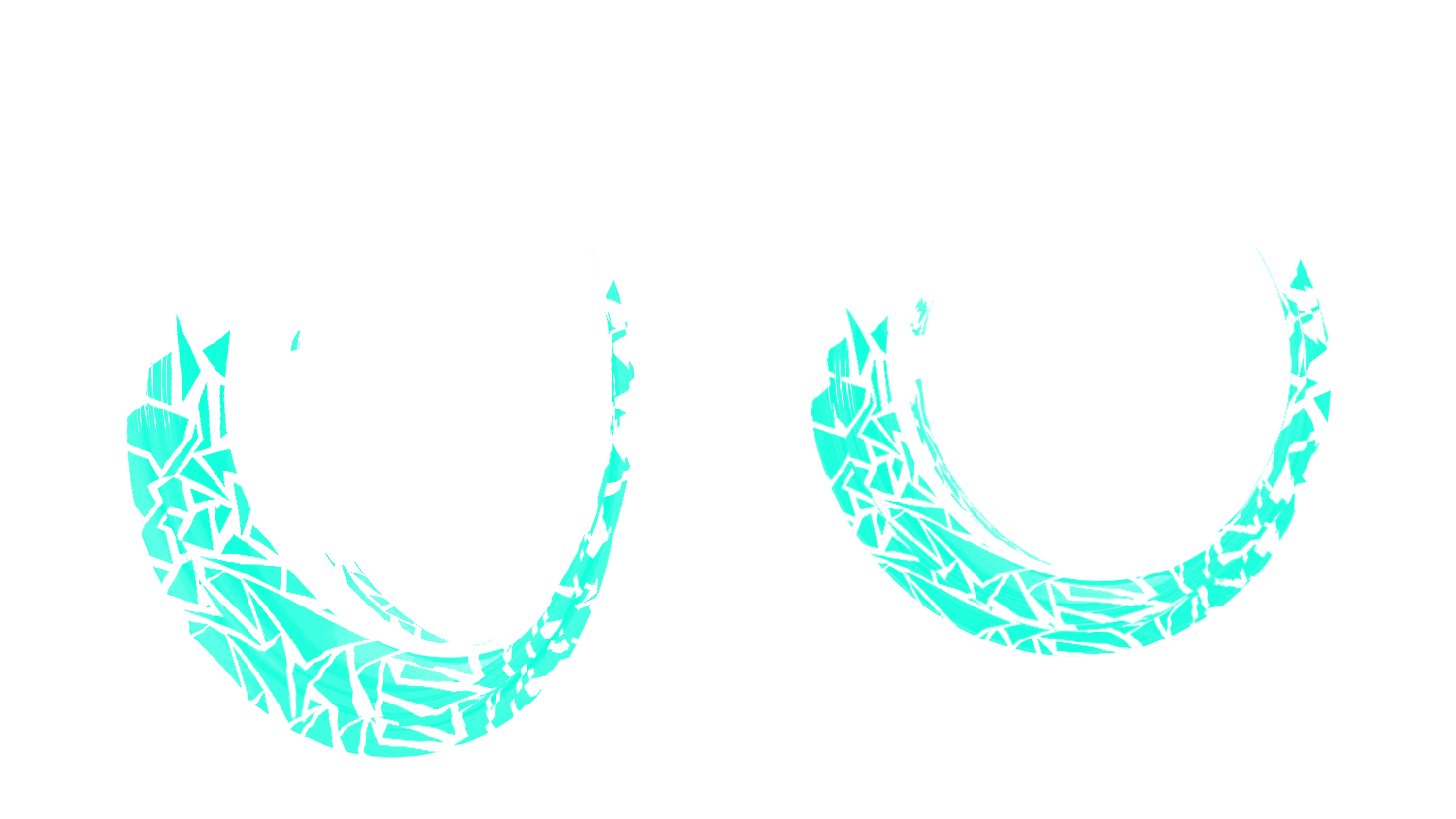
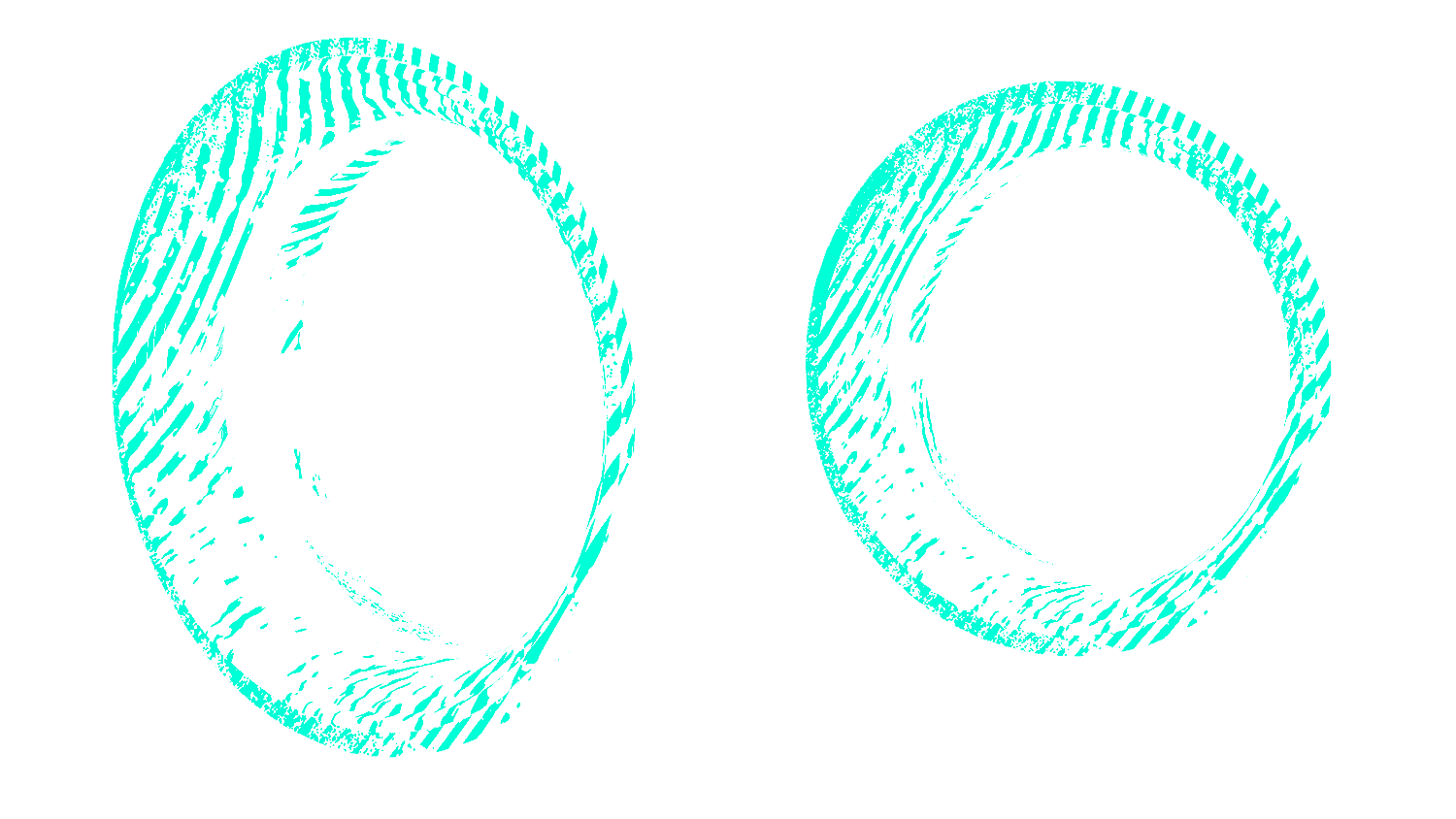
Rim Stripe Red Liseret background

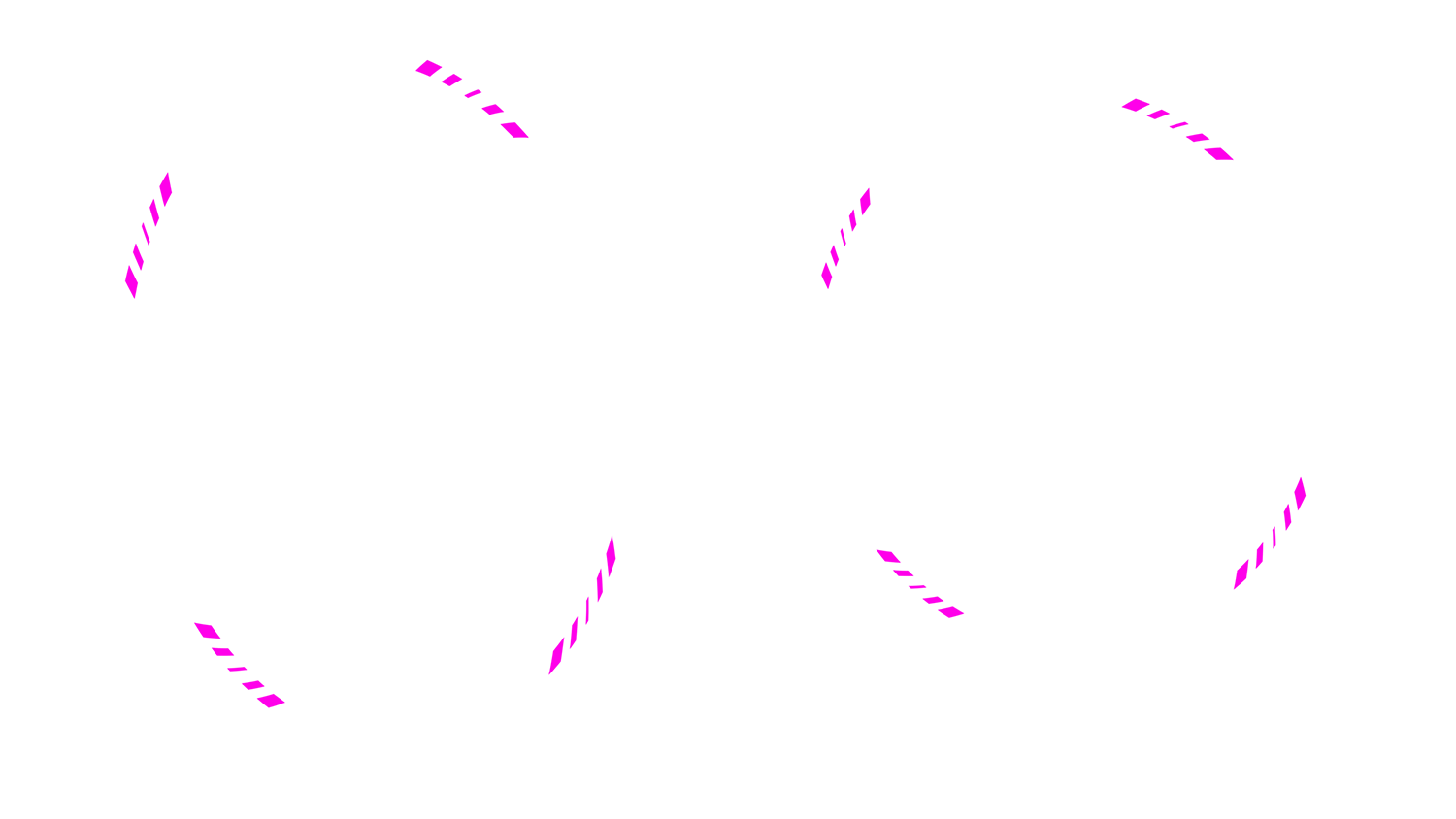
Rings - step 1 Black background
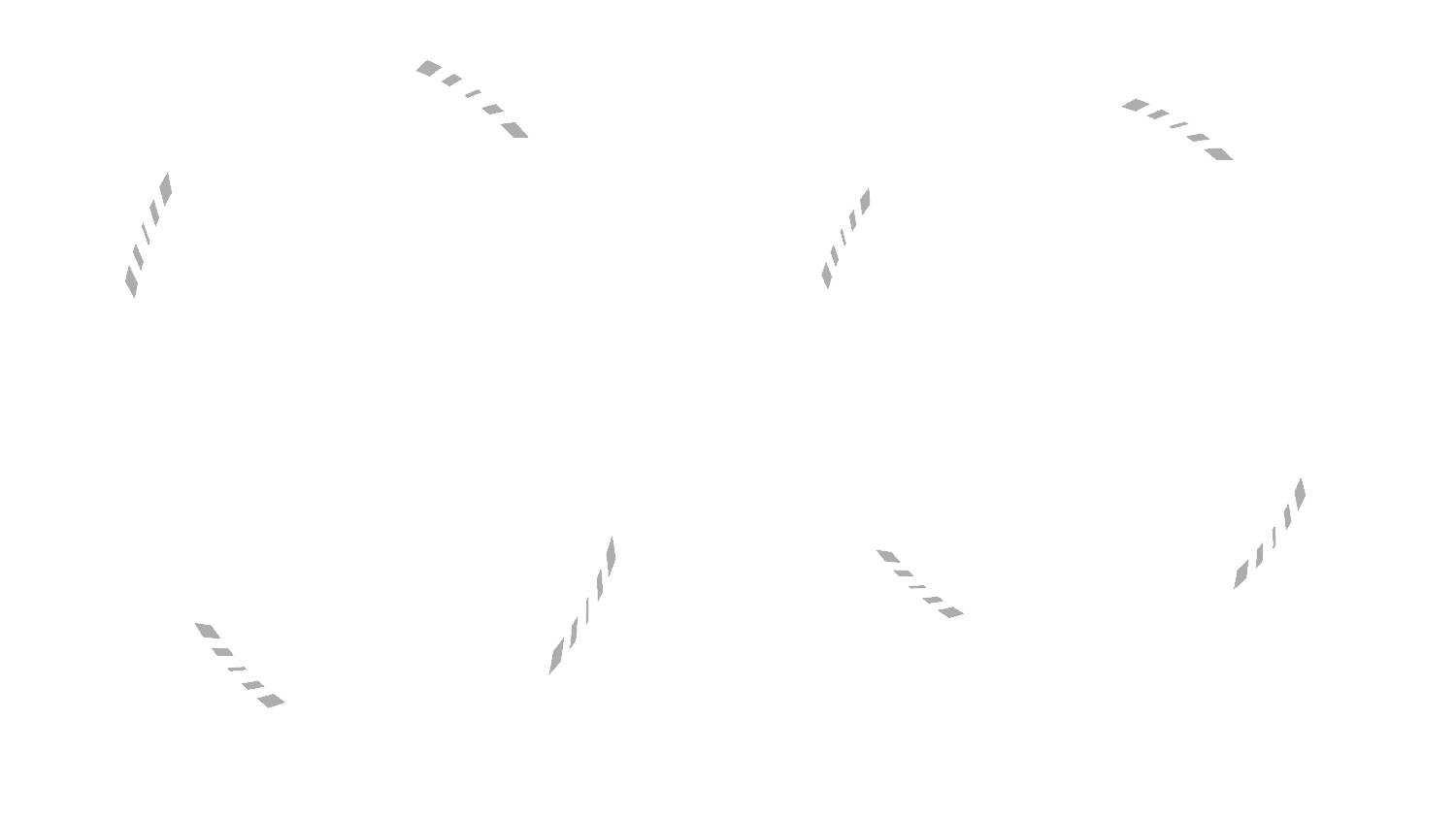
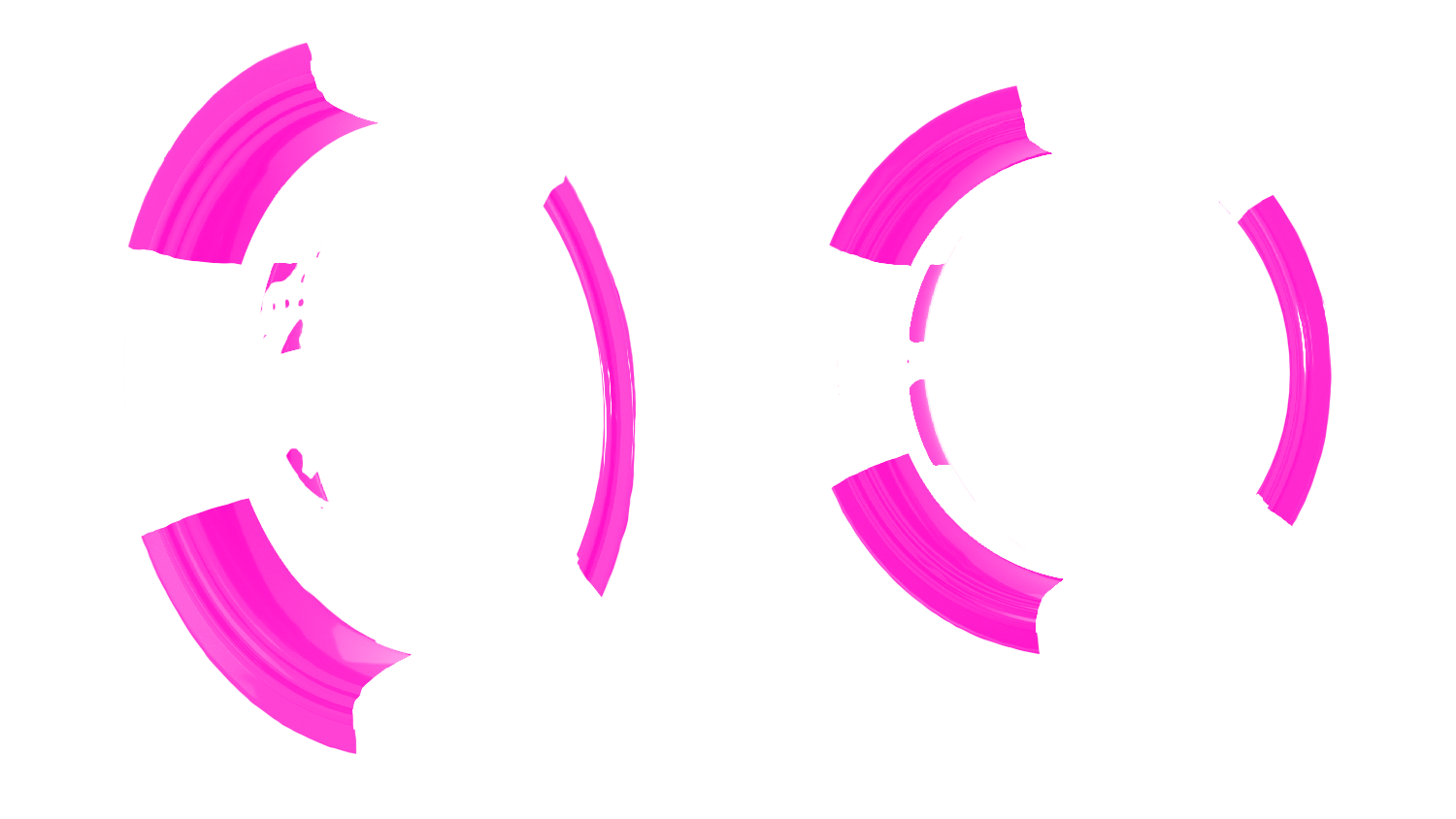
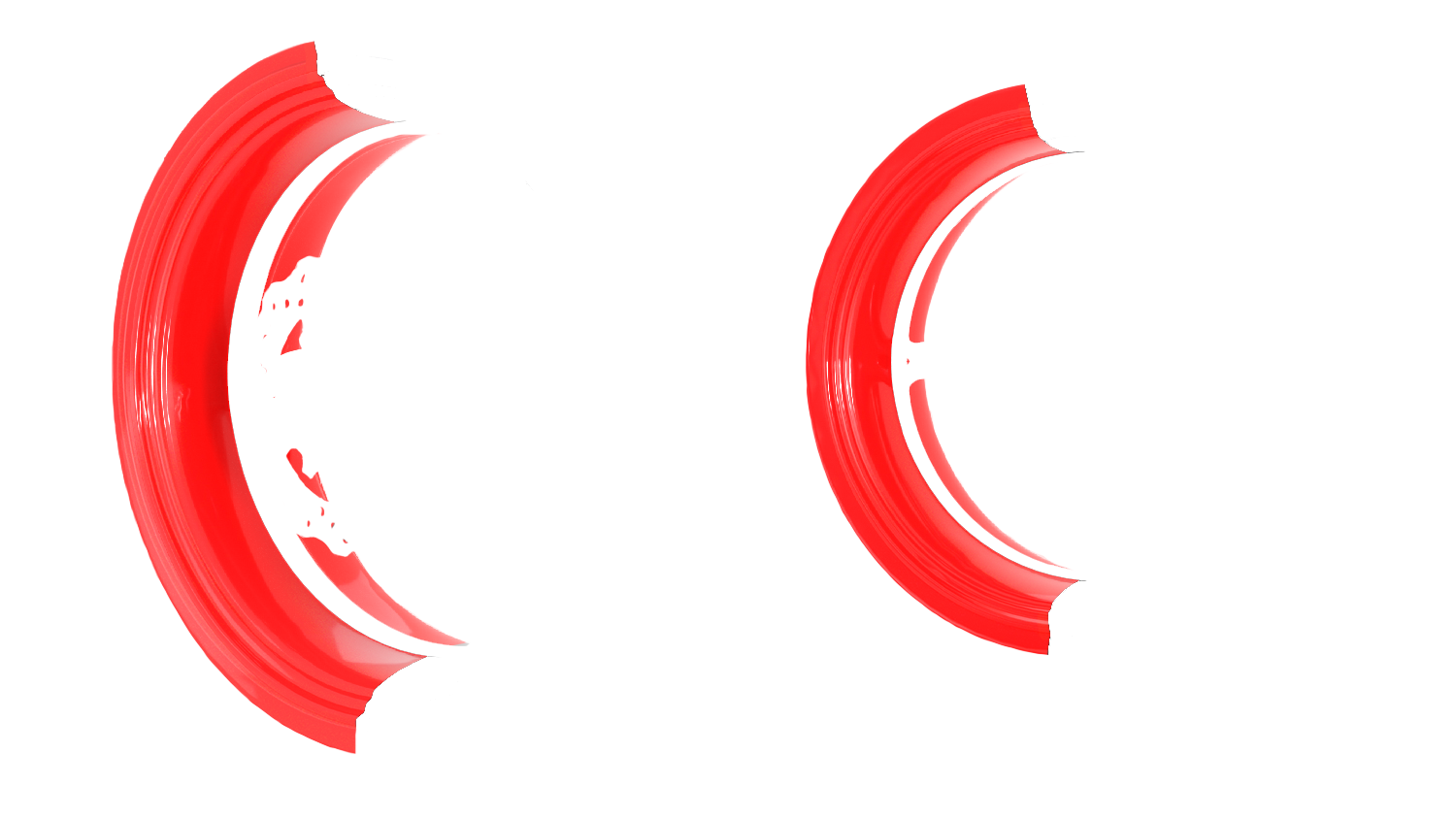
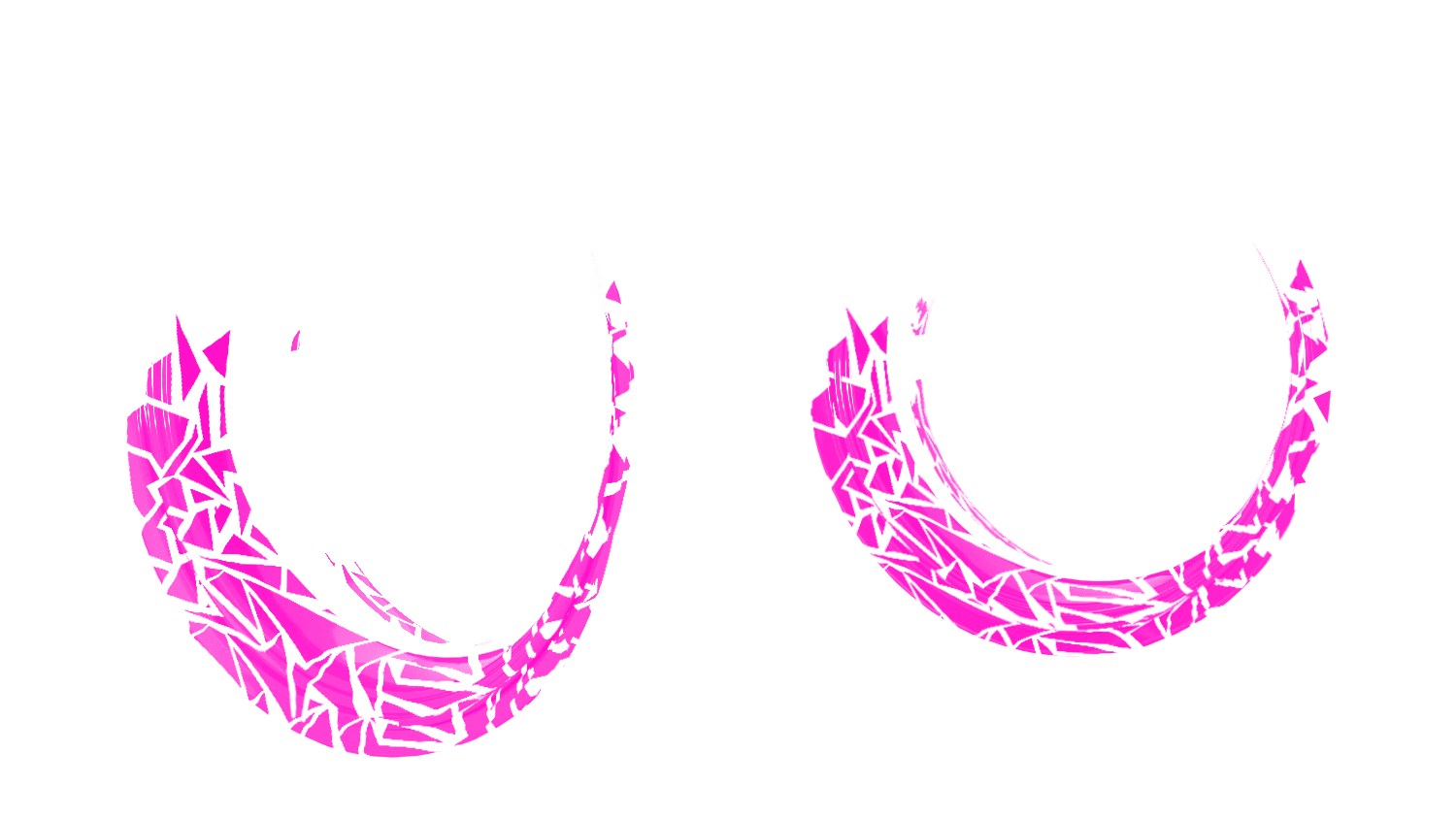
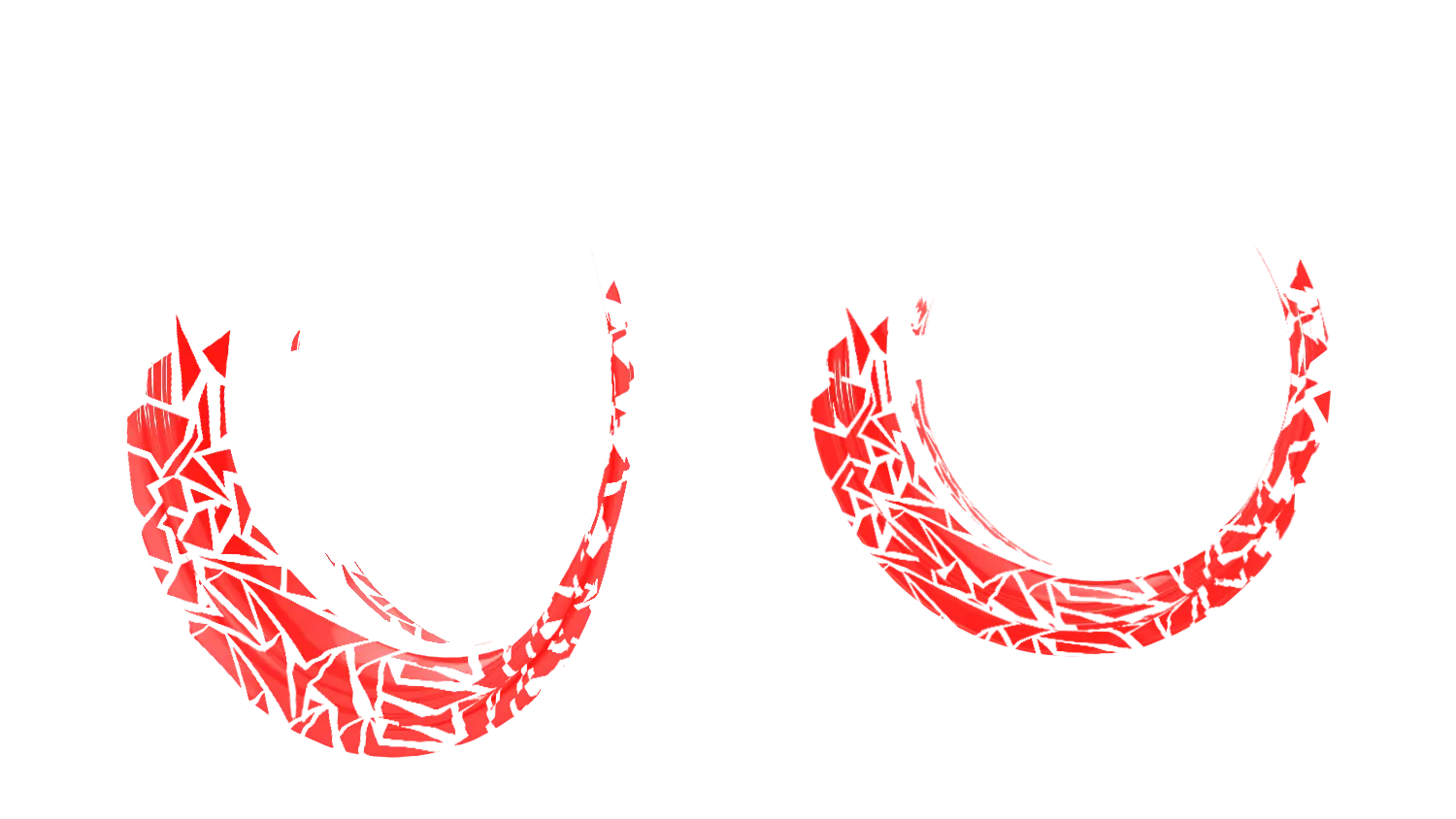
Rings - stage 2 Red grunge

Specific Color Without

Effect No effect
Rim size
Additional information
Total: 119,90€
Welcome to our Rim Strip configurator - M-Stickers
Transform your motorcycle's look with our Rim Ring Motorcycle Graphics Kit Configurator. Designed to bring quality customization, this configurator lets you create a unique look for the two rim stripes on your wheel rims. Made in France with high-quality vinyl. Discover how to easily use our configurator.
Important warnings:
Before diving into customization, a few essential warnings for an optimal experience:
- The "Ring" stickers require removing the rims to apply them correctly.
- Designed for the standard 17" wheel (not compatible with single-piece wheels).
Kit contents :
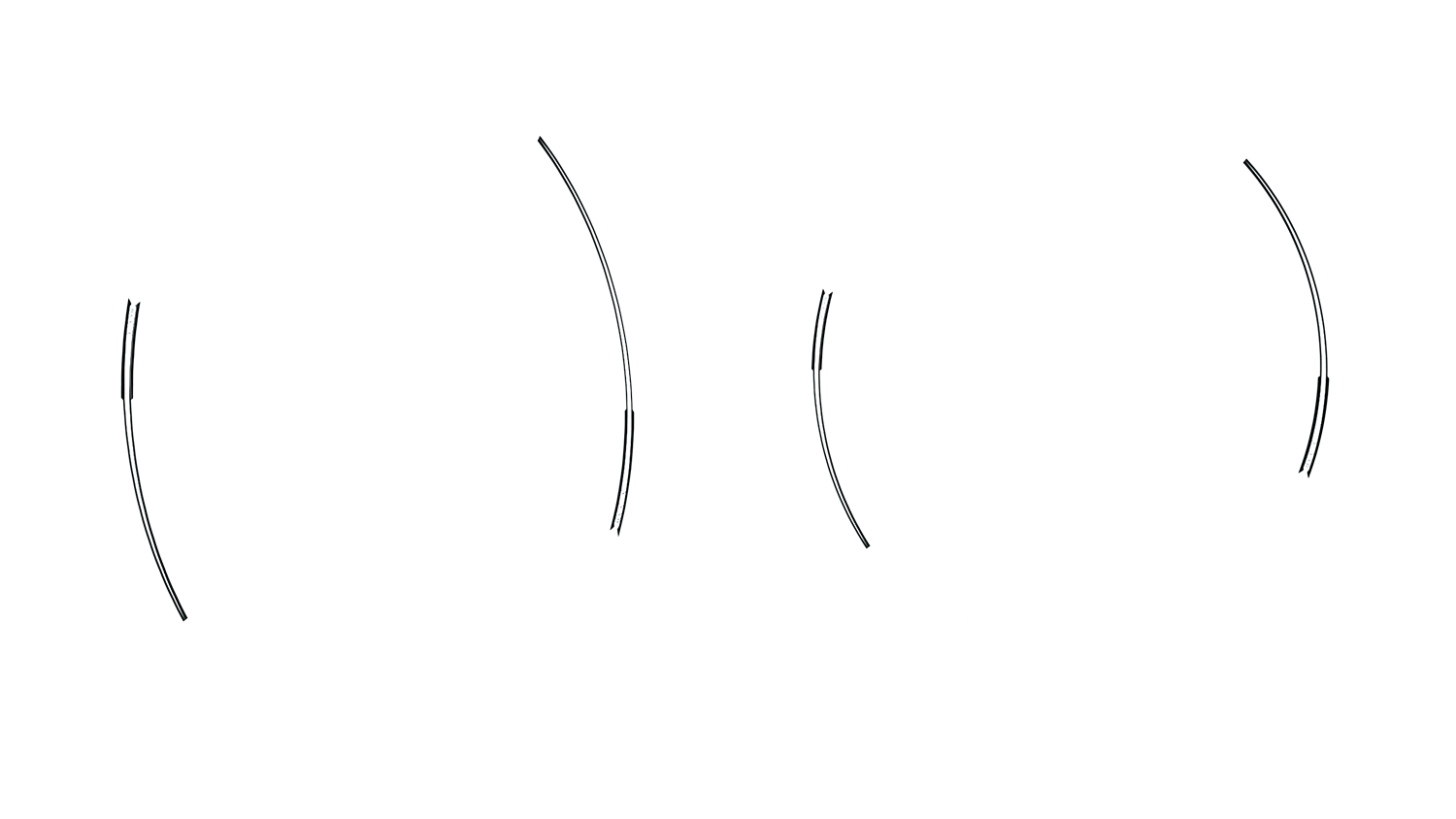
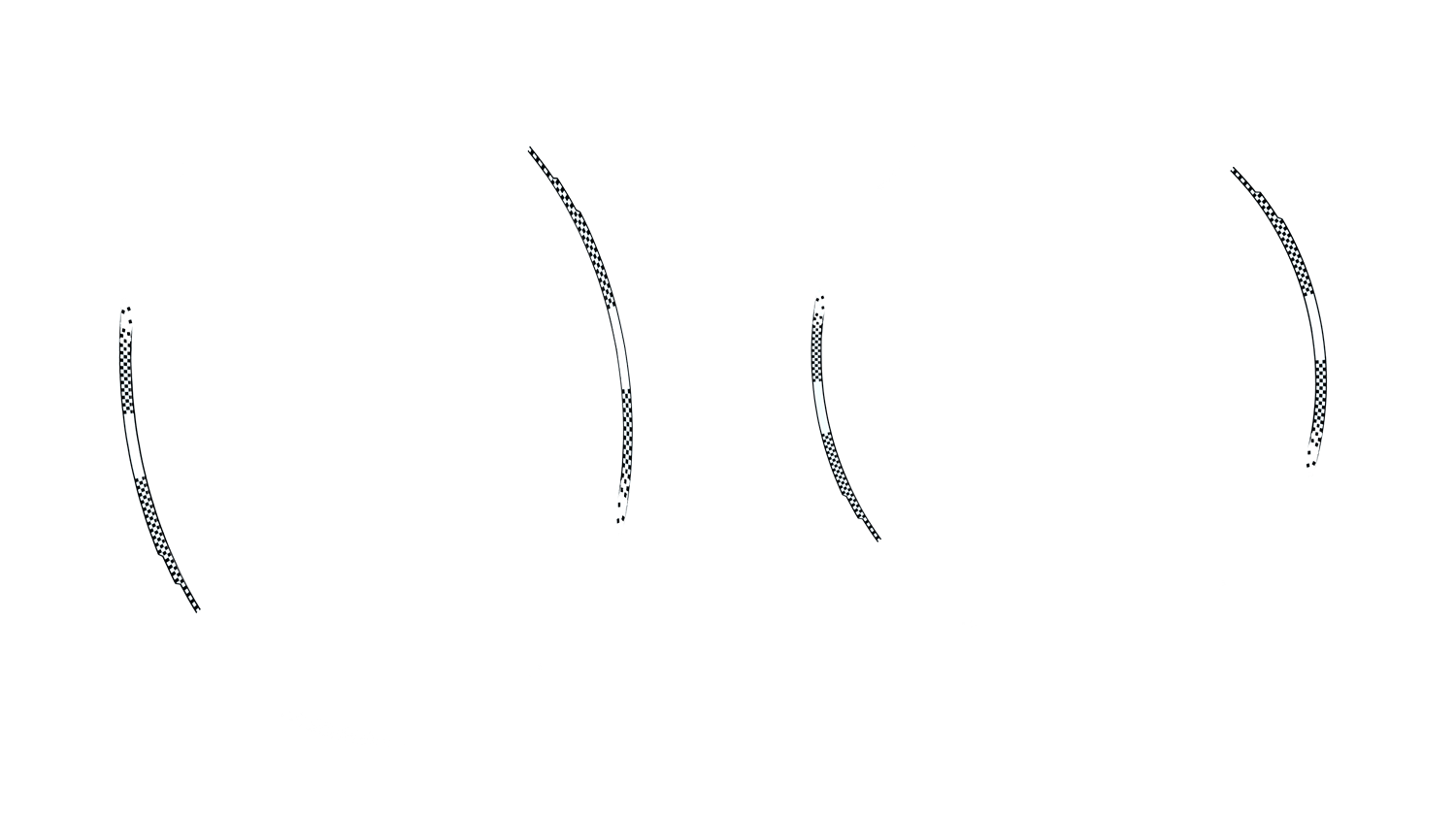
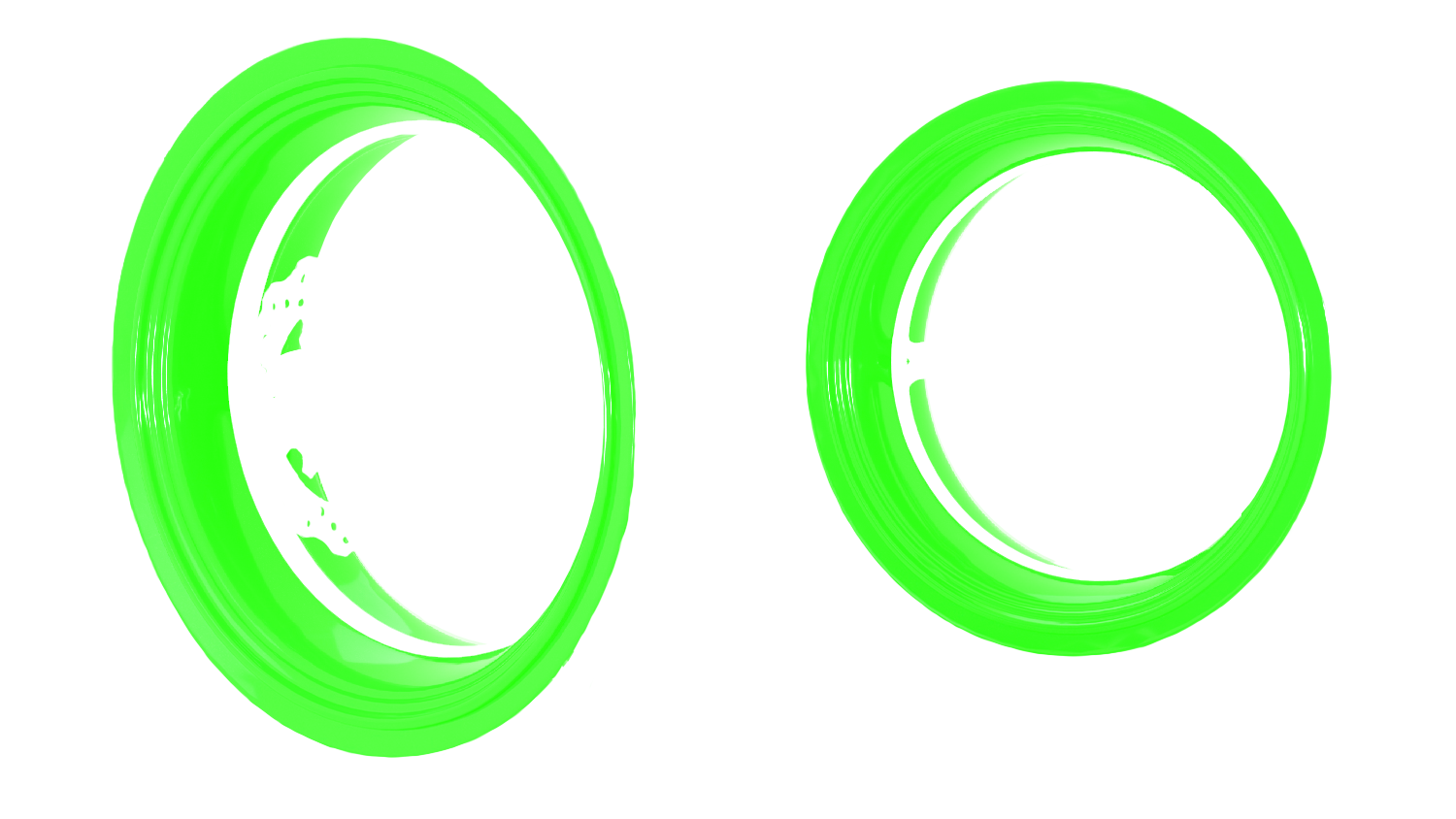
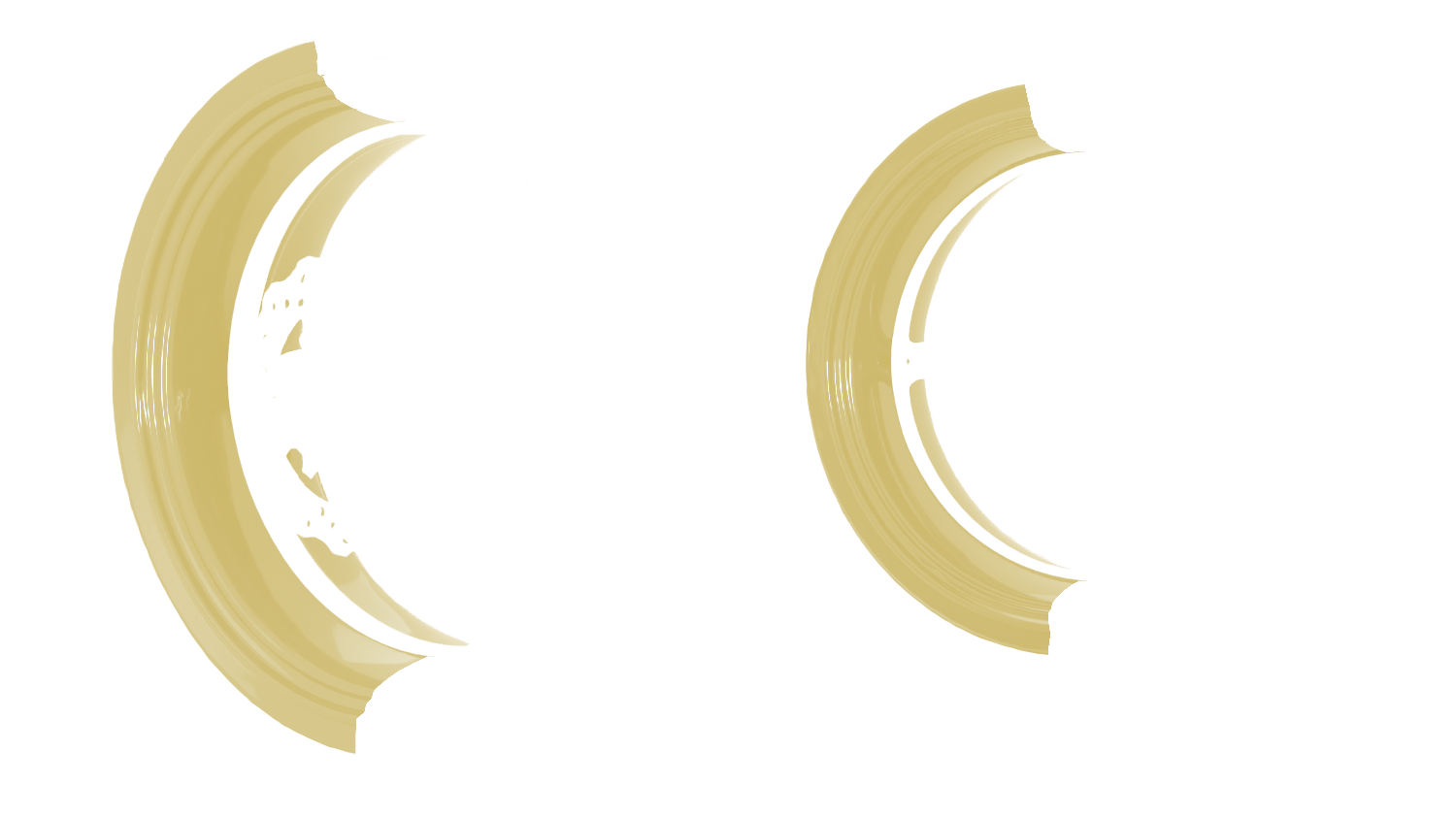
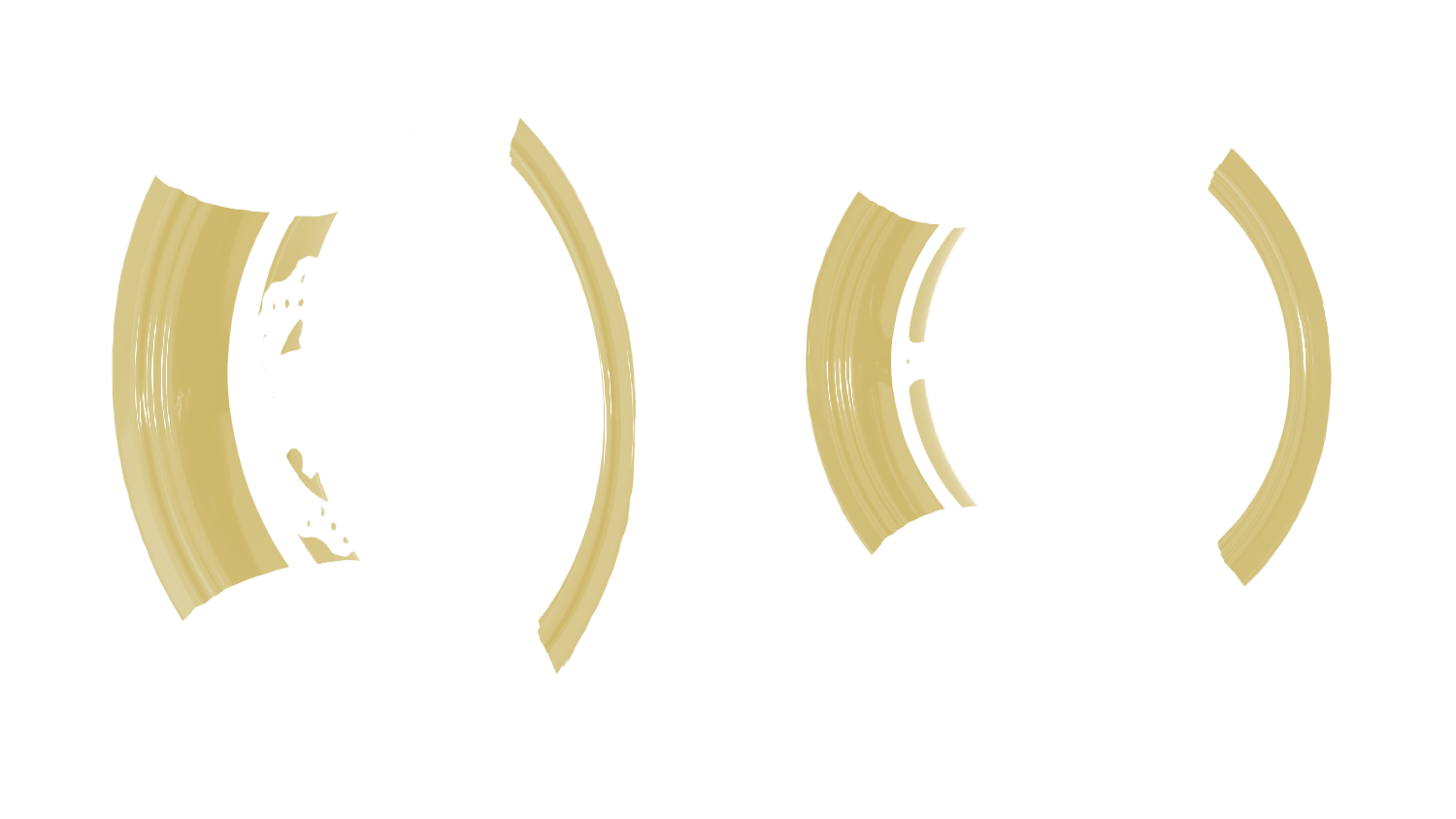
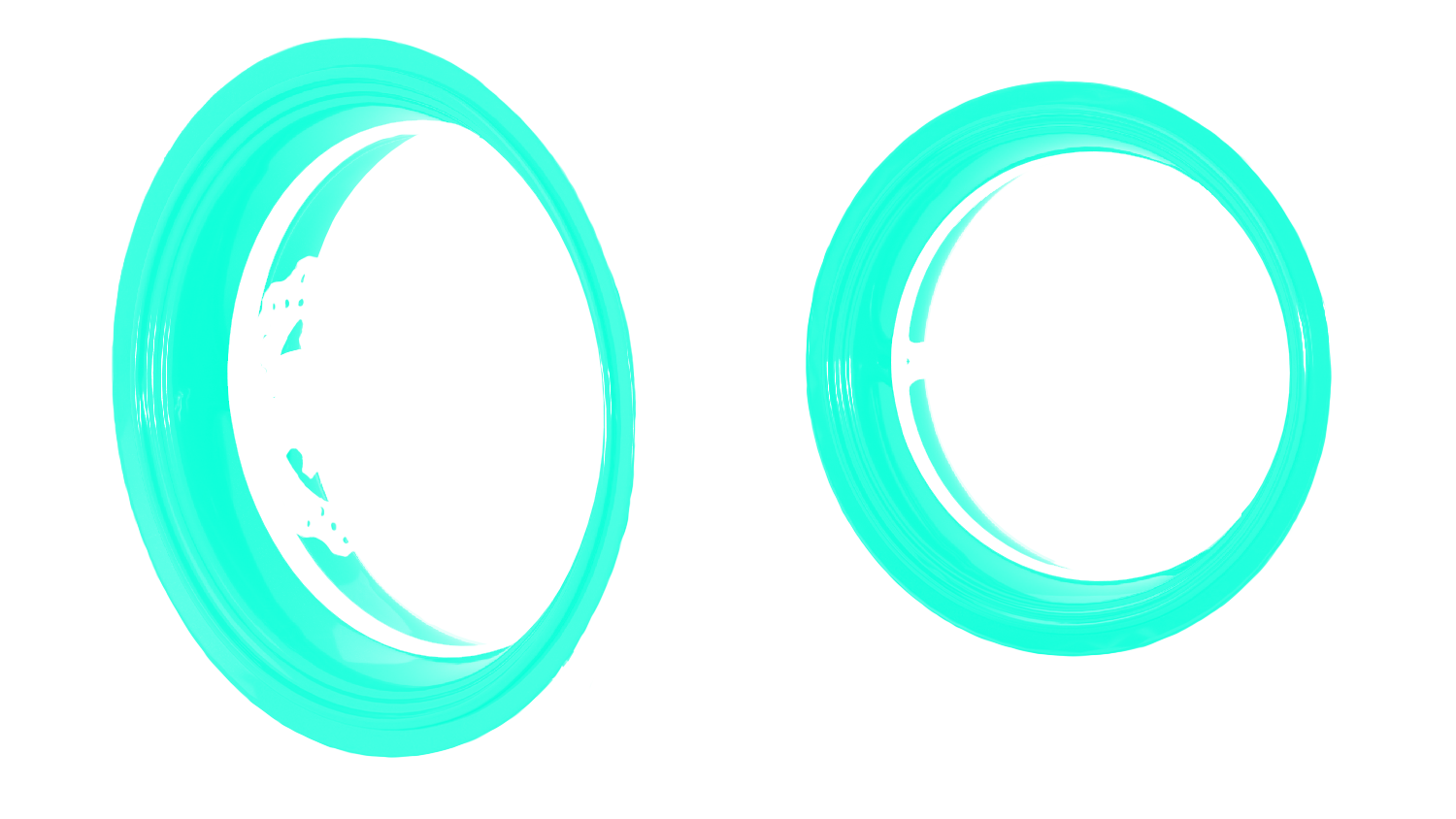
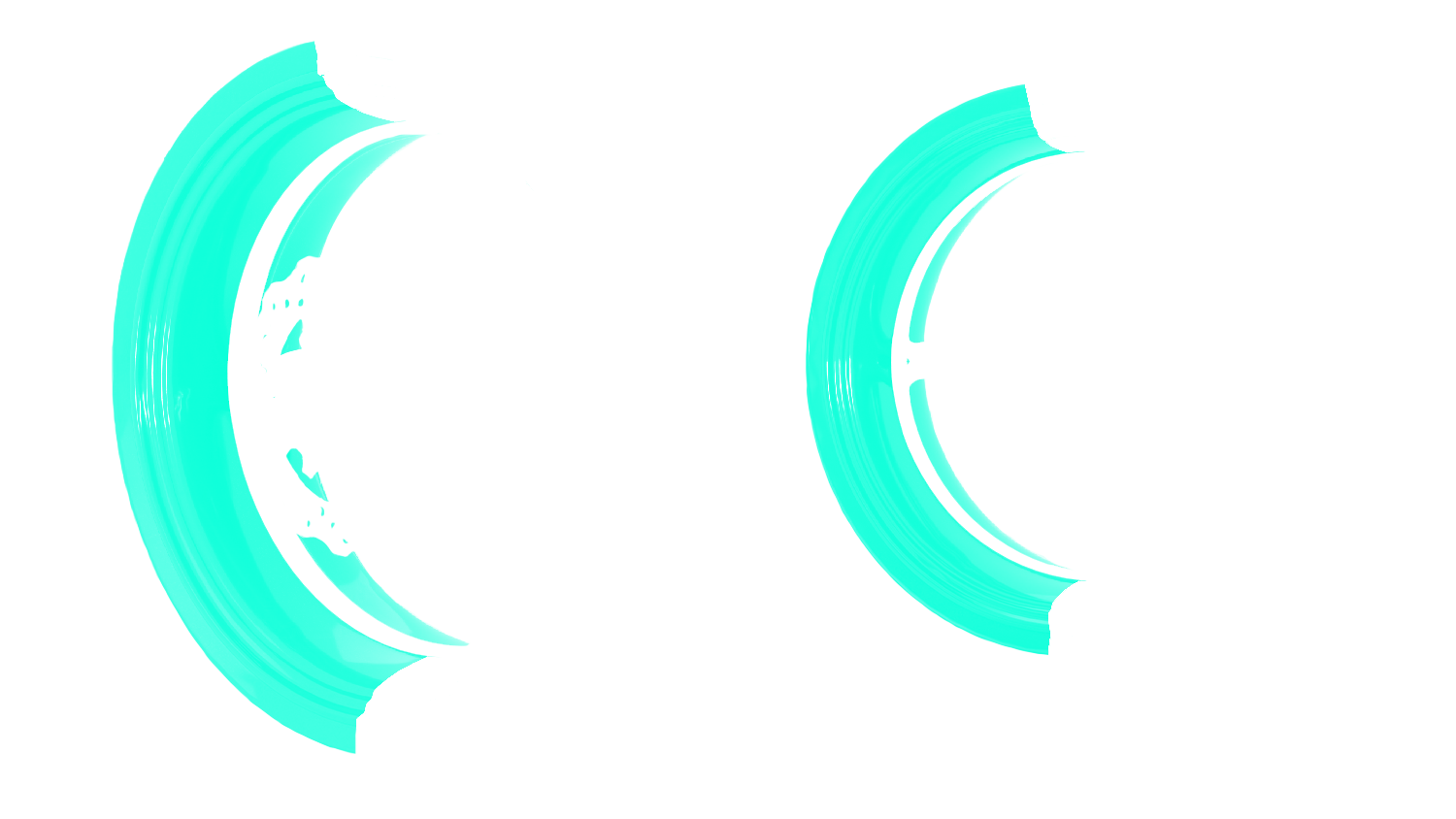
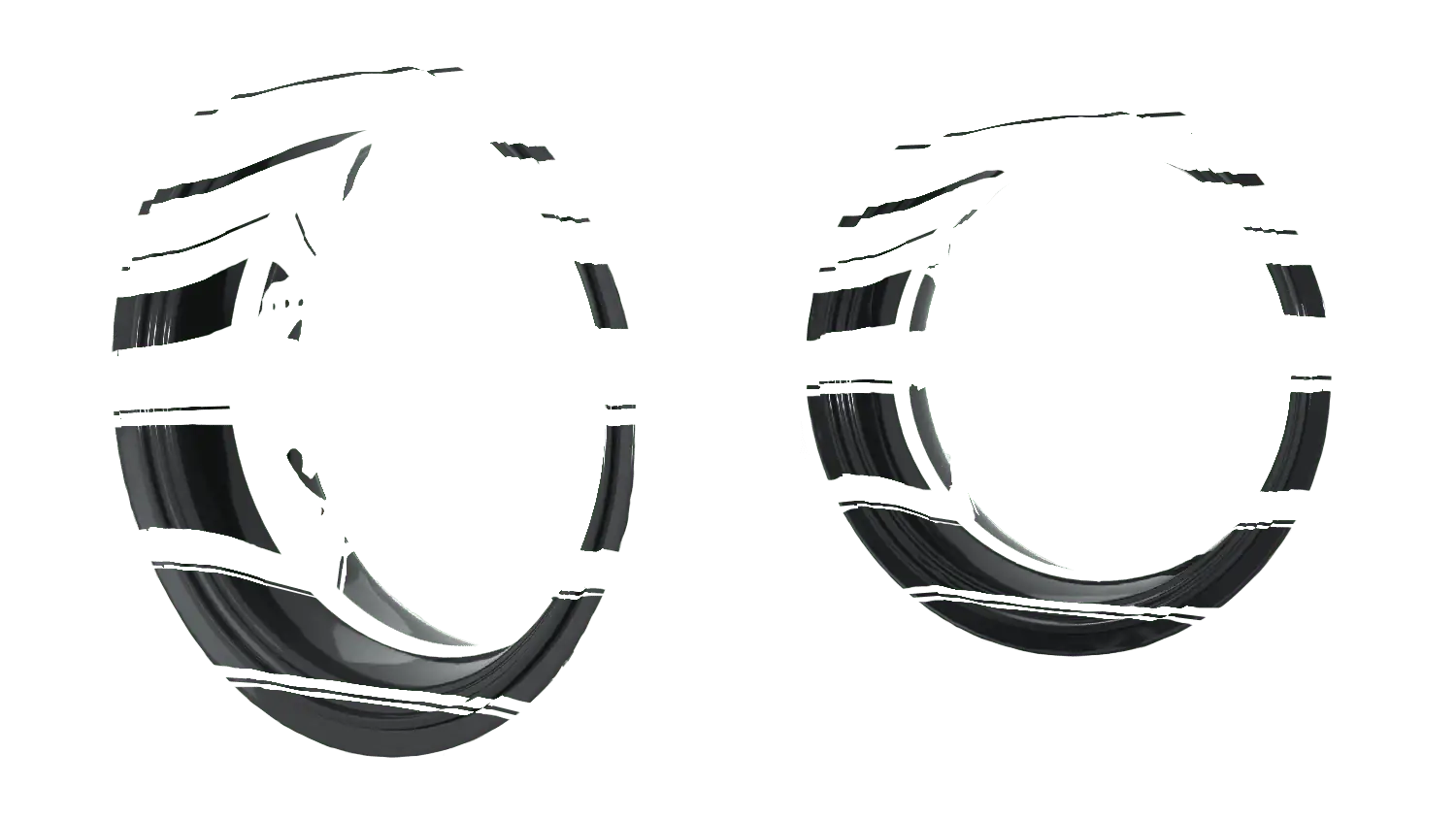
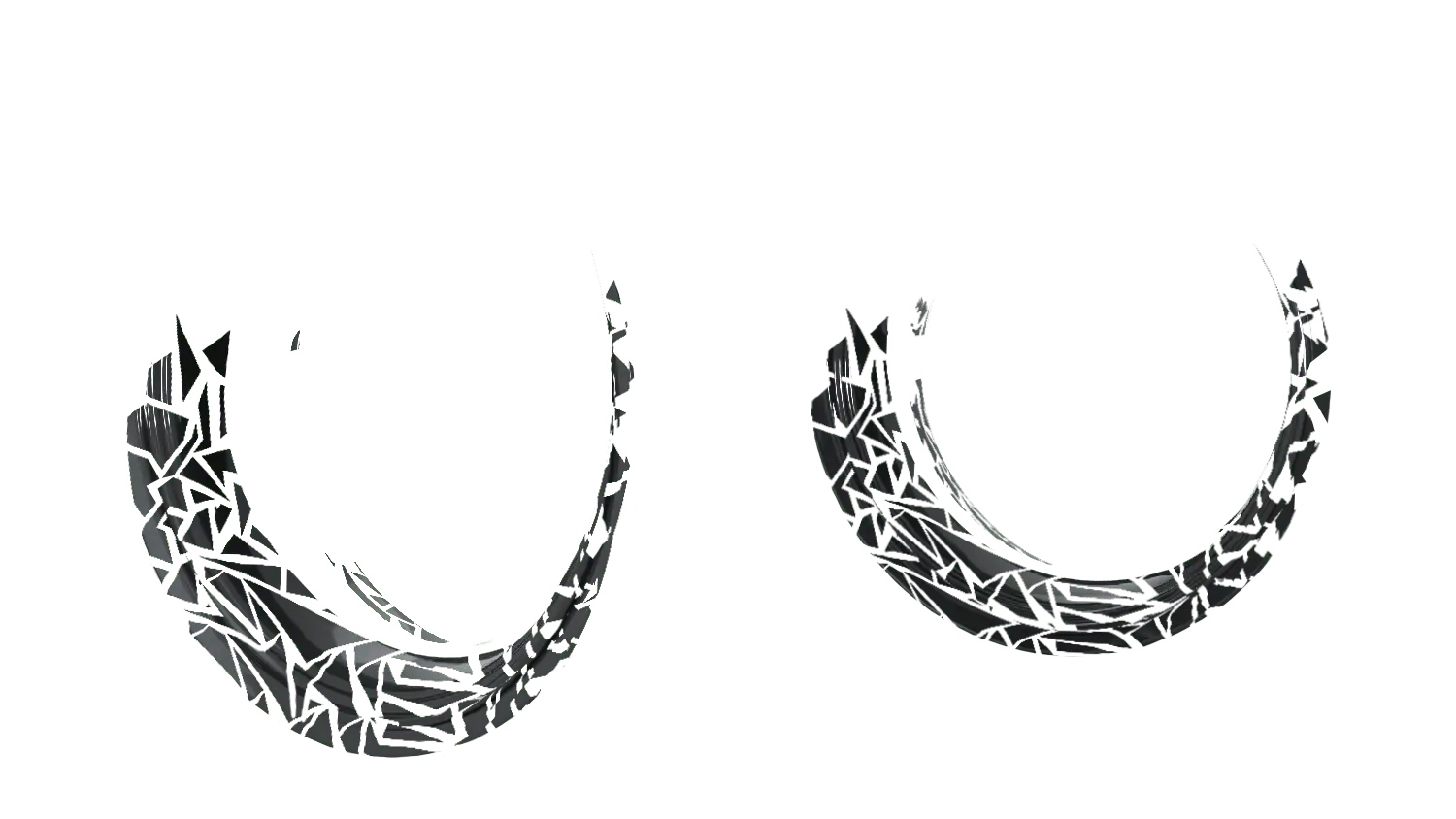
The Annau personalized rim graphics kit includes 2 circular decals for the rear rim and 2 circular decals for the front rim.
Configure your rim decals:
- Choose the base color of your wheel rims.
- Select the design and color of each decal according to your wishes.
- Explore options for effects such as holographic, photoluminescent, retroreflective, fluorescent, glossy, matte, reinforced, gold, and silver.
Information :
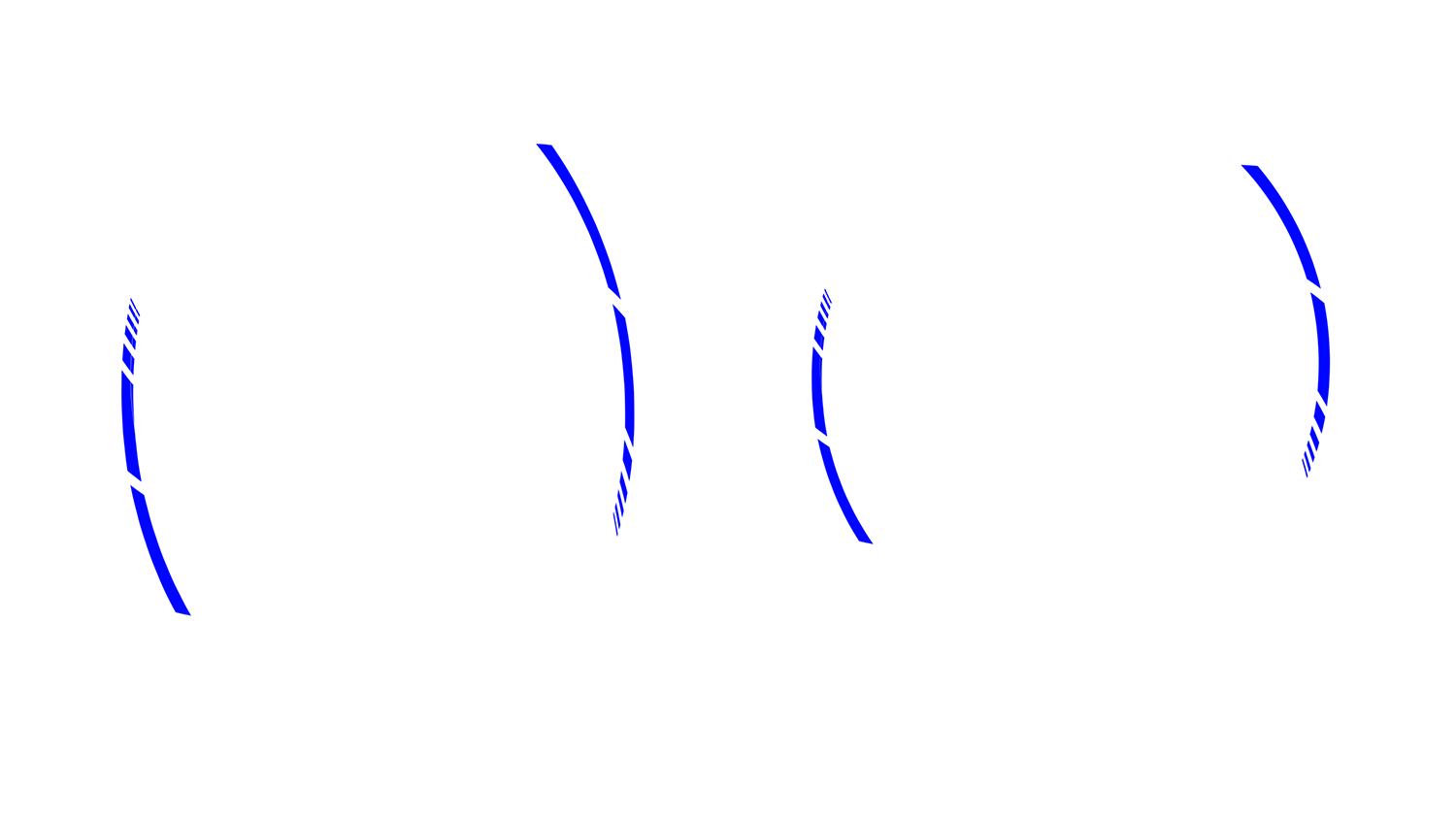
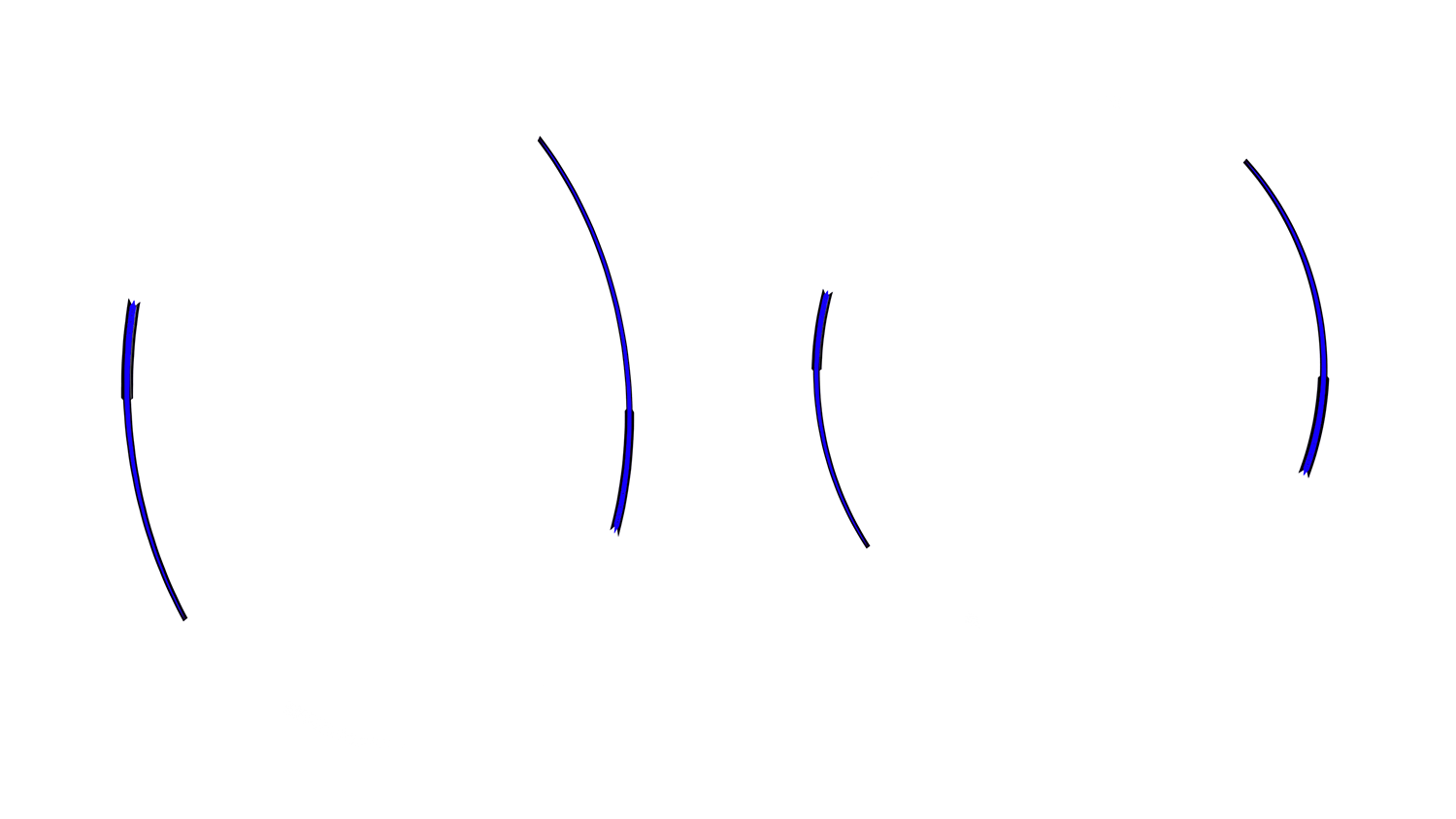
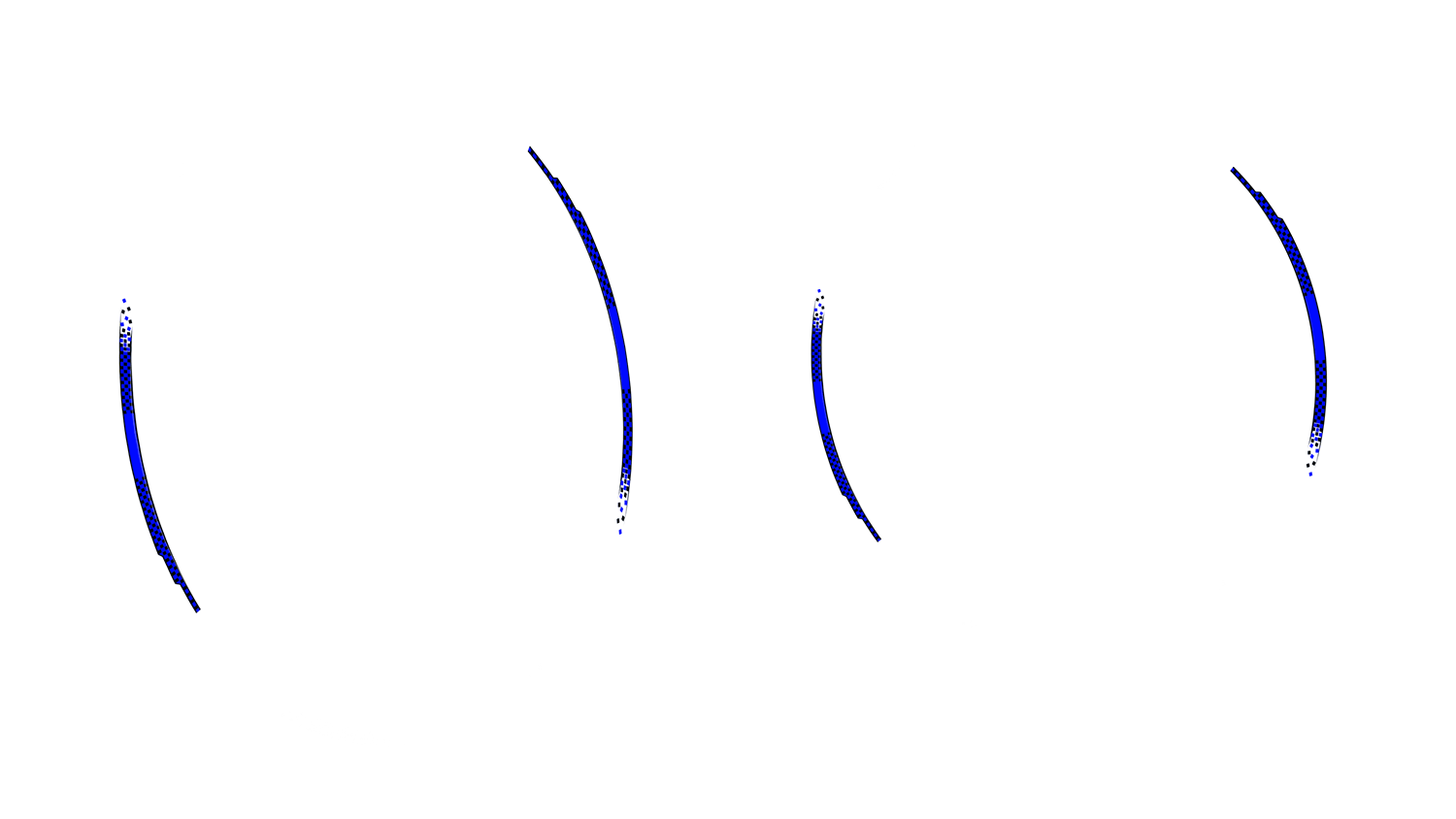
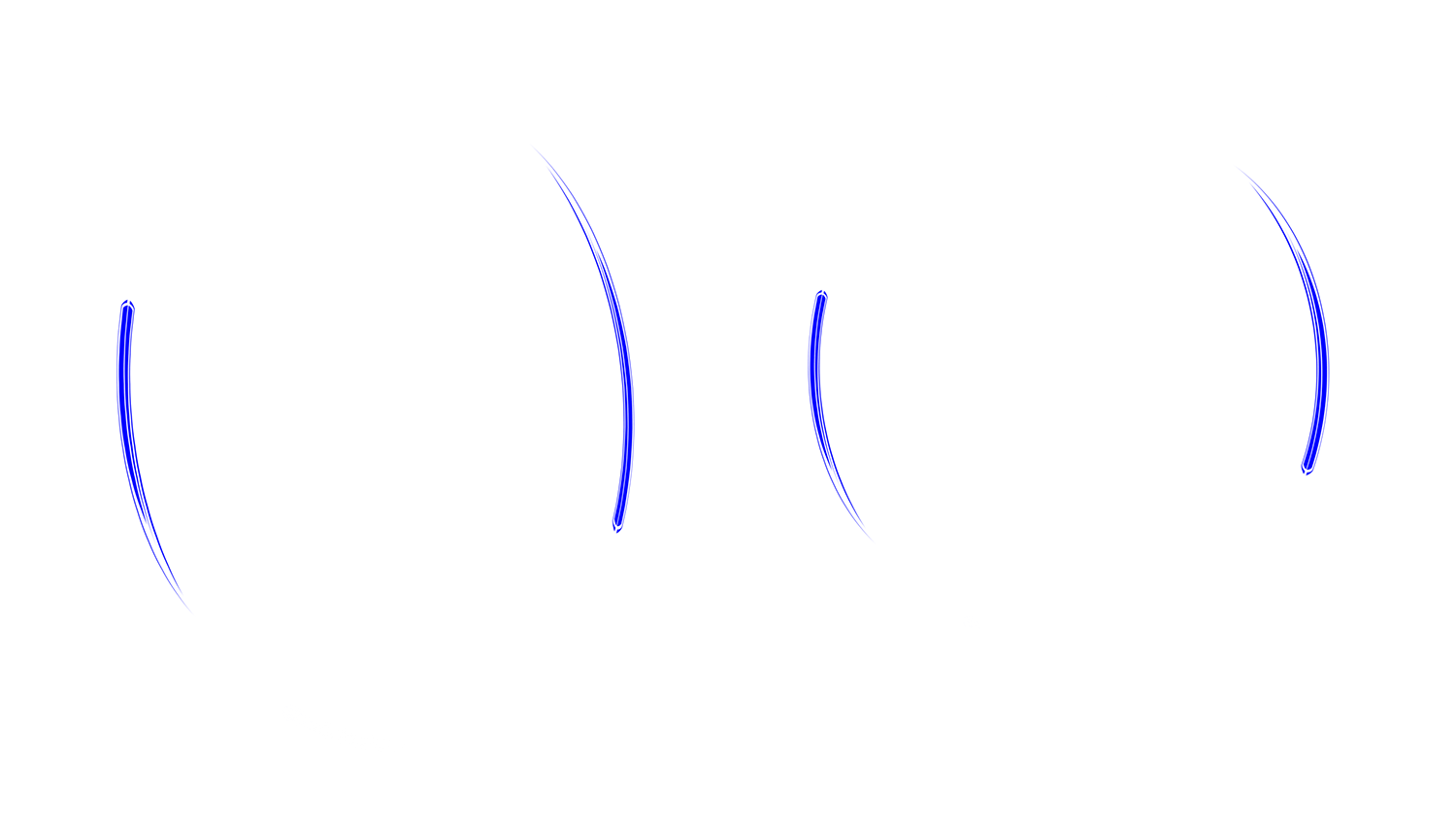
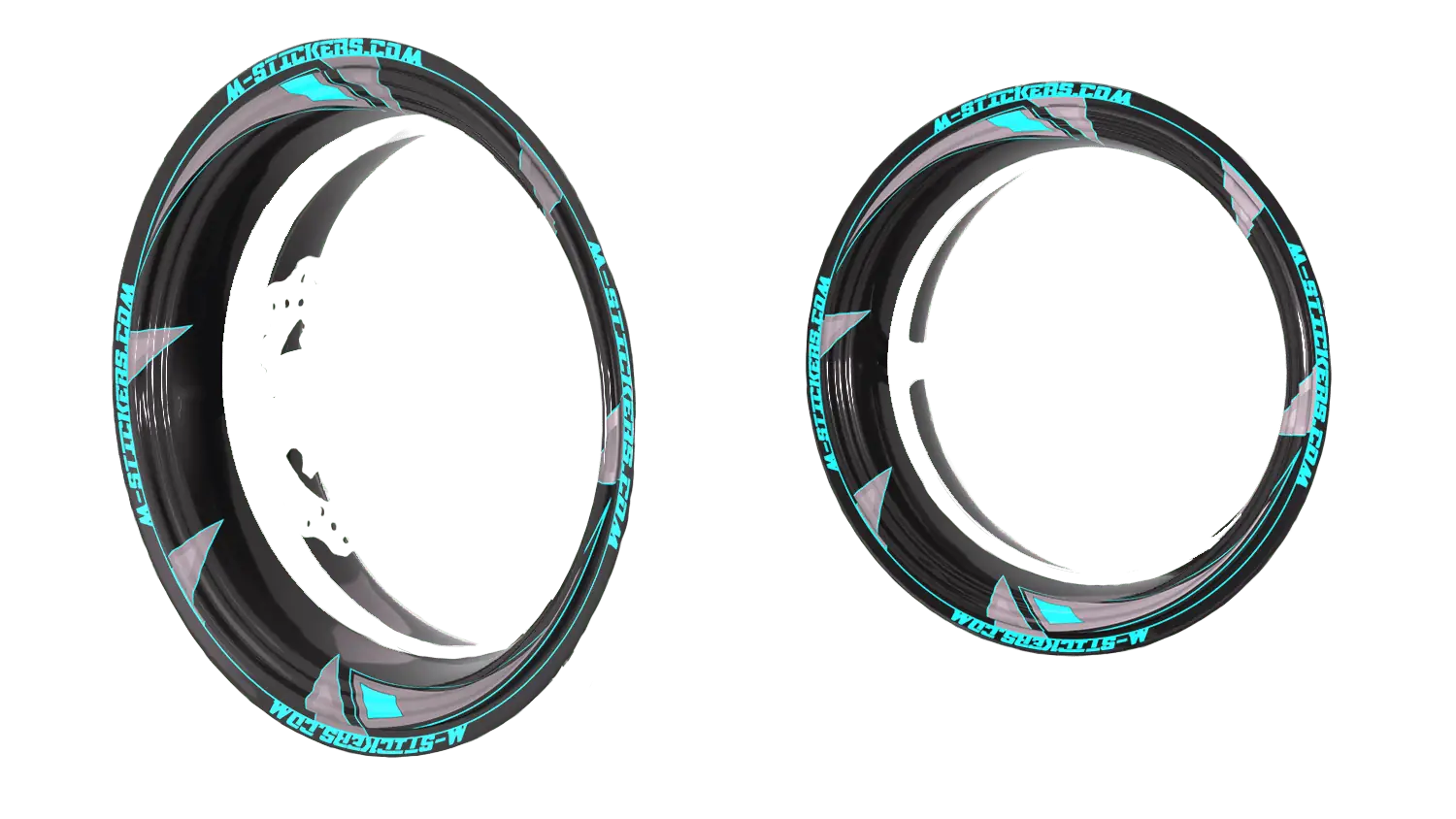
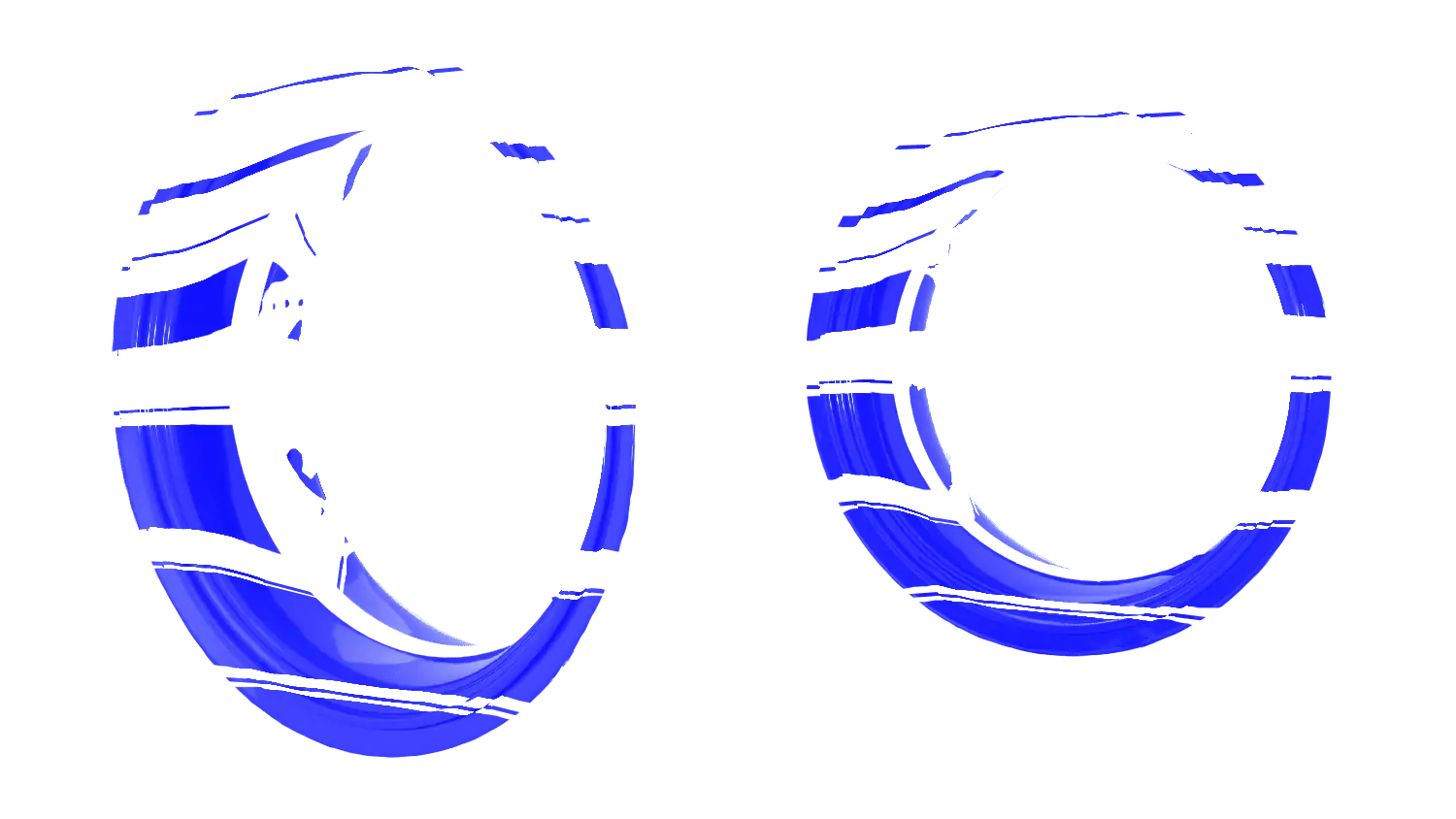
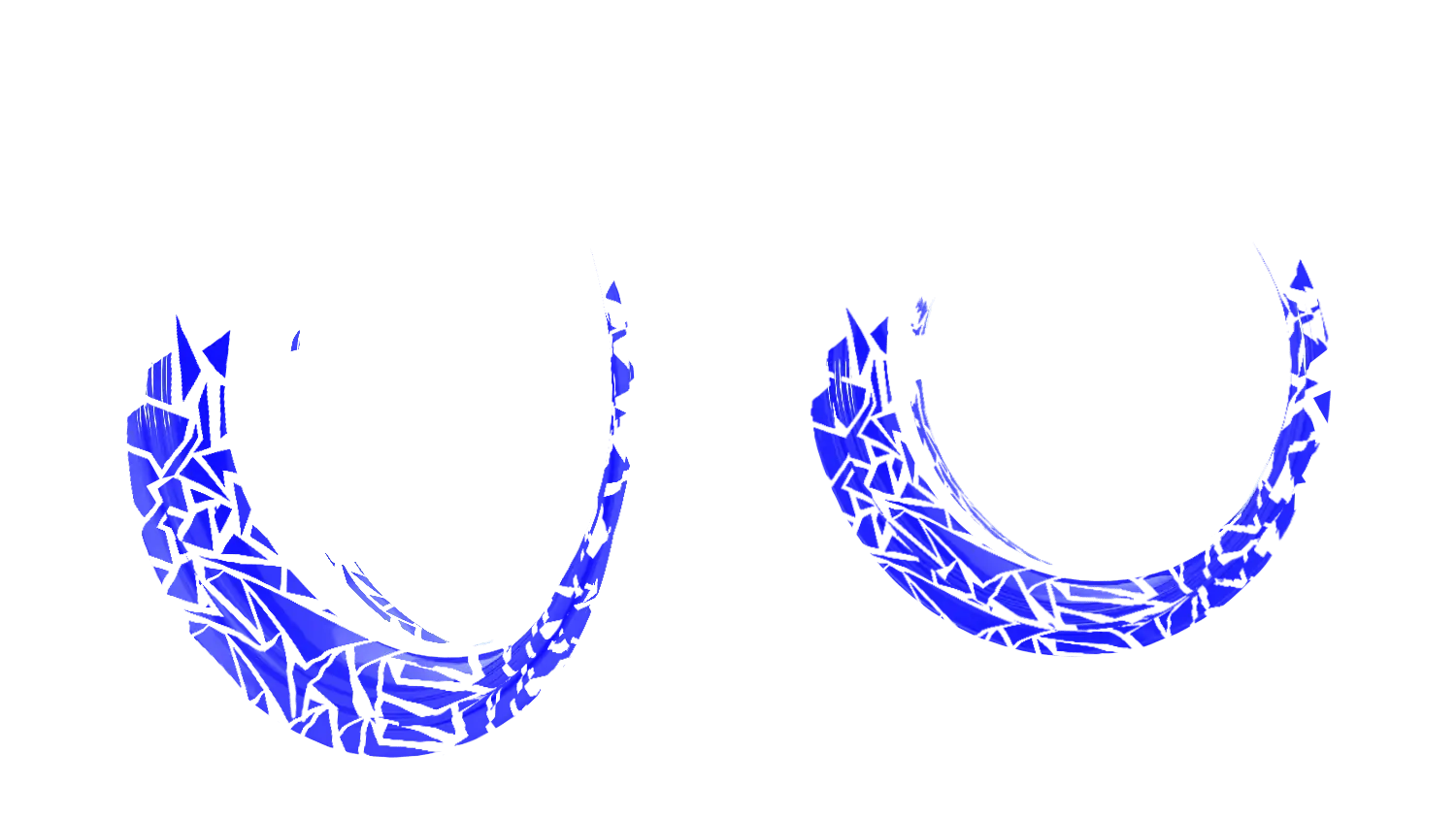
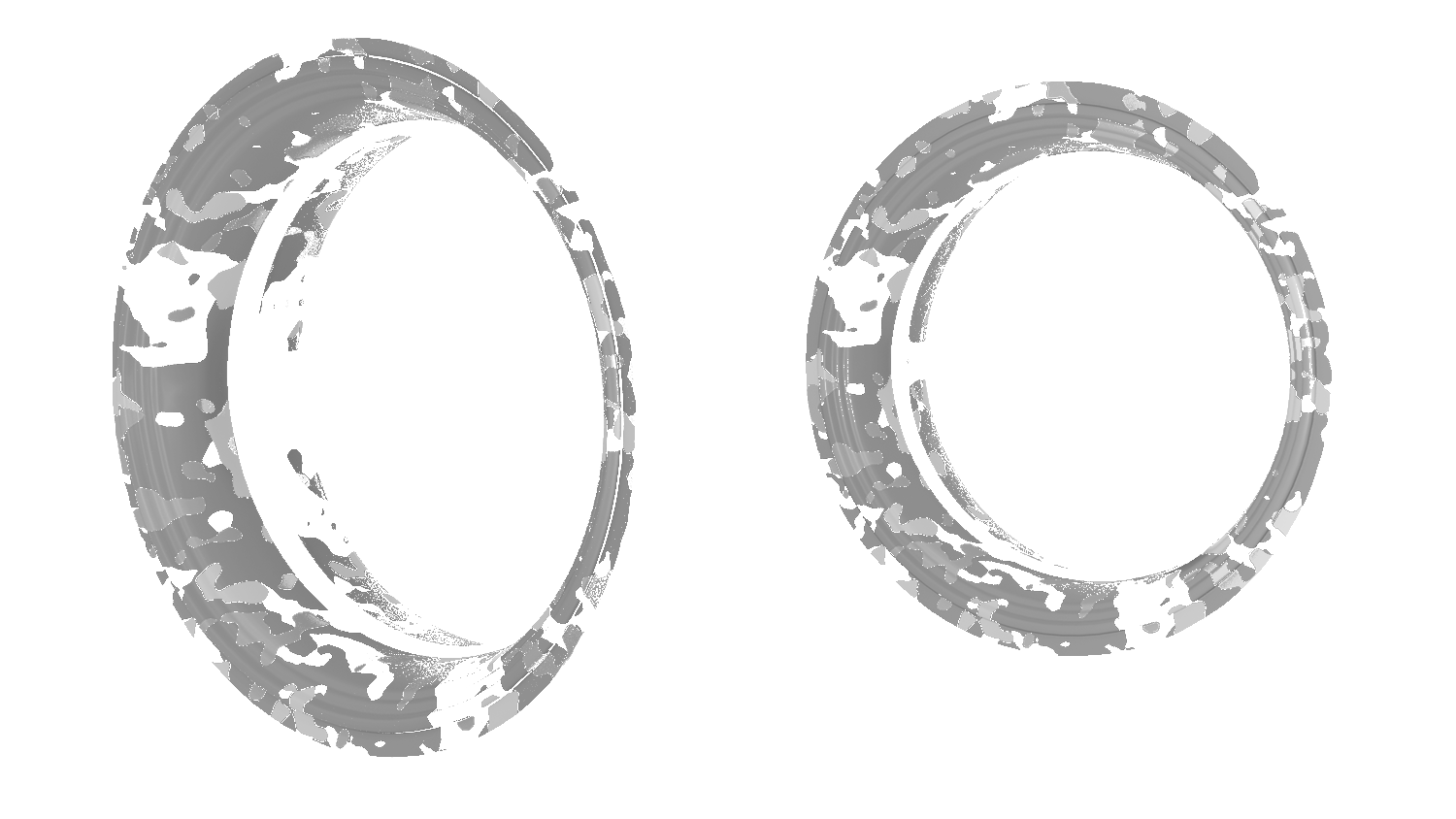
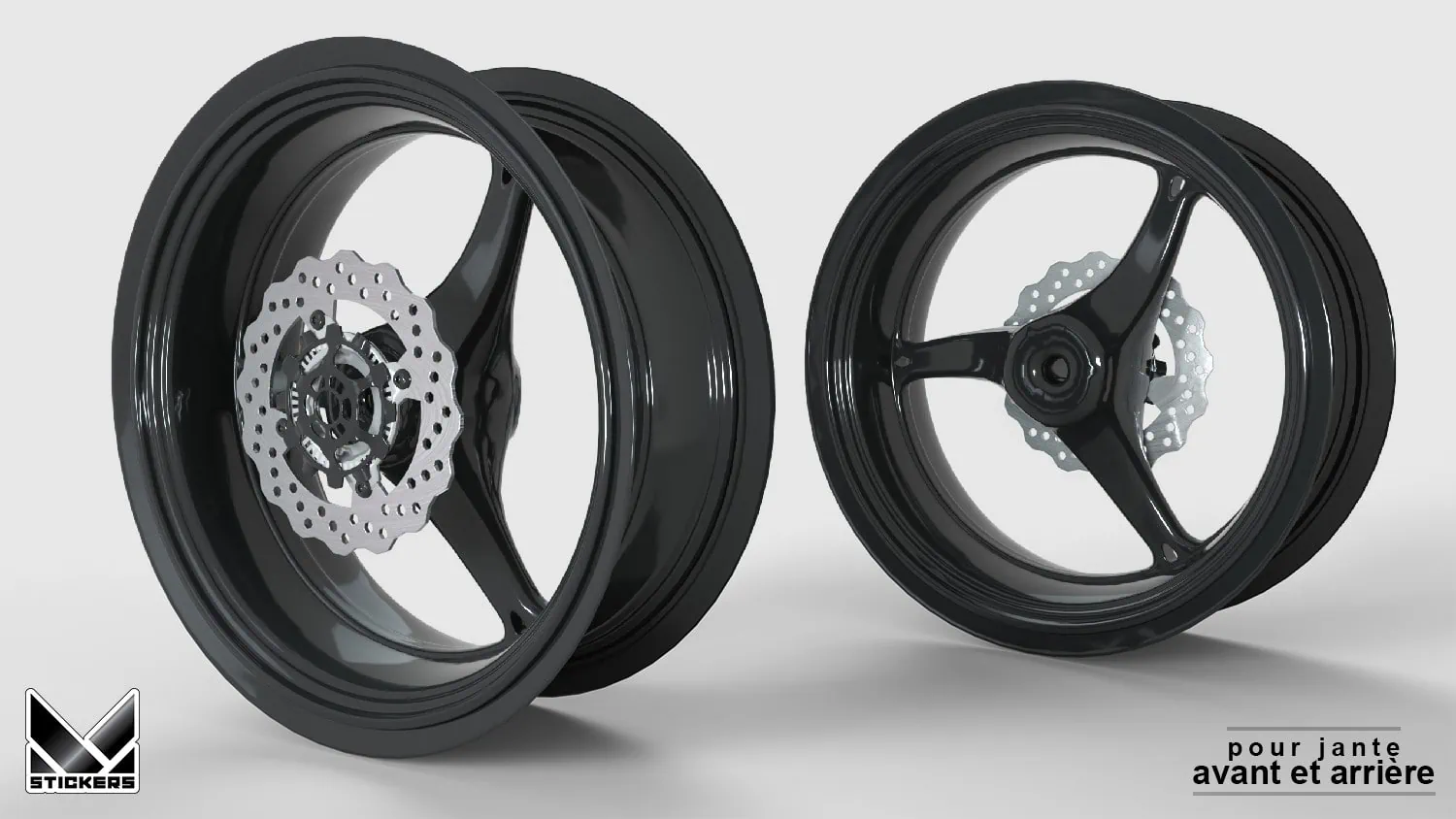
This page is dedicated to customizing wheel rims. The options displayed below concern wheel rim configuration. Use the preview to check the wheel rim rendering before the cart, then review your wheel rim configuration choices.
Choose the kit colors and options, then visualize your customization before adding it to the cart.
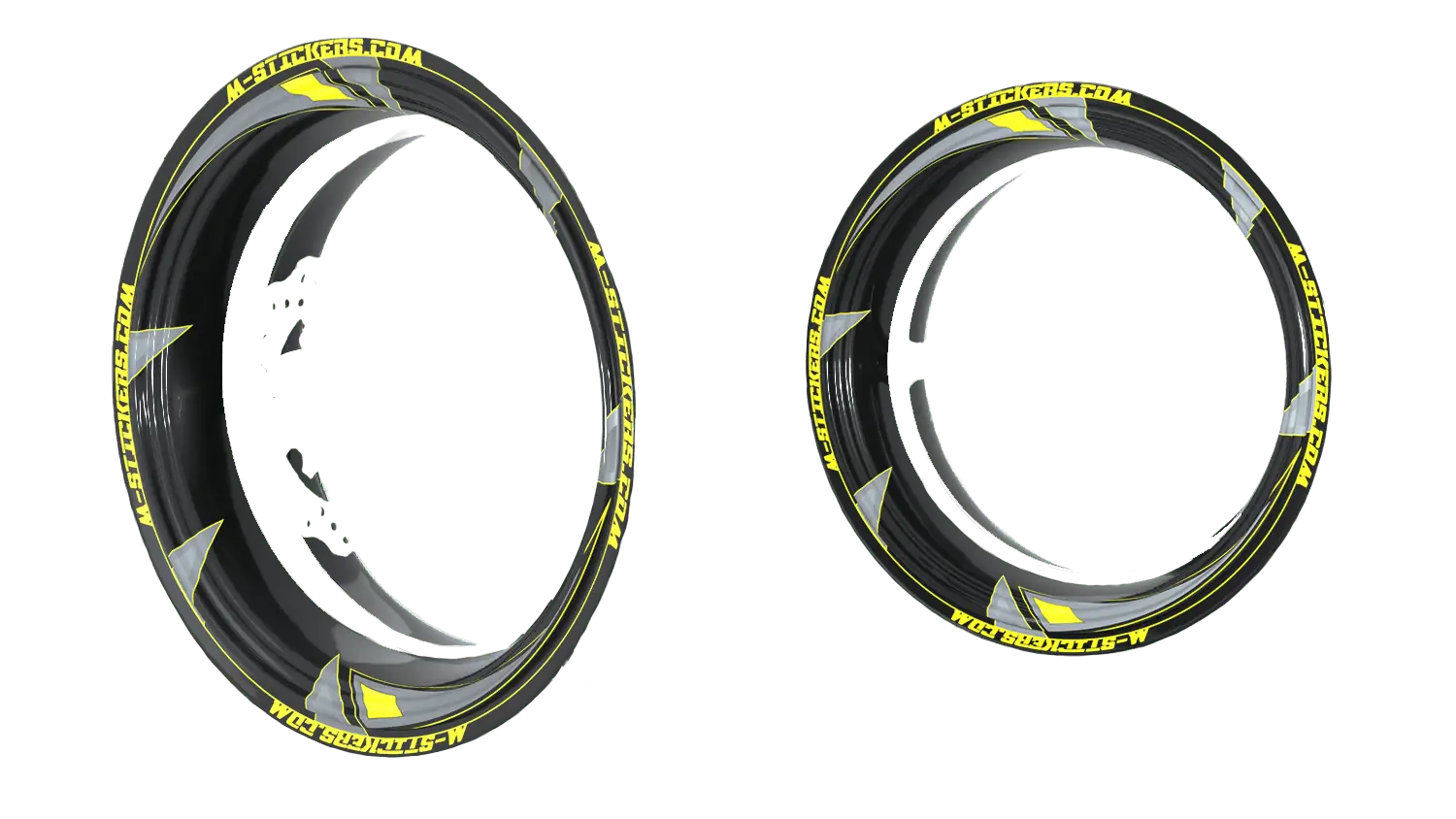
- Preview dedicated to the rim ring graphics kit.
- Preview of the rendering on the wheel before production.
 Français