Configure your Yamaha XJR 1300 rim decals
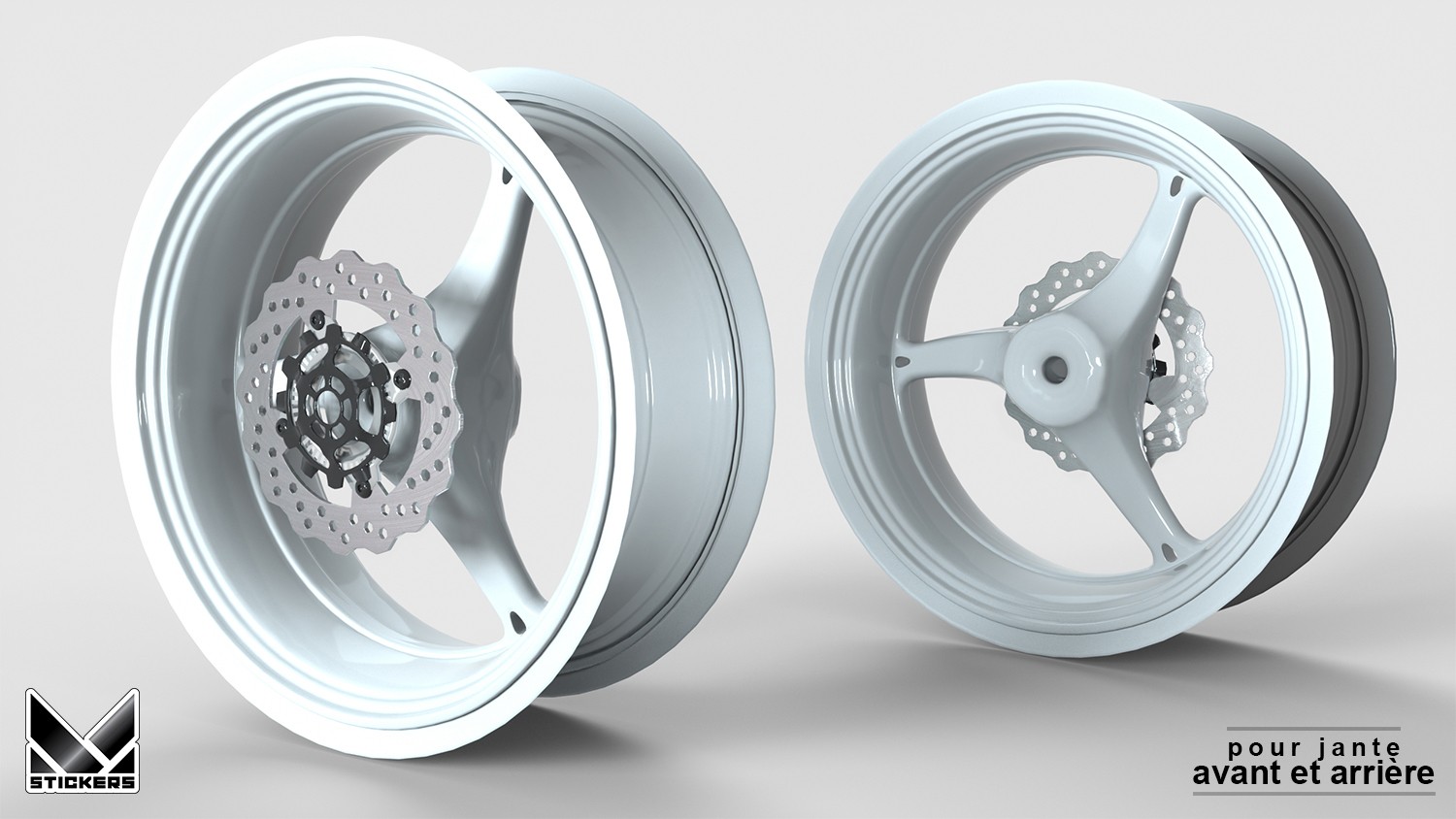
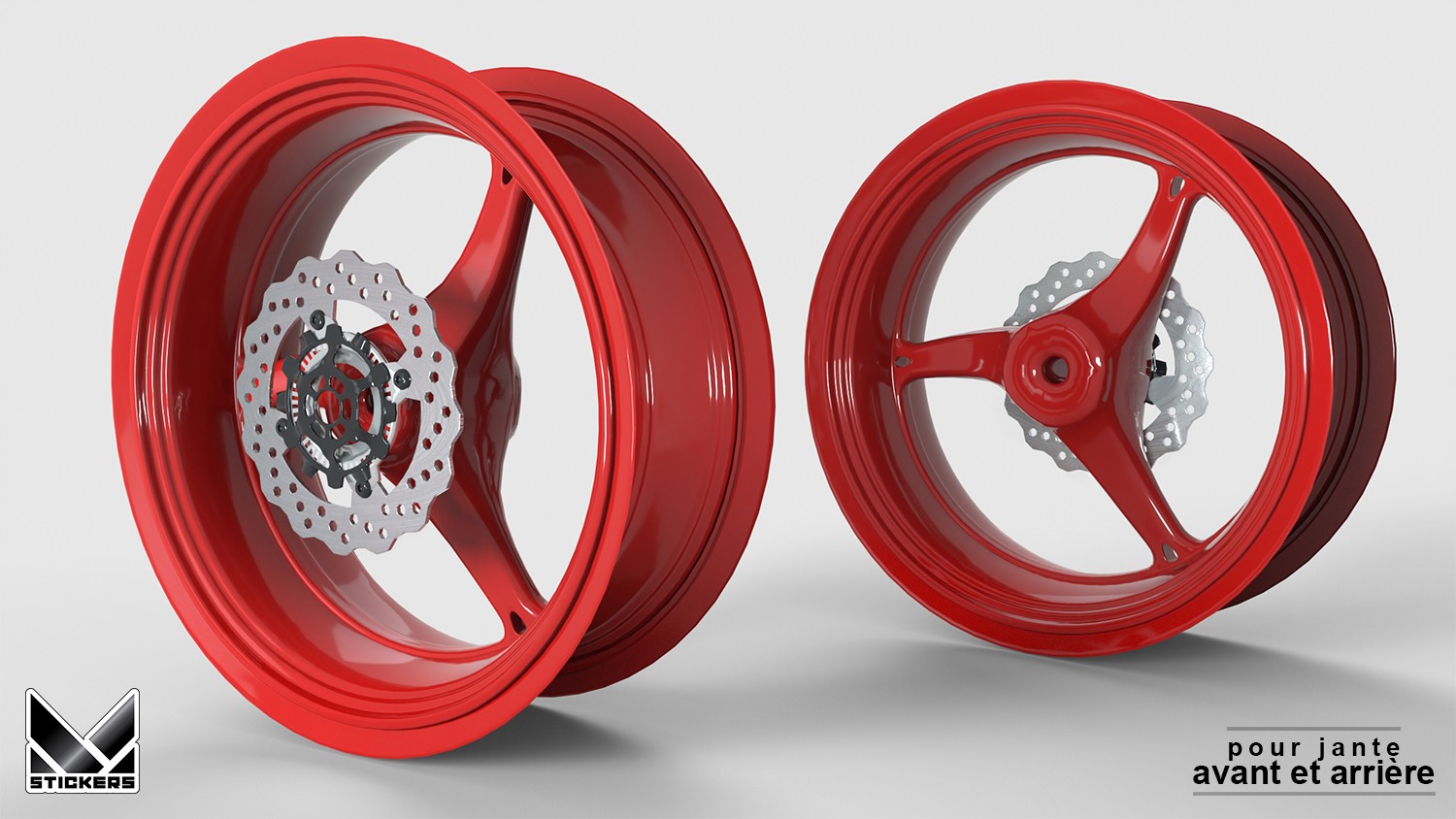
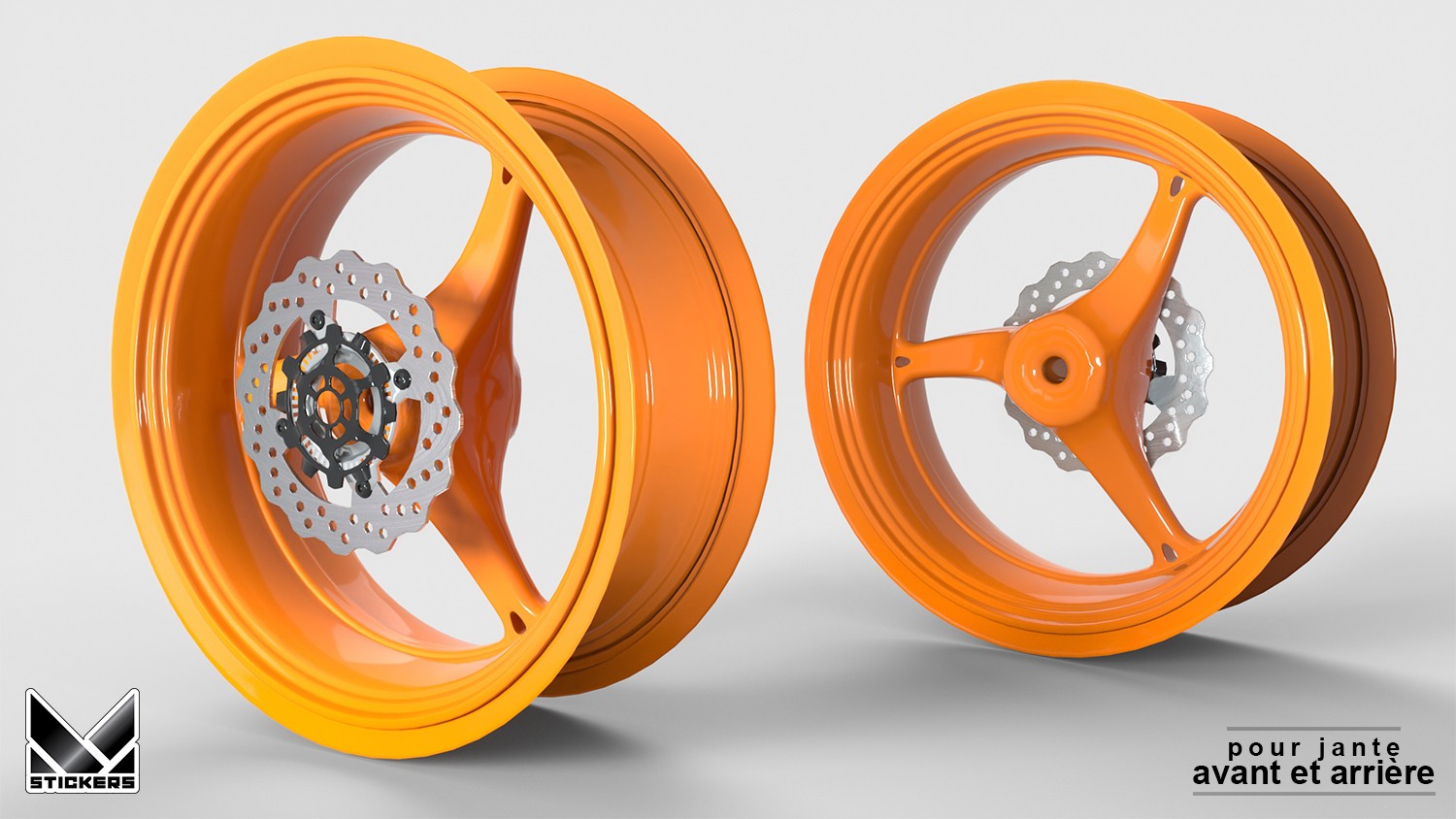
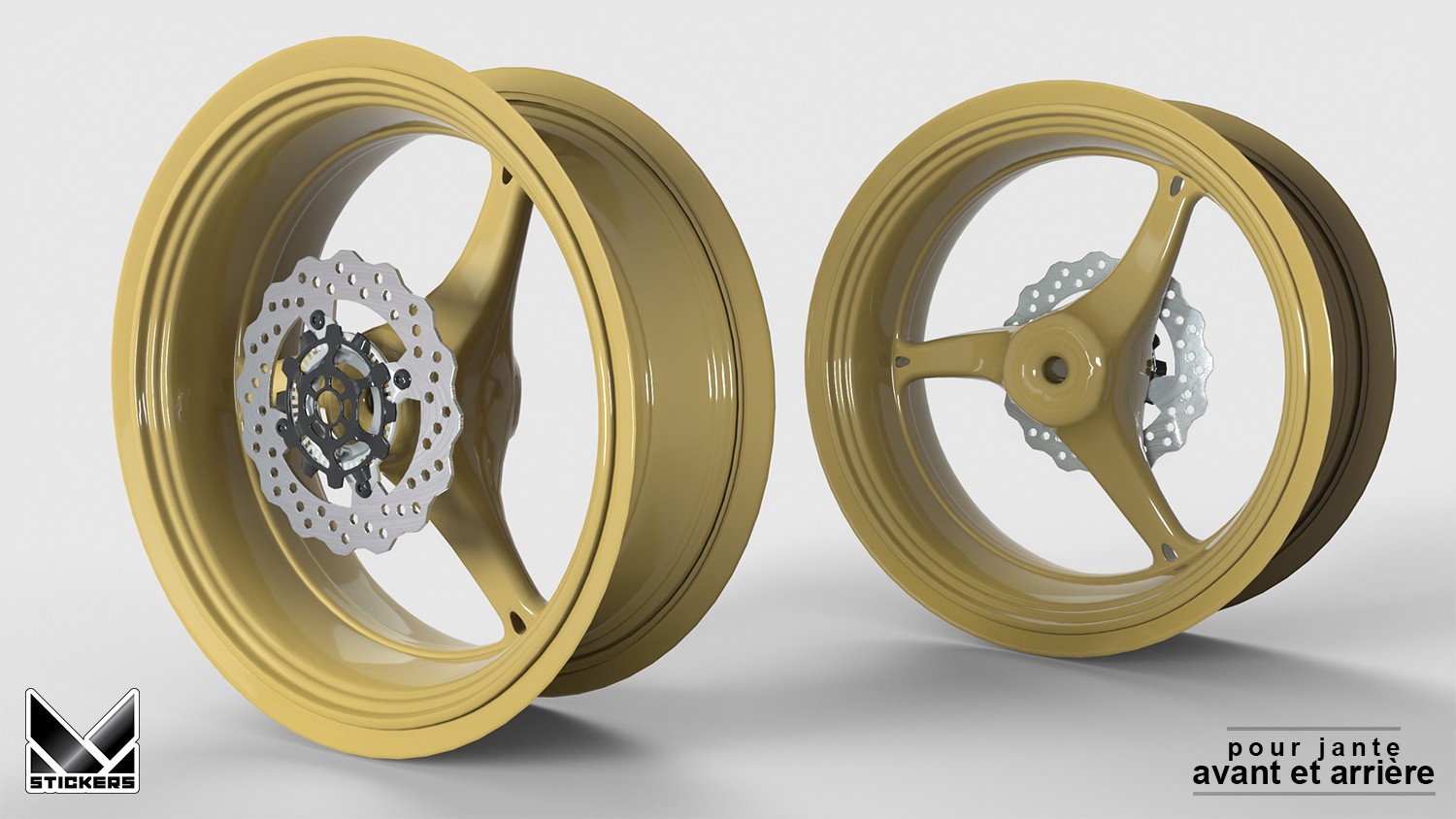
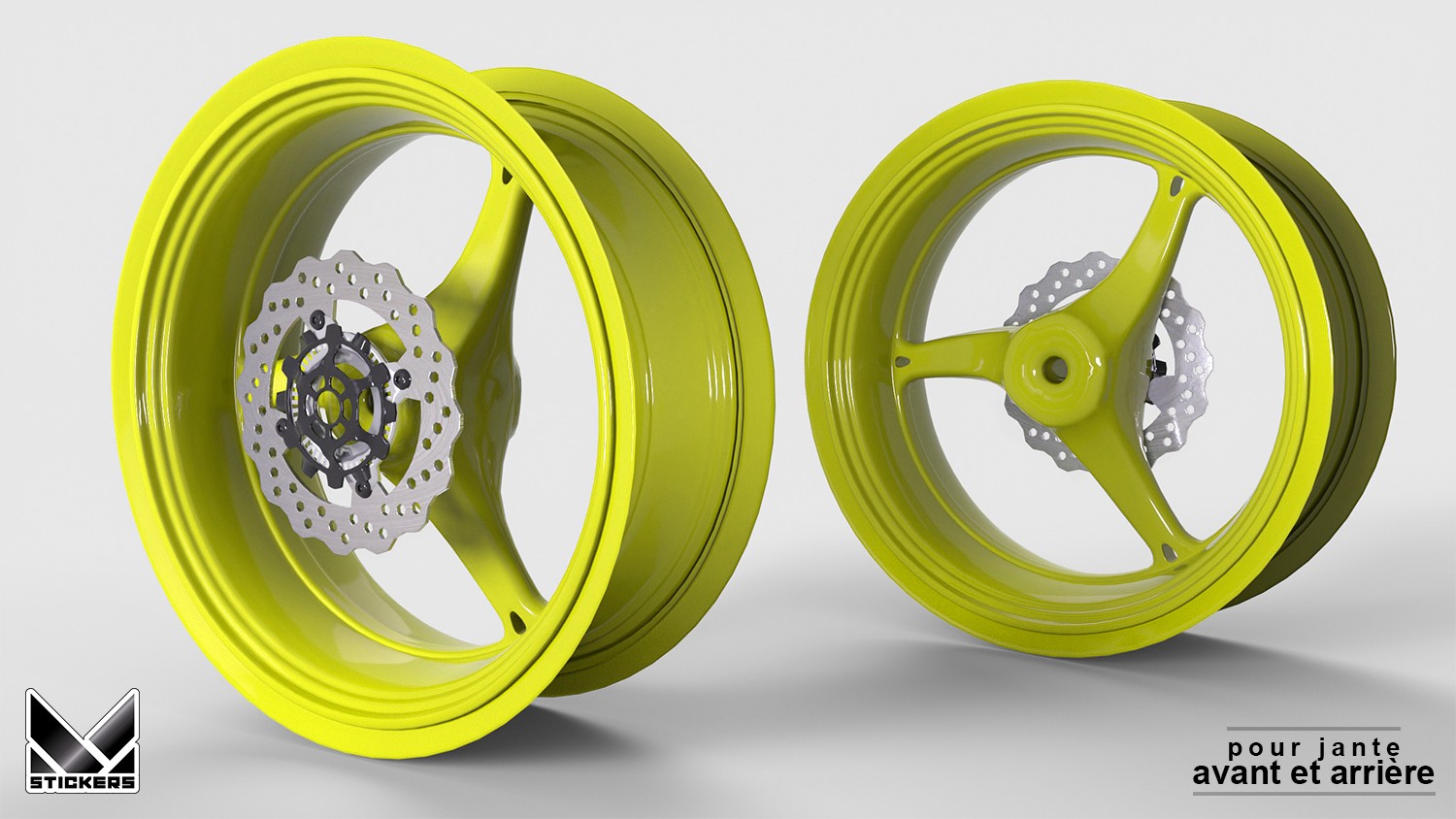
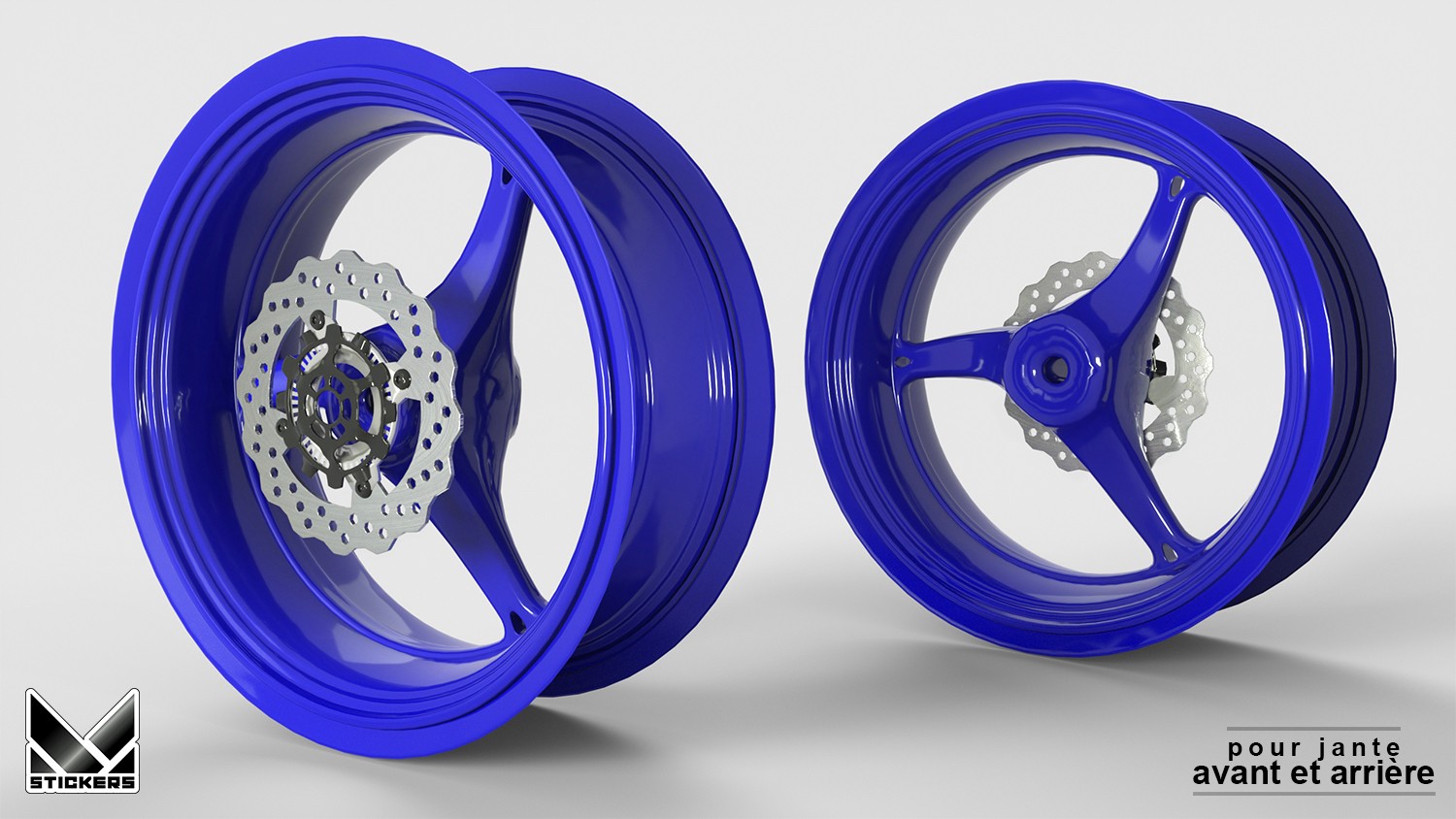
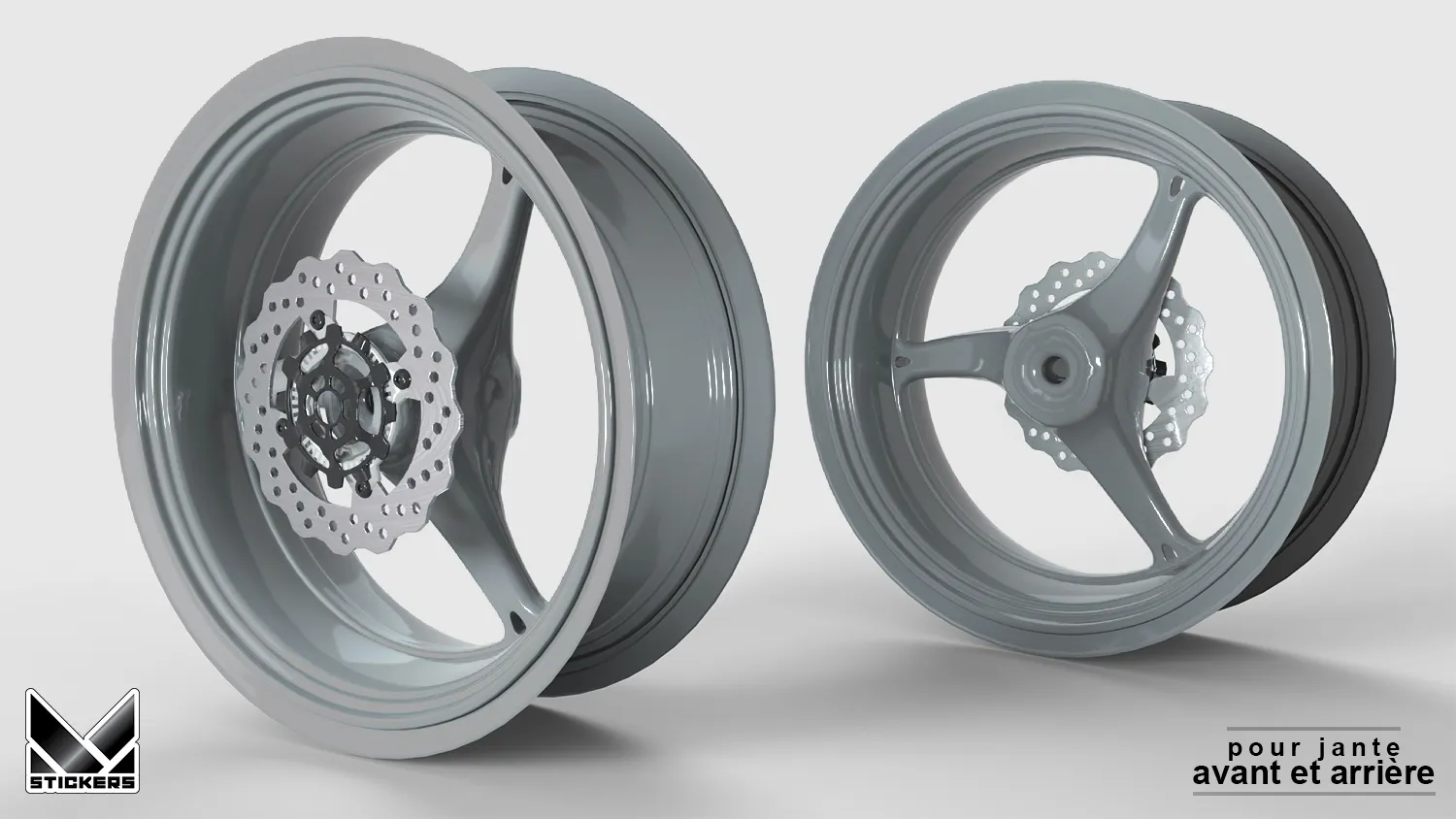
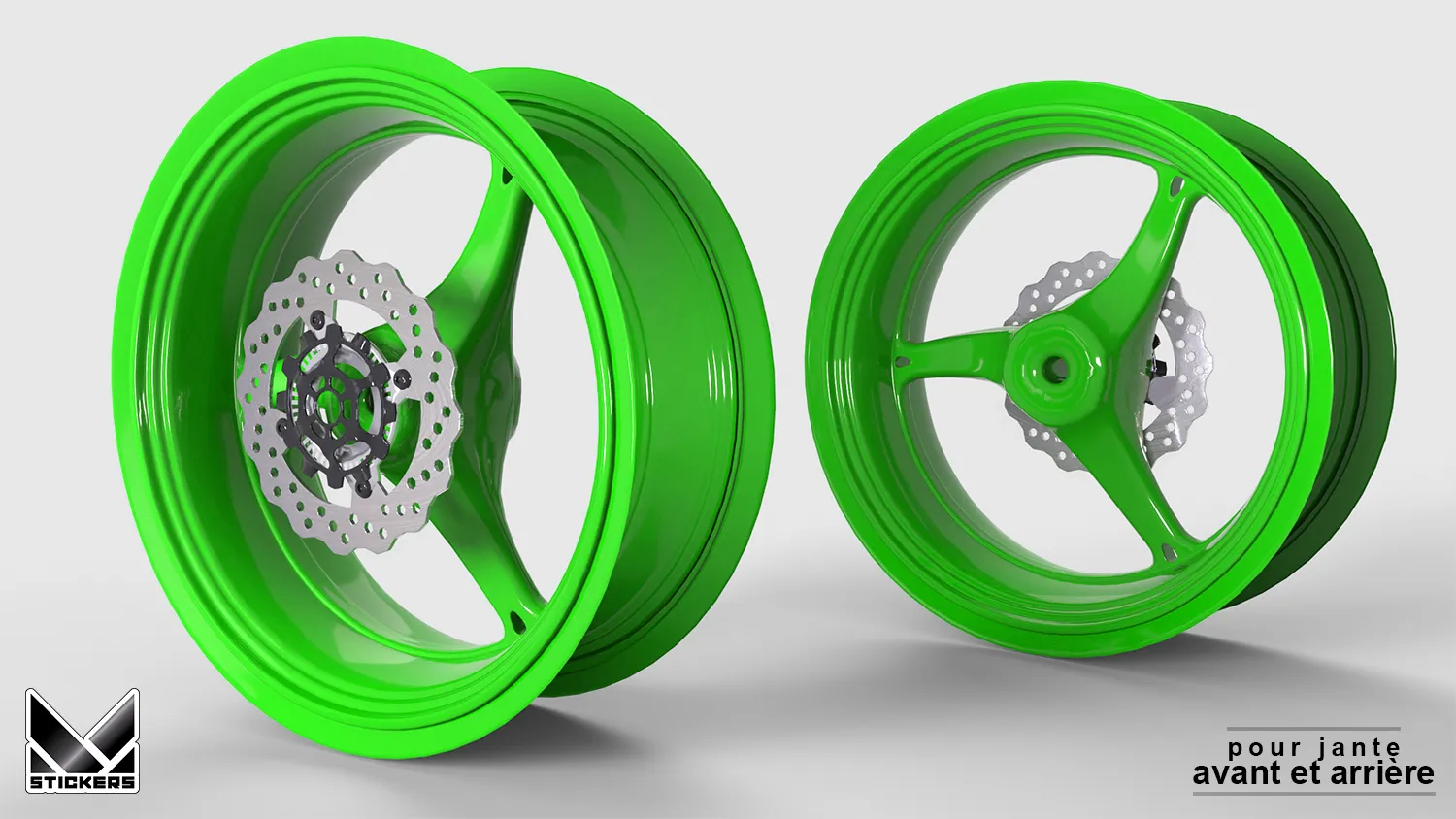
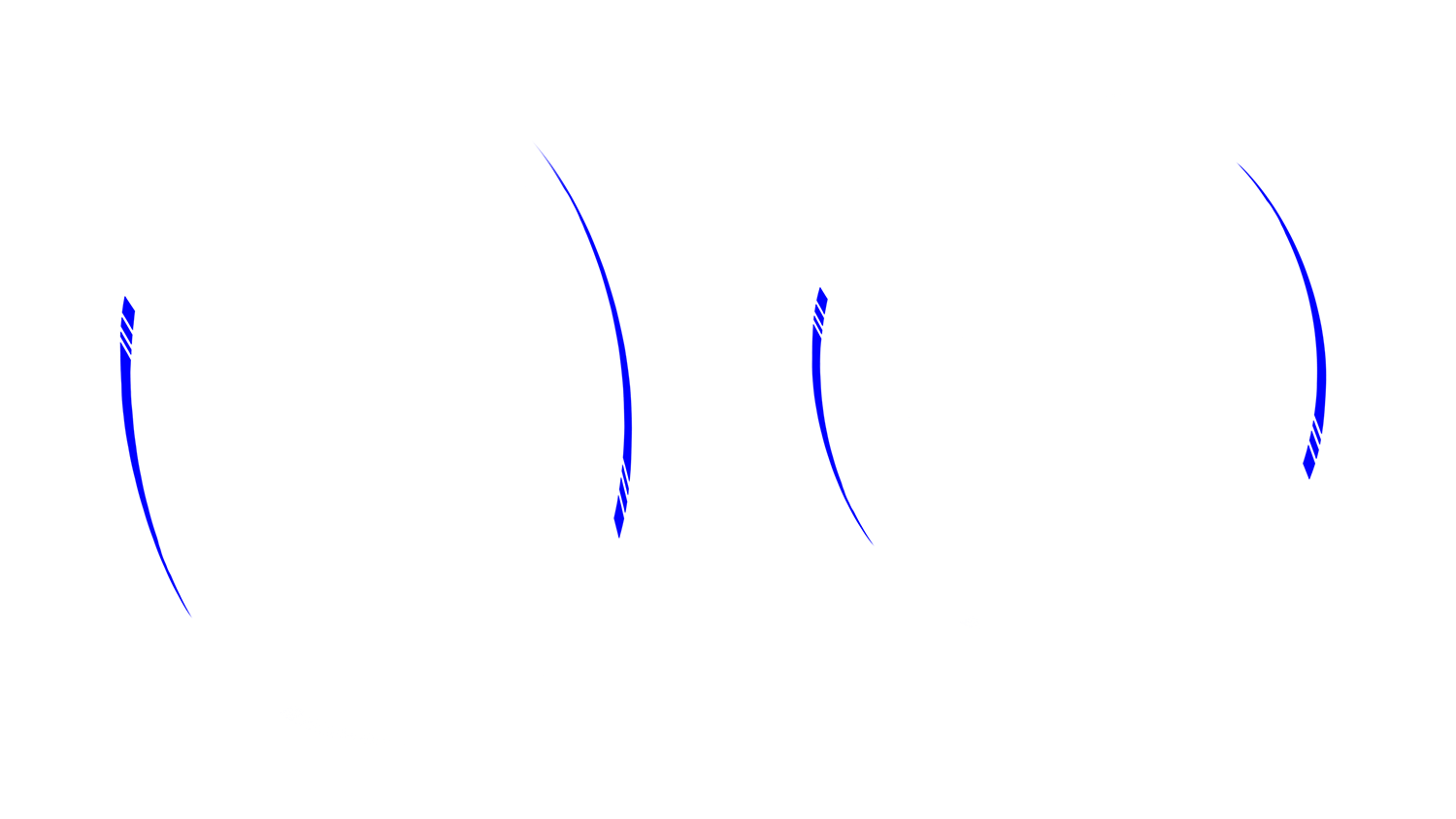
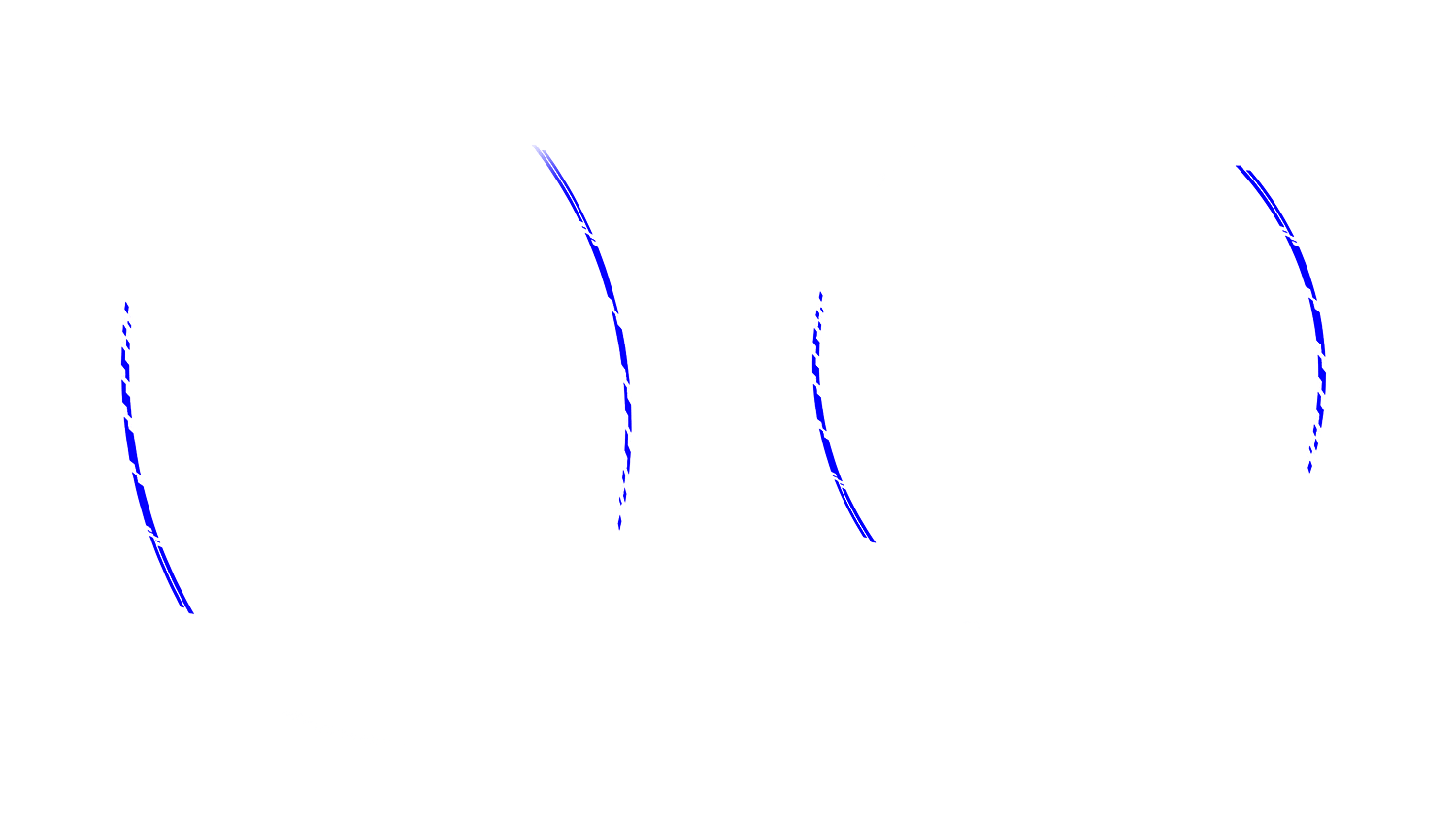
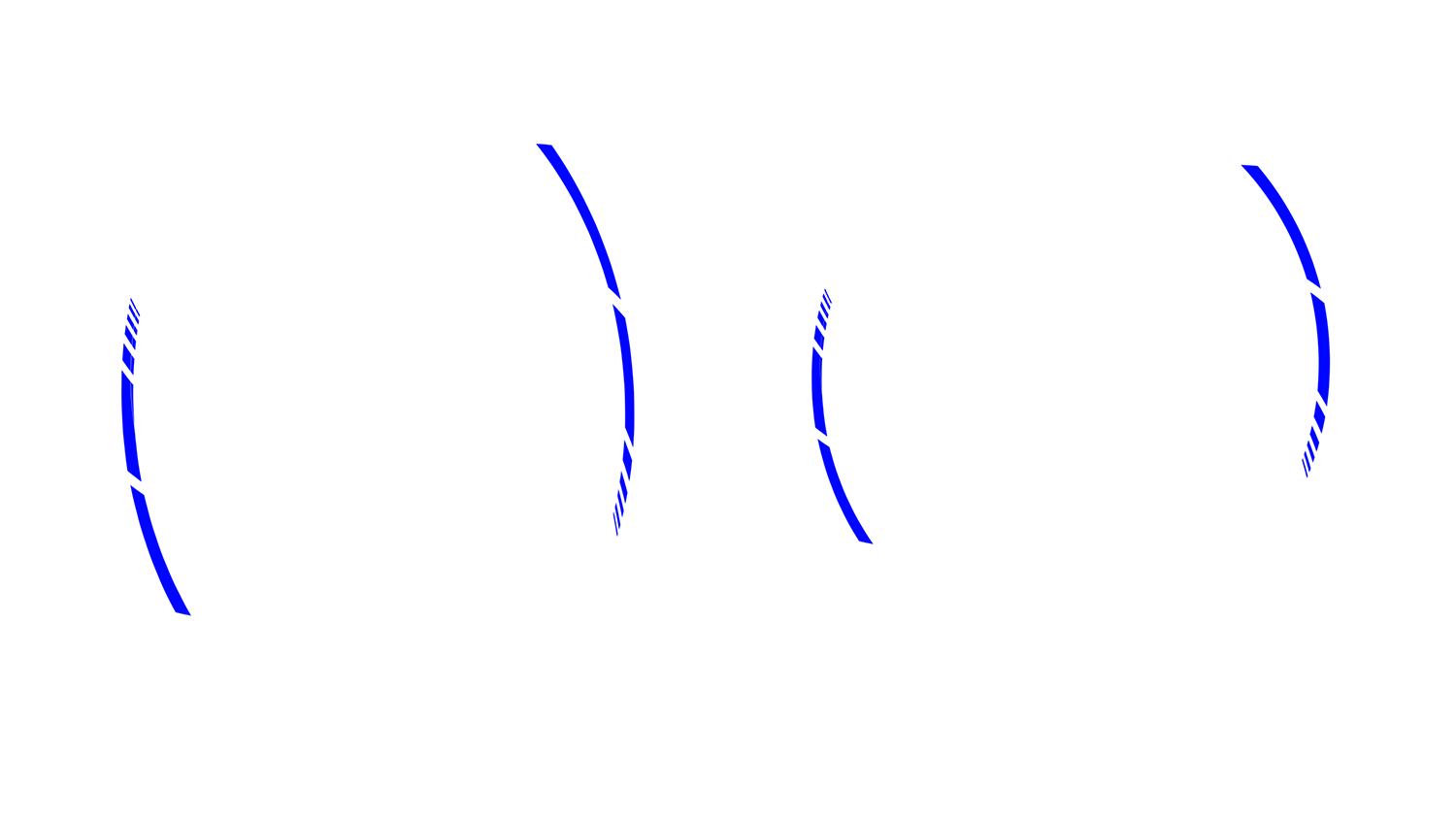
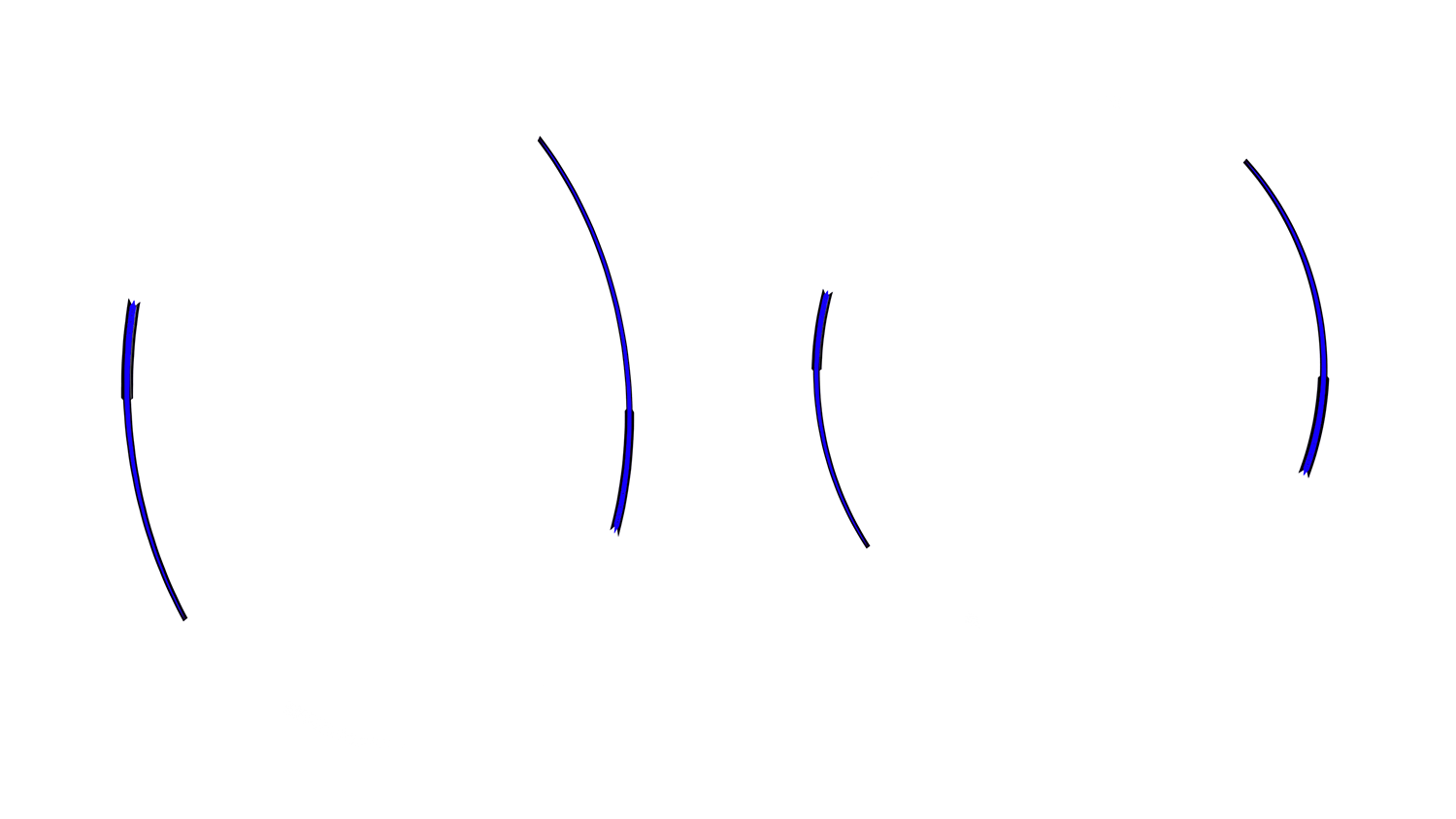
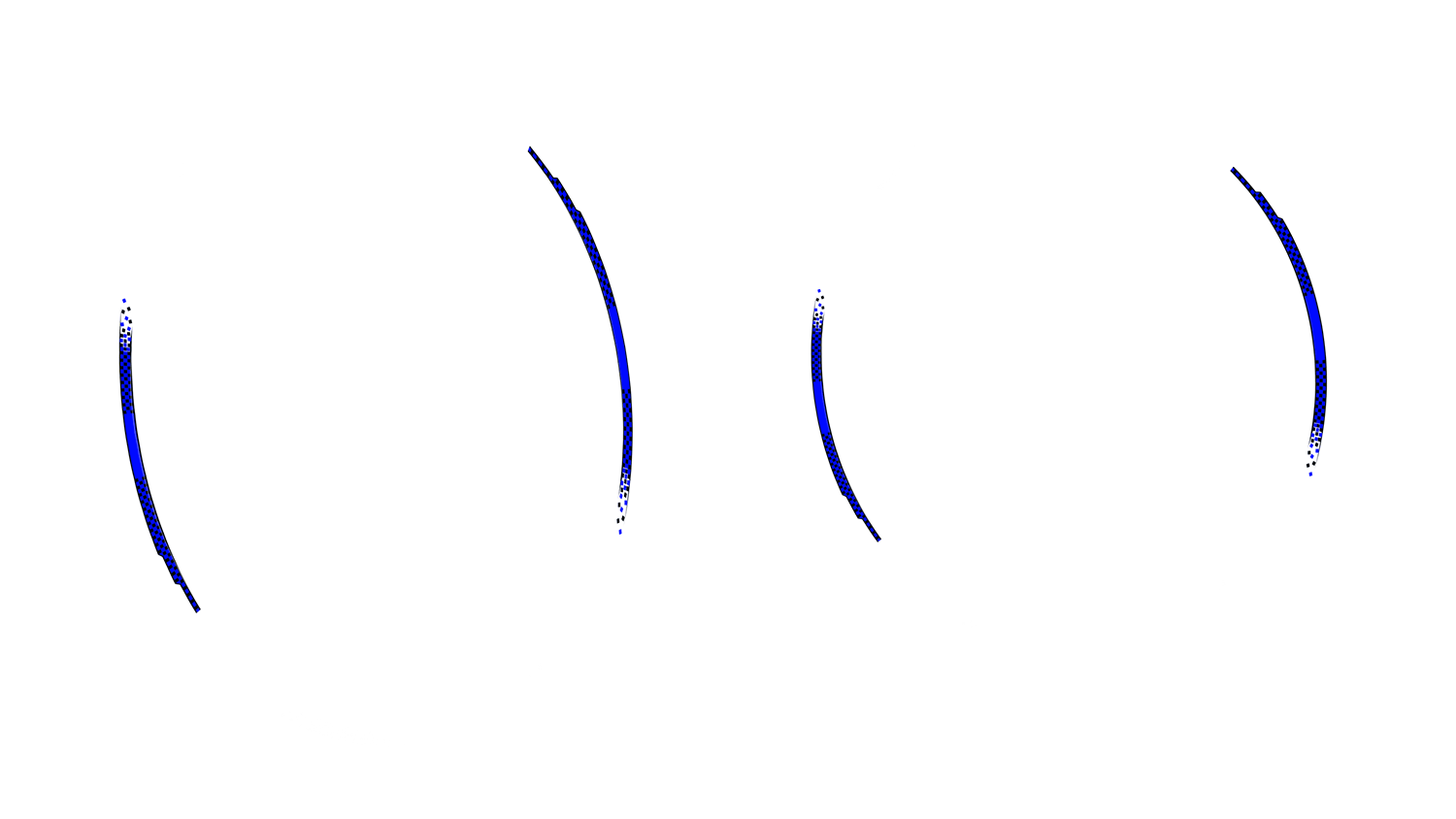
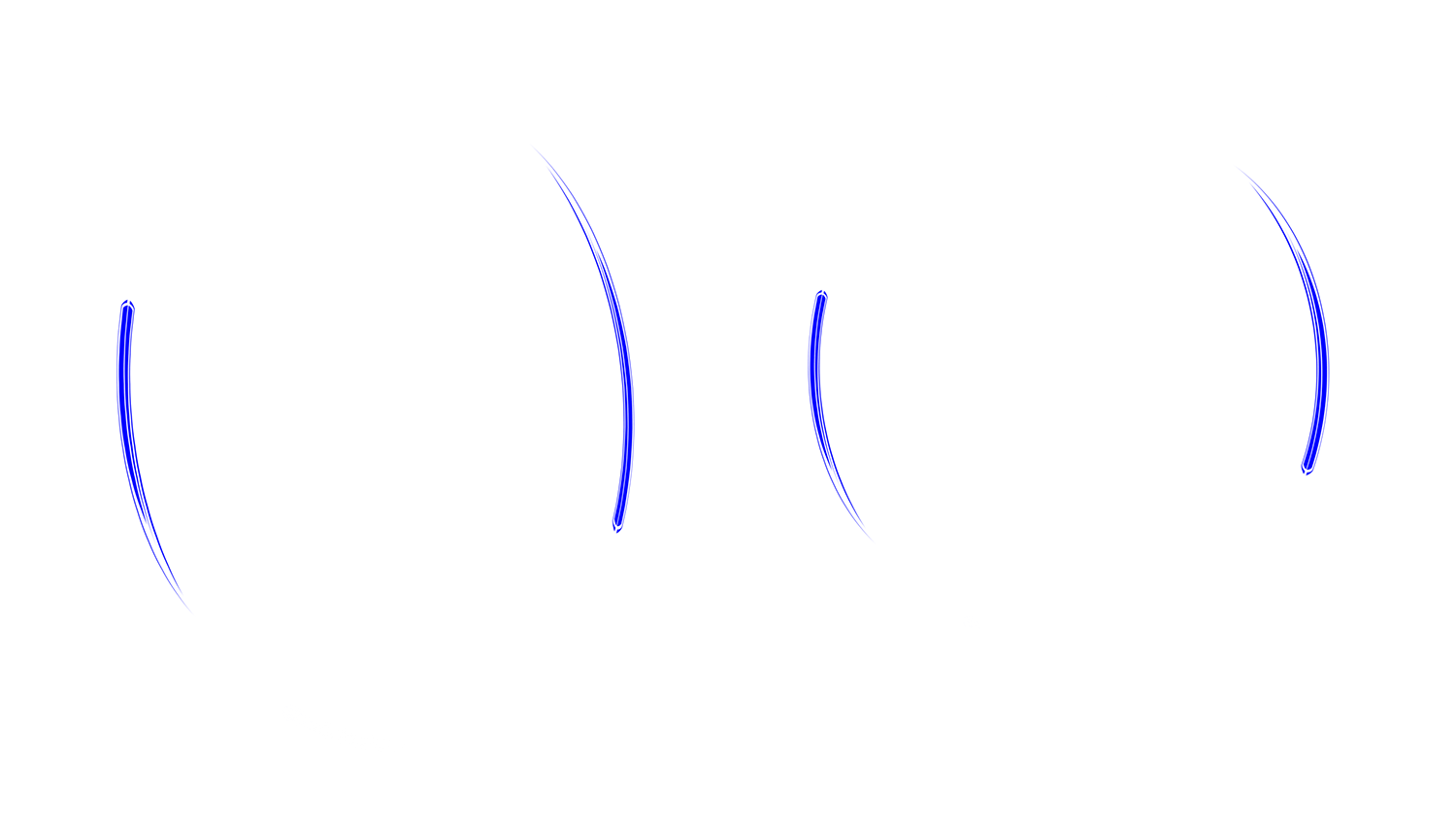
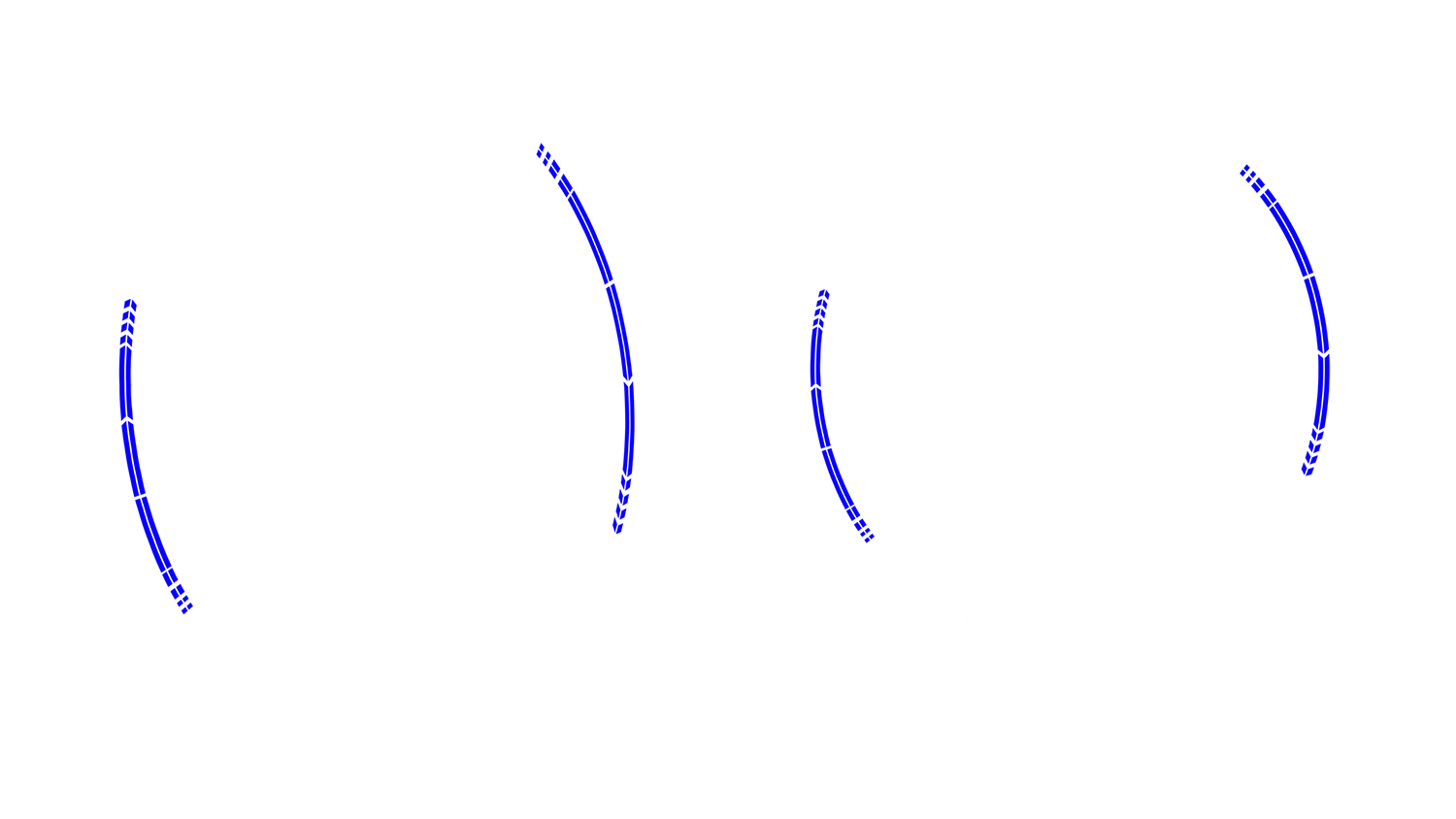
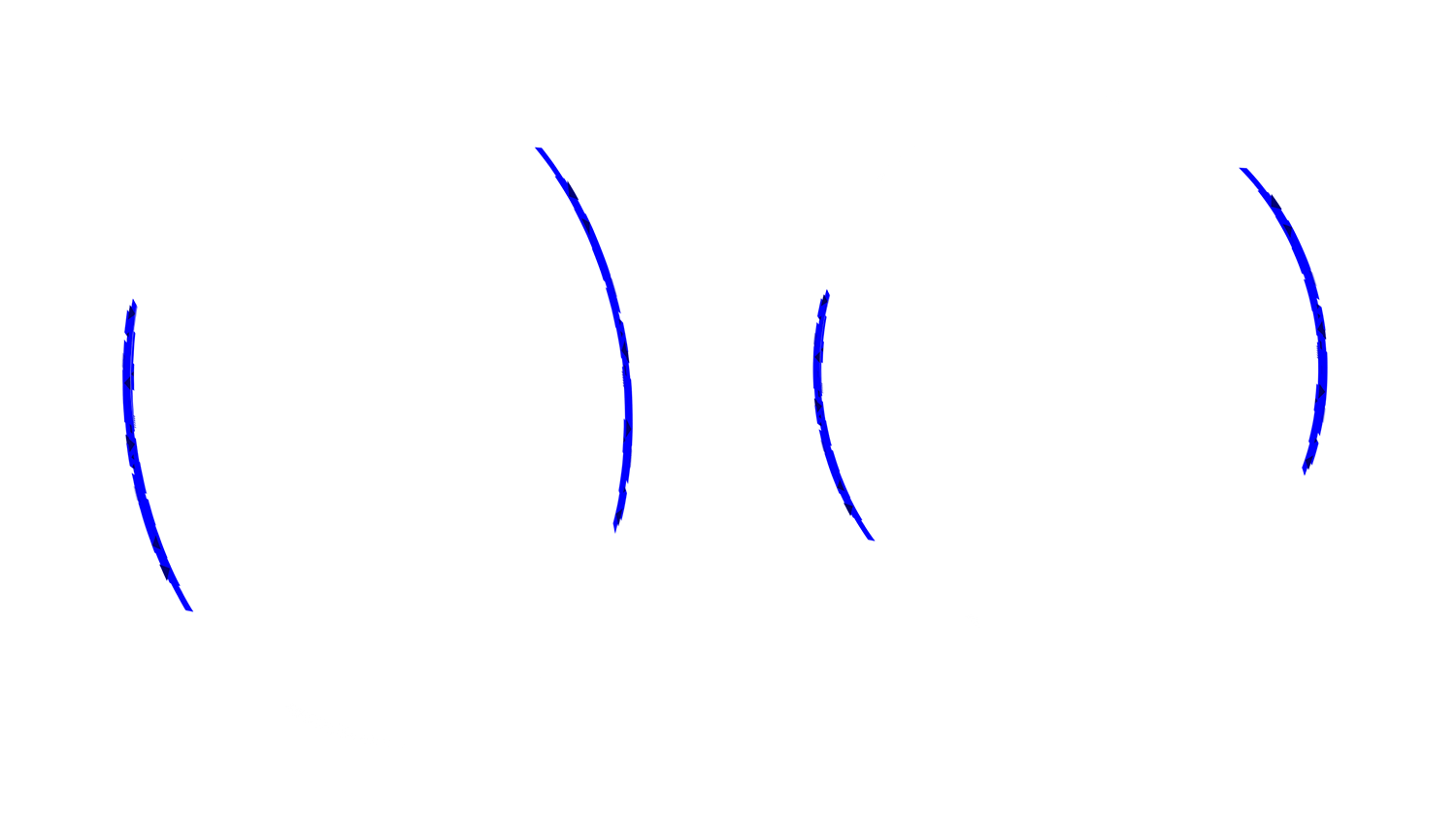
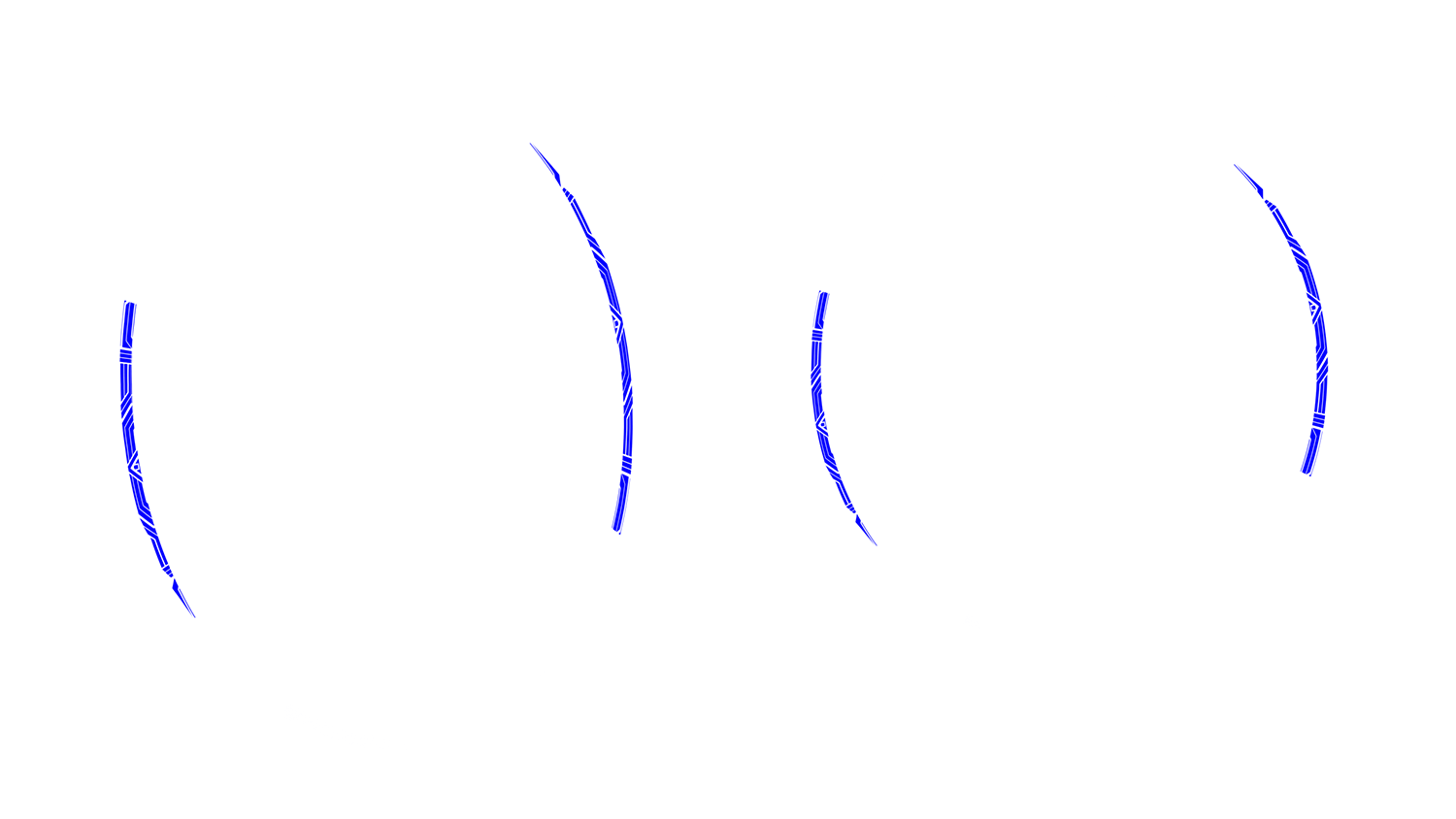
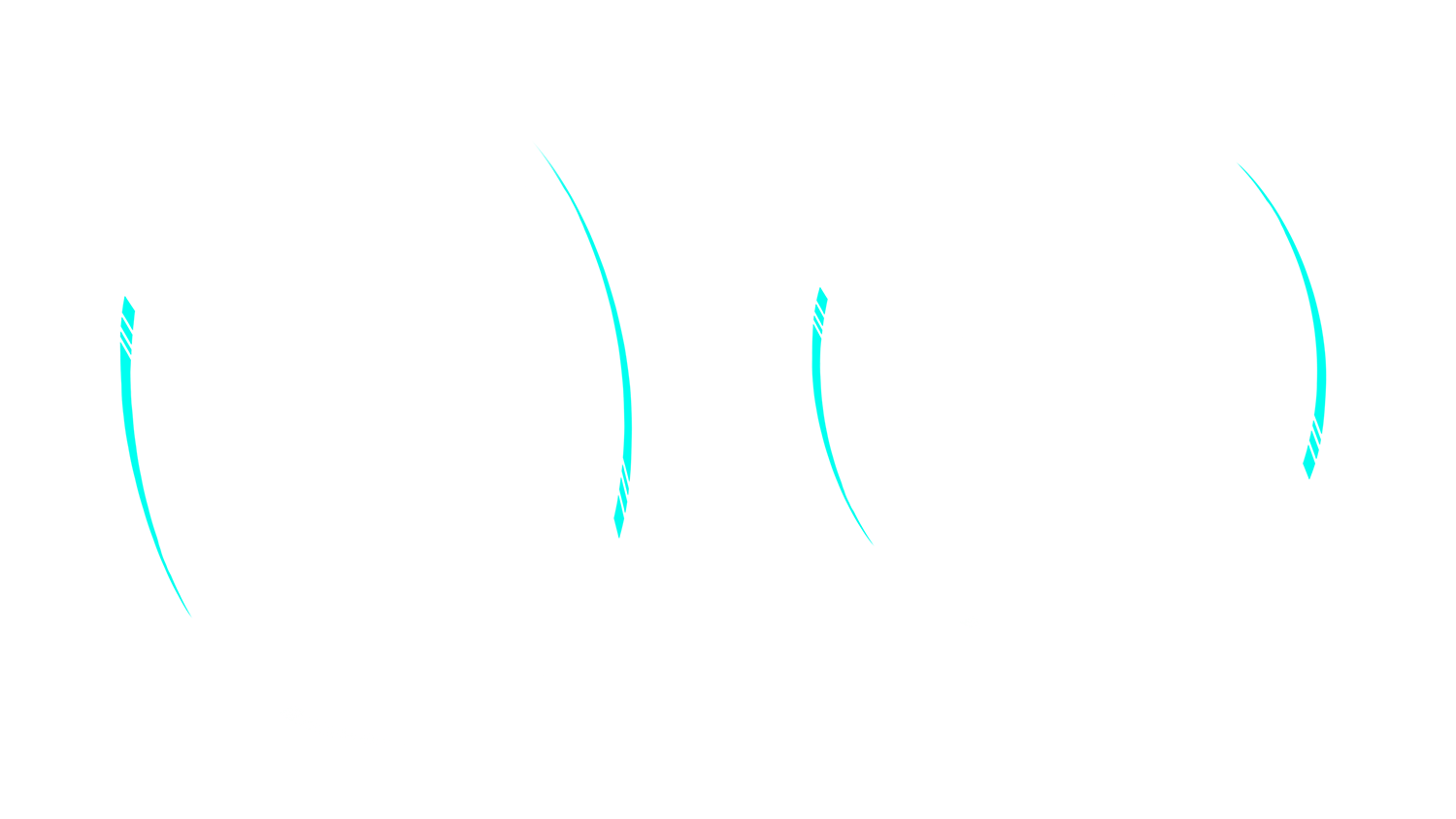
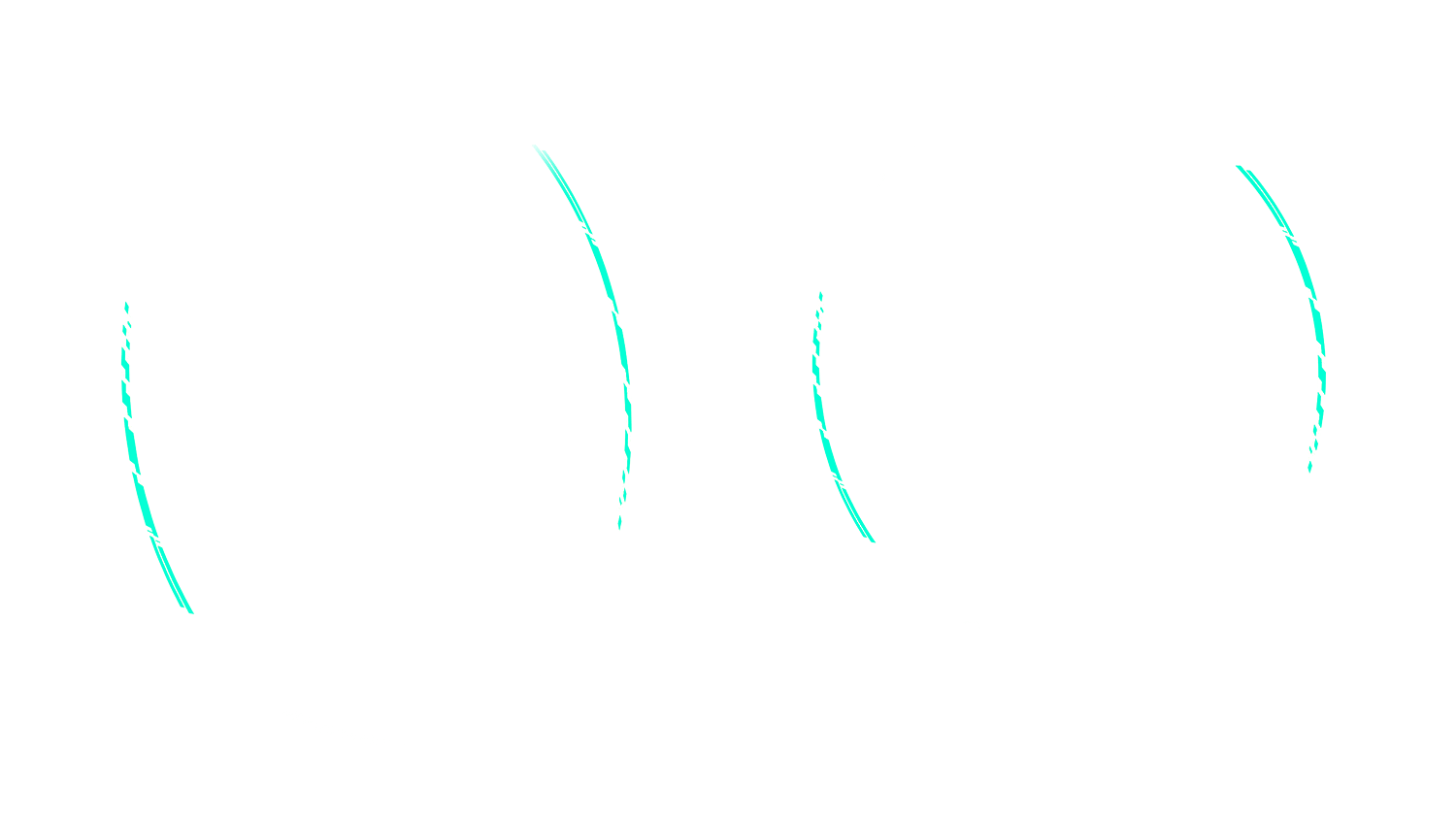
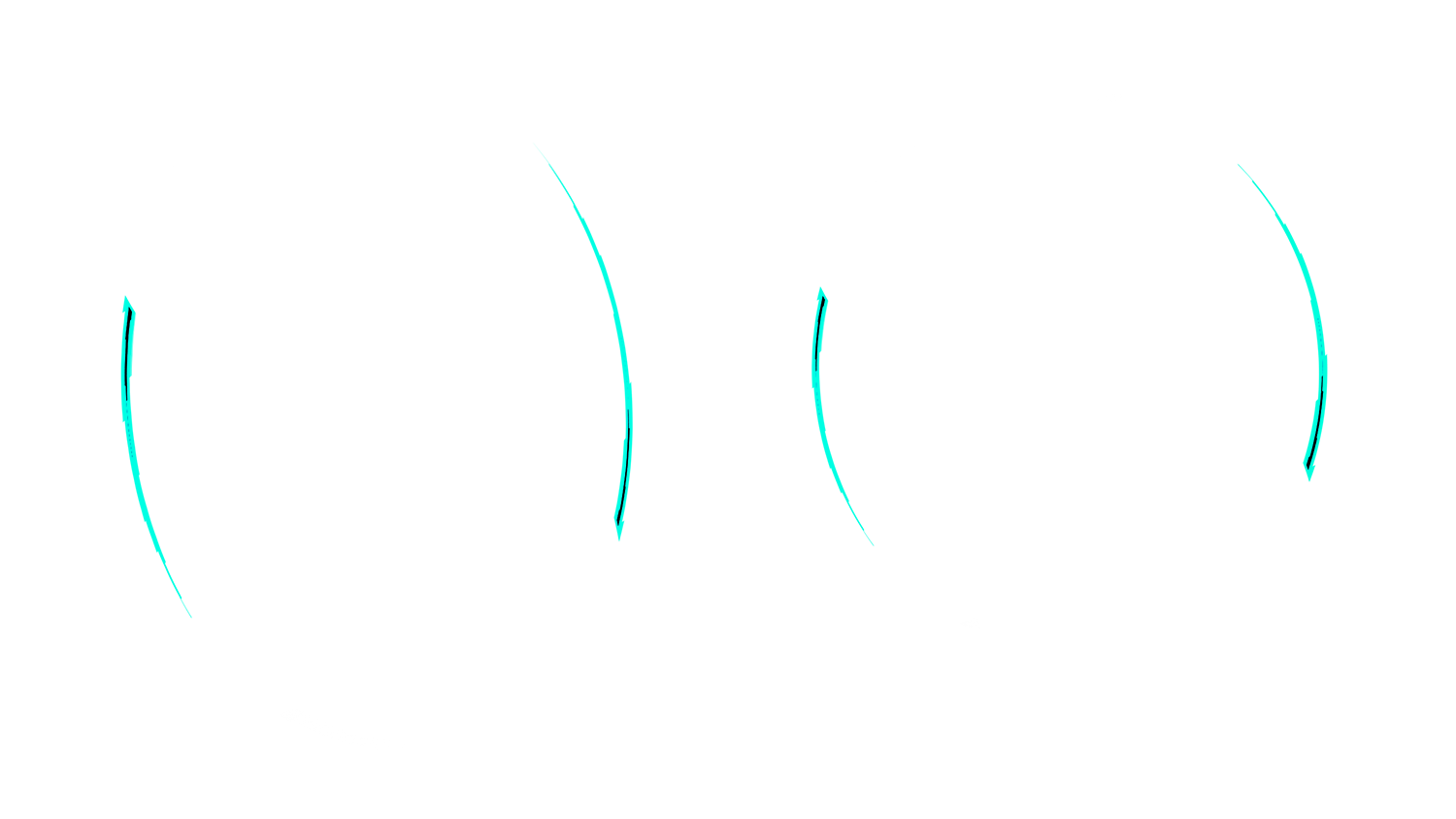
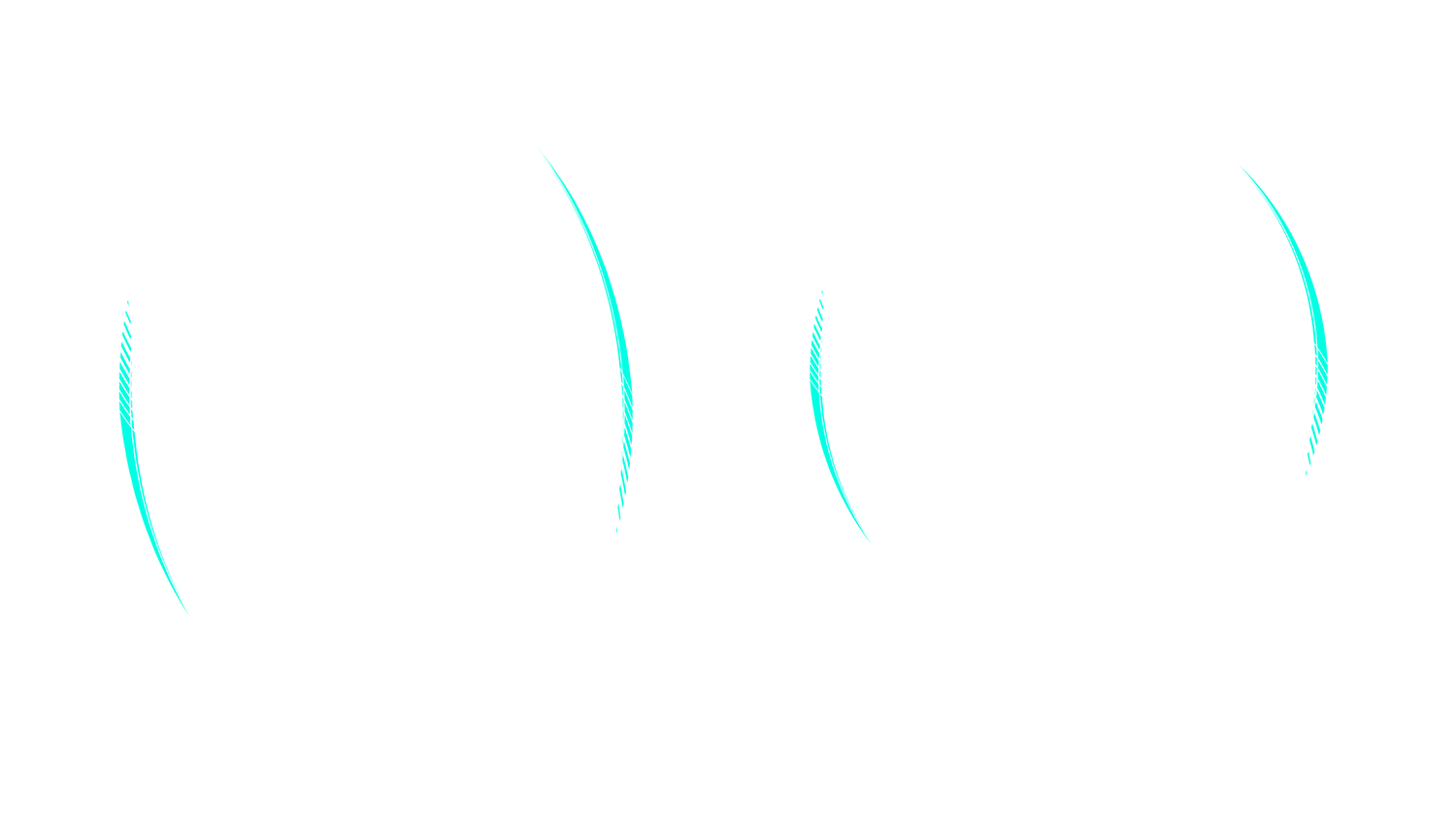
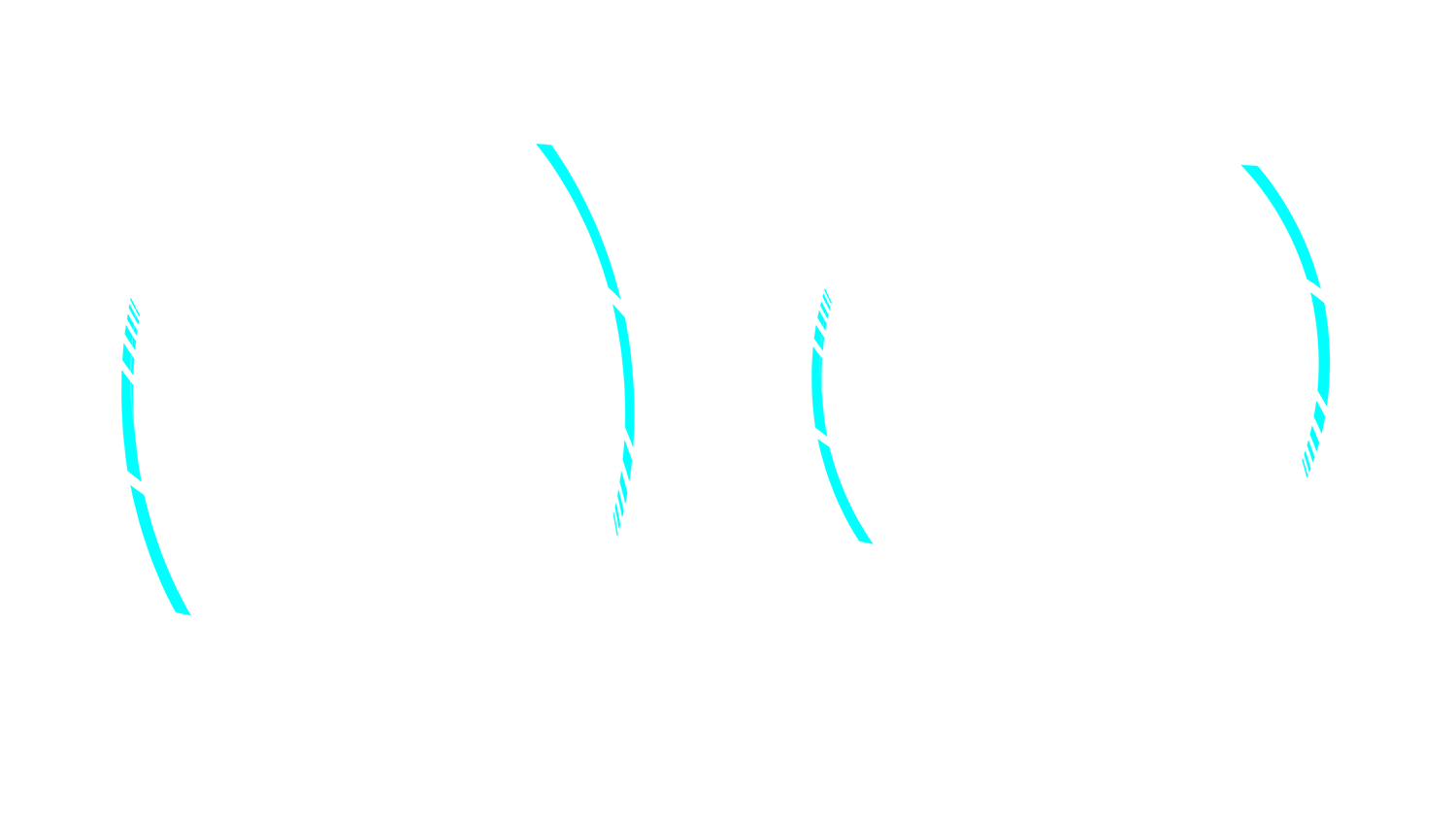
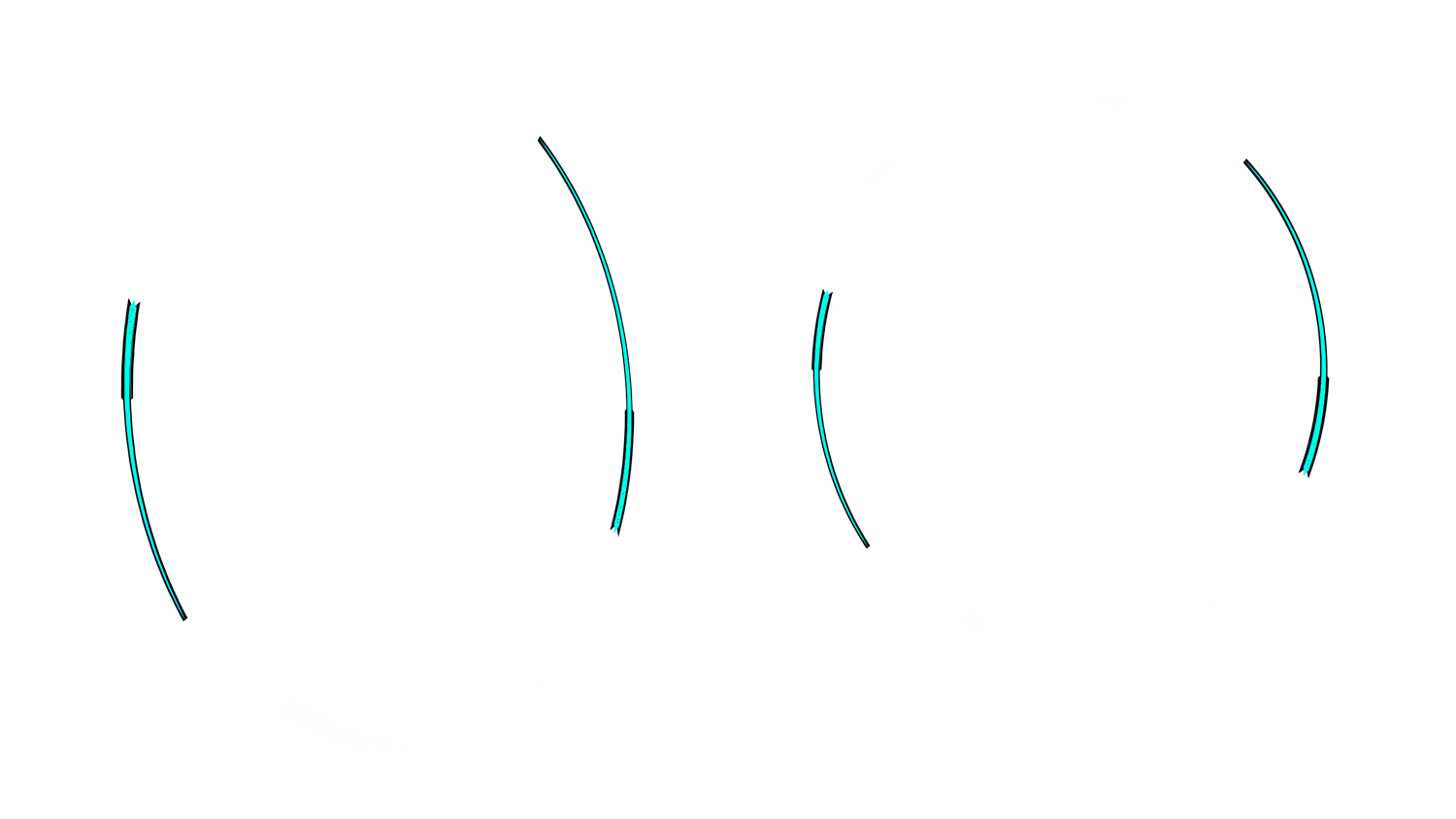
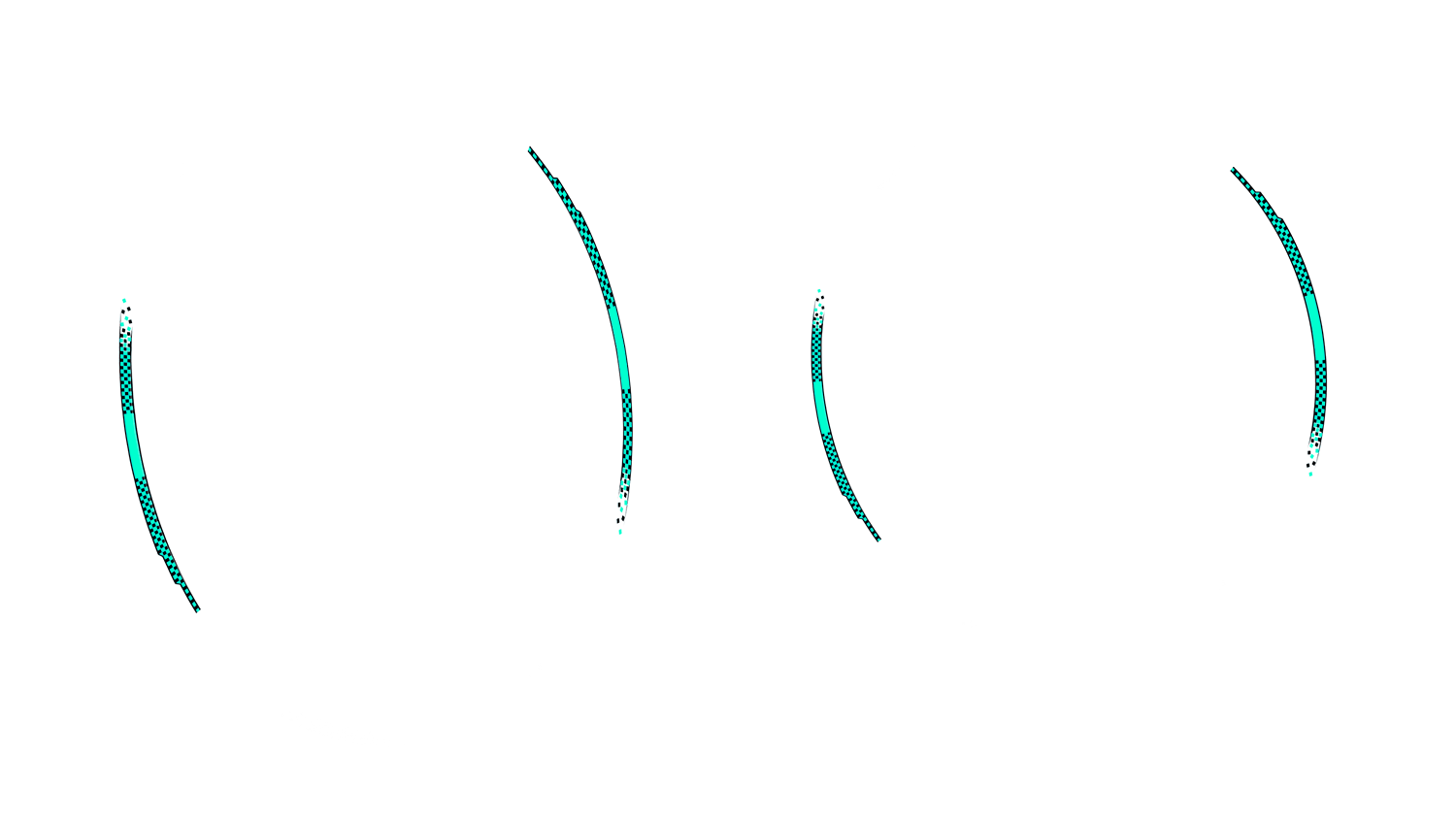
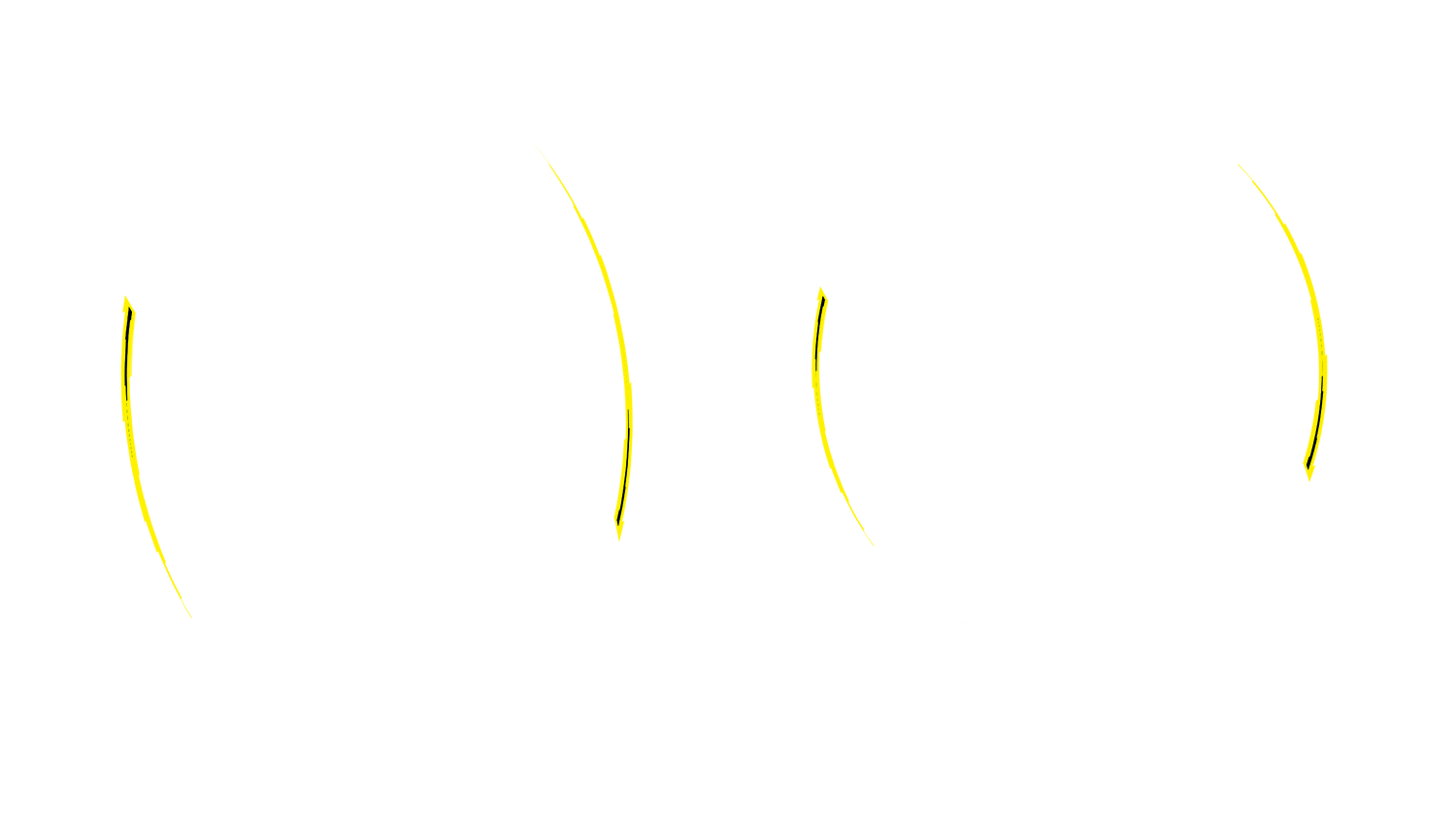
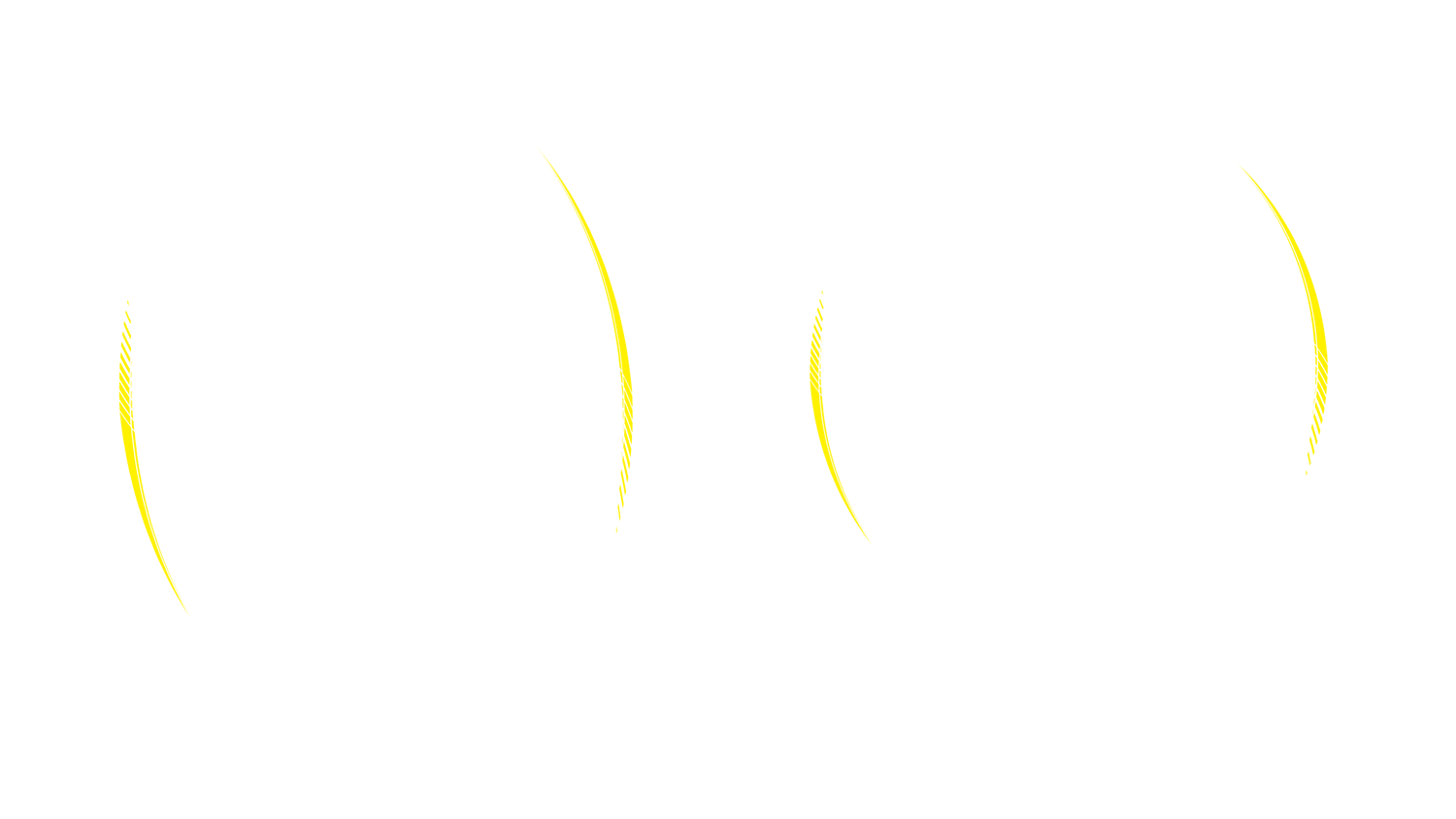
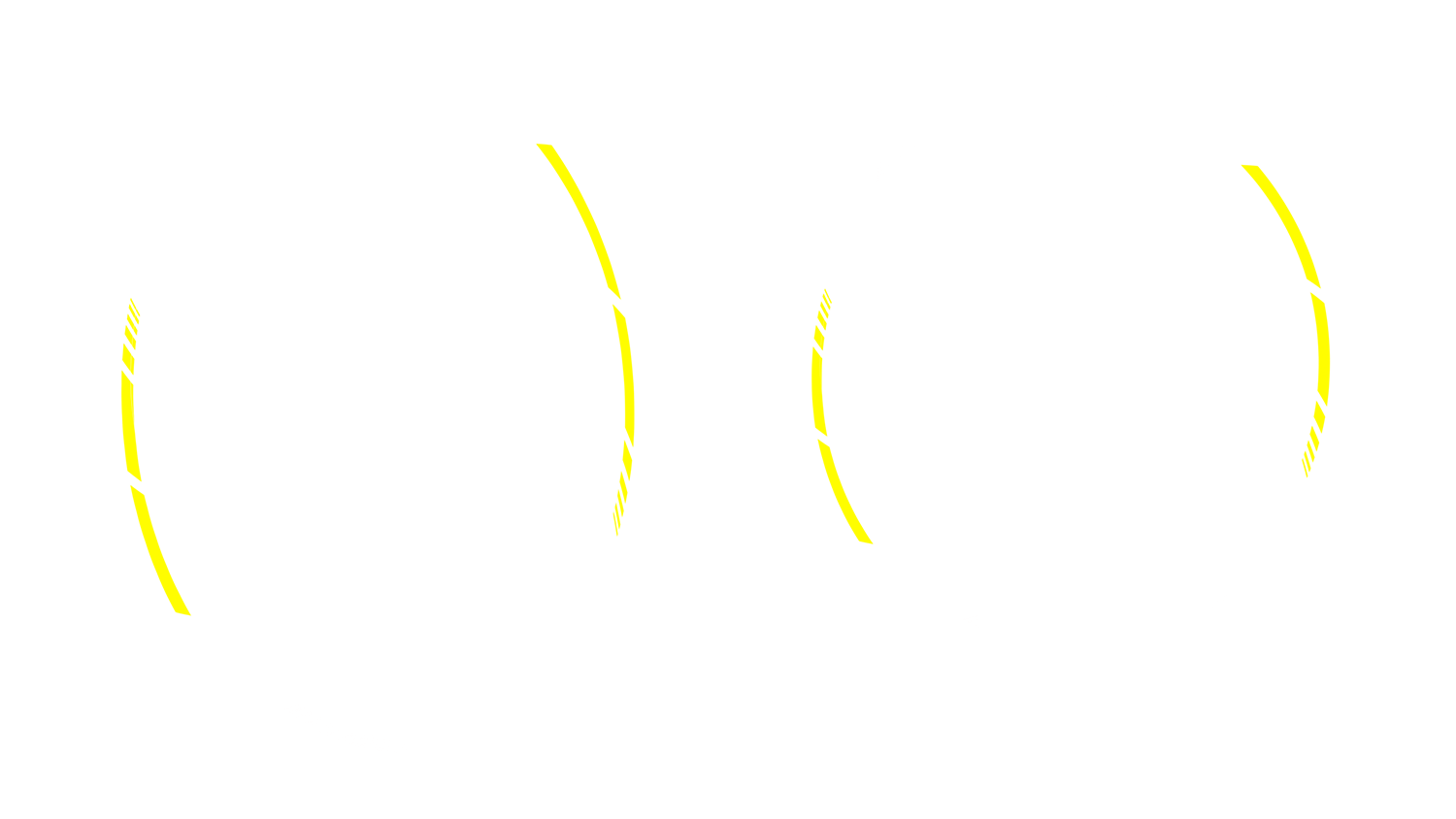
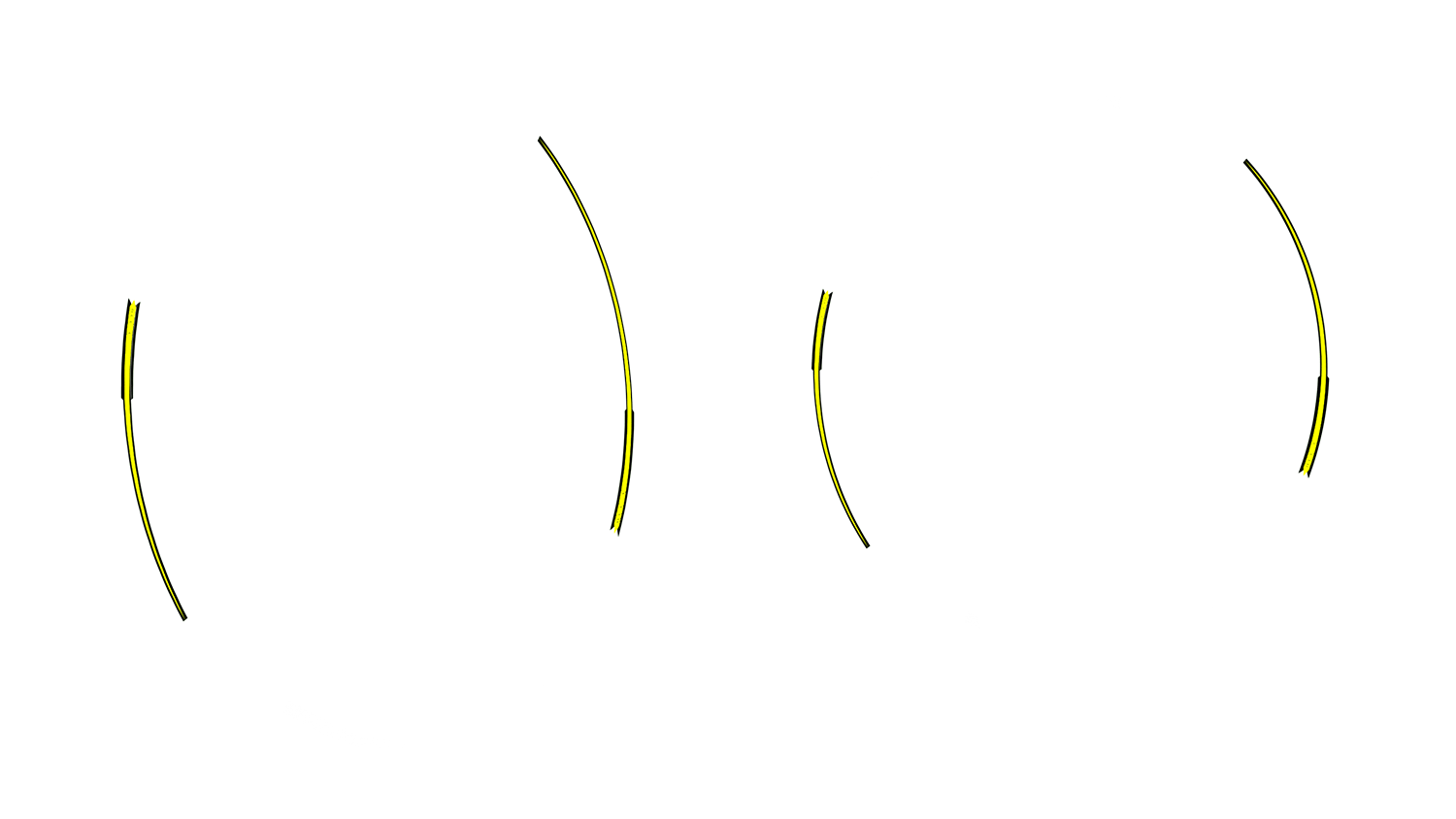
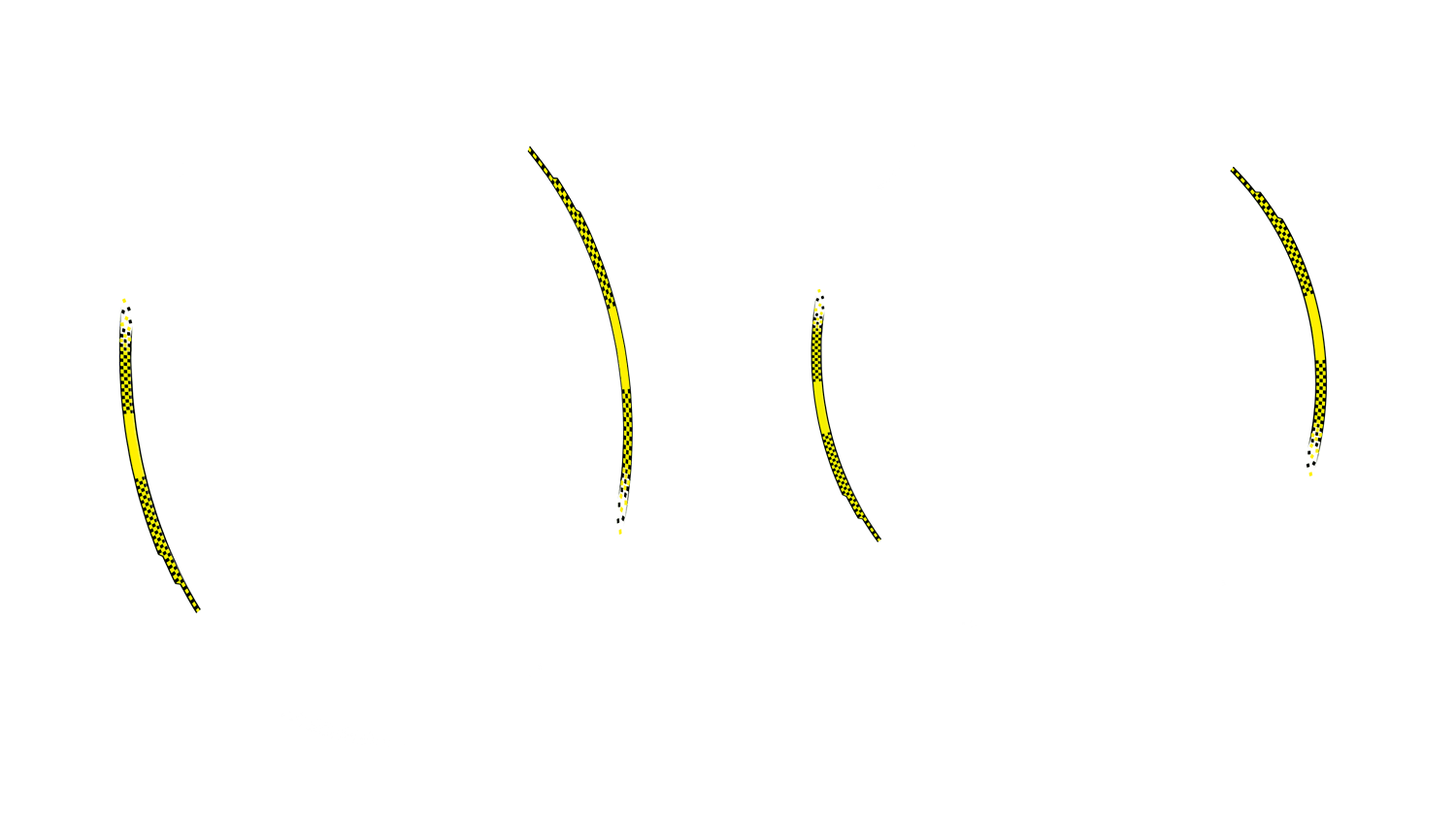
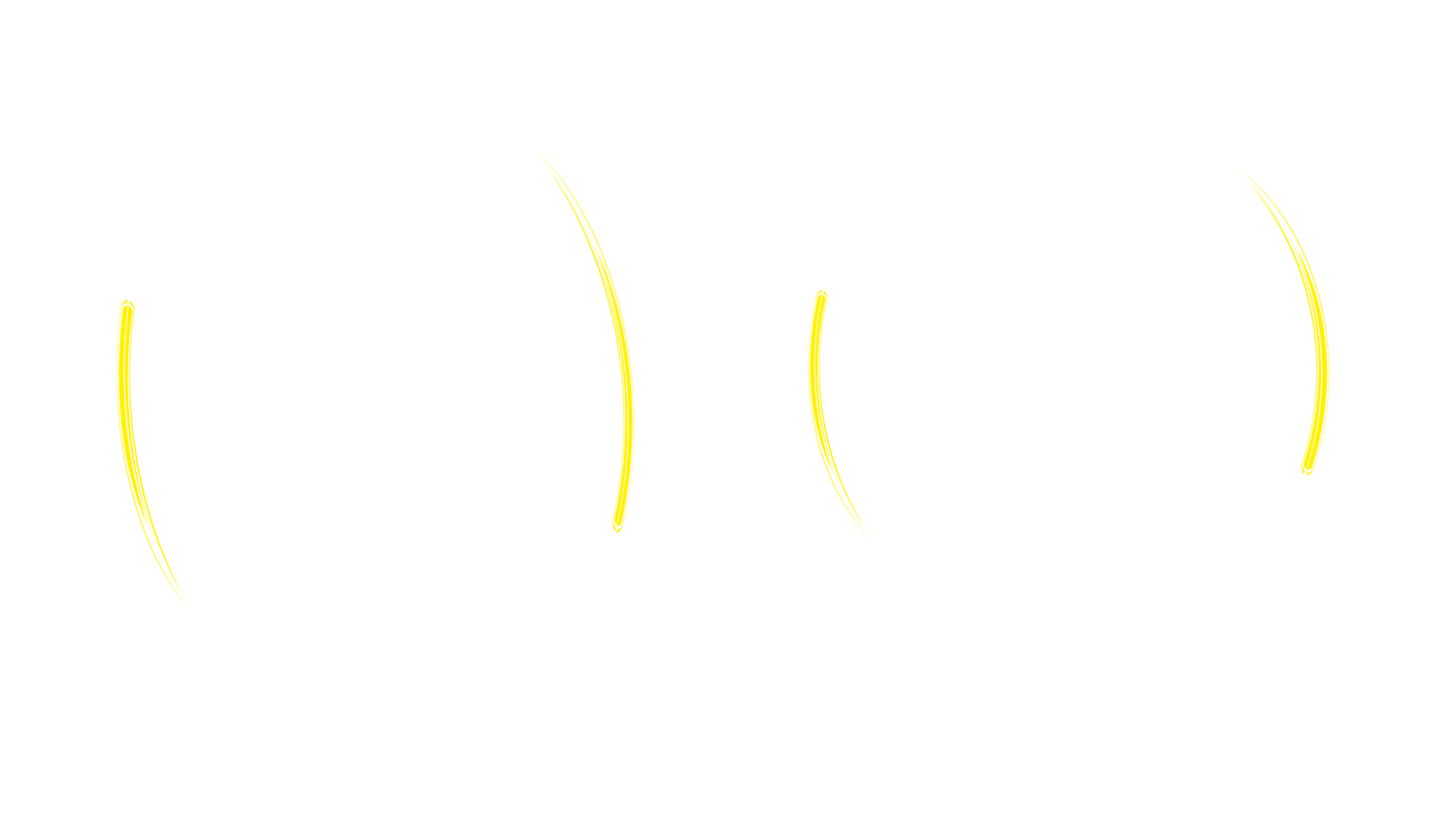
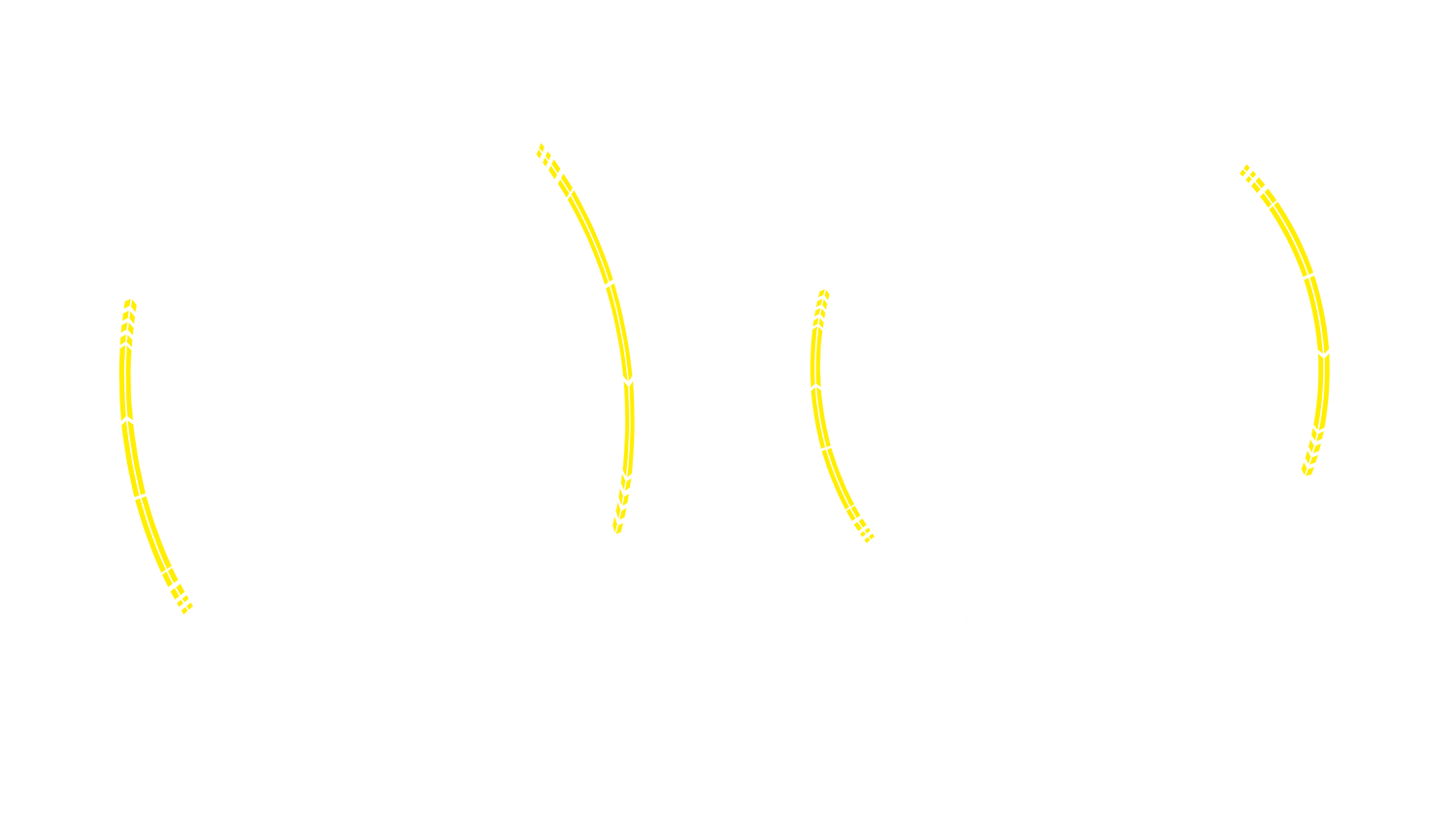
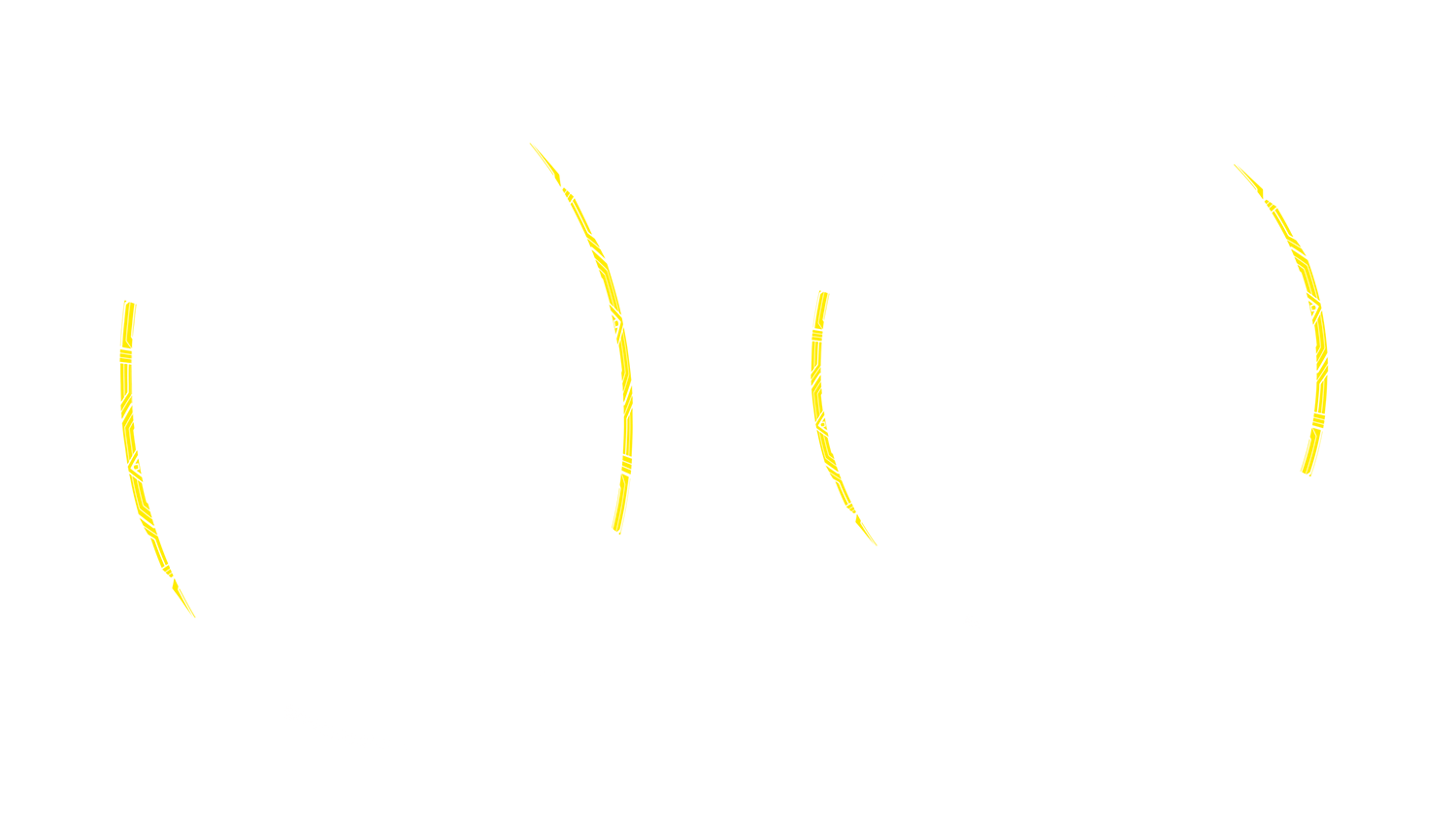
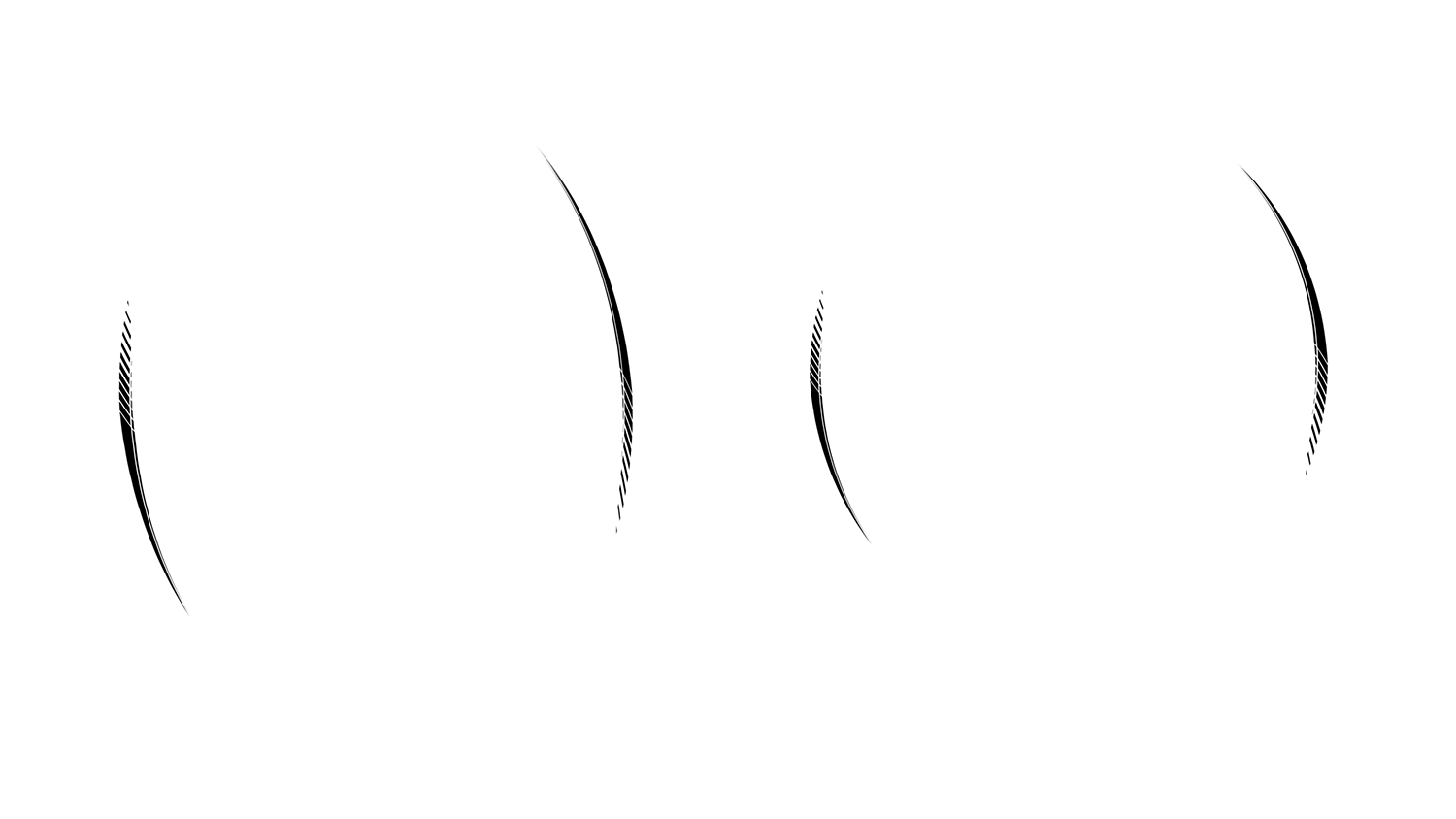
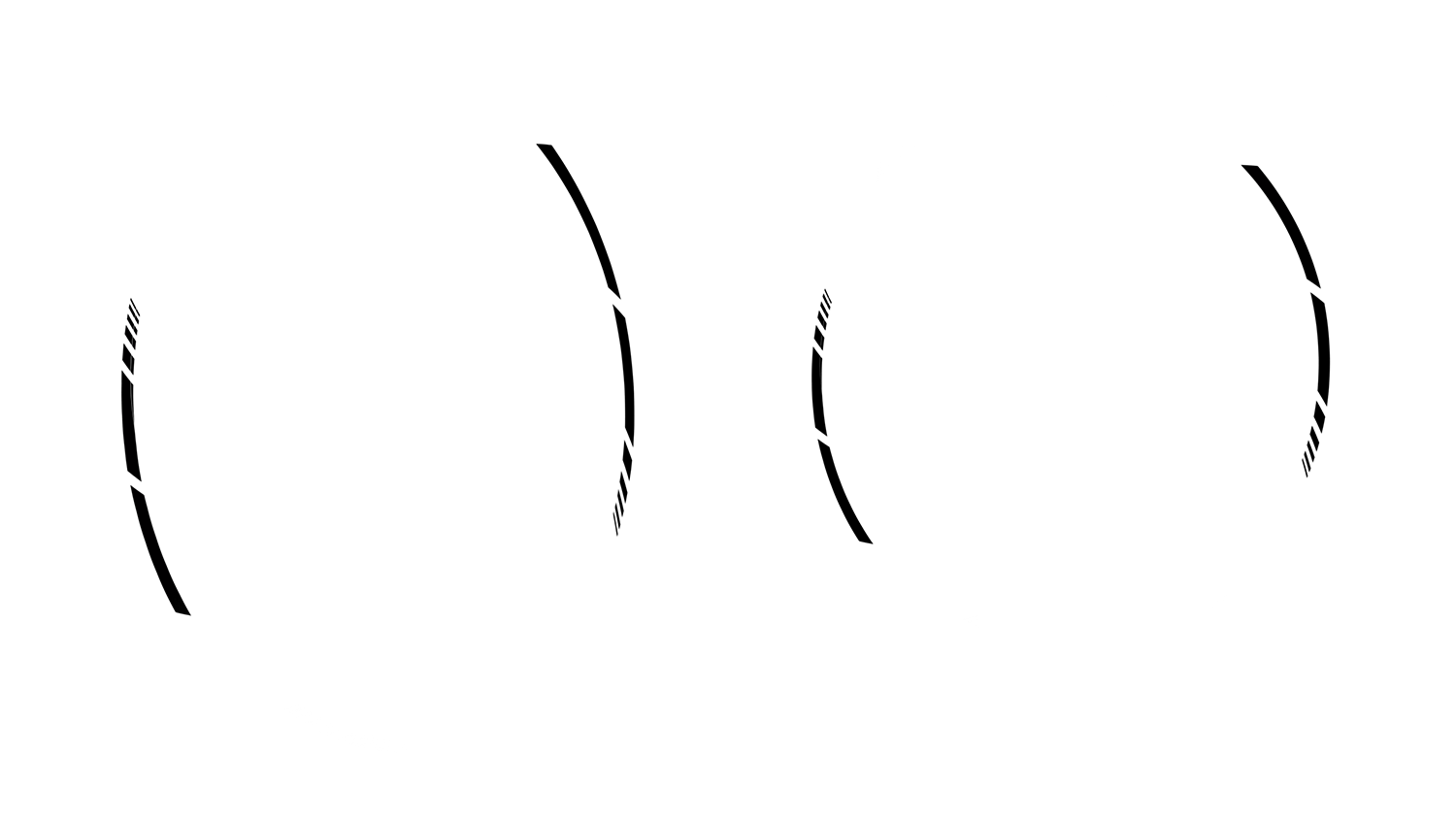
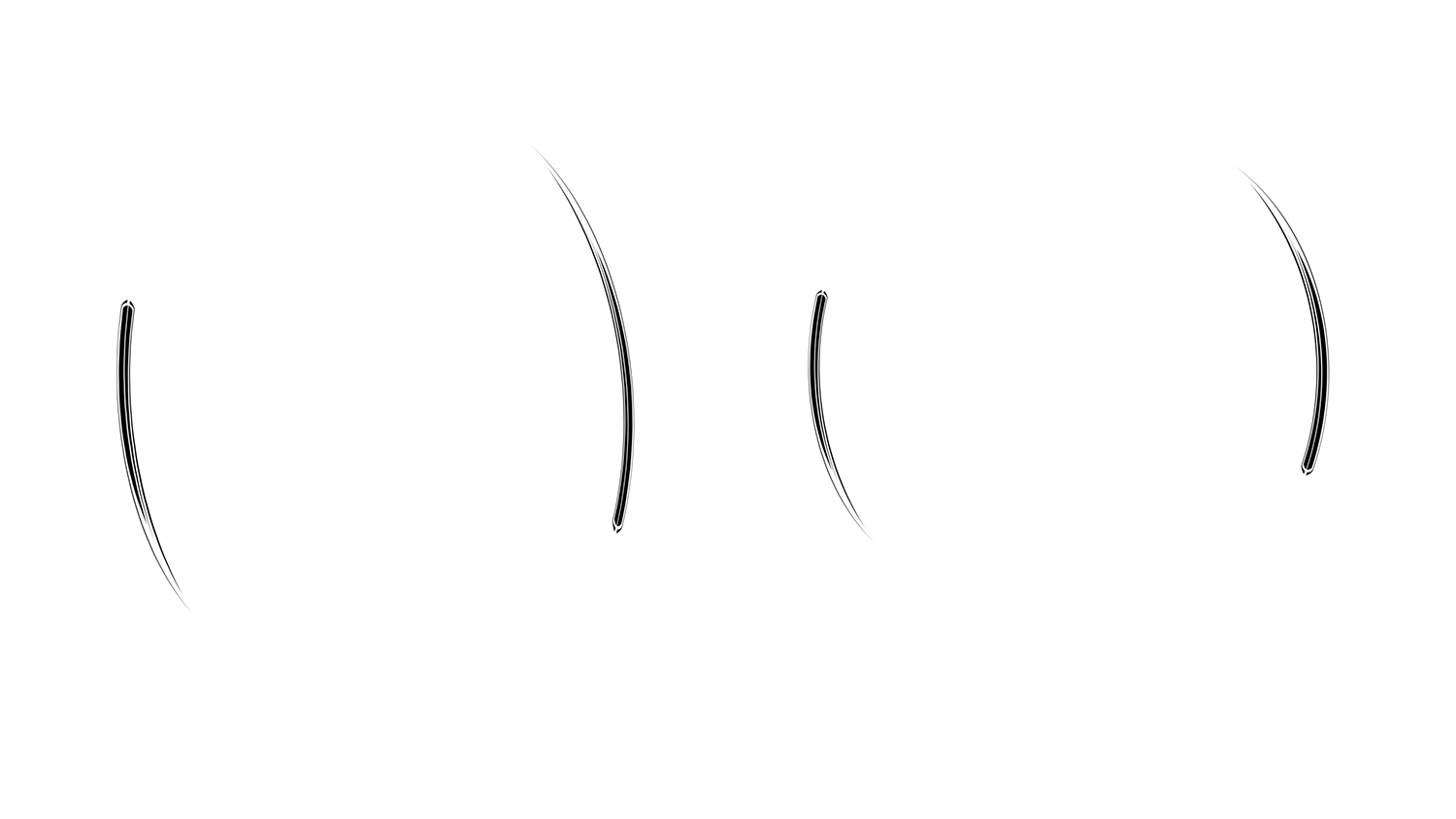
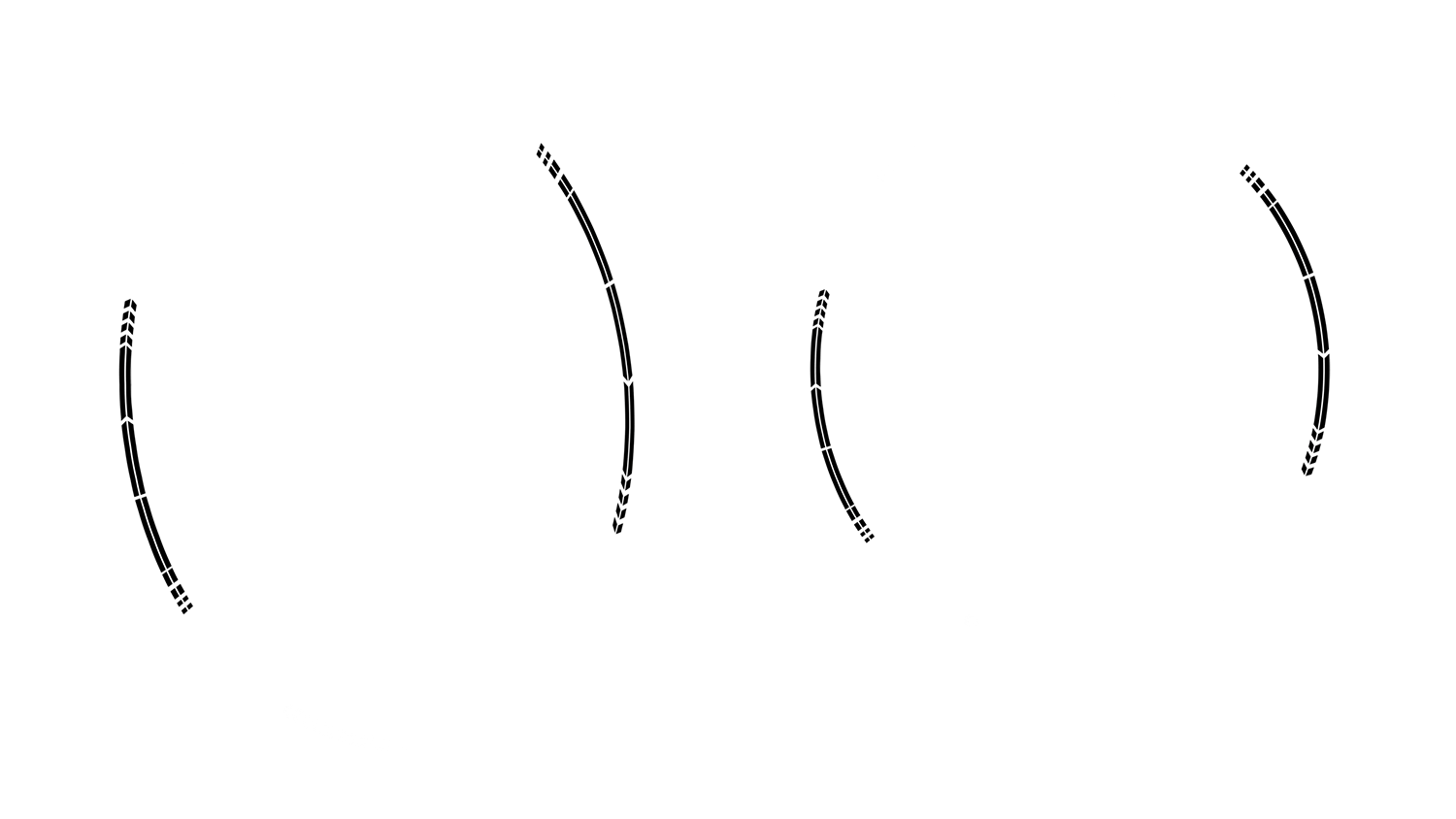
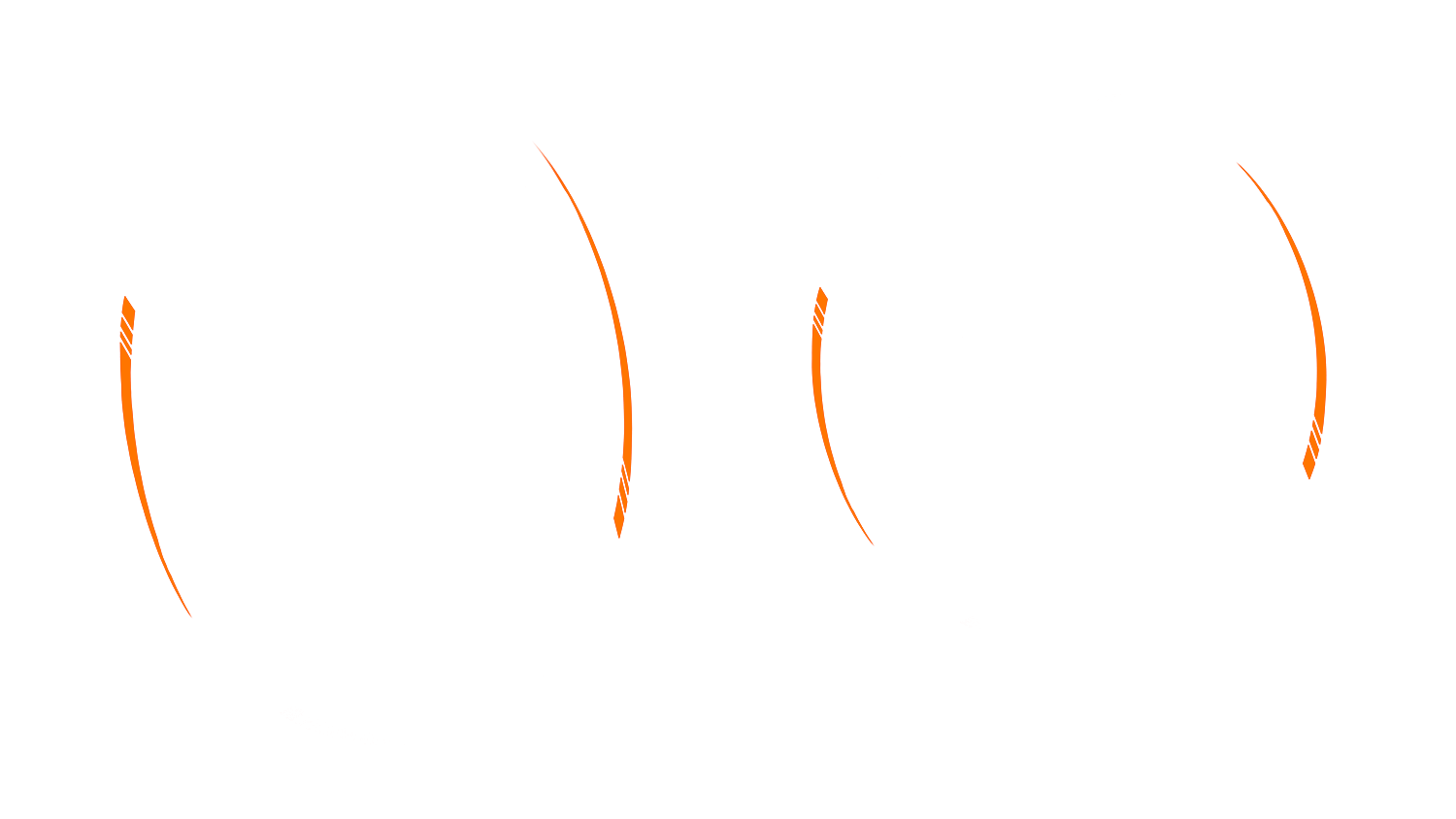
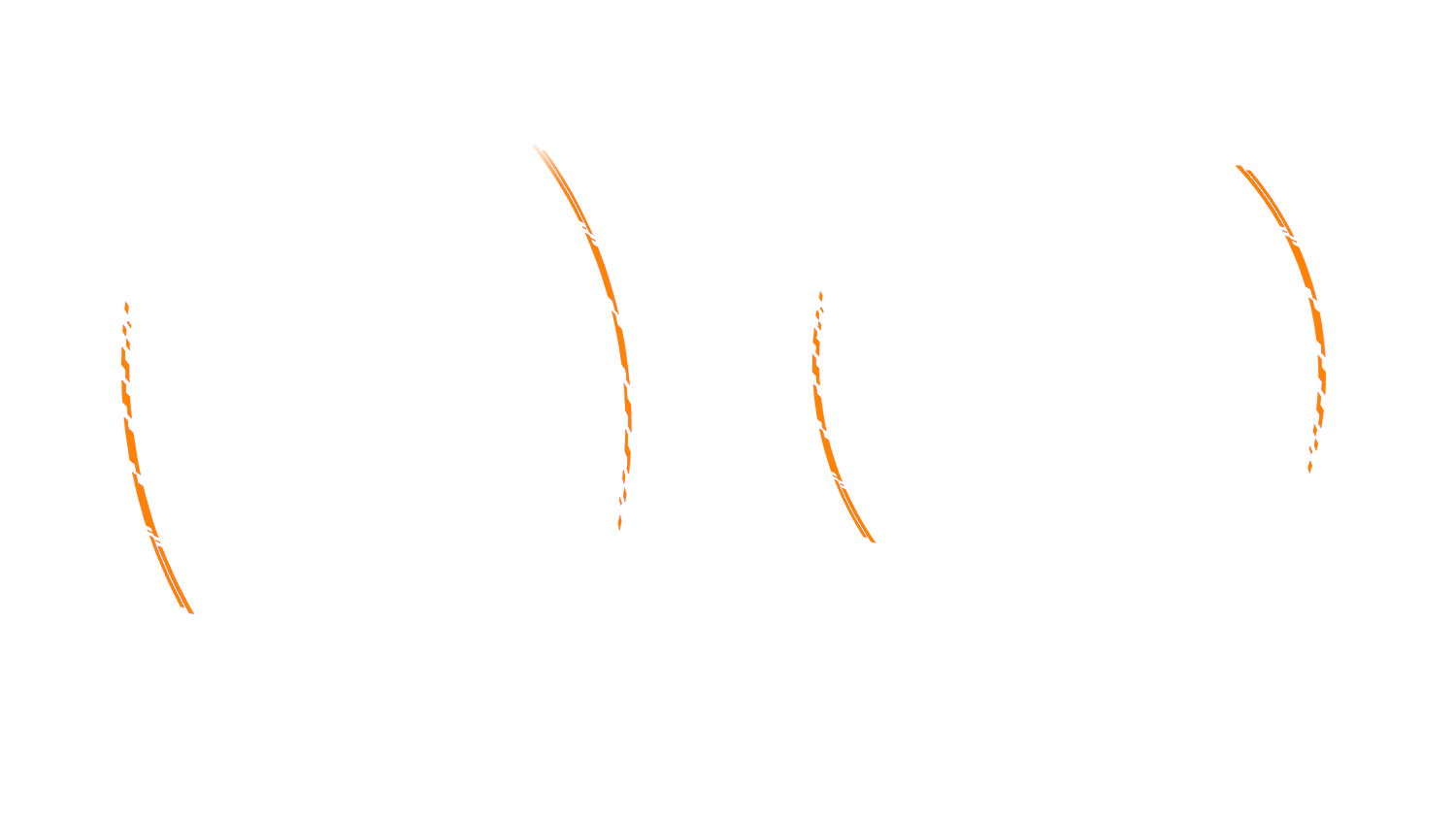
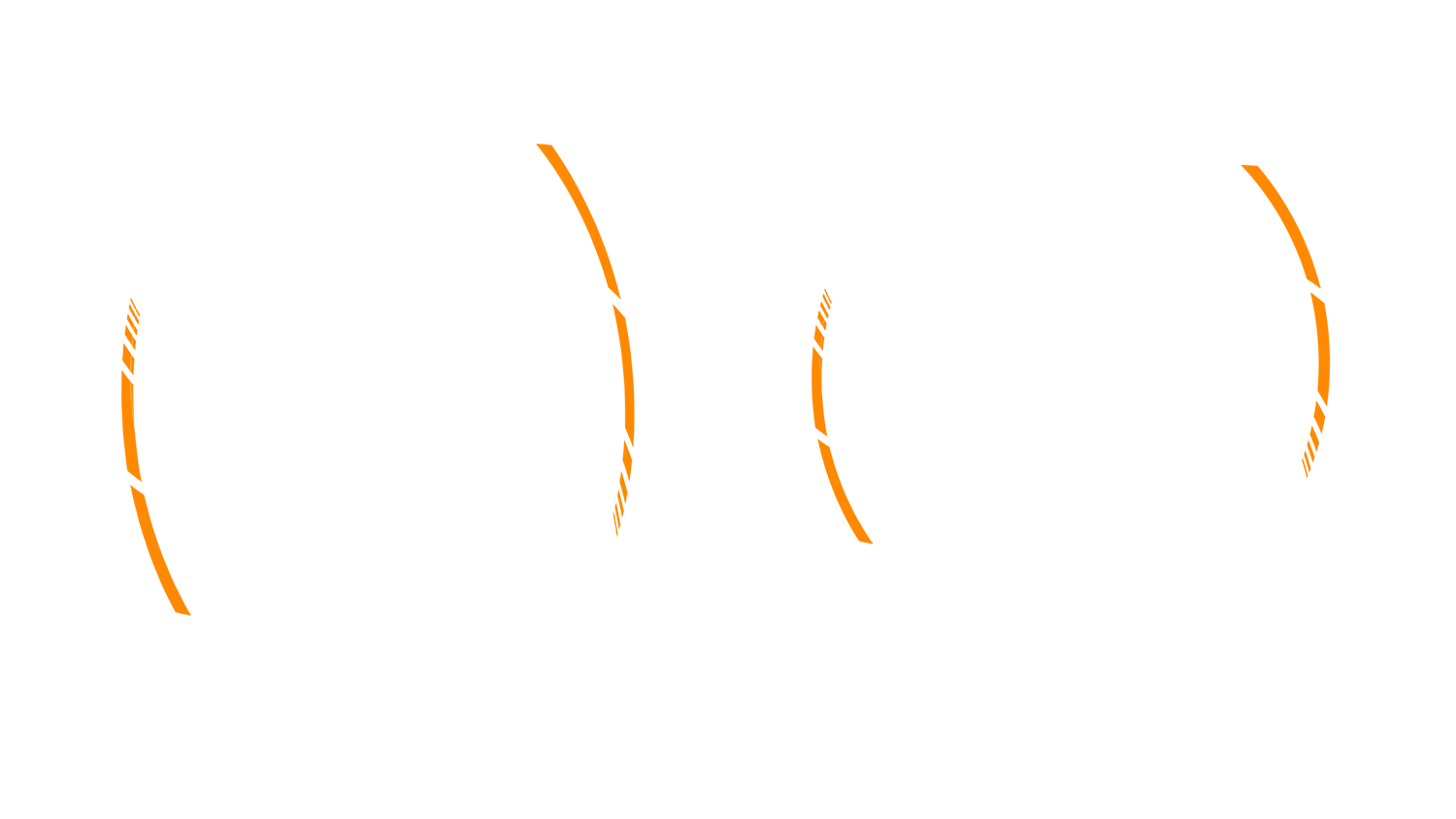
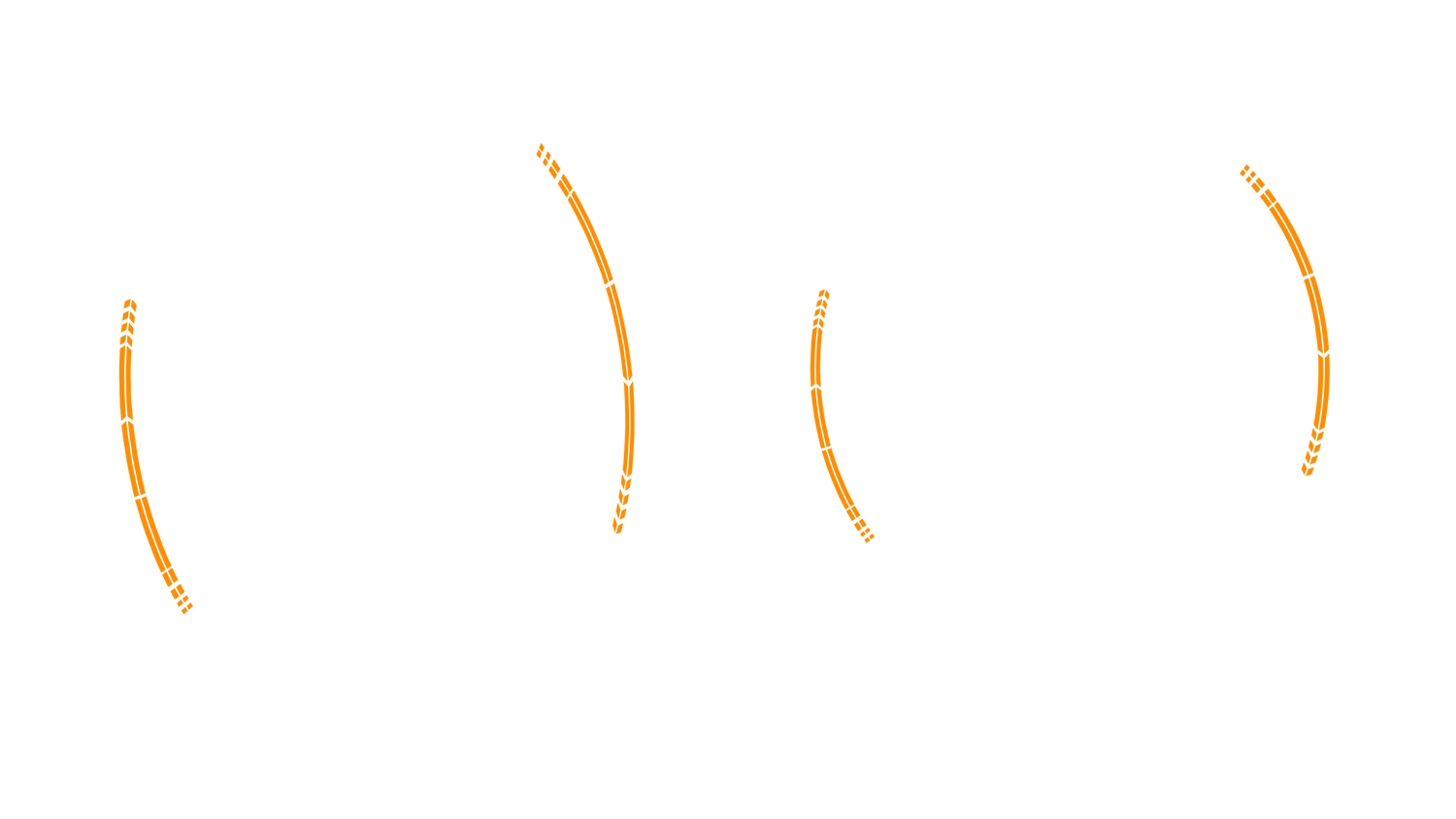
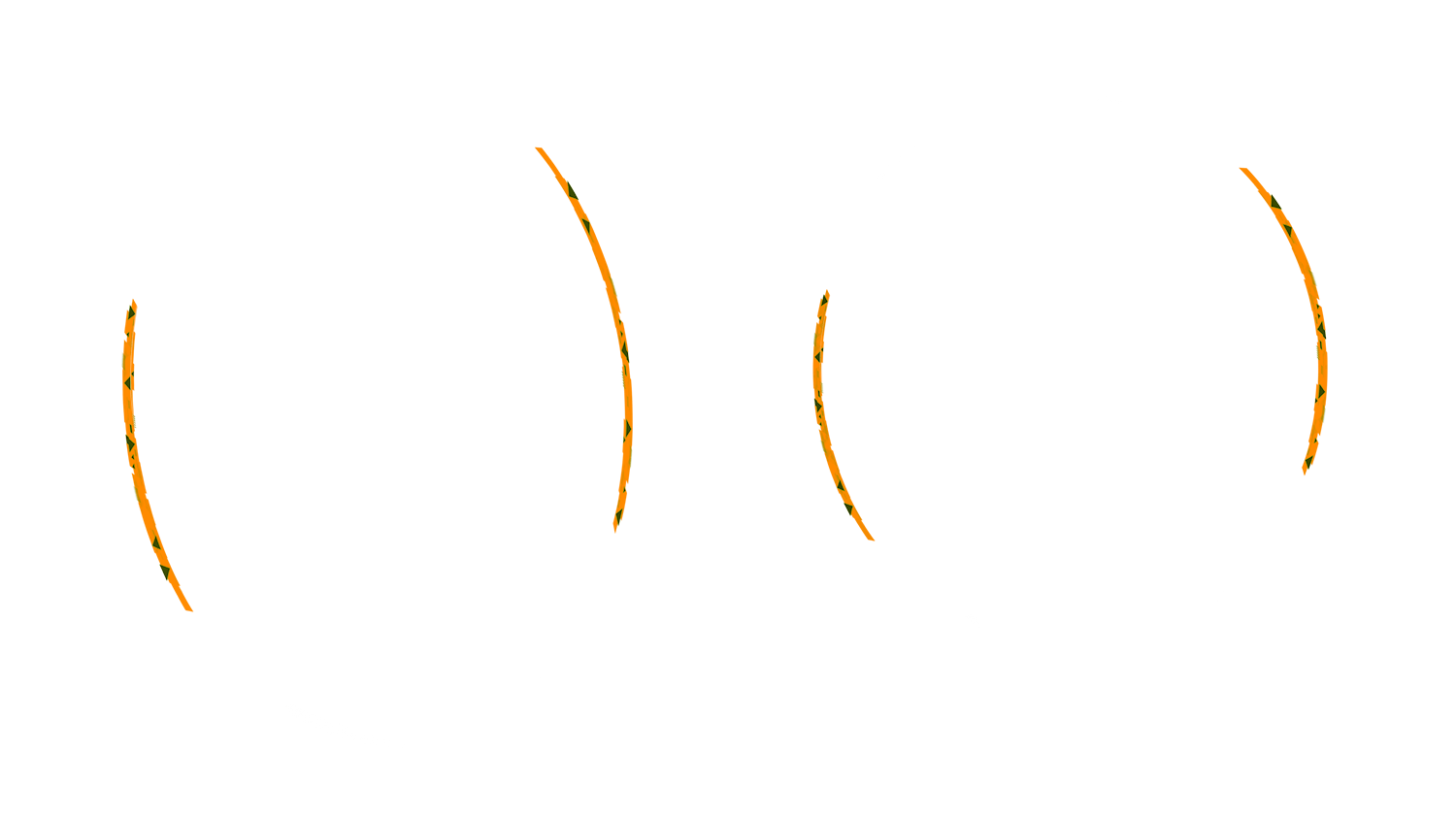
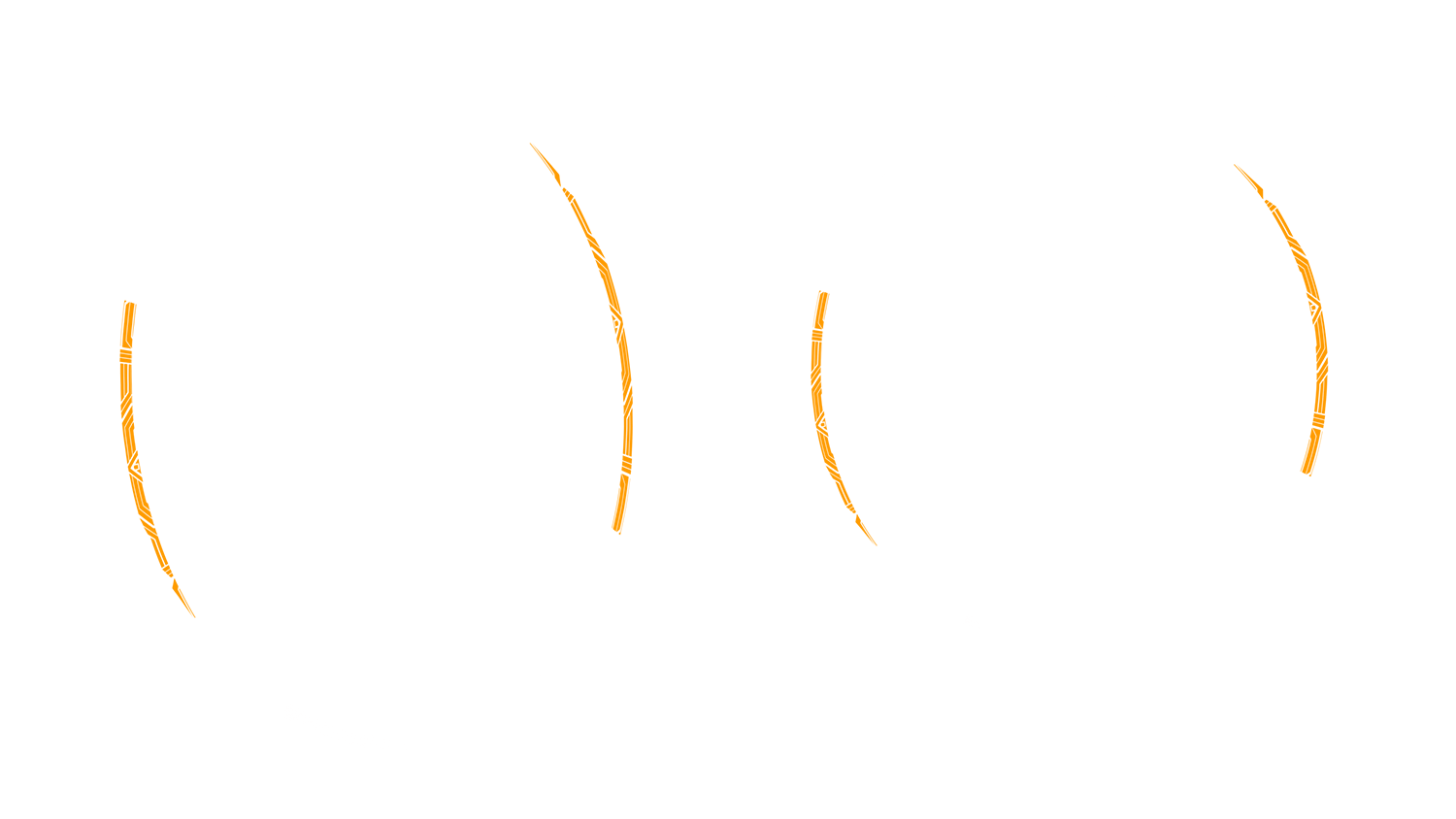
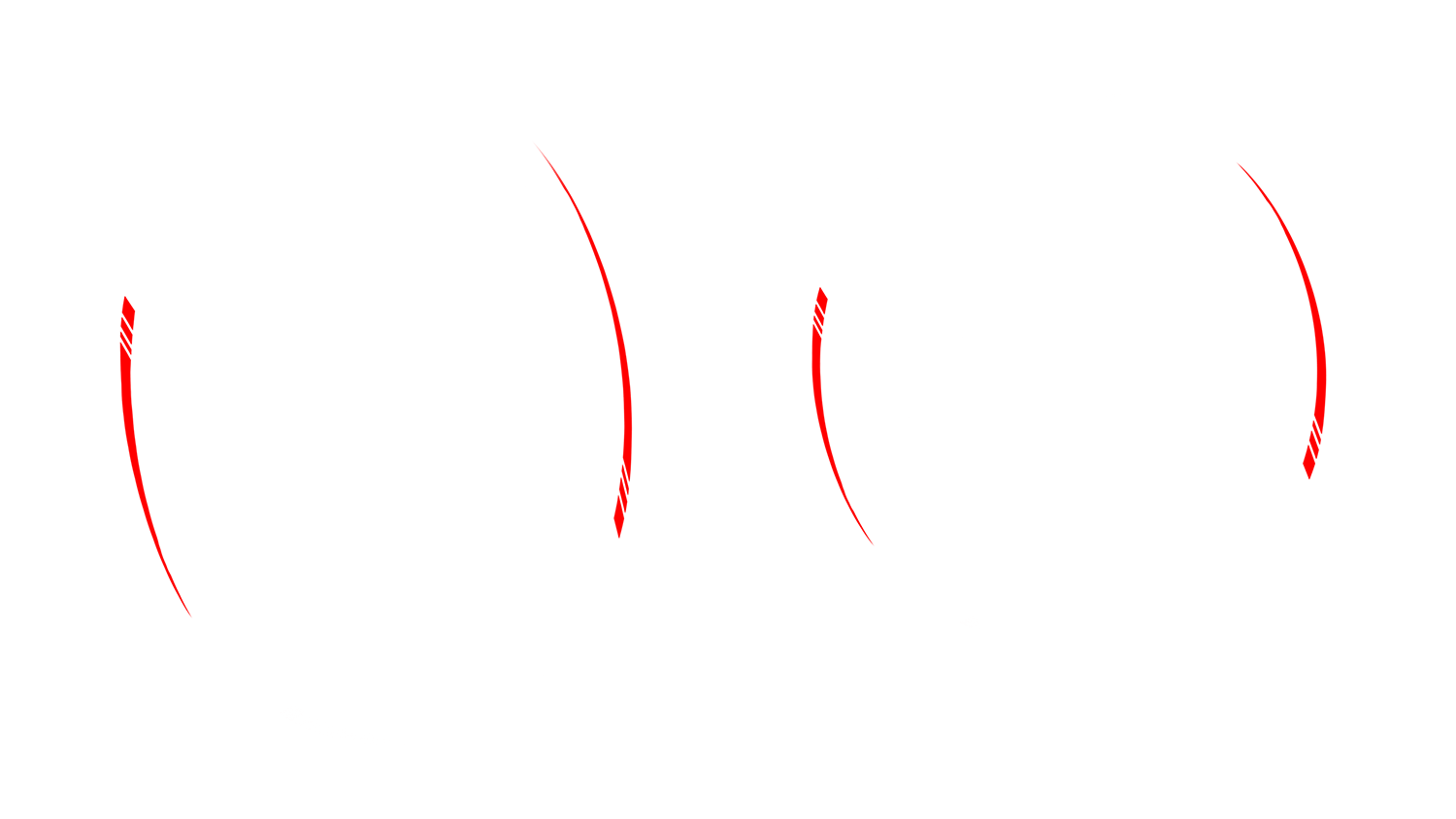
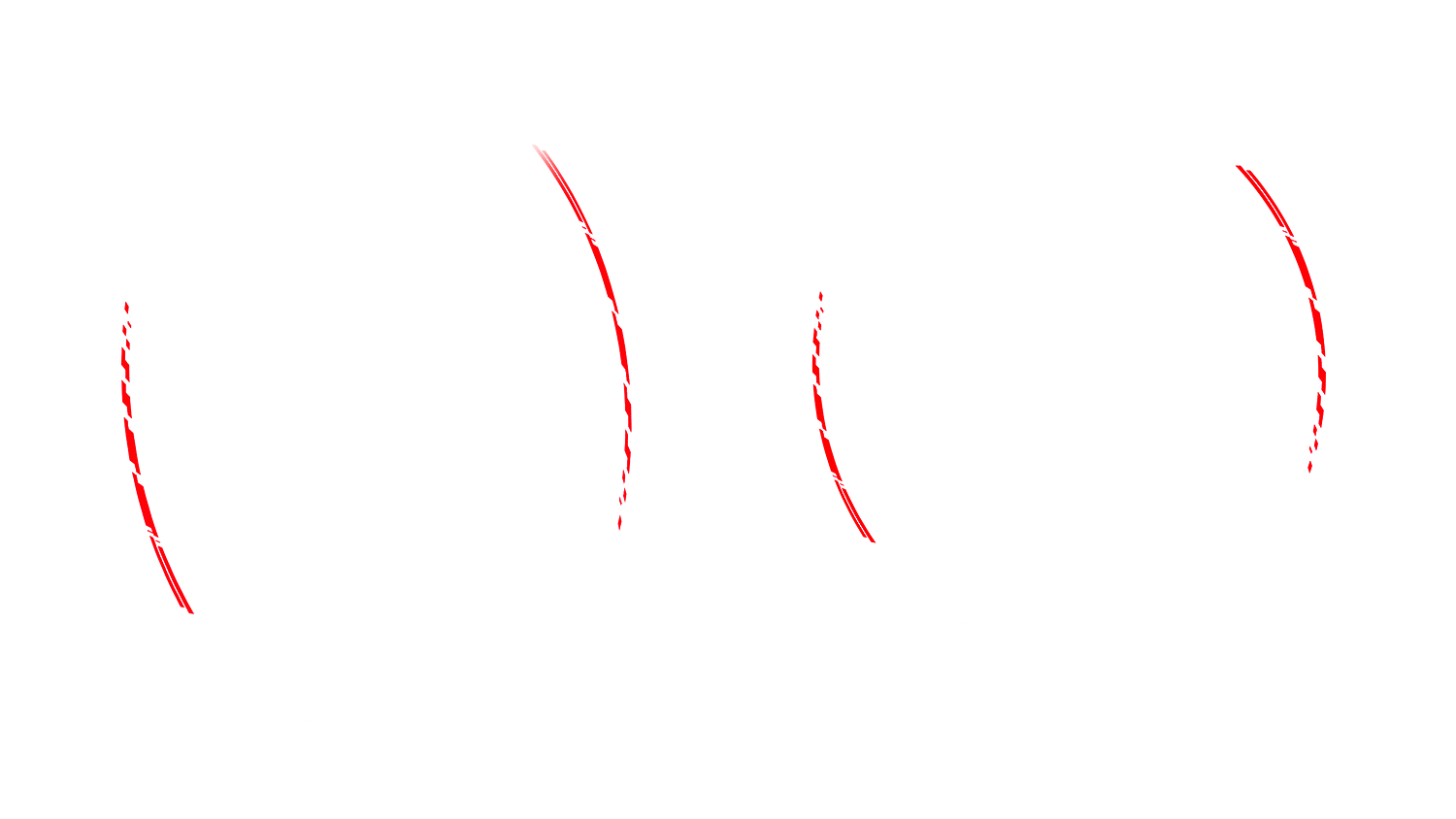
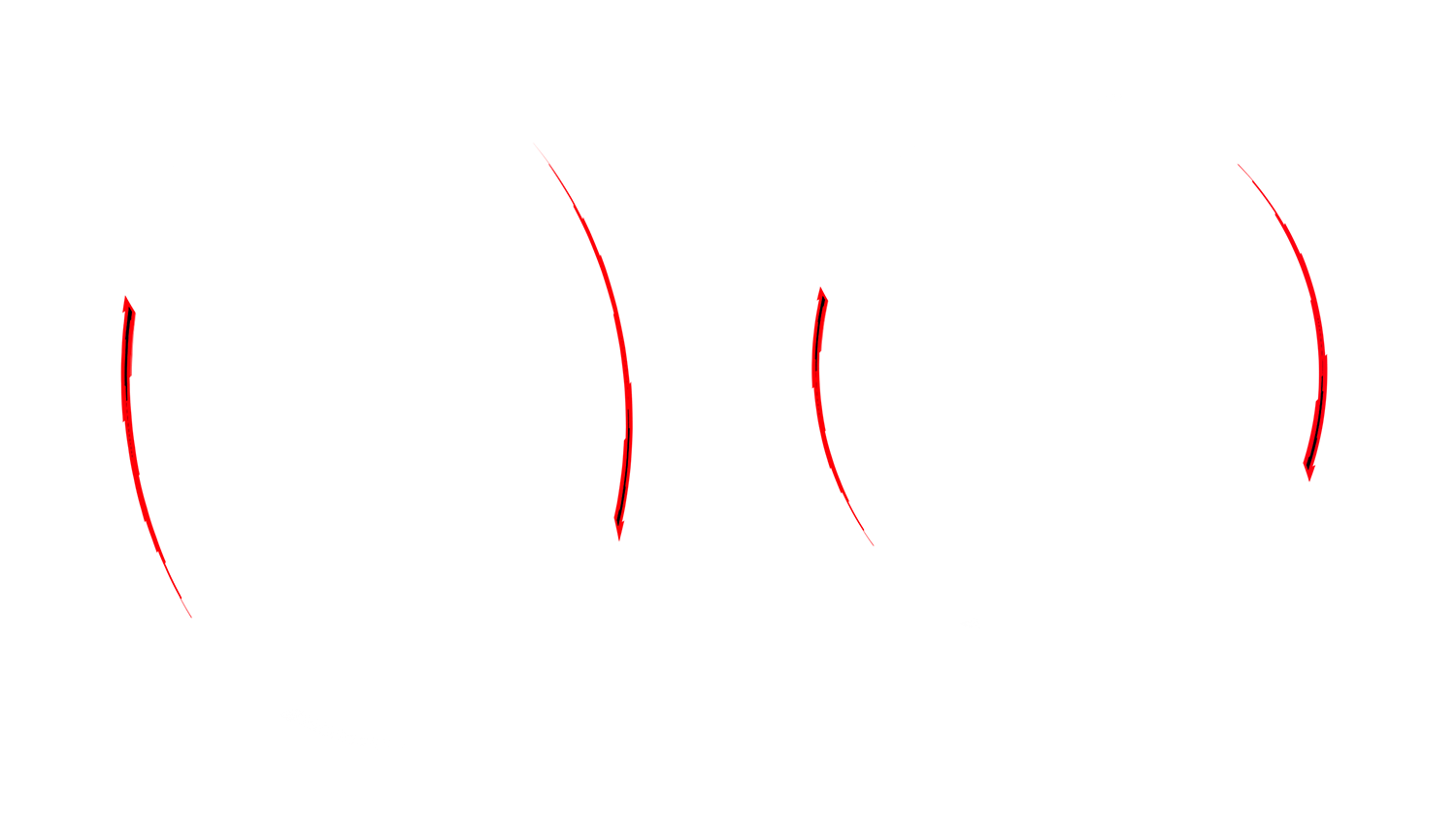
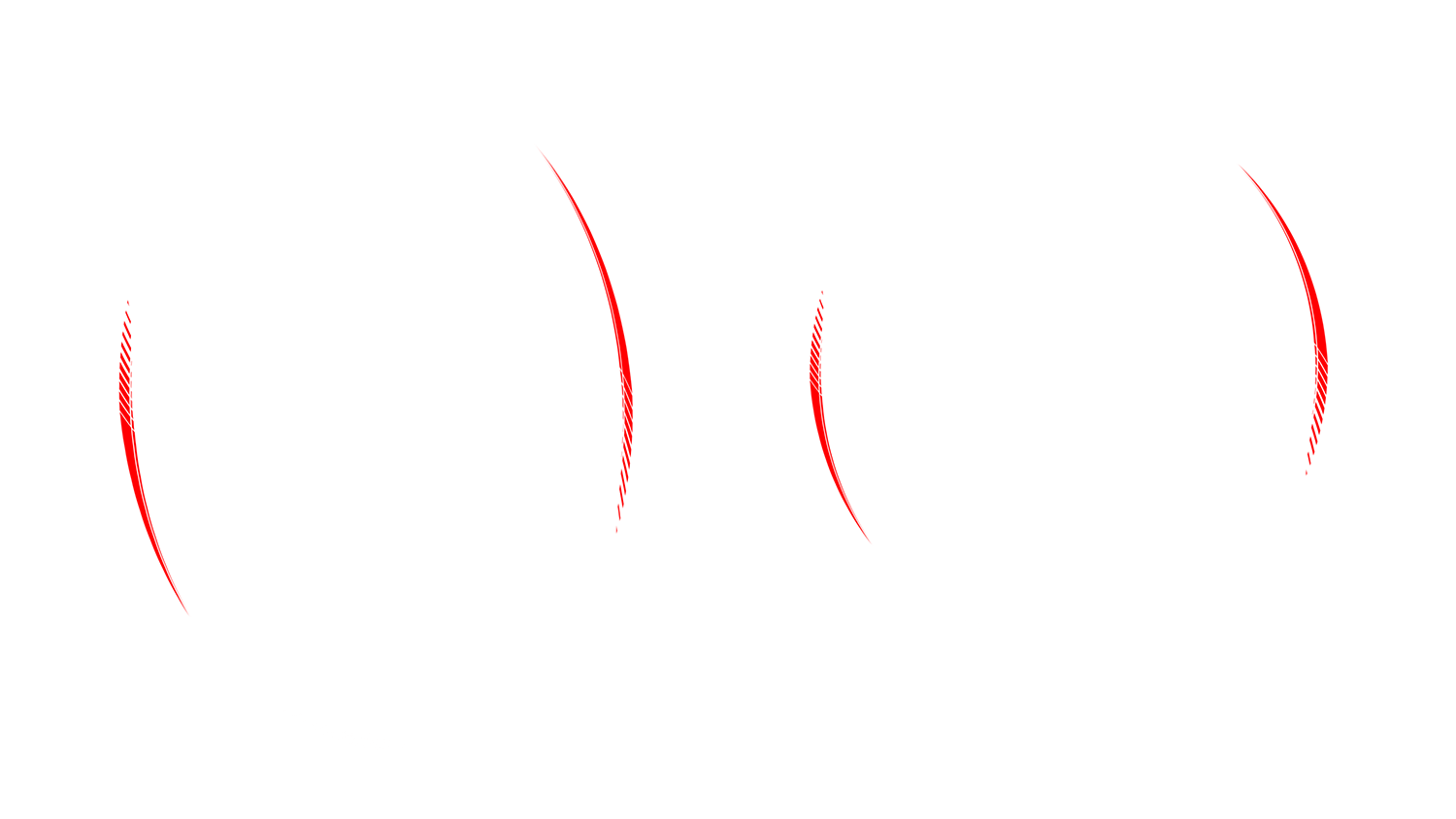
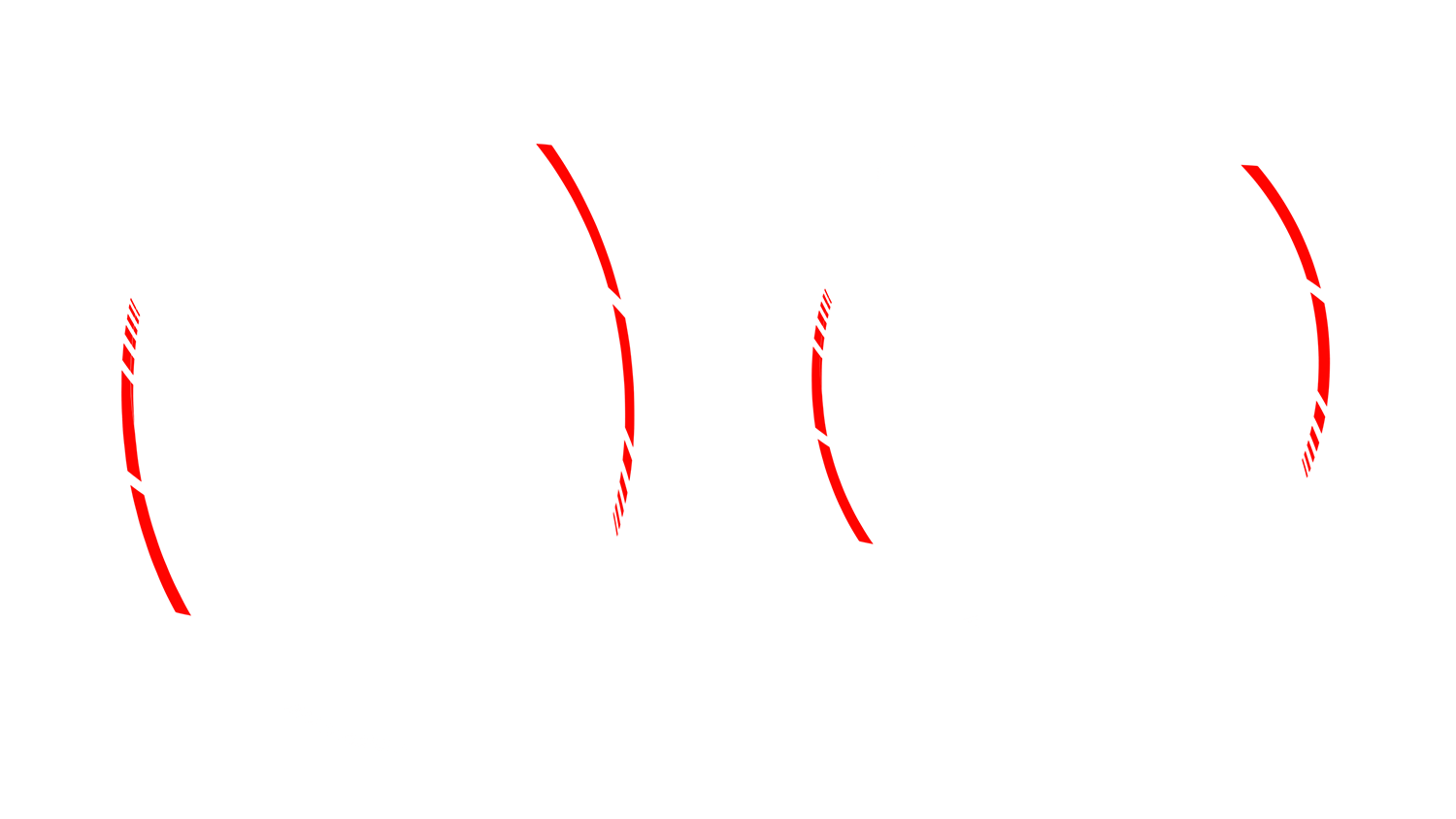
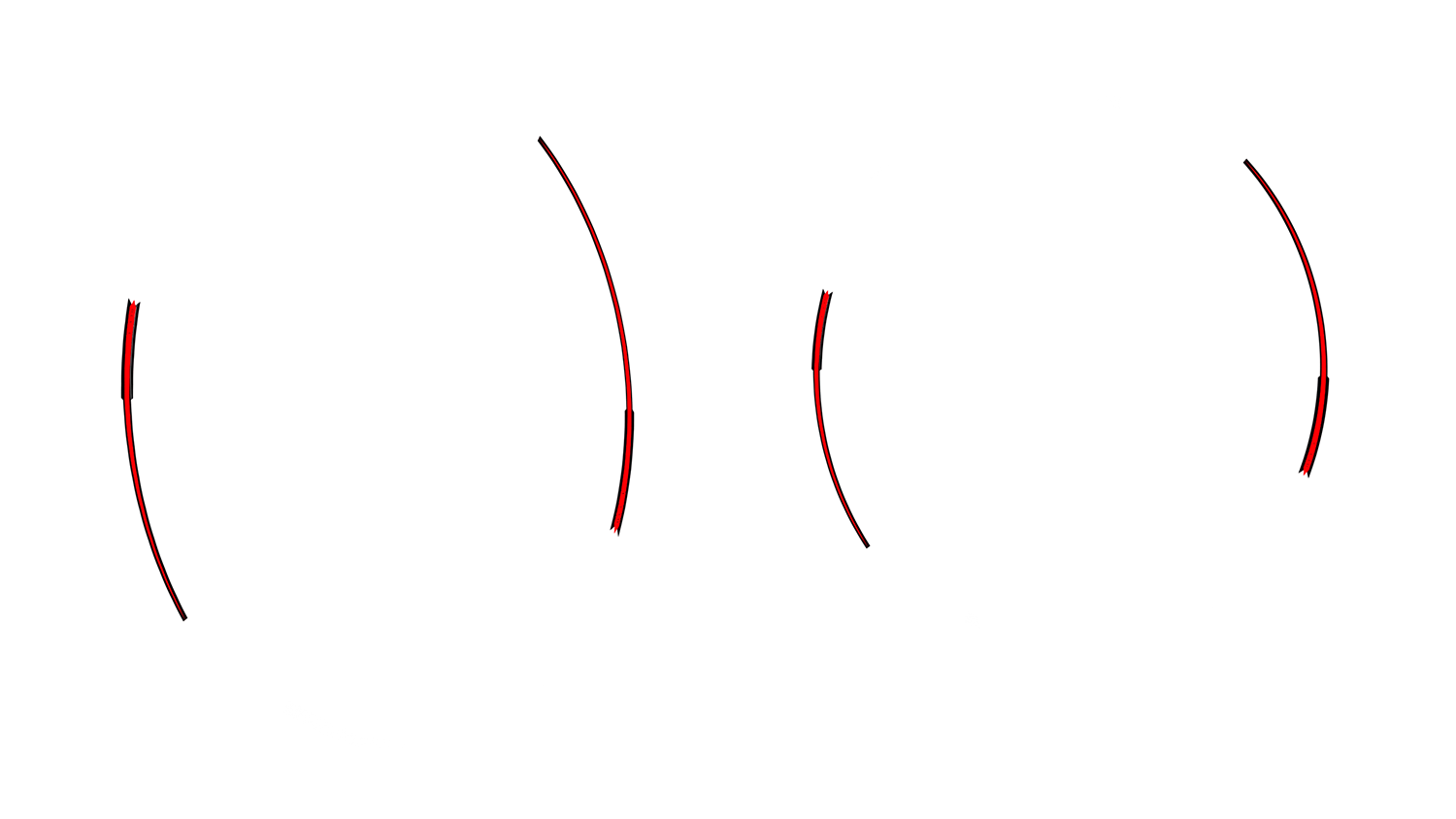
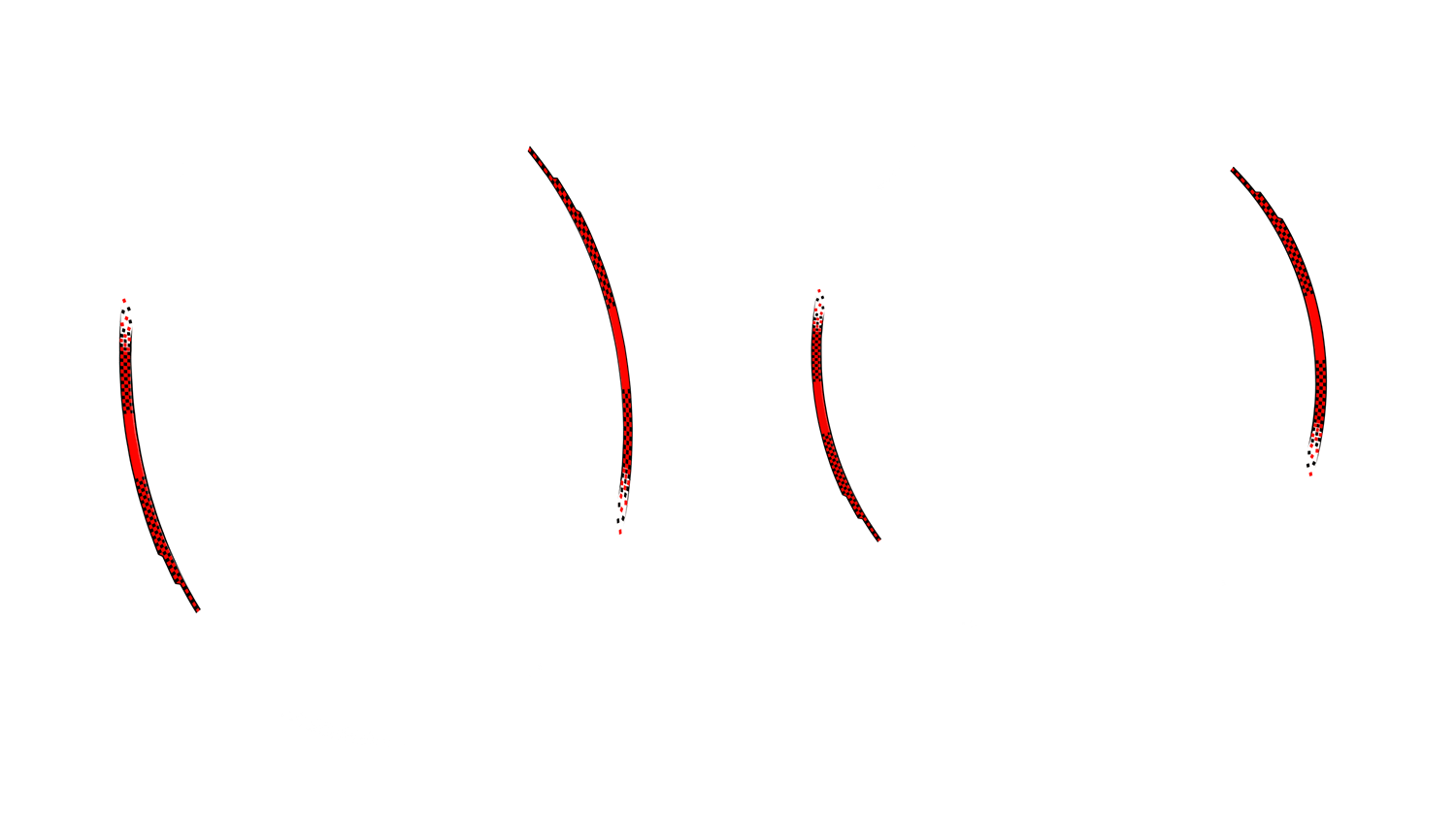
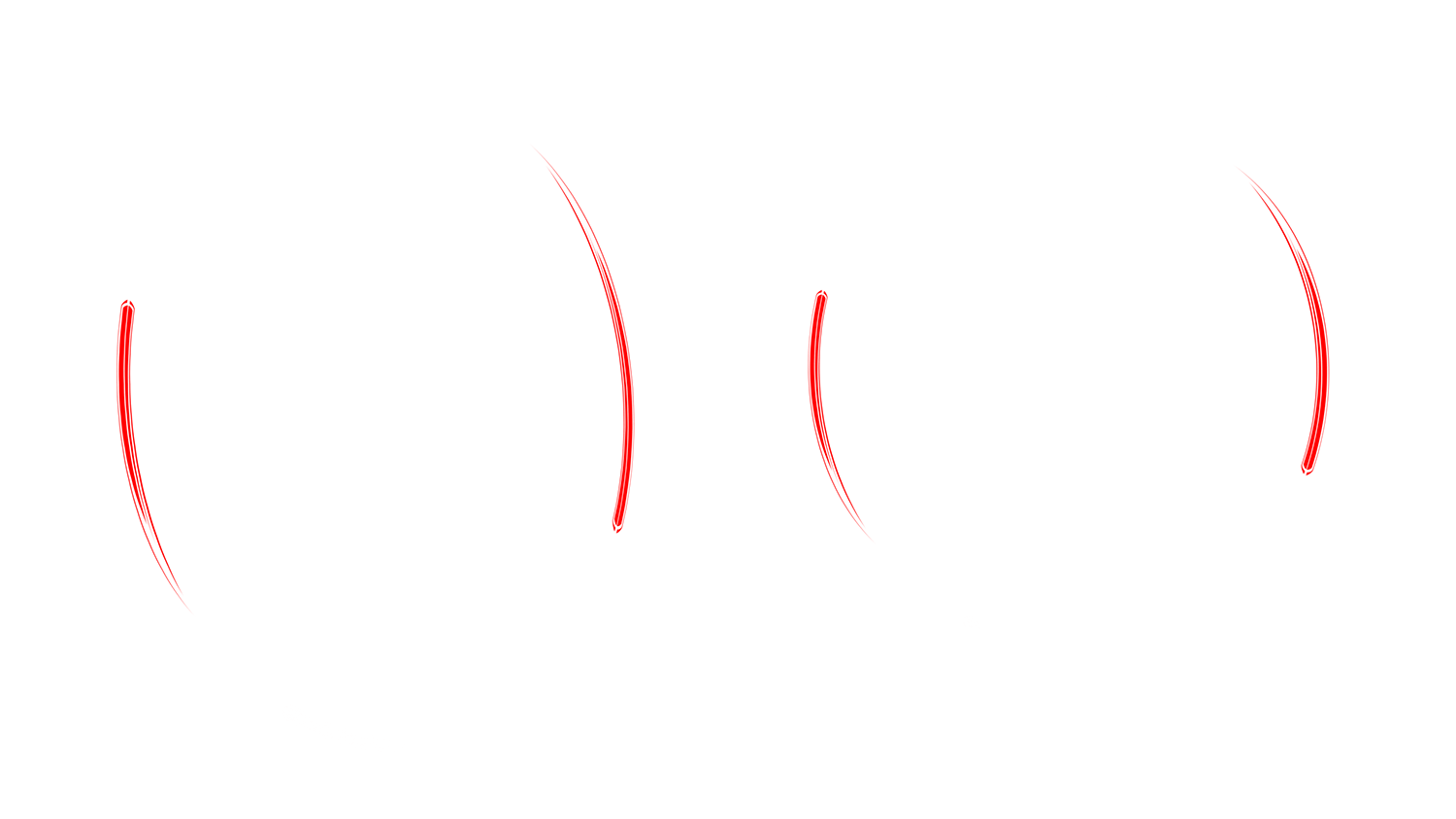
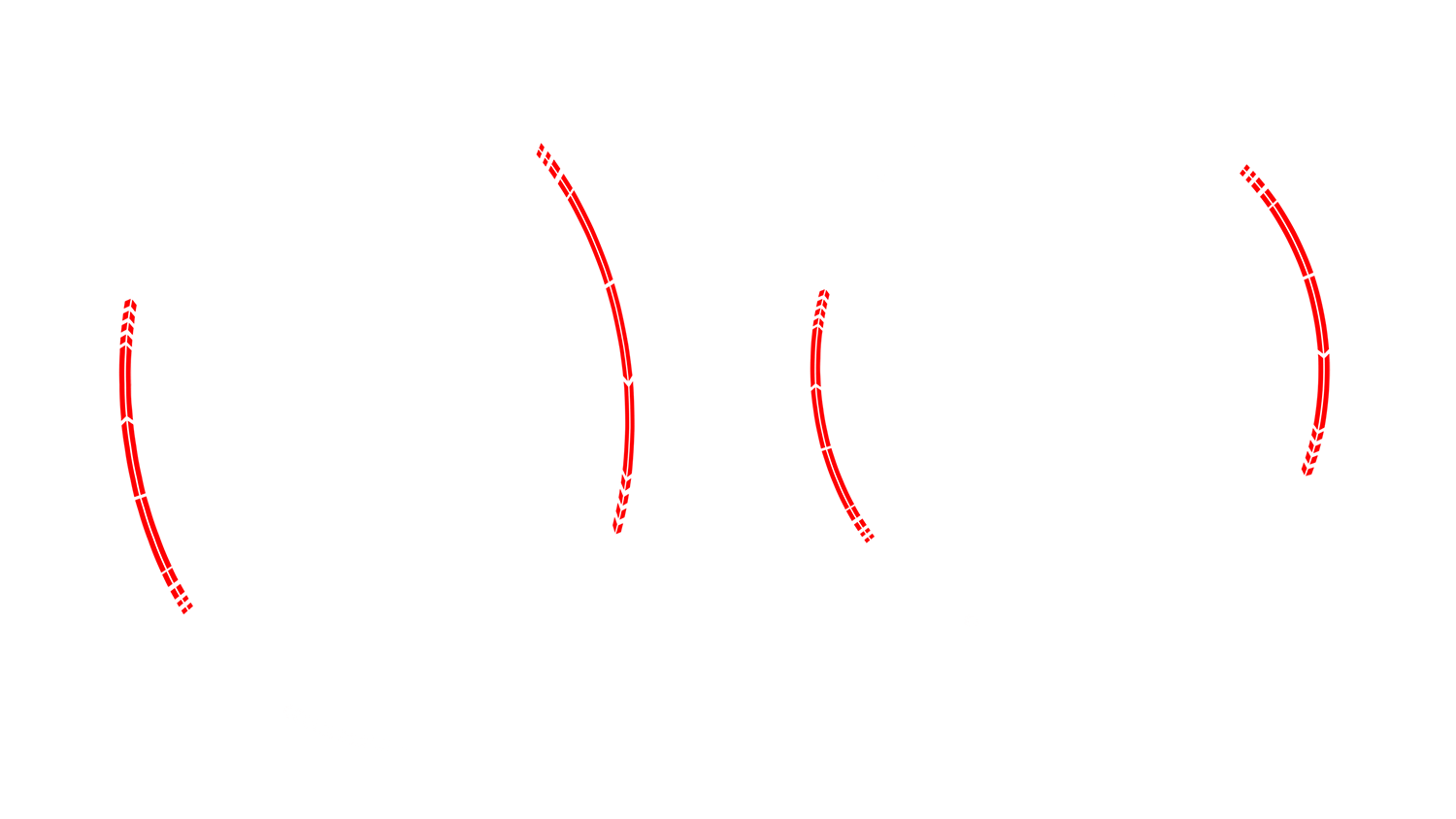
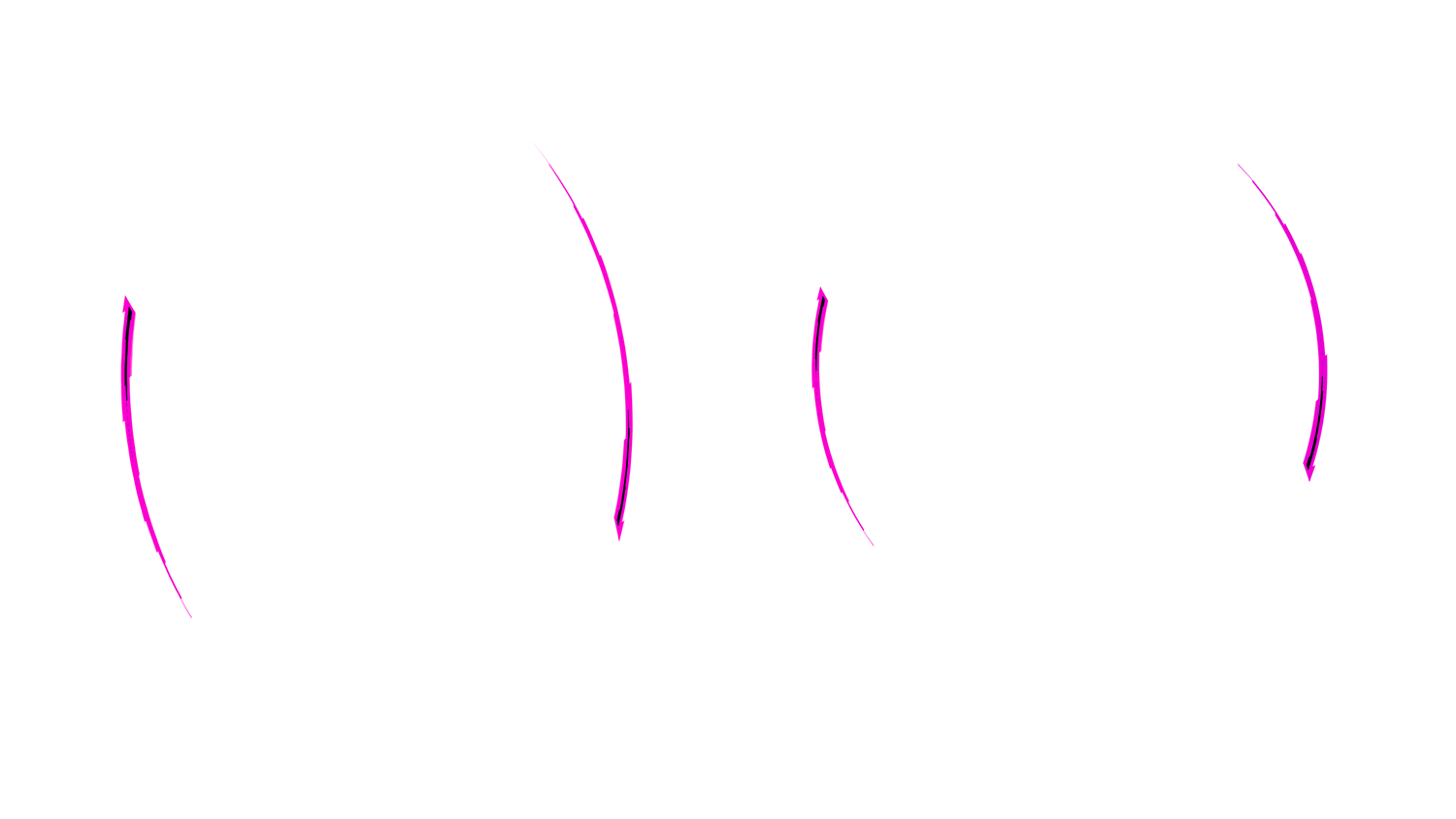
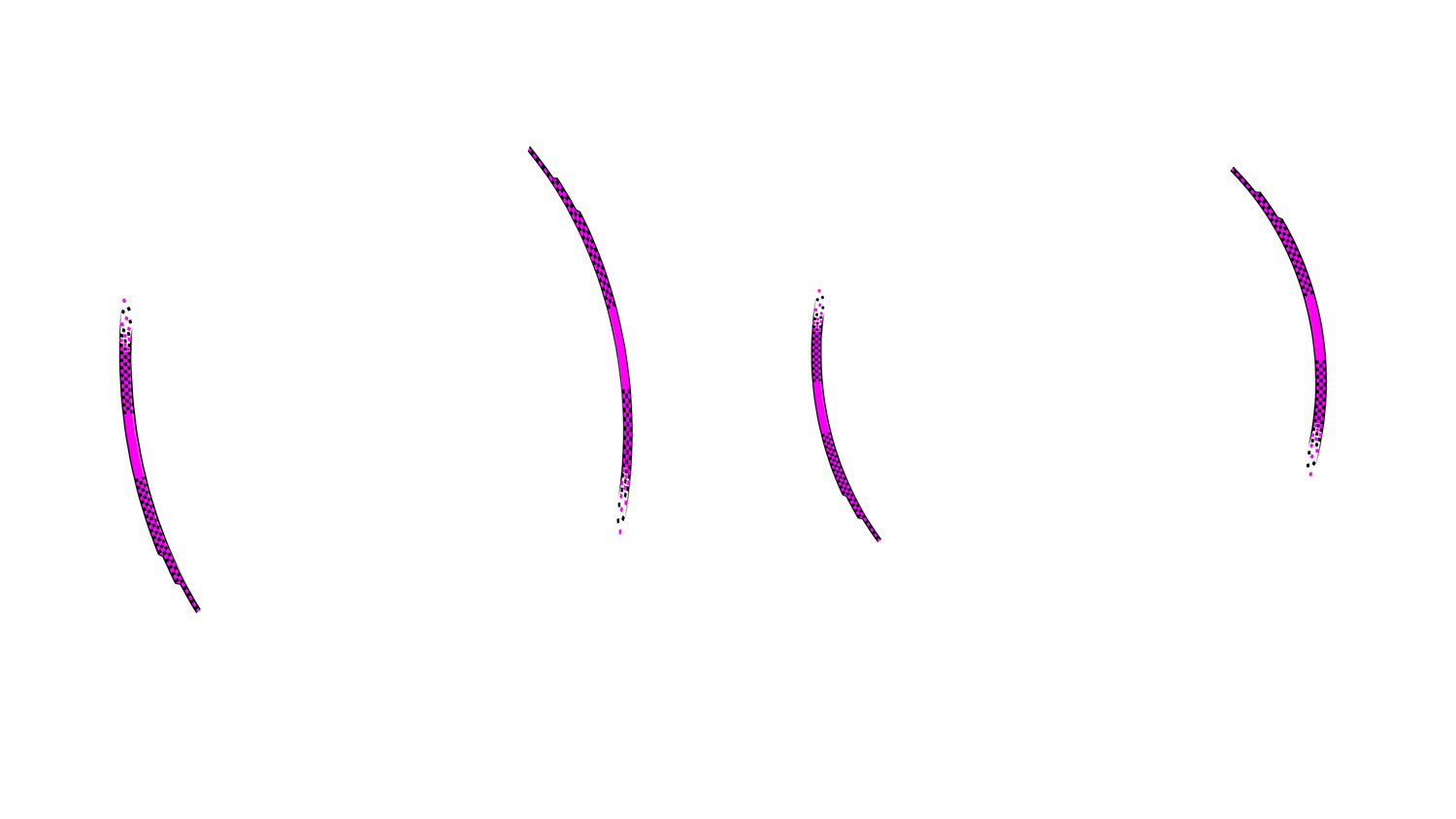
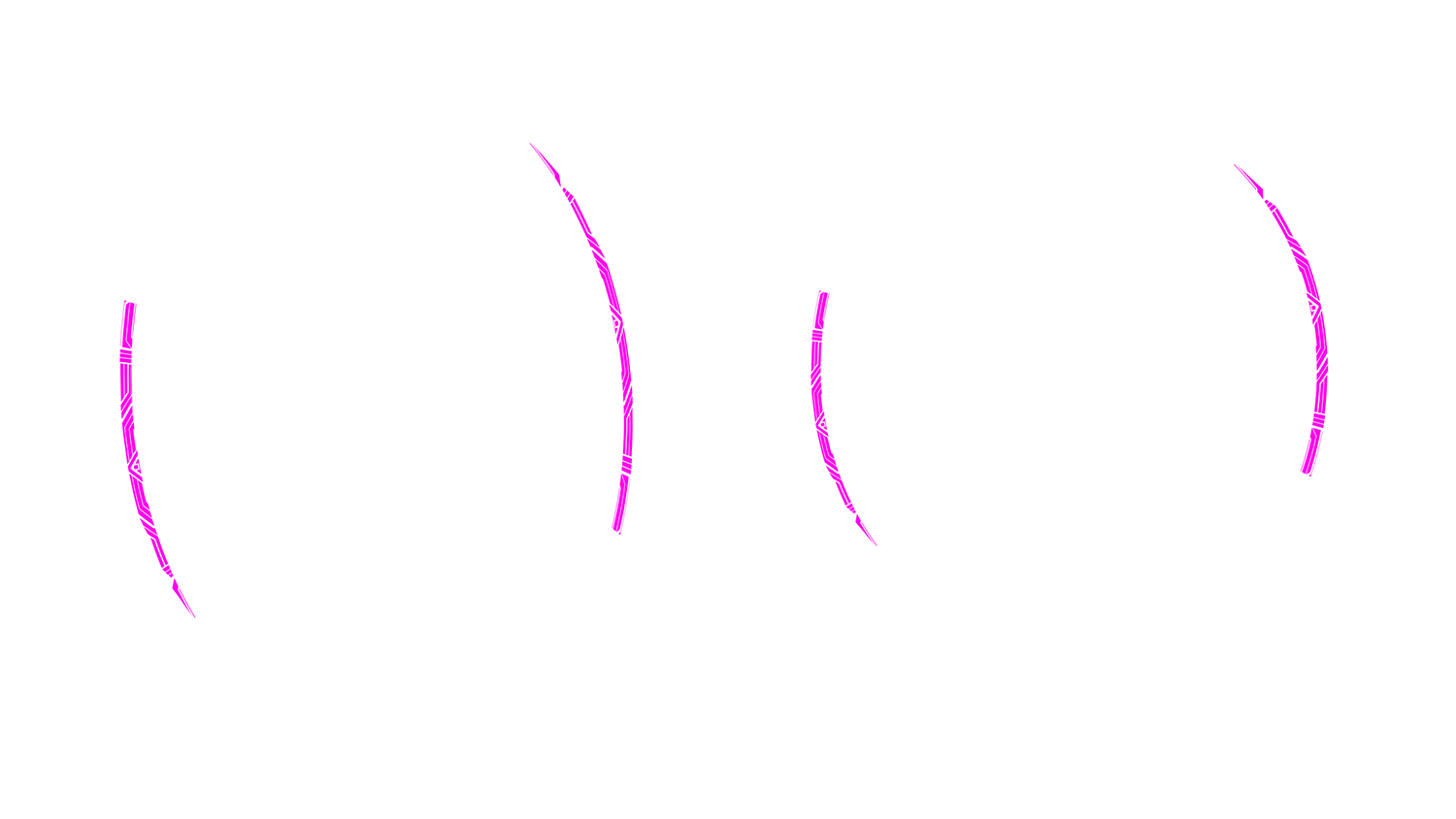
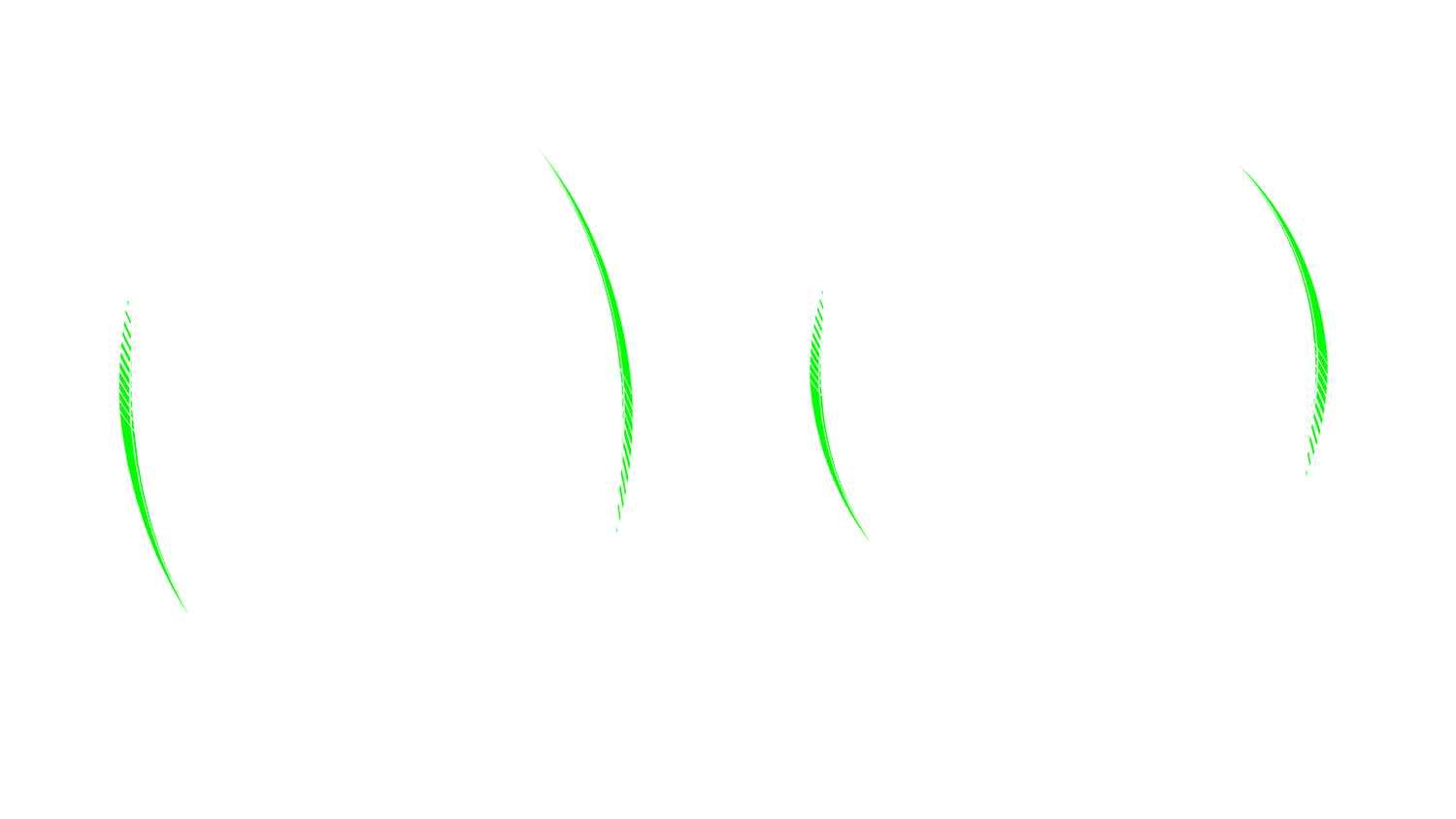
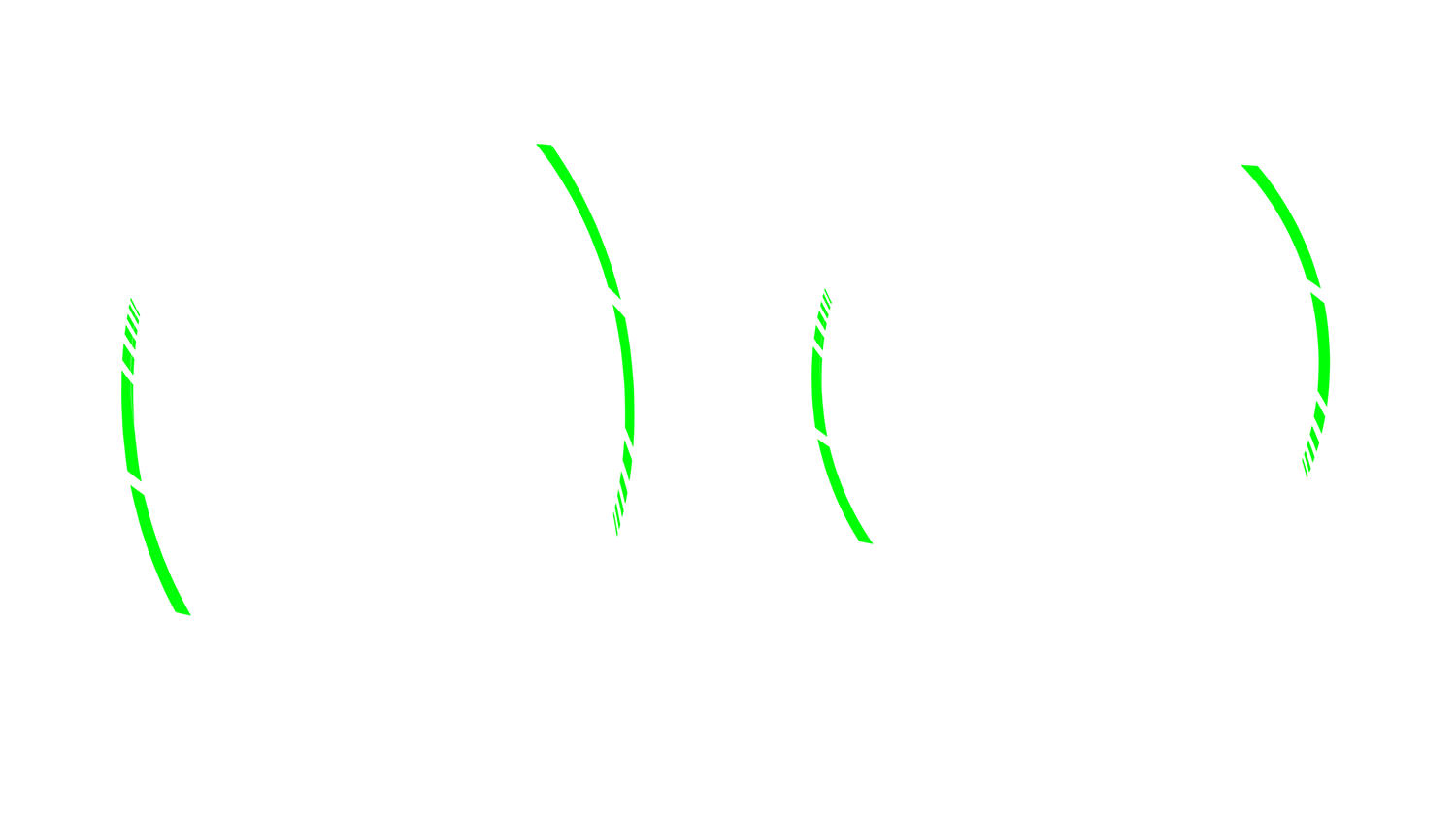
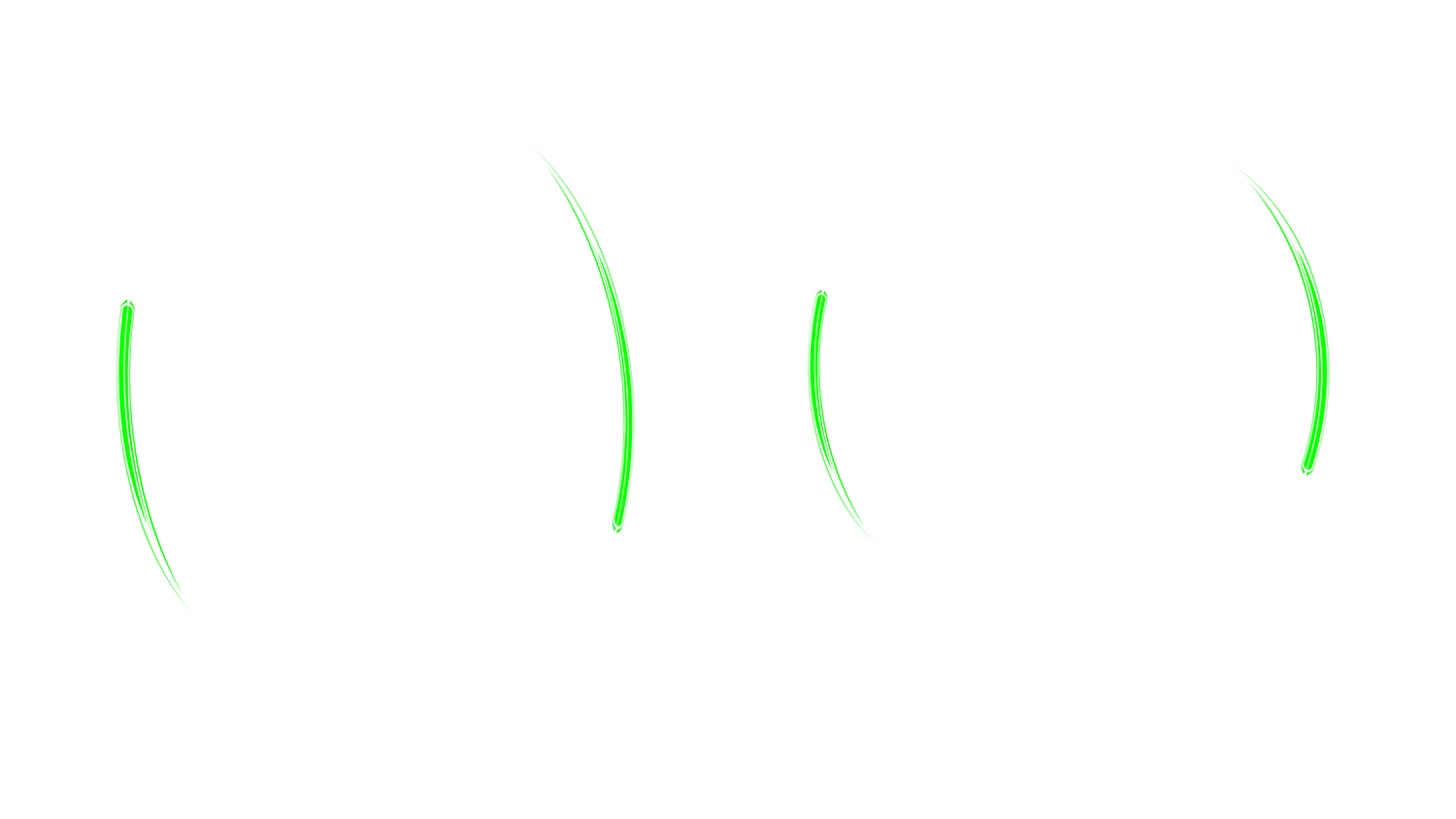
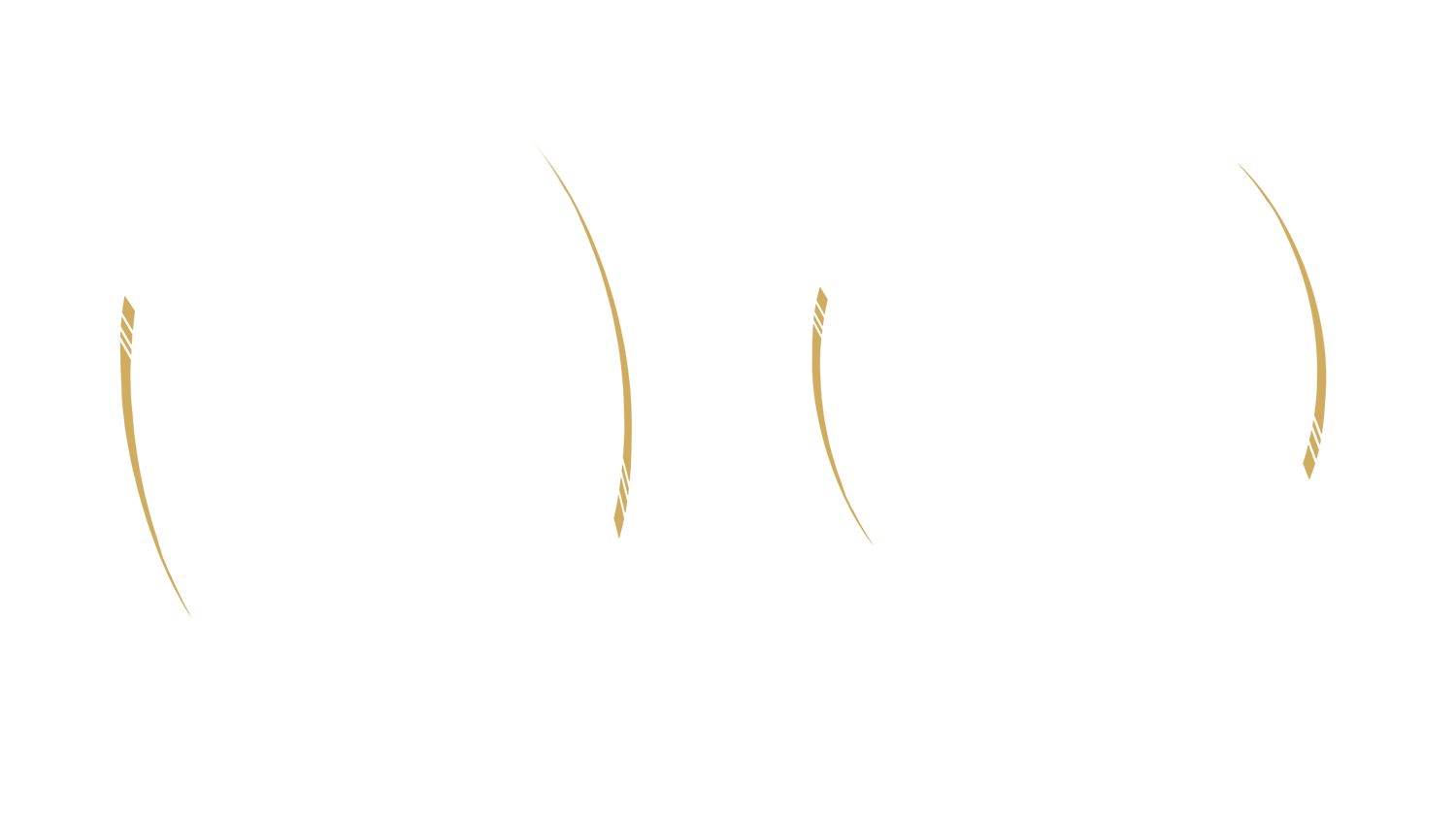
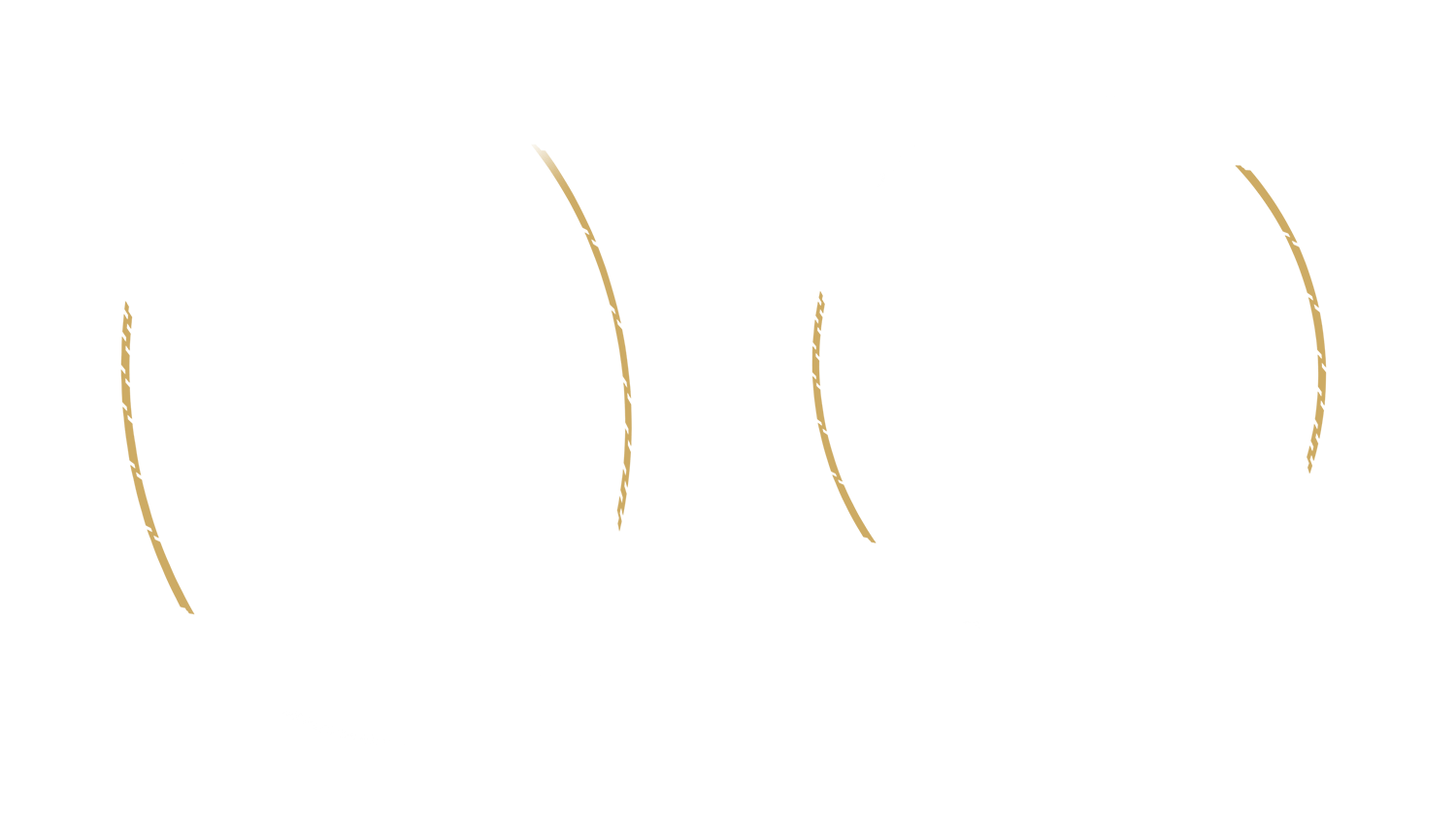
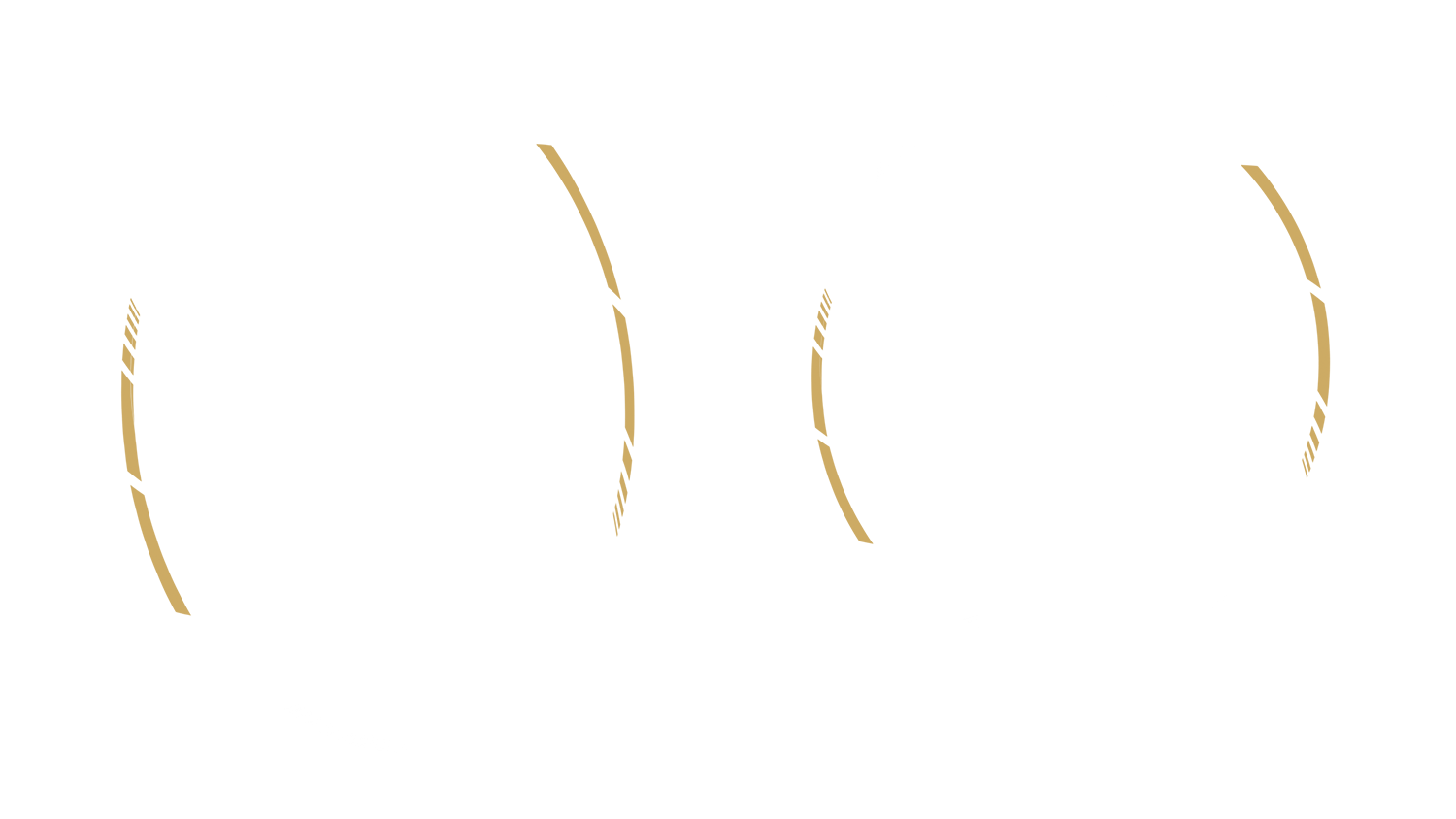
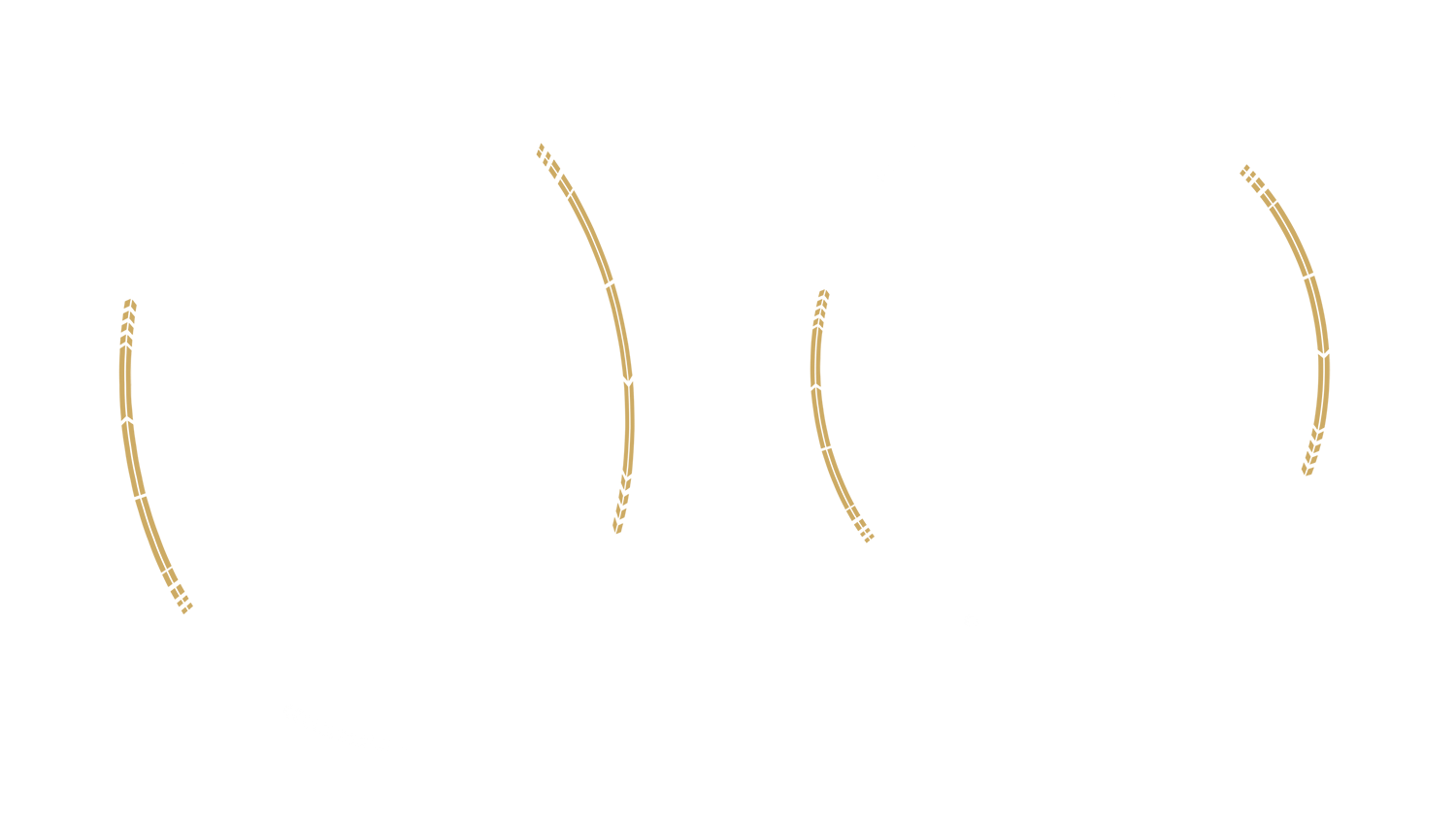
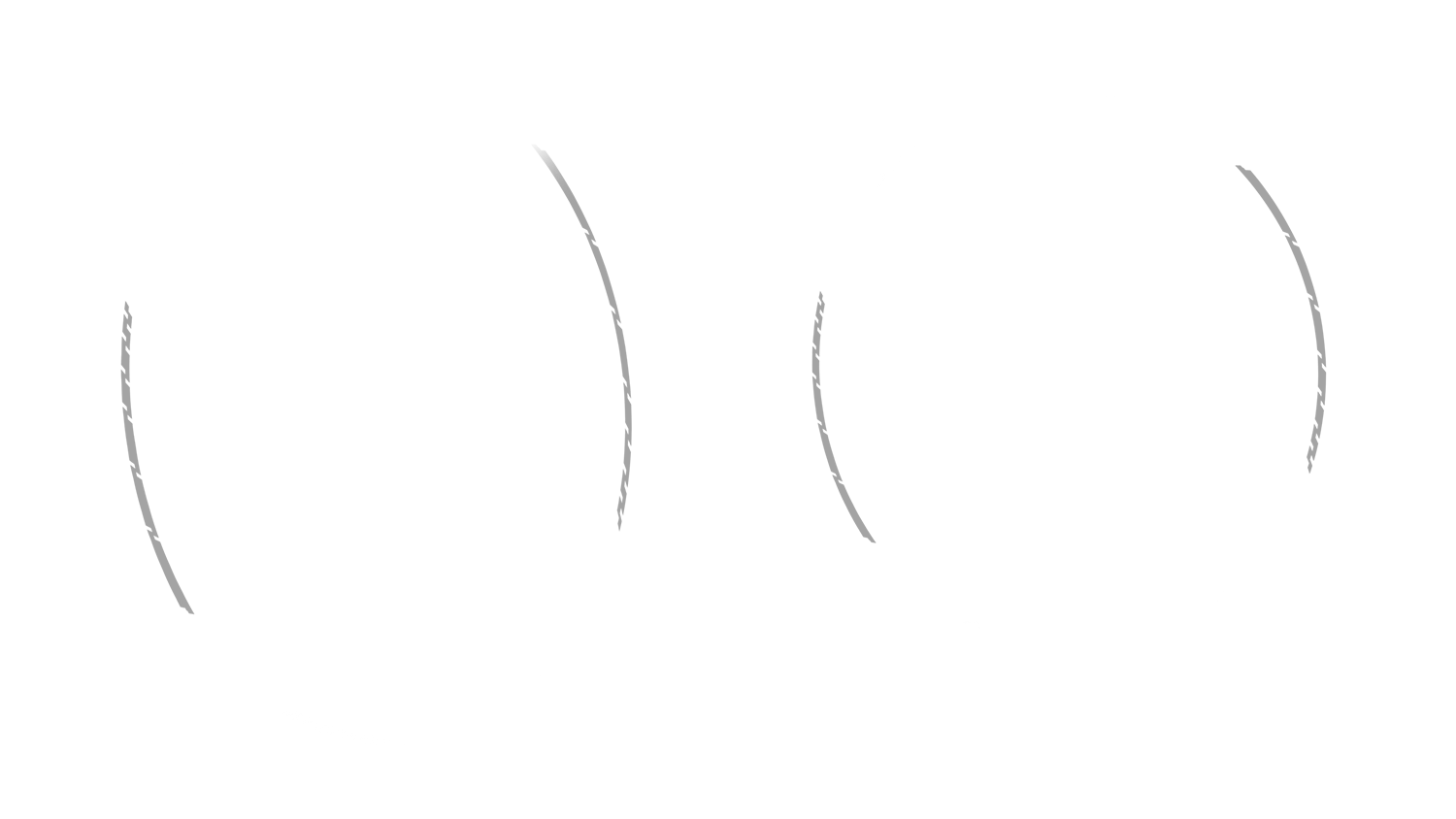
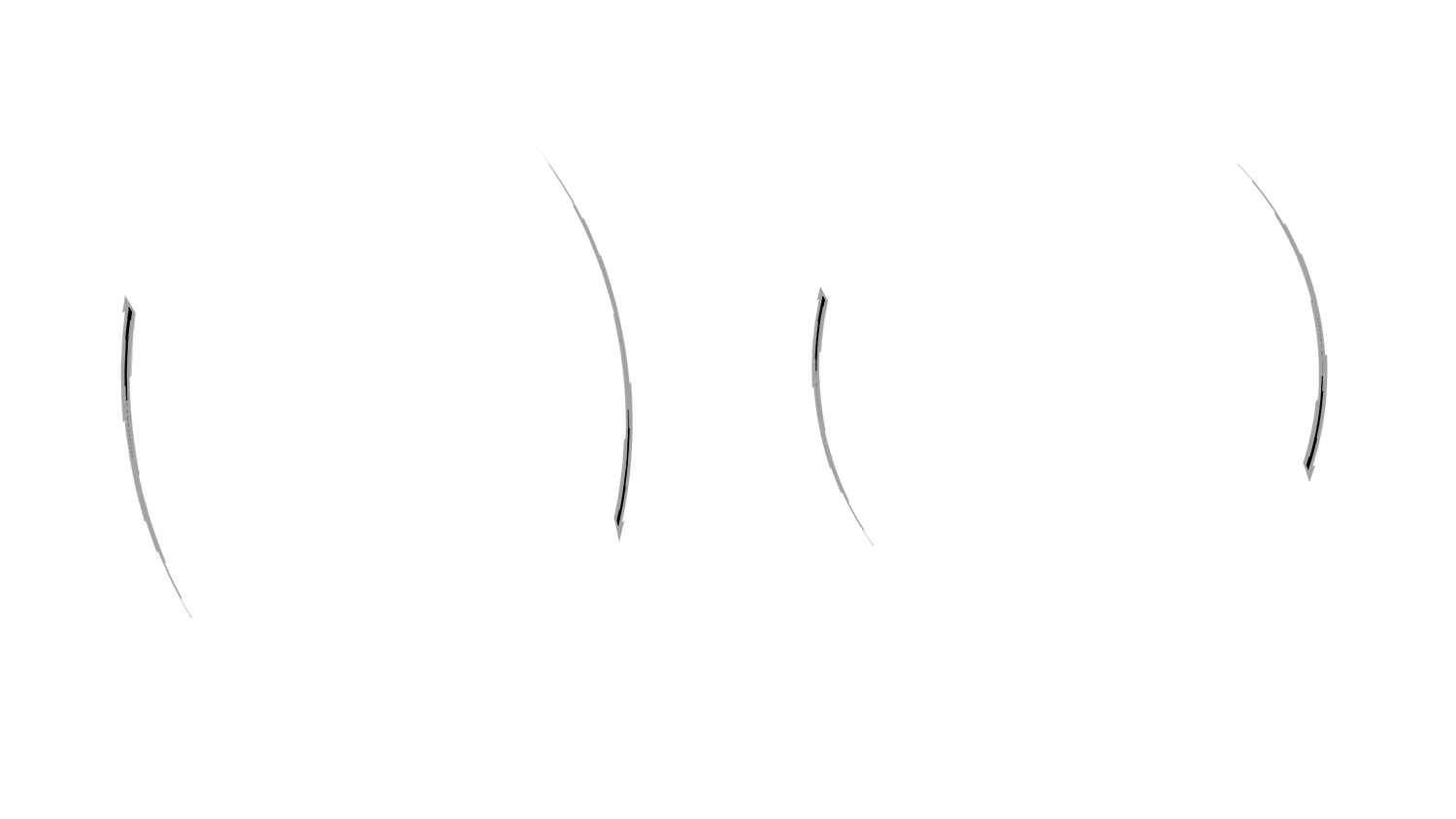
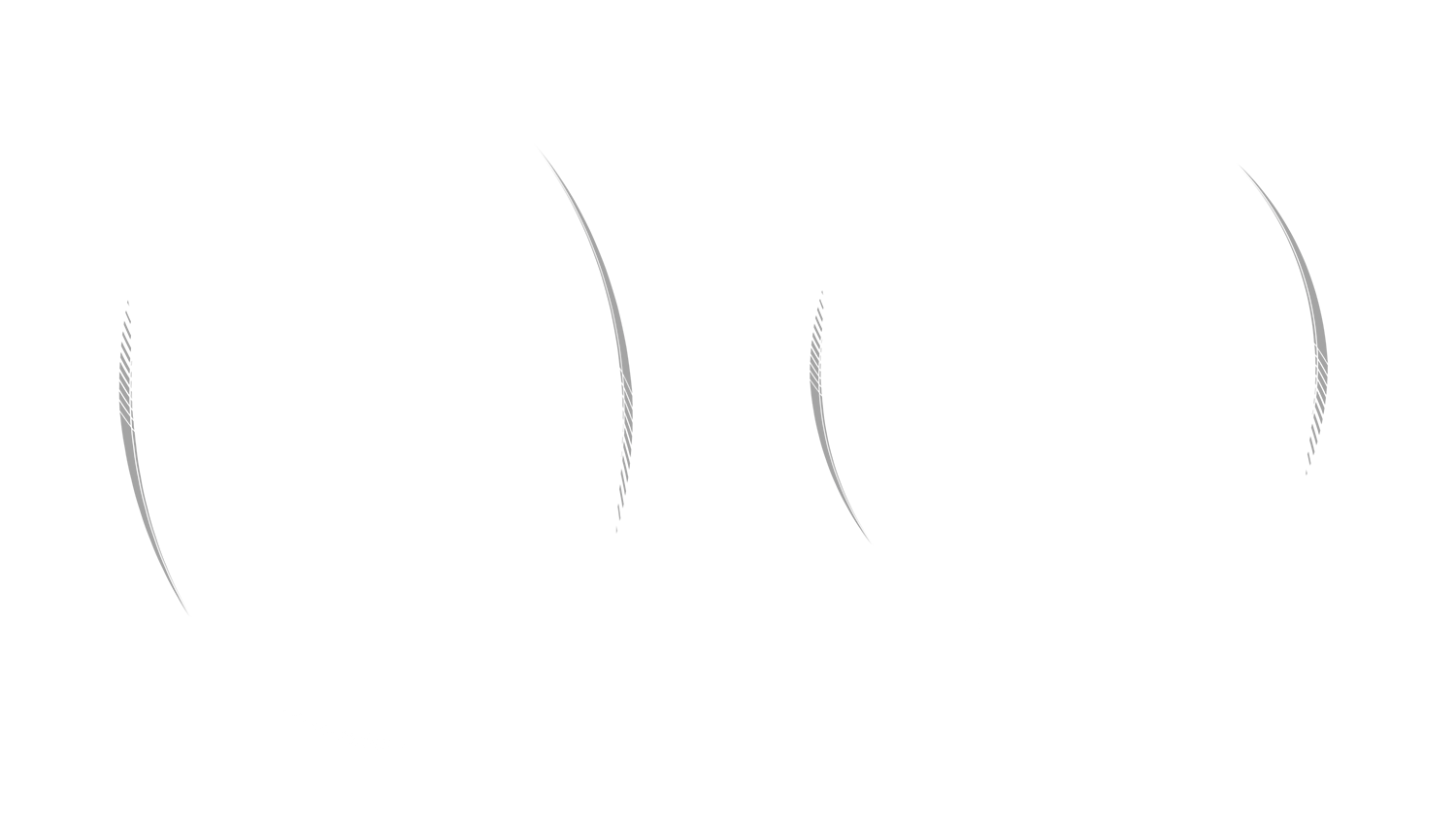
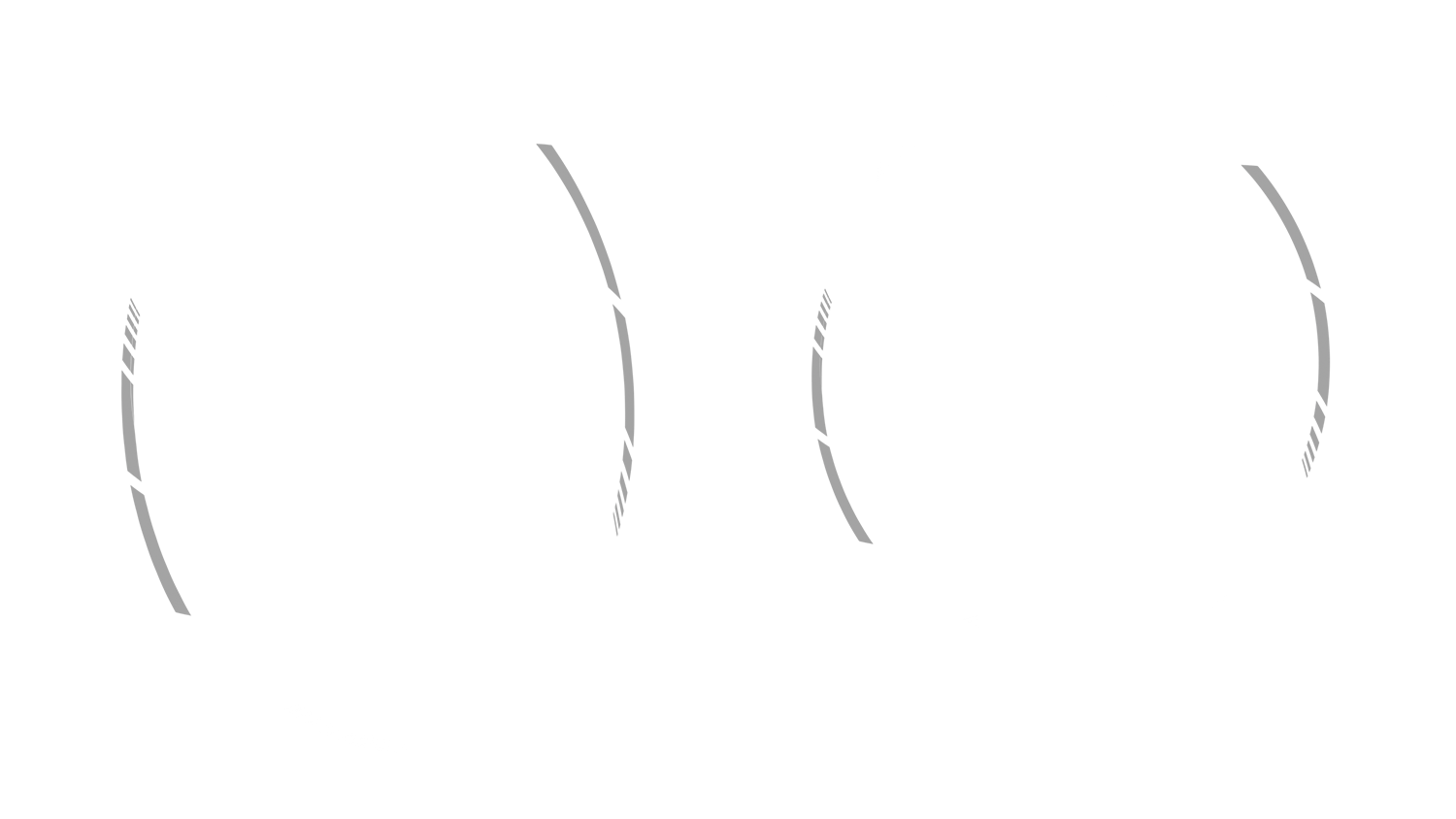
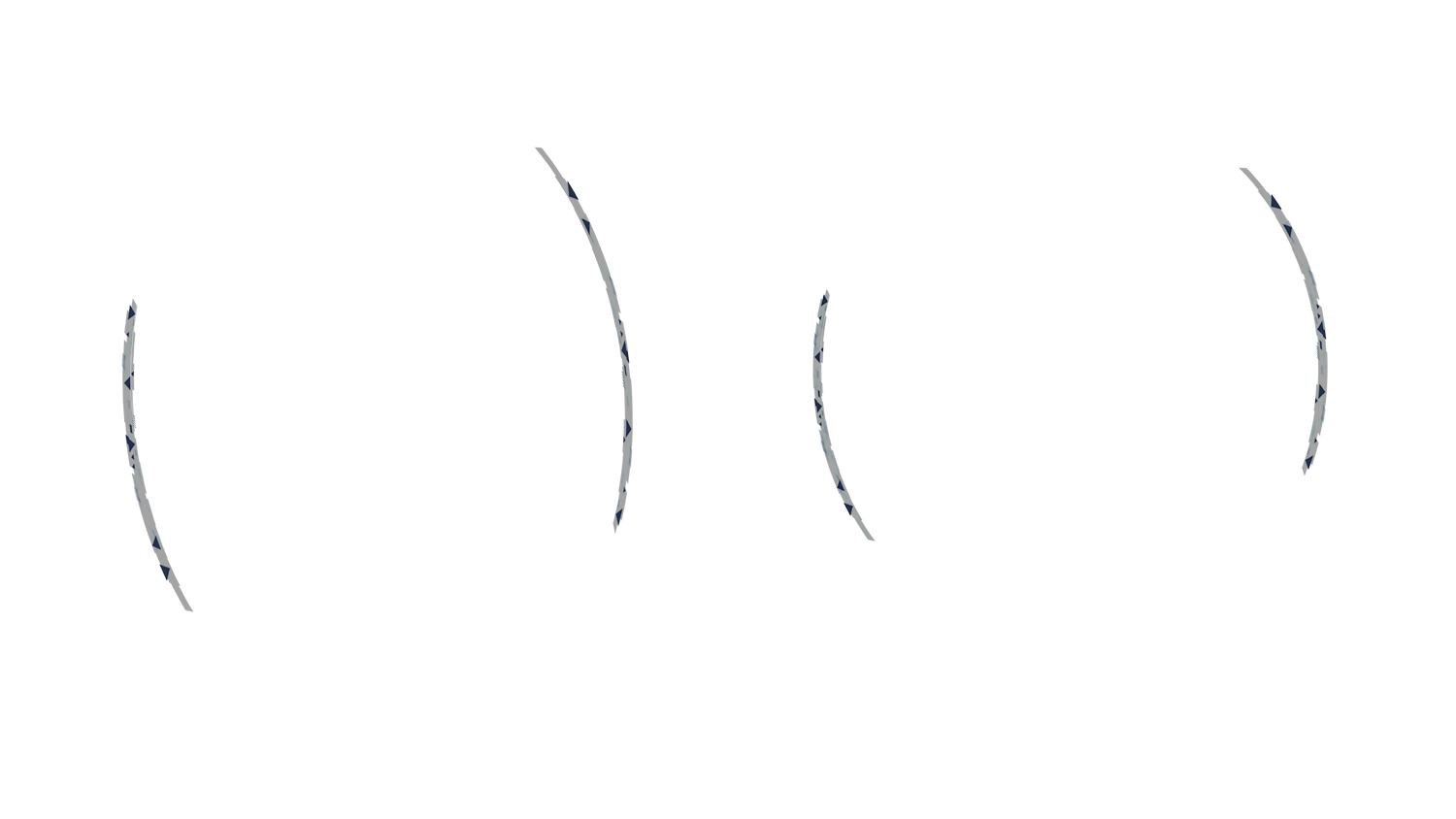







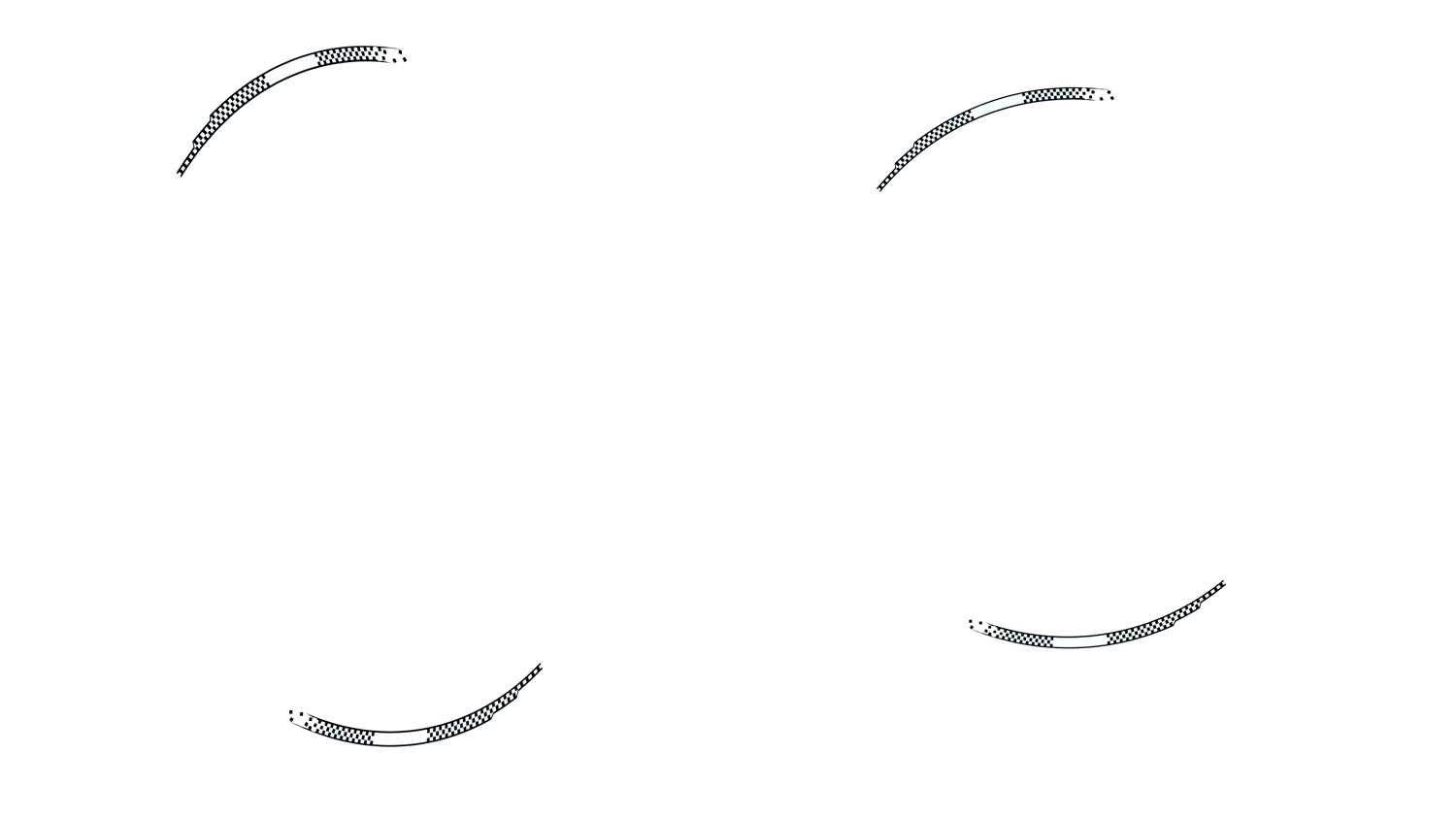

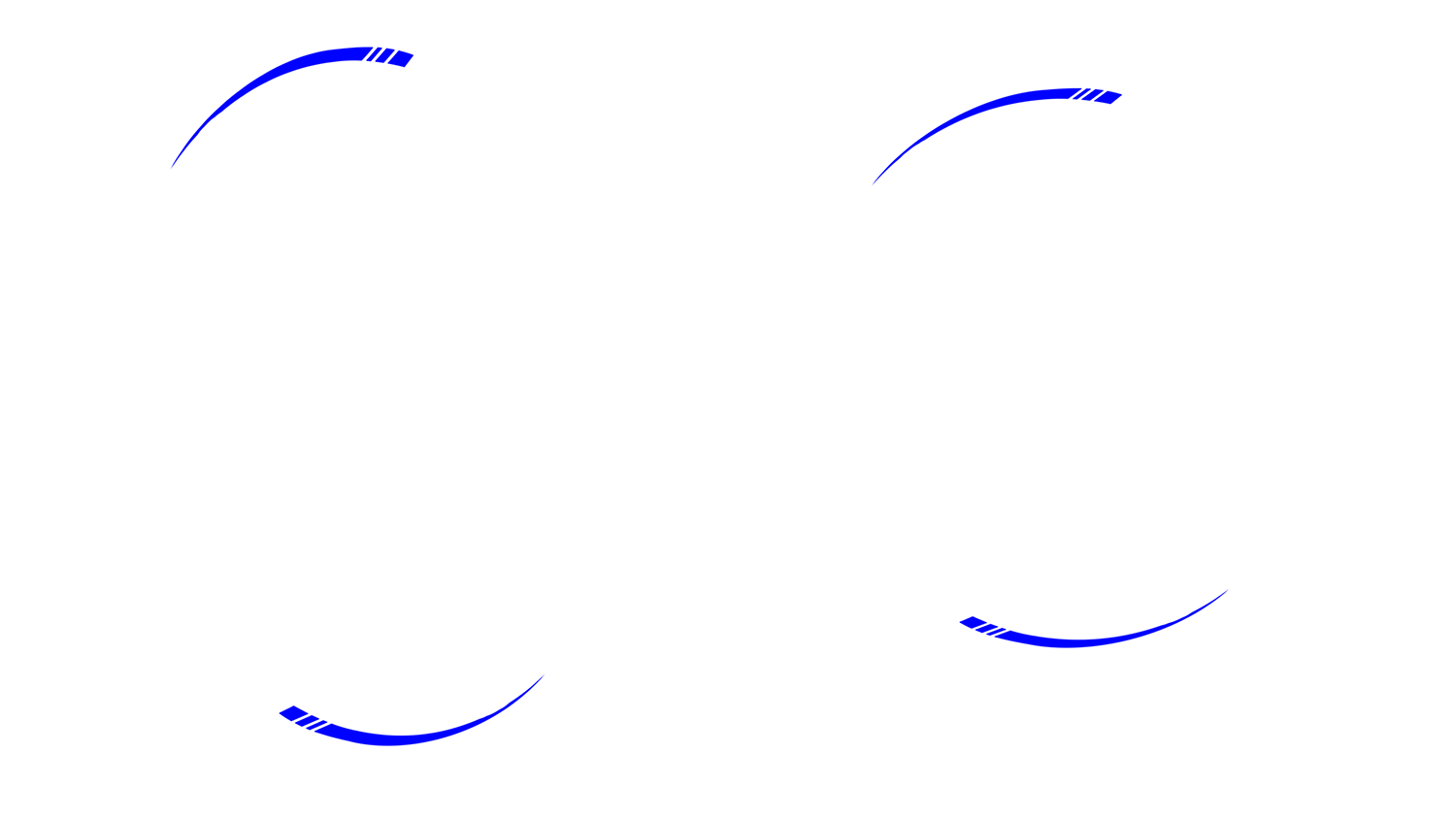
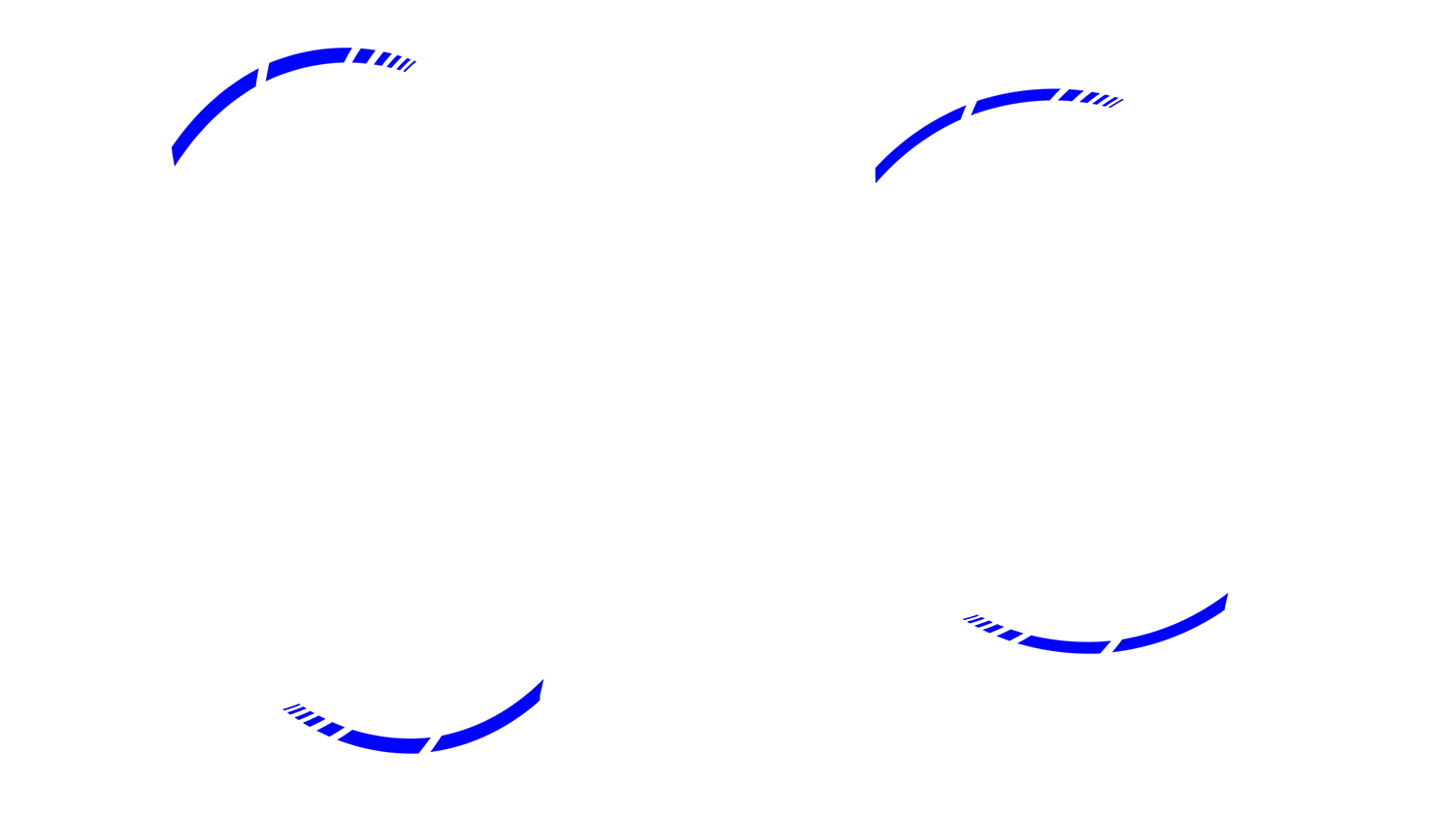
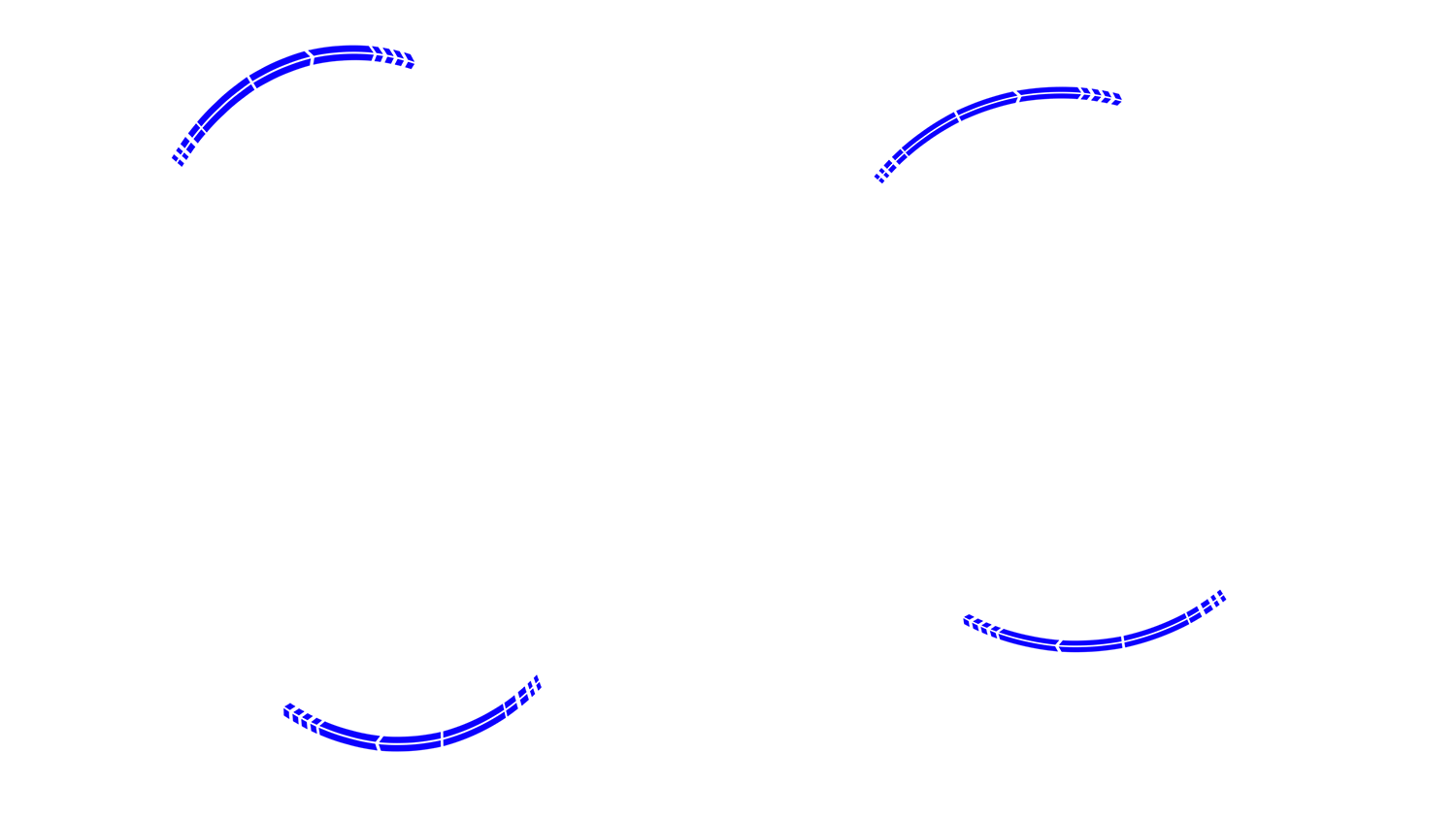
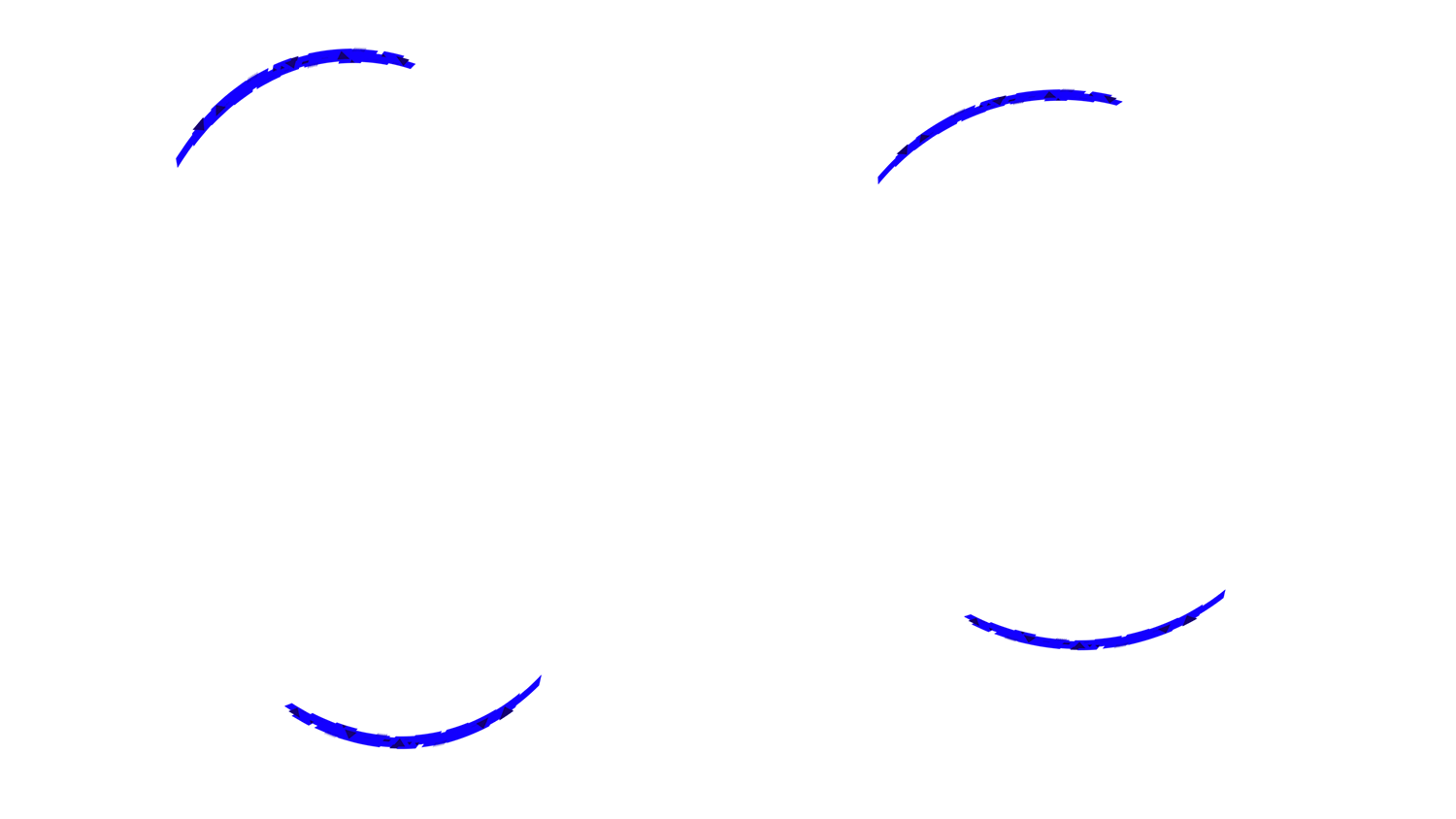
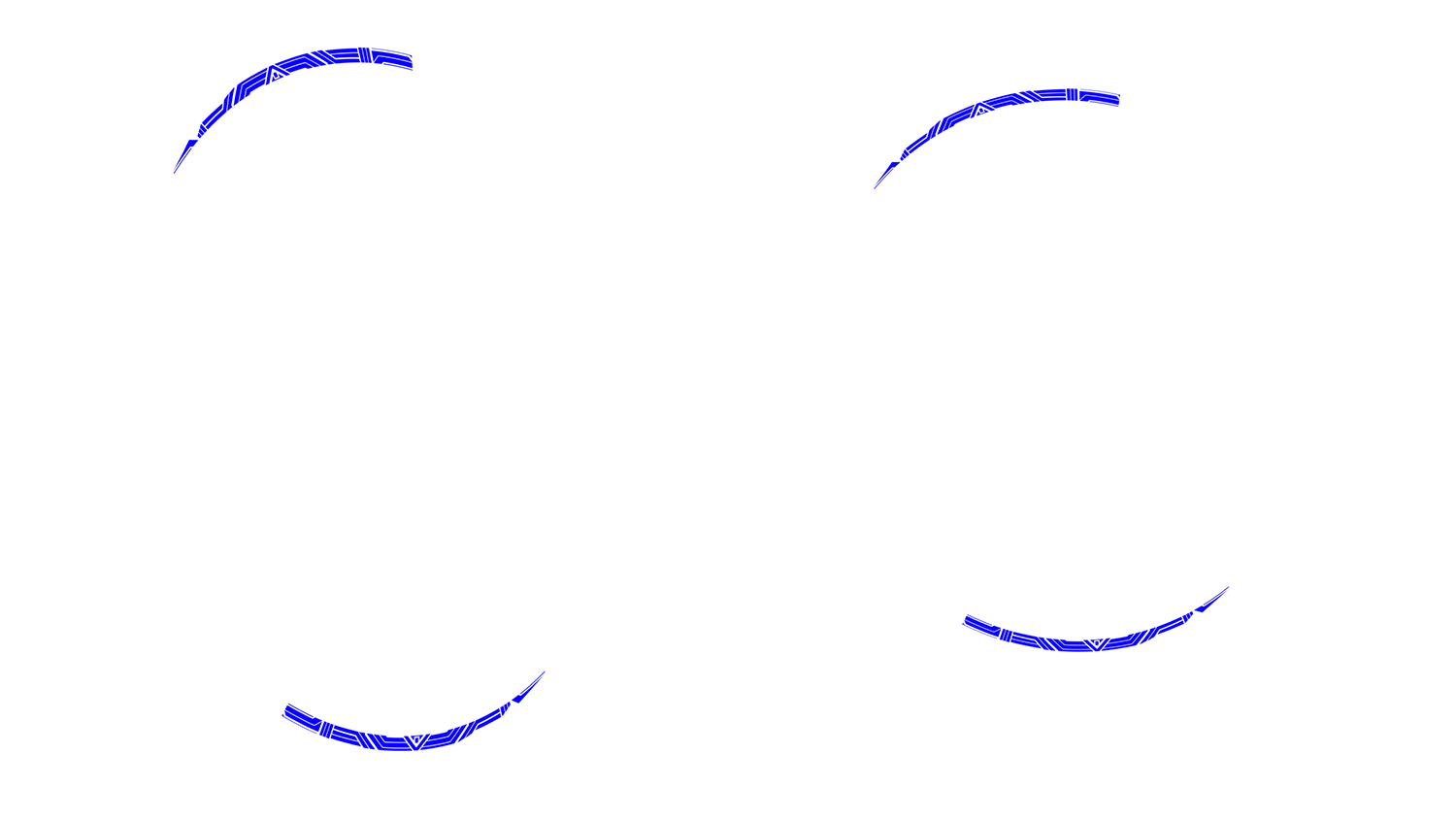

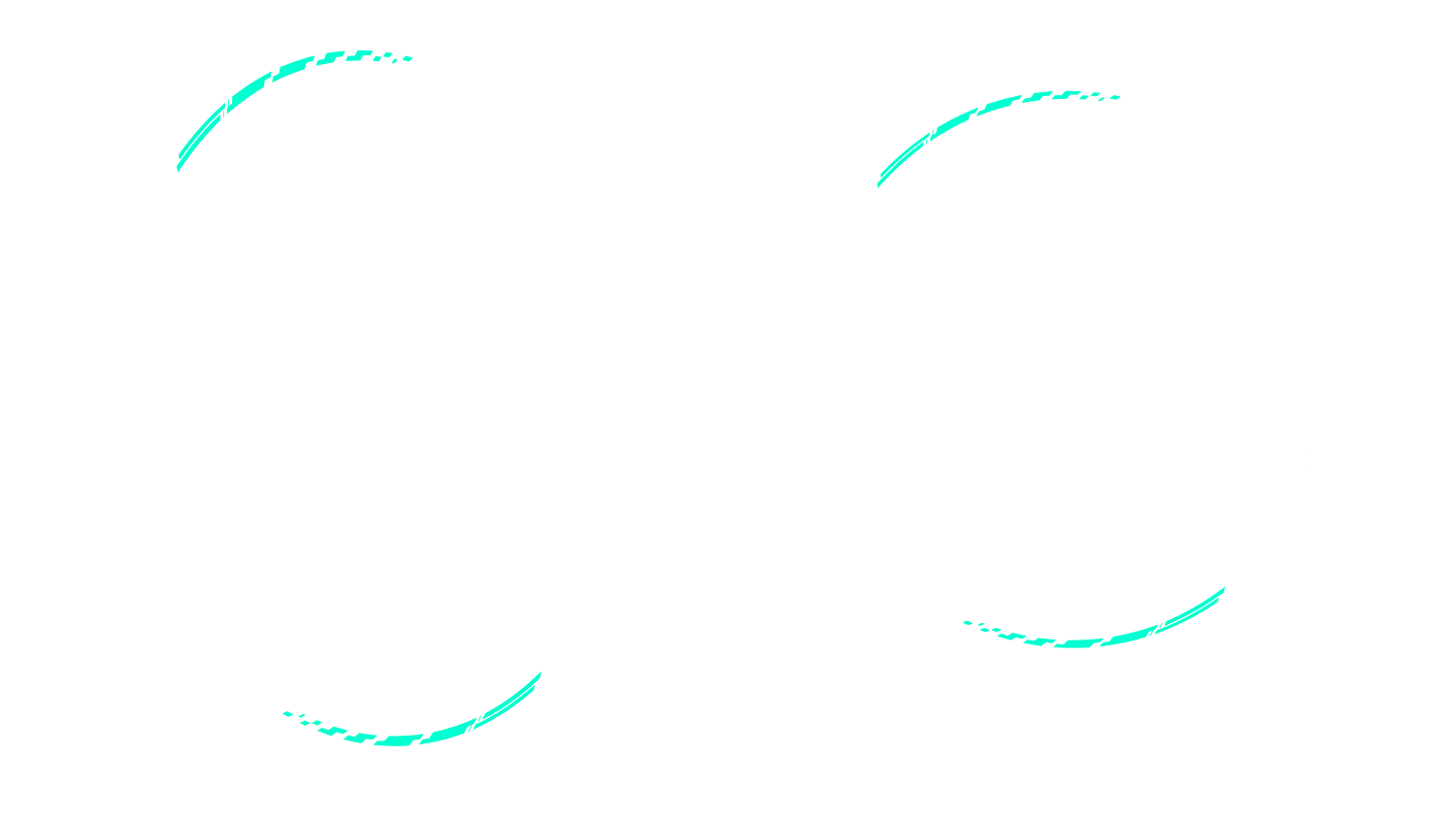



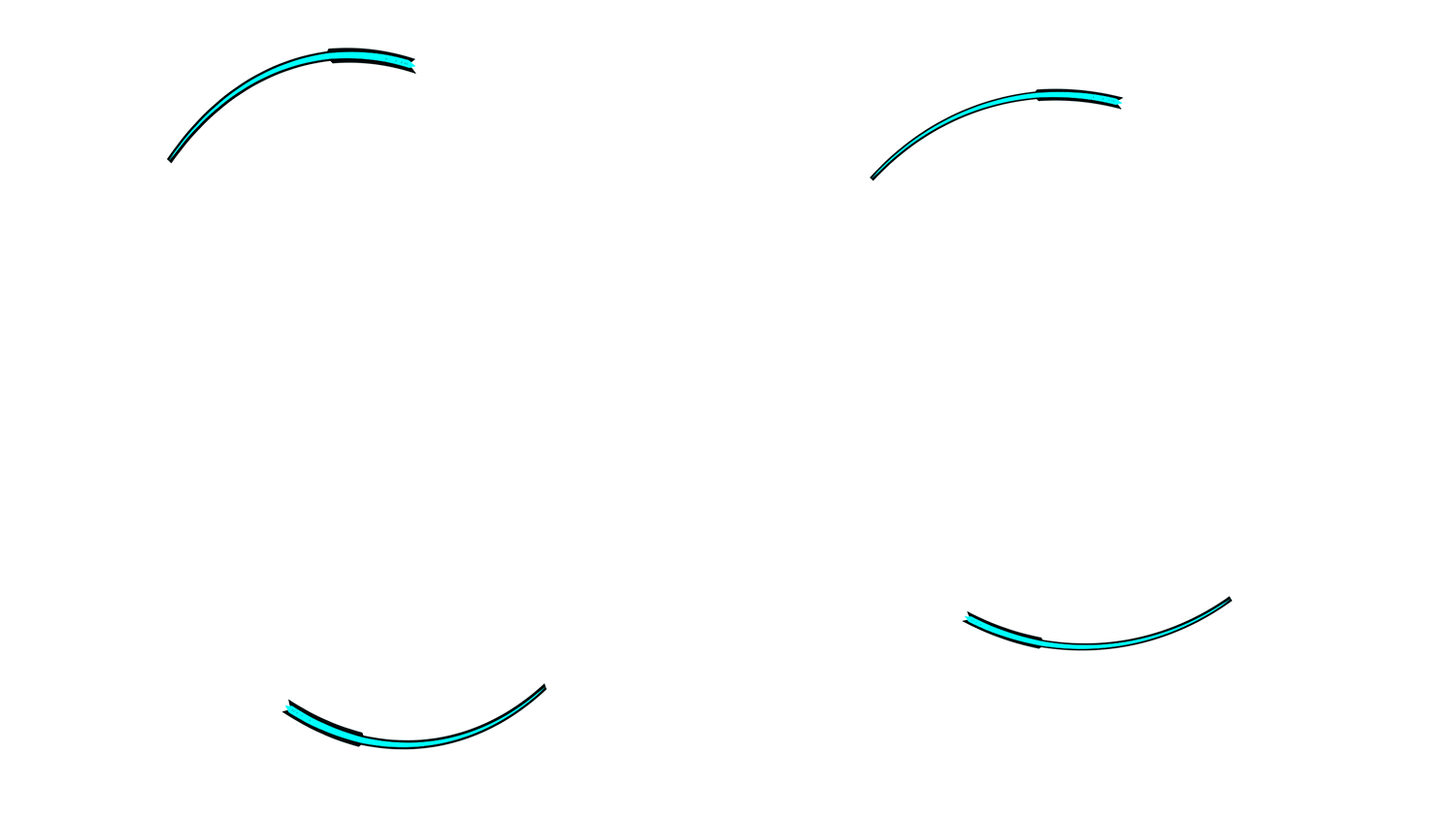
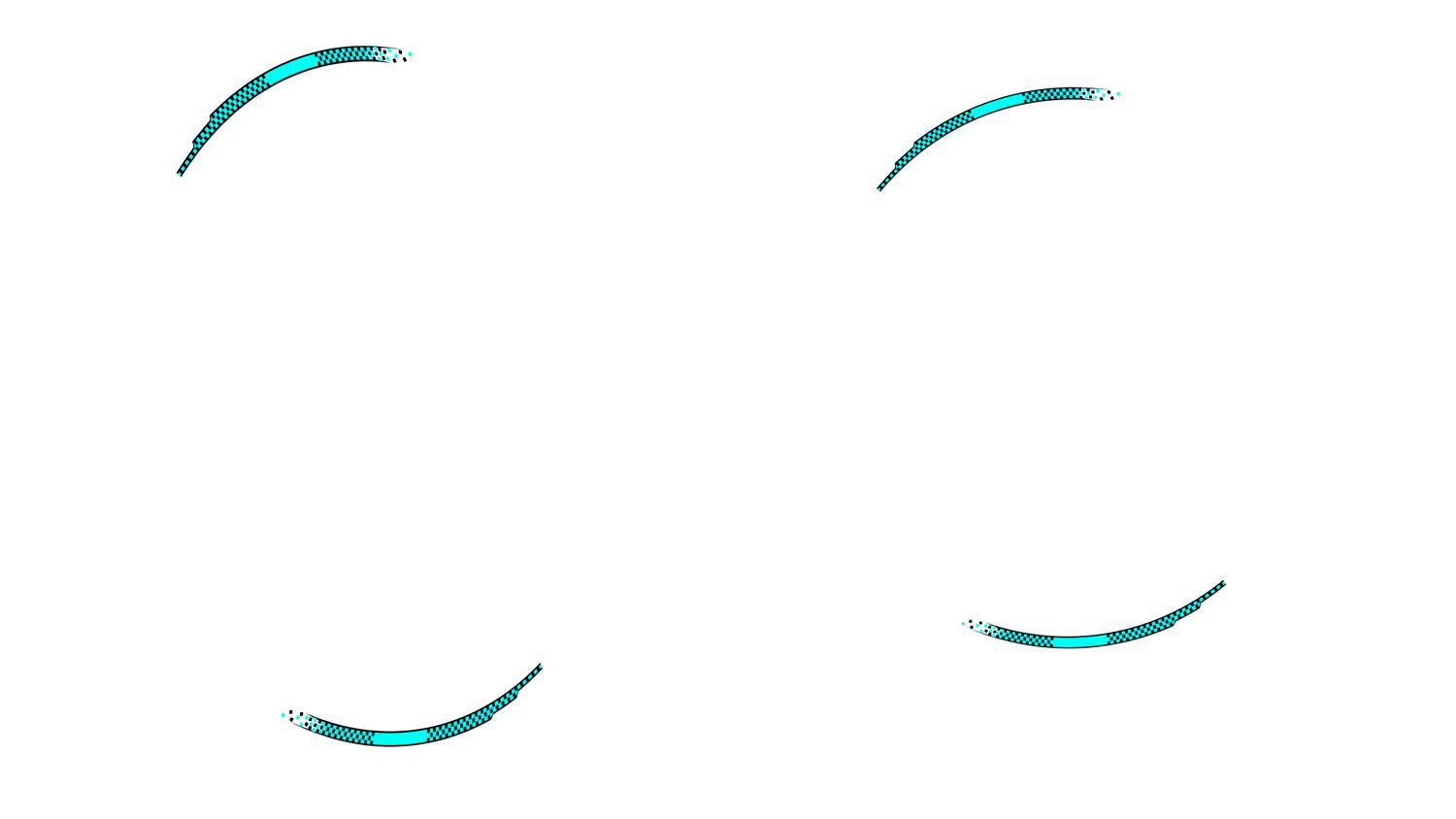


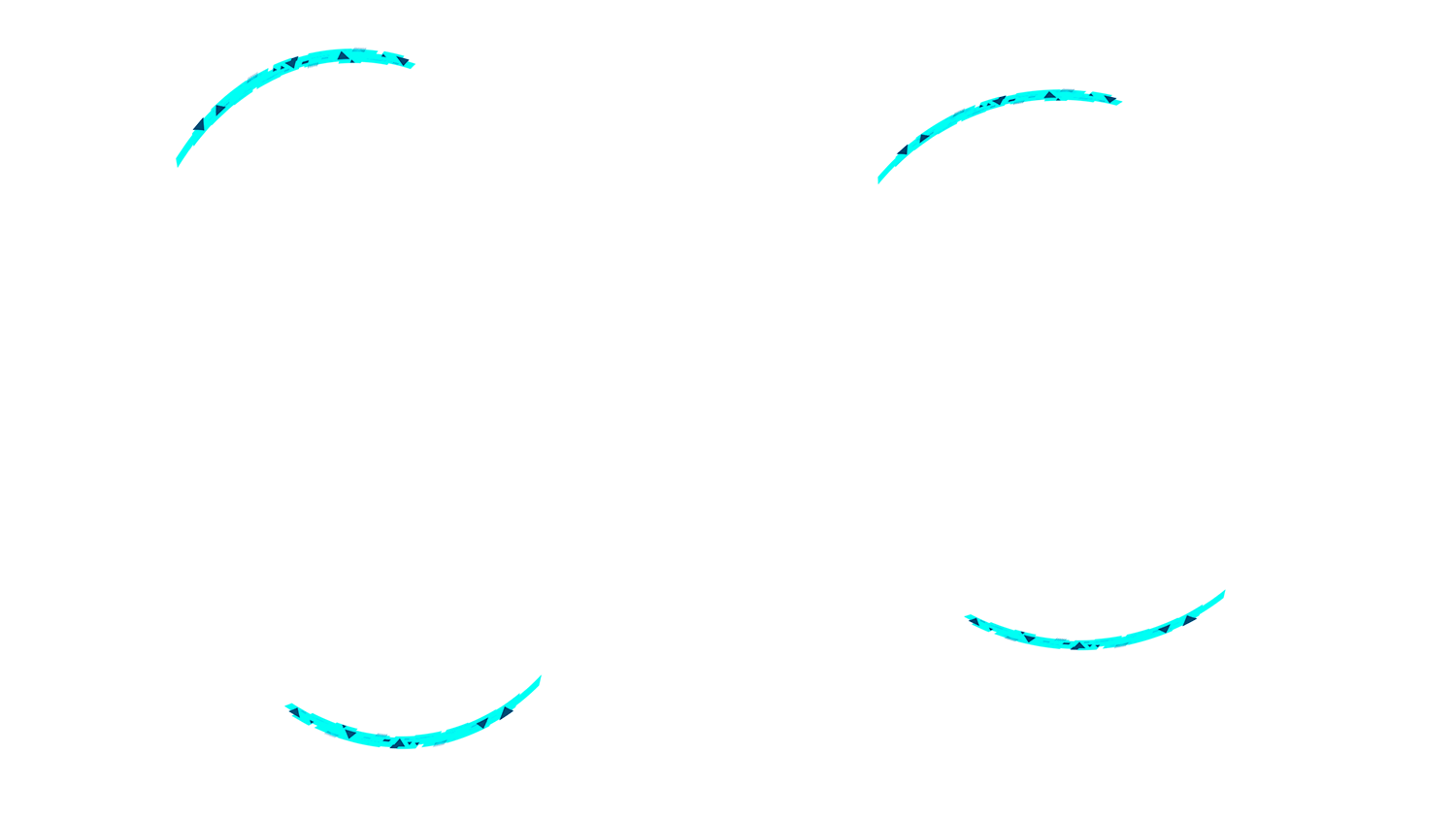

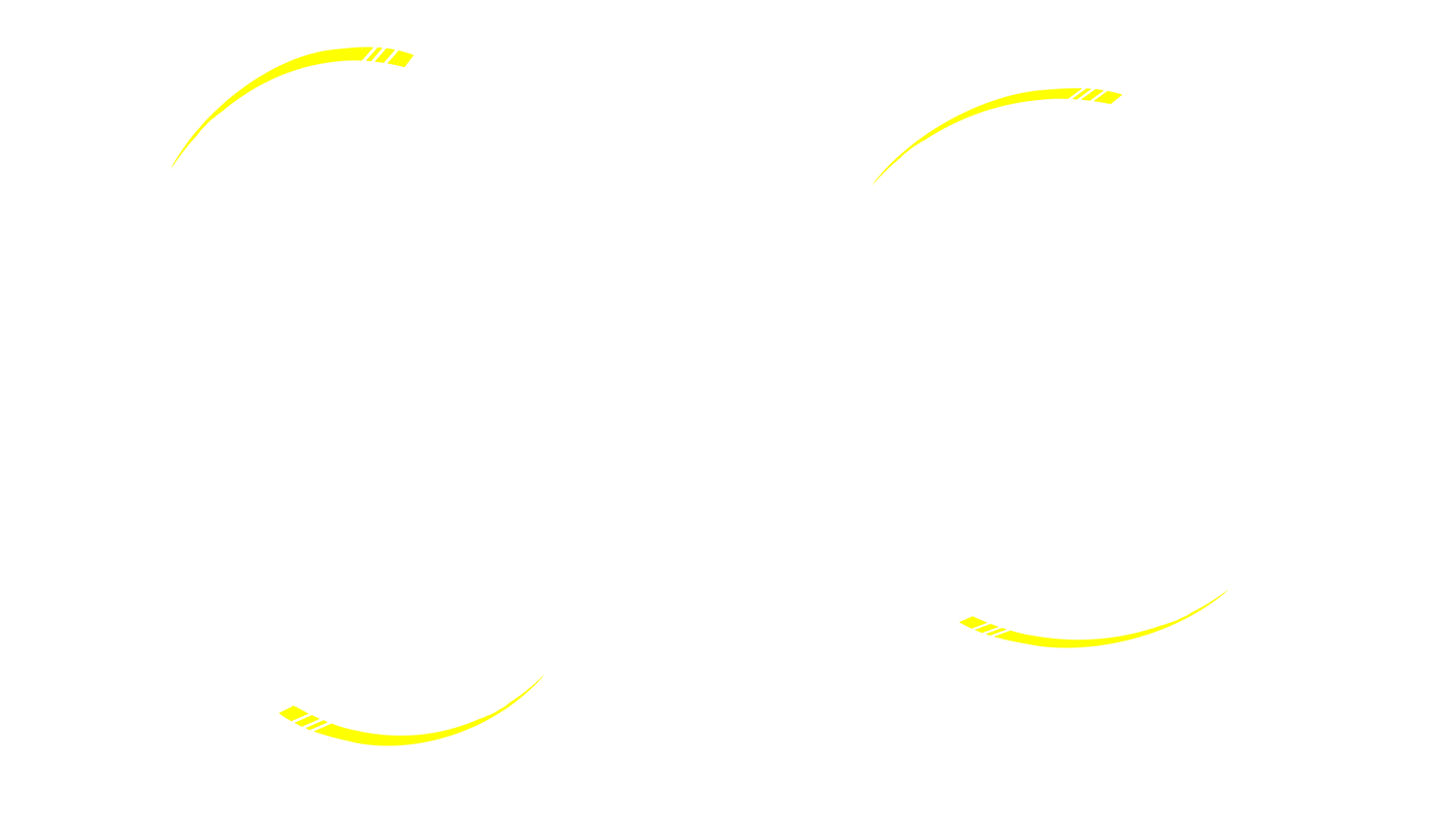
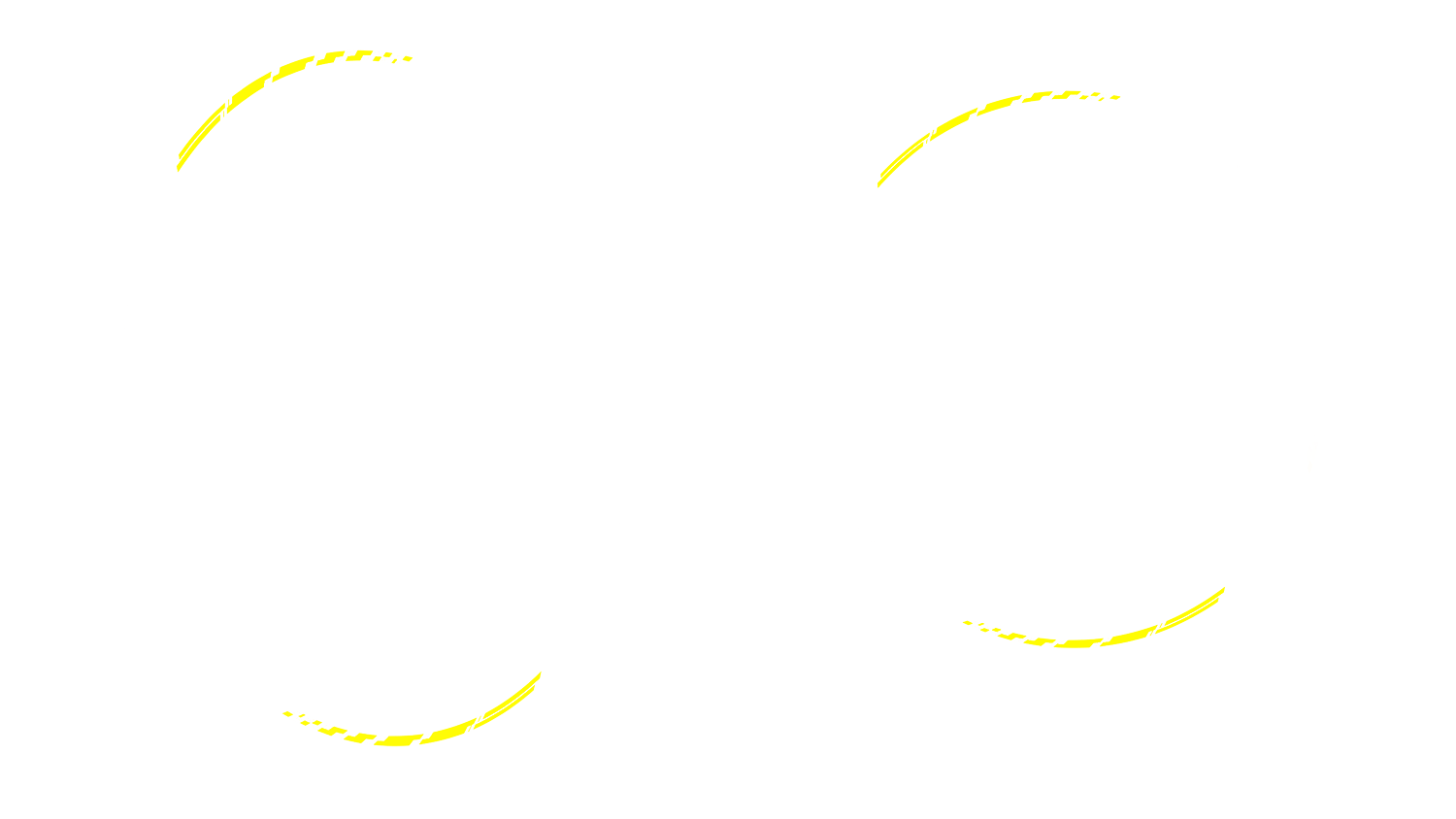
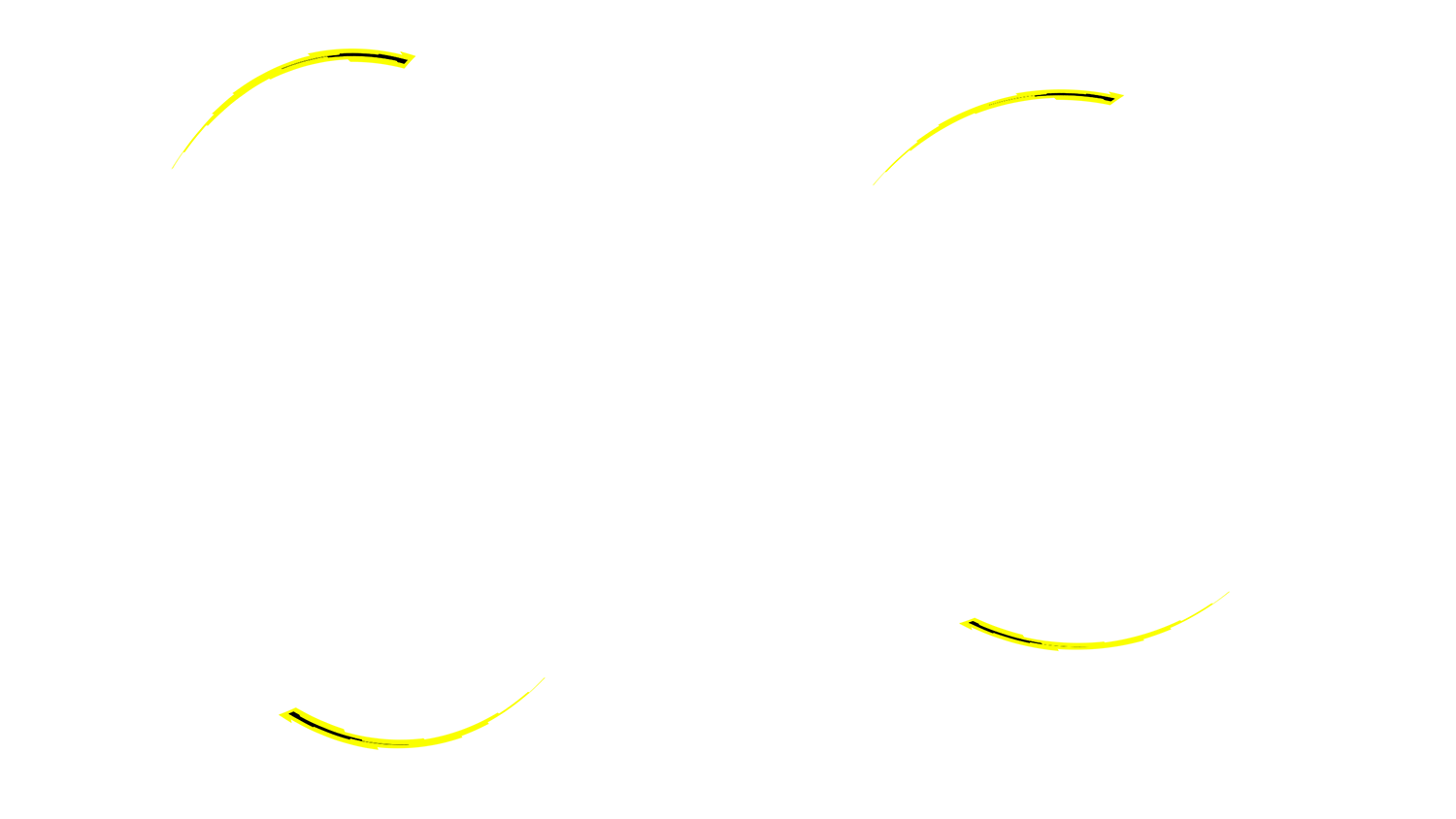


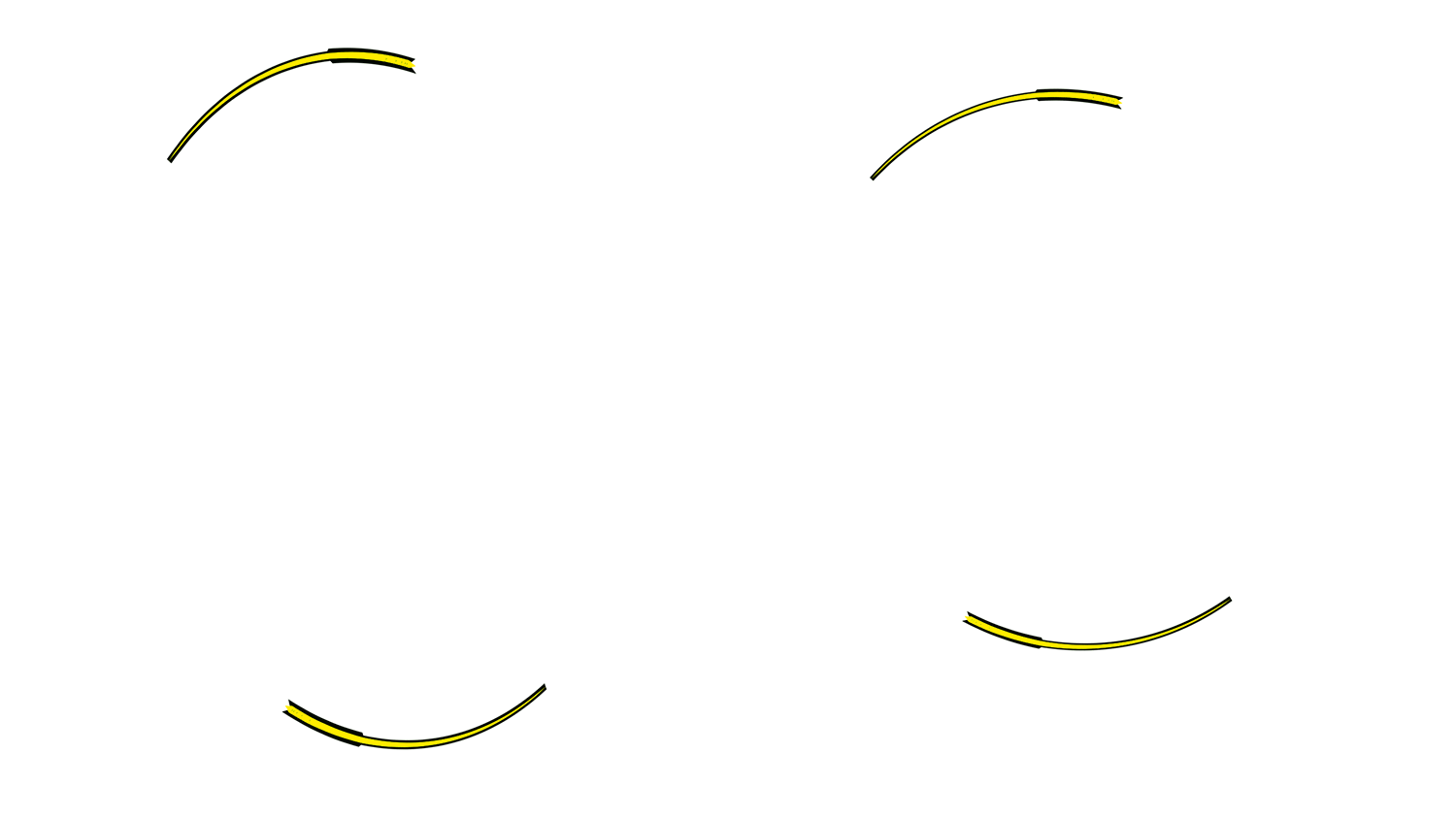
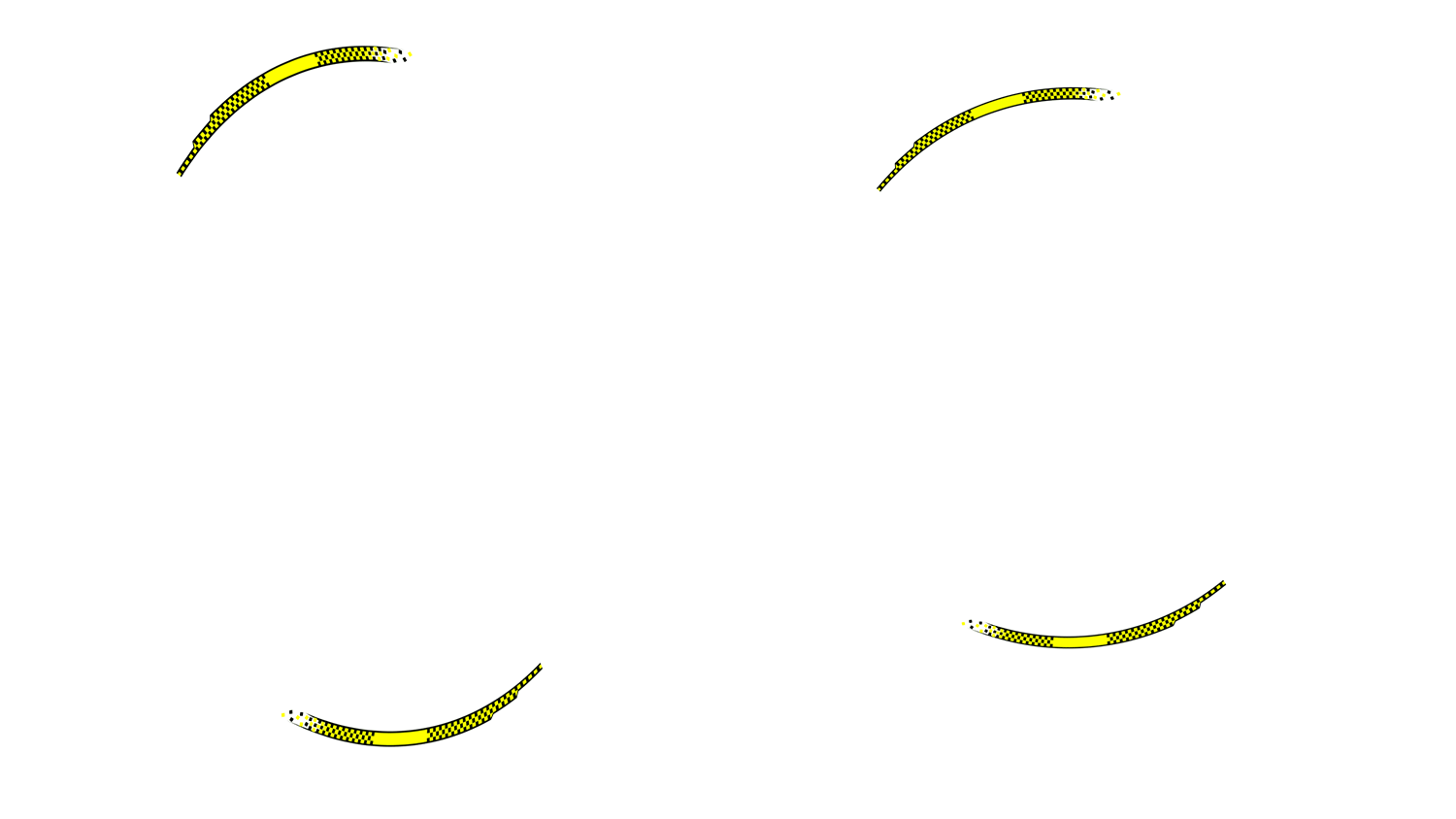




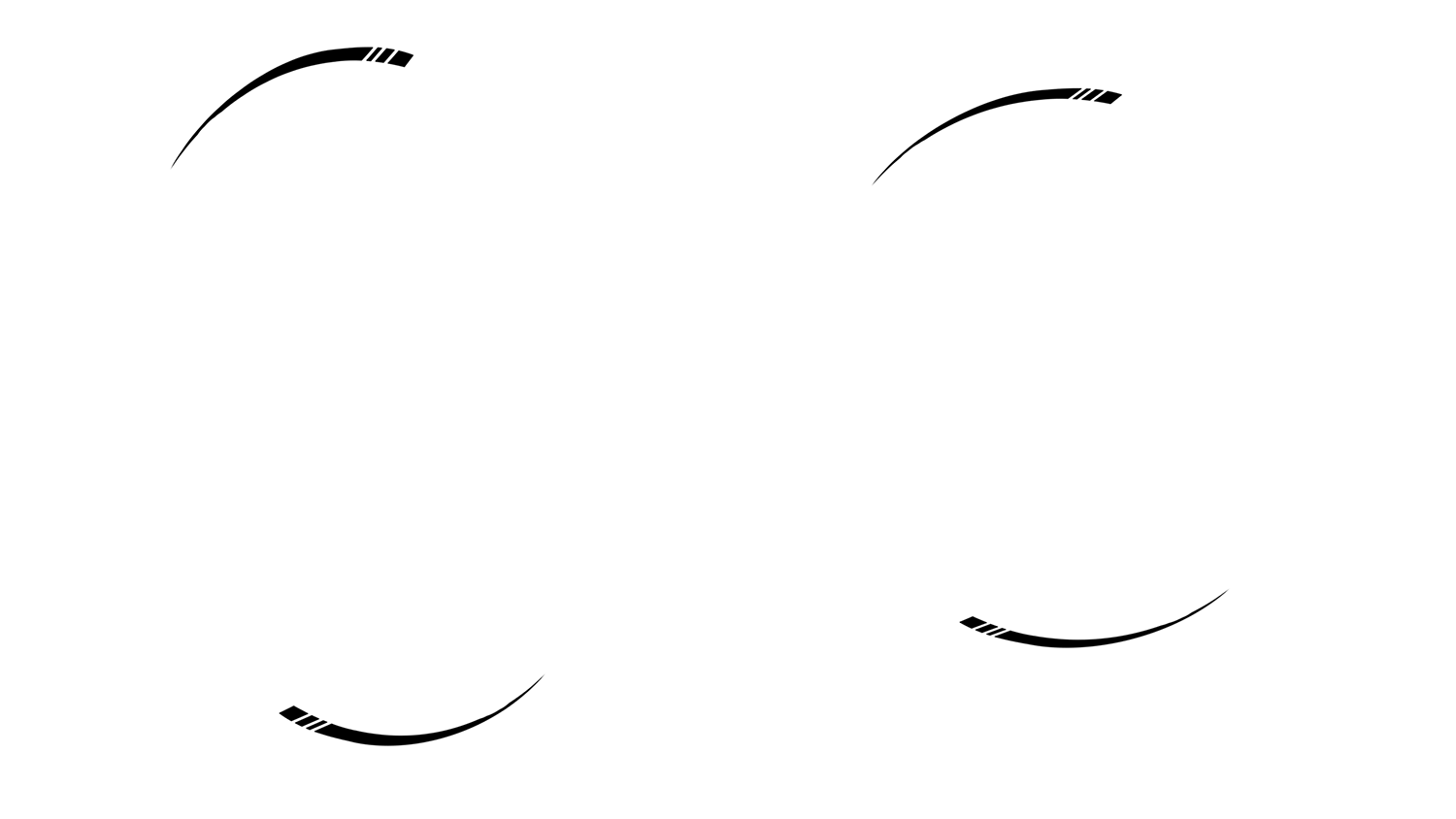
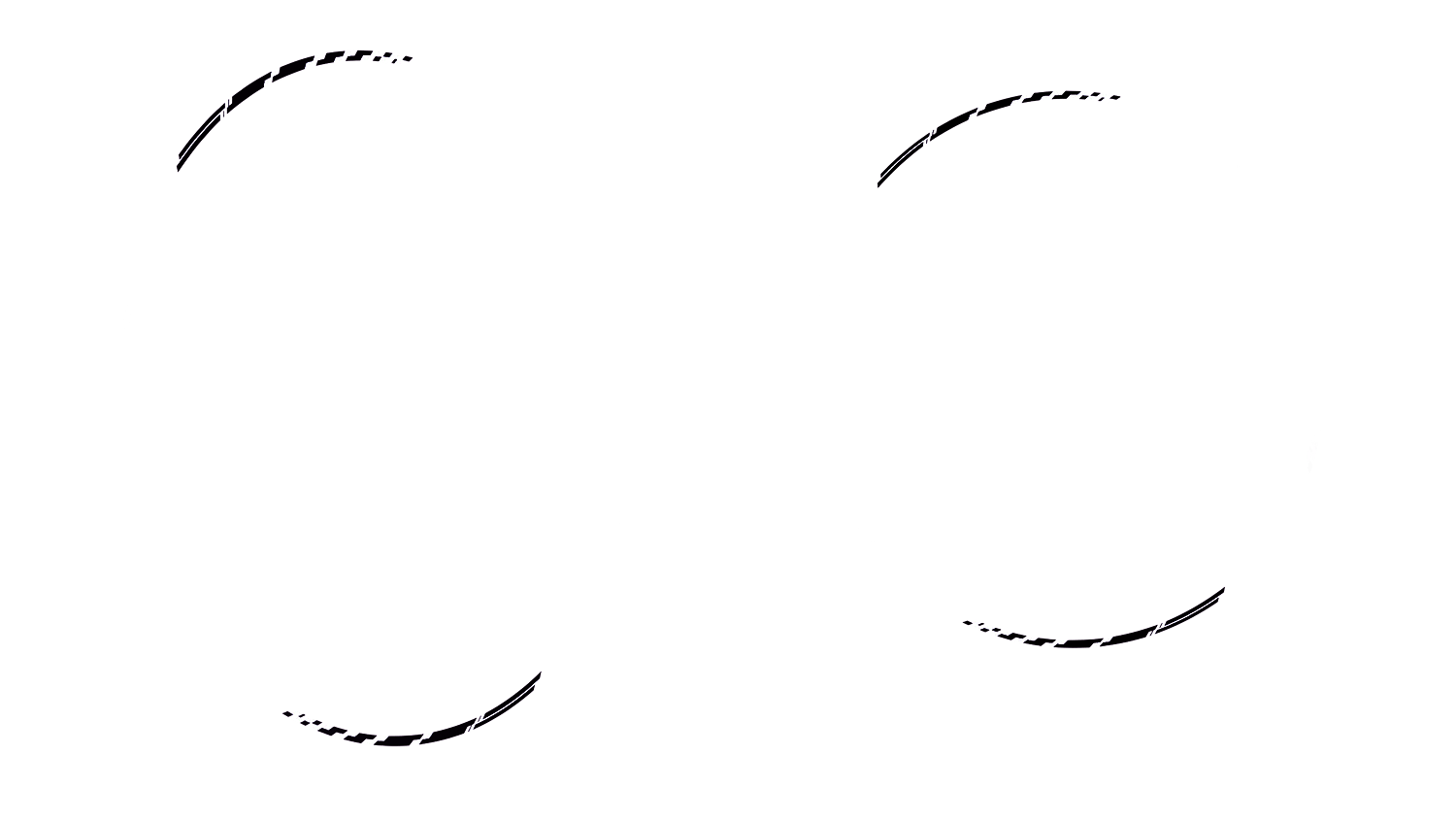


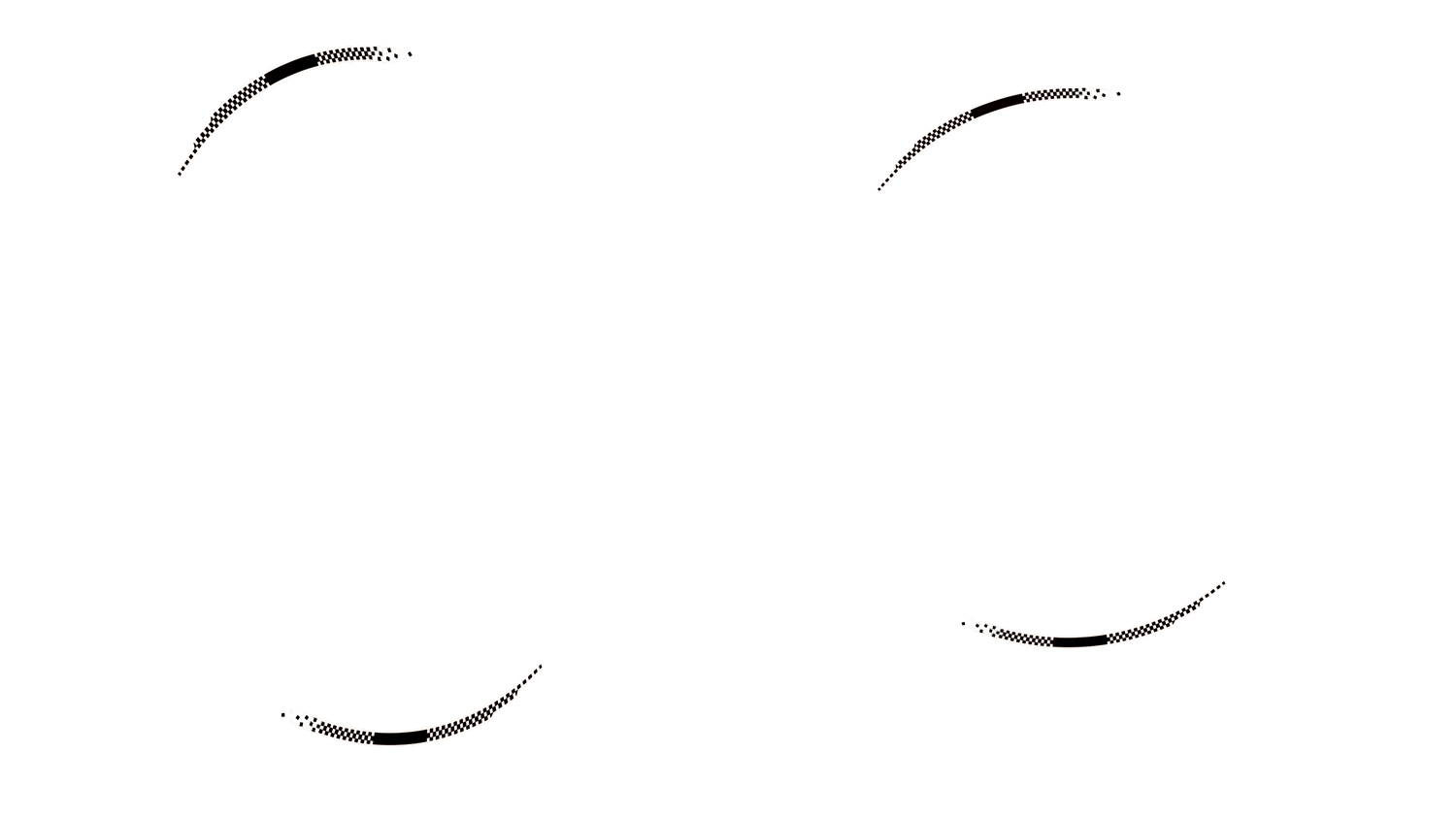
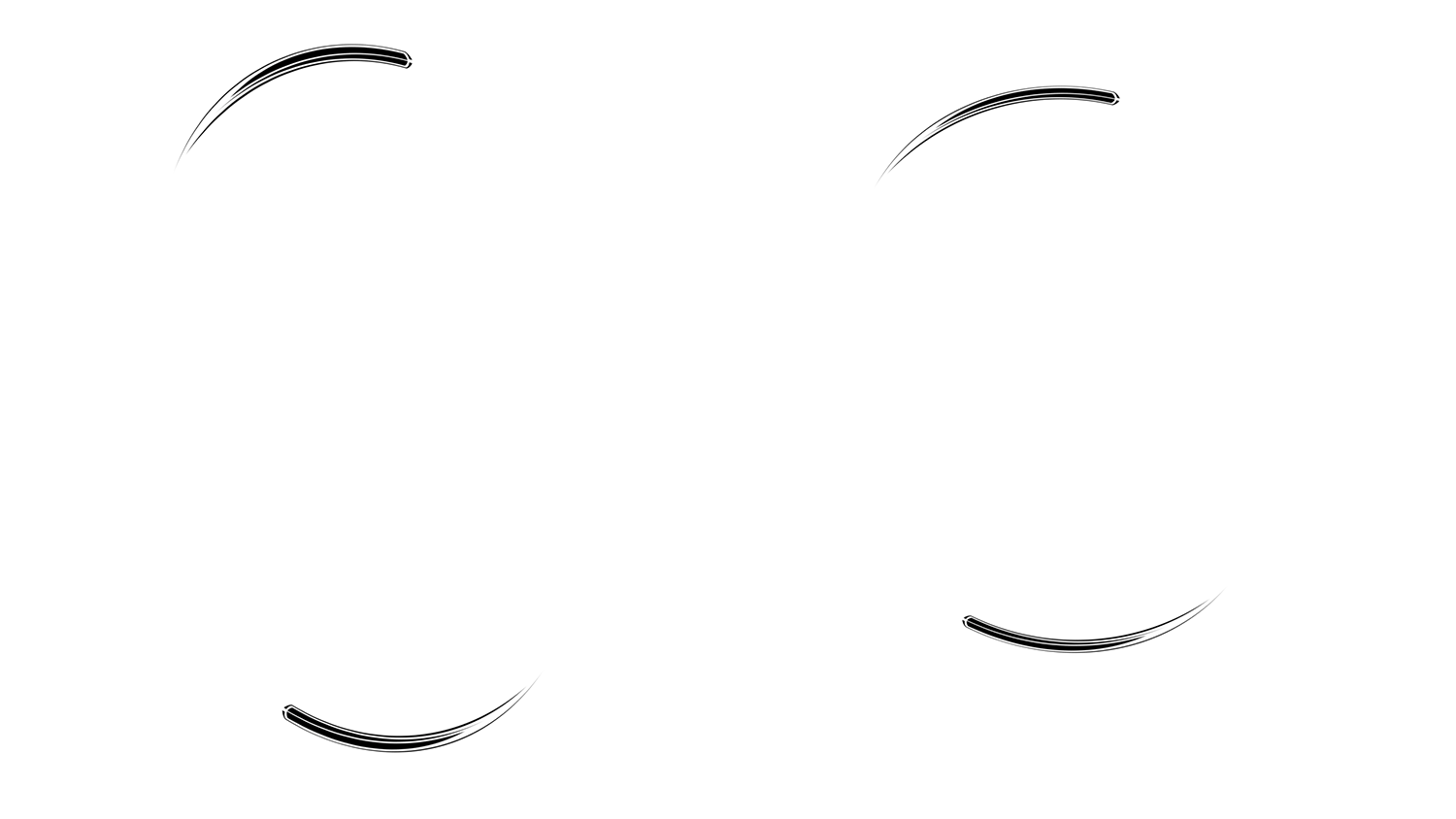



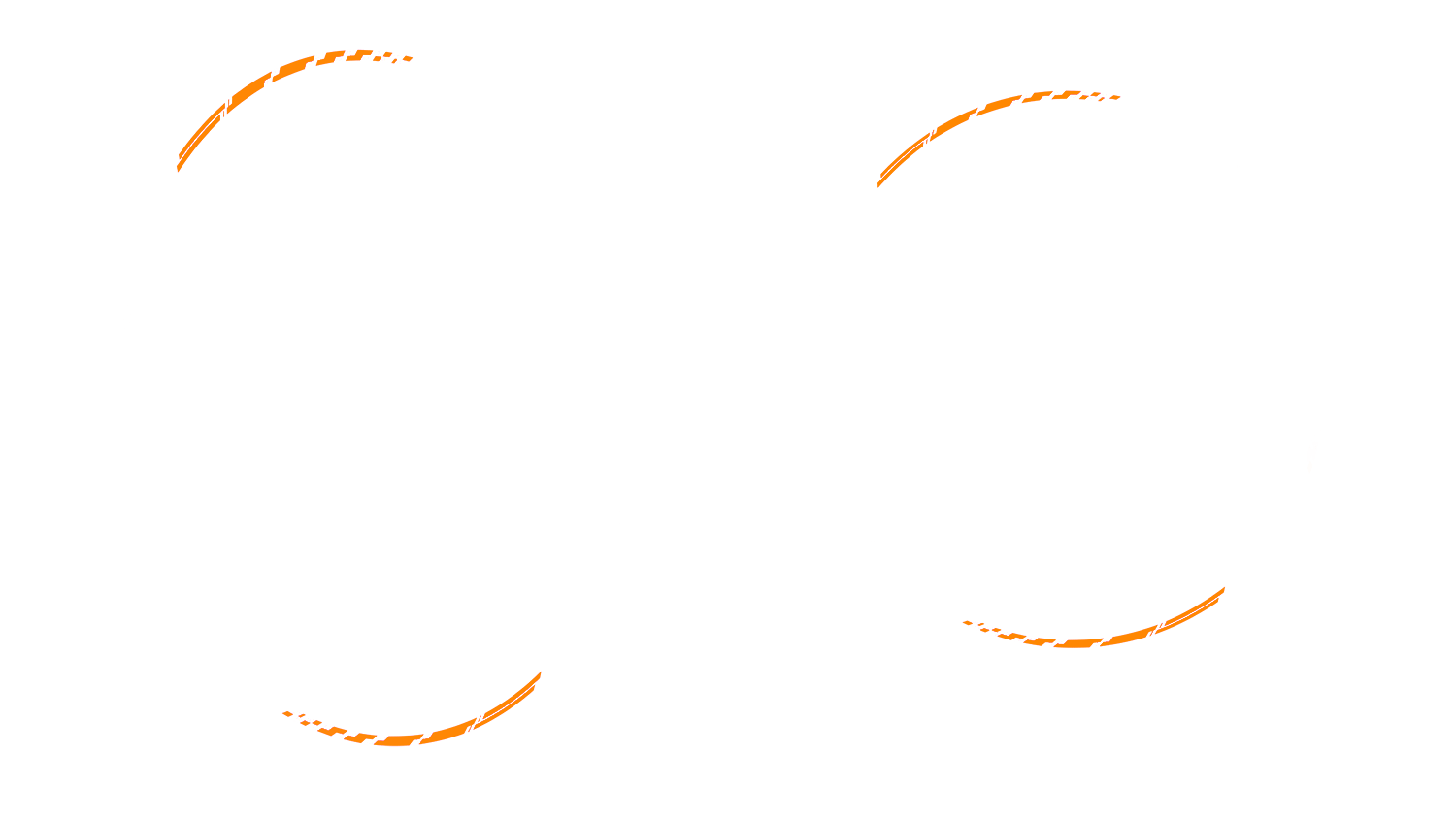



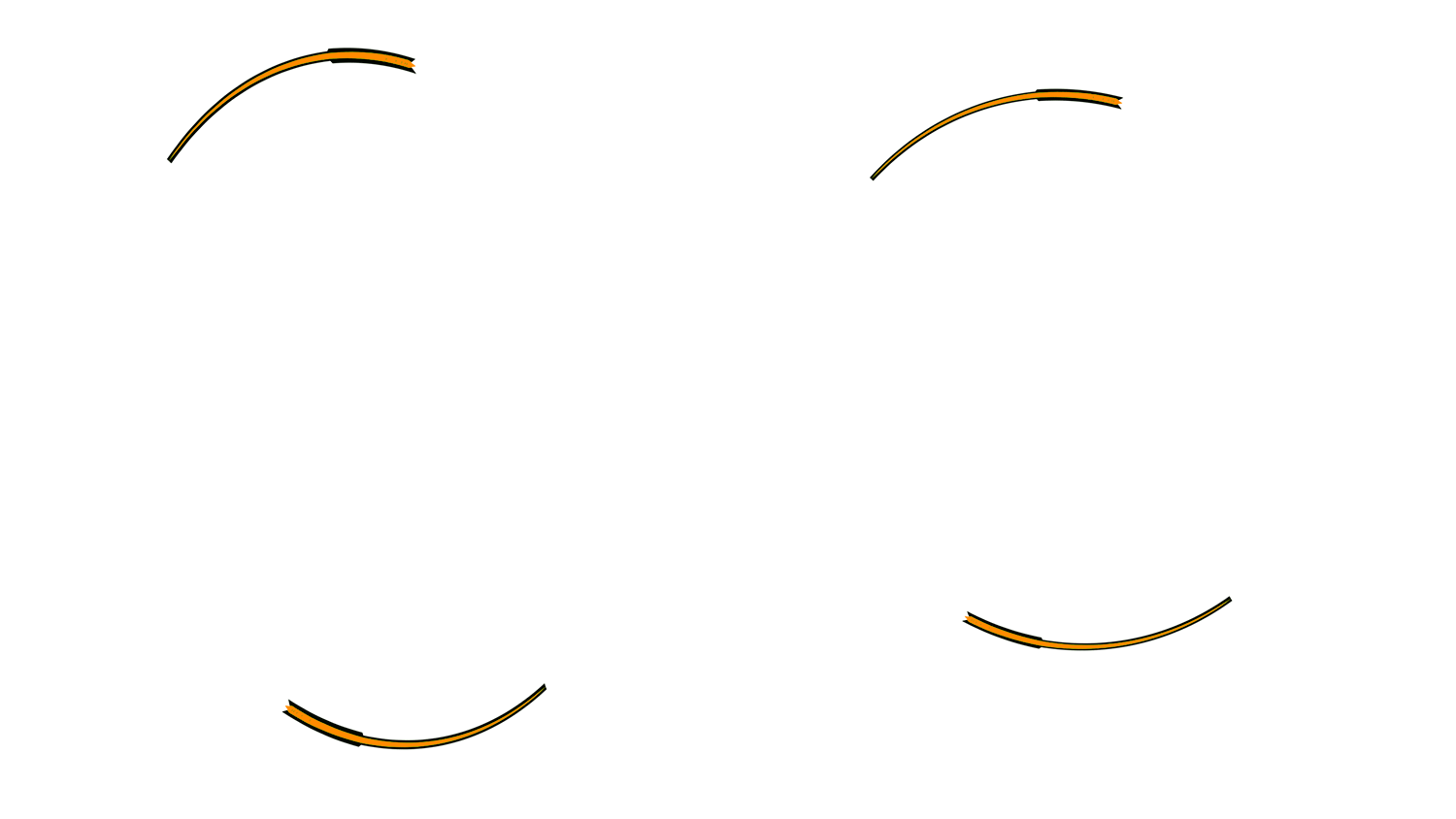











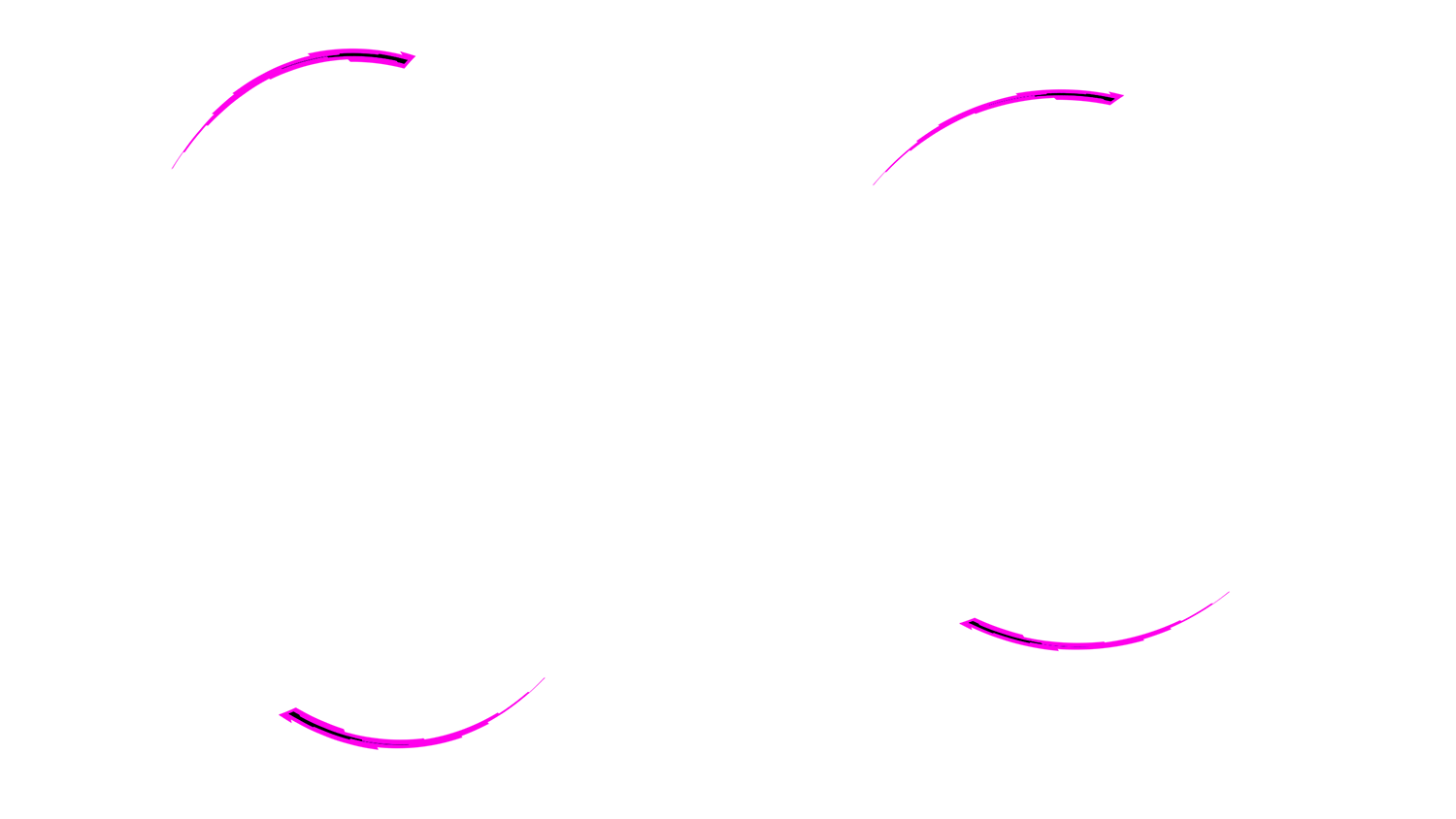





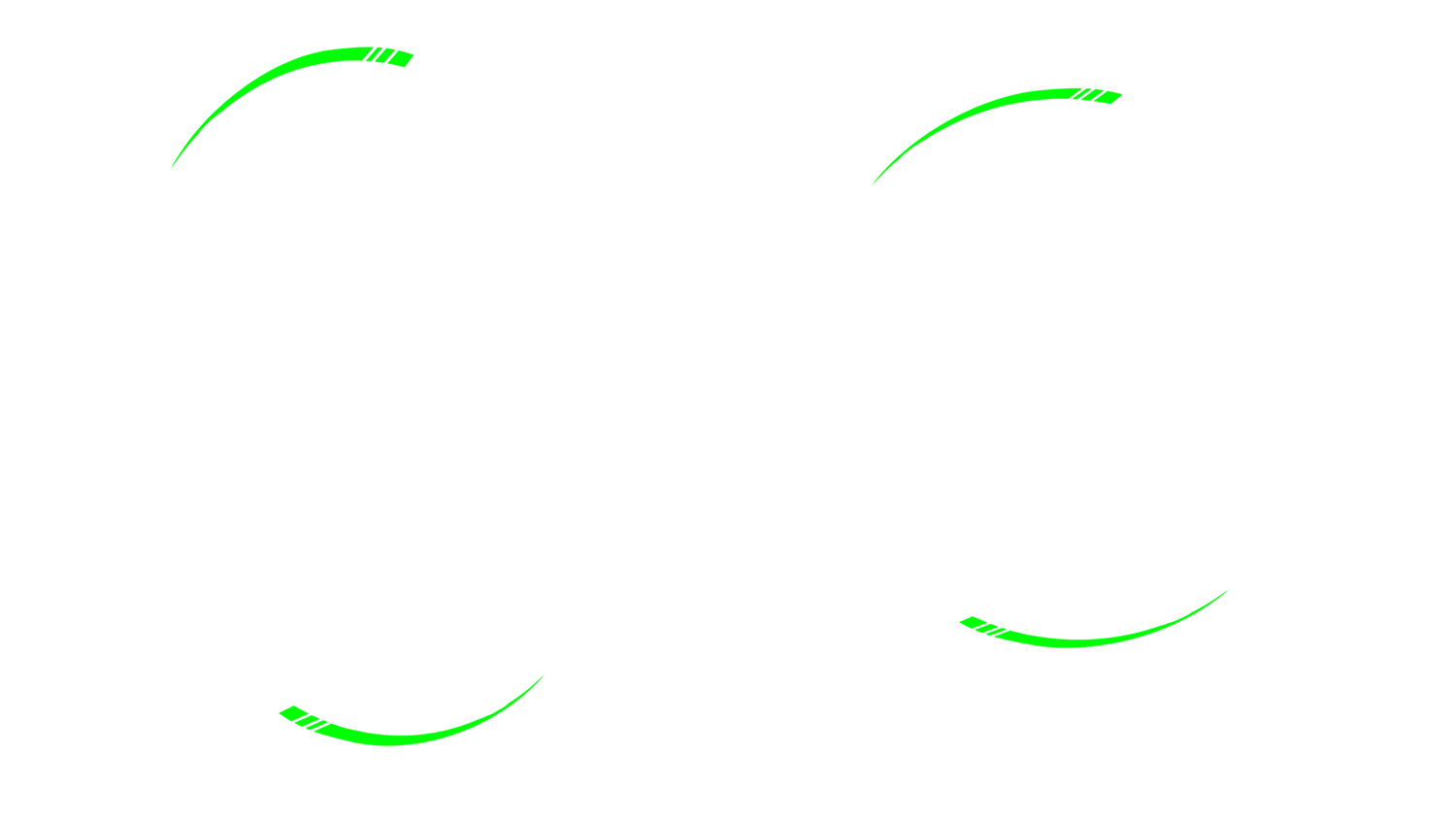








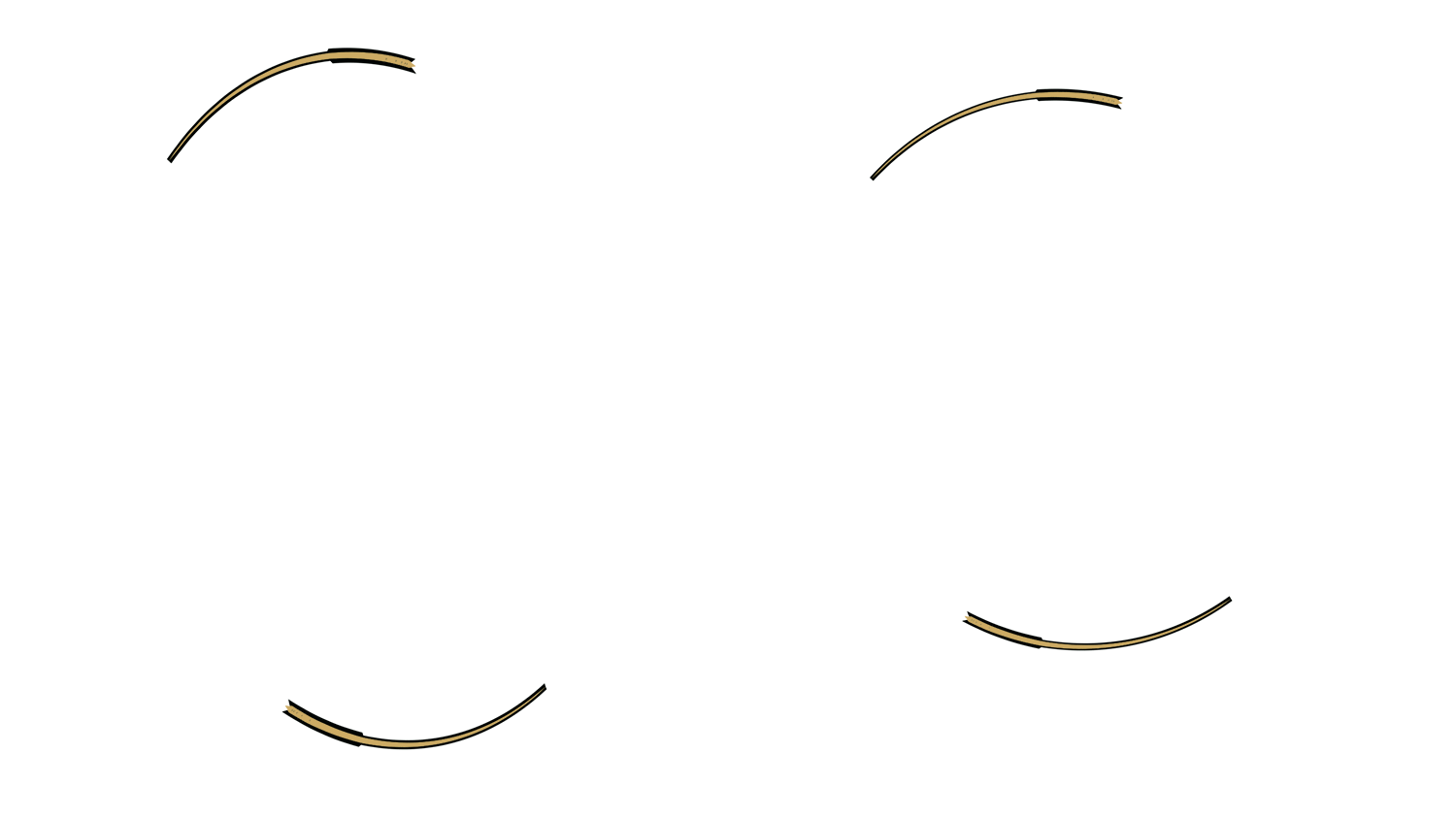
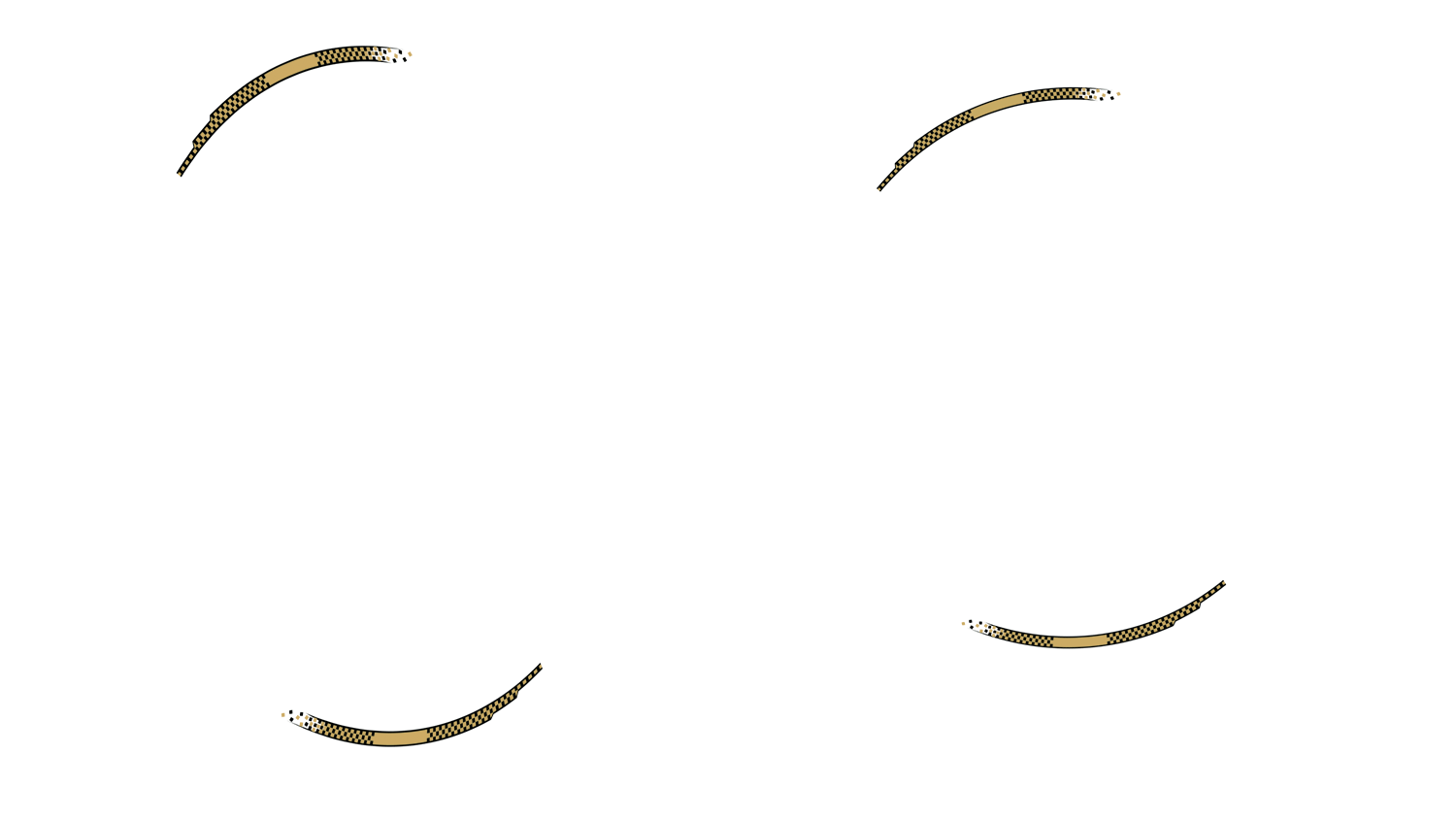


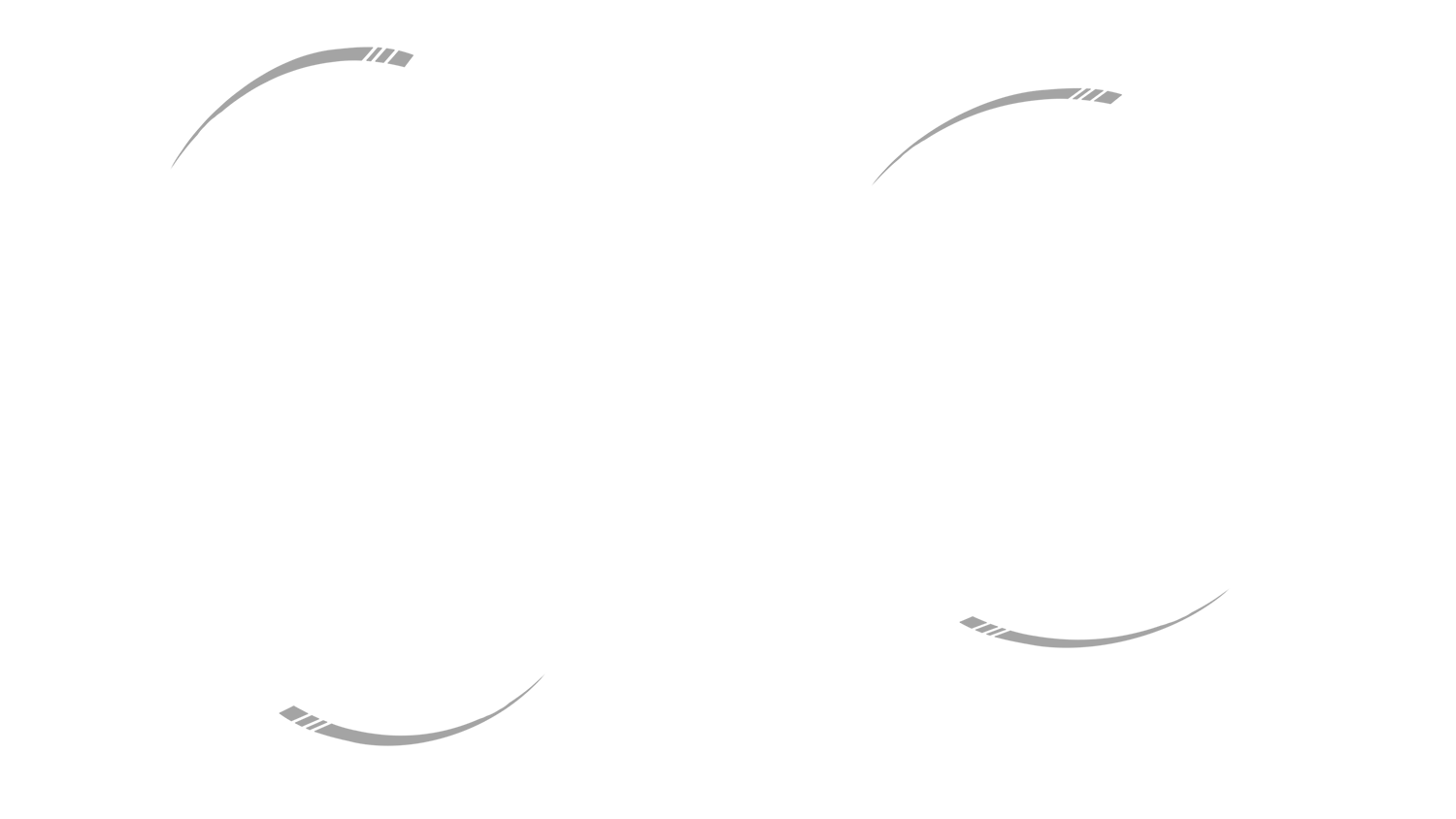

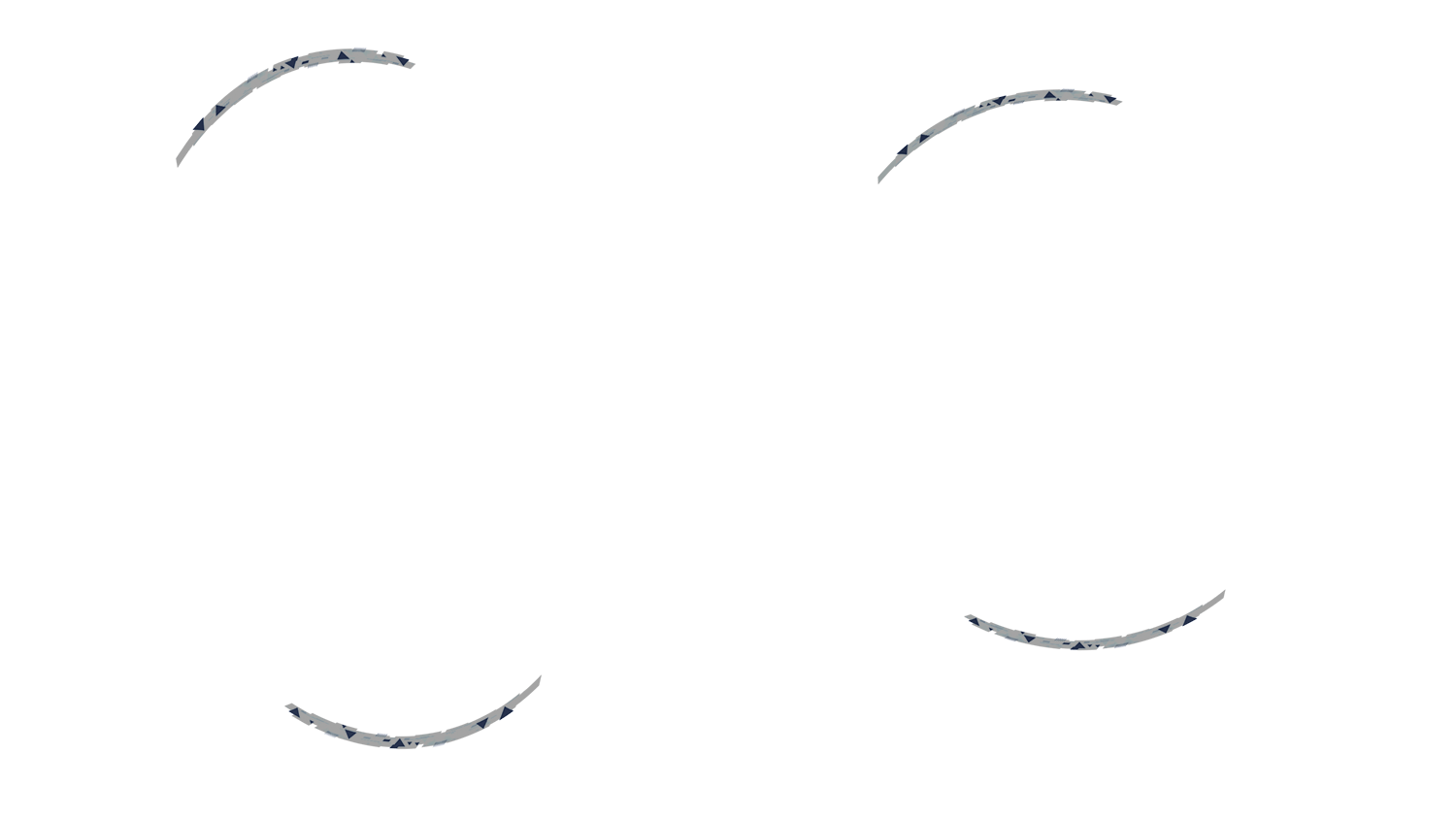
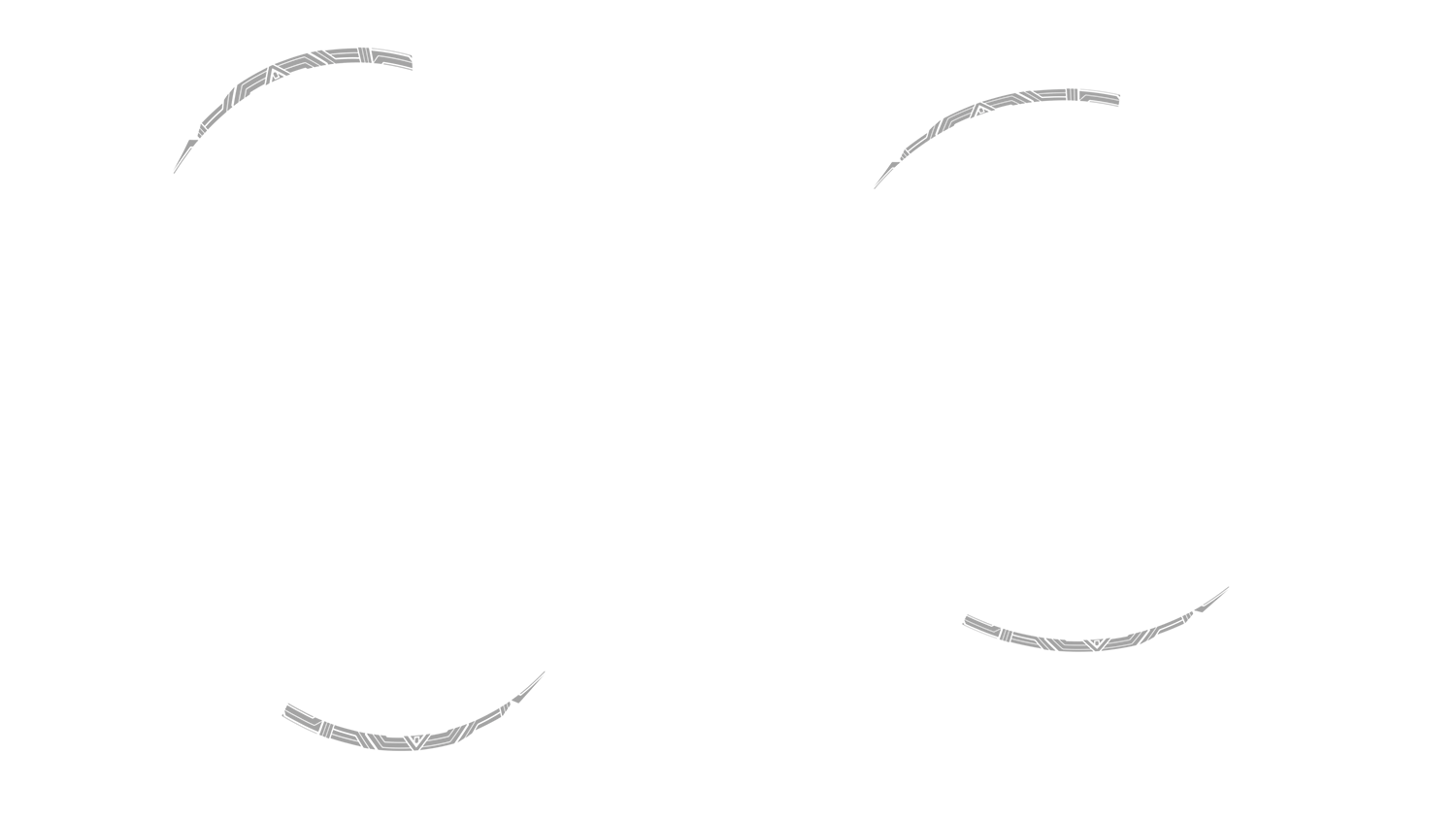






























































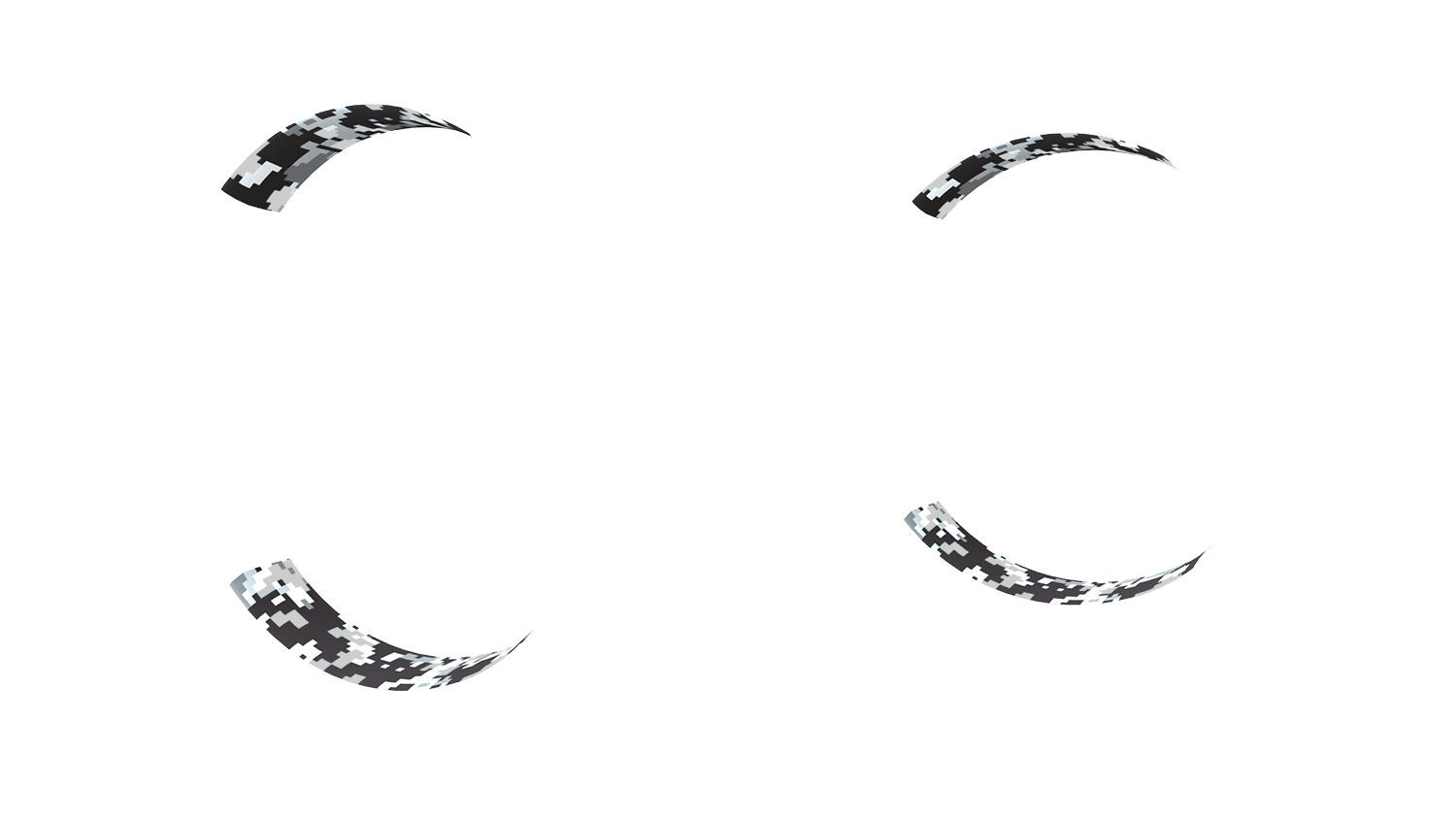

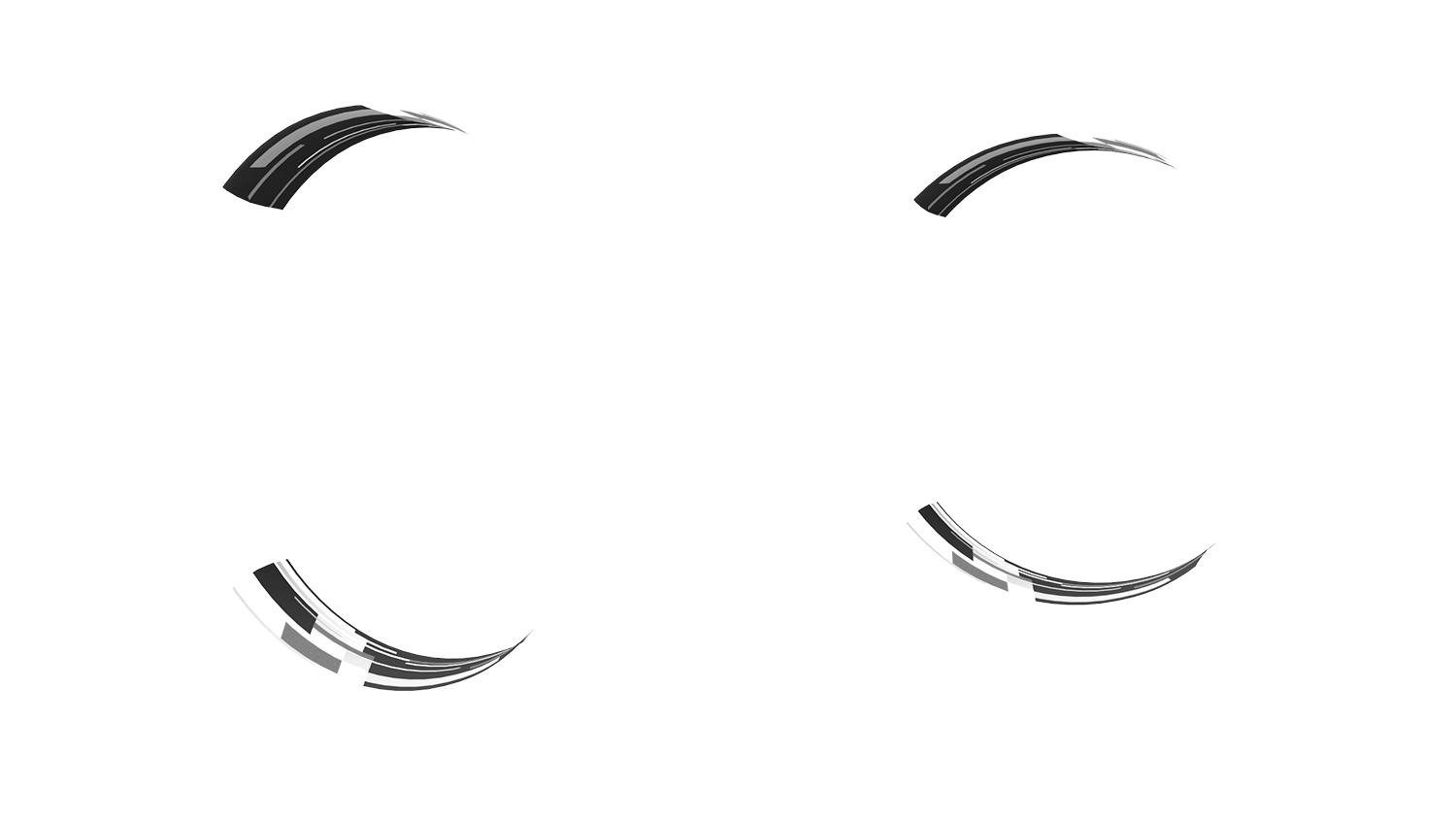


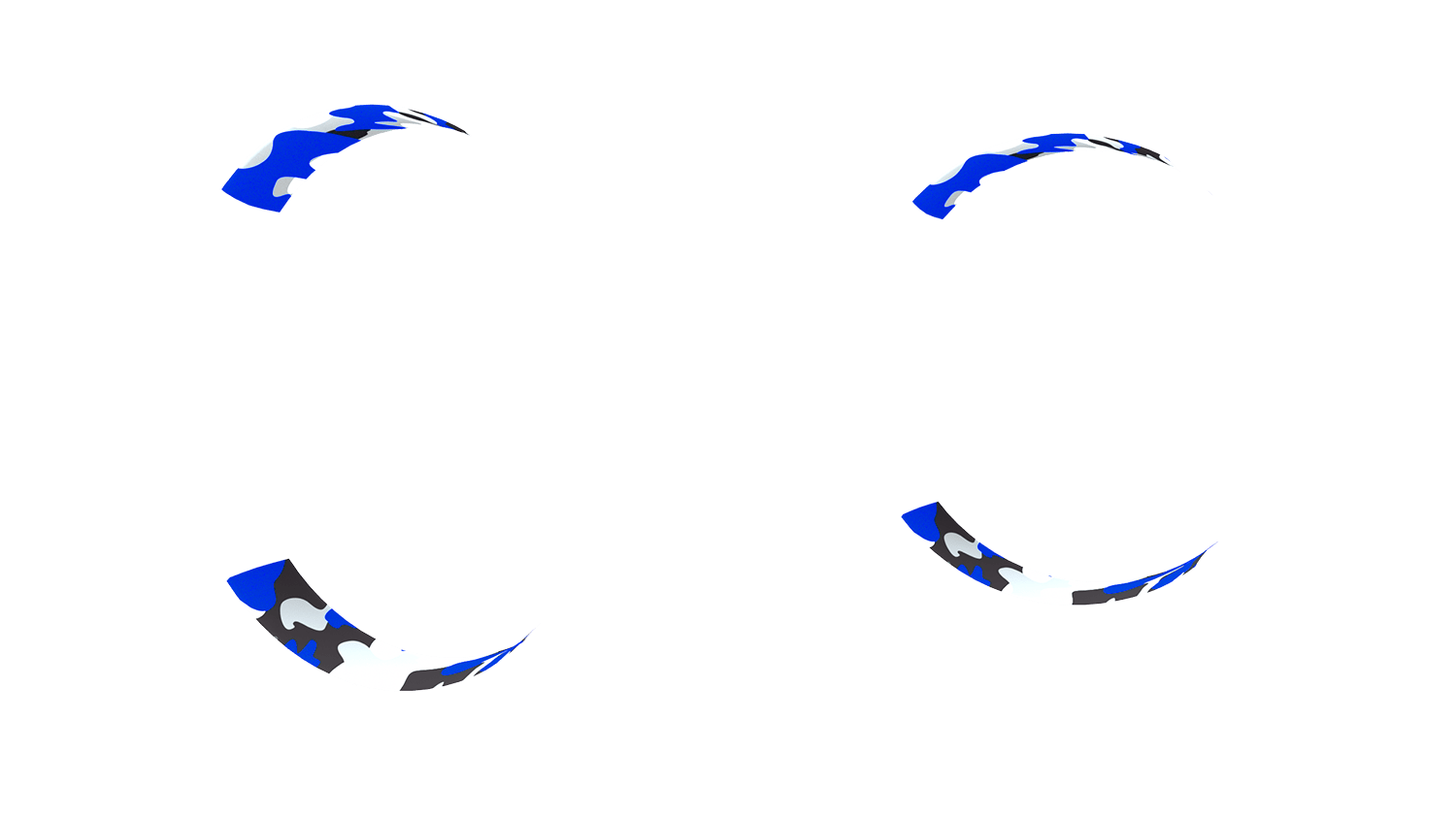
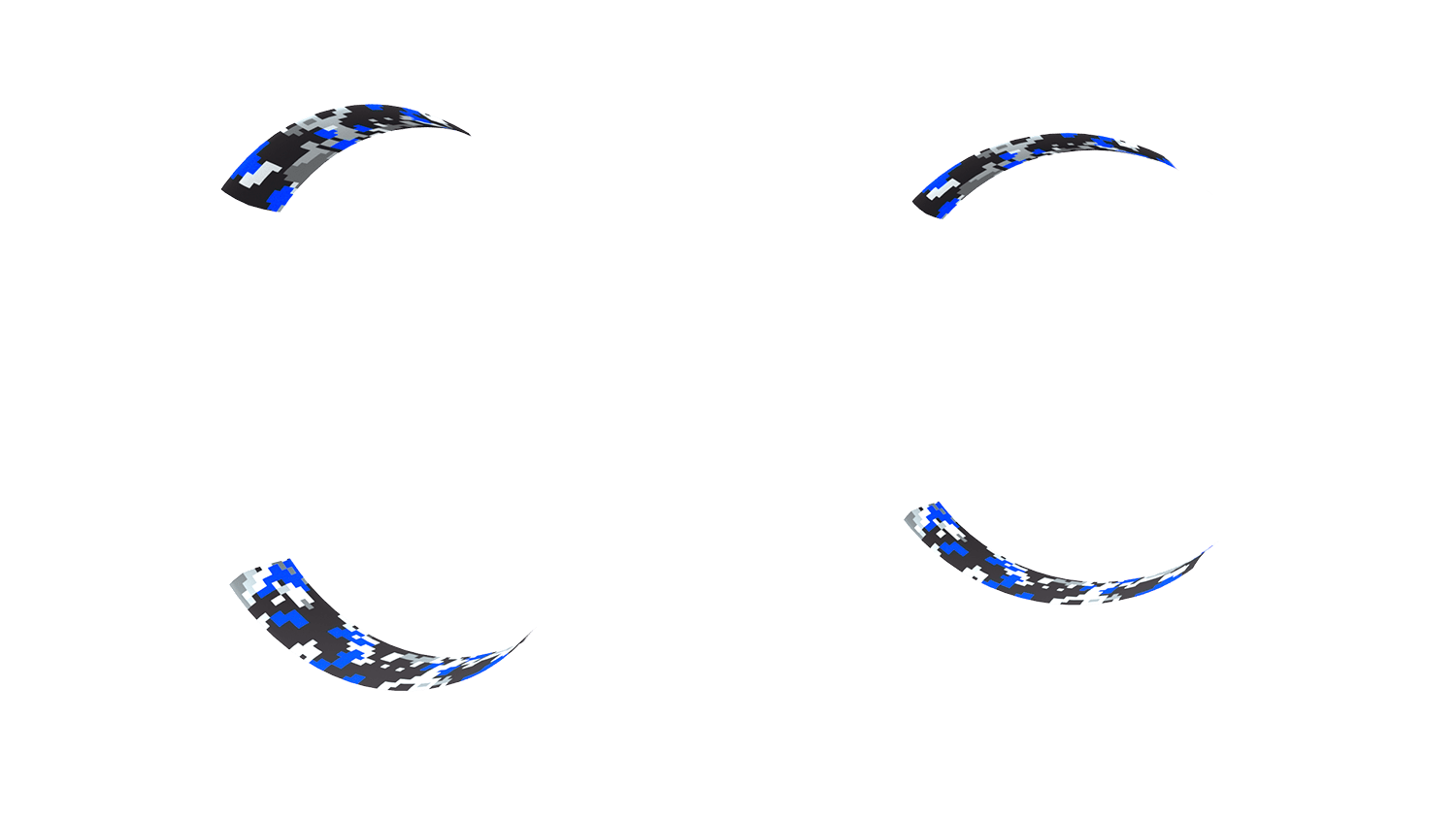
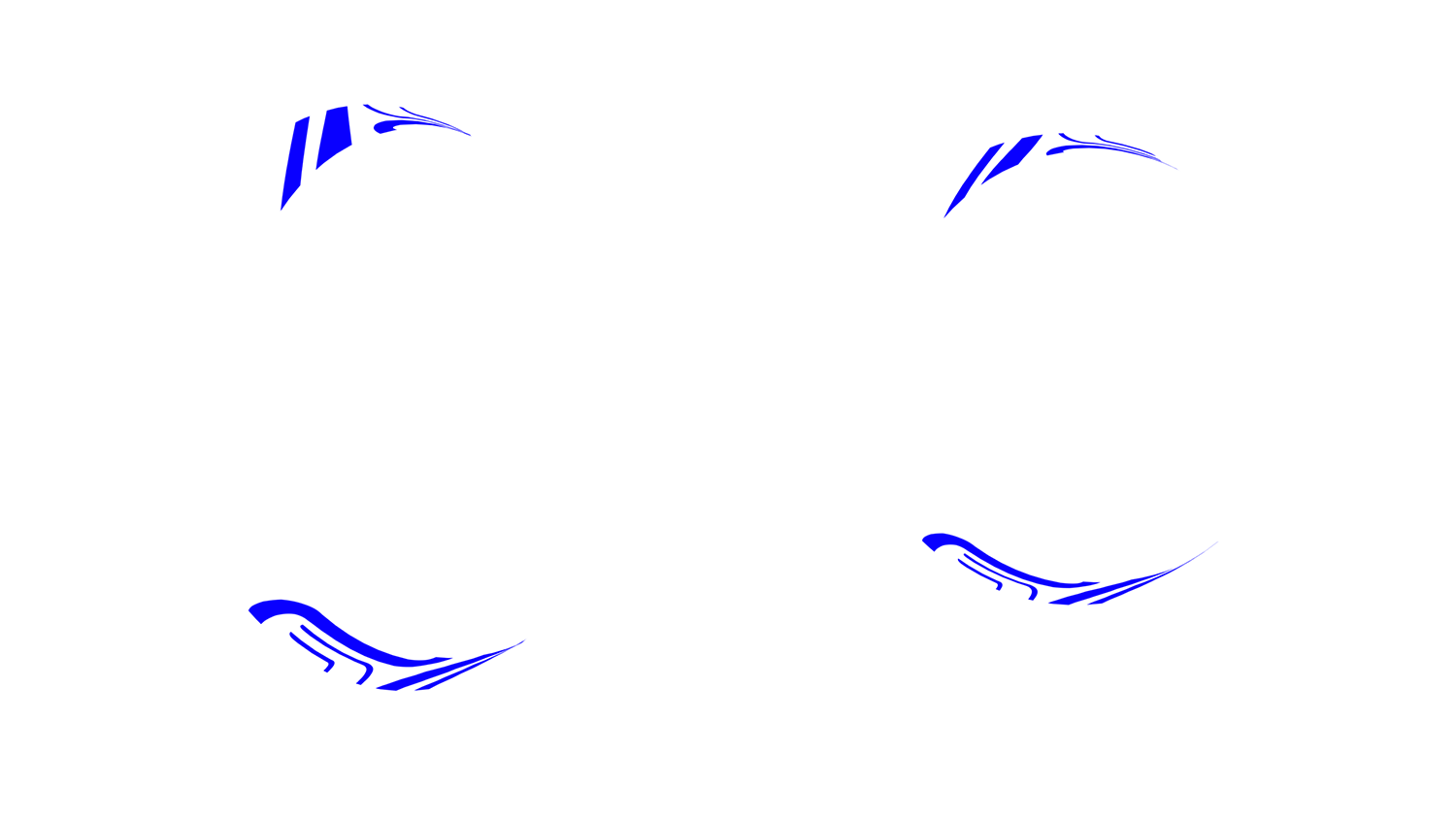
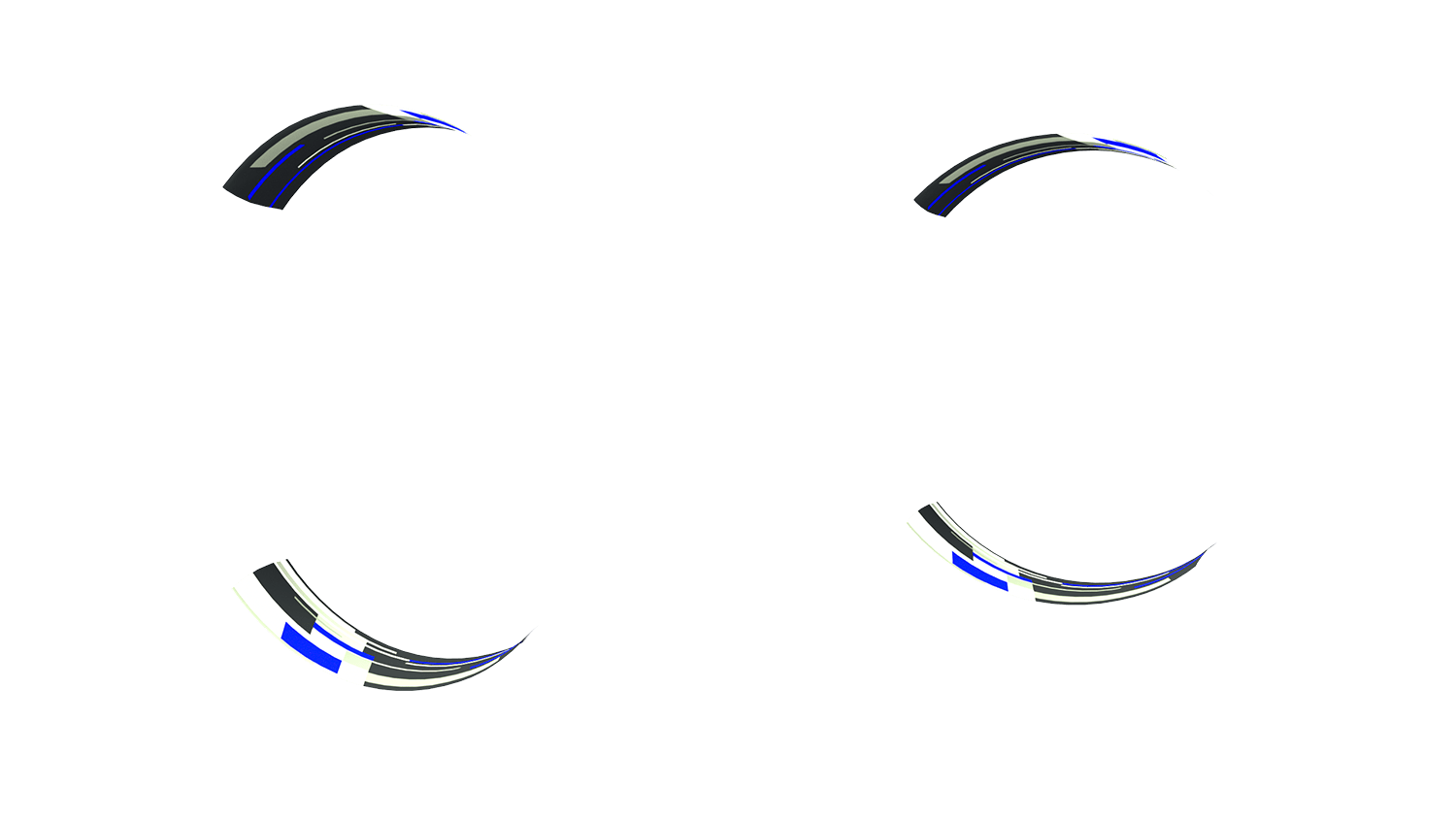
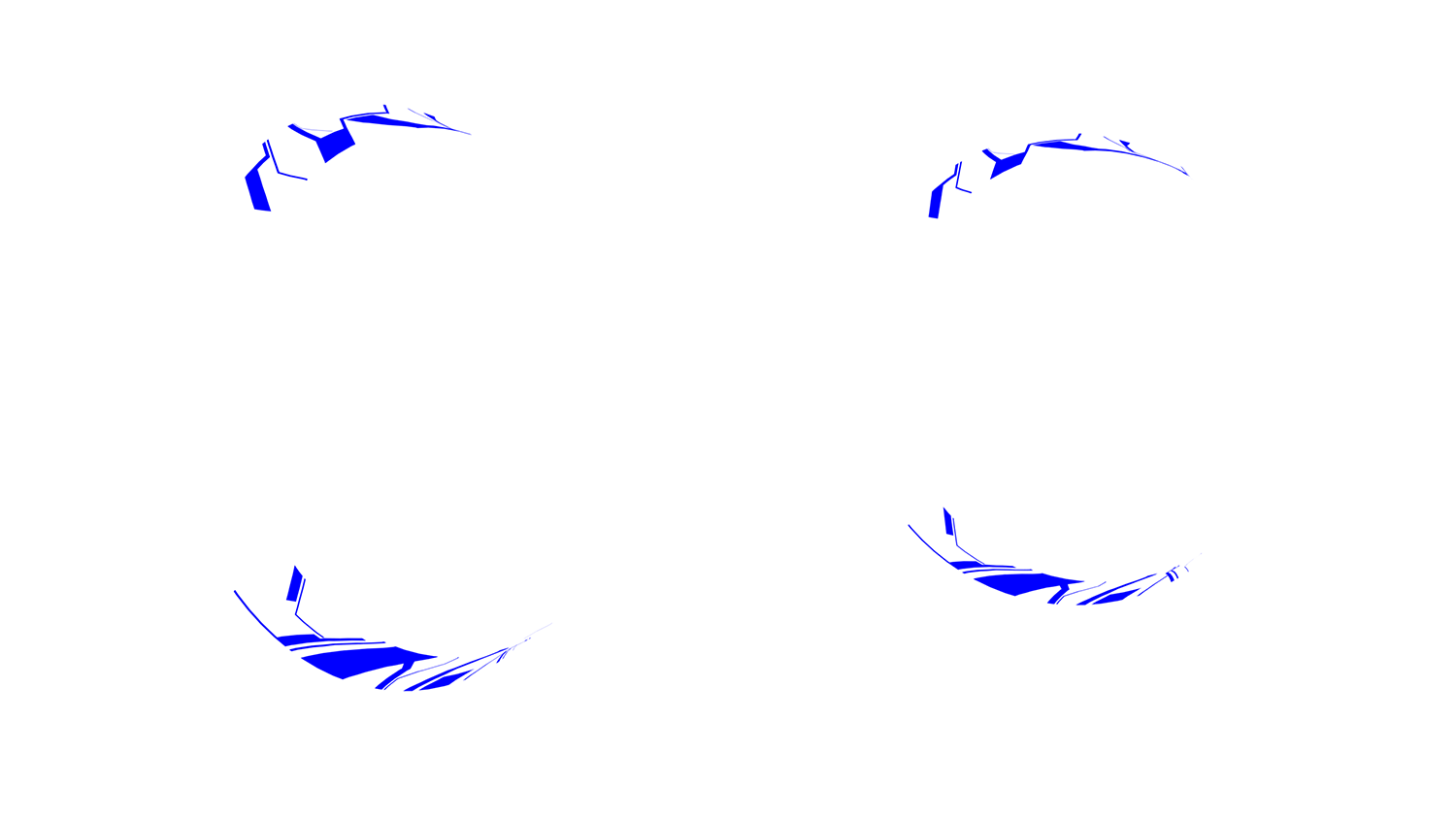

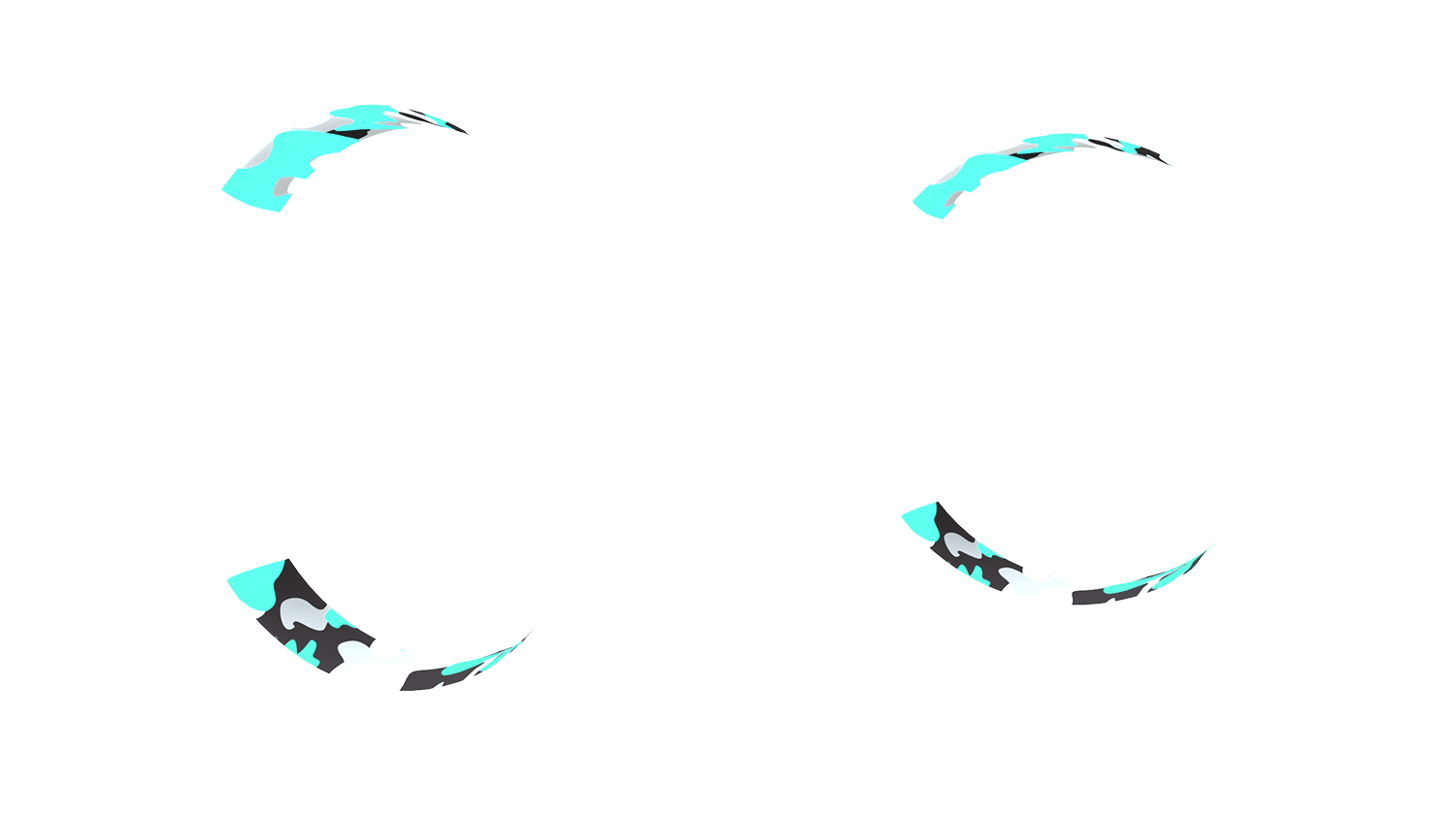
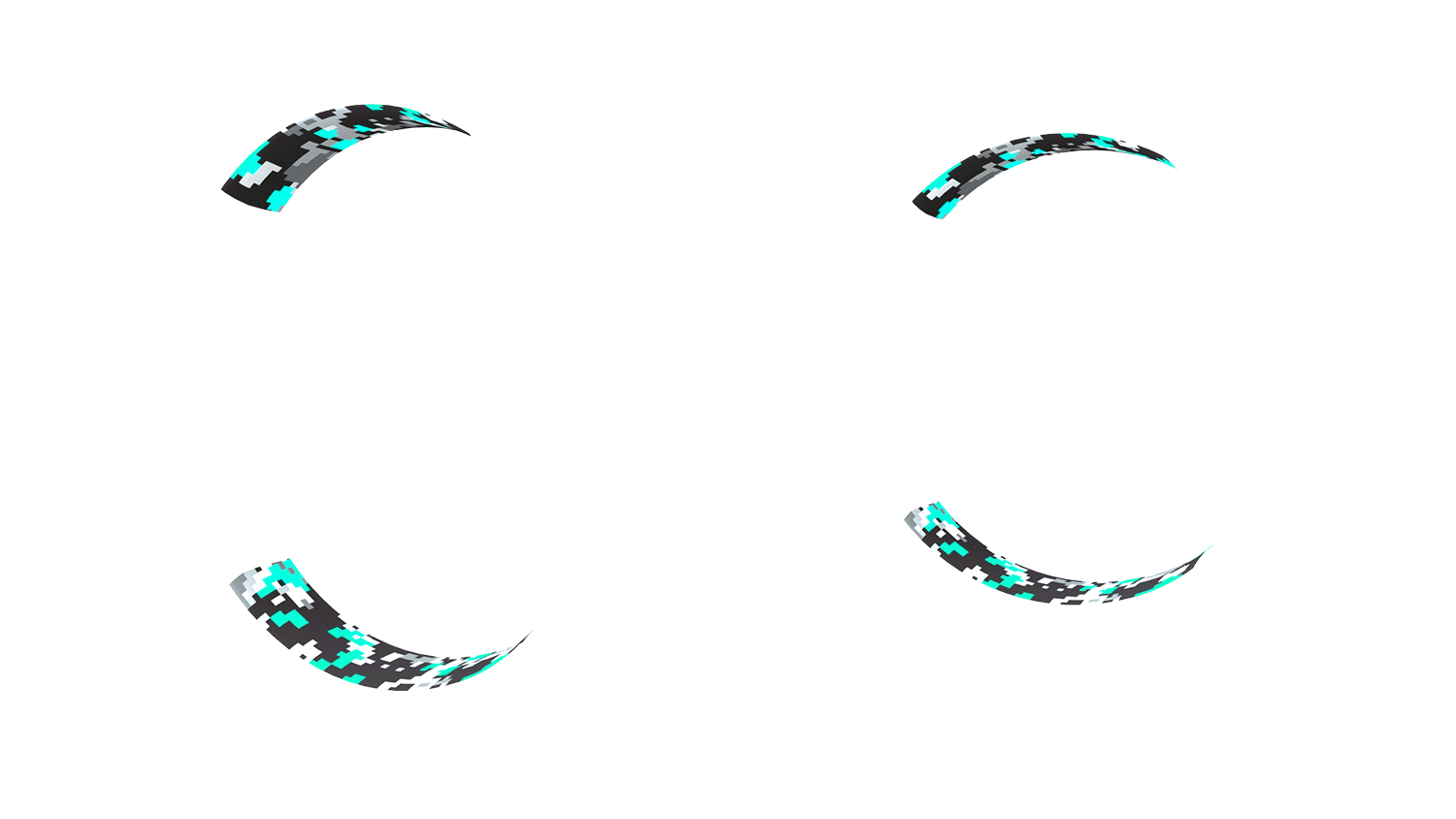
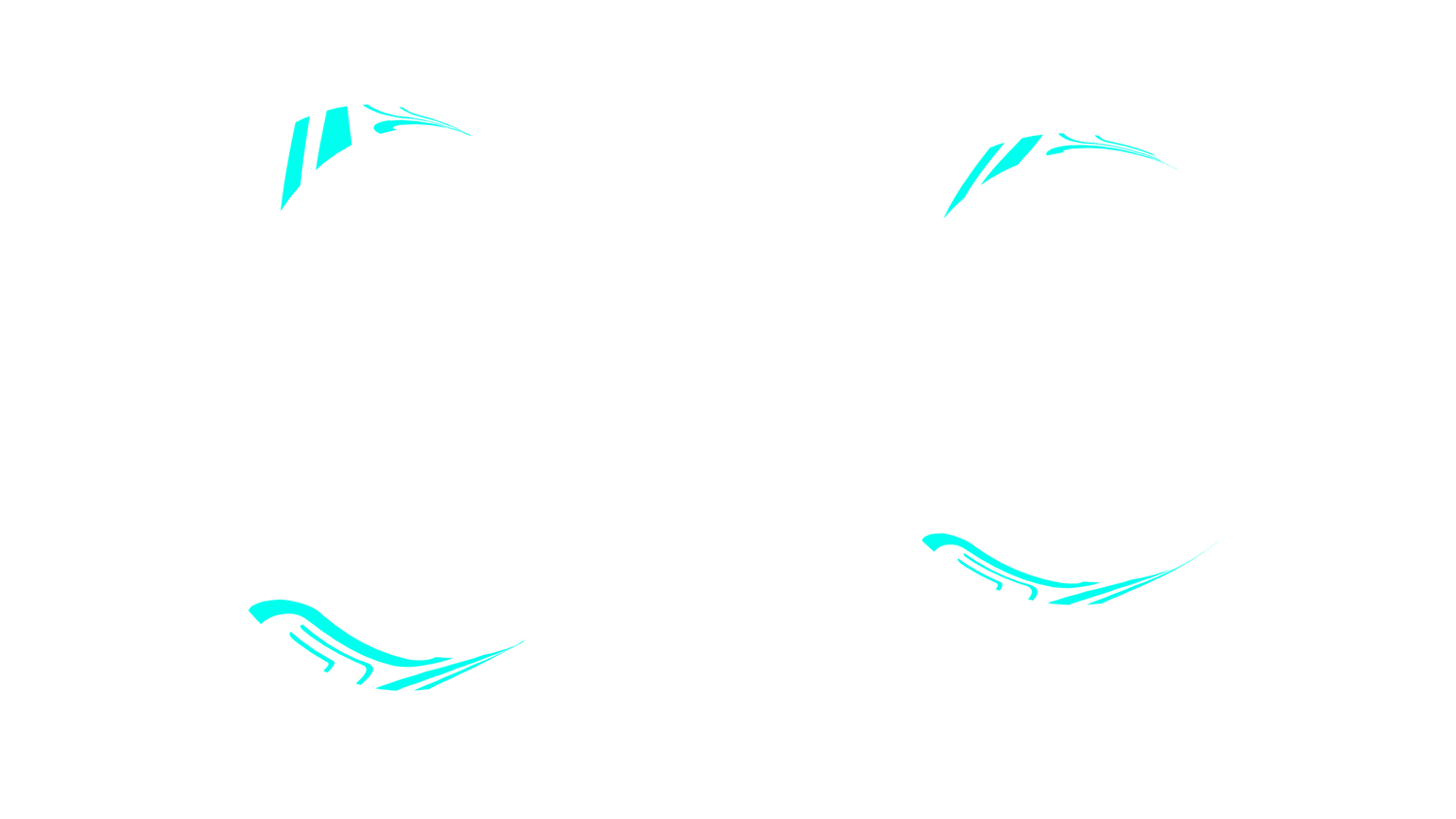
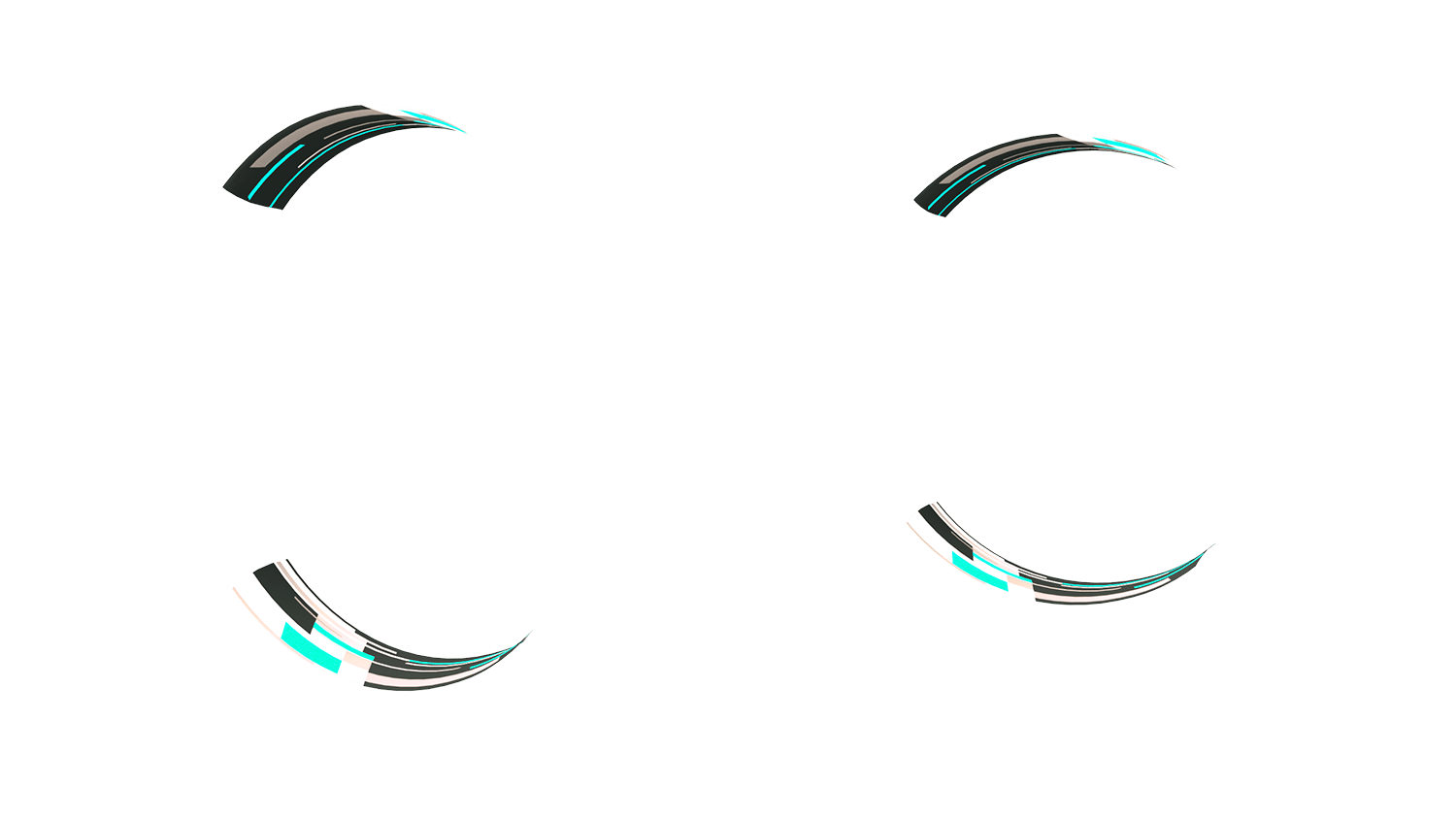


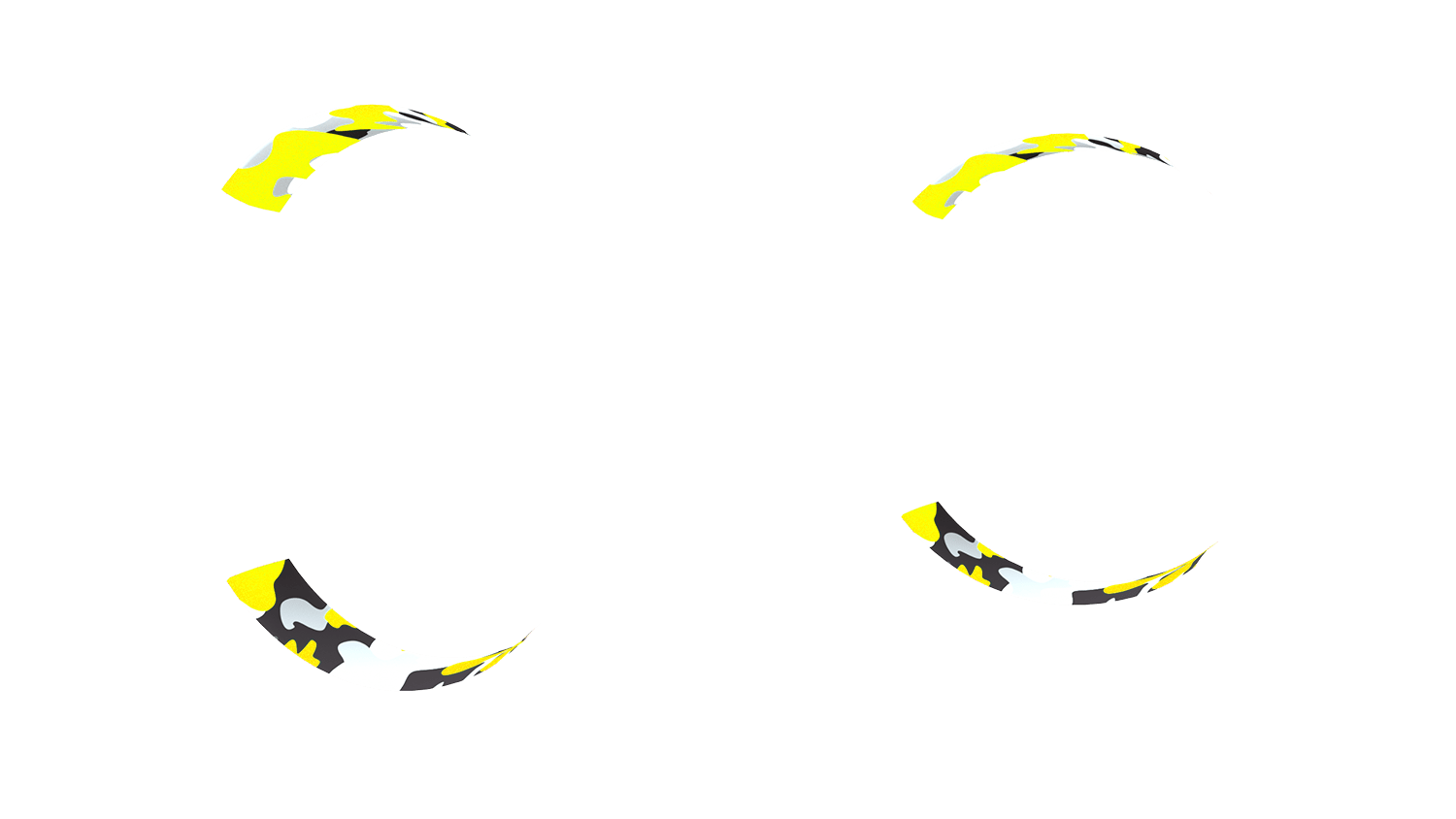
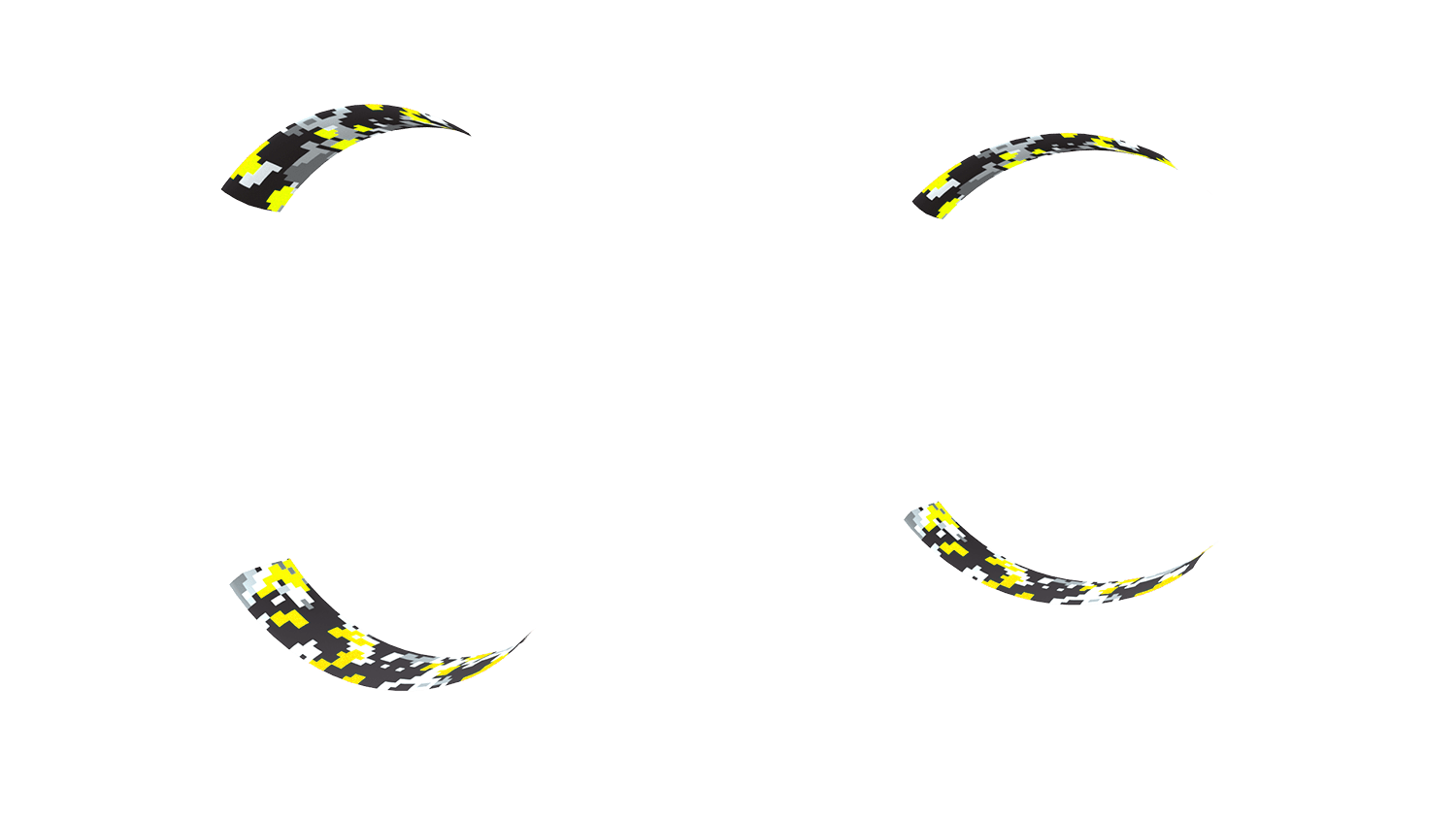
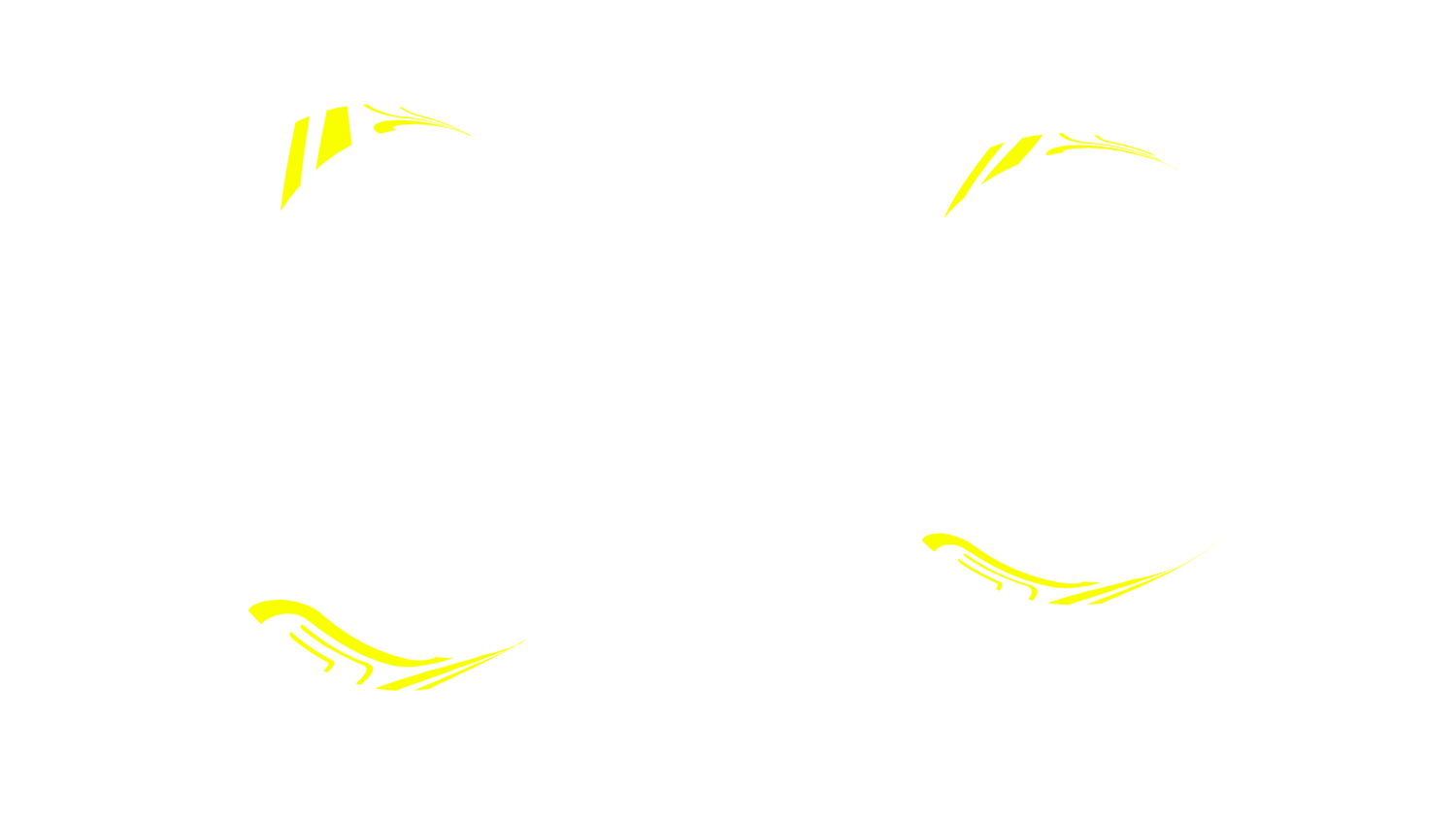
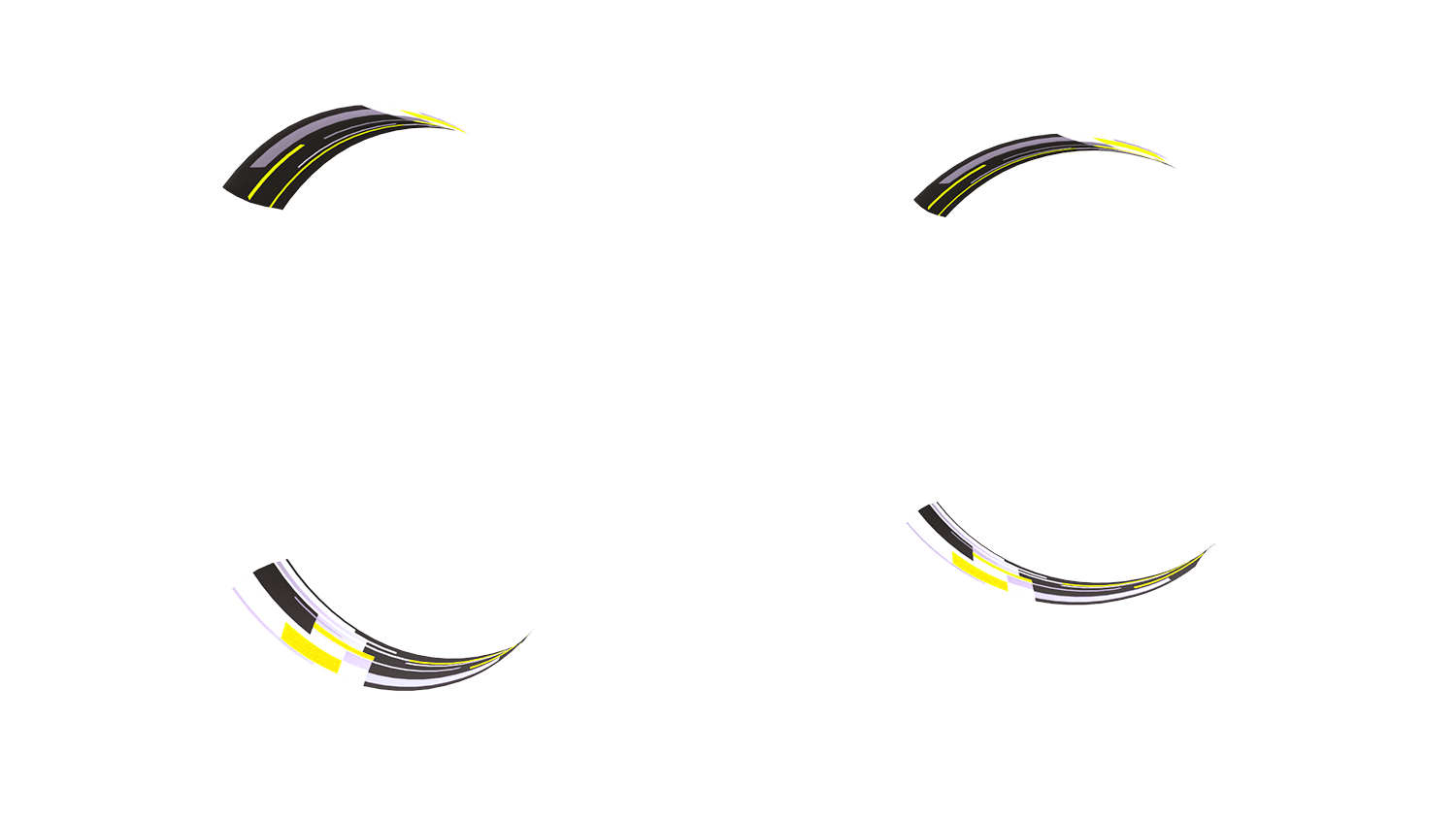


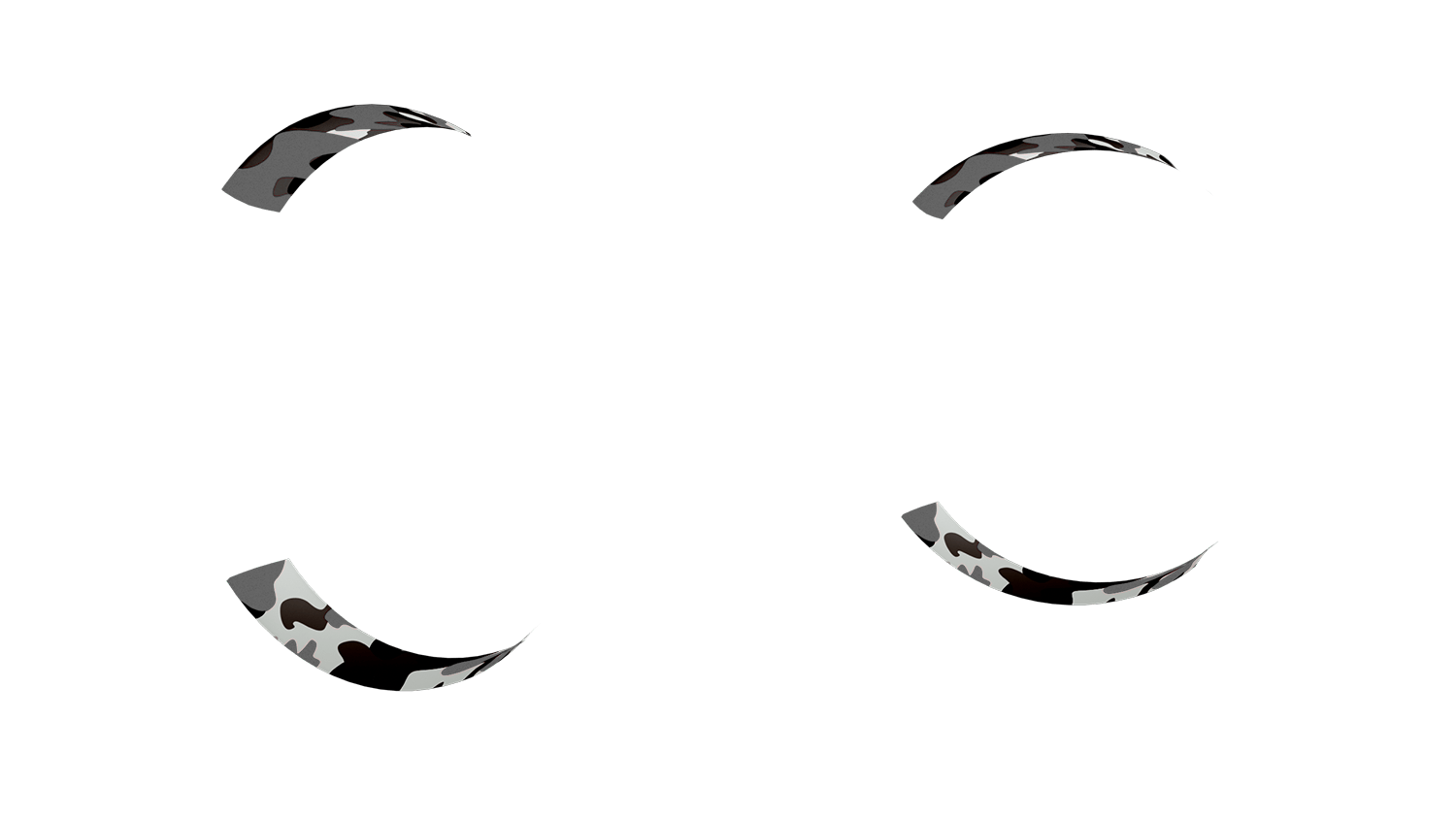
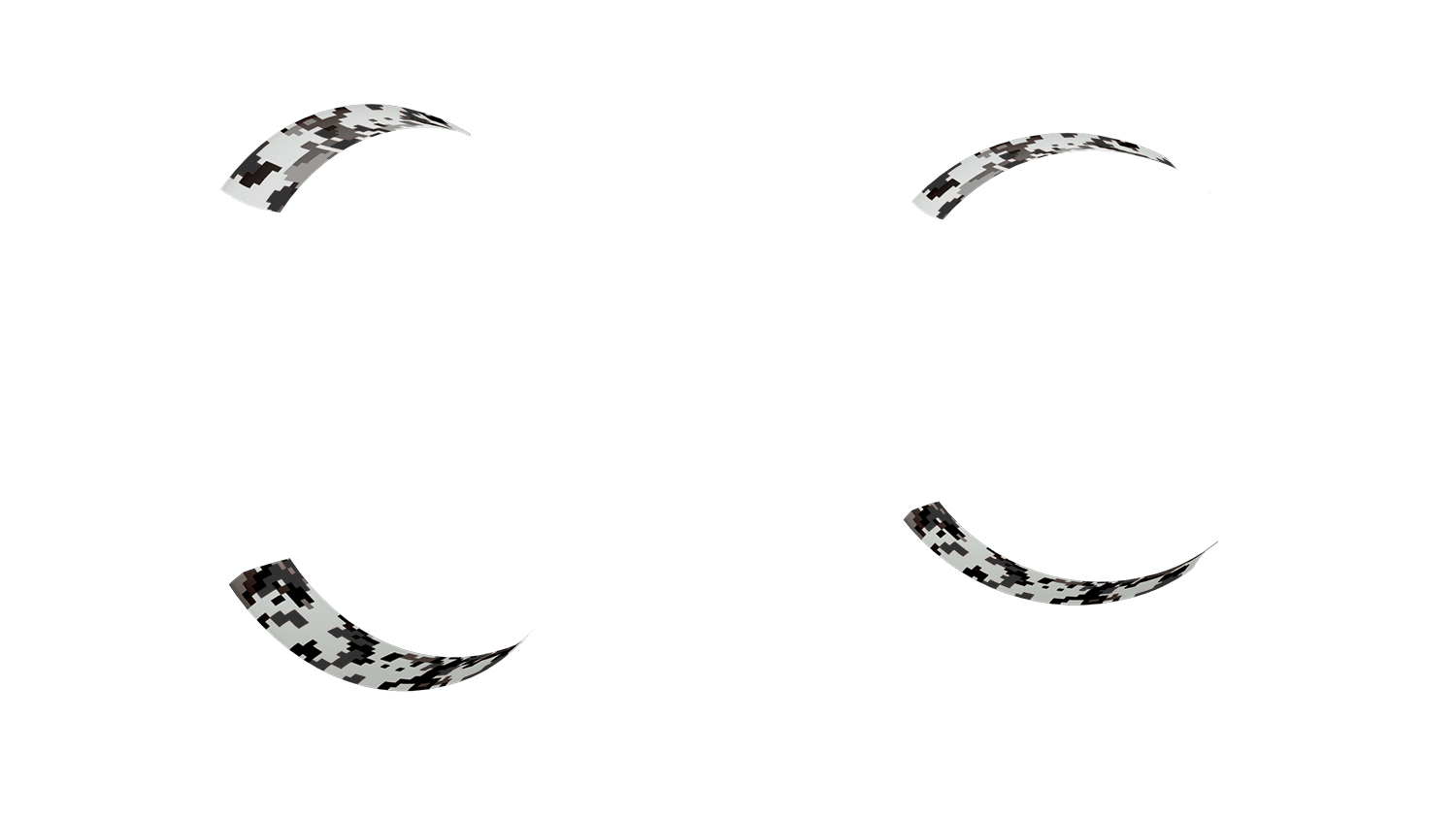

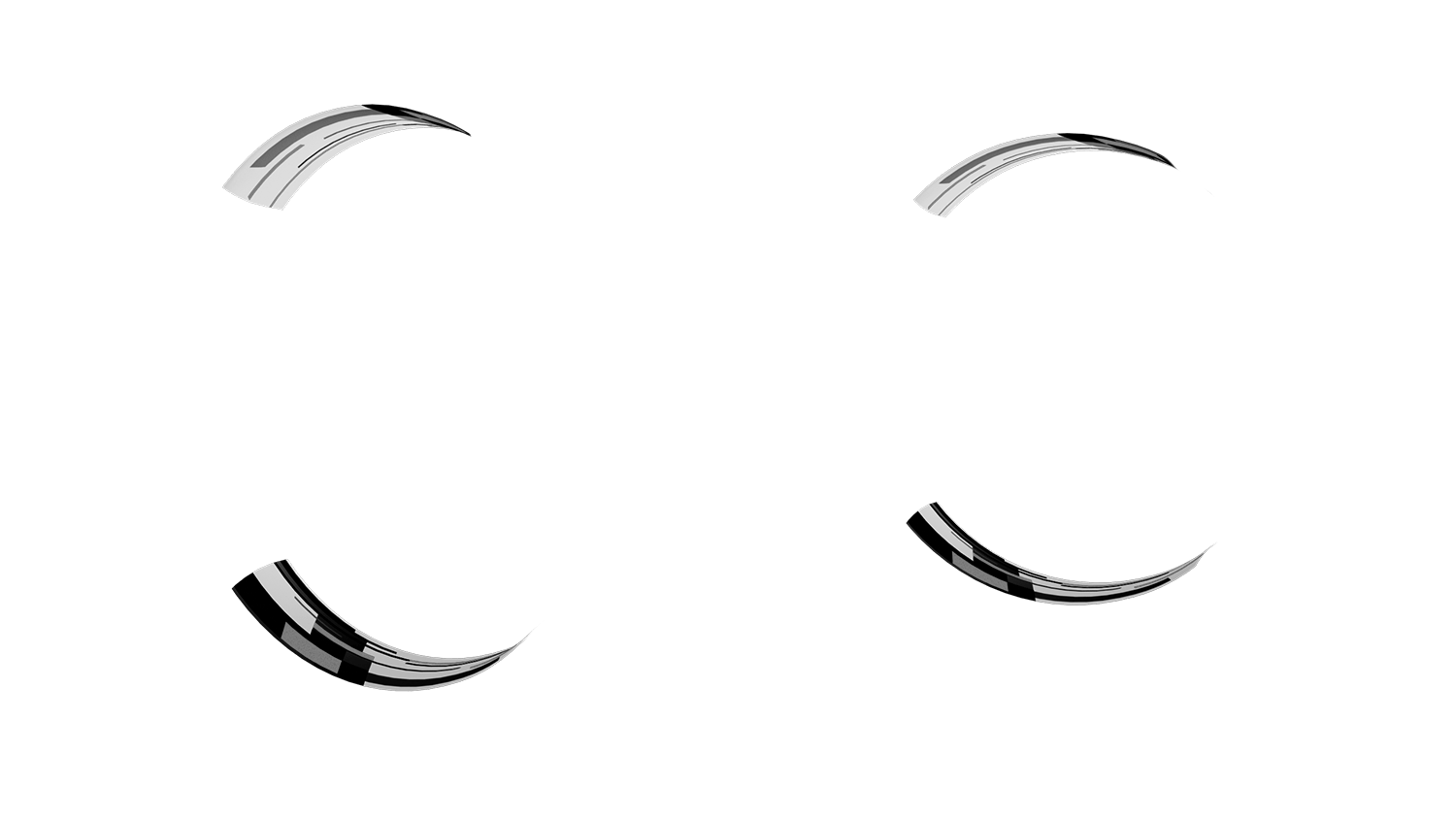
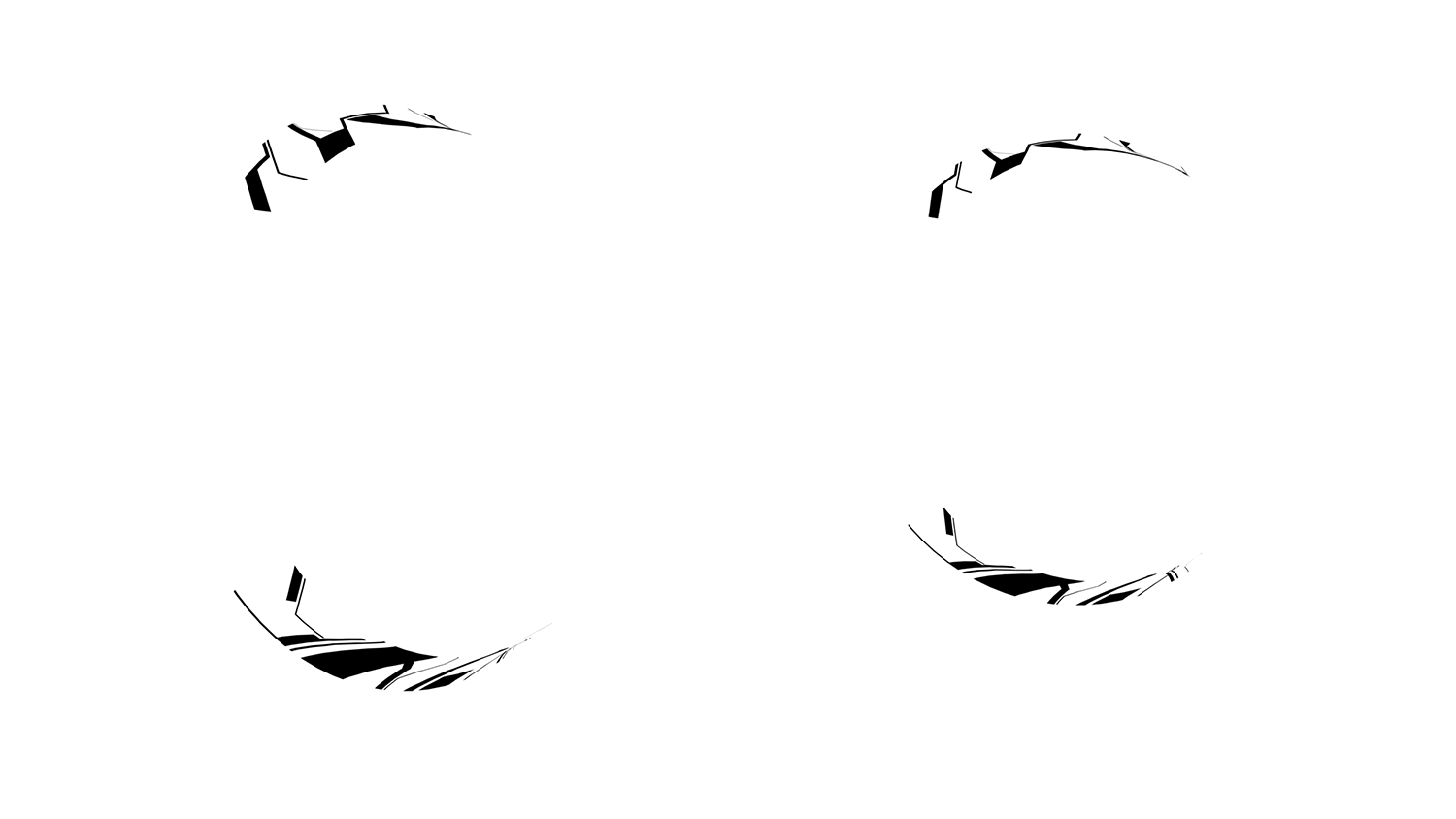

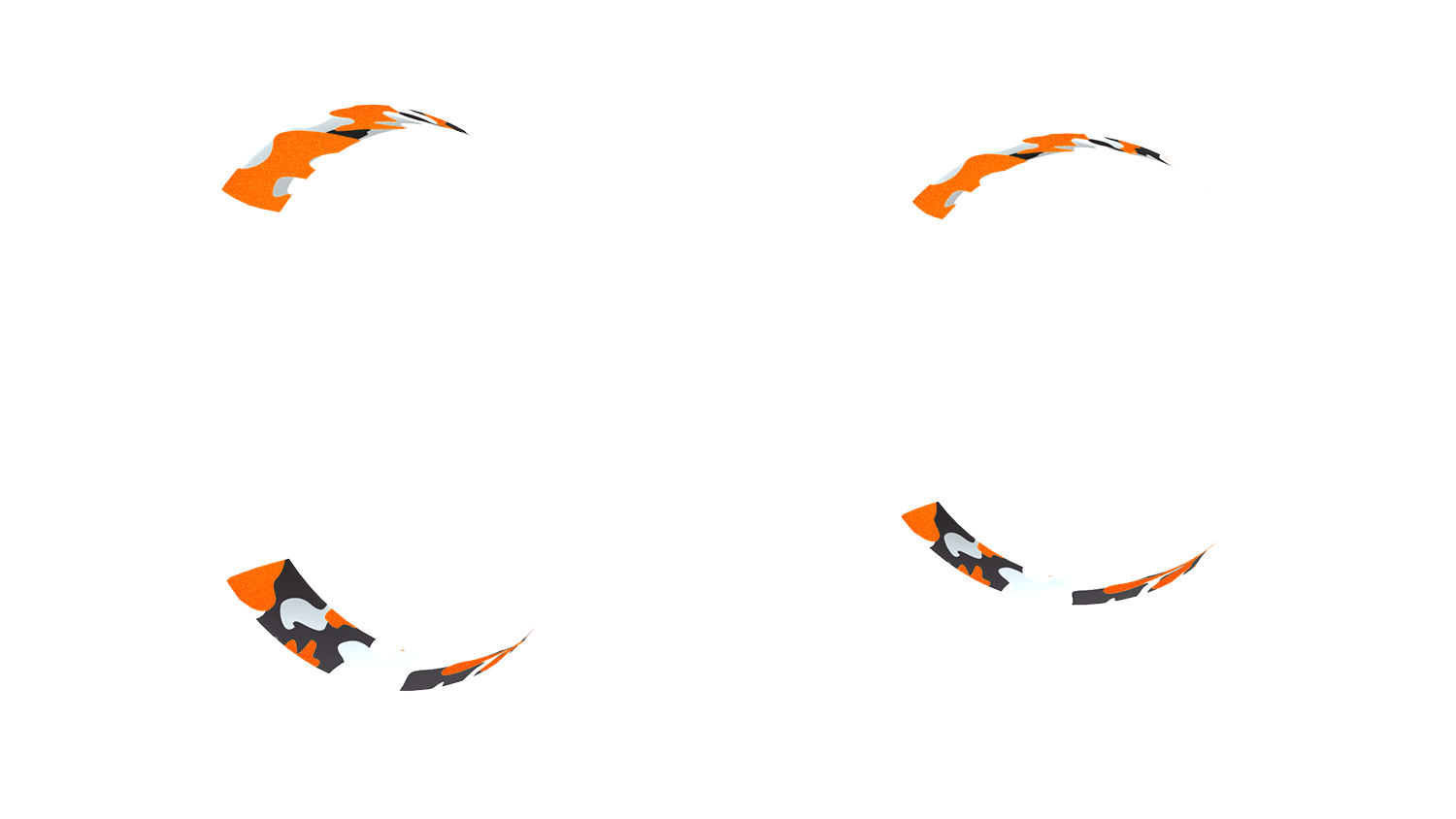
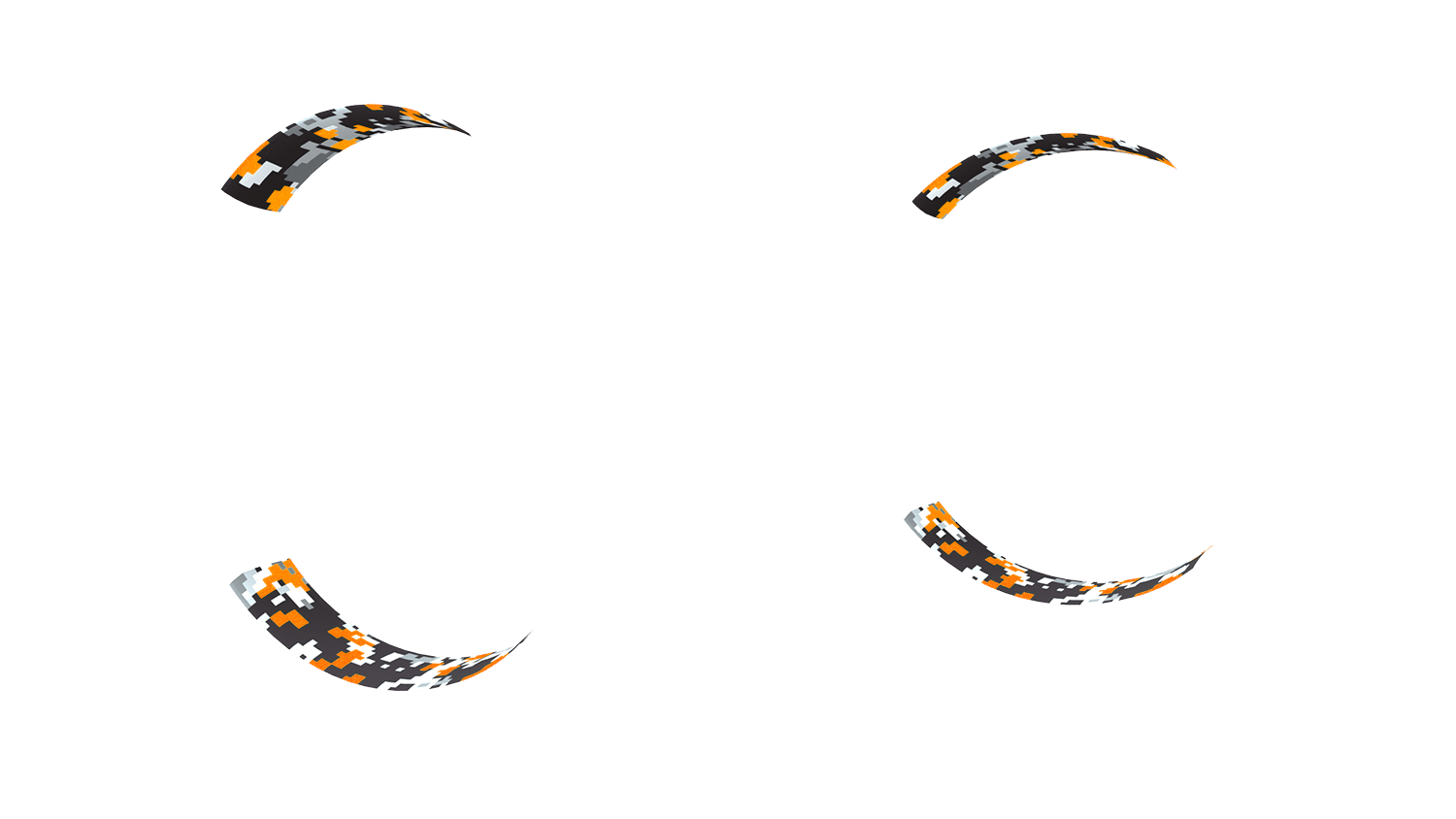

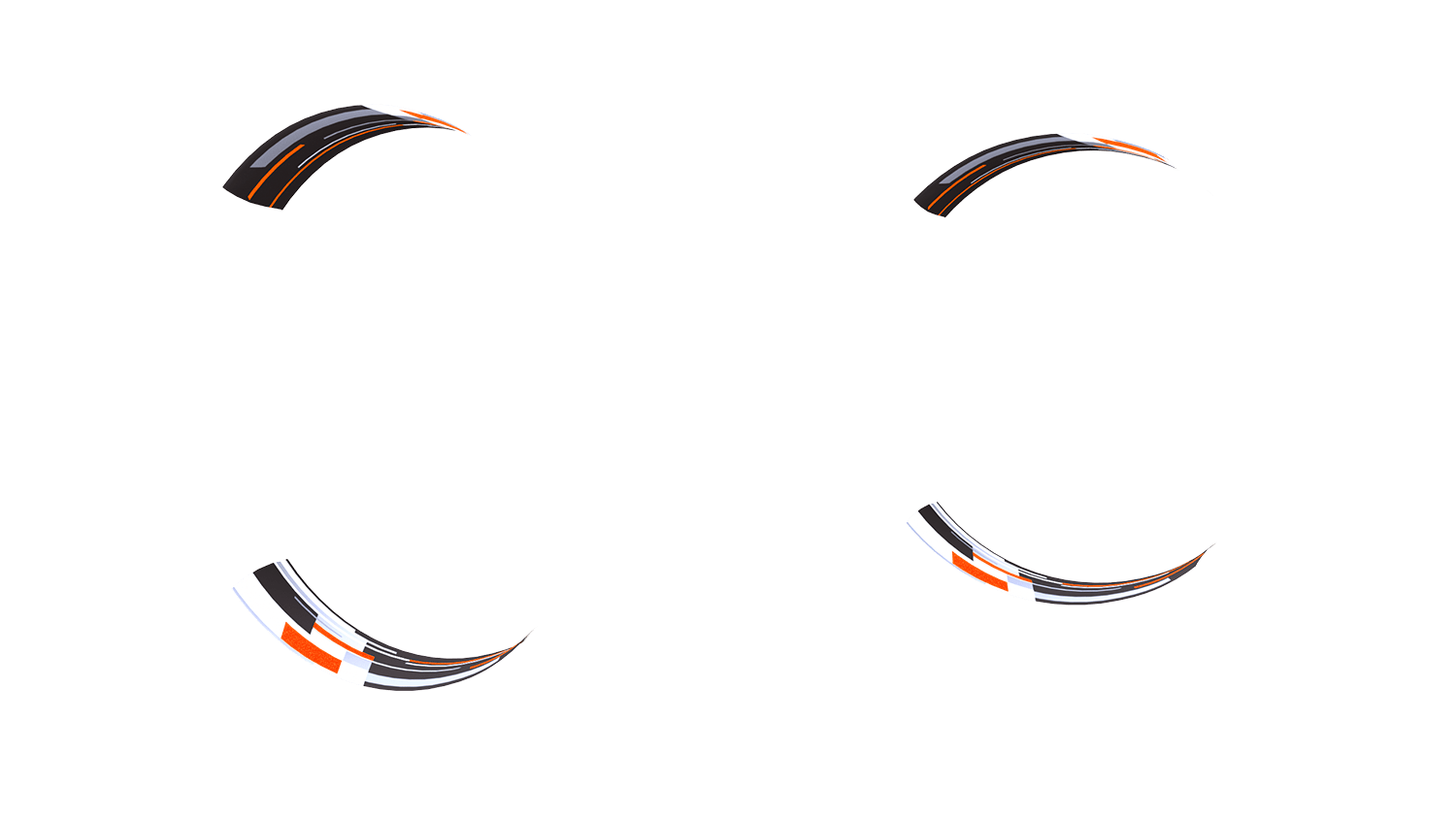


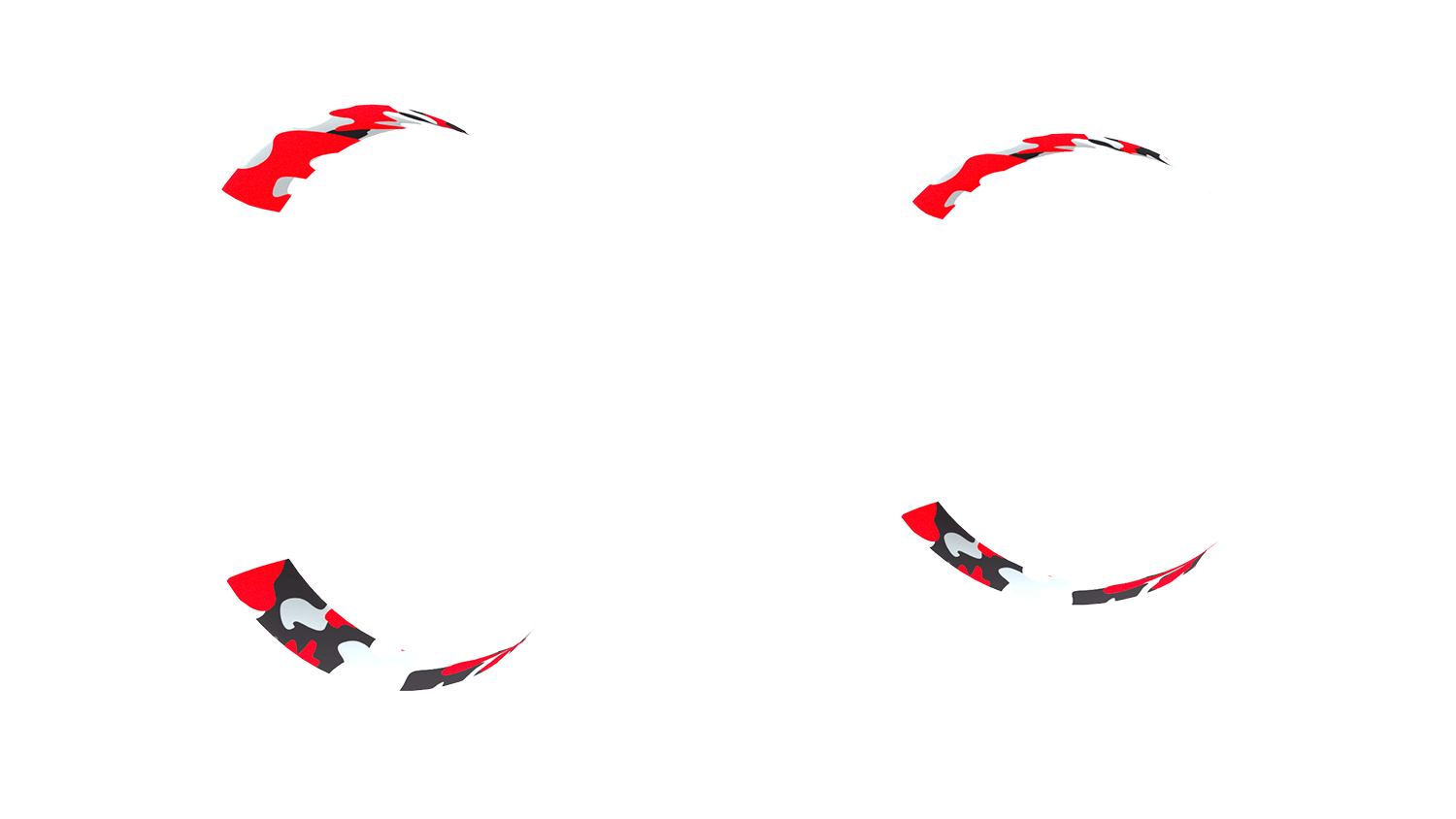
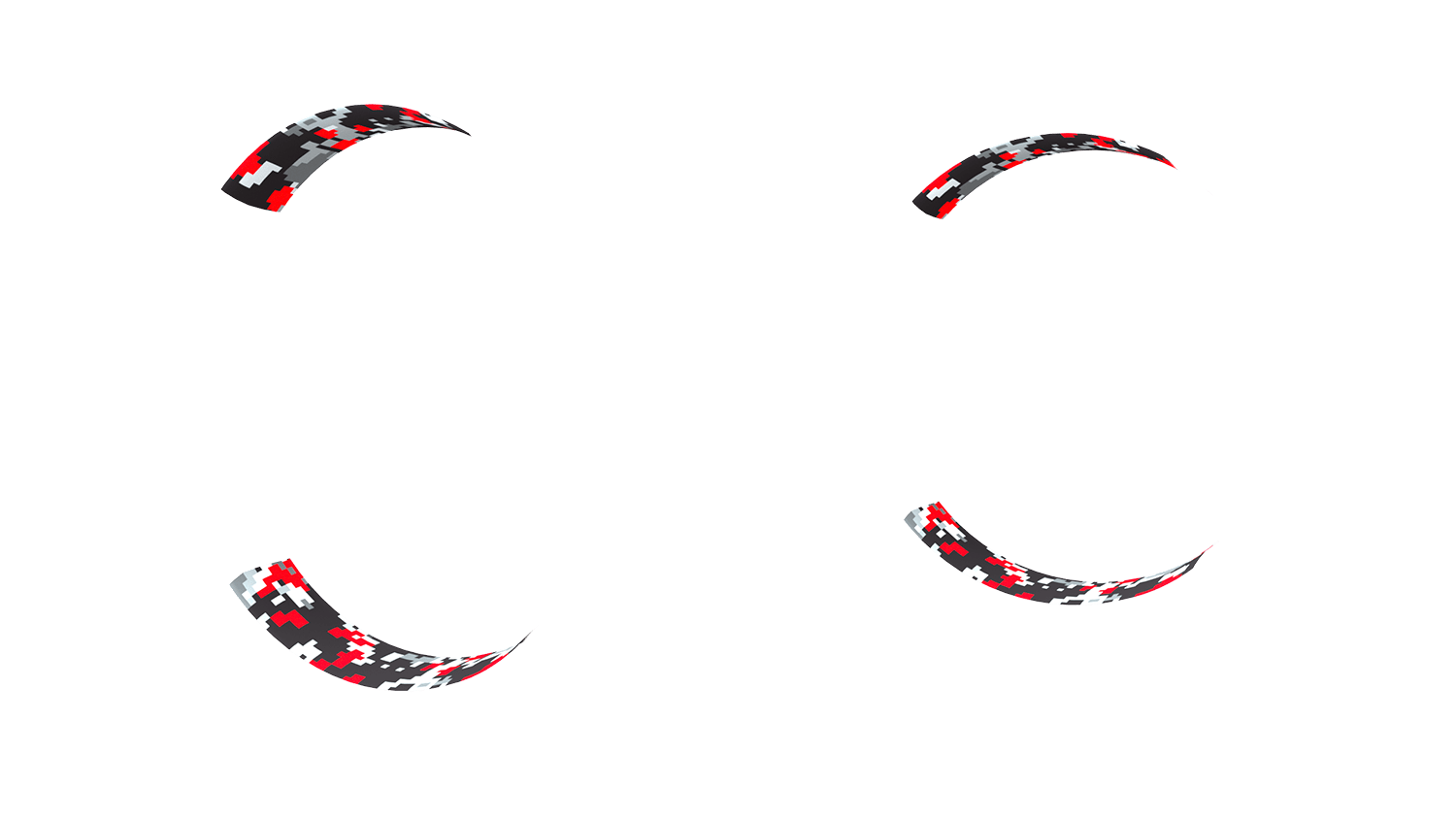

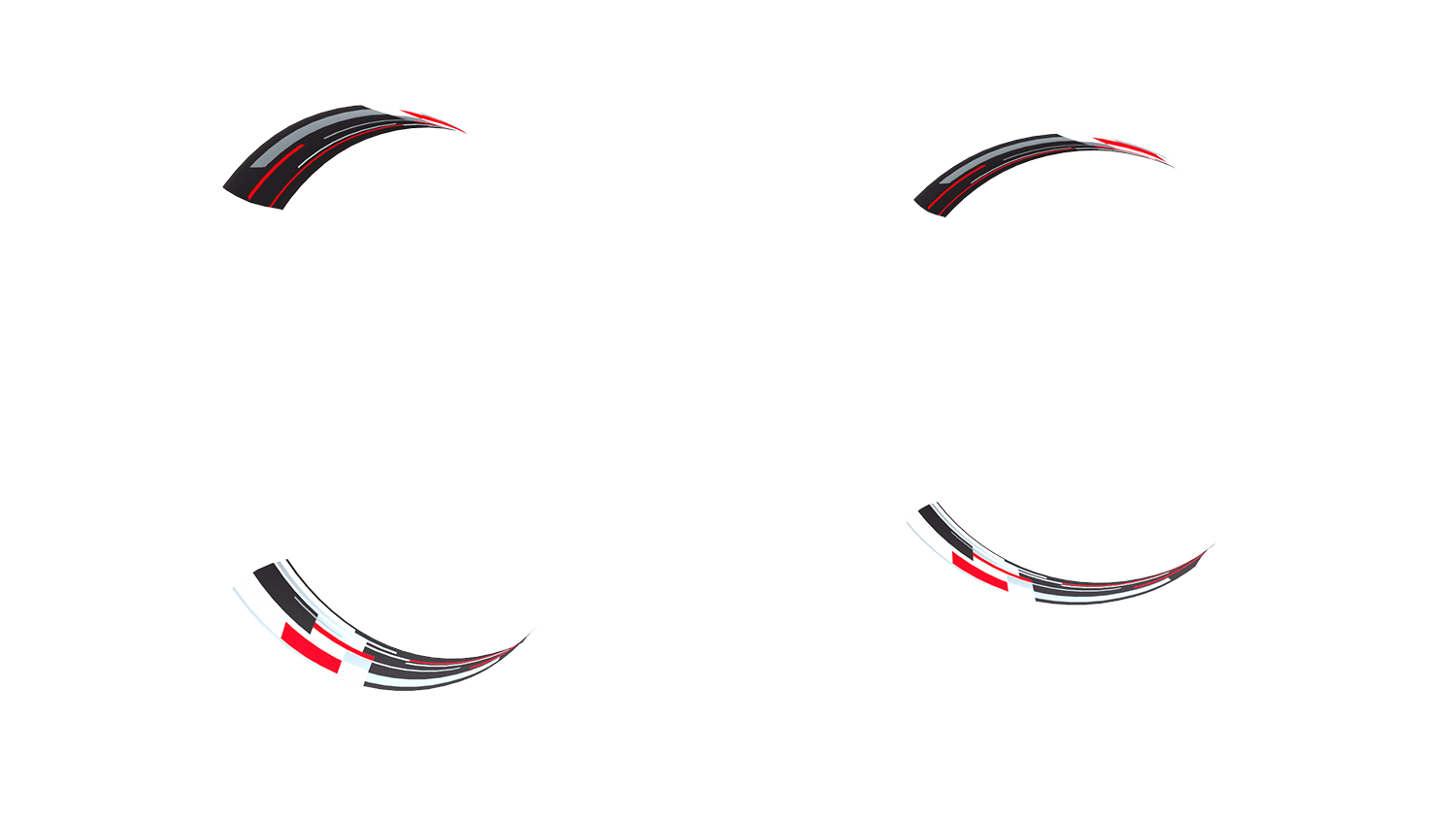


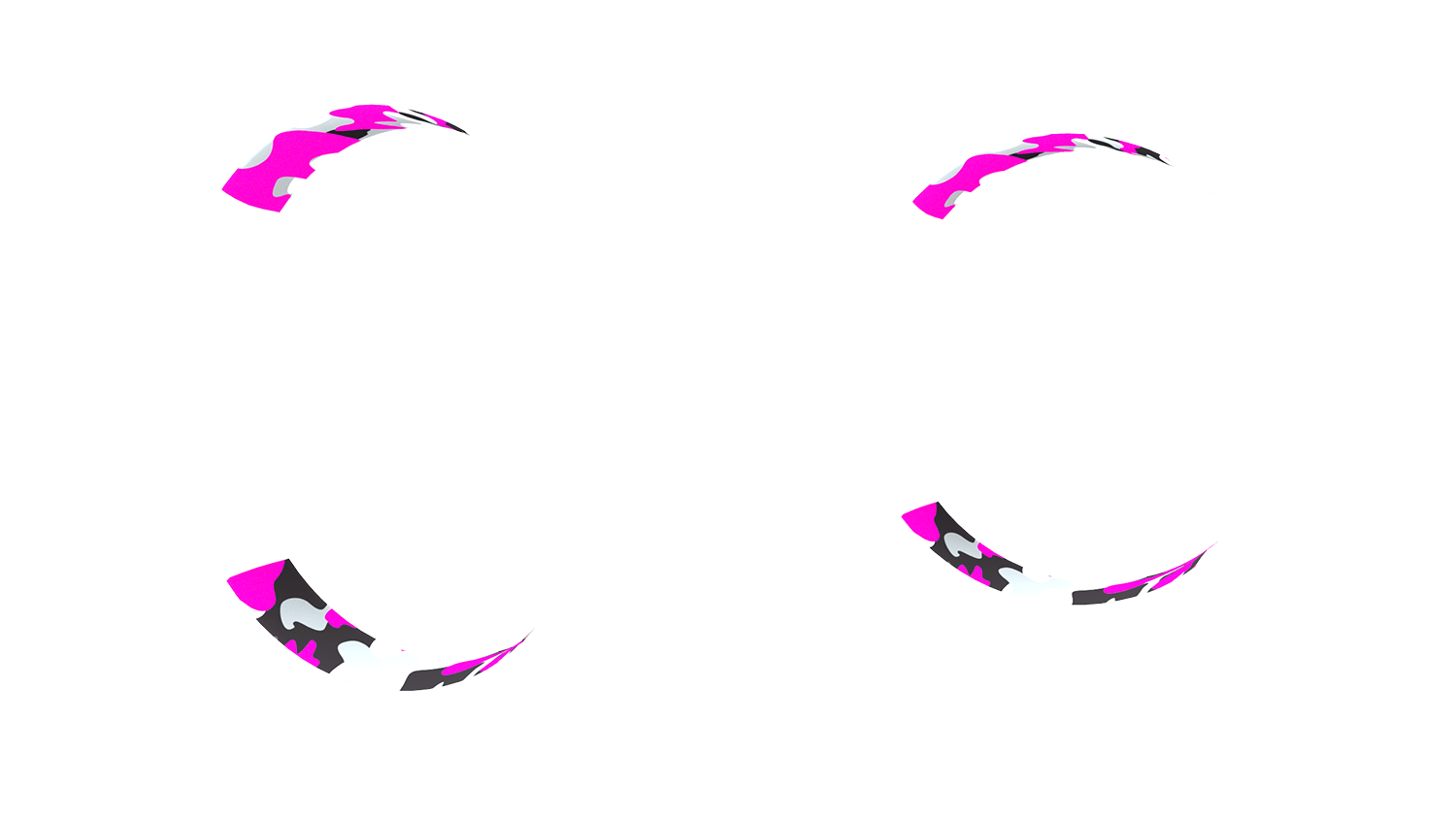
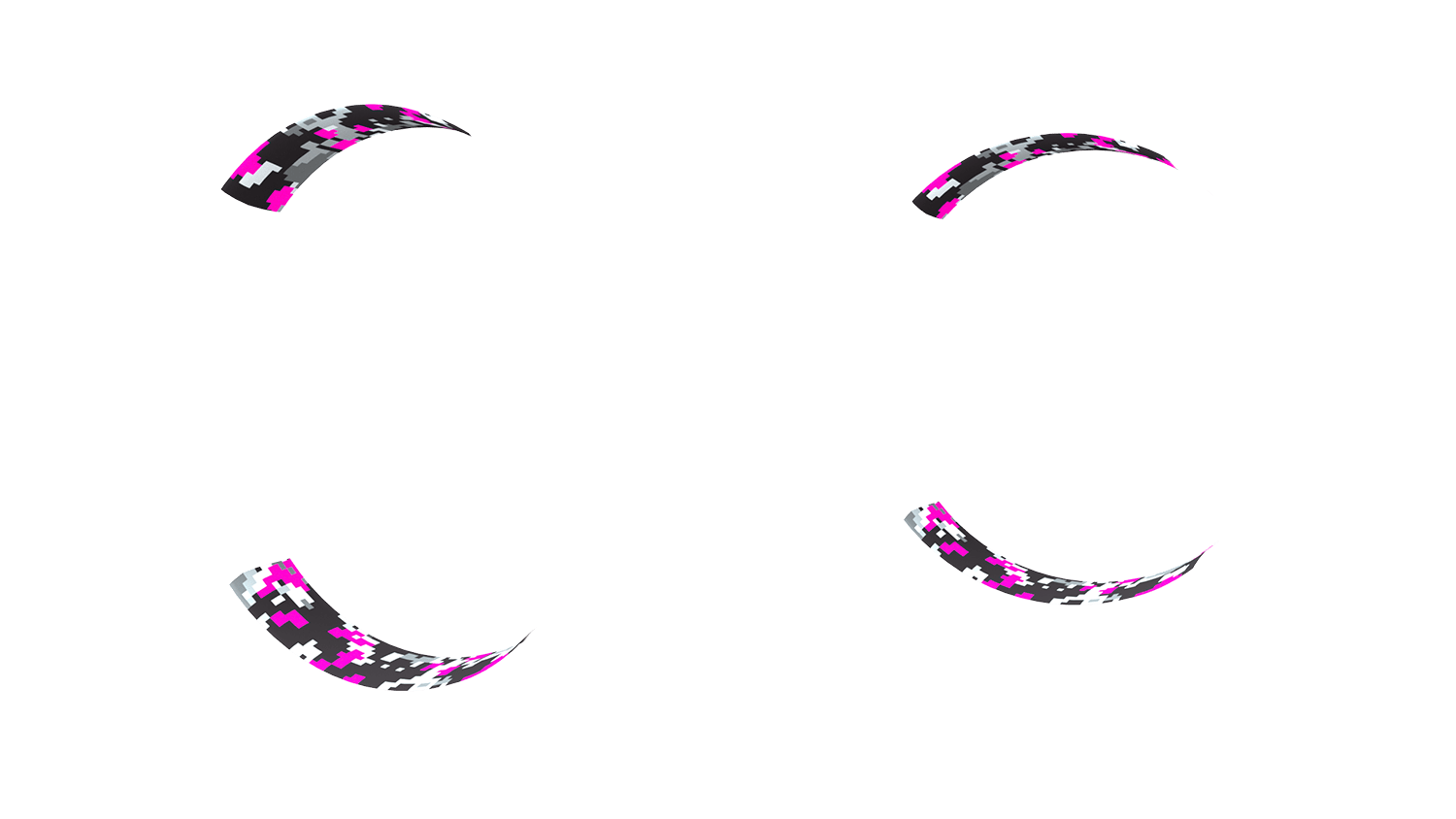
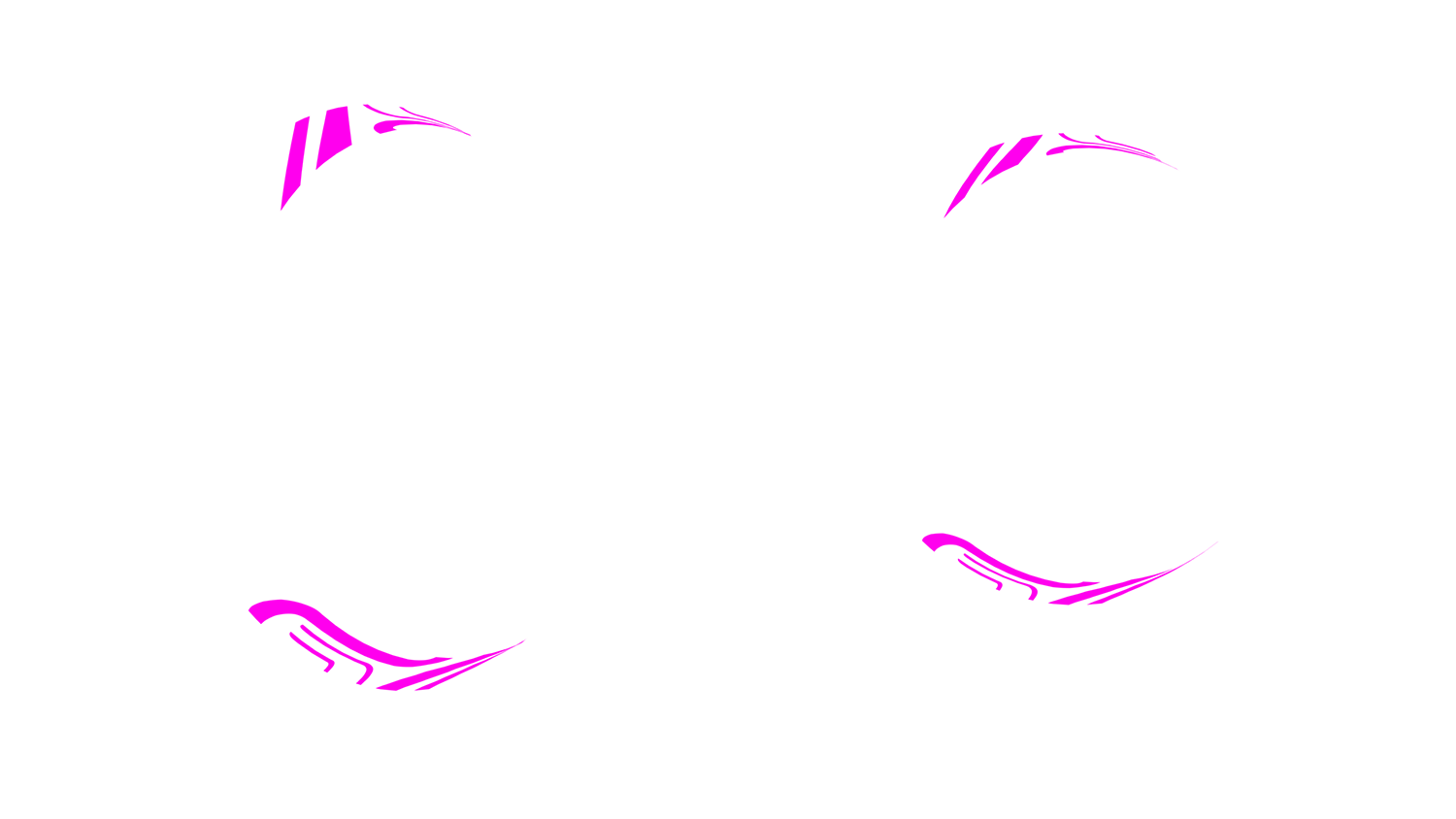
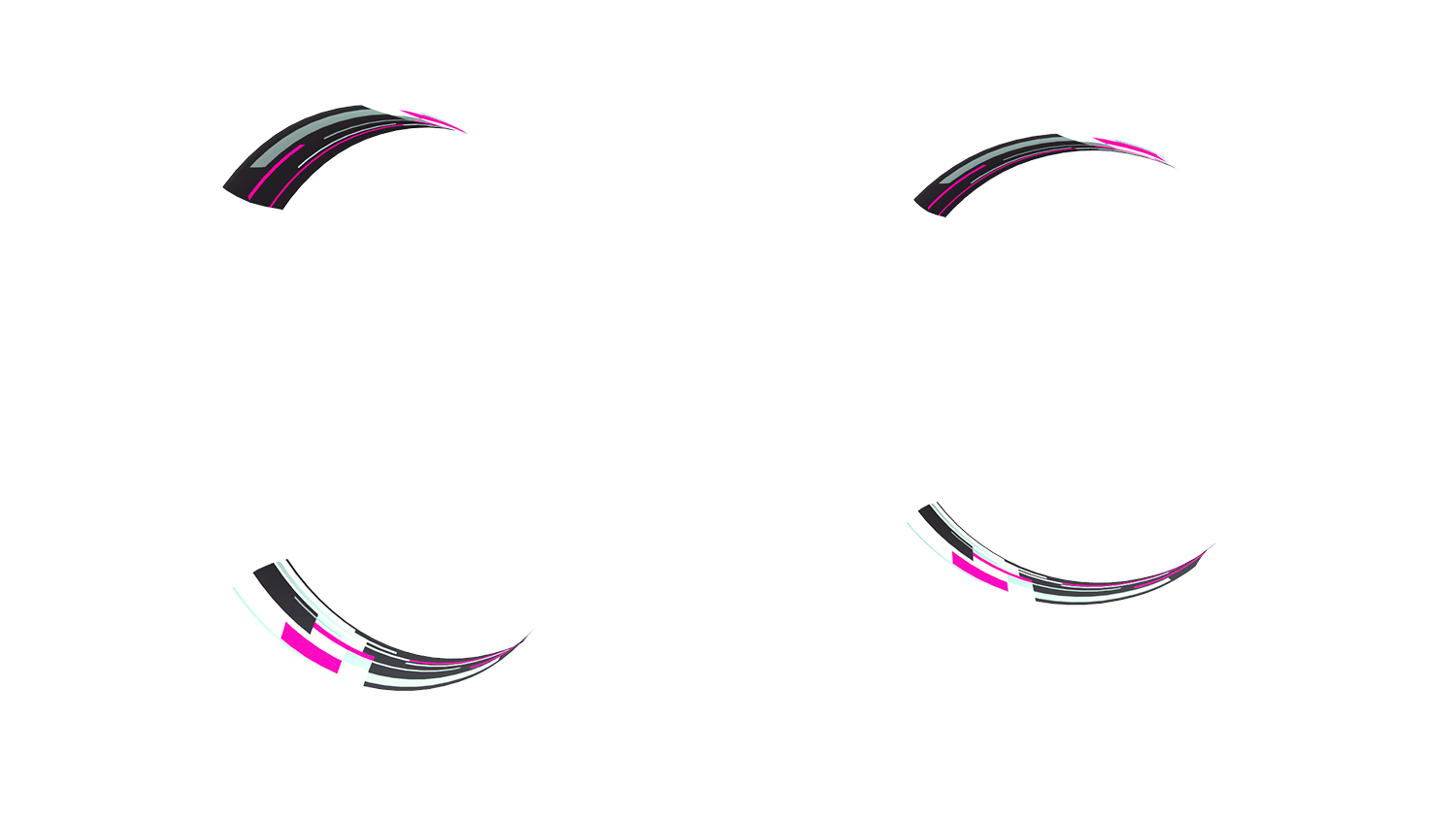
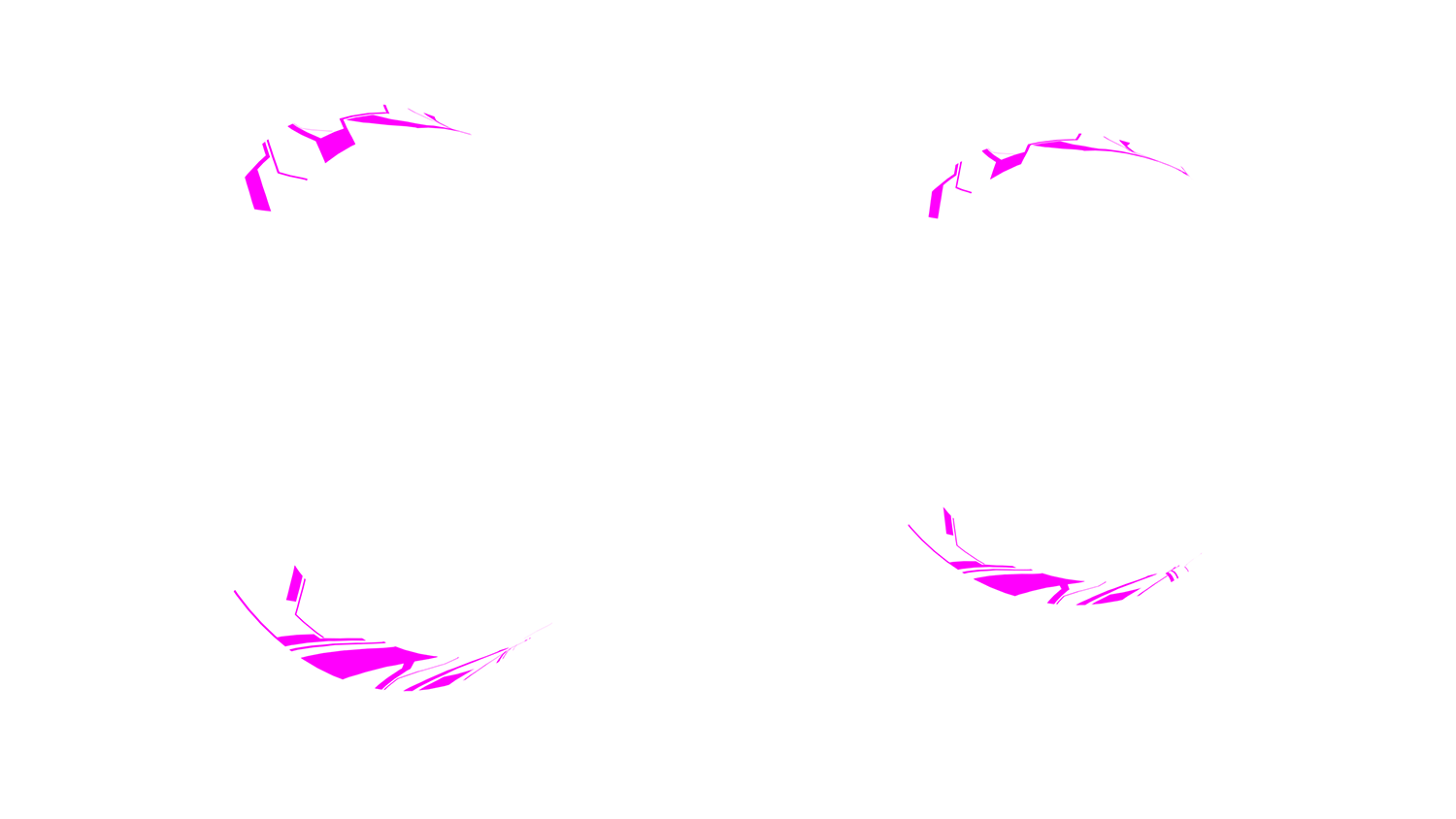

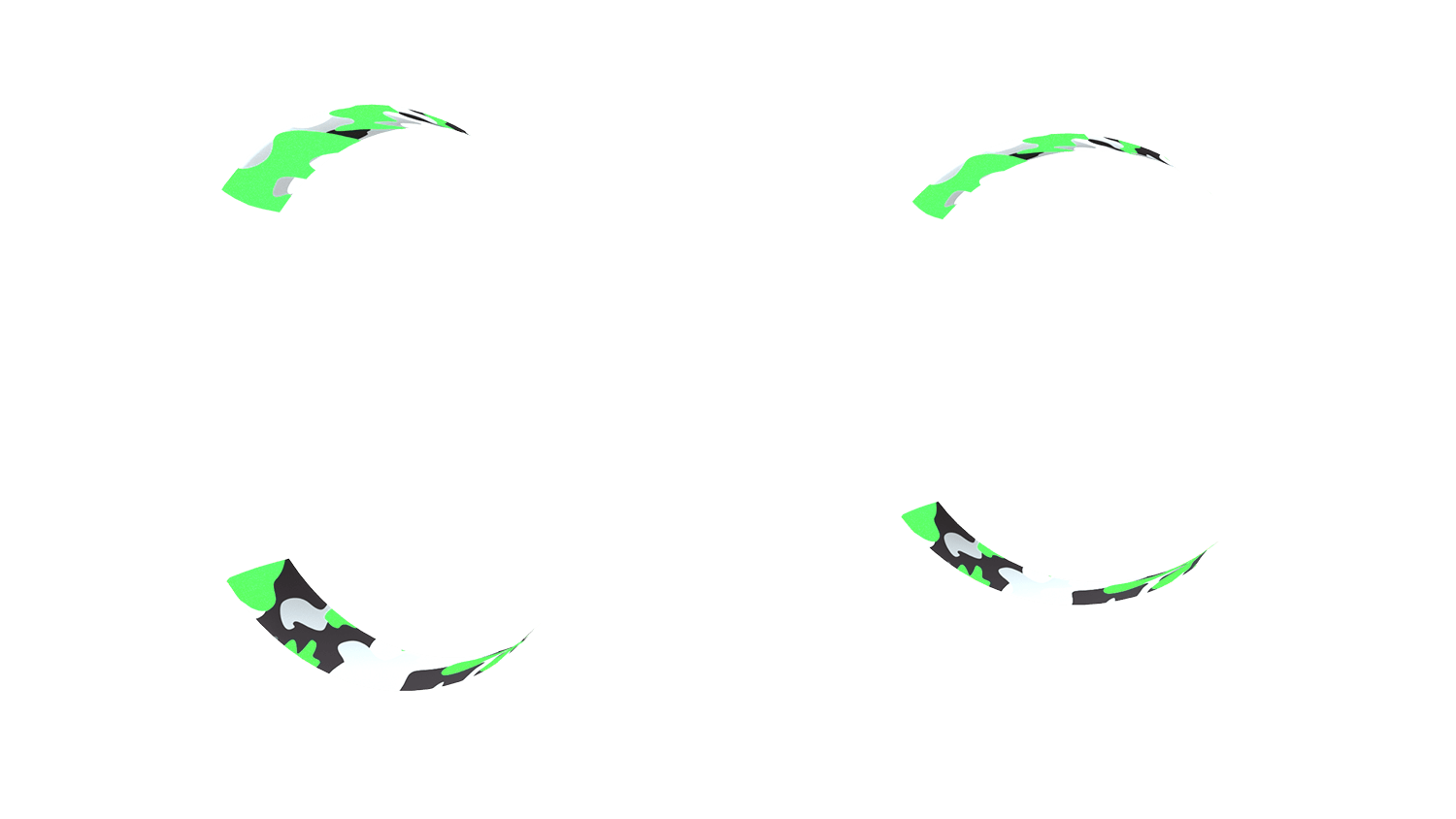
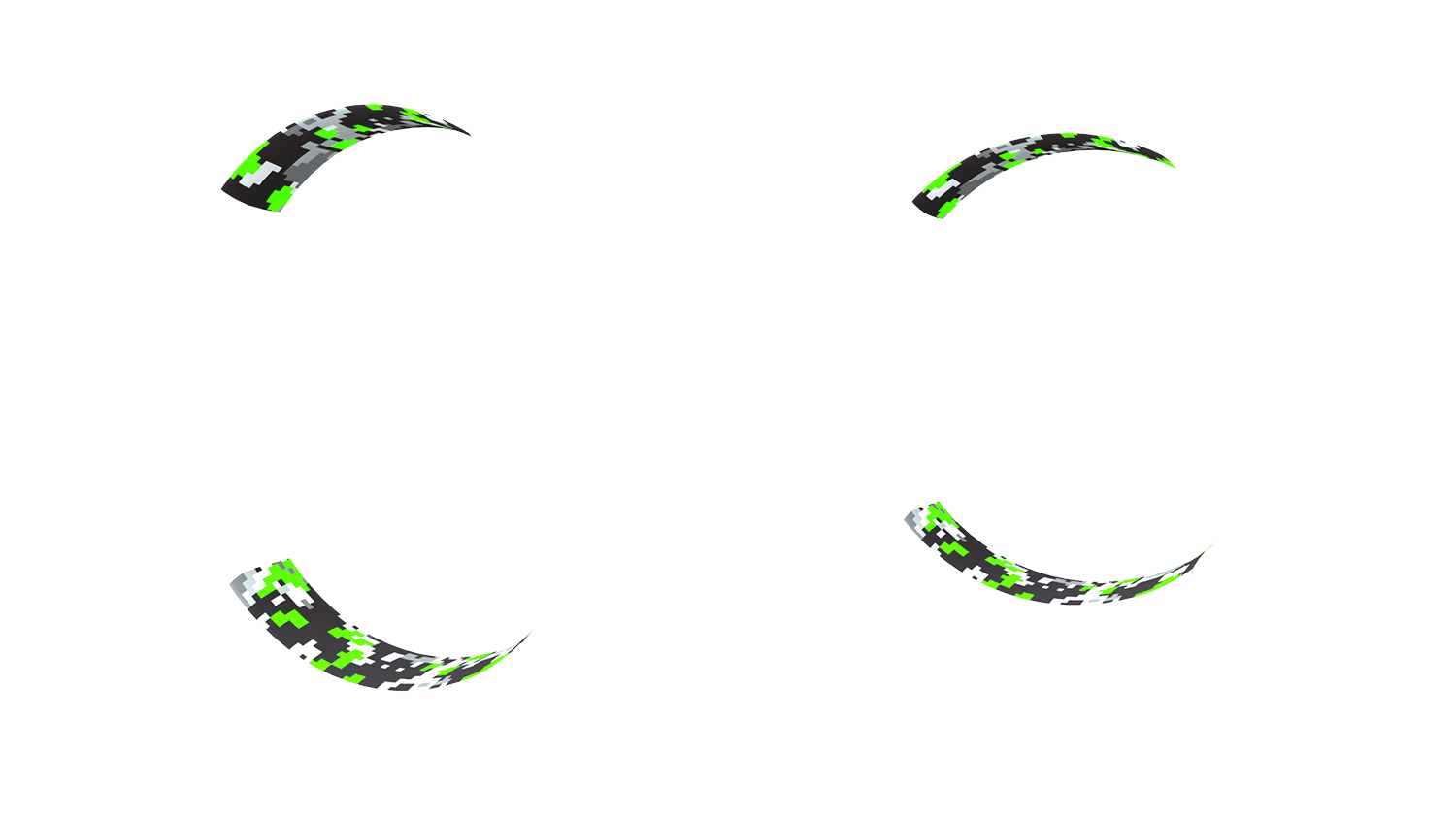
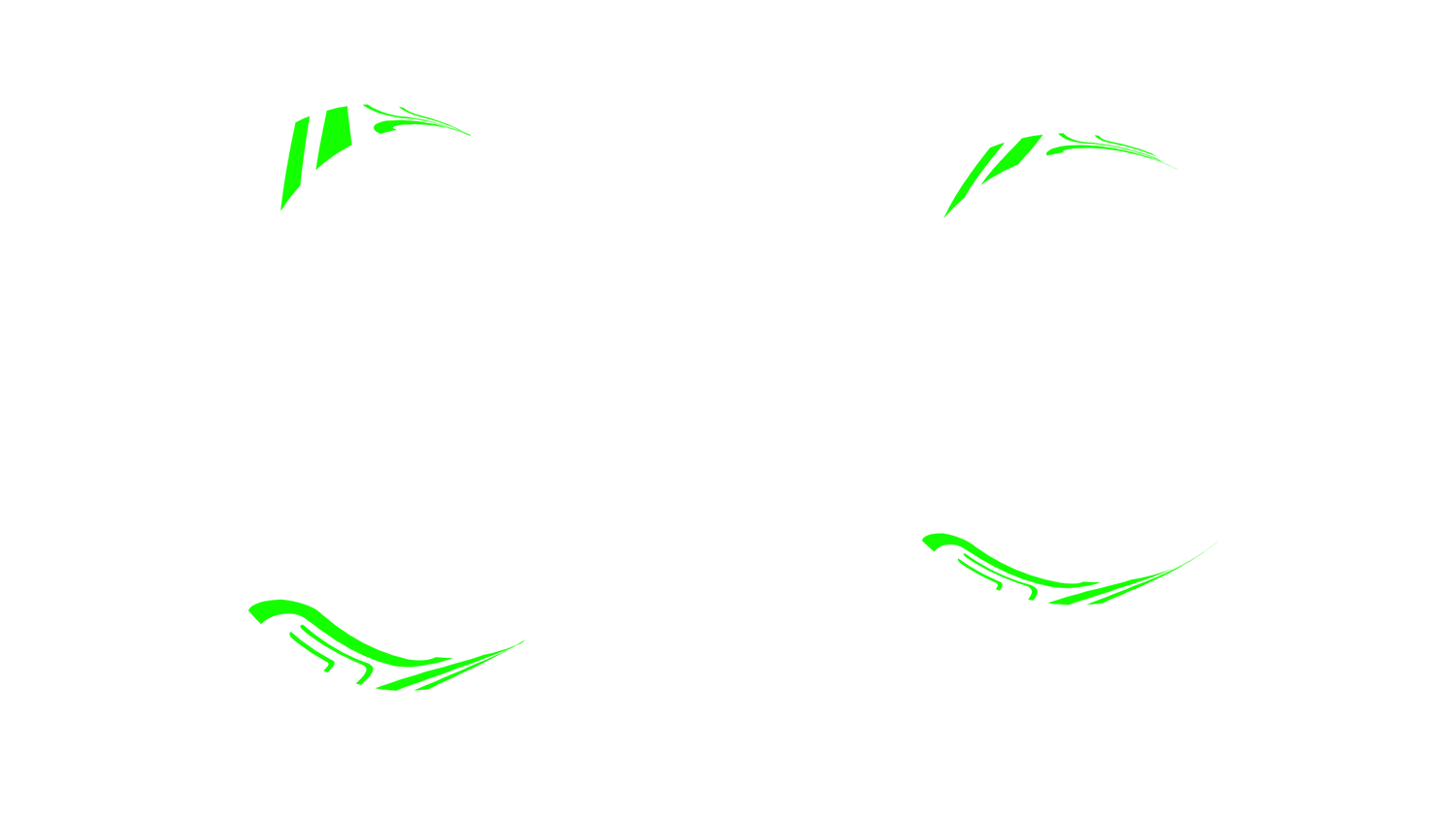
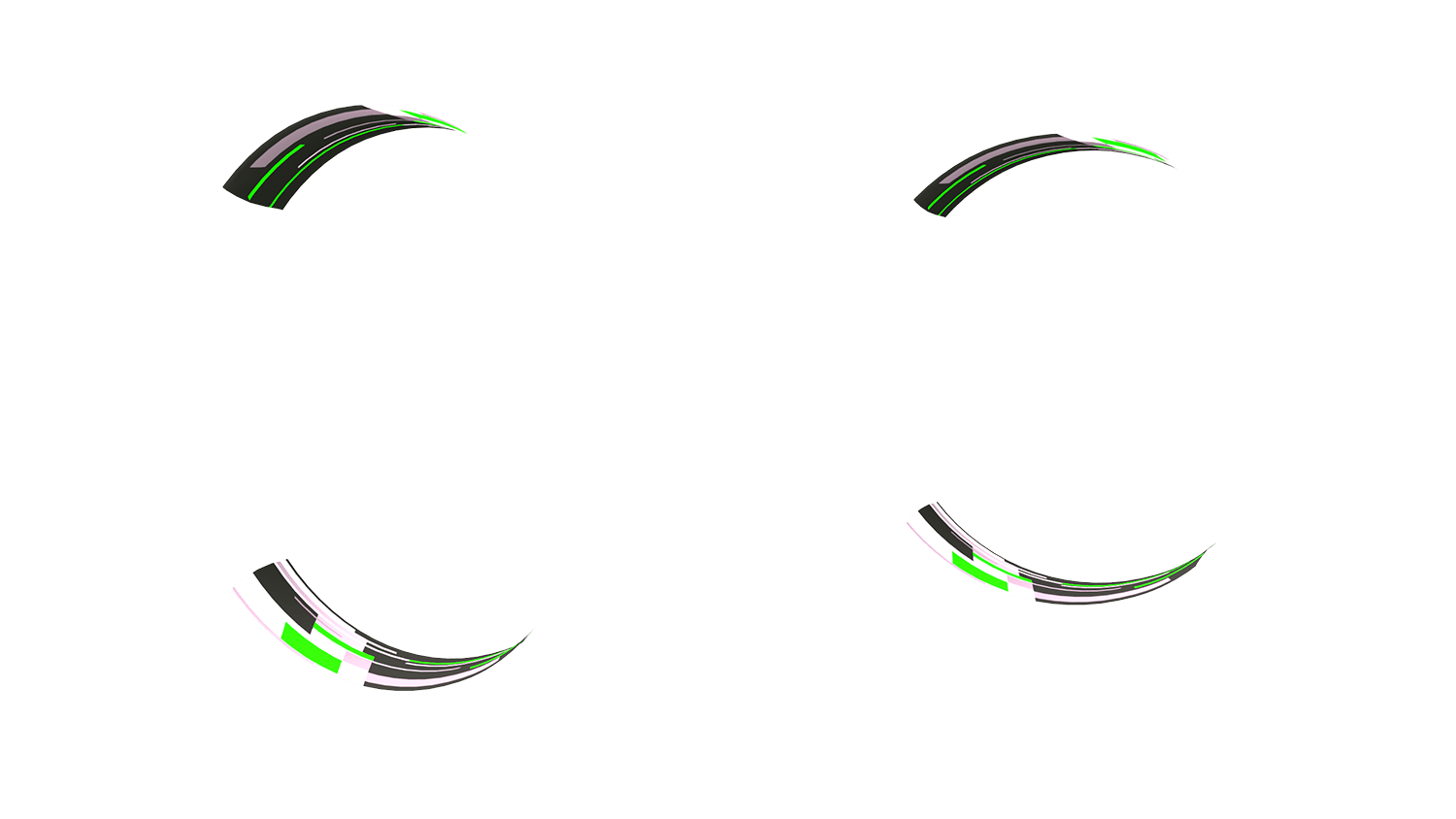


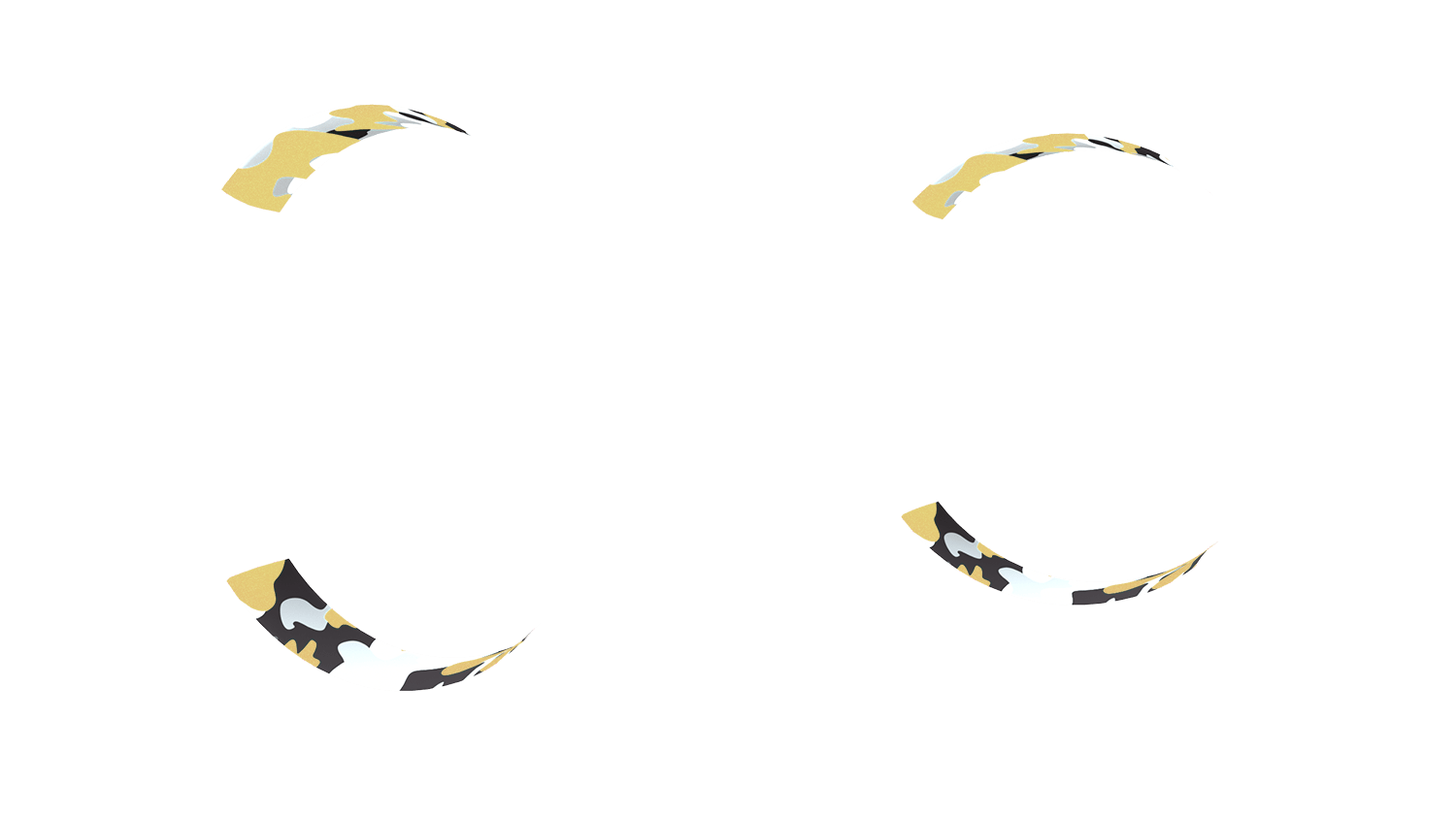
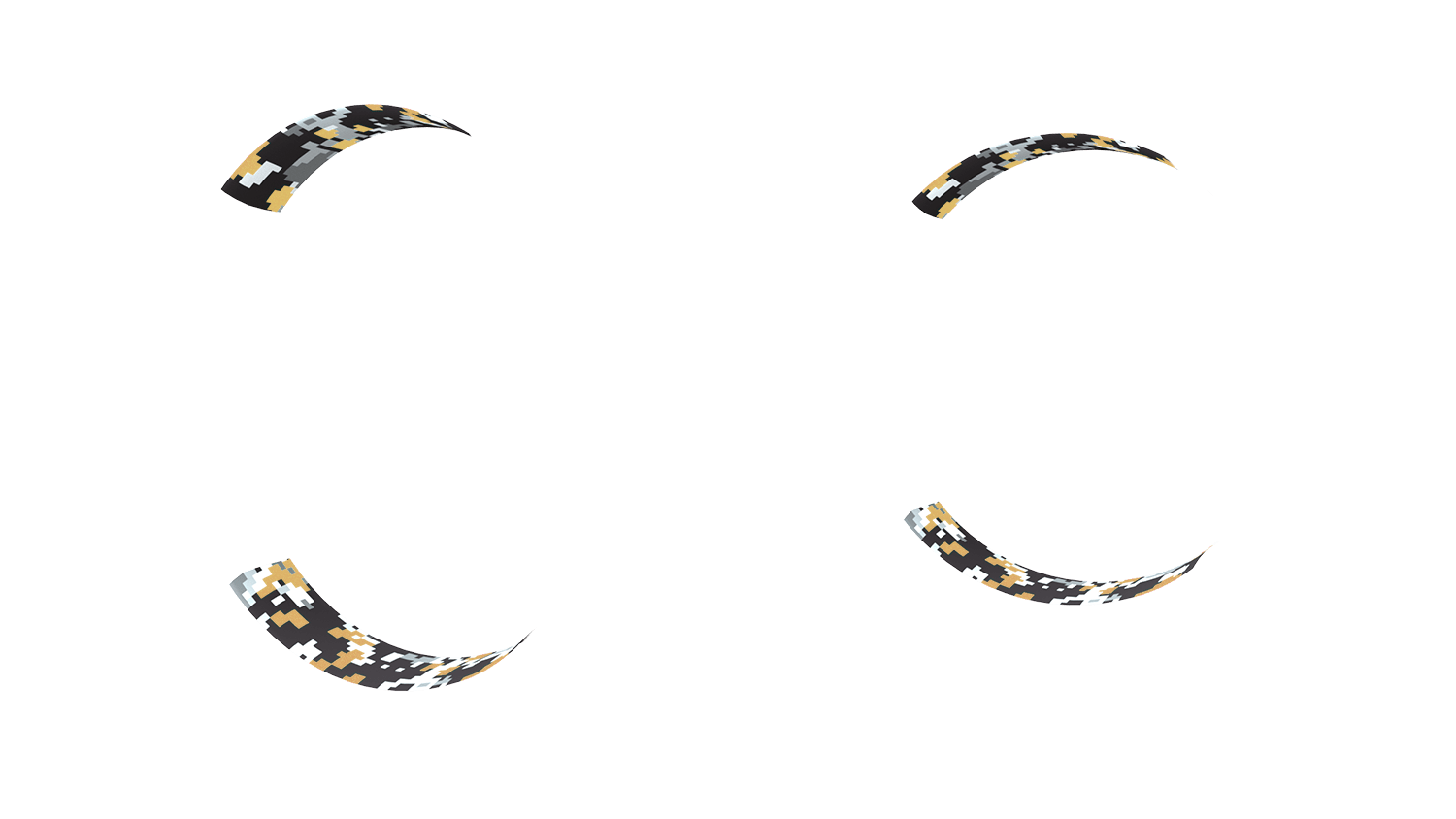































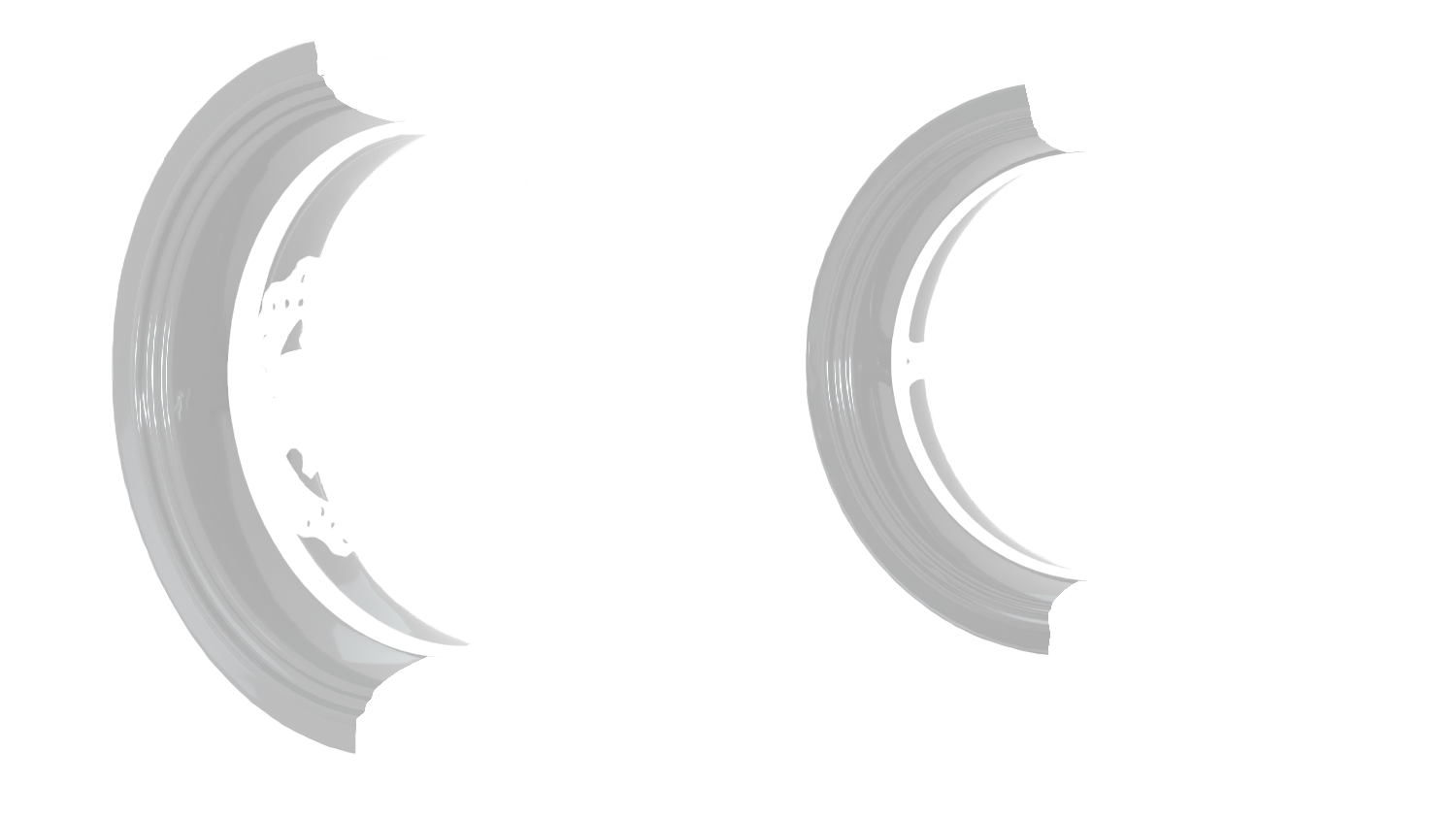
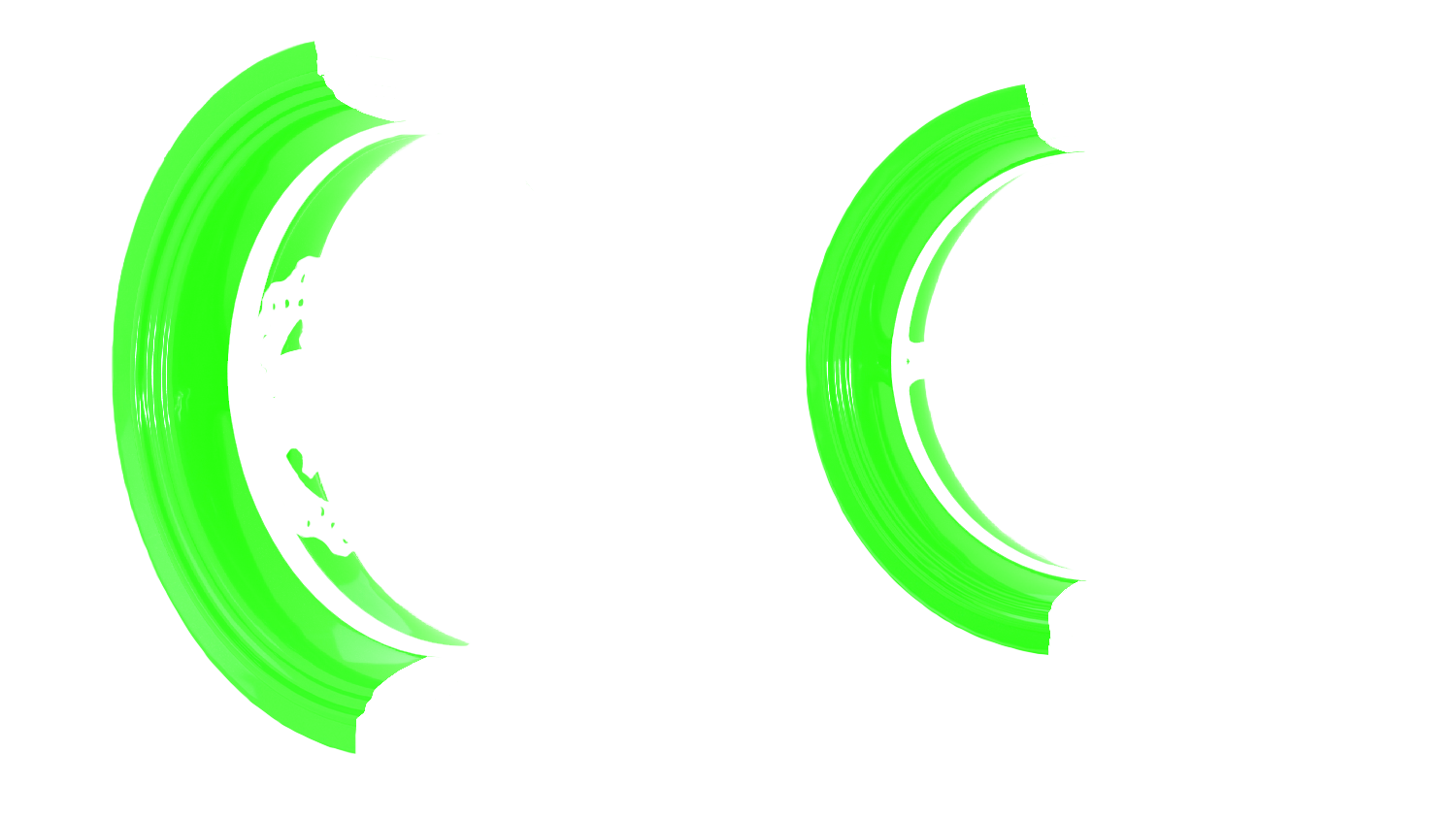
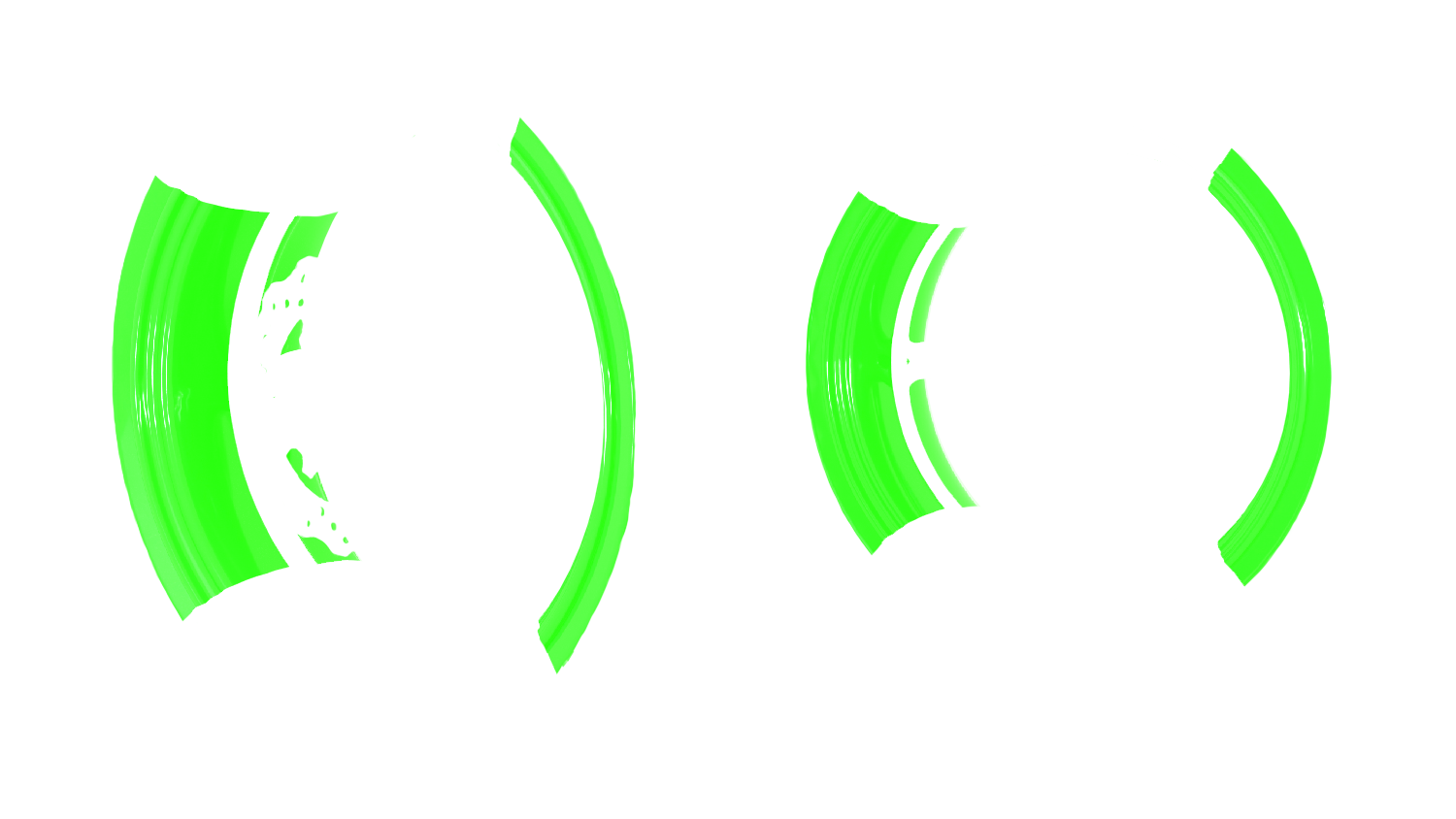
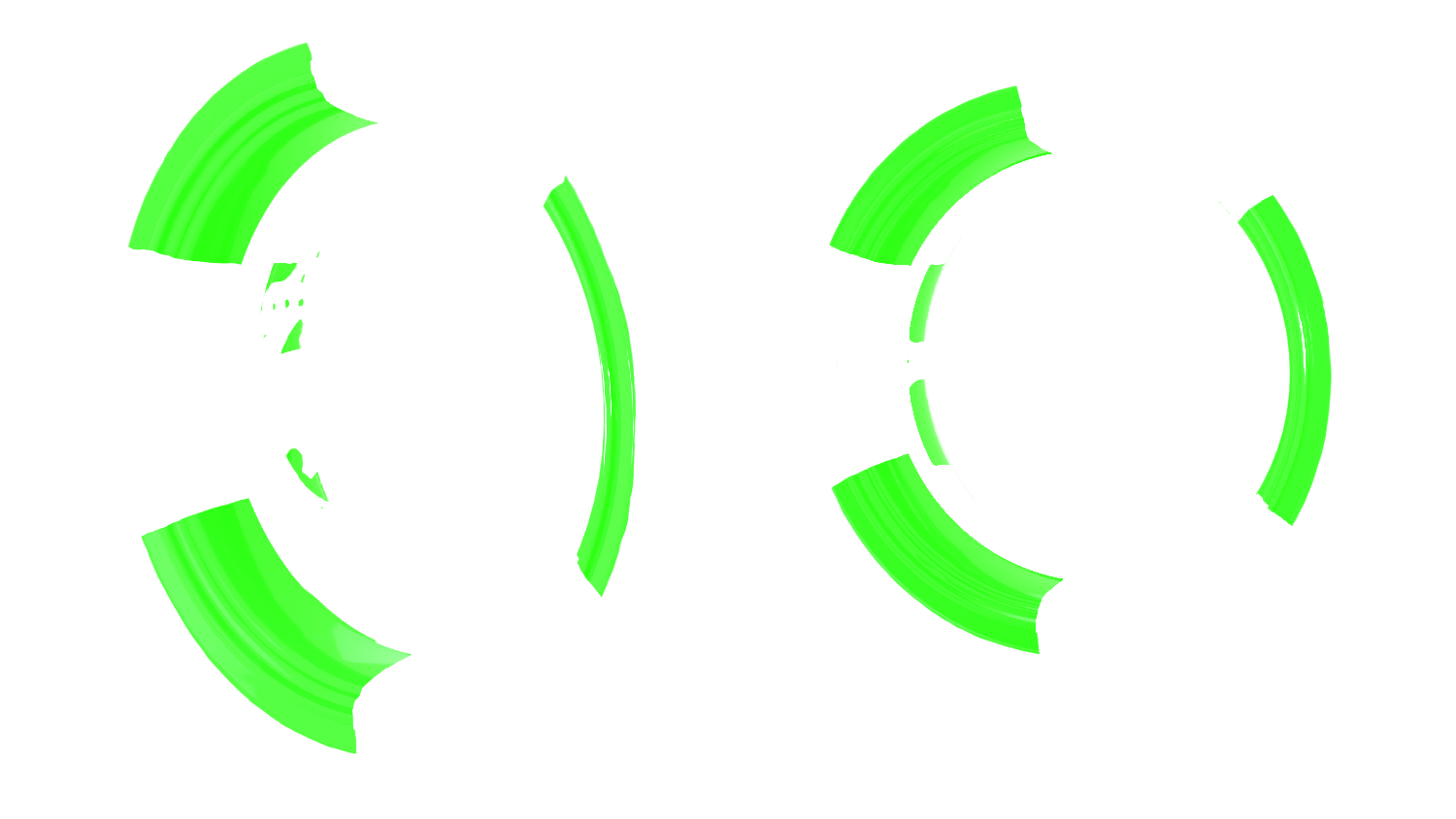
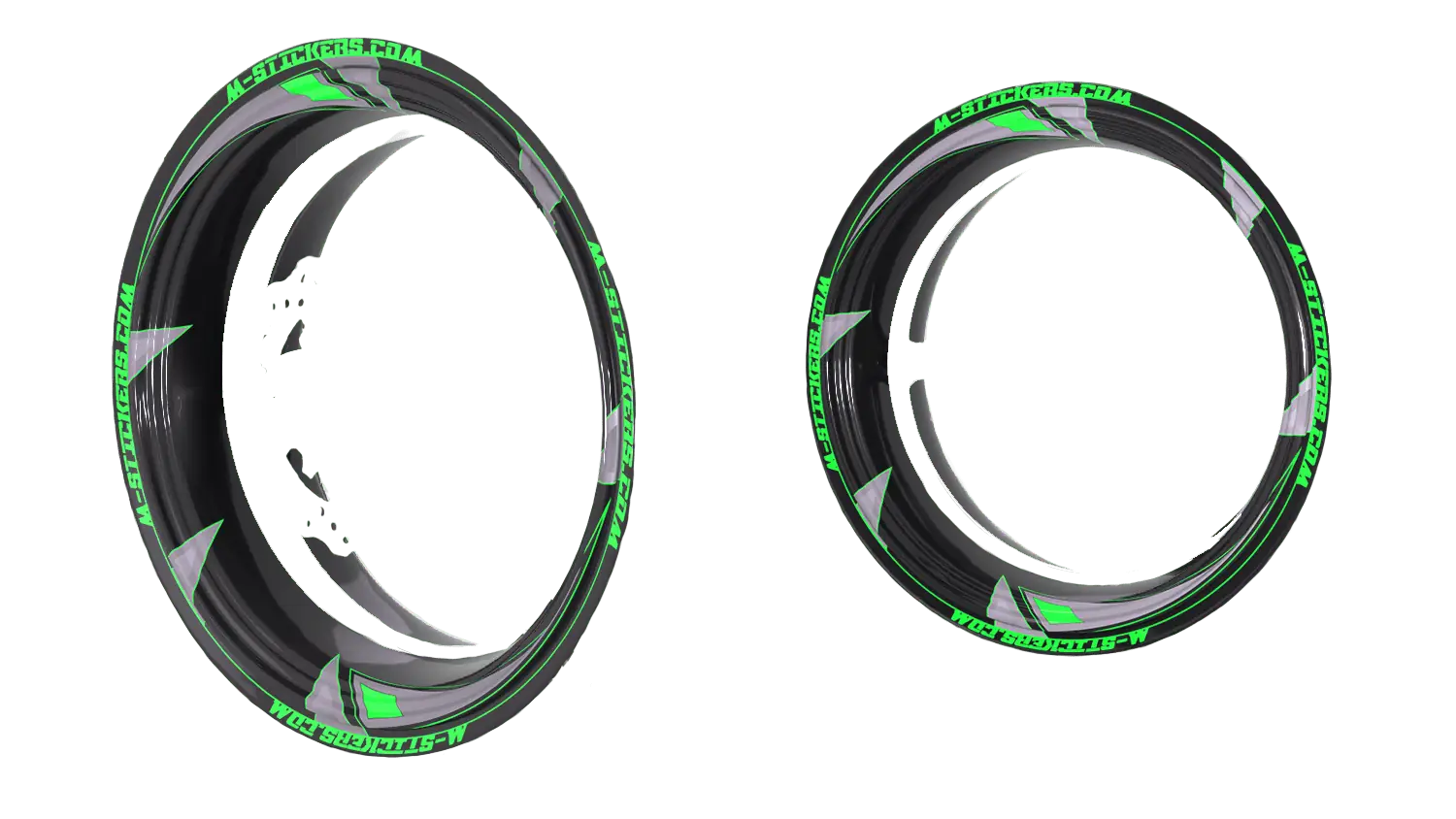
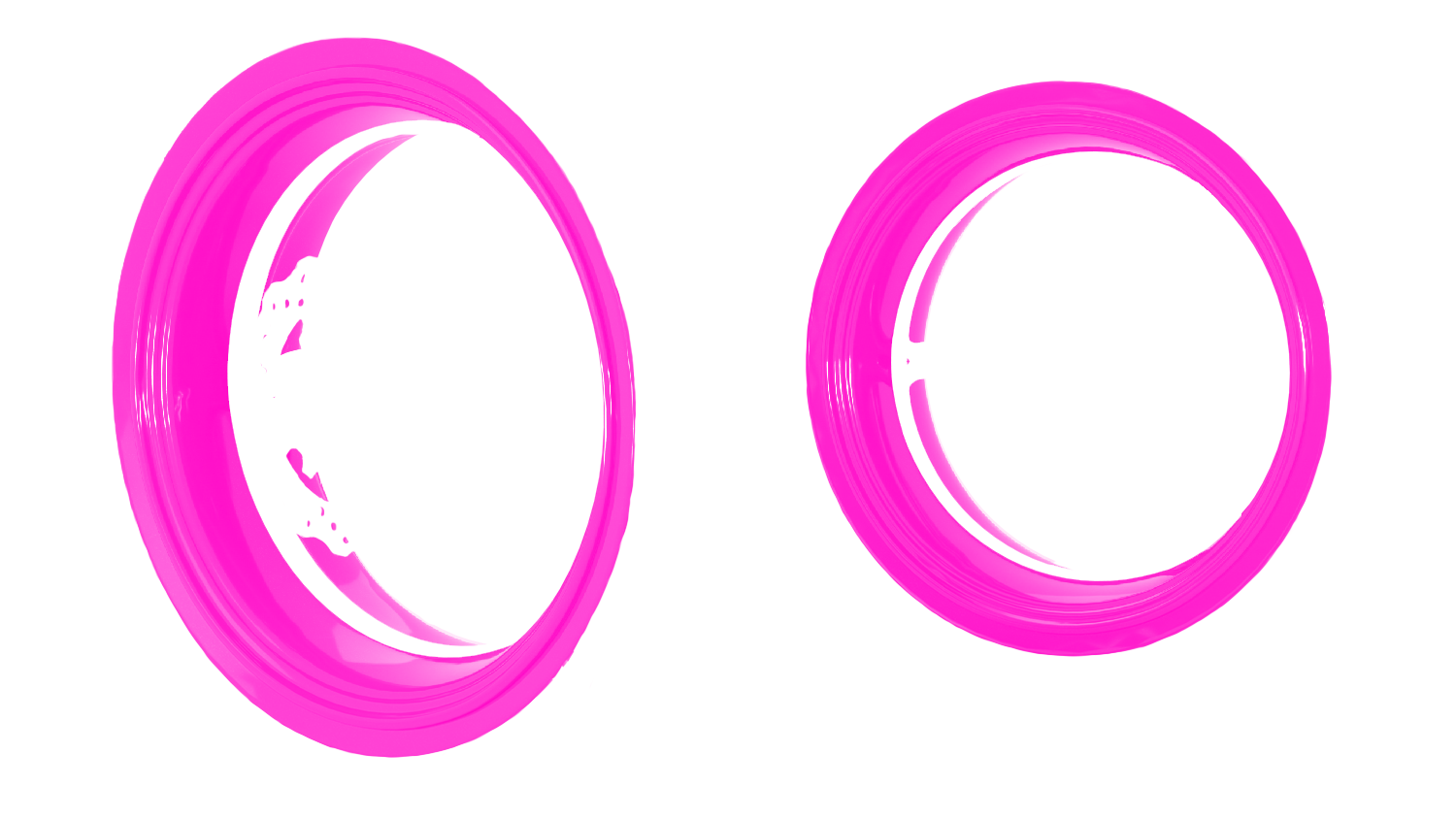
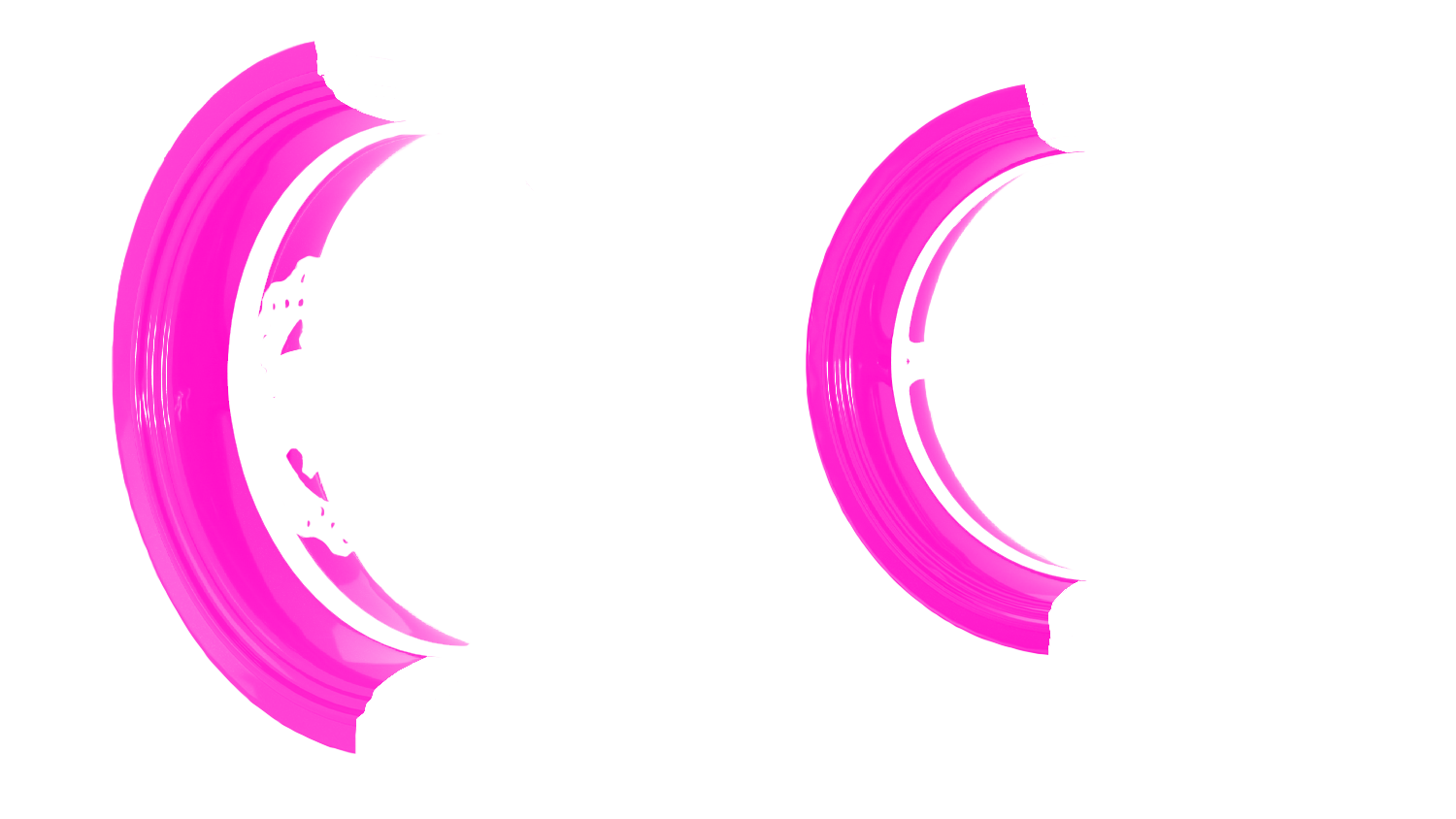
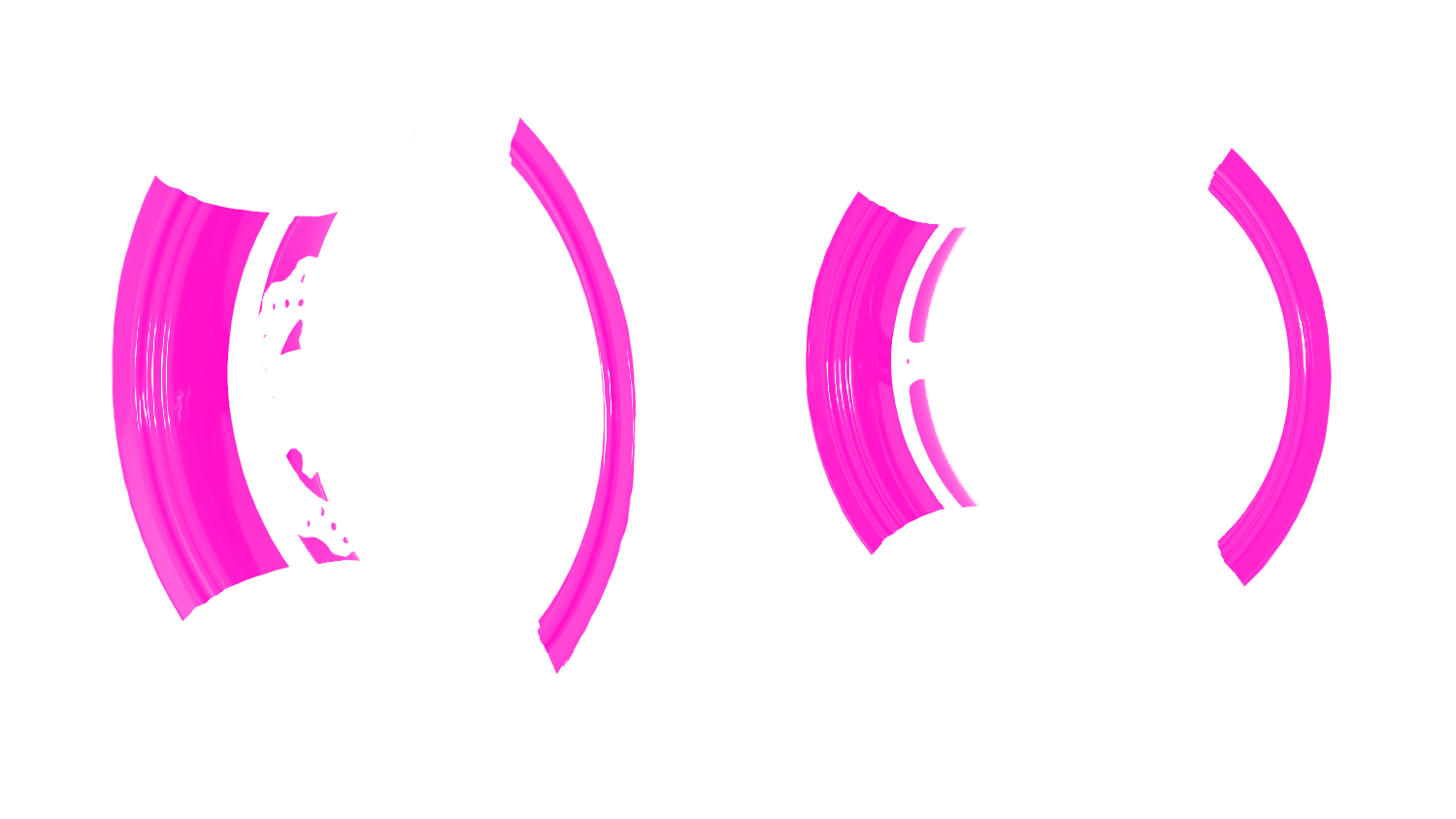
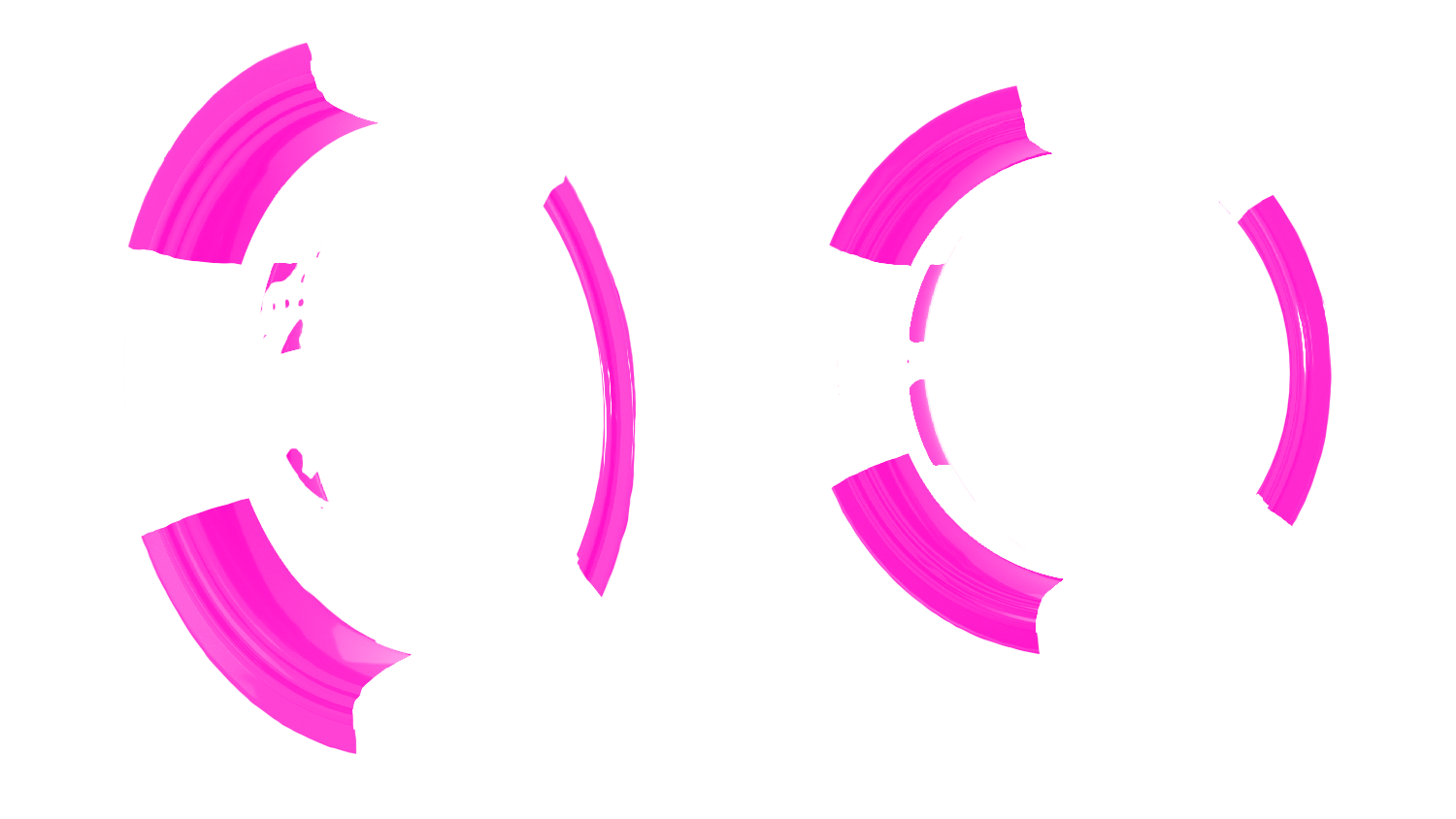
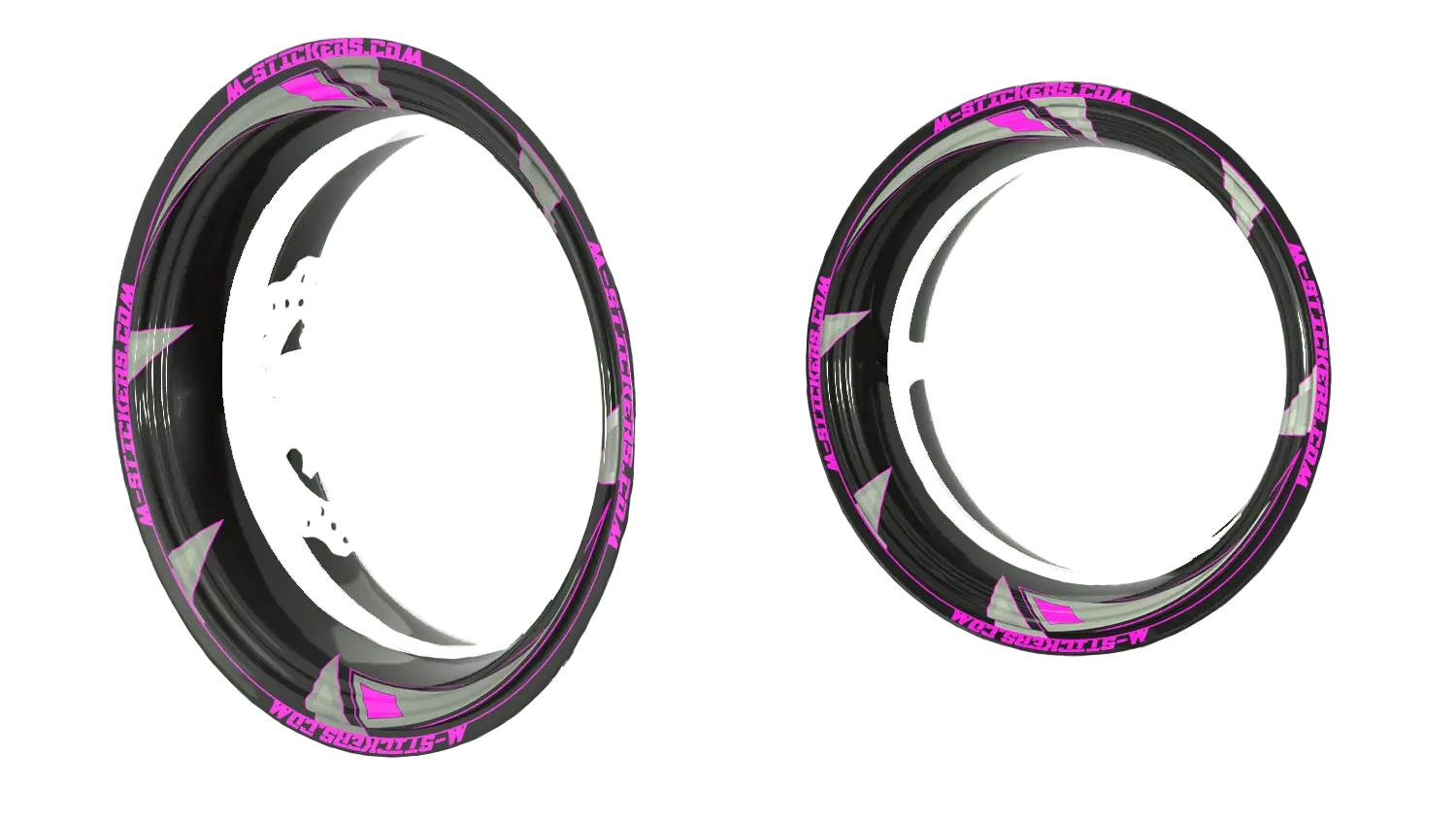
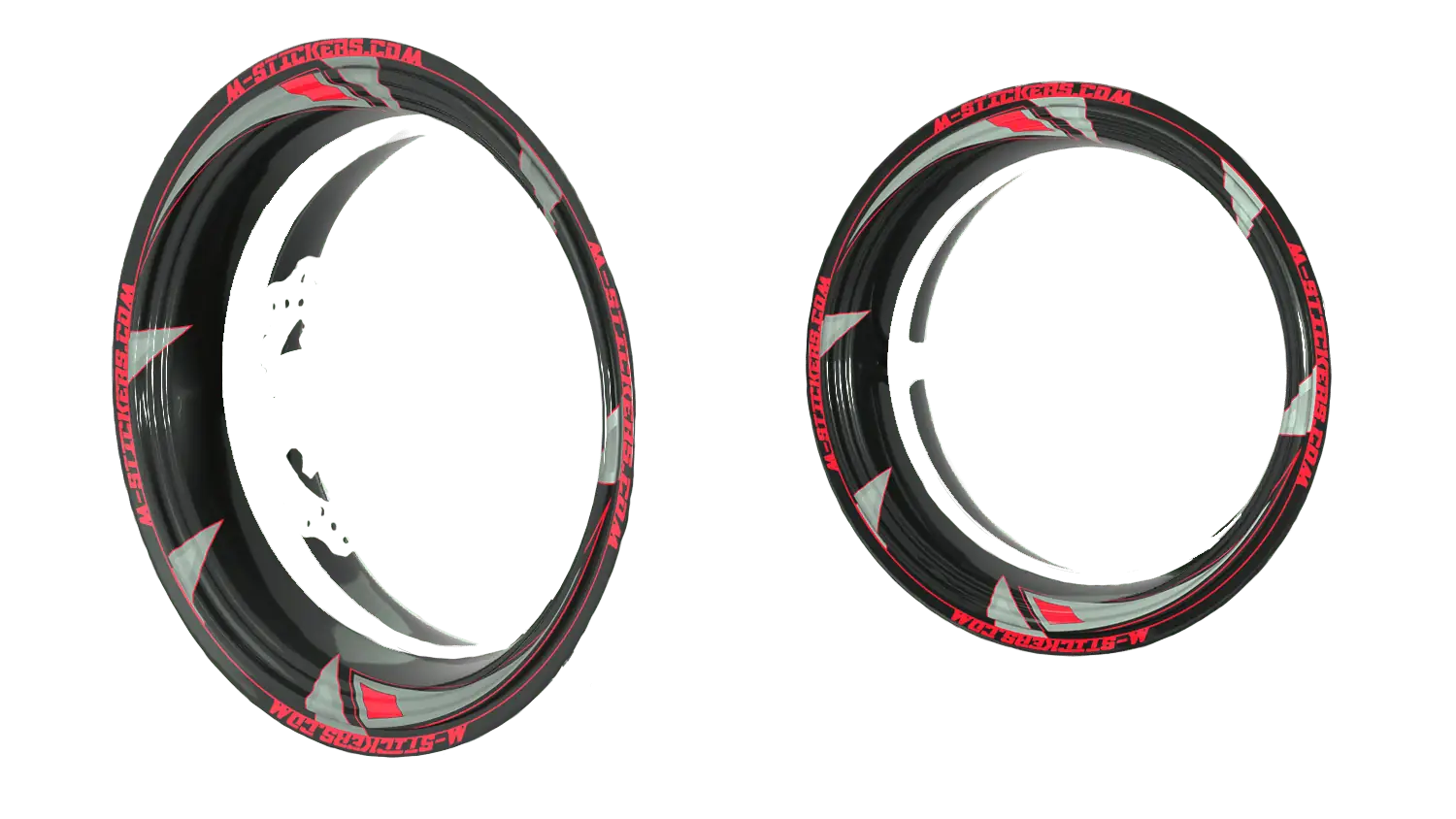
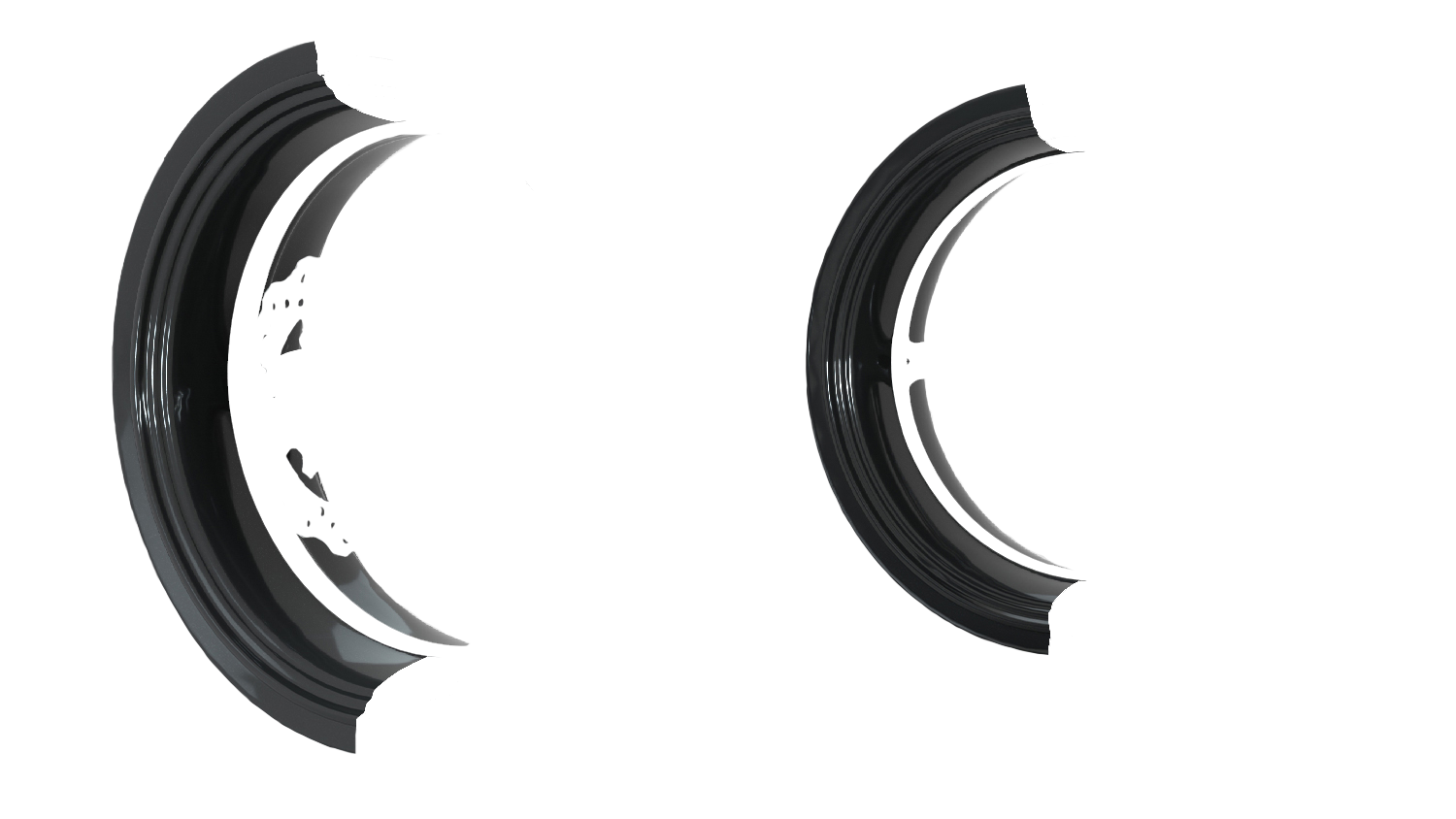
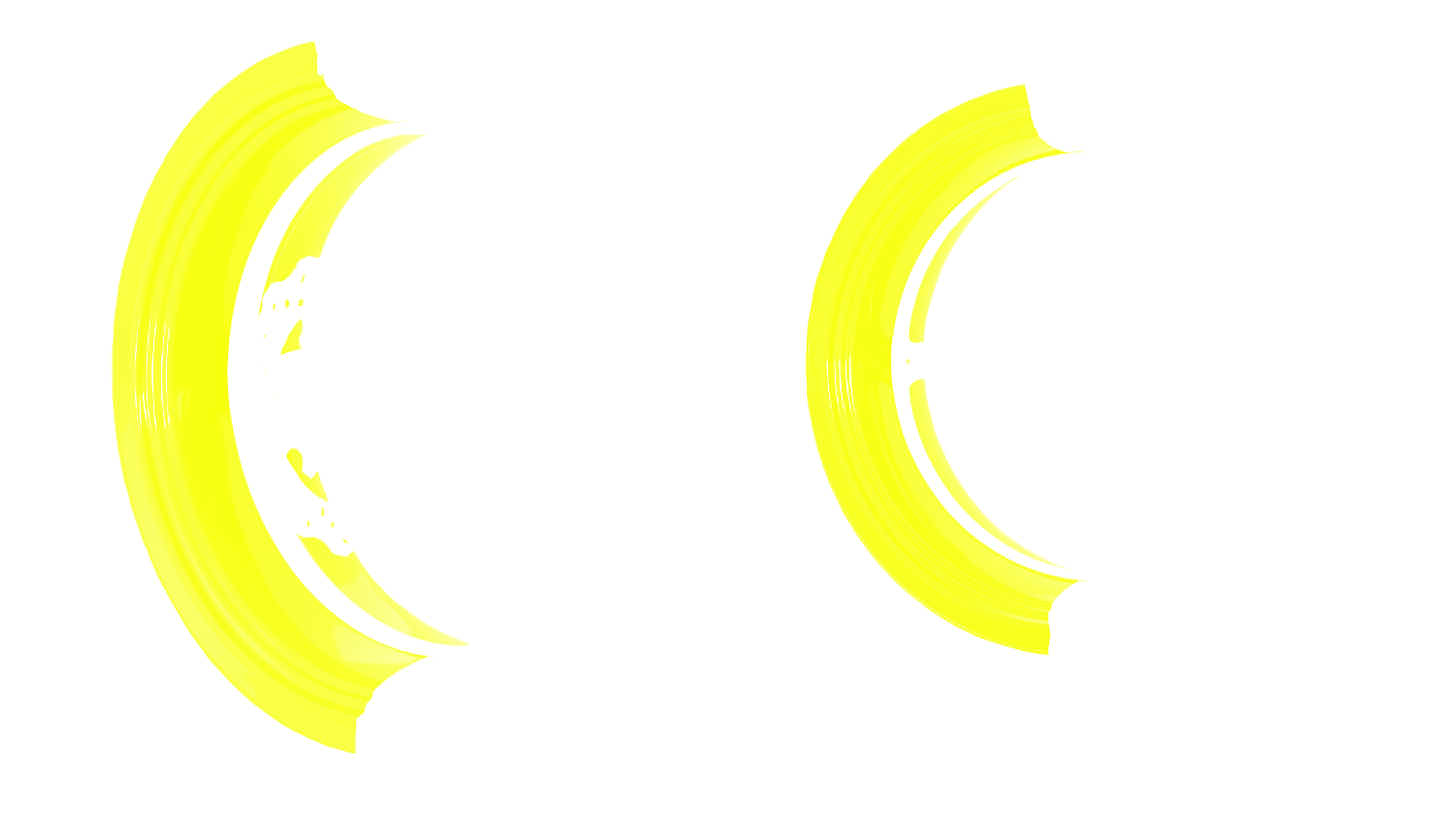
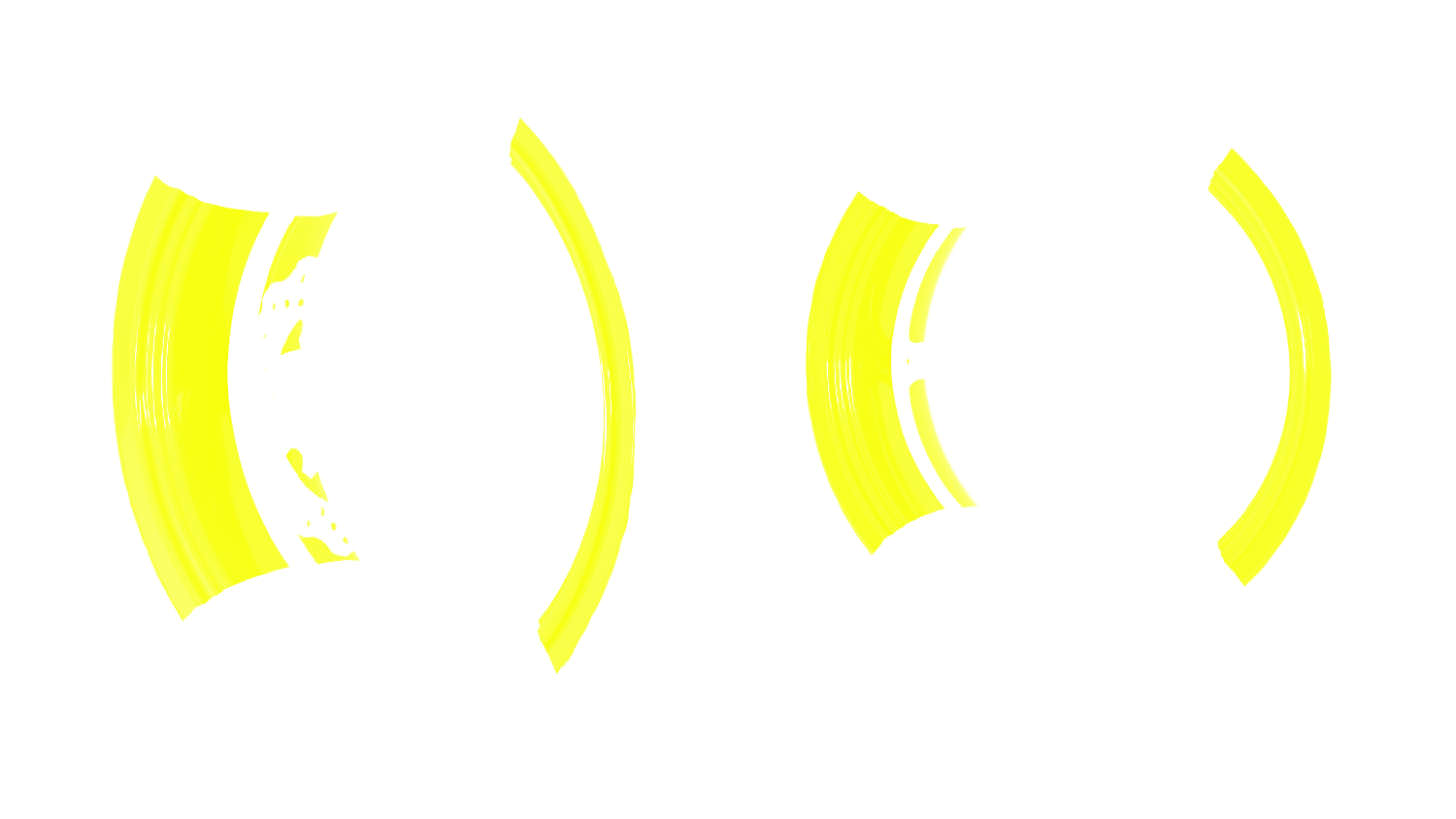
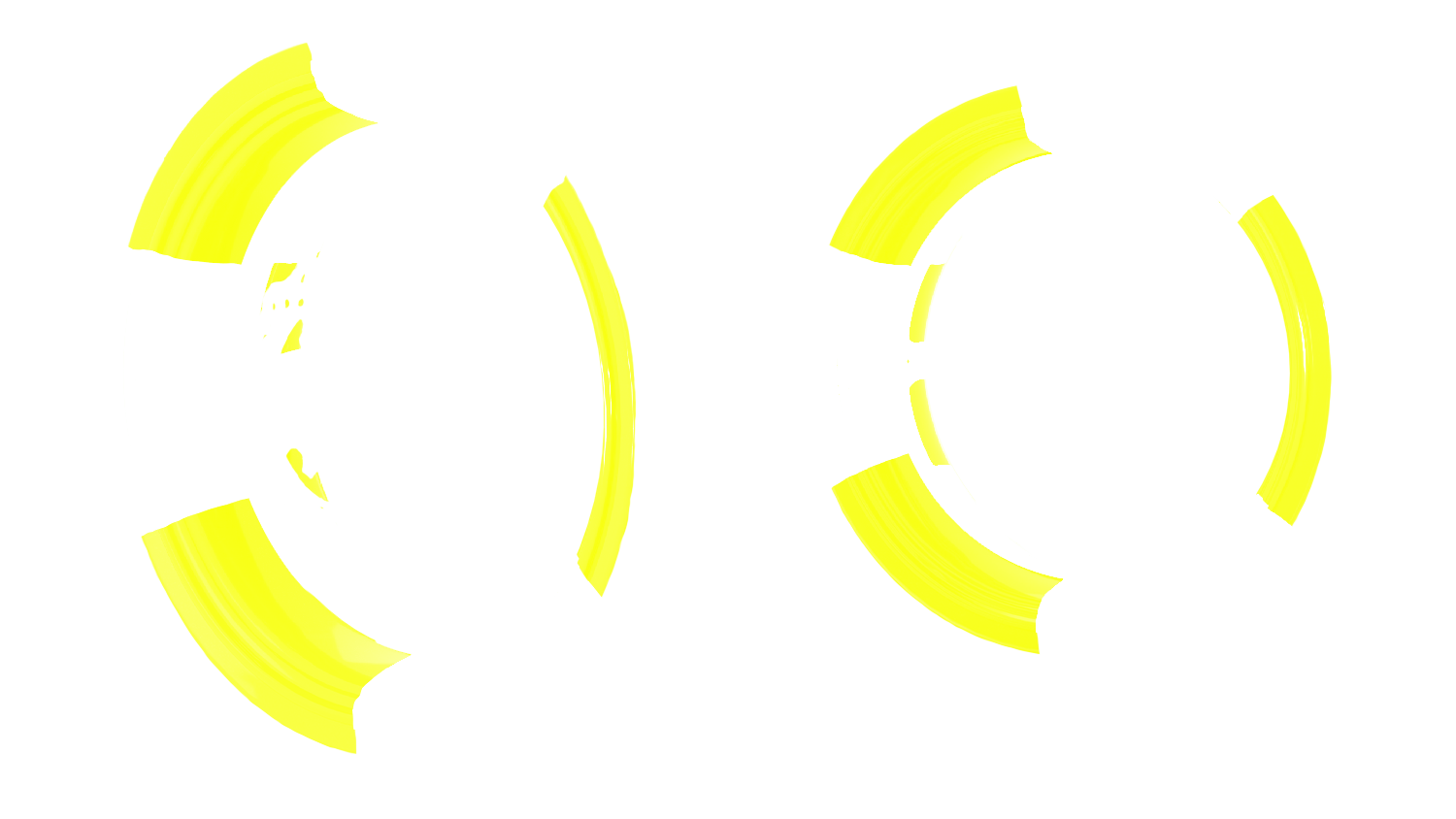
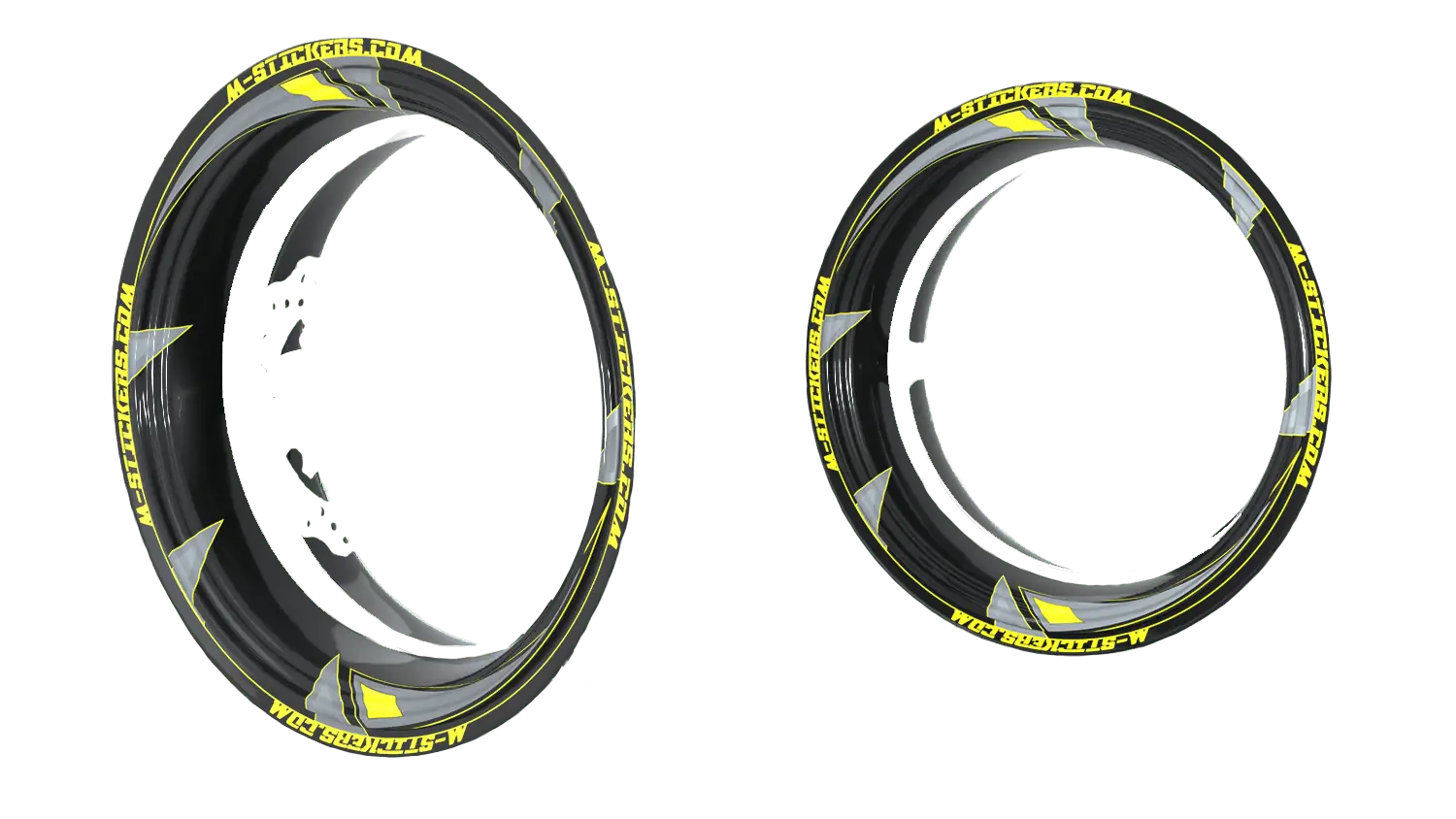
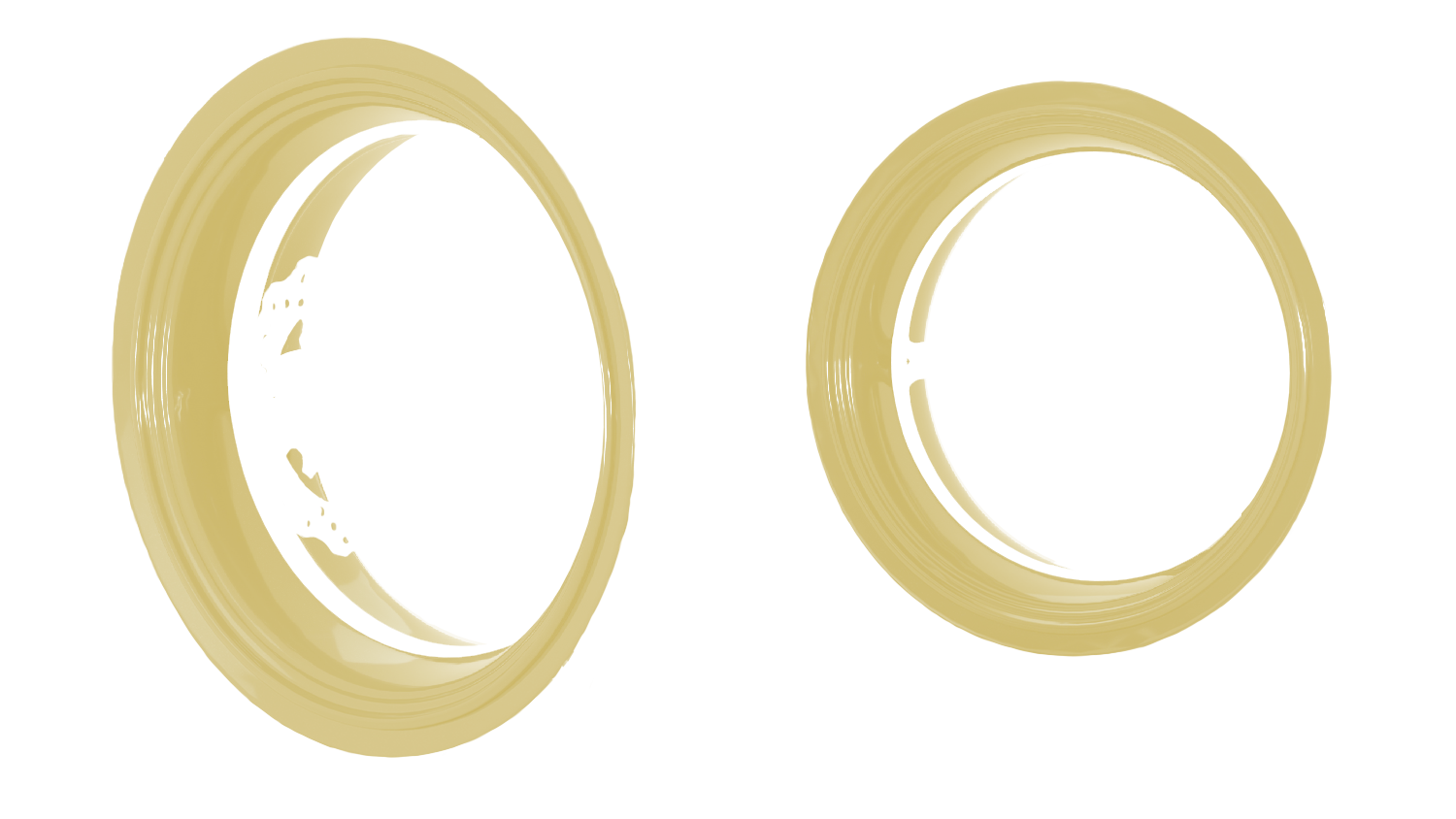
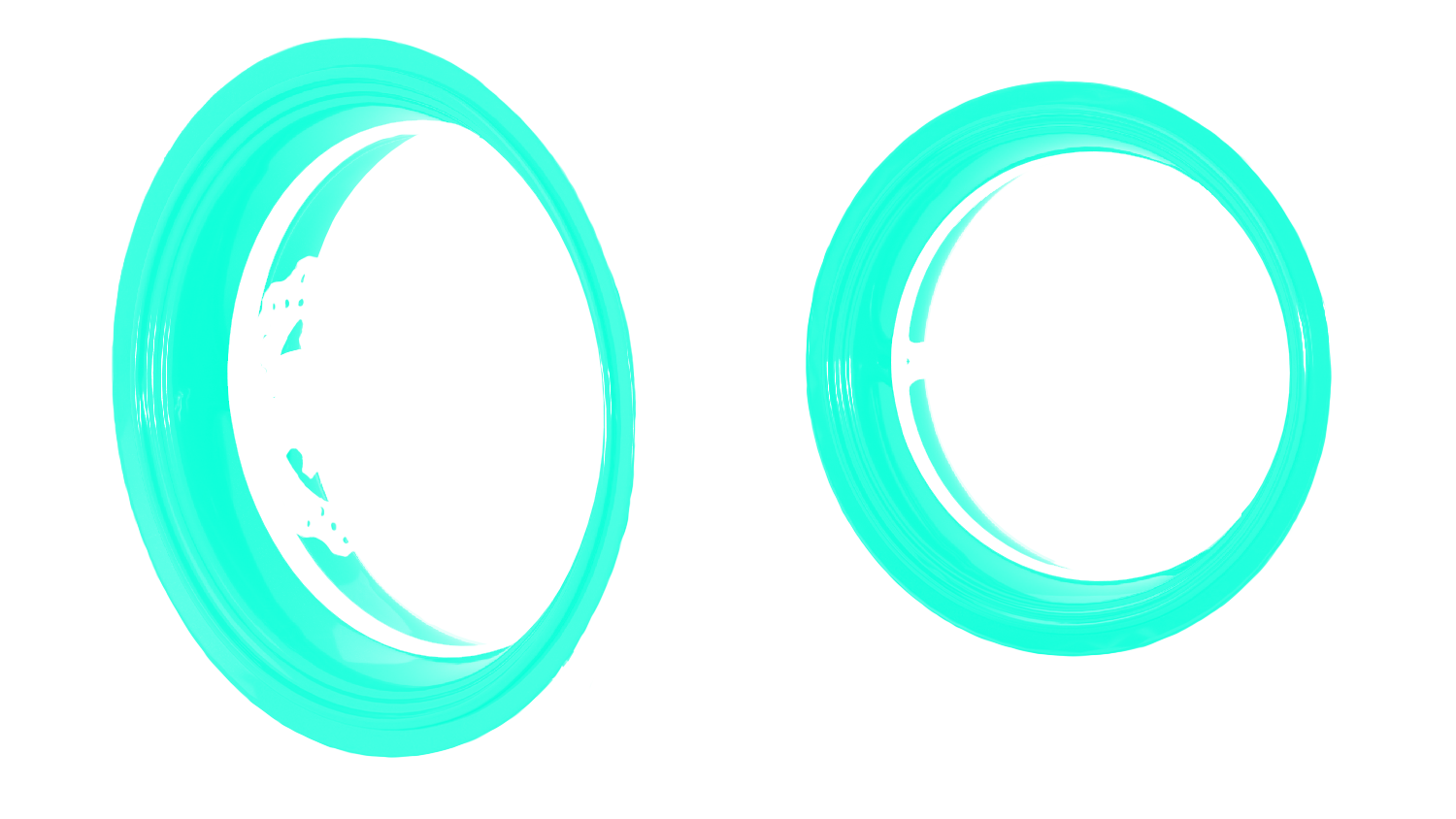
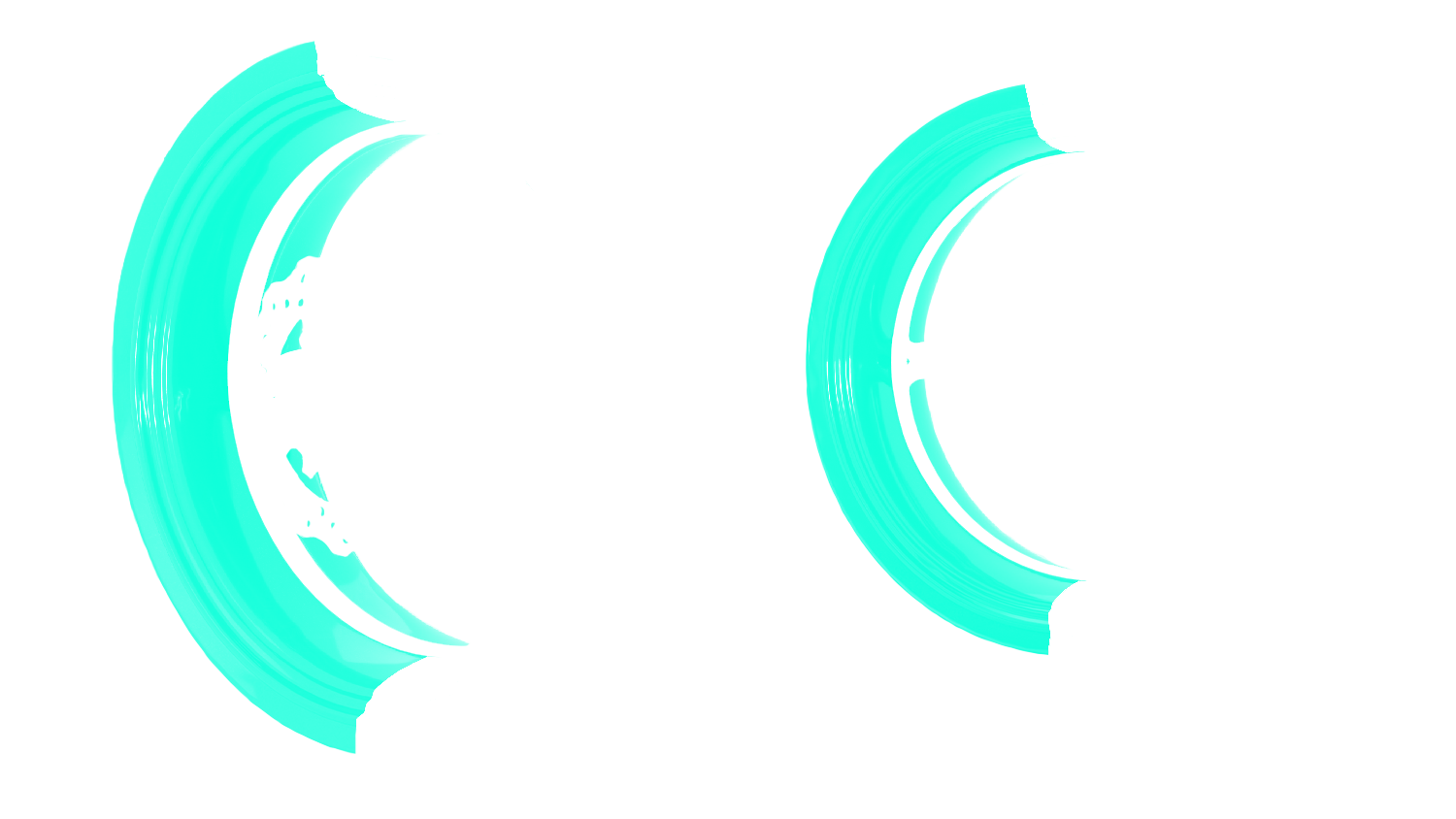
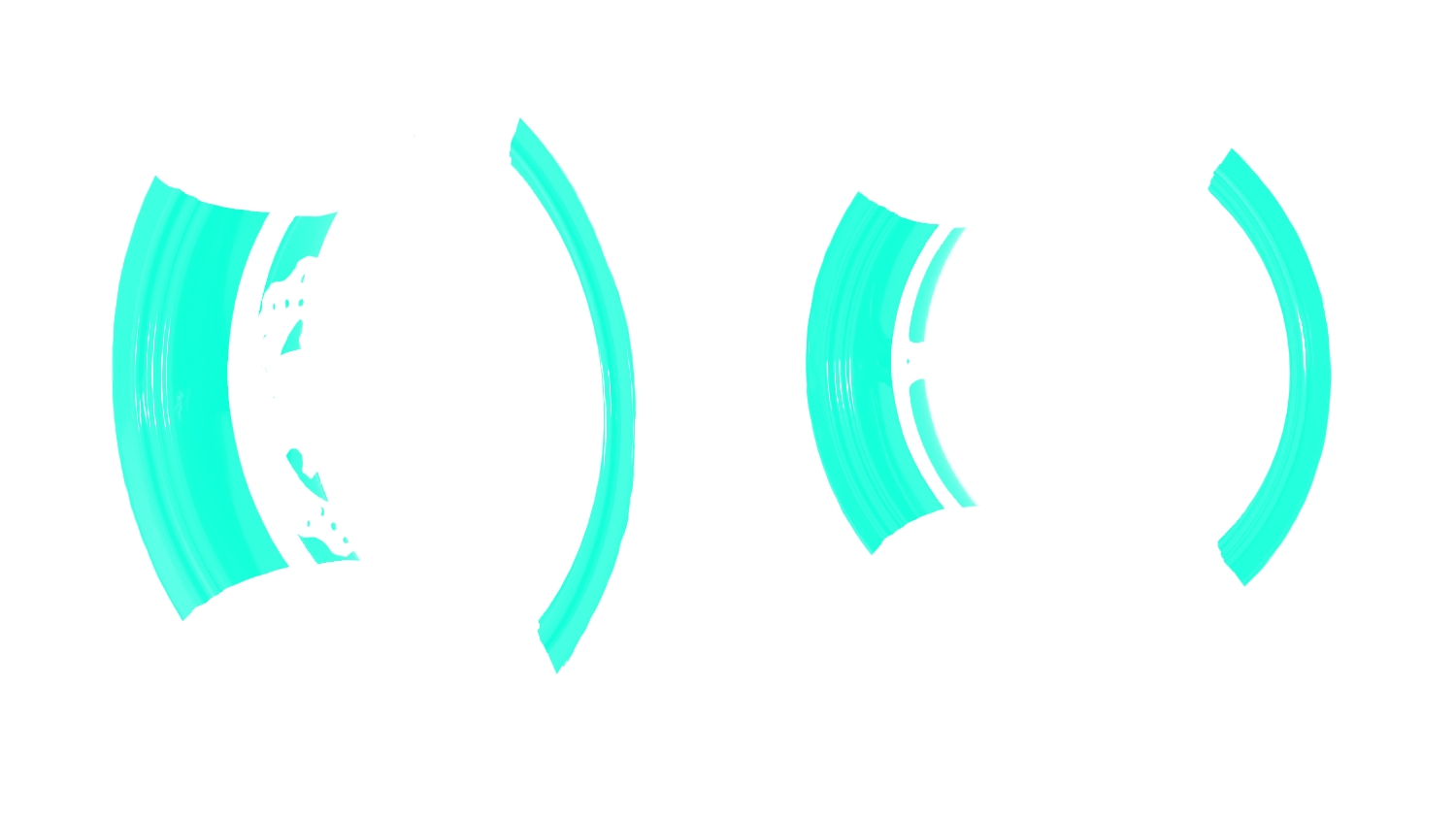
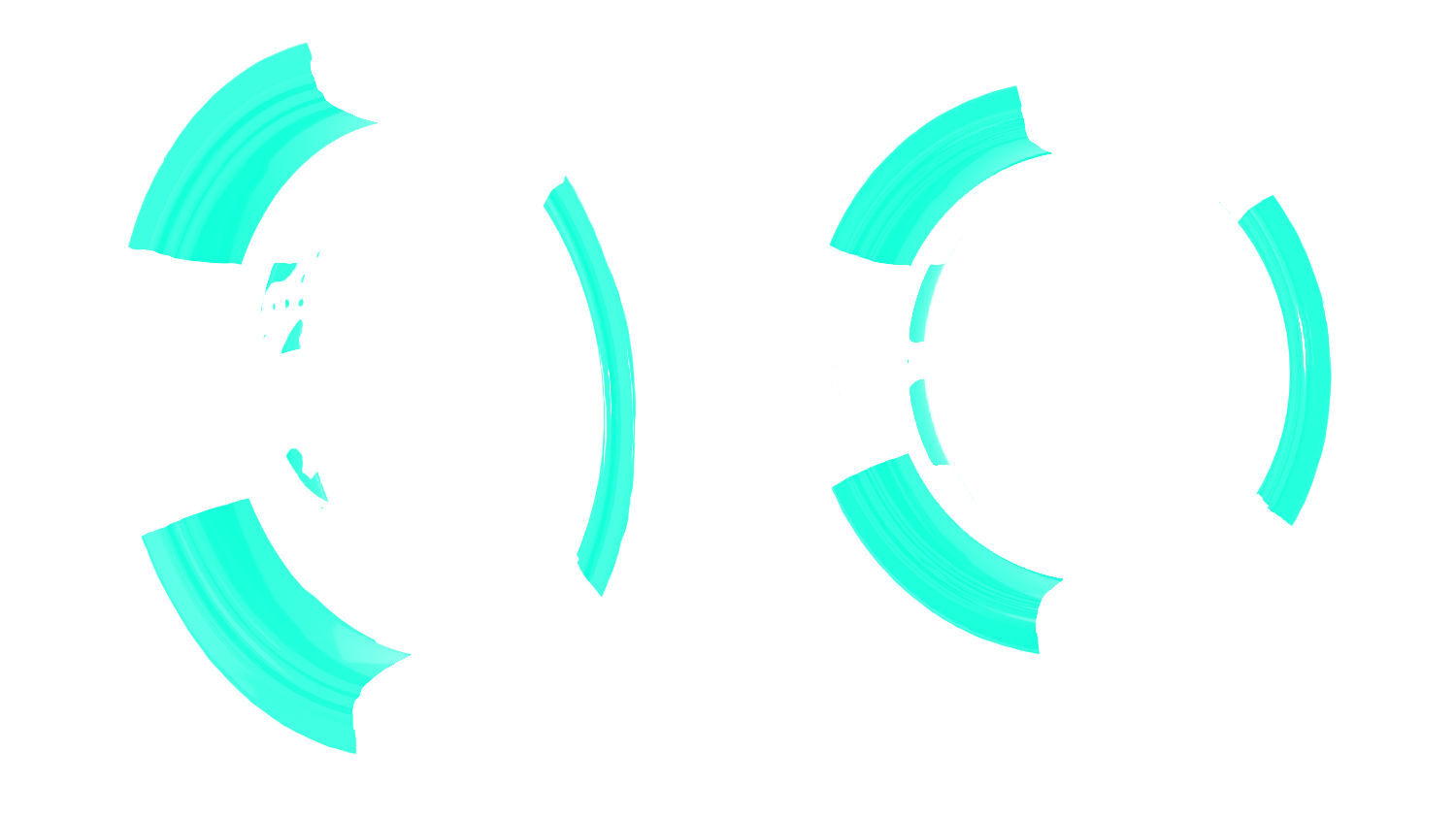
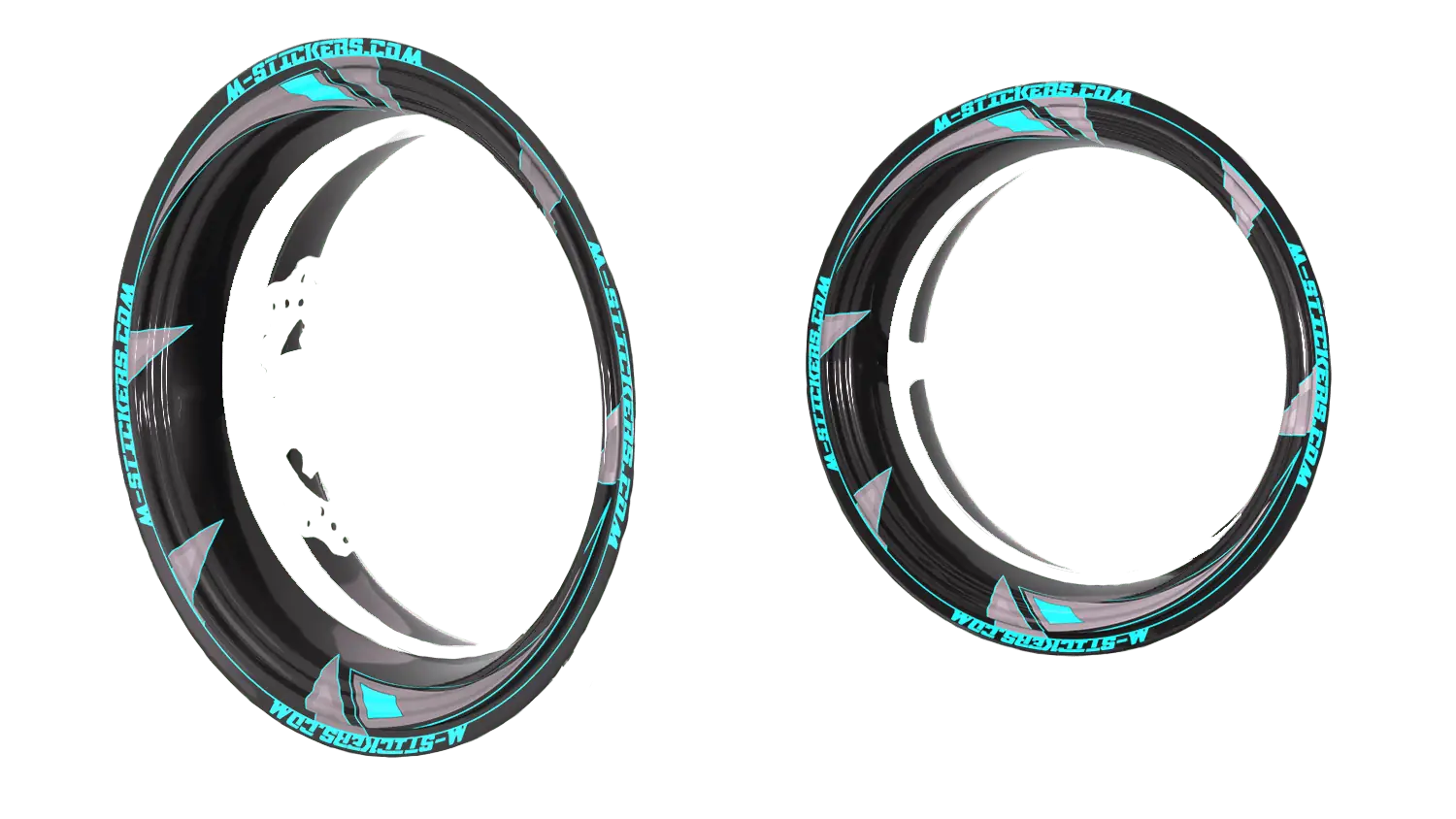


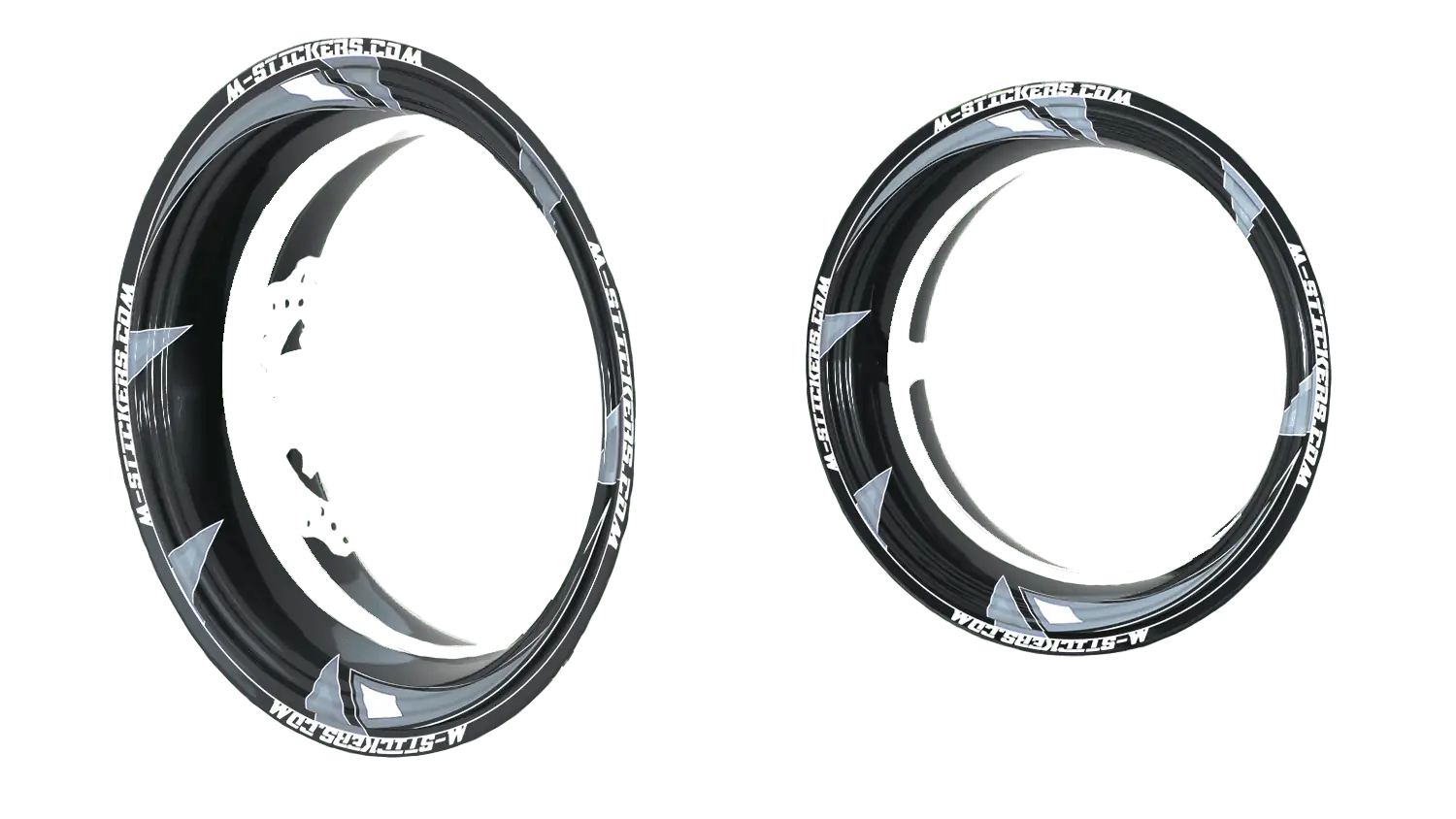
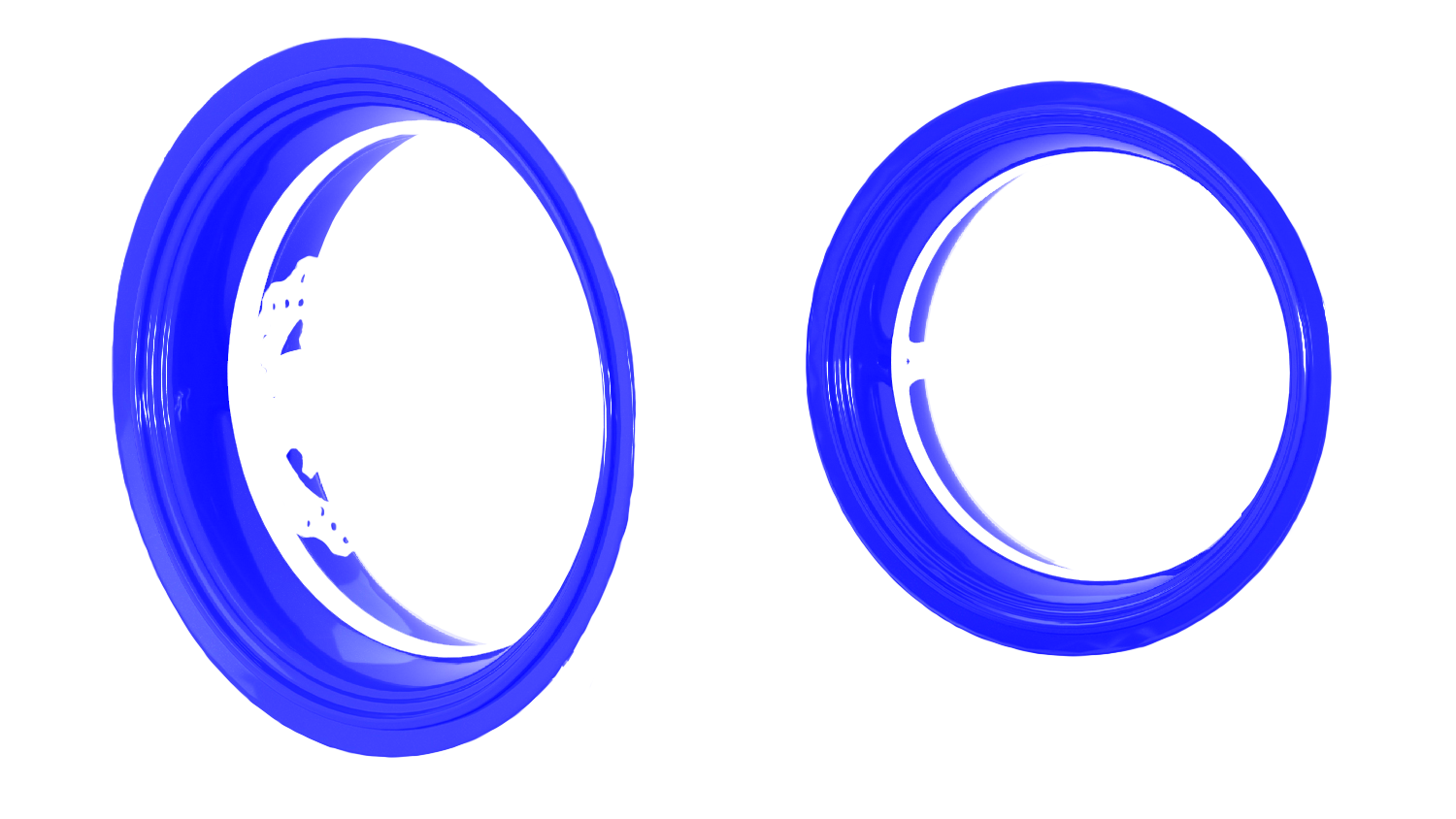
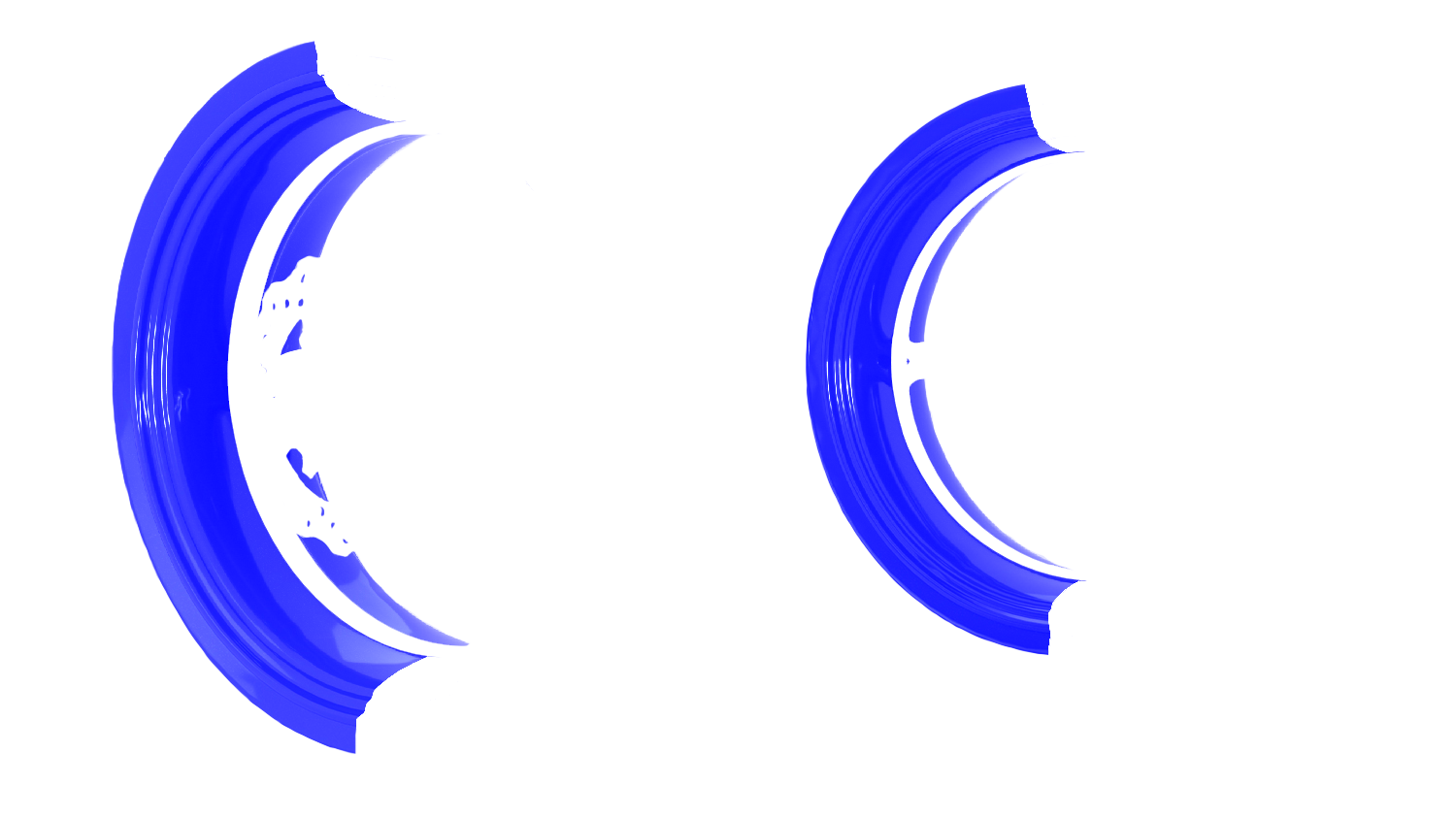
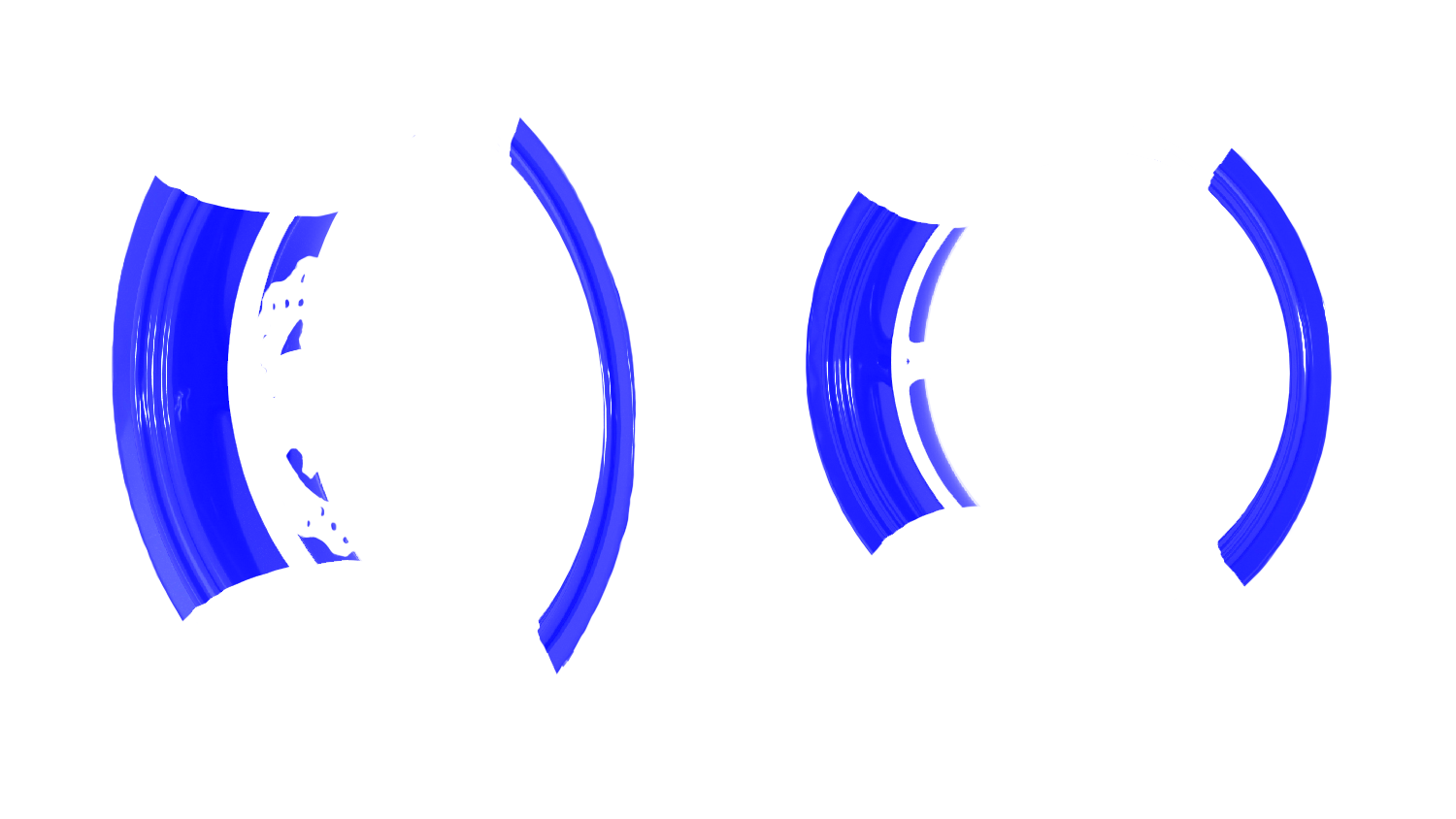
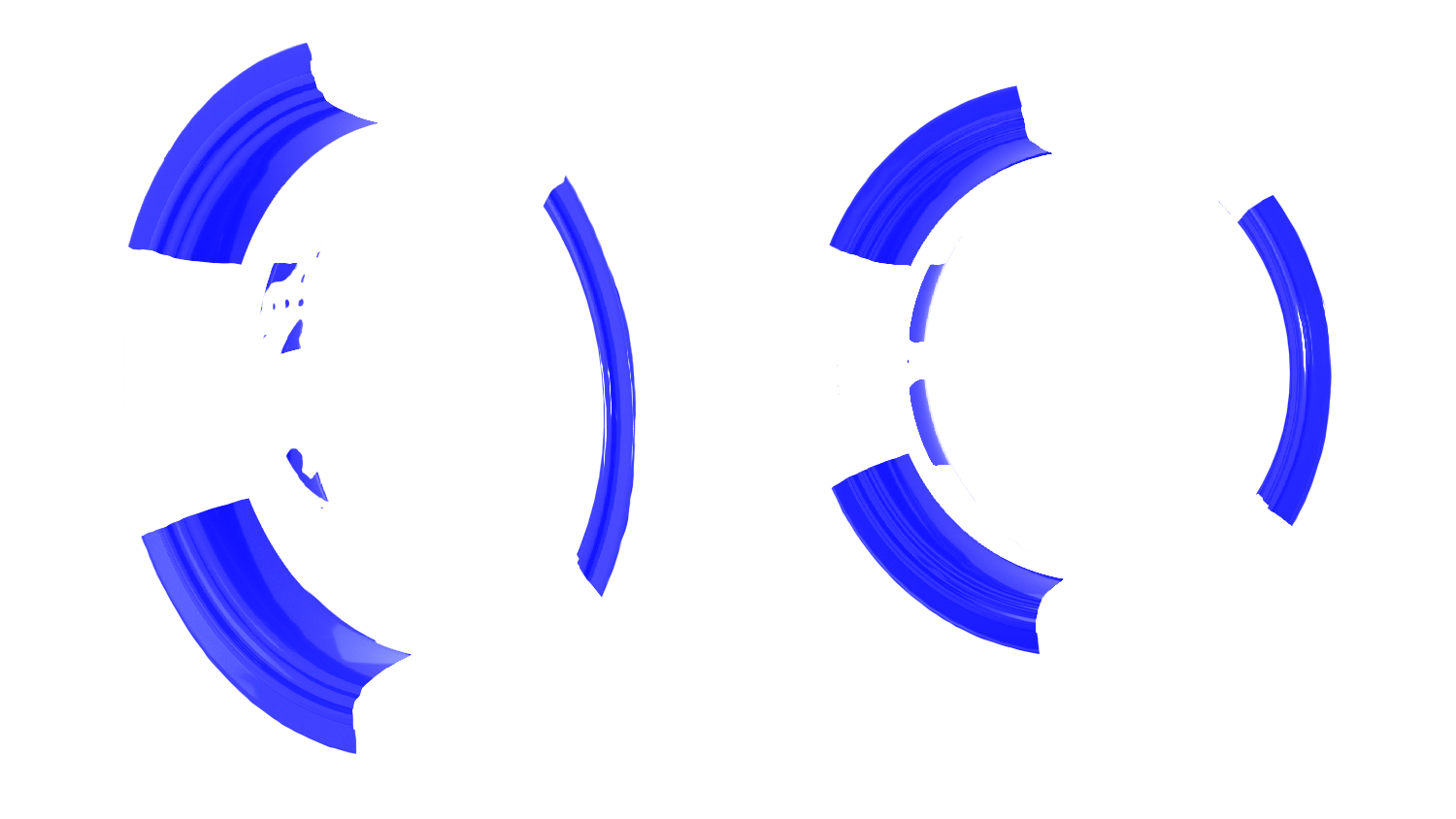


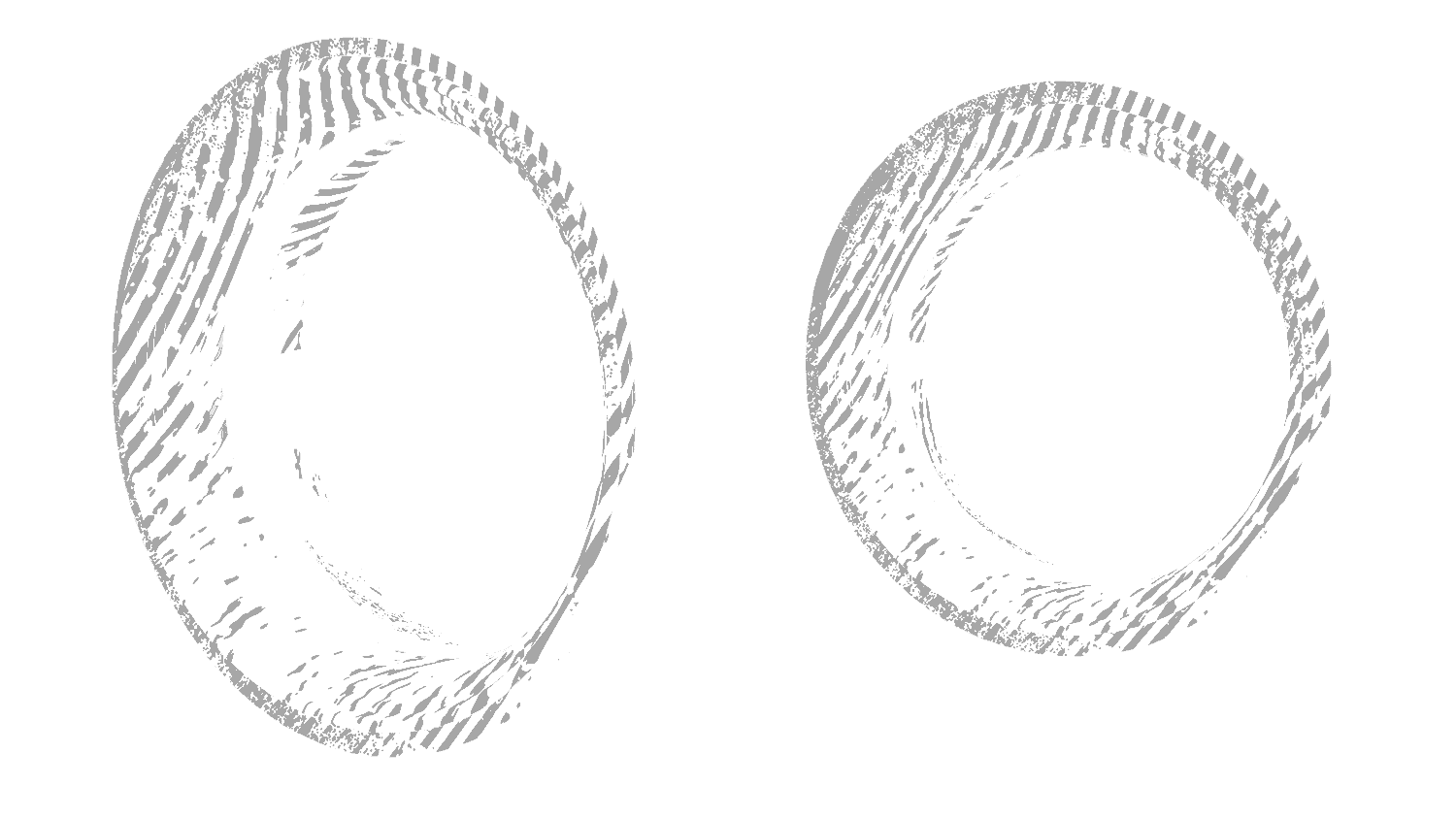

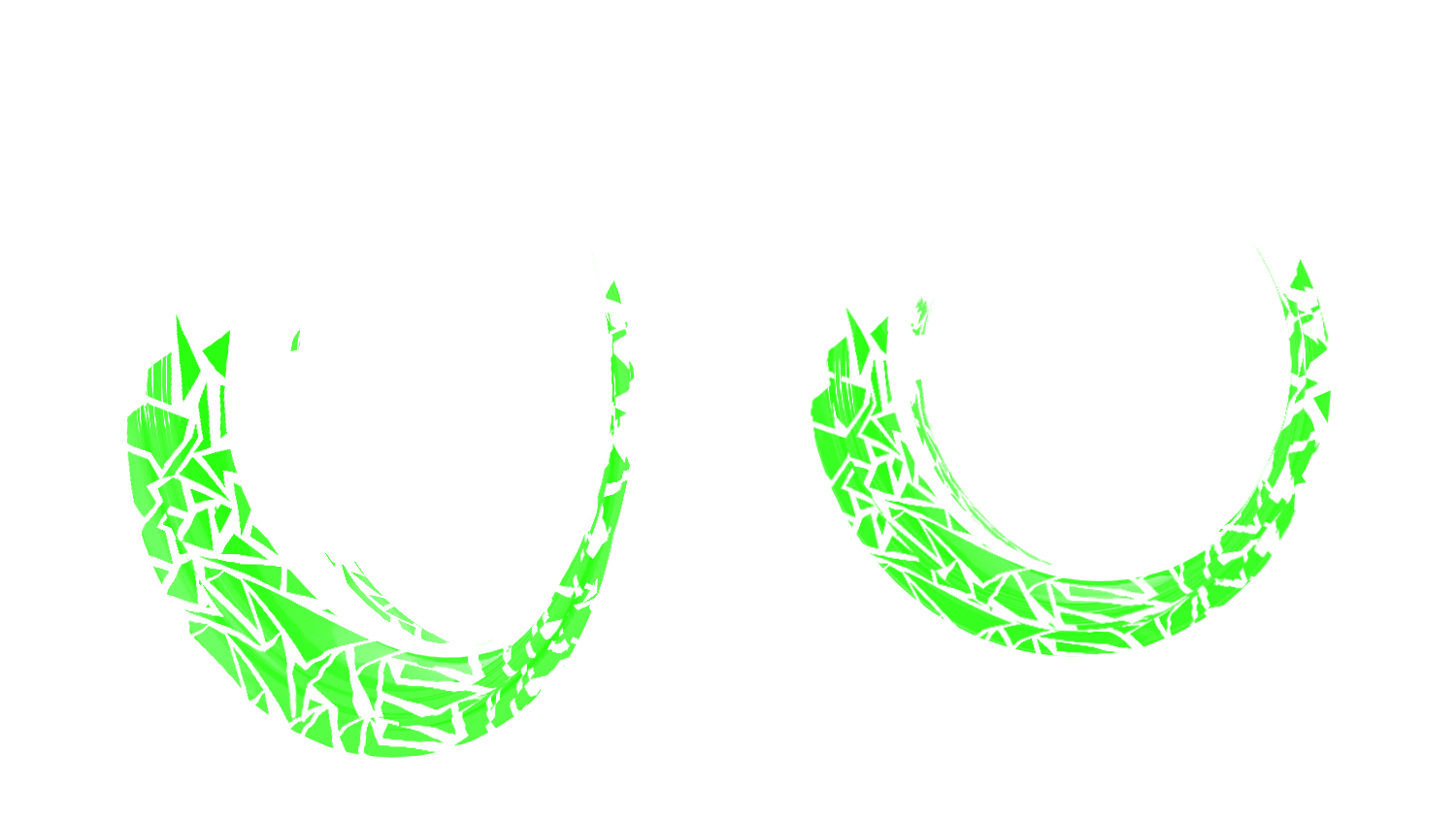
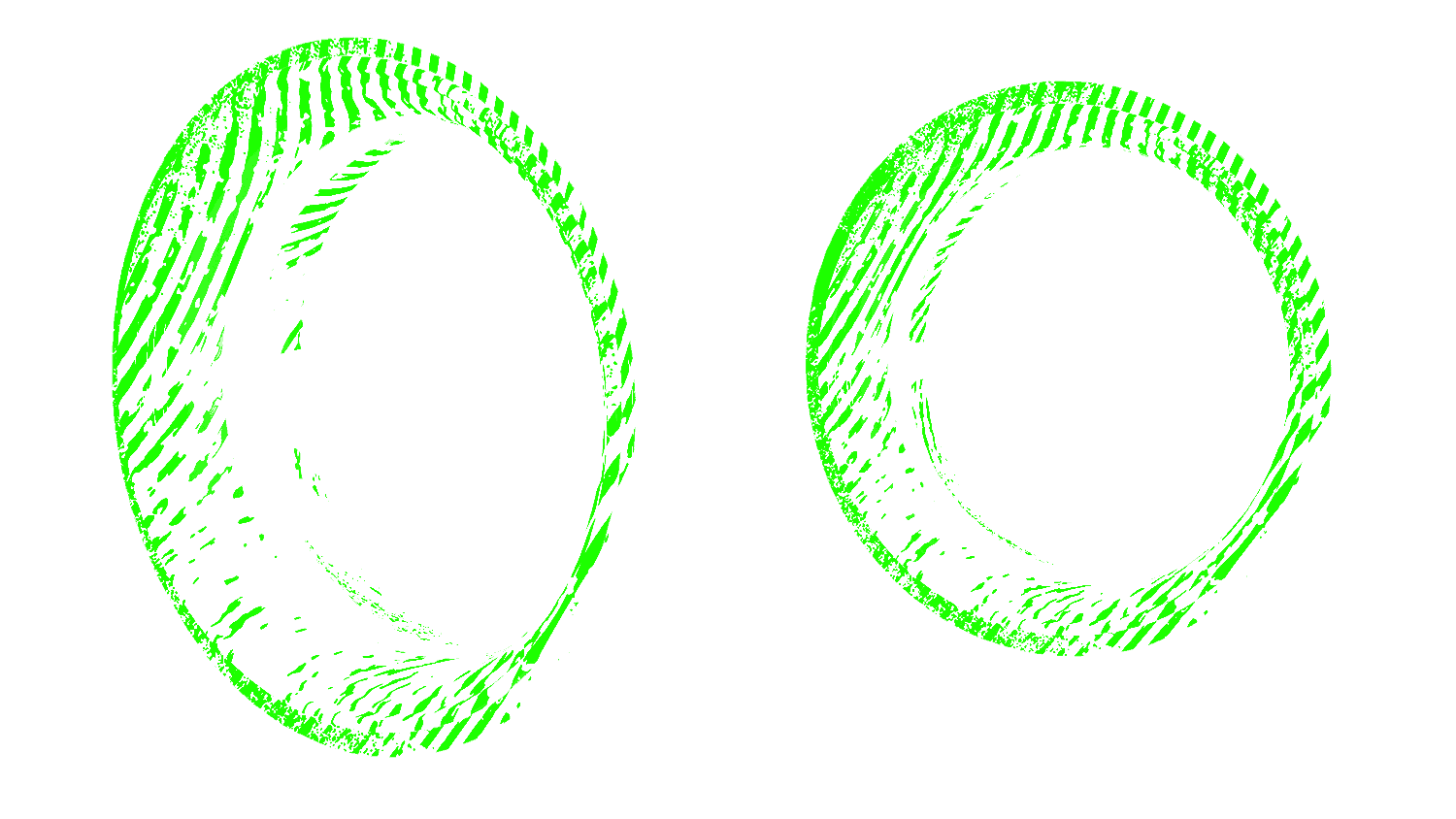
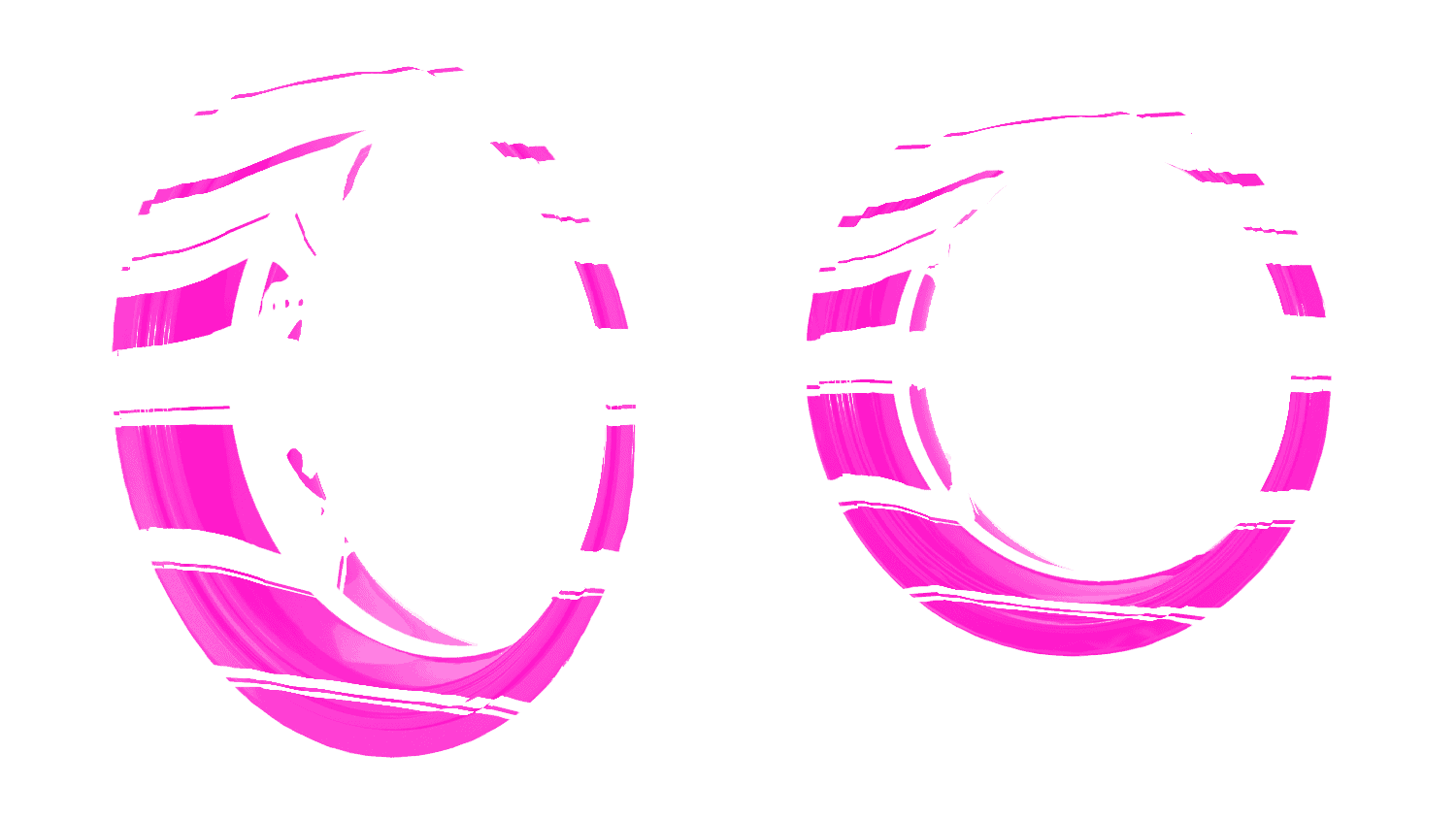
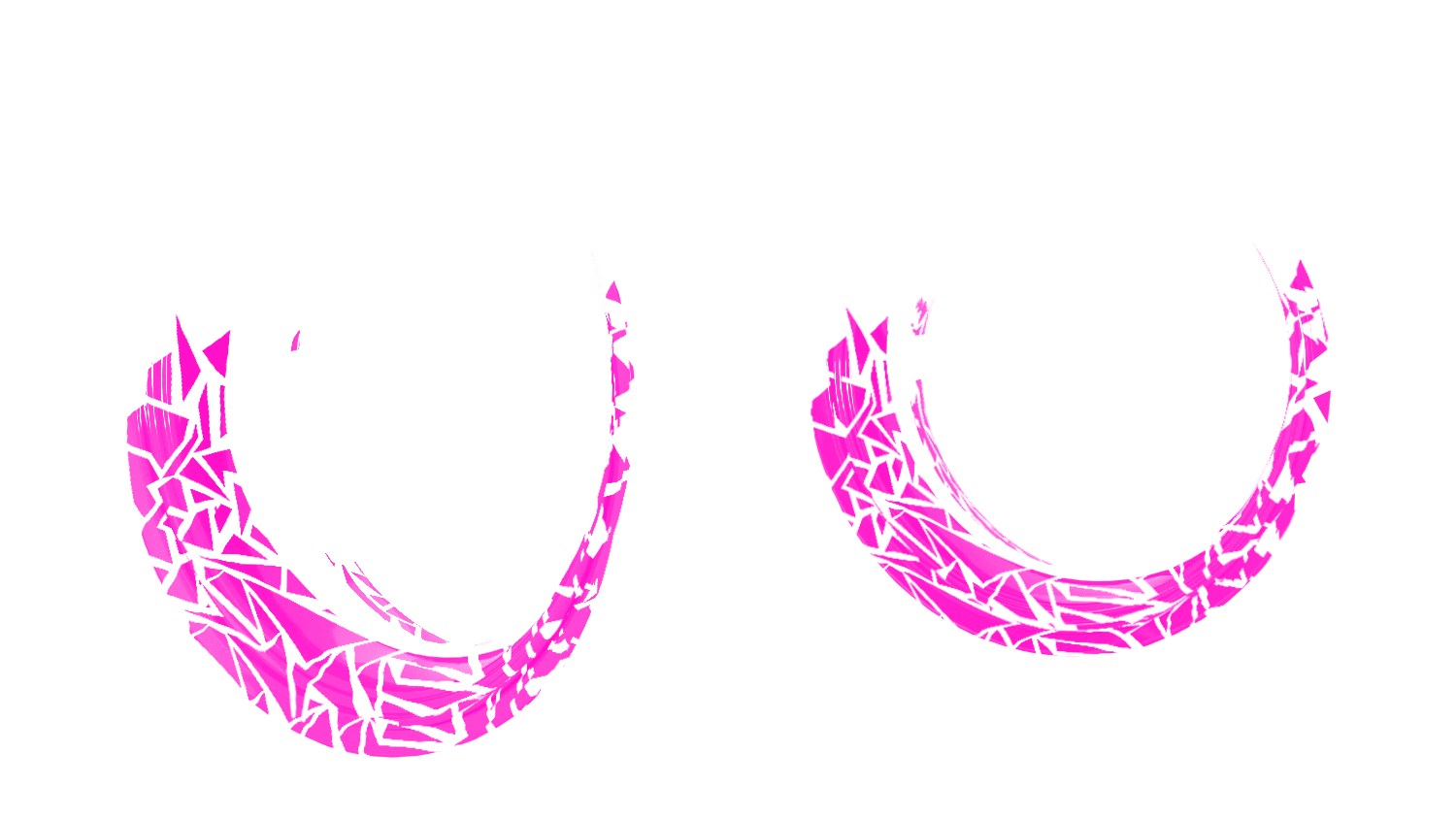
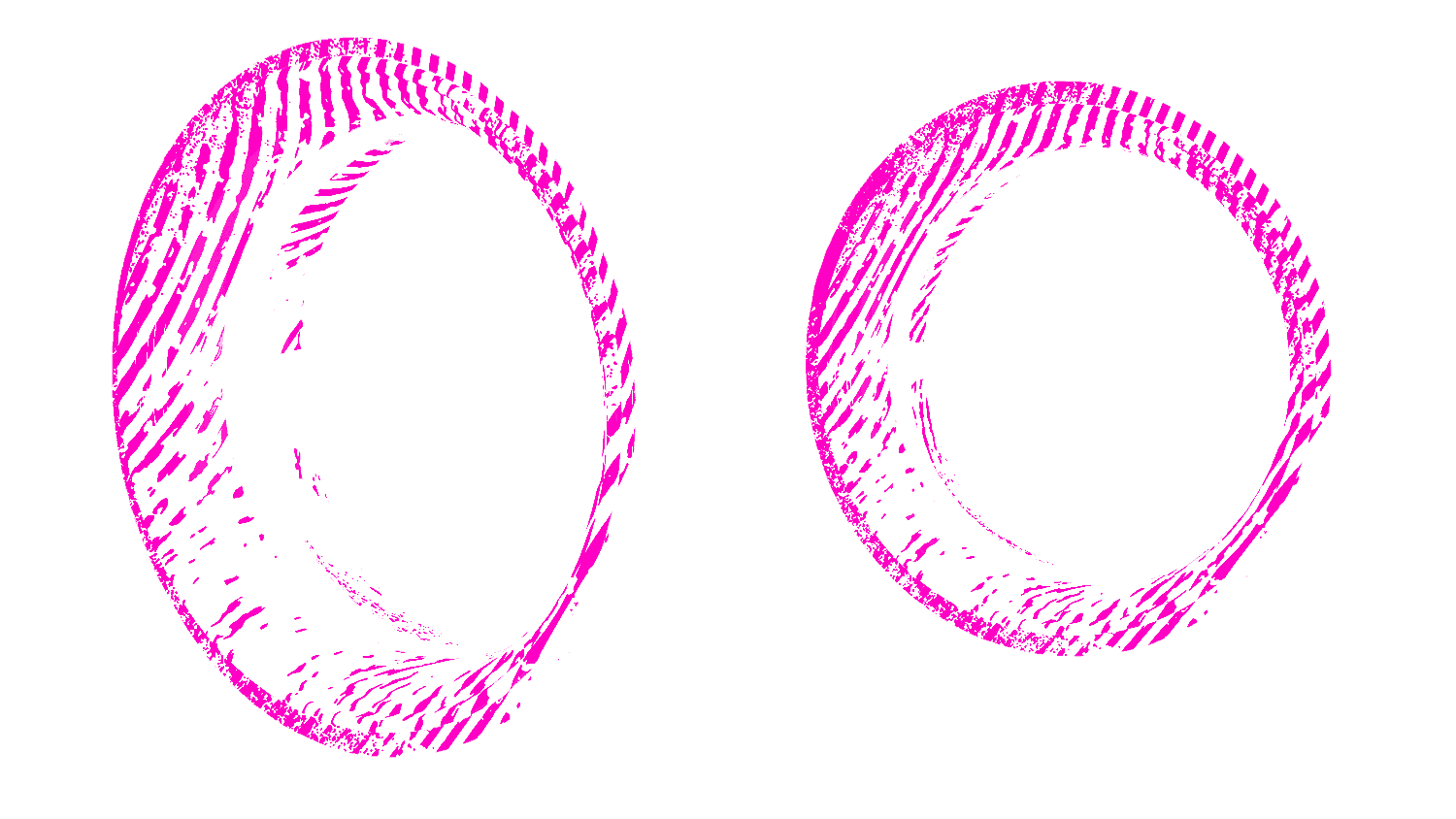

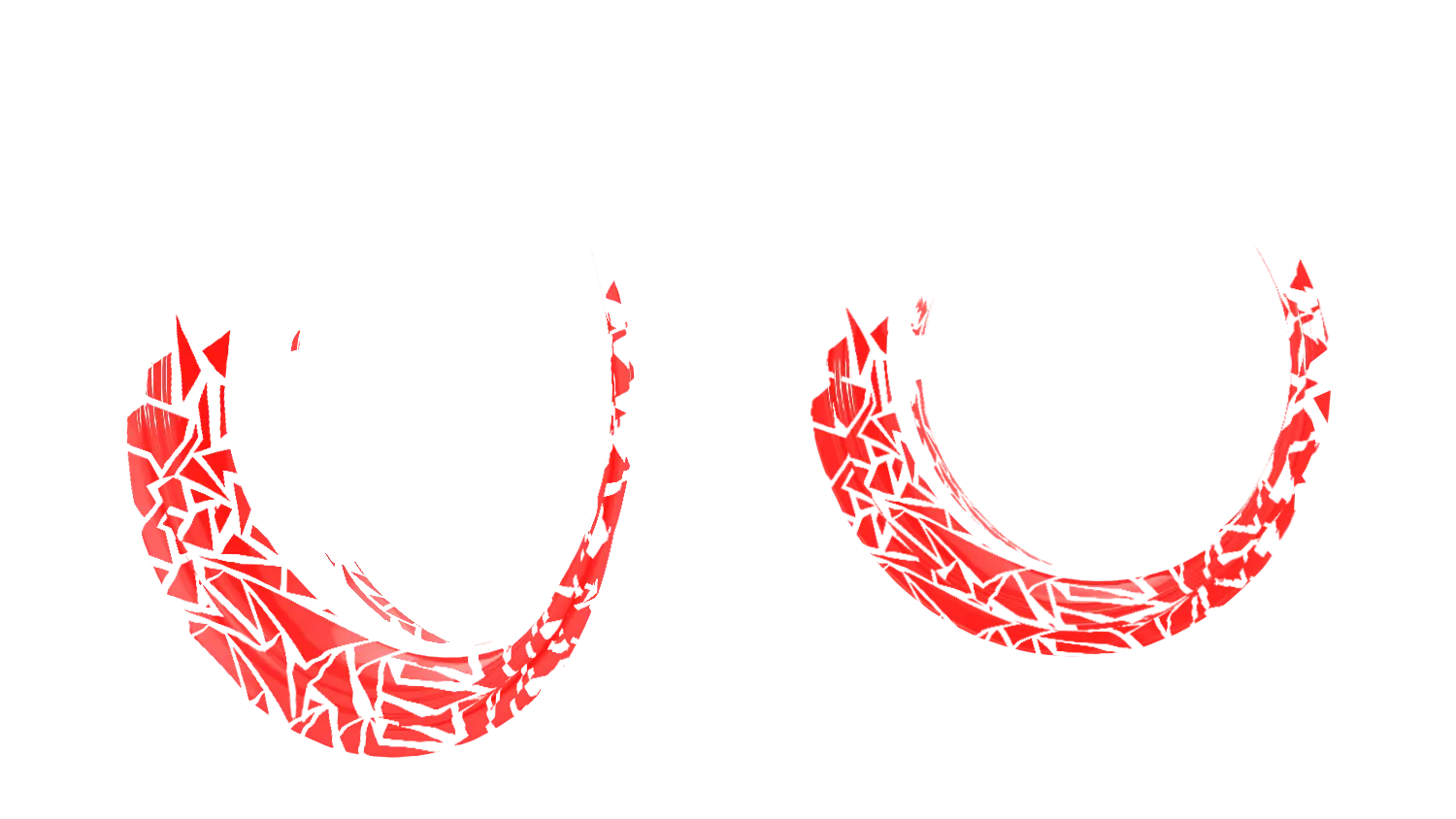
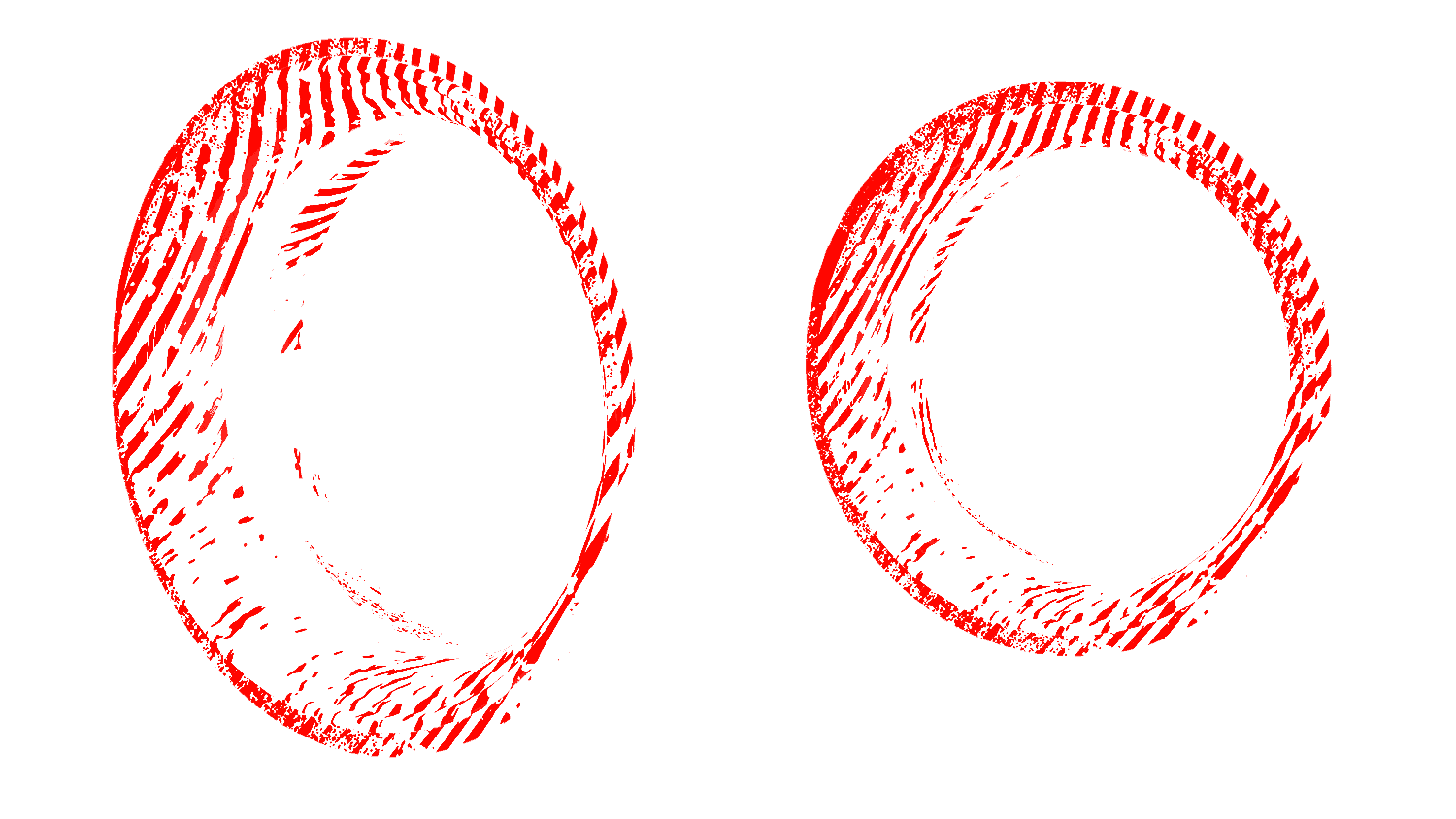
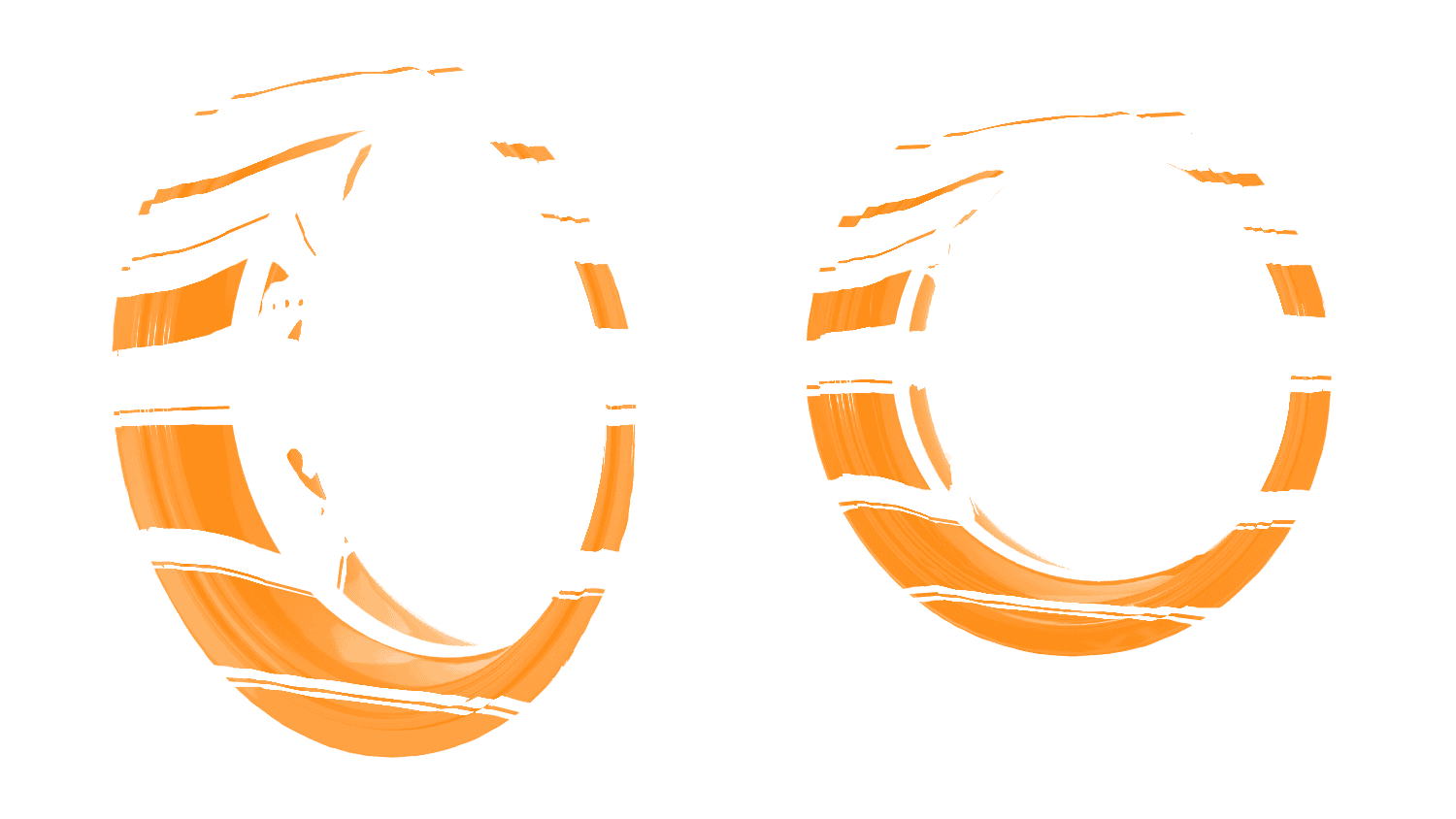
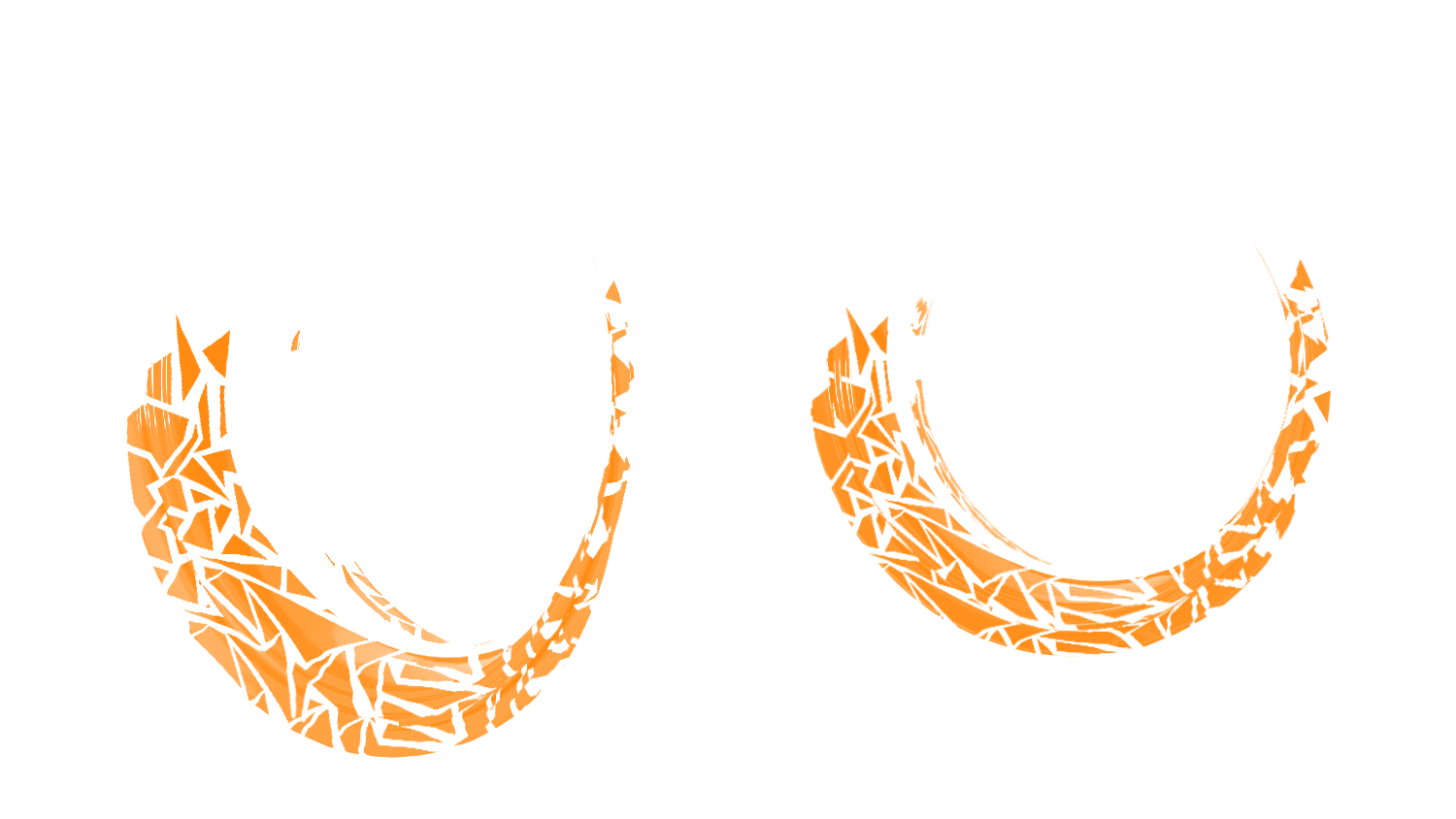
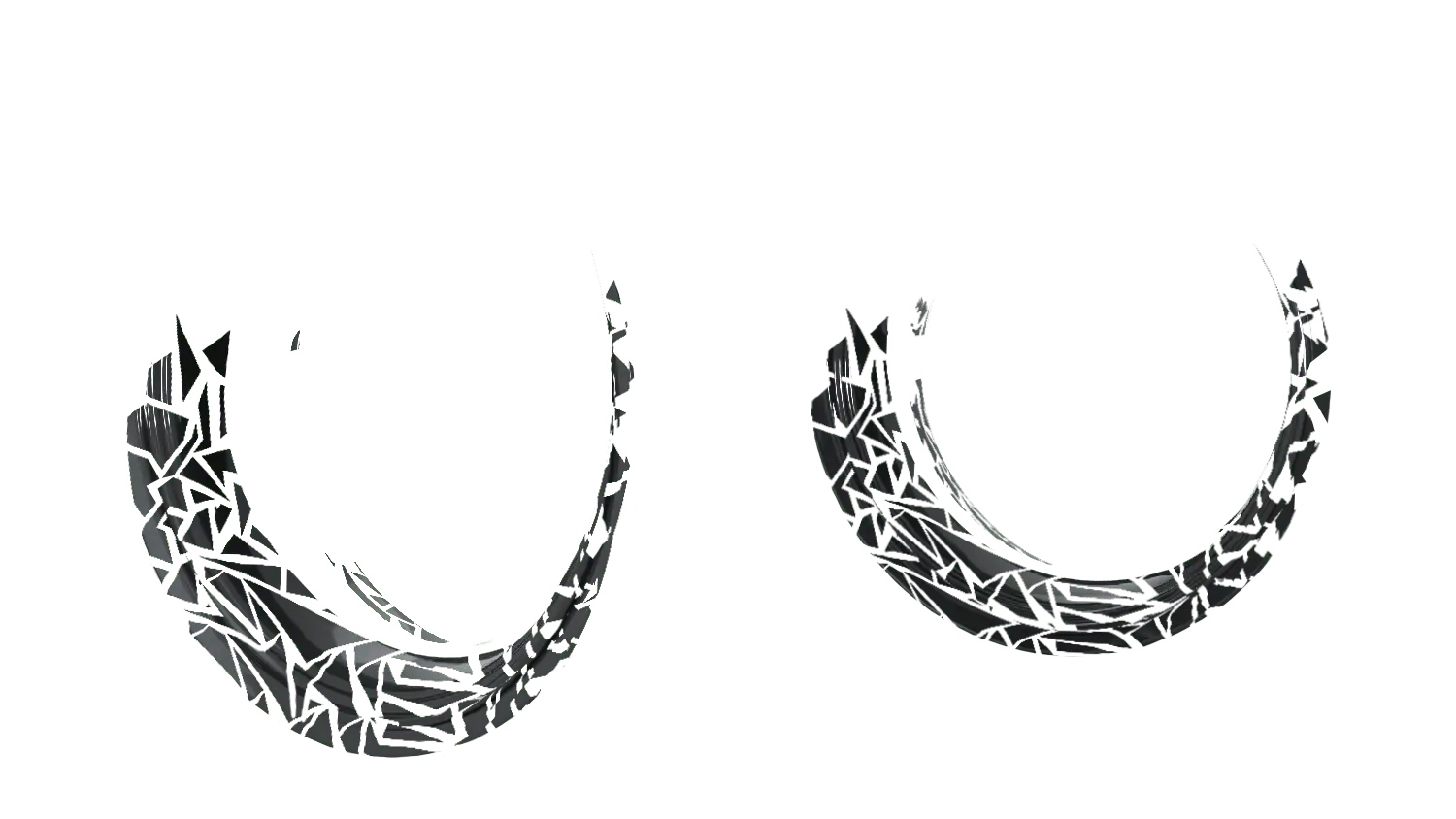

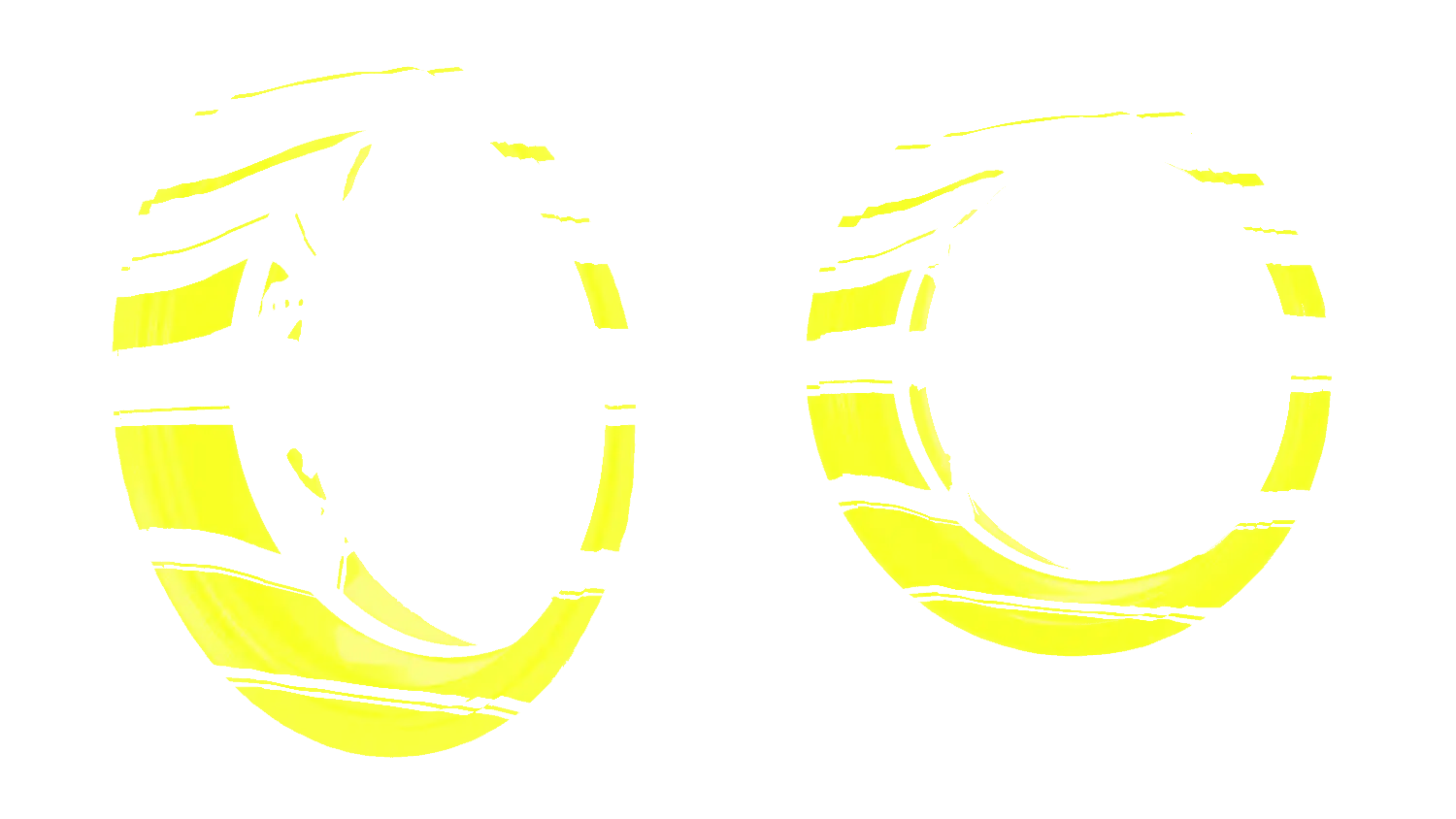
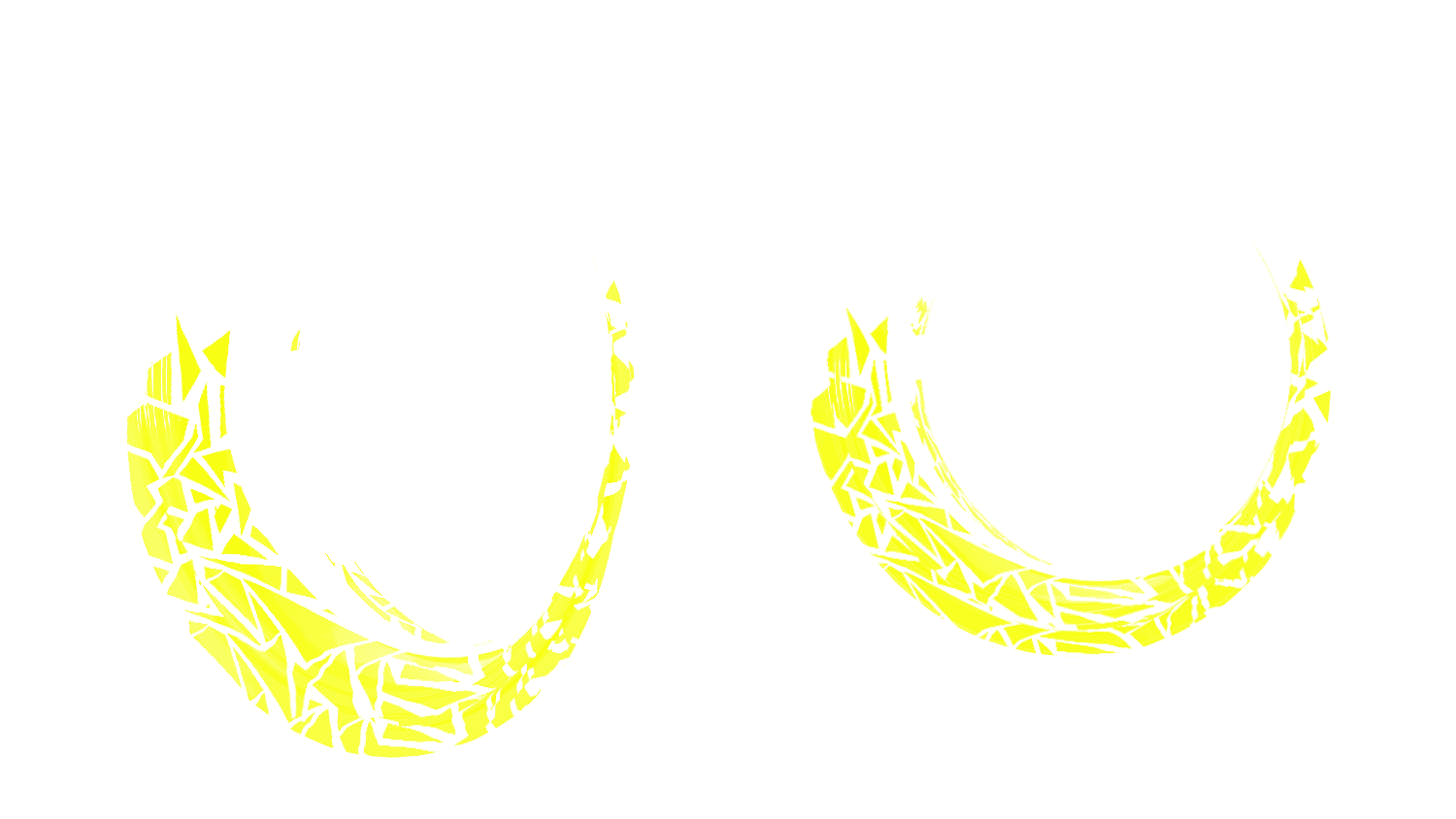


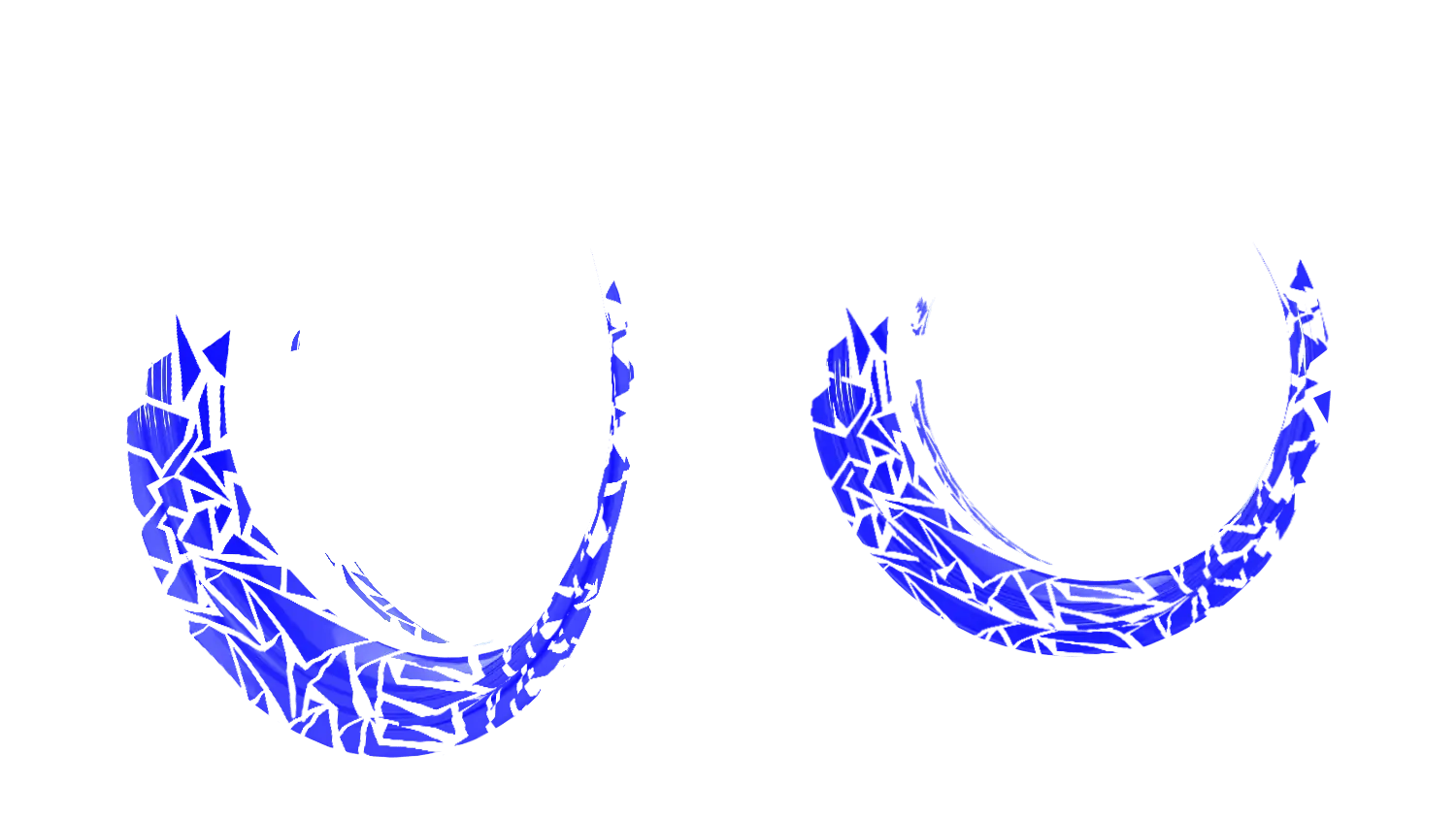
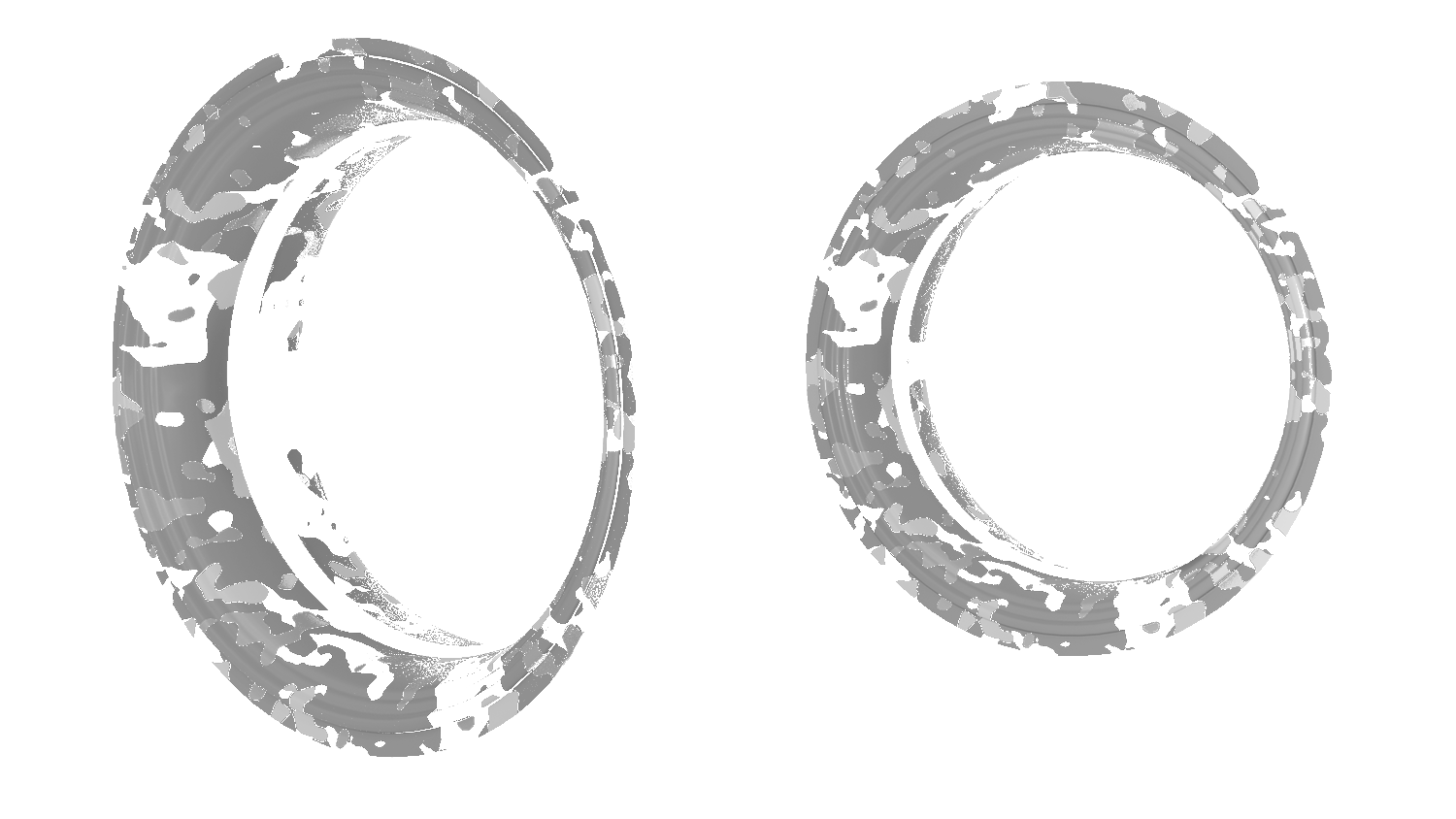

Rims Black

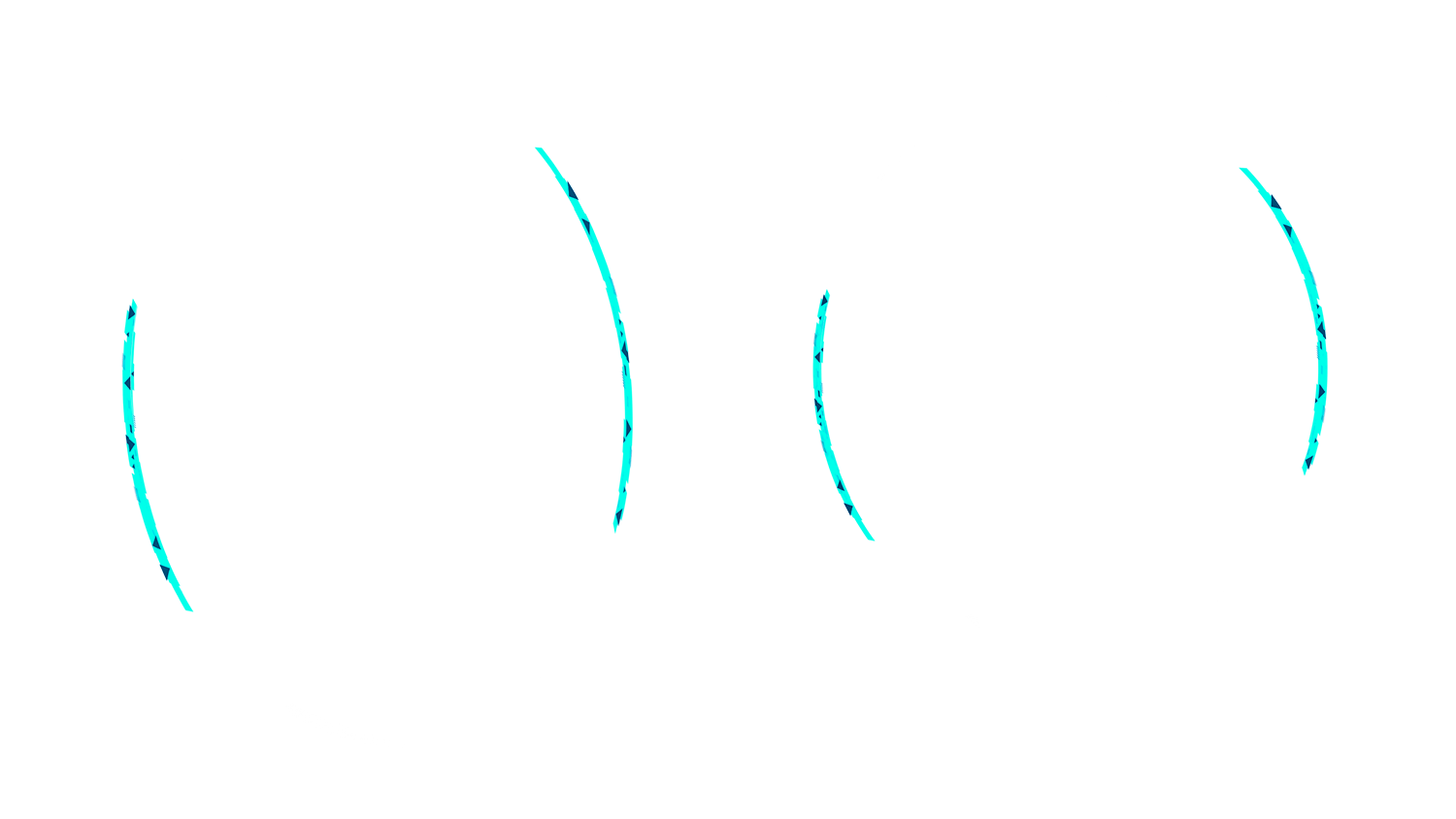
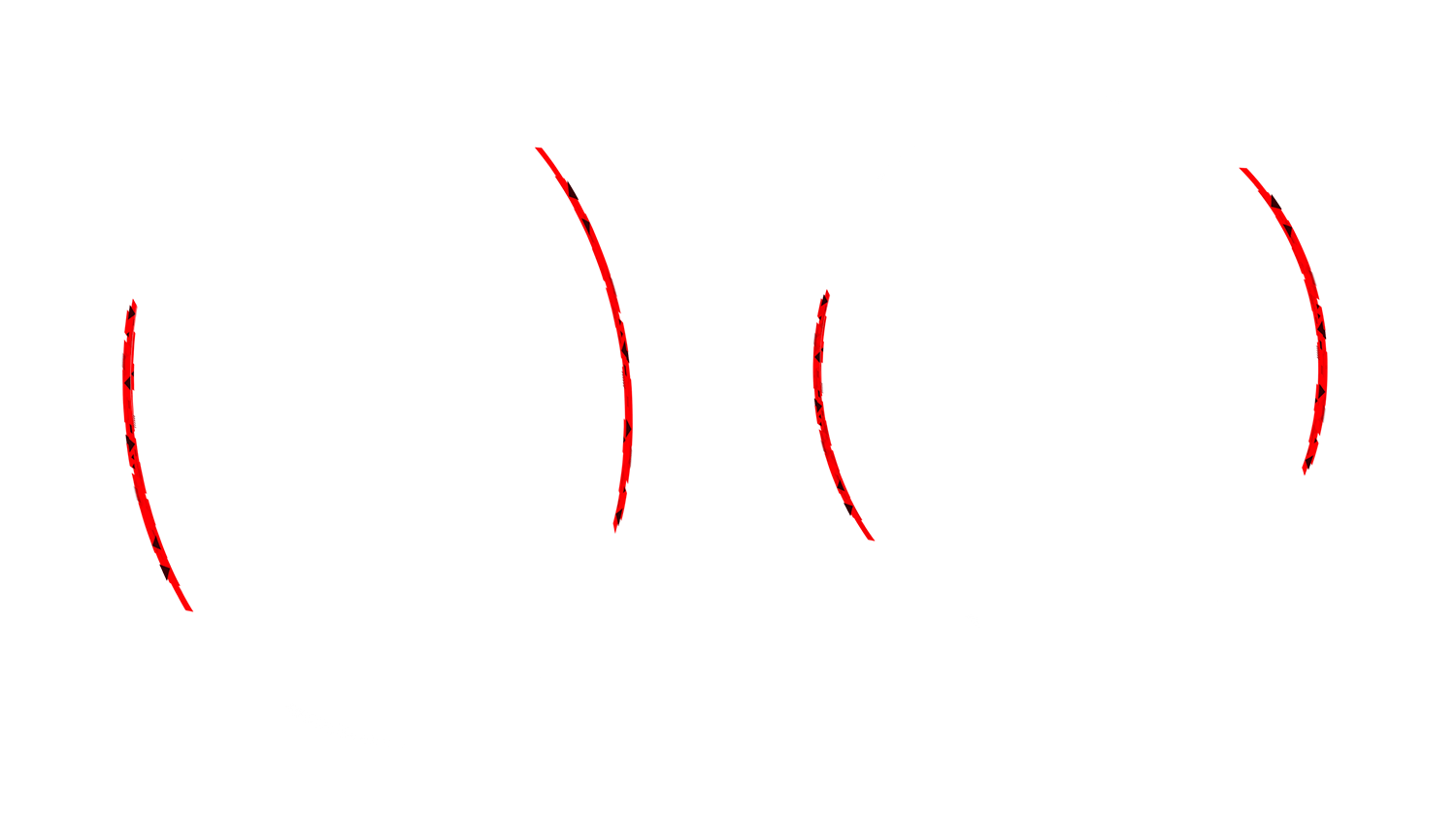
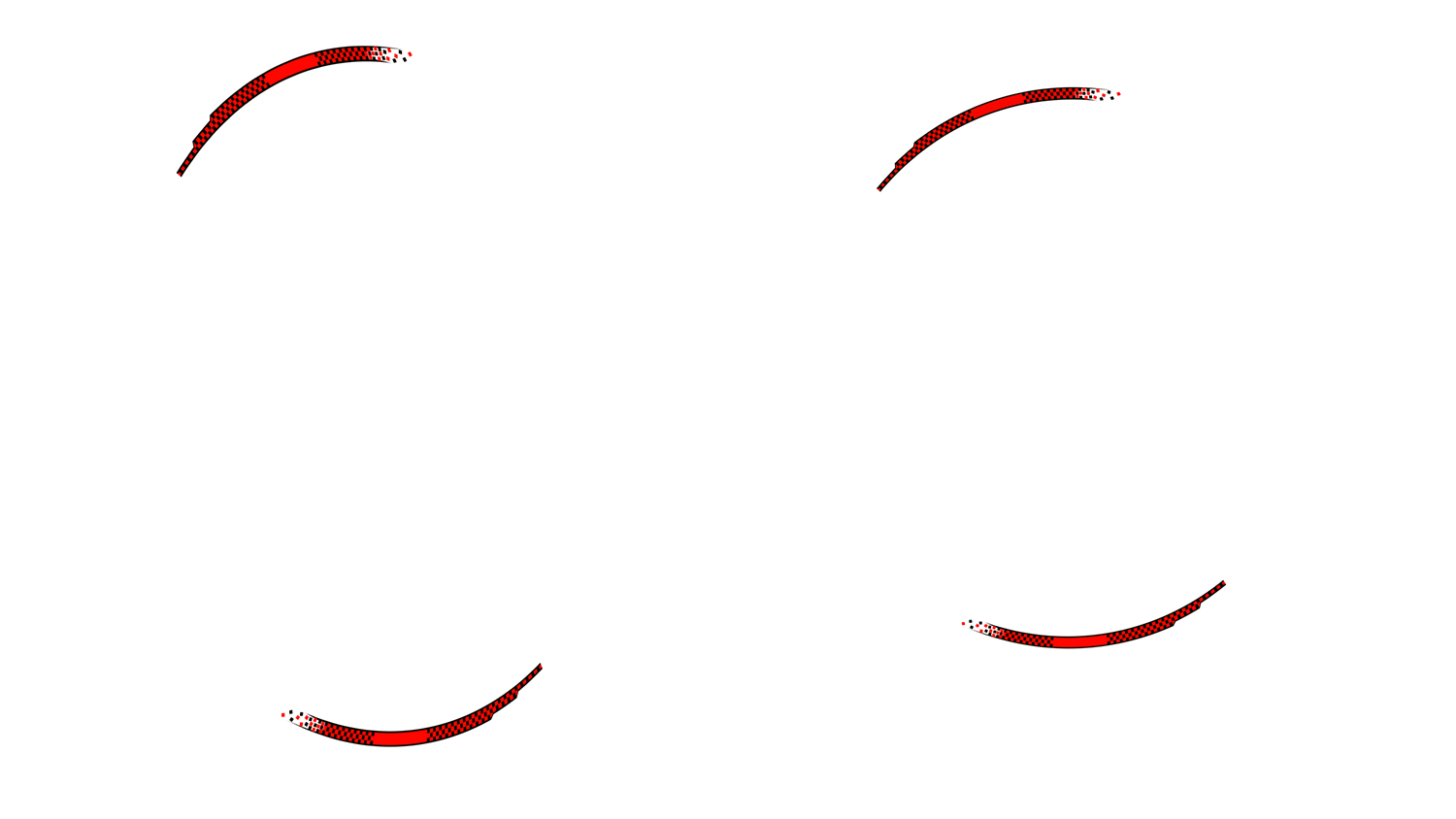
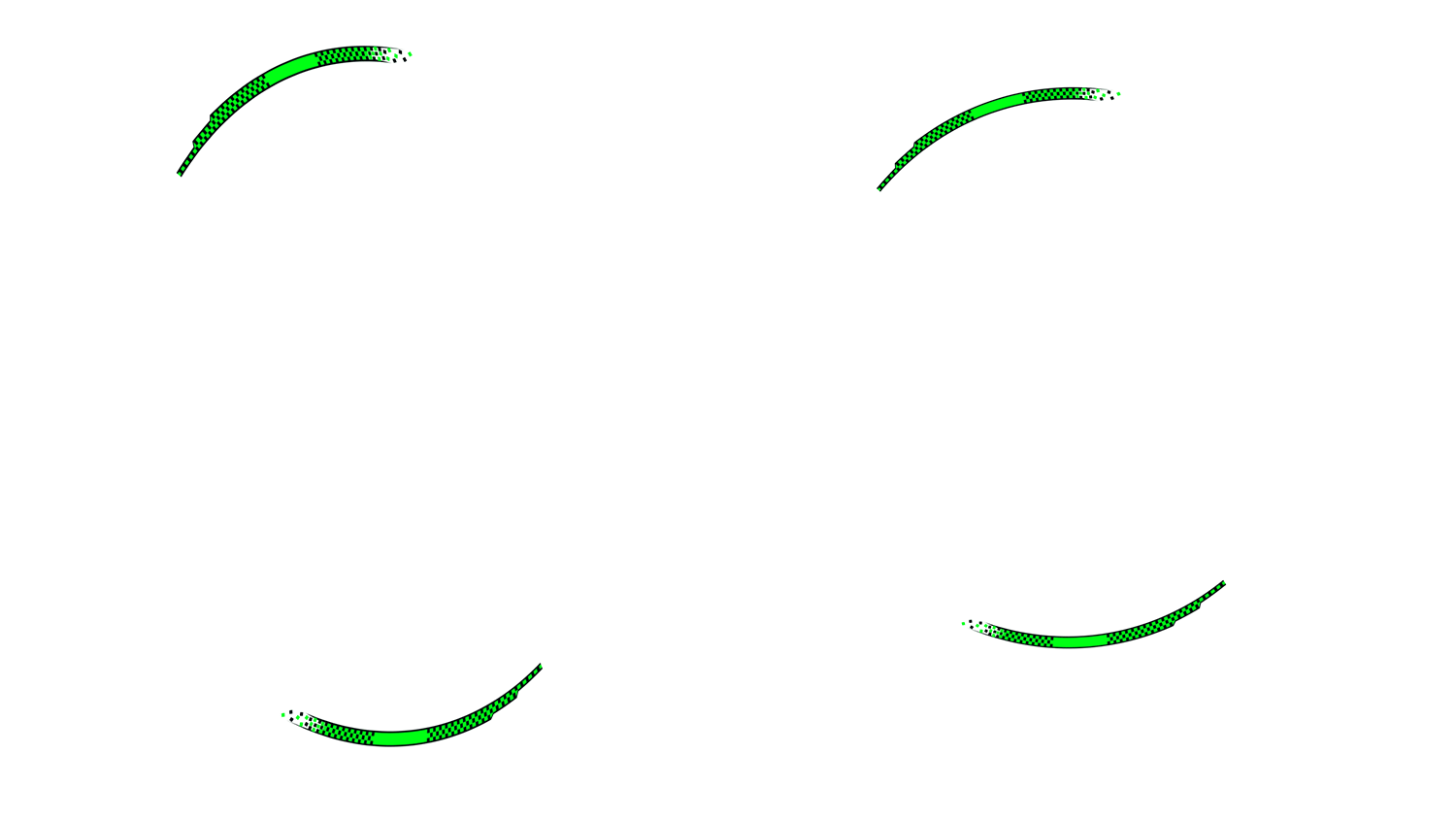
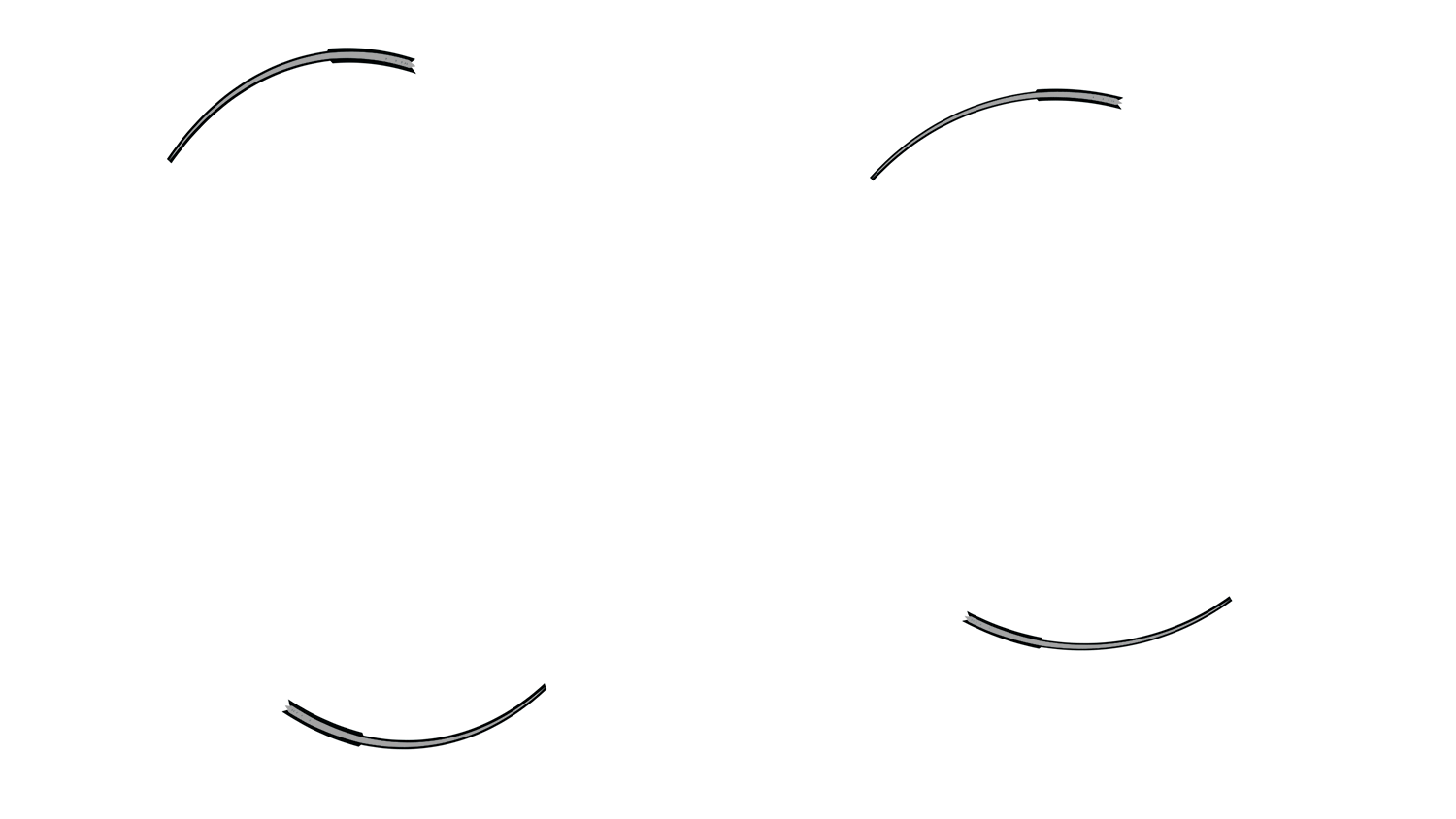
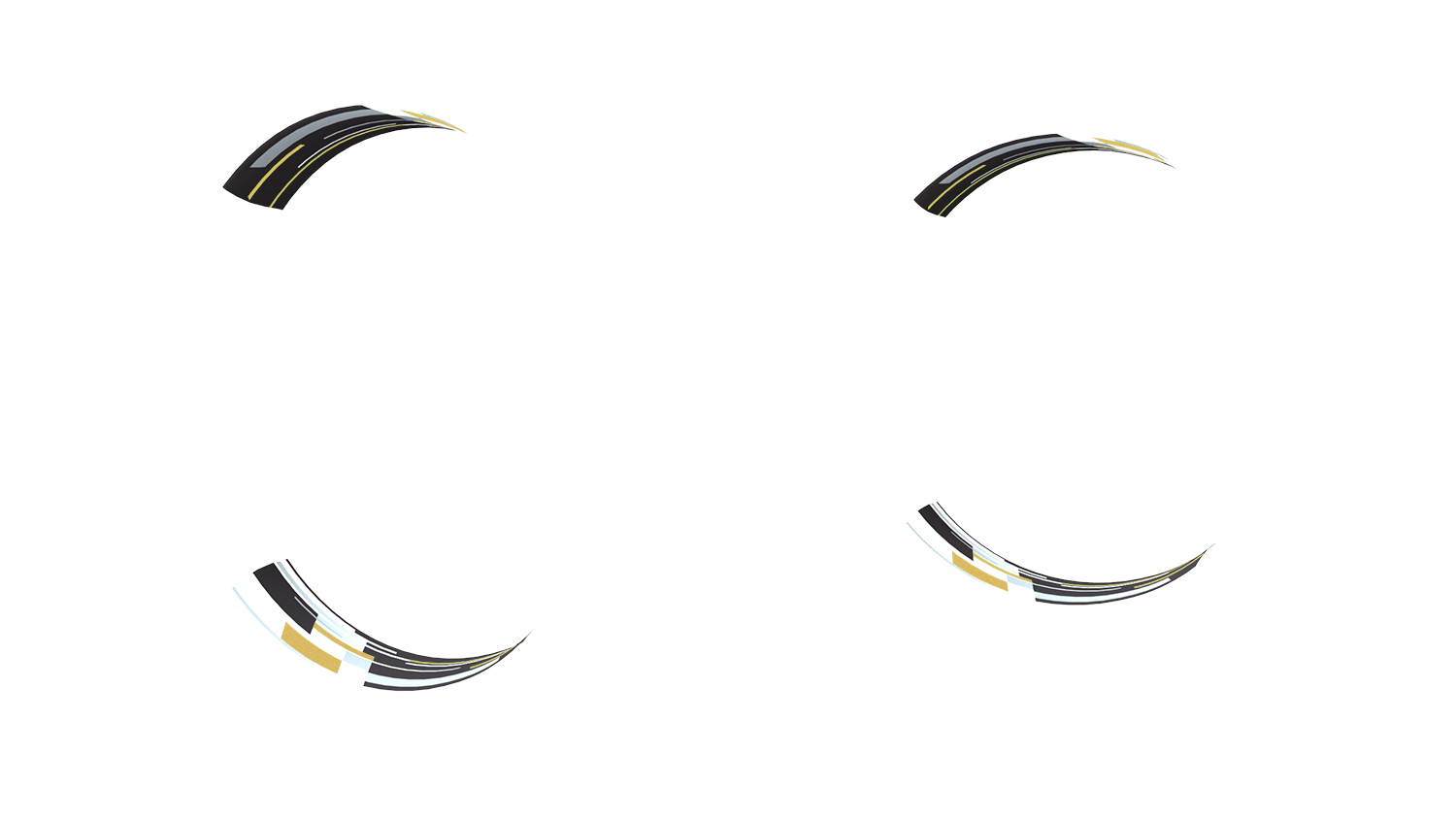
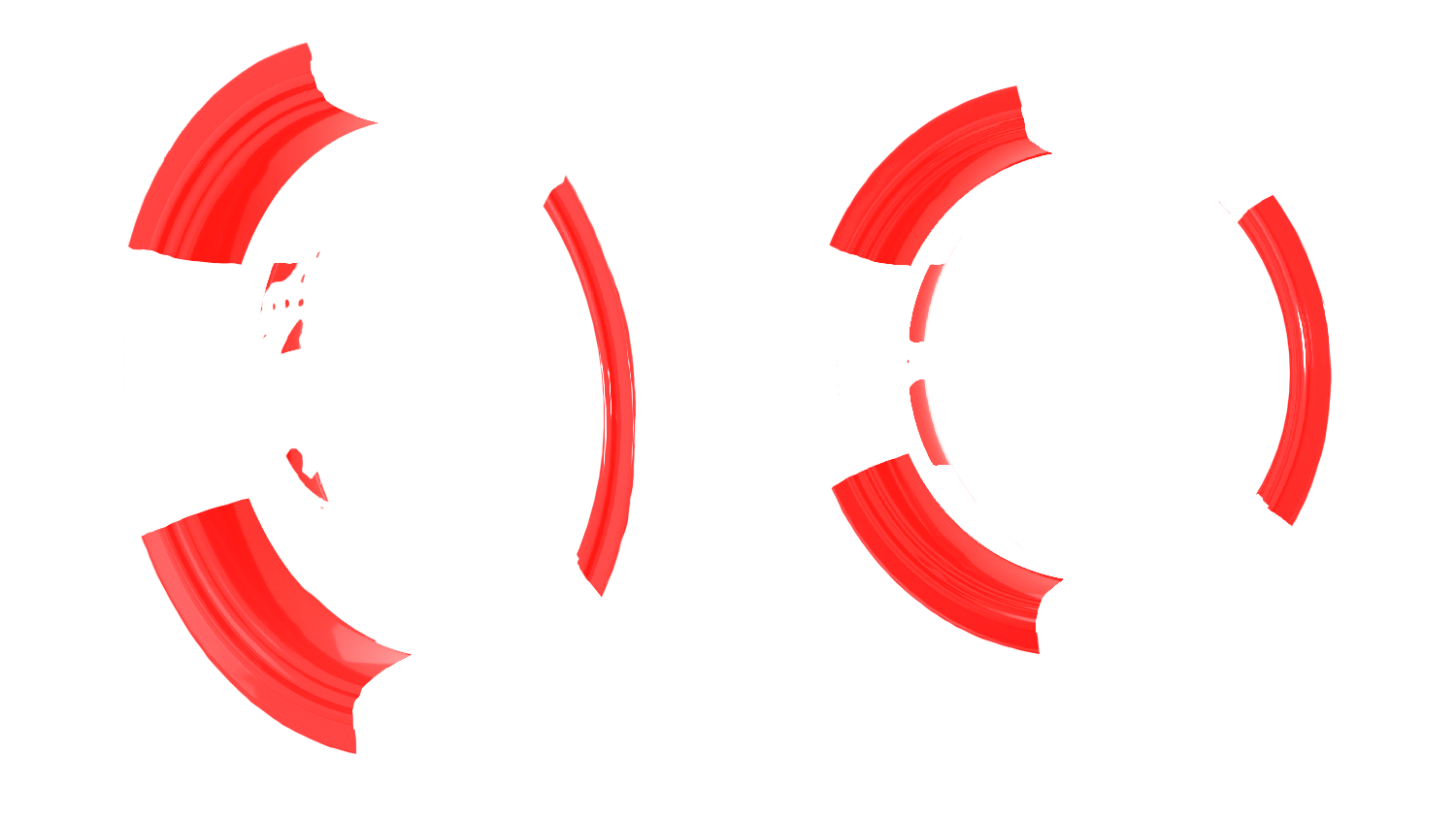
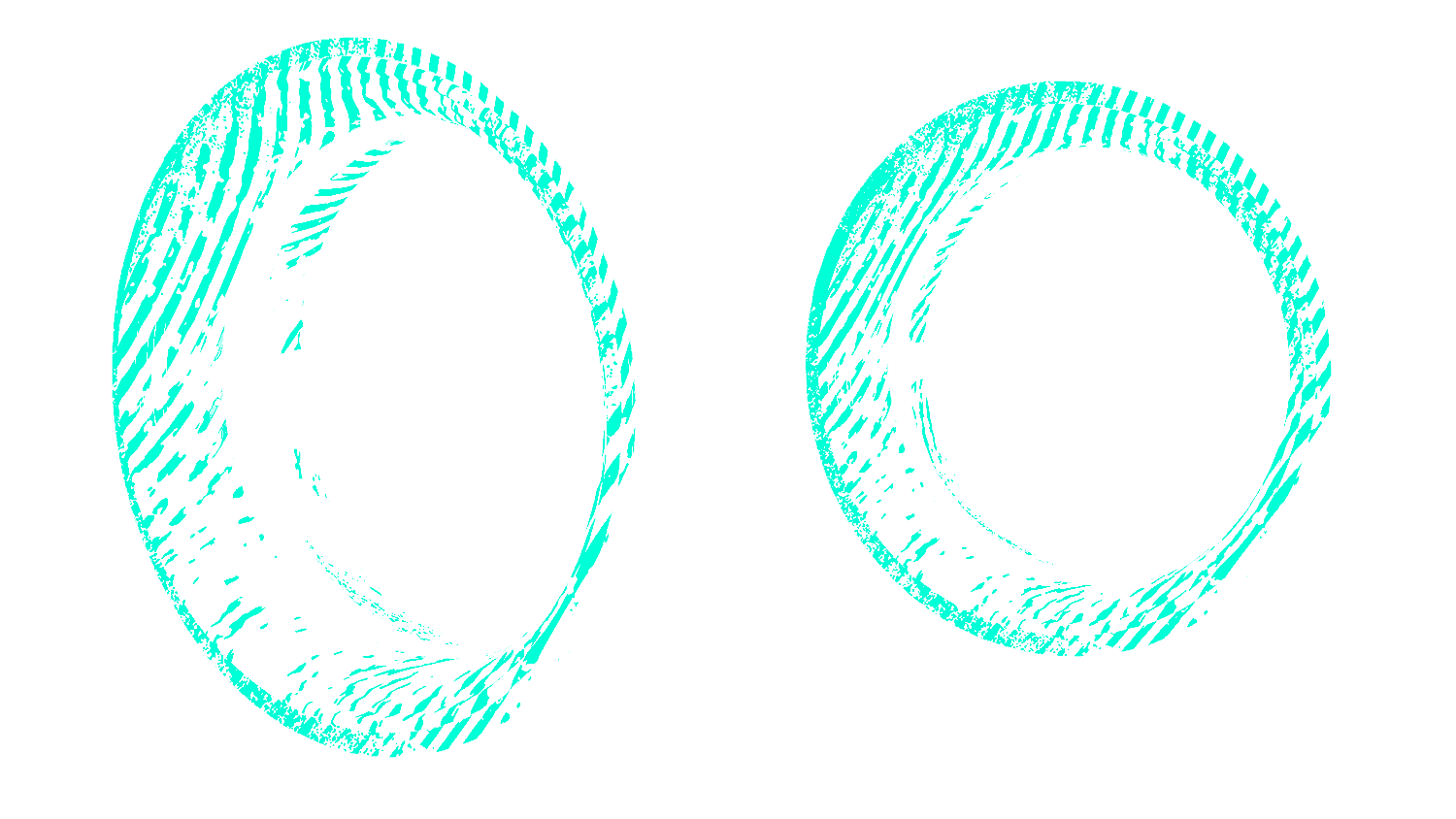
Rim 1 Design 1 red

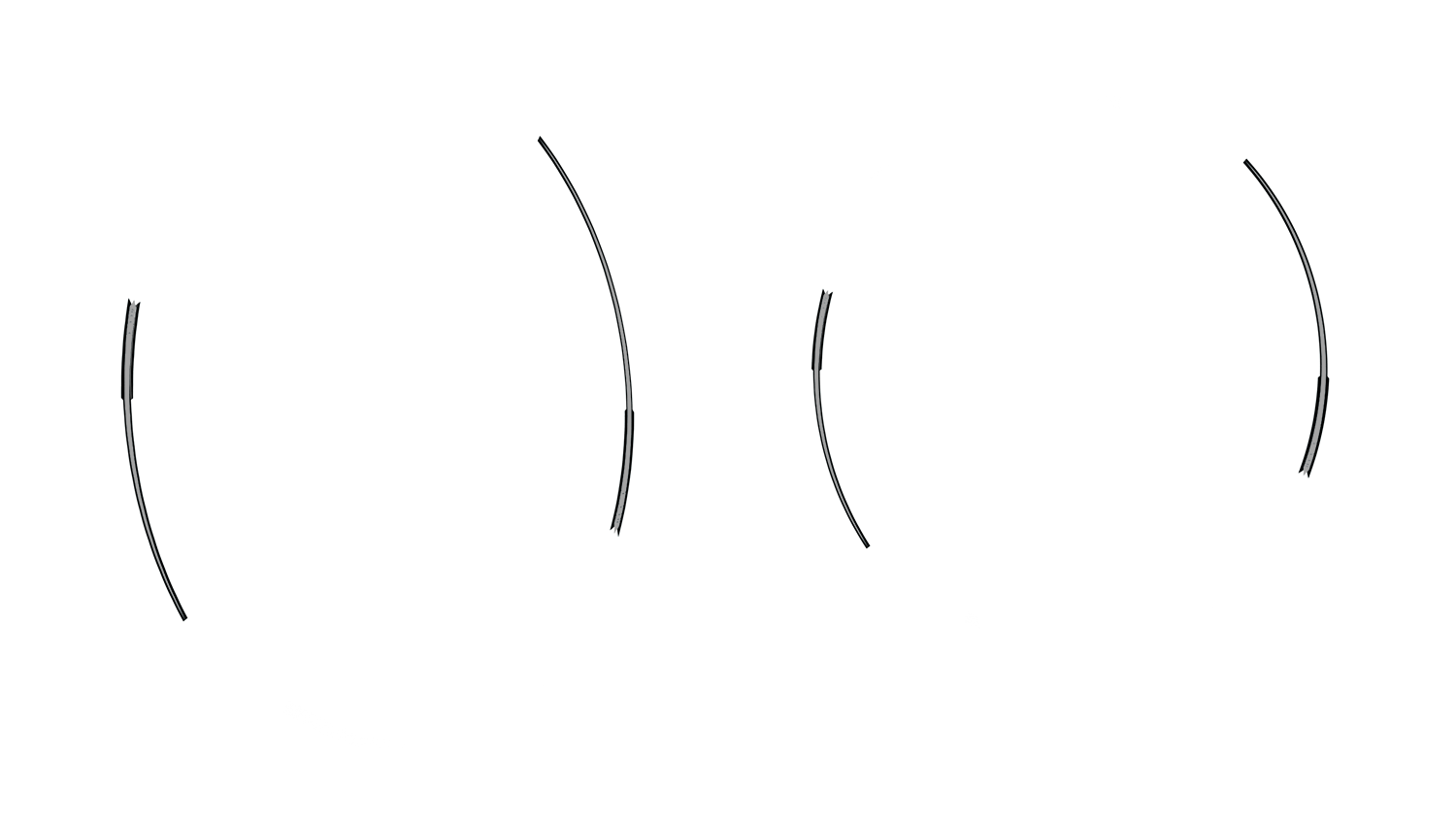
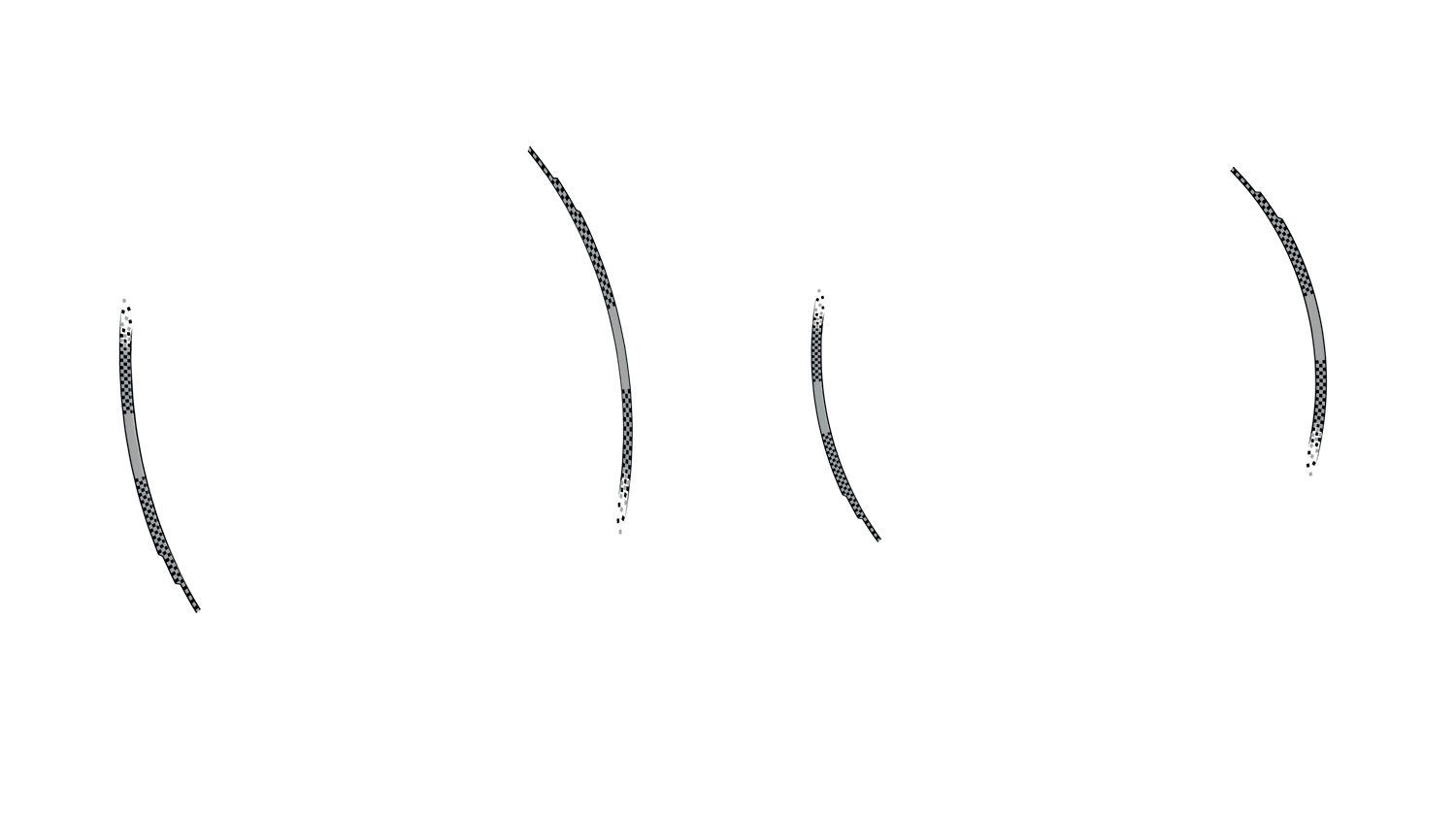
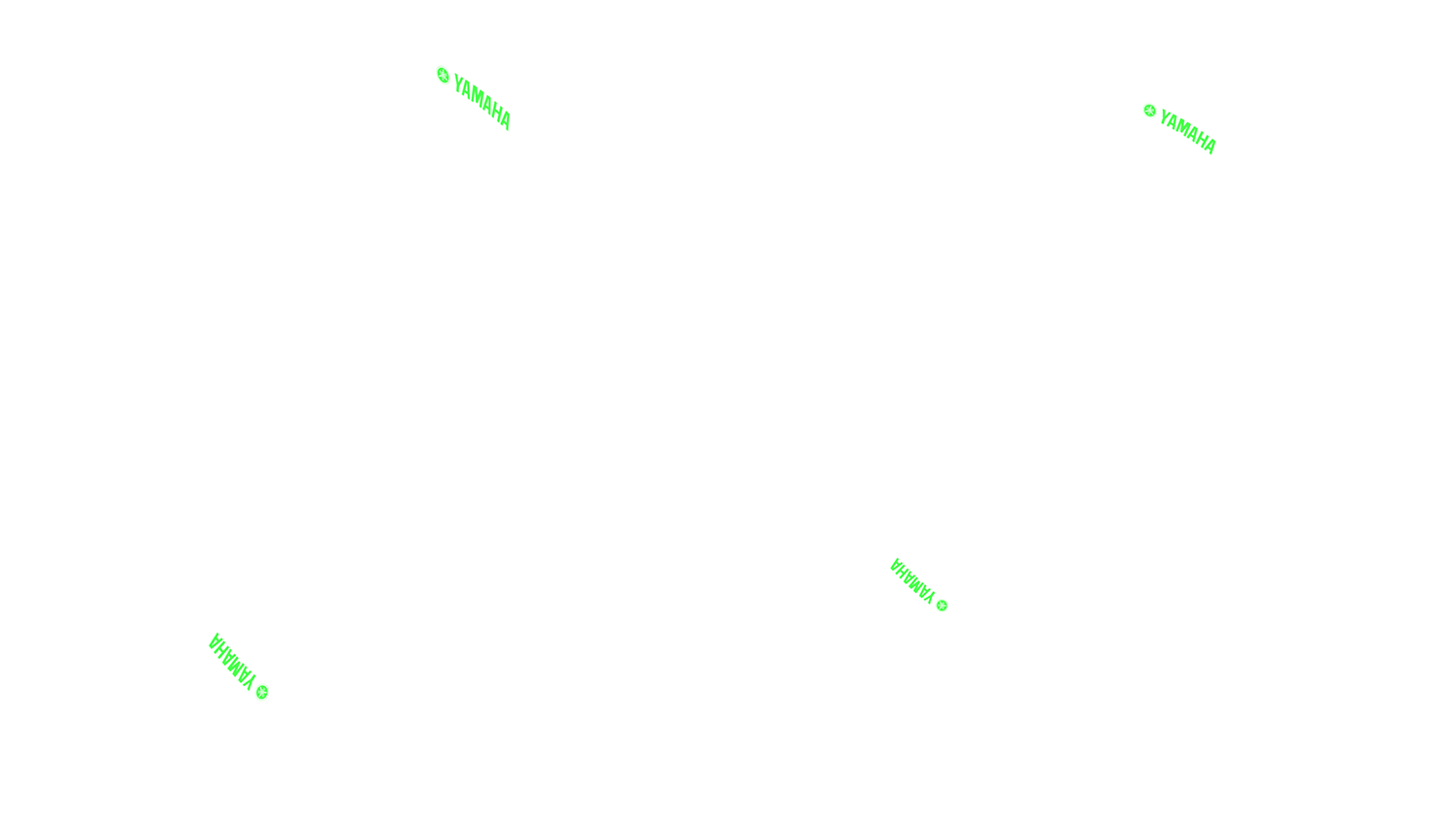
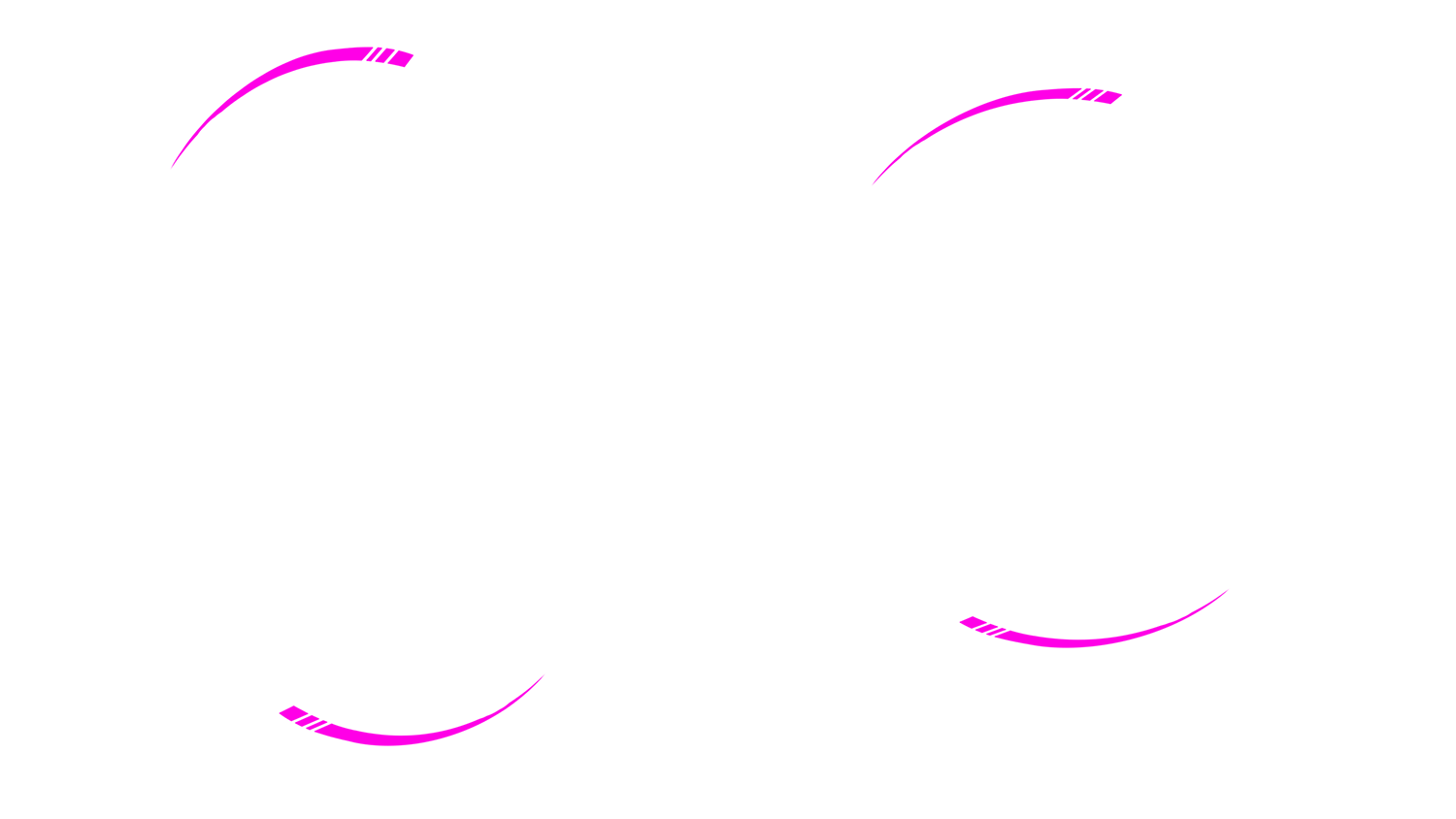
Rim Yamaha Rim Stripe Yamaha Red
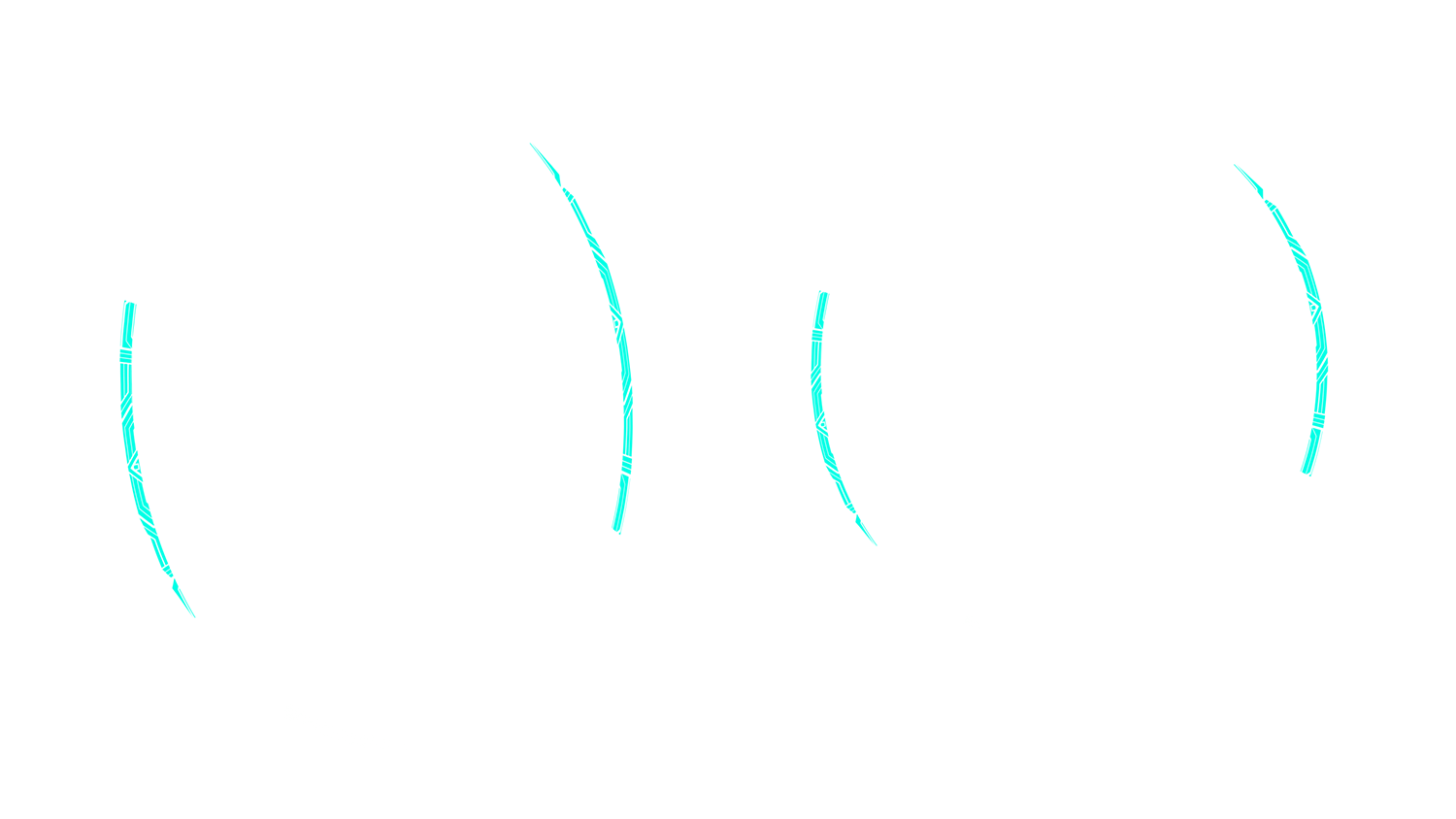
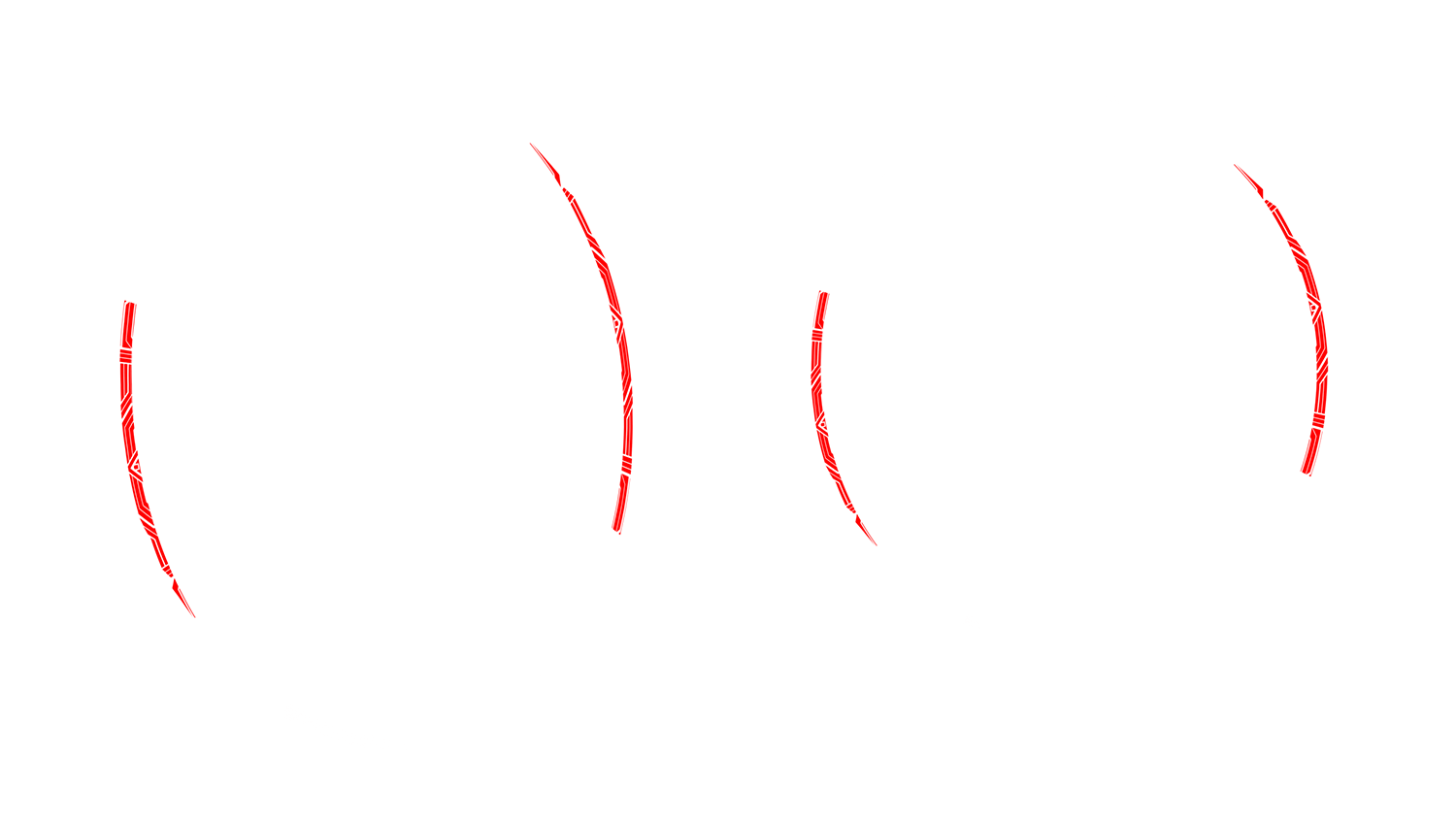
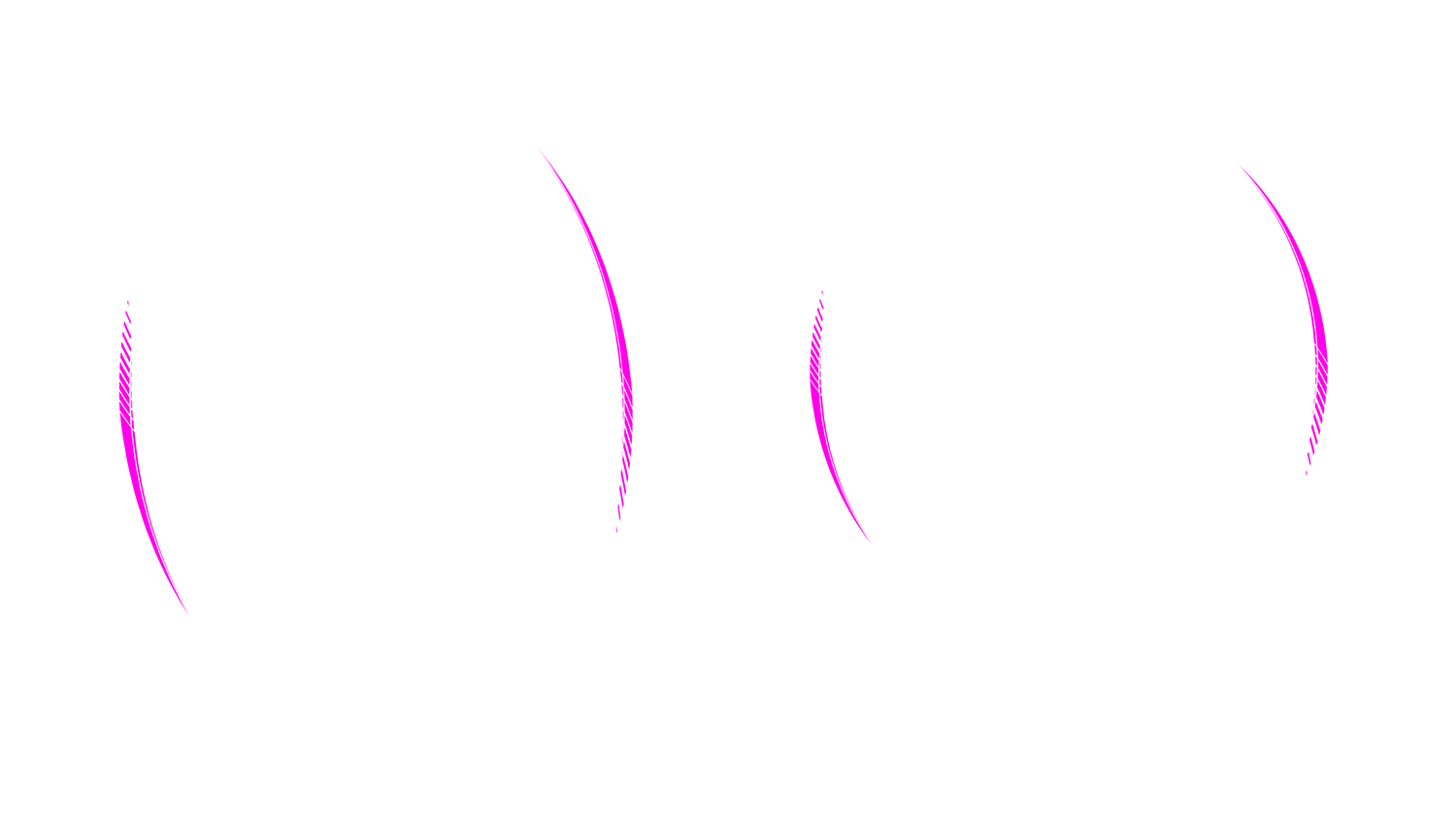
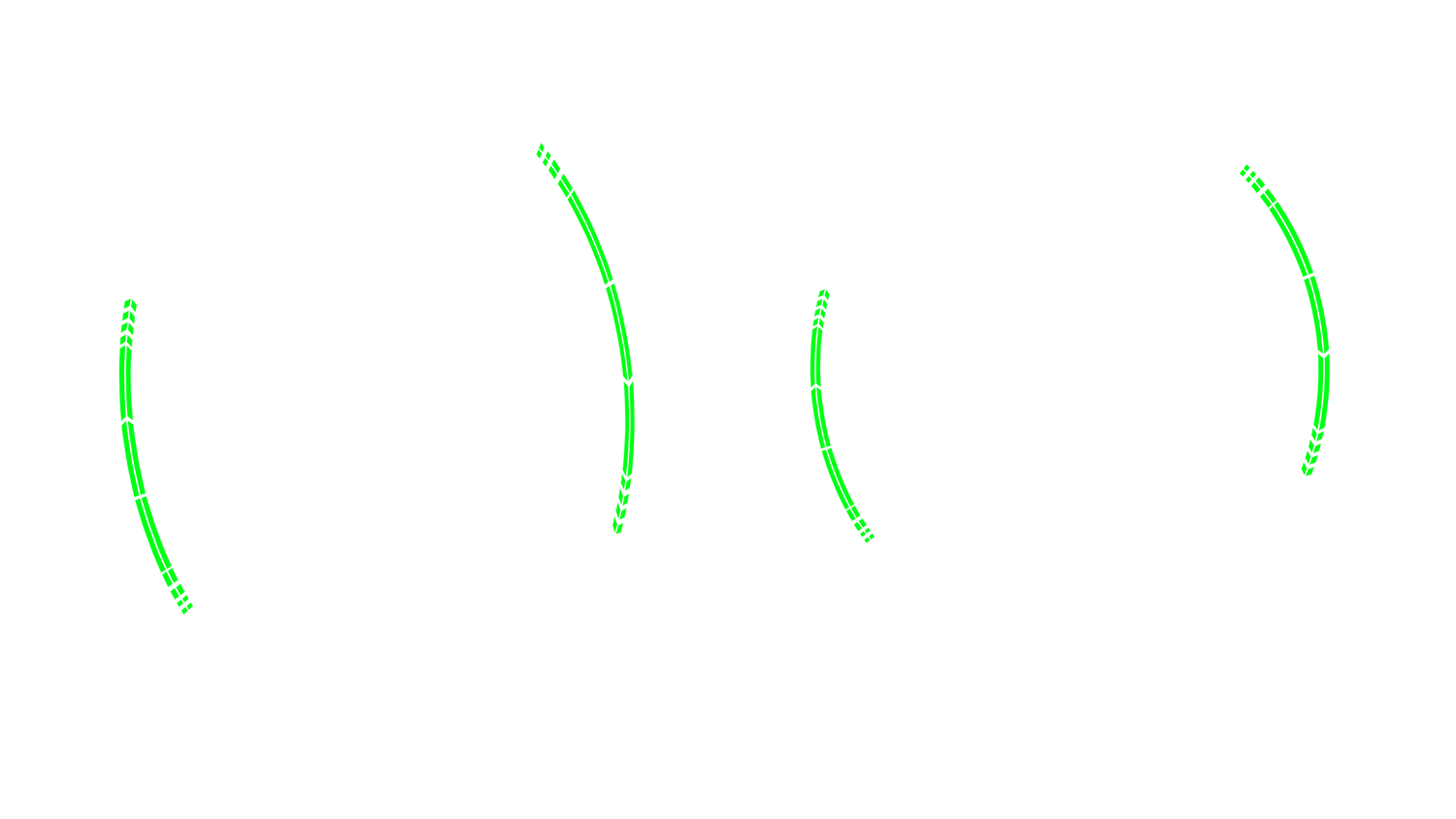
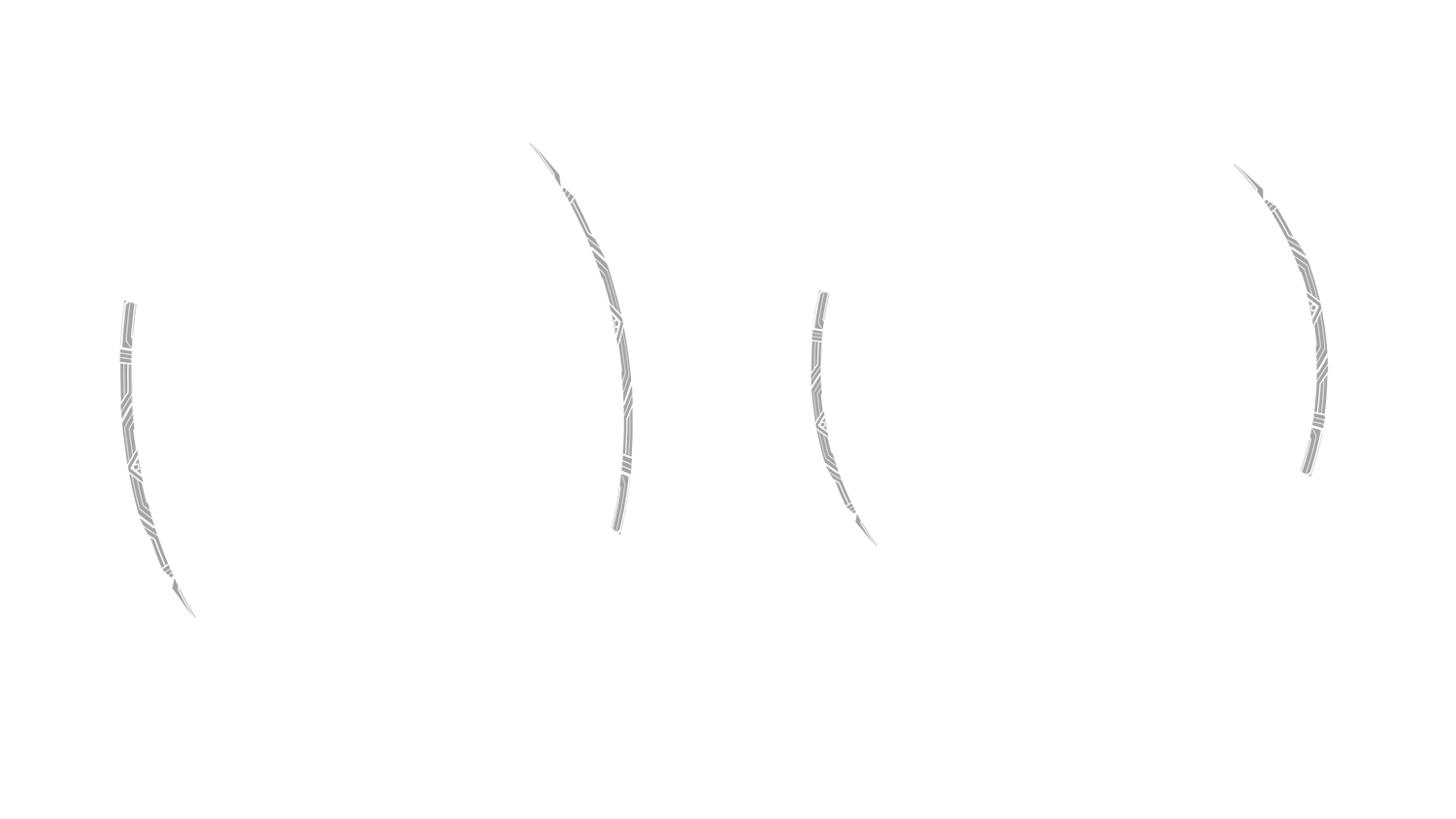
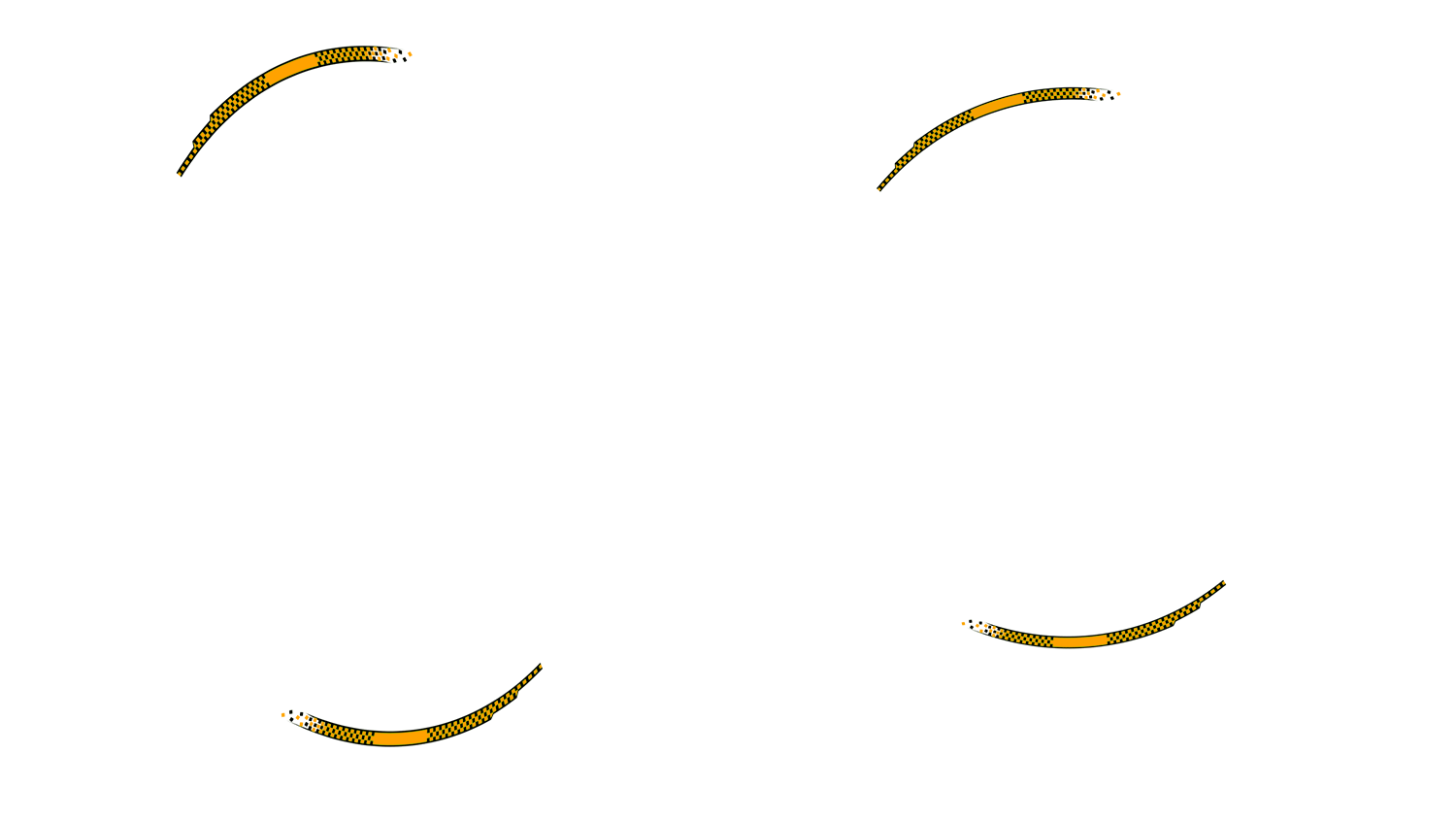
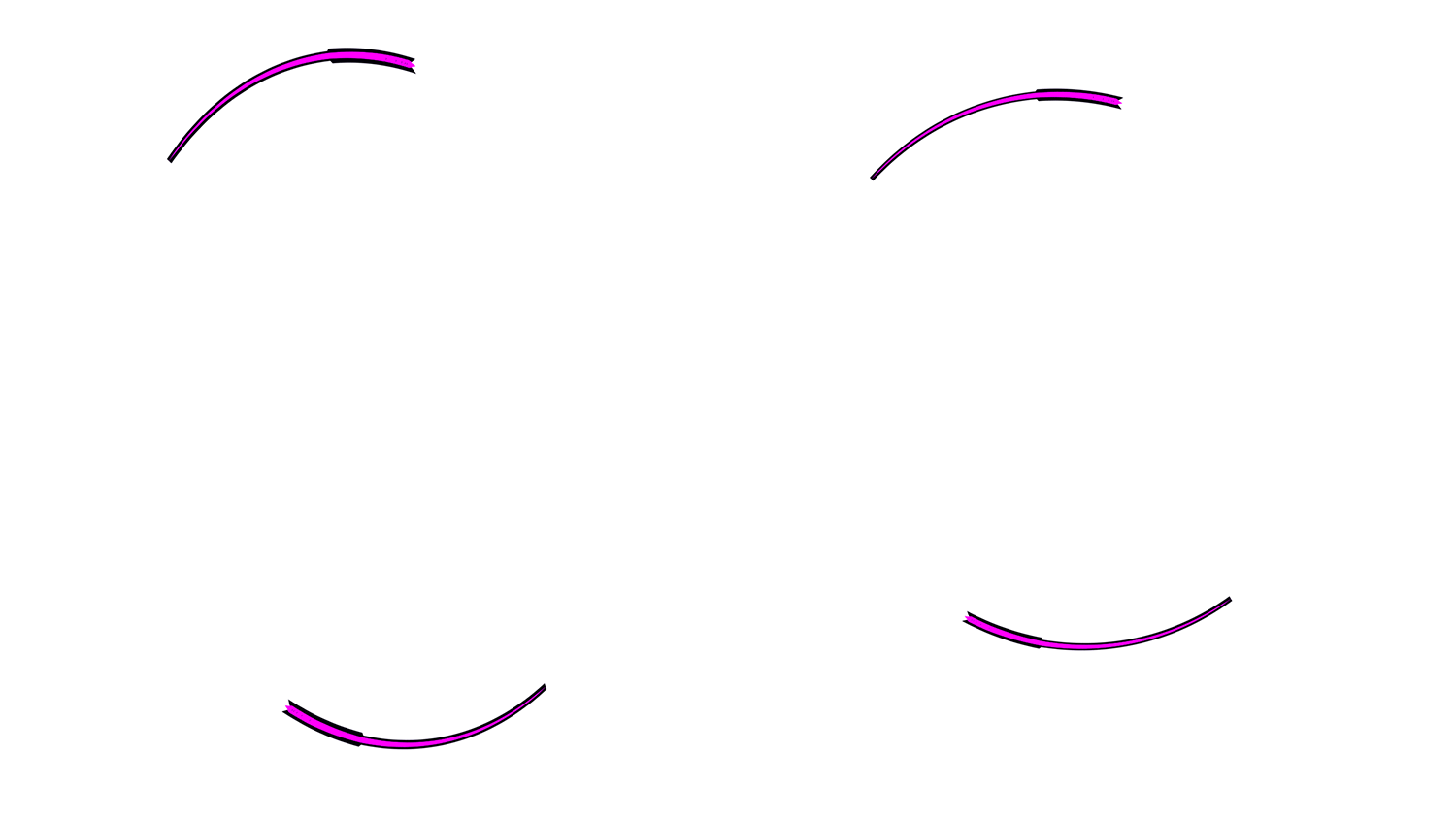
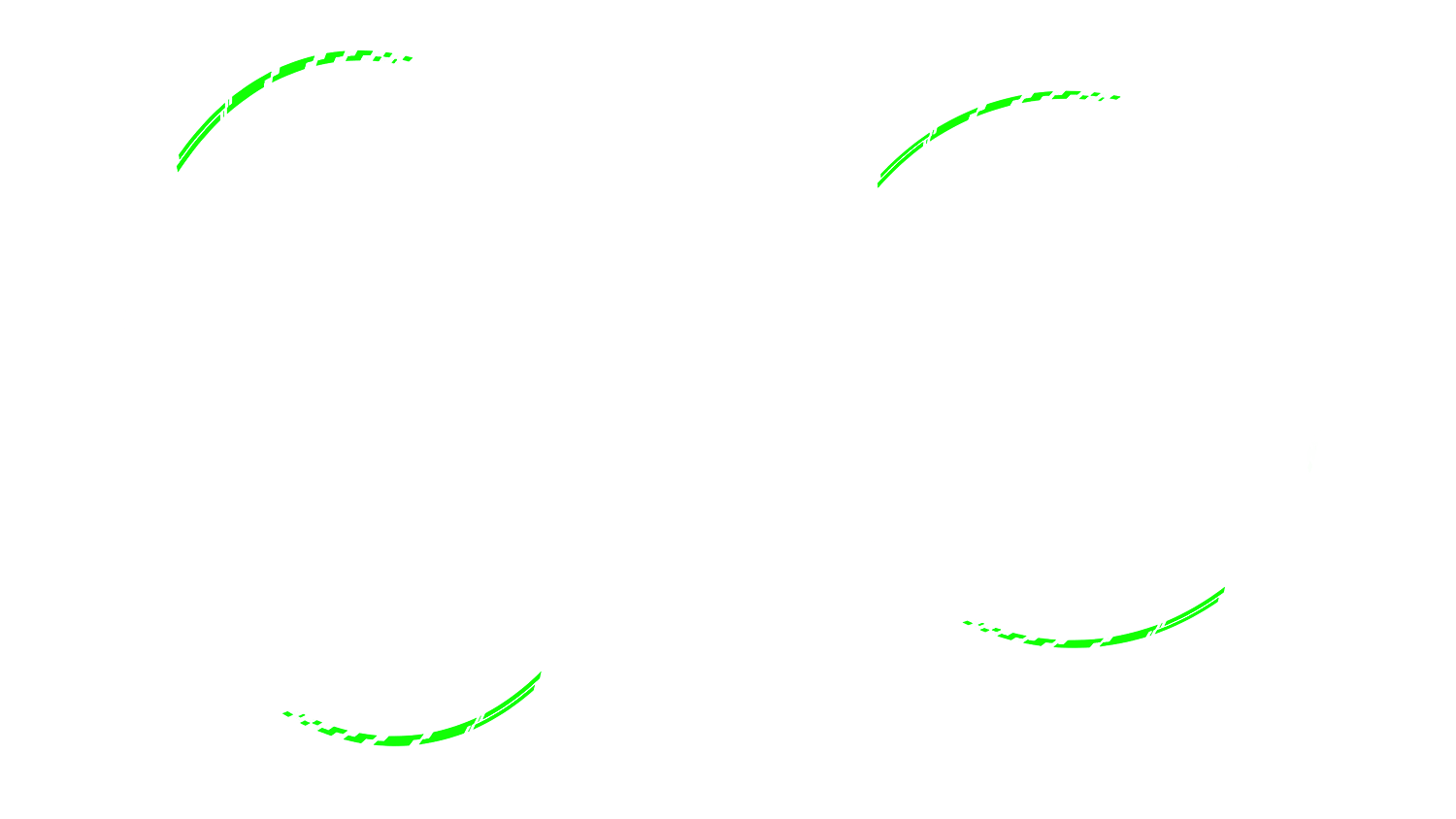
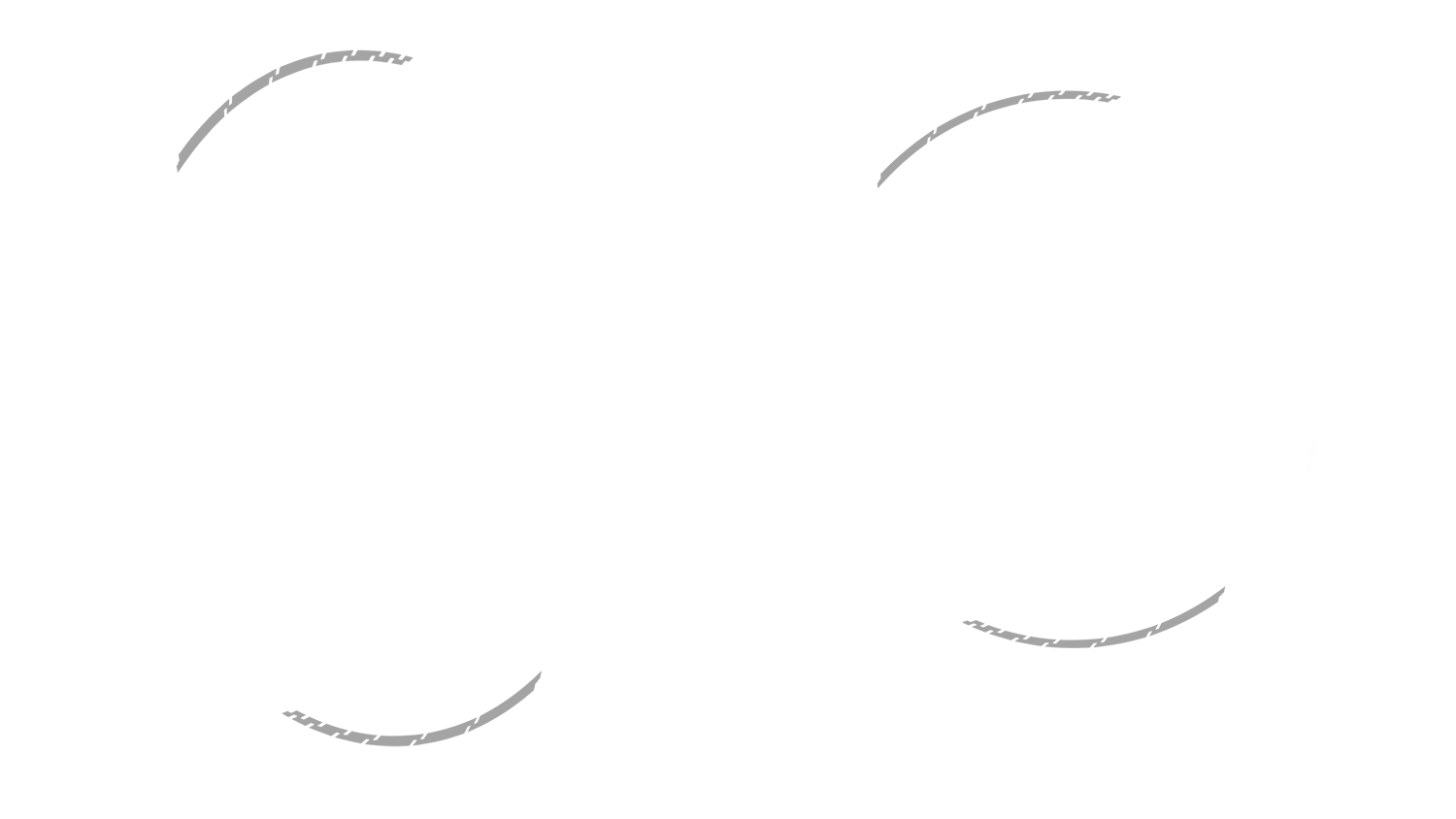
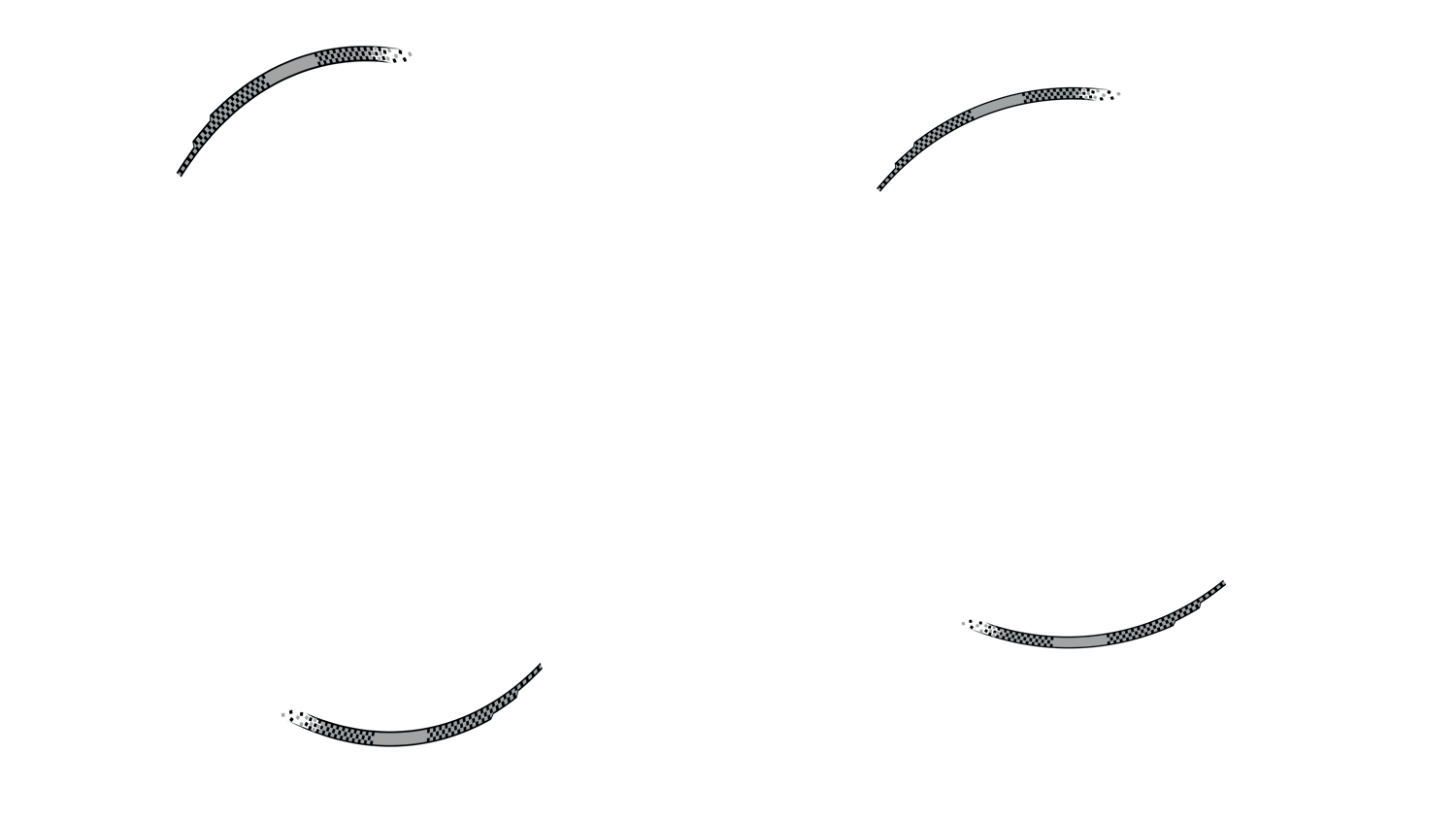
Rim 2 Design 1 White
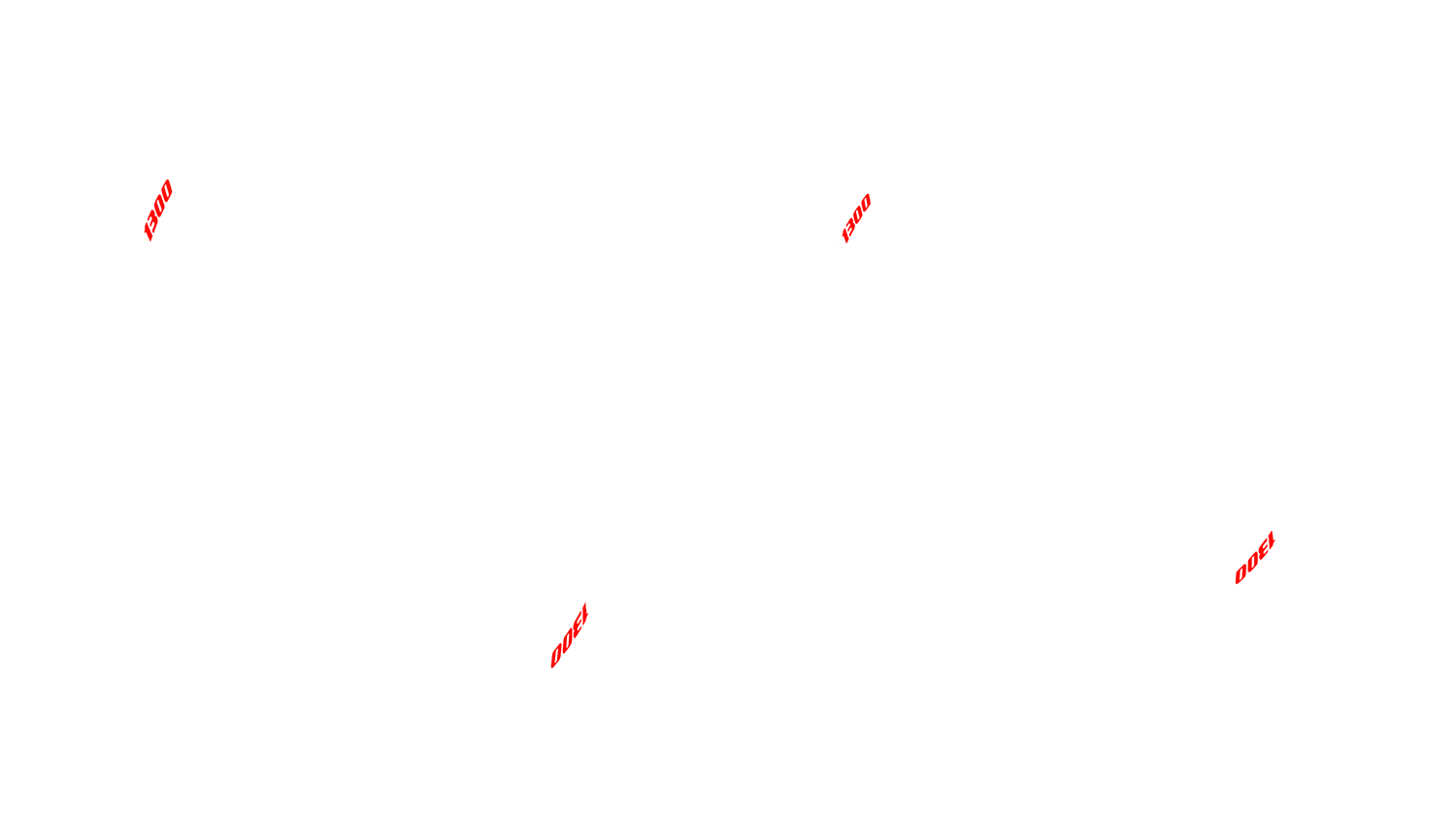
Rim XJR 1300 XJR 1300 Rim Stripe White and Red

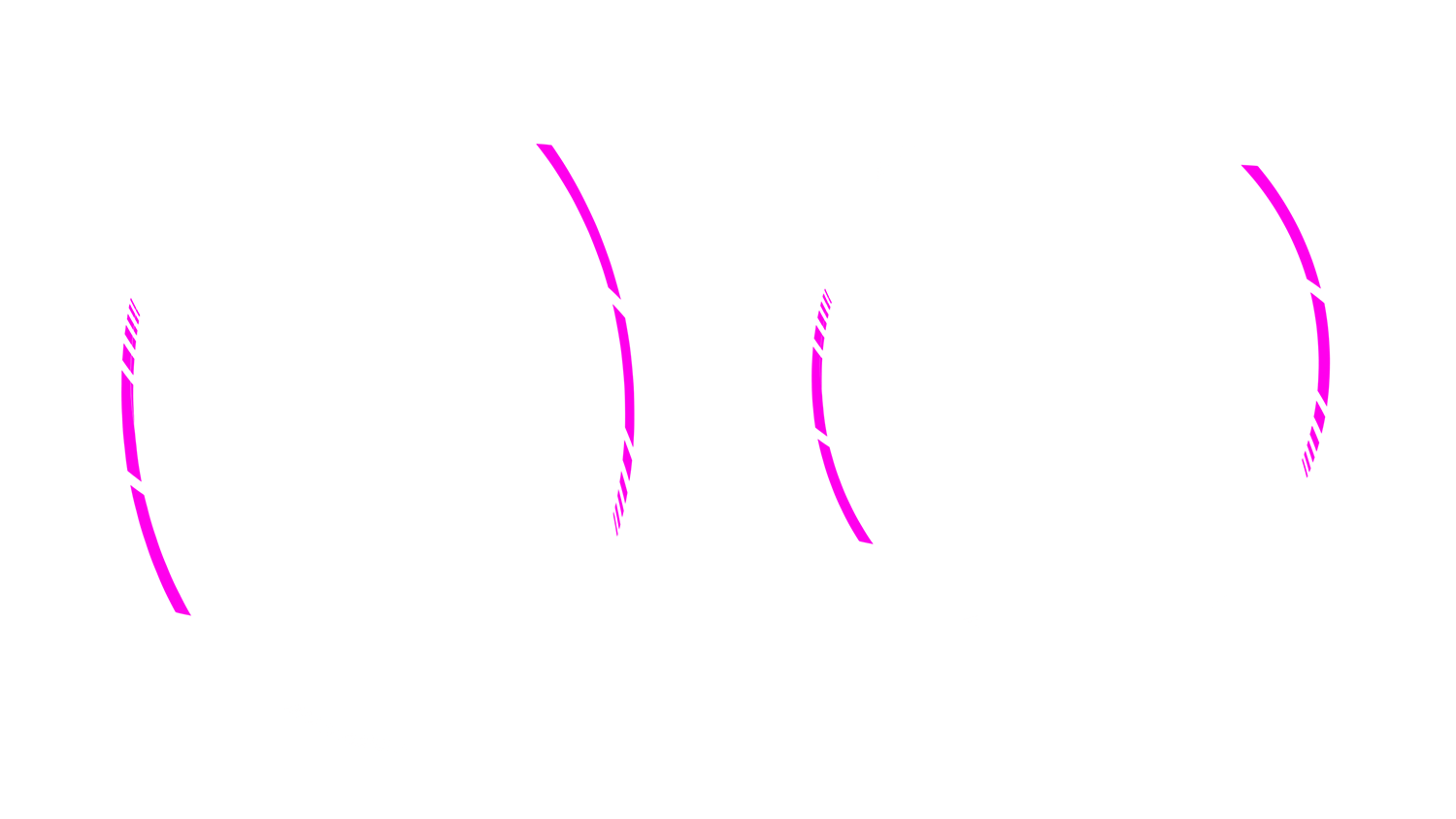
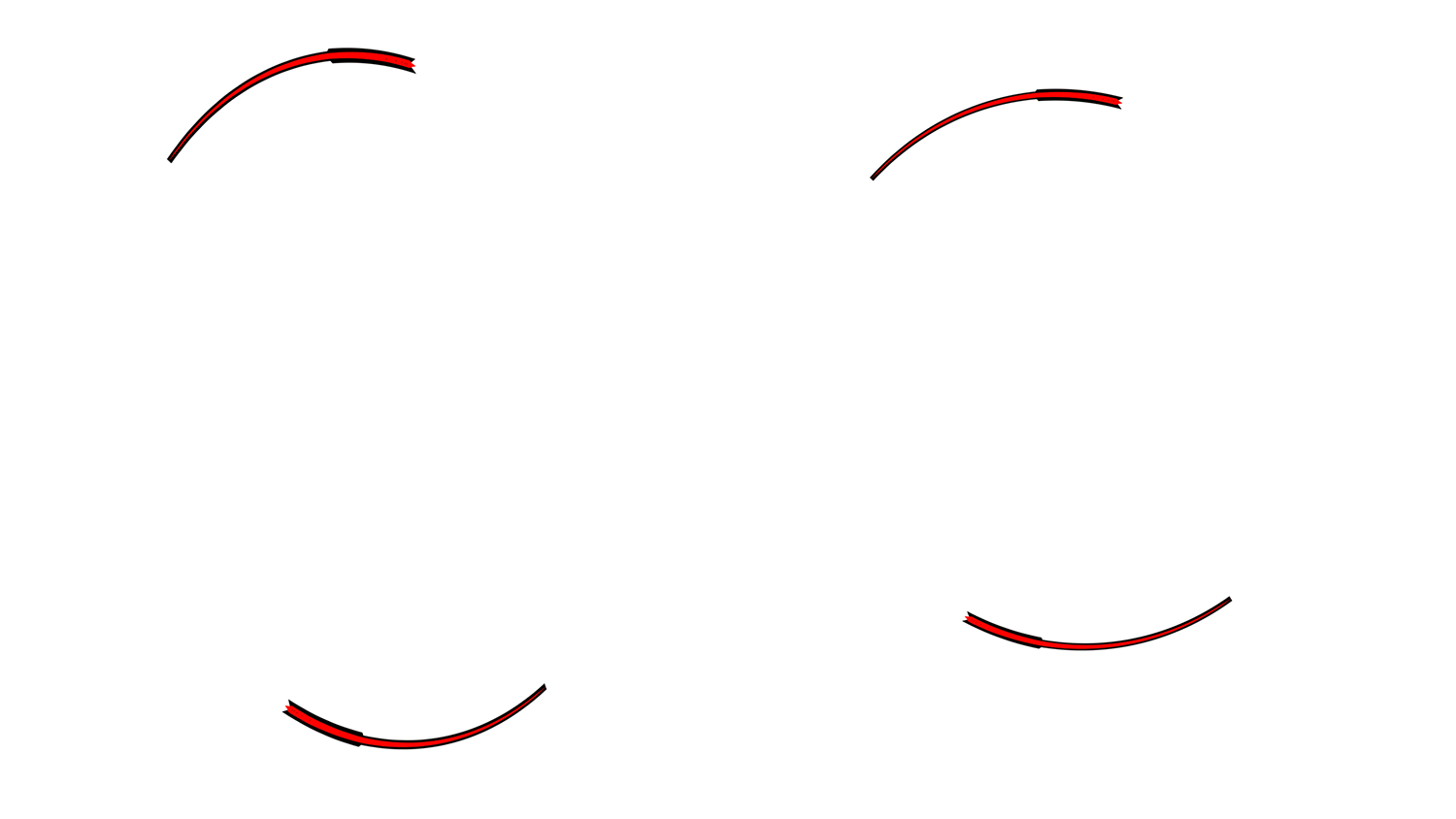
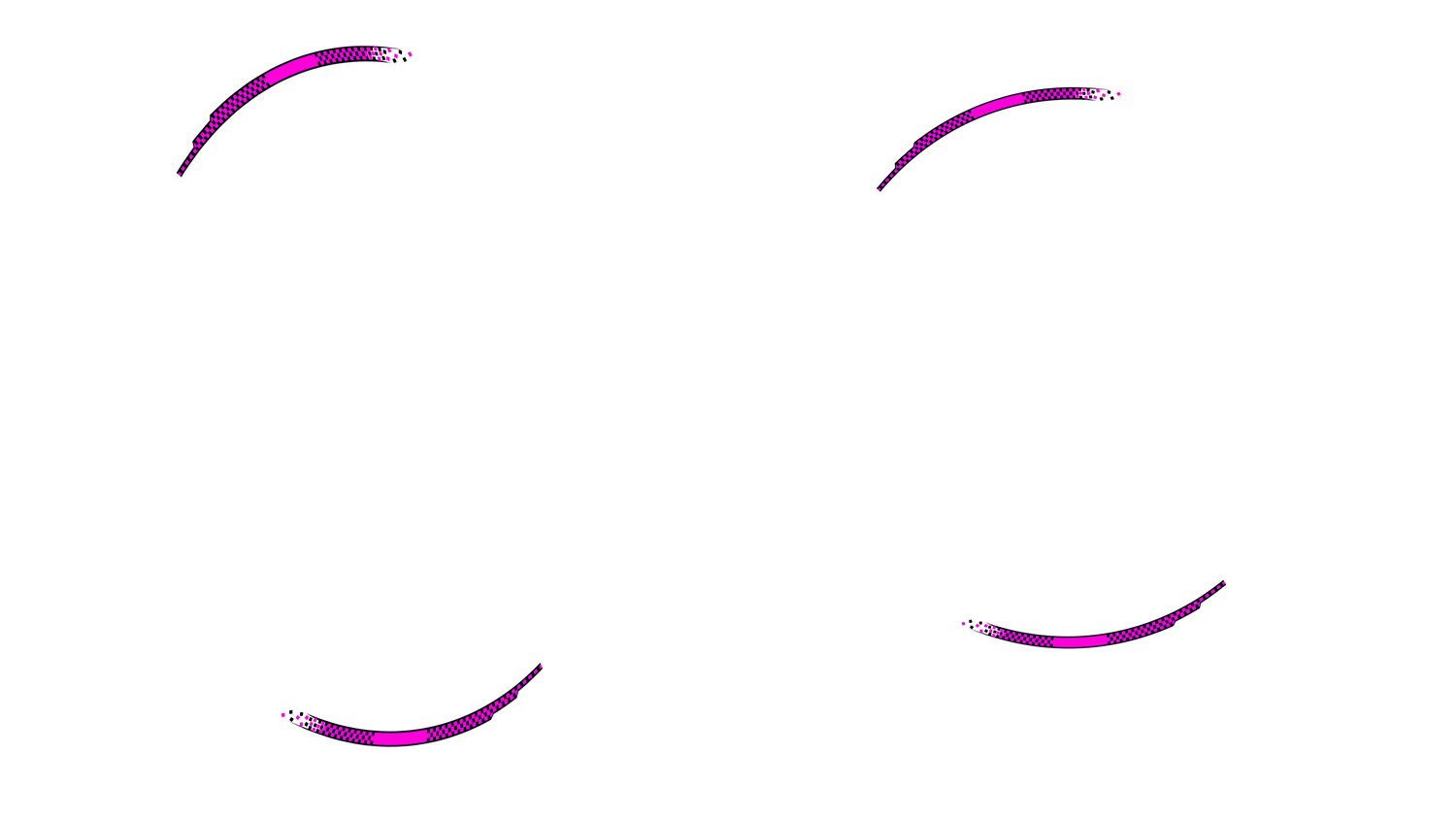
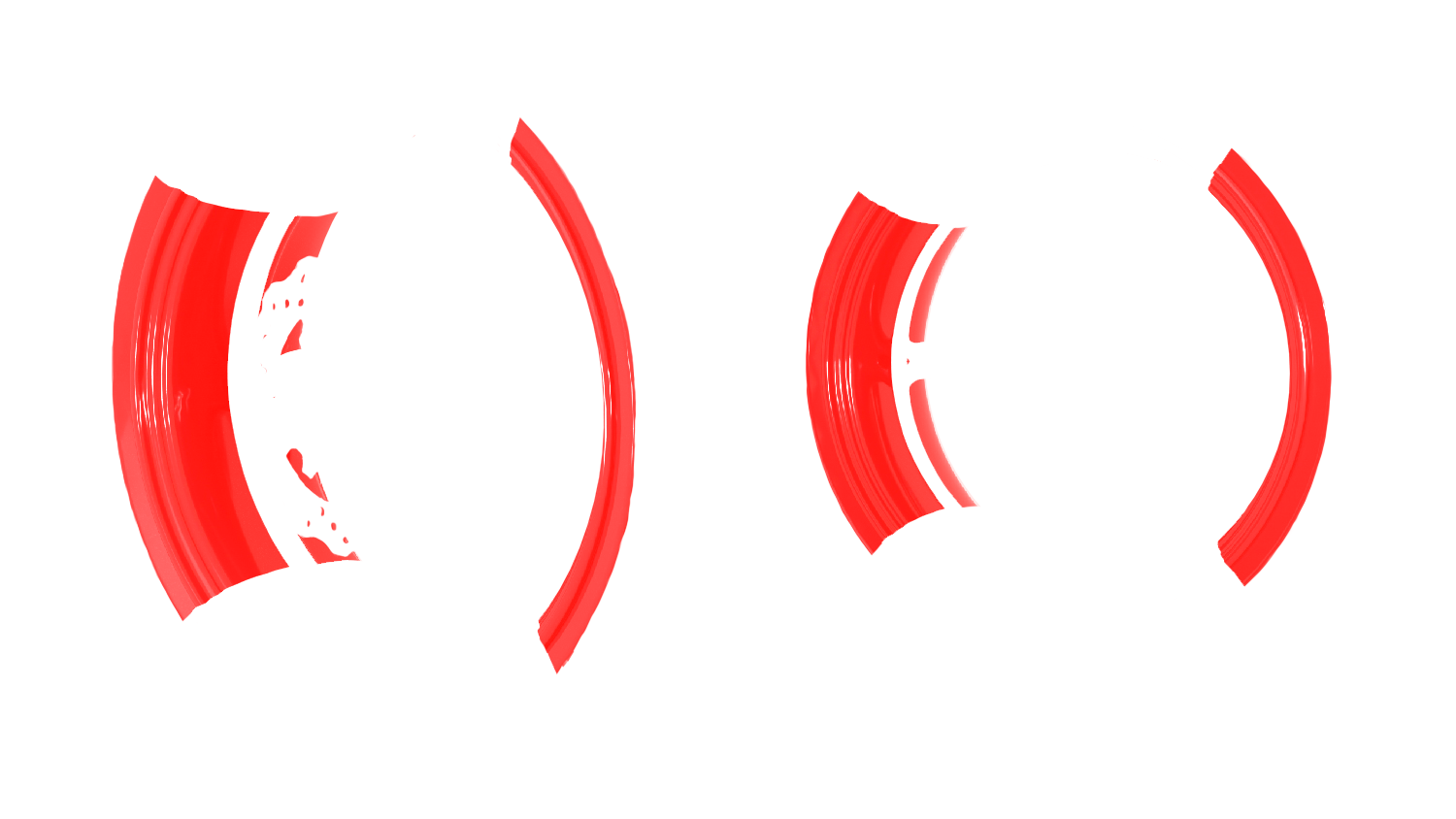
Rim Stripe No background

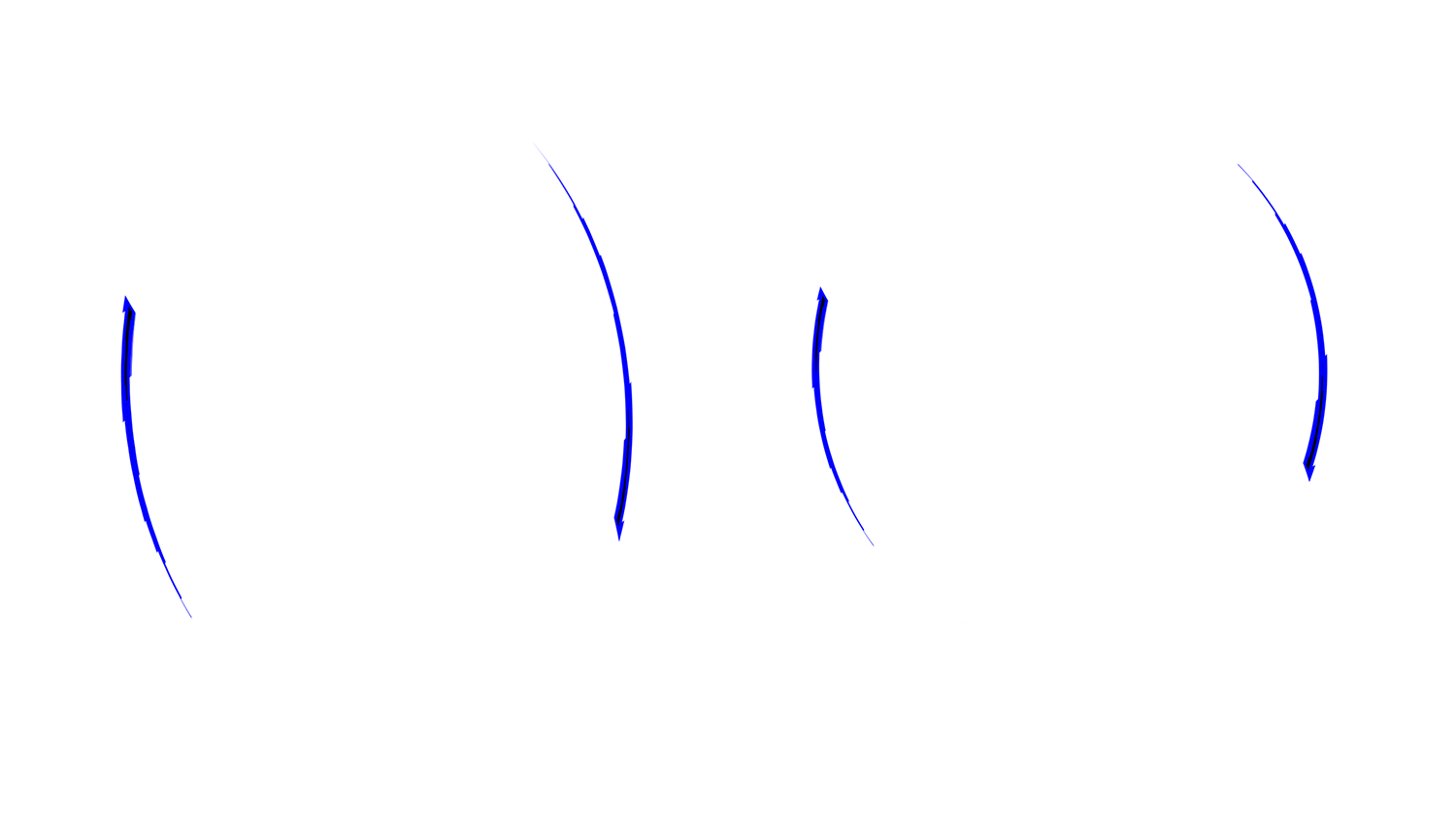
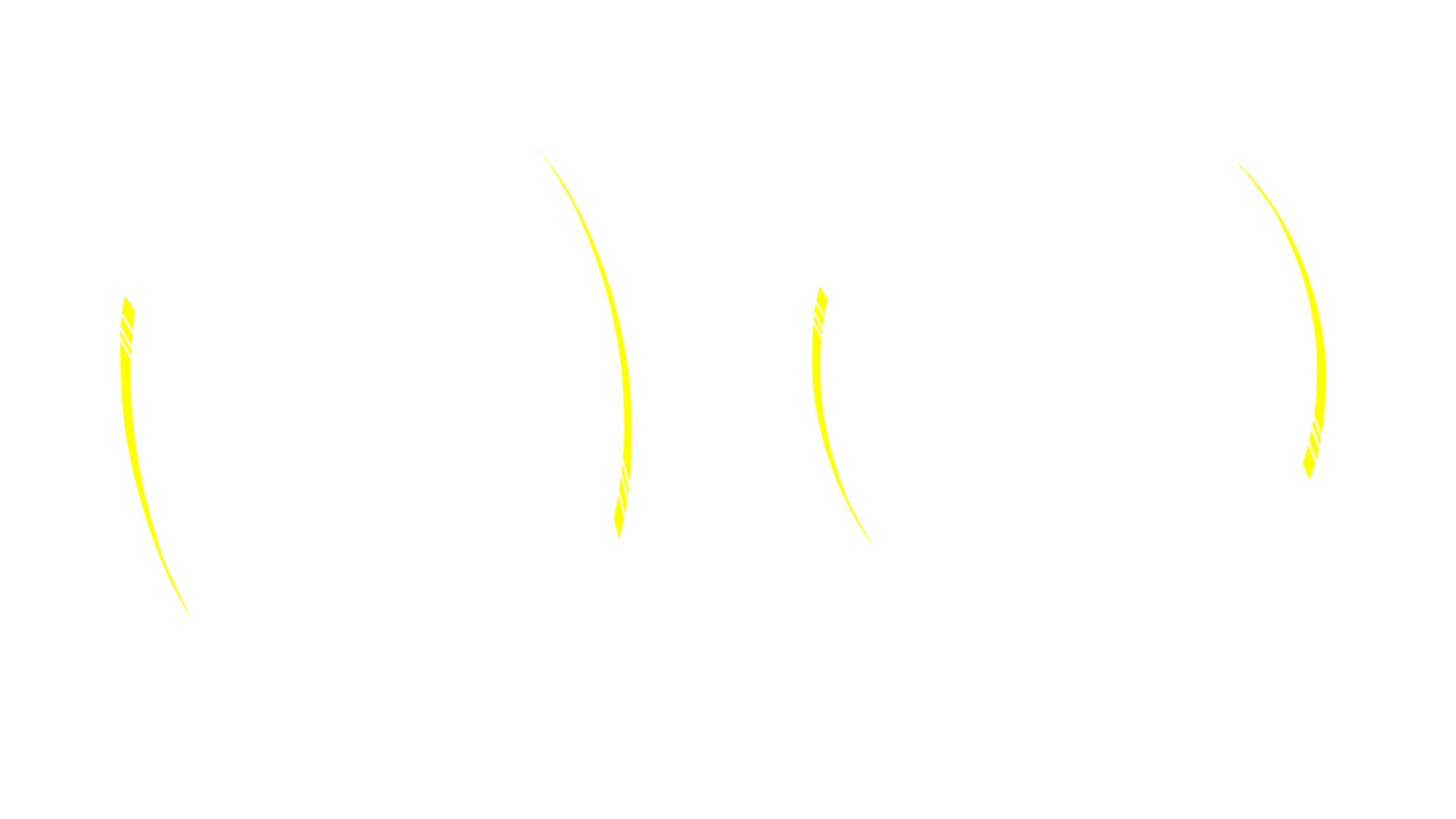
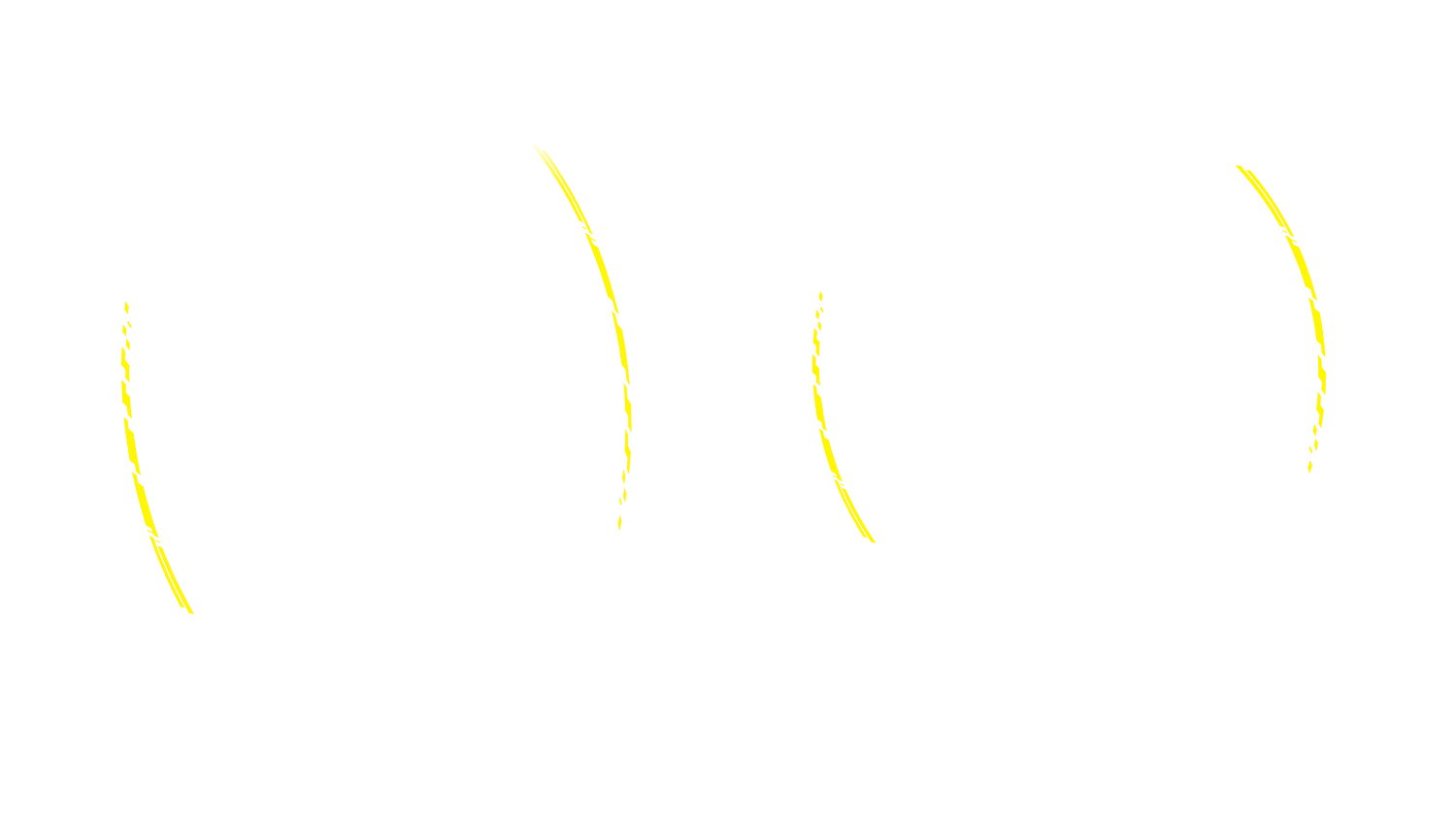
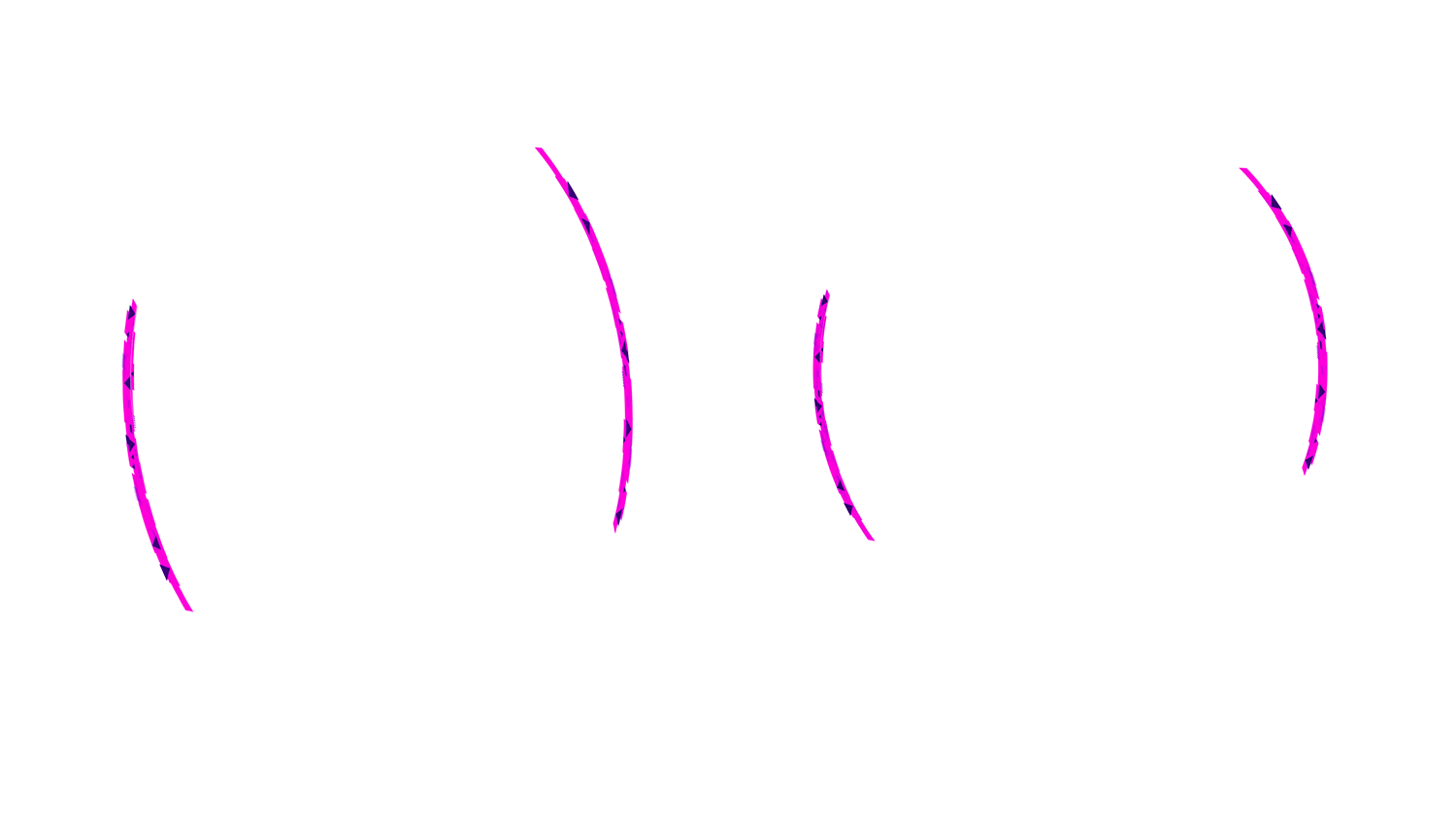
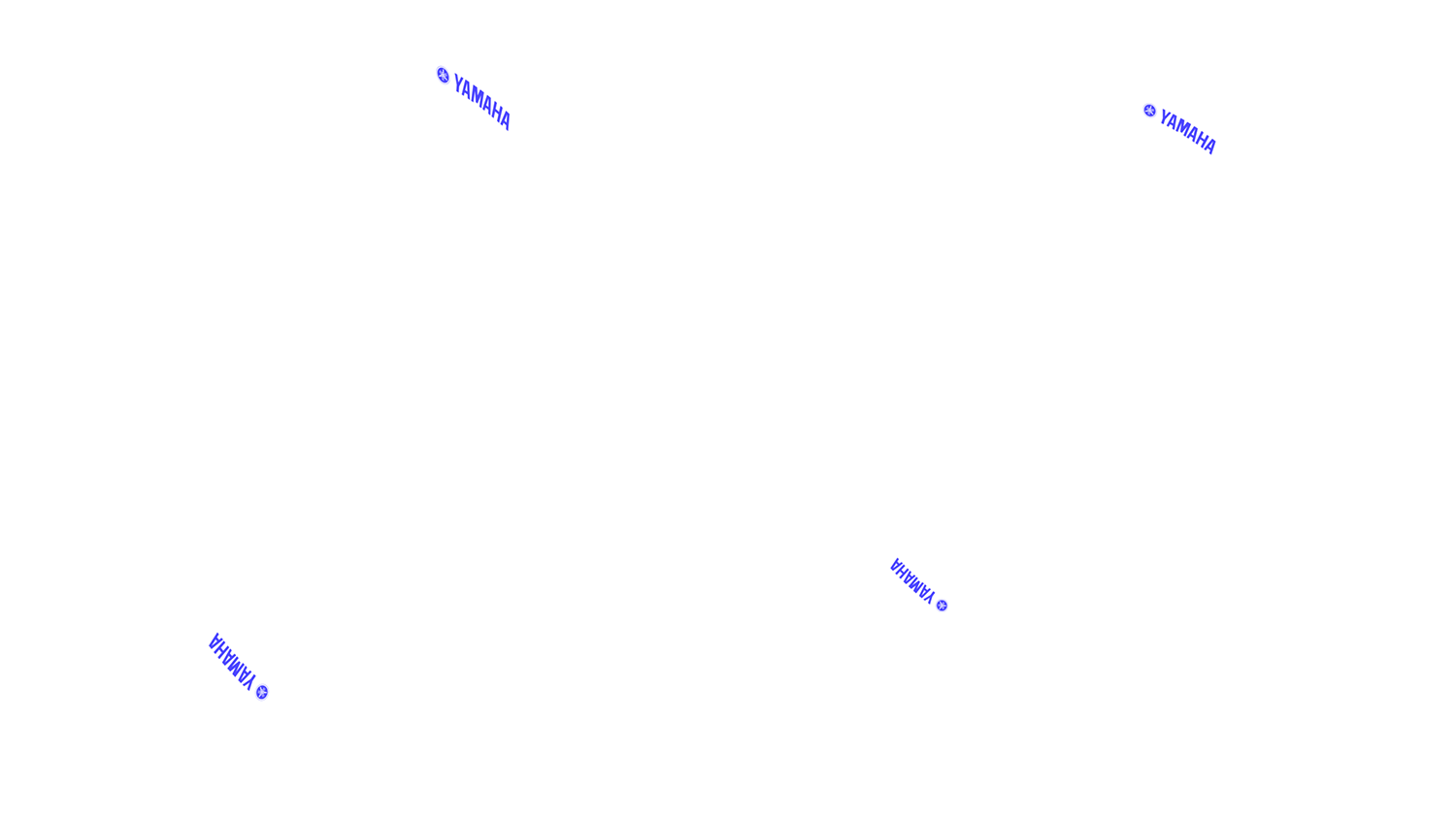
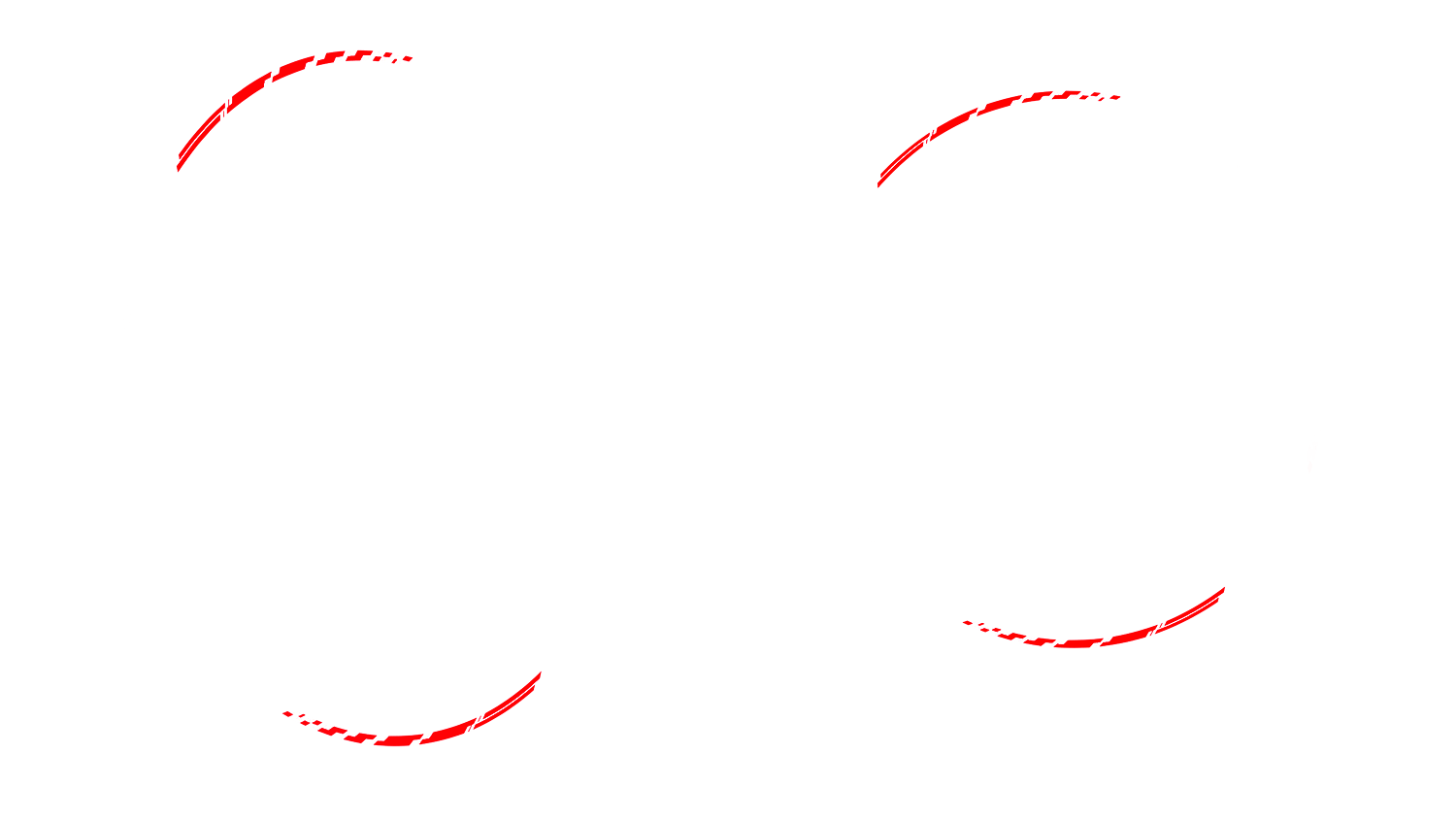
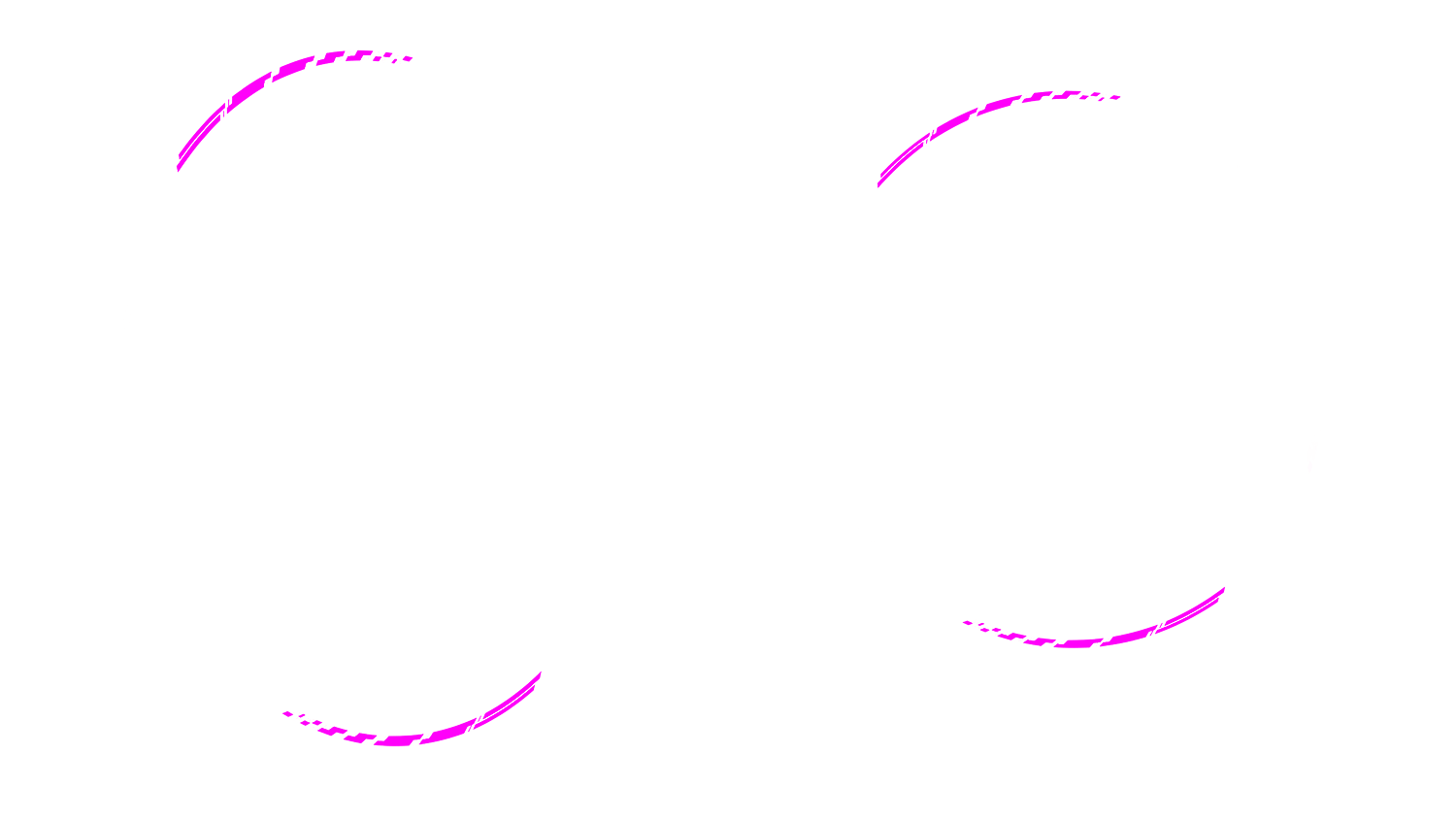
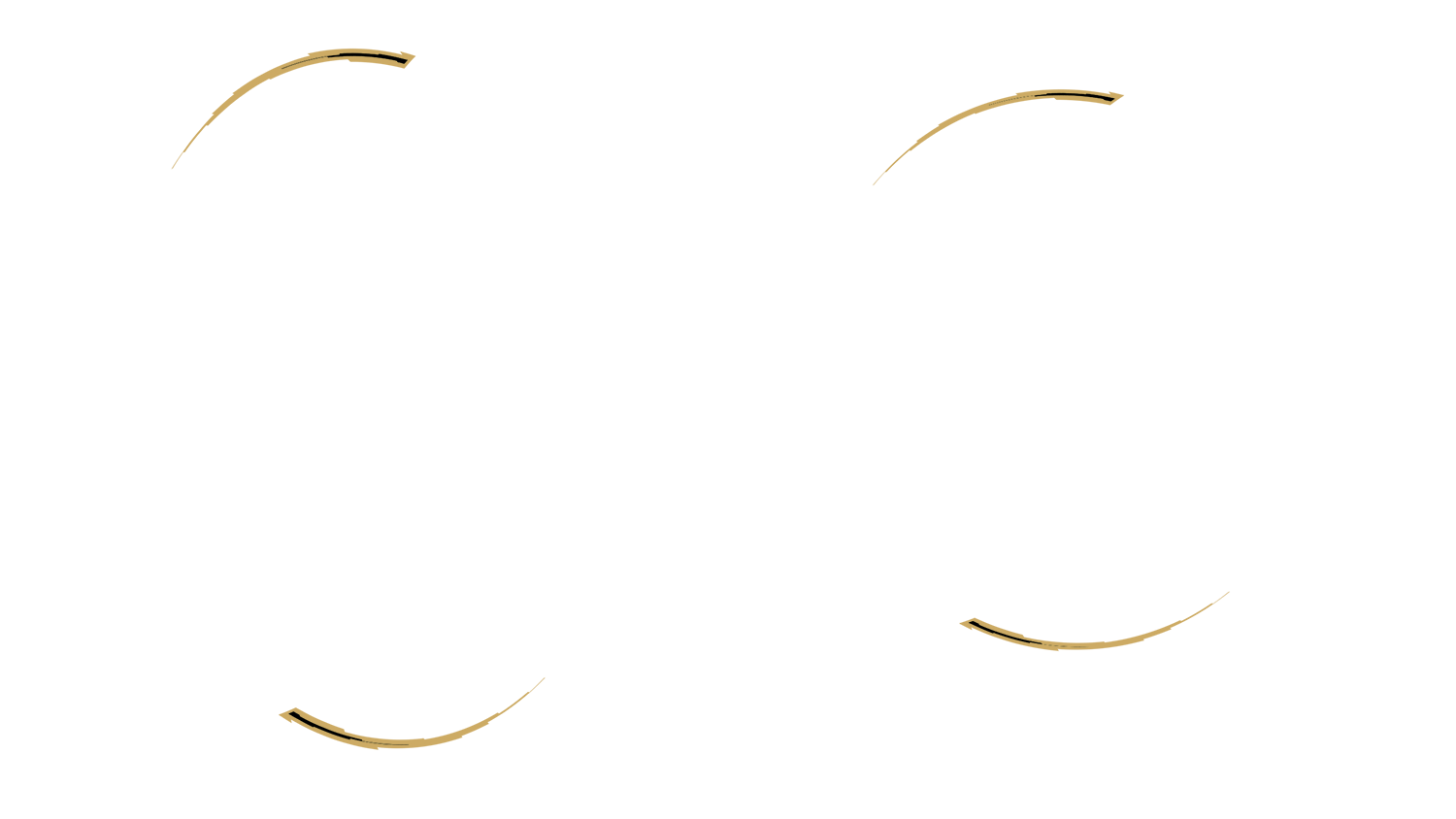
Yamaha stickers Yamaha White stickers
XJR 1300 Stickers Decals XJR 1300 White and Red
Additional stickers Without

Logo (x1) Yamaha 3 Red Logo

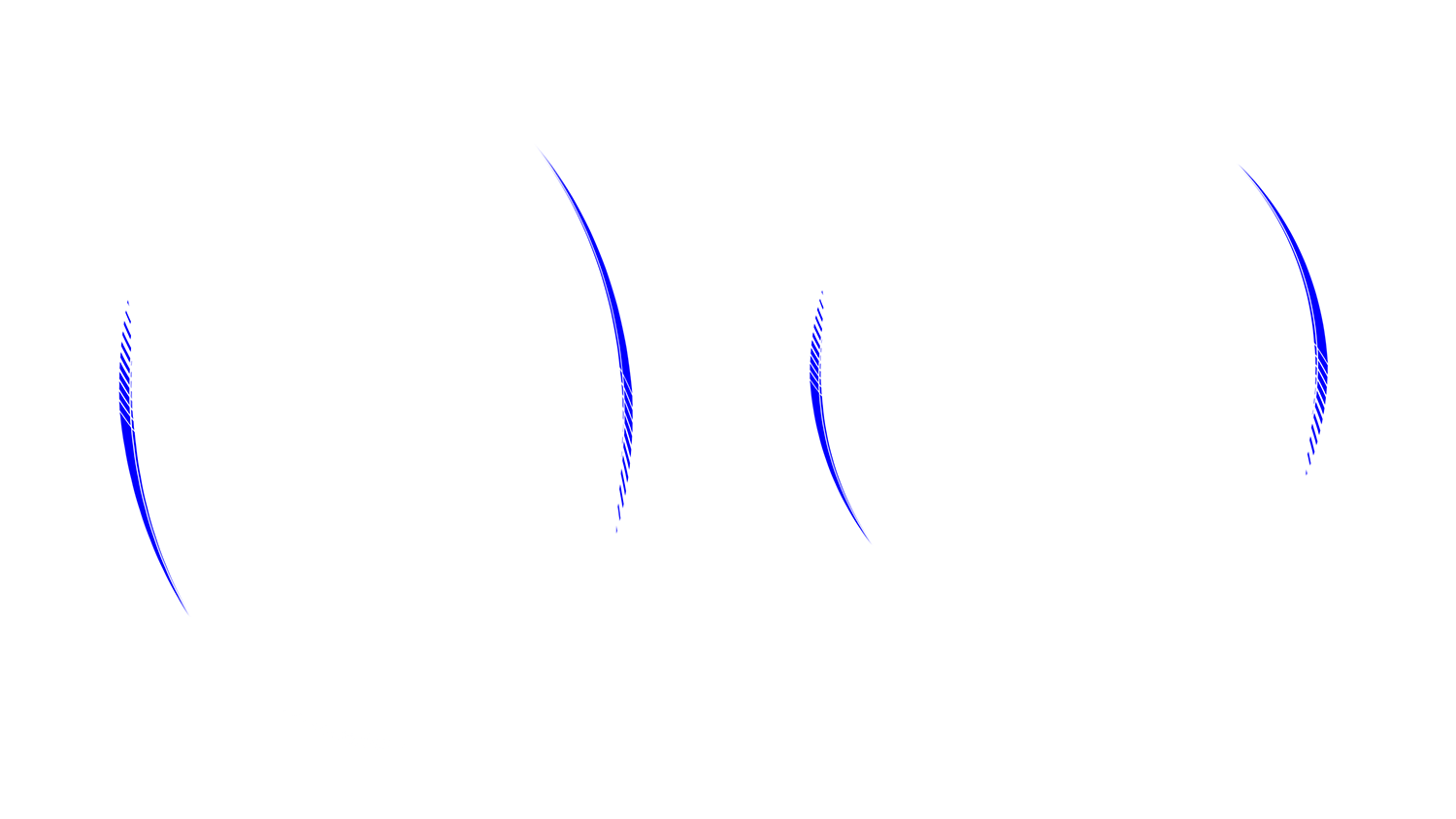
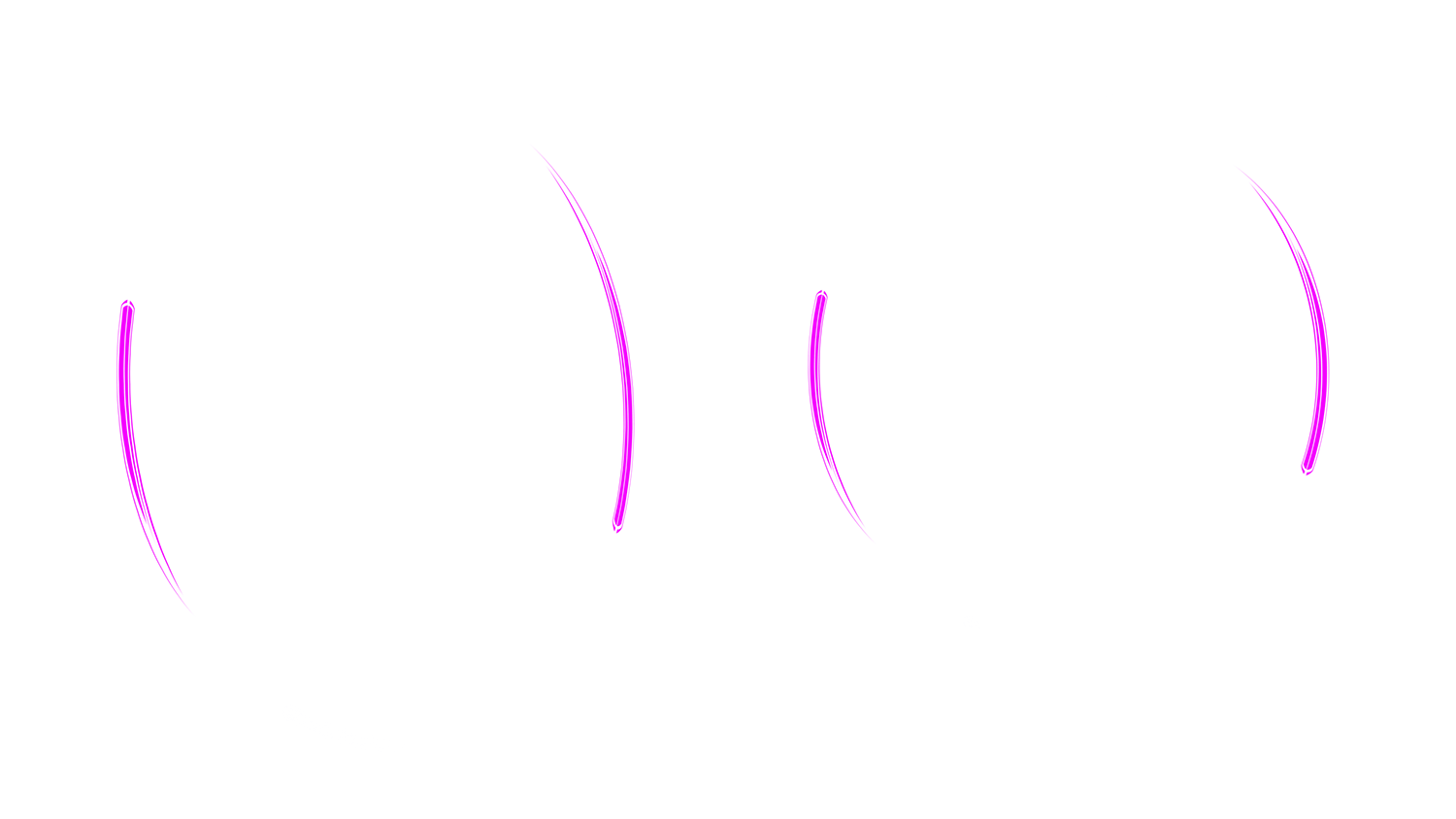
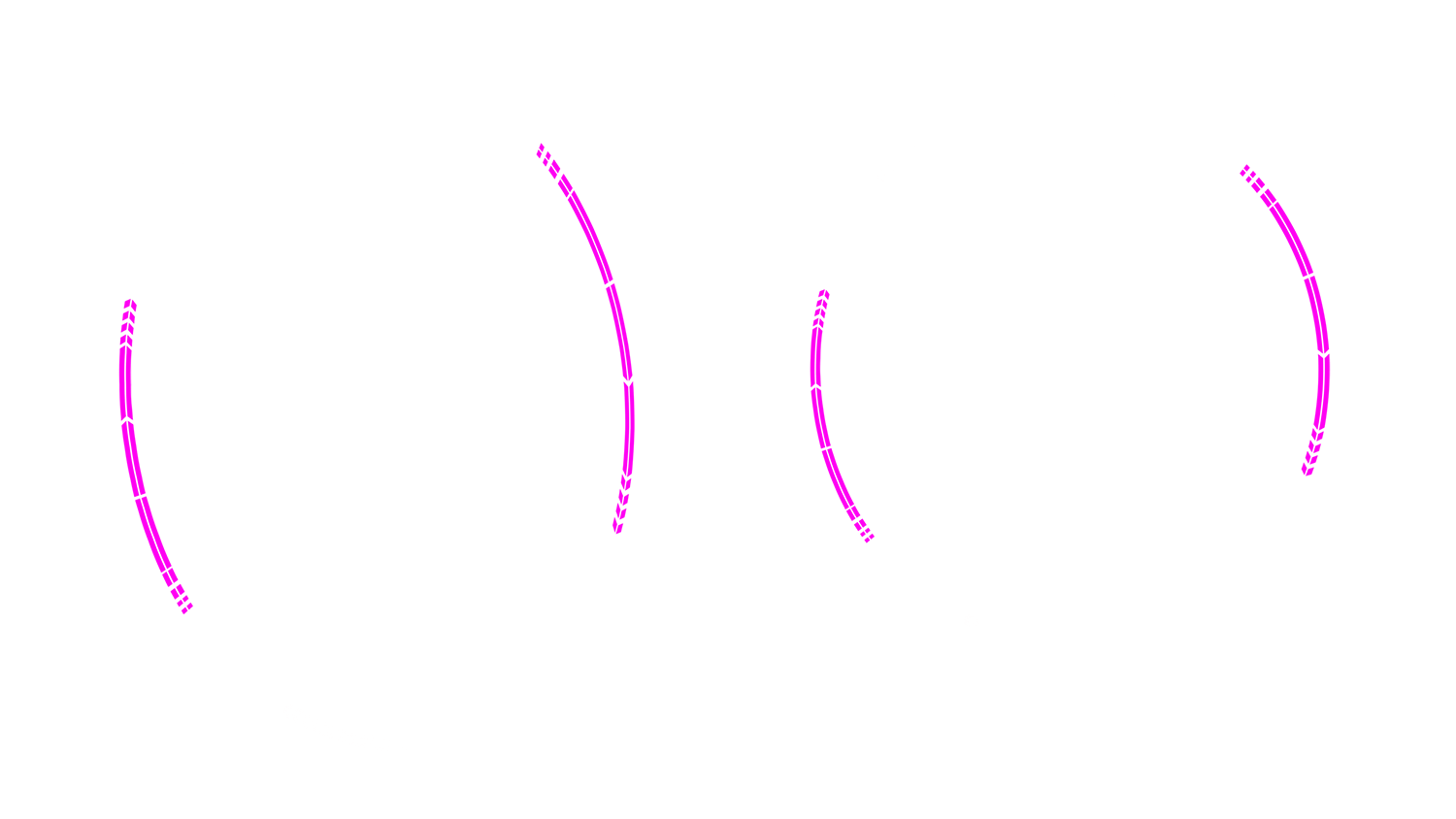
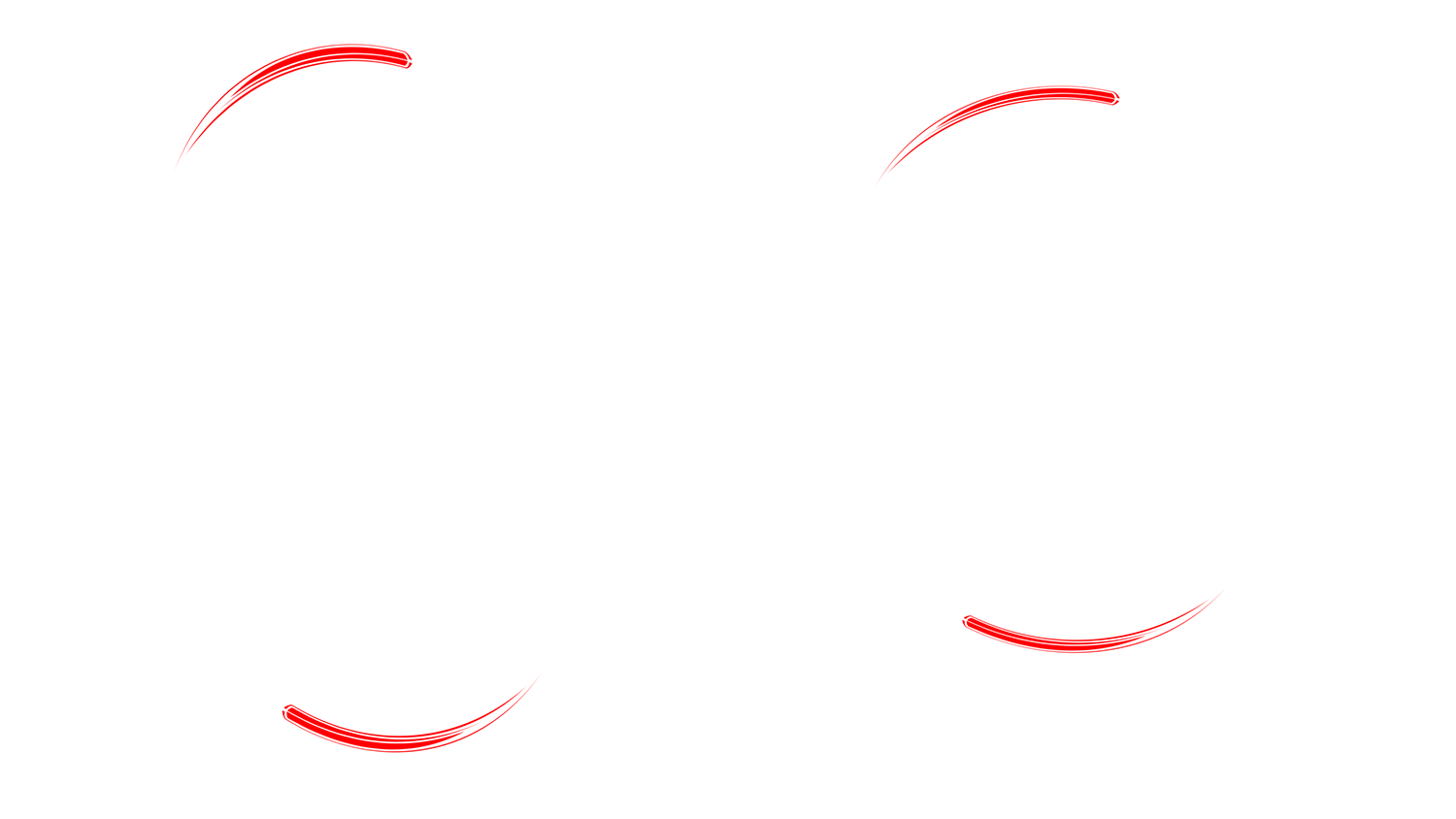
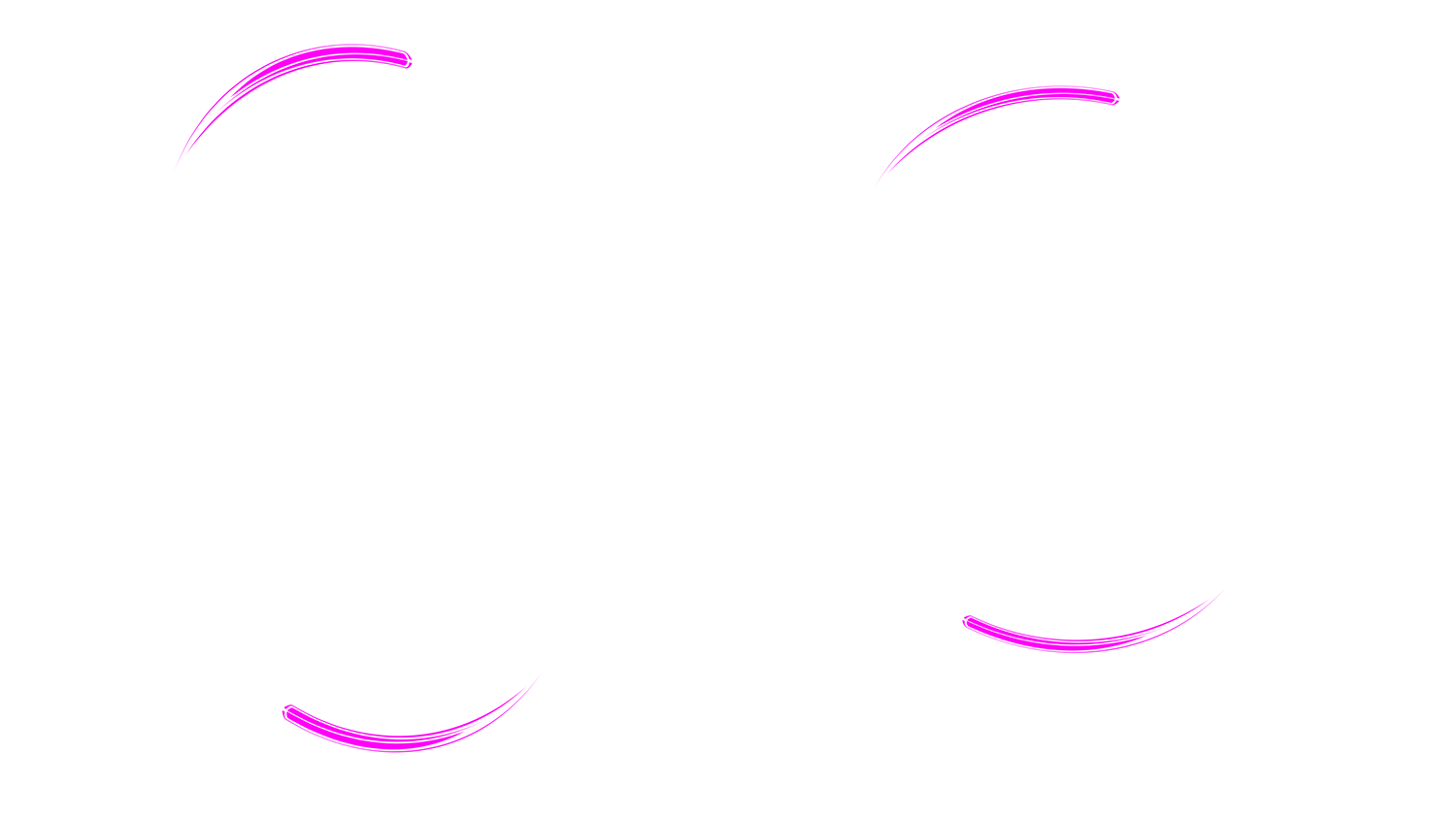
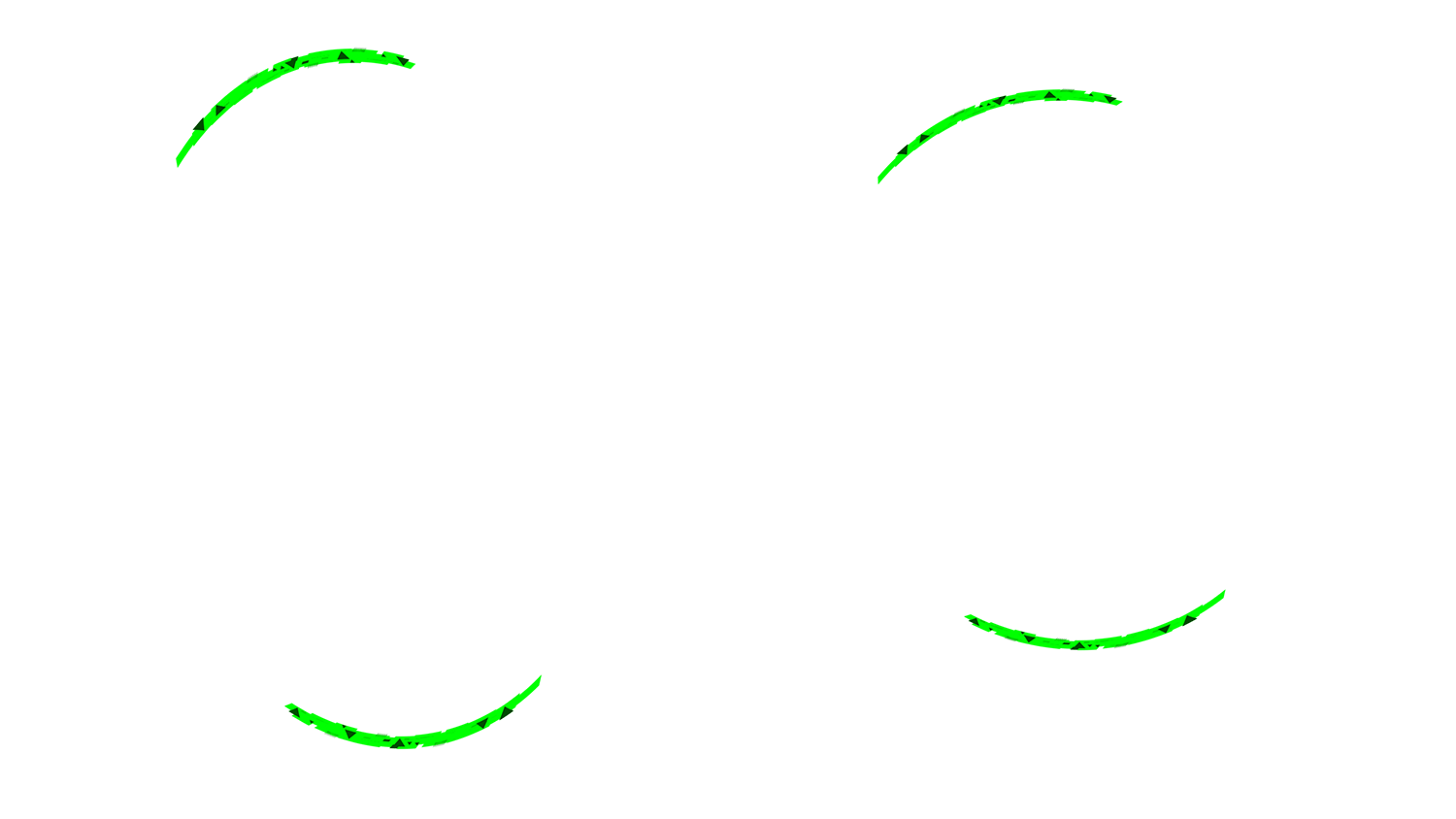
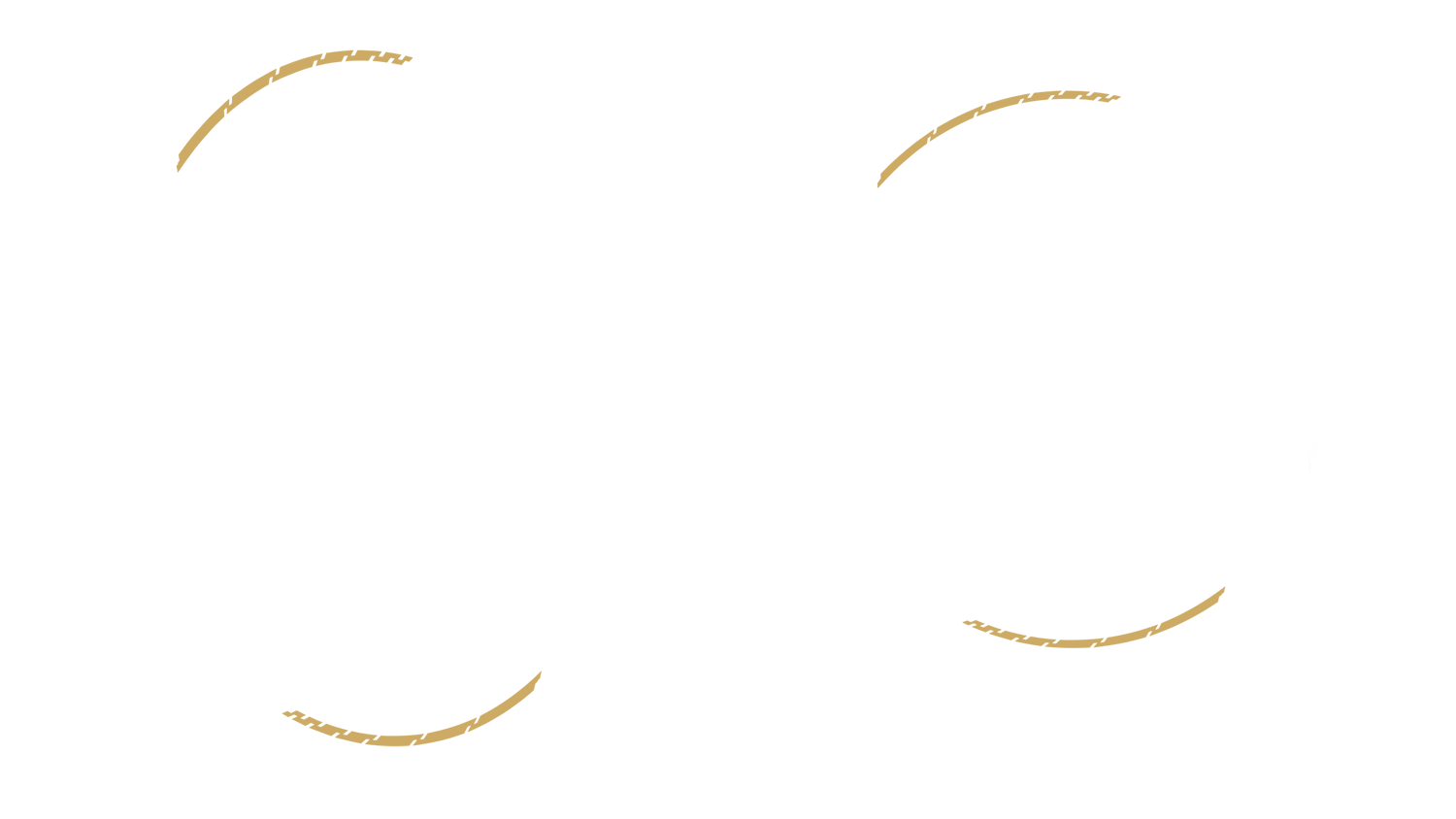
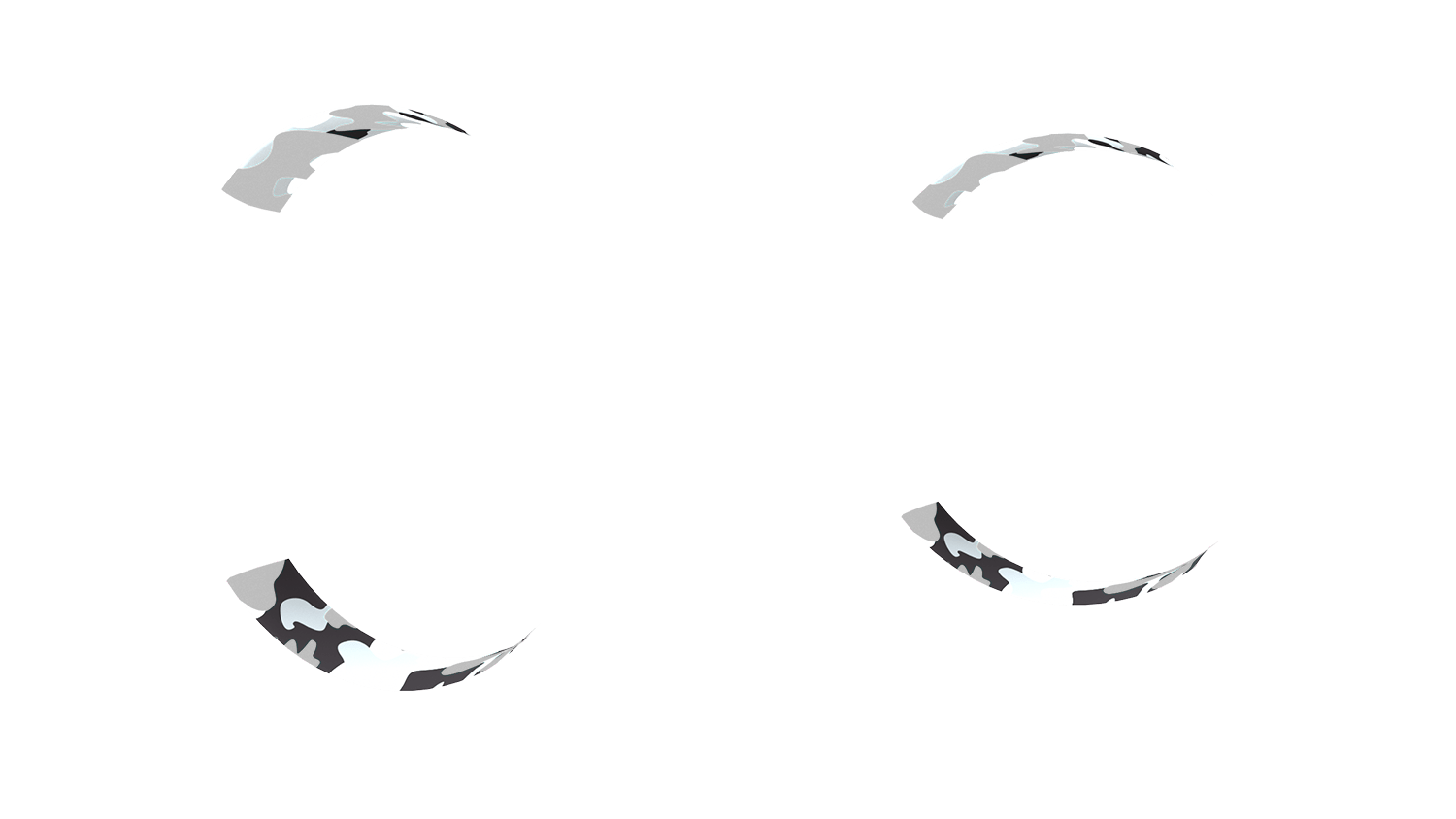
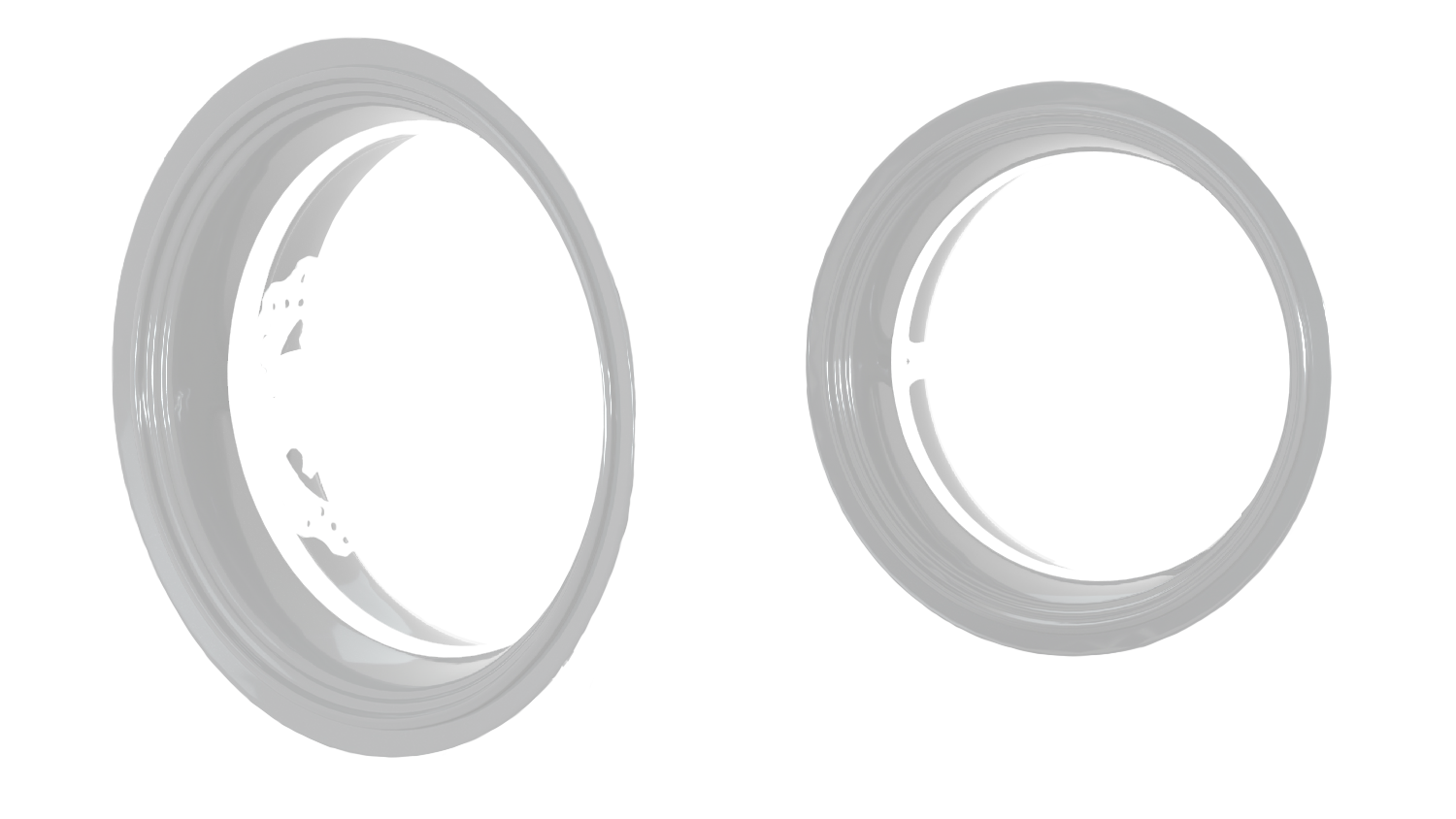
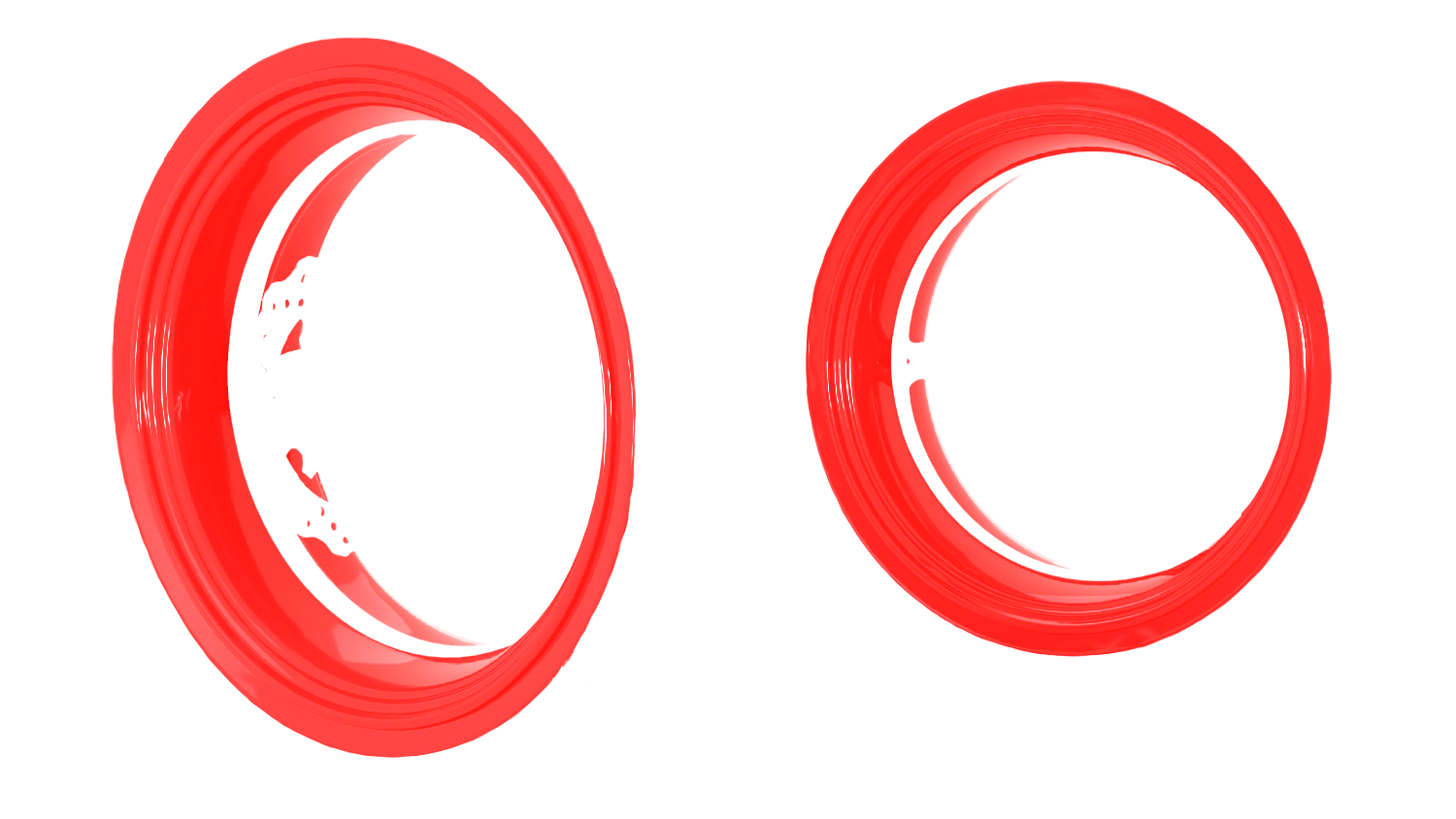
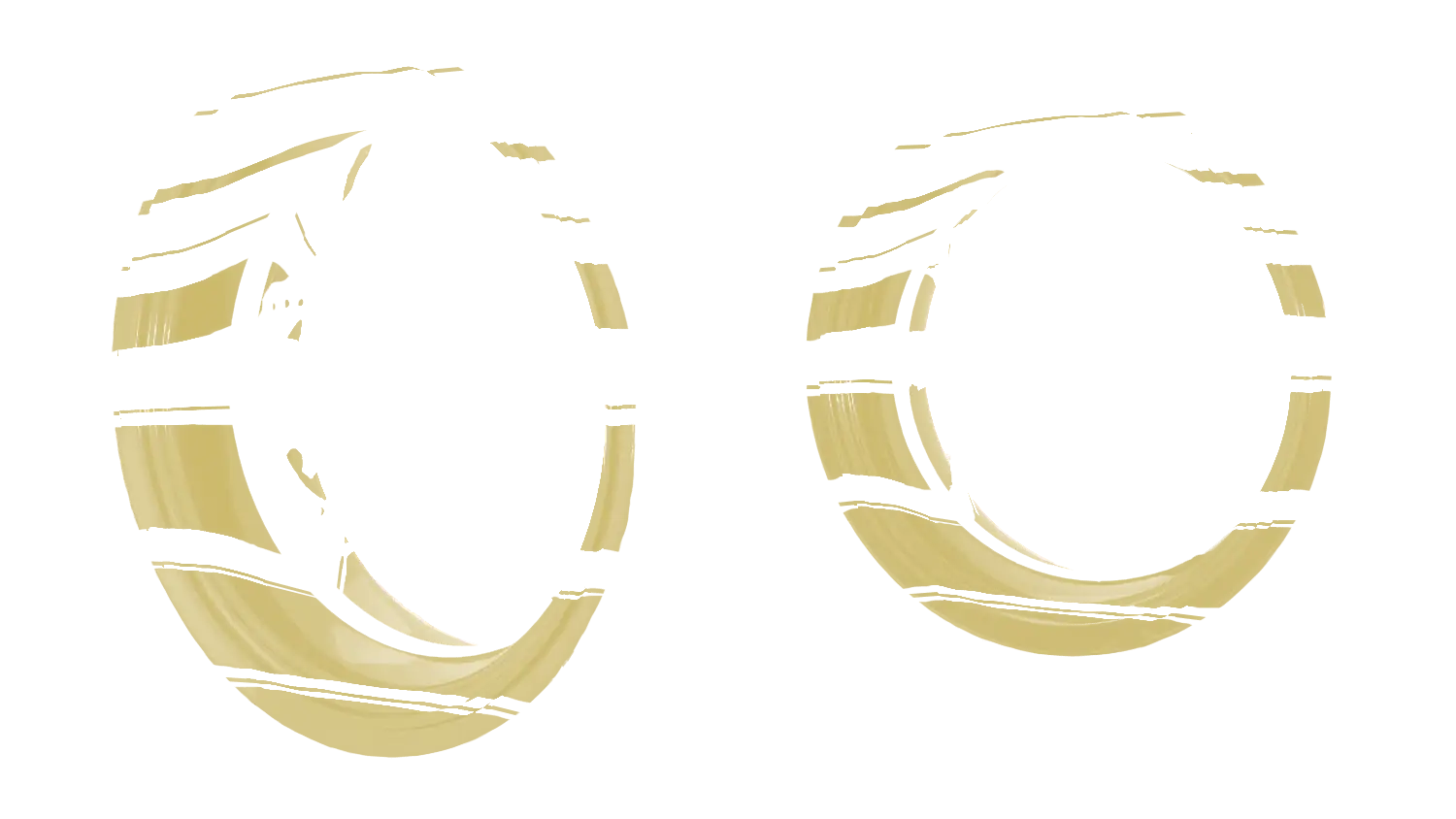
Rings - step 1 No background
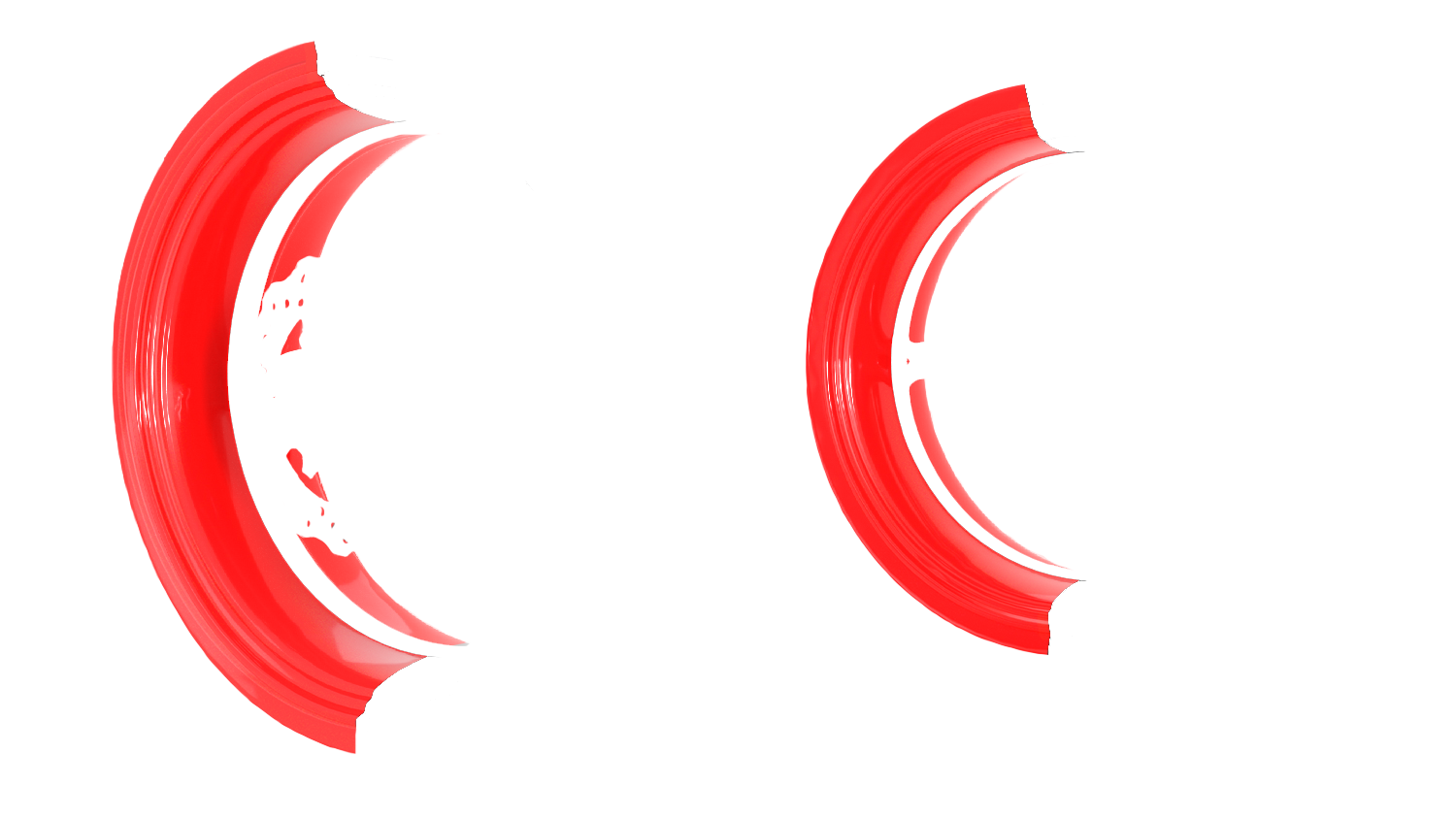
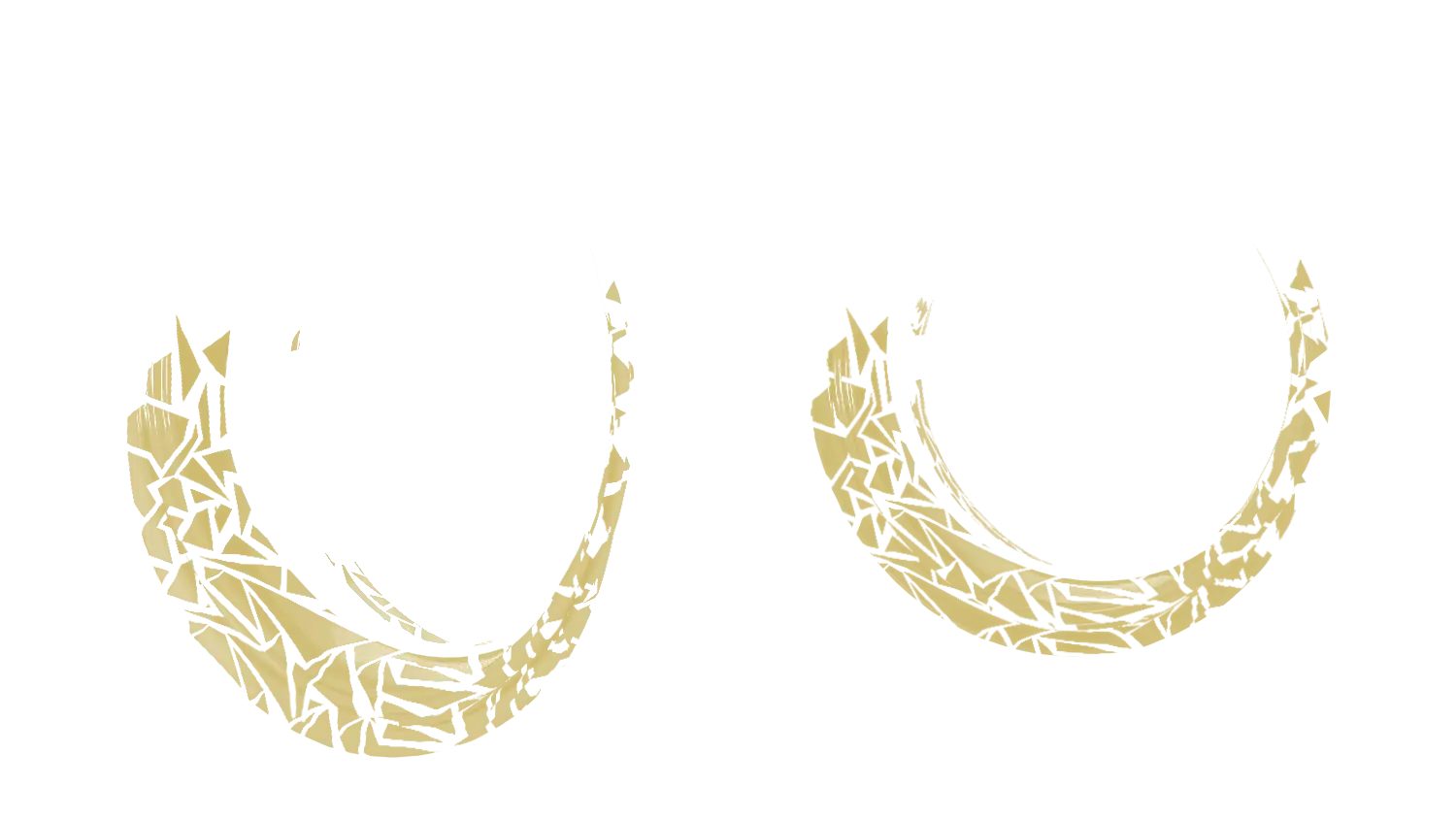
Rings - stage 2 Breedless

Specific Color Without

Effect No effect

Text customization Without
Rim size
Additional information
Total: 88,00€
Welcome to our Yamaha XJR 1300 Configurator - M-Stickers
Transform the aesthetics of your Yamaha XJR 1300 with our rim graphics kit configurator. Designed to provide quality customization, this configurator allows you to create a unique look for both wheel rims on your Yamaha XJR 1300. Made in France with high-quality vinyls. Stickers guaranteed for 6 years! Discover how to easily use our configurator.
Important warnings:
Before diving into customization, a few essential warnings for an optimal experience:
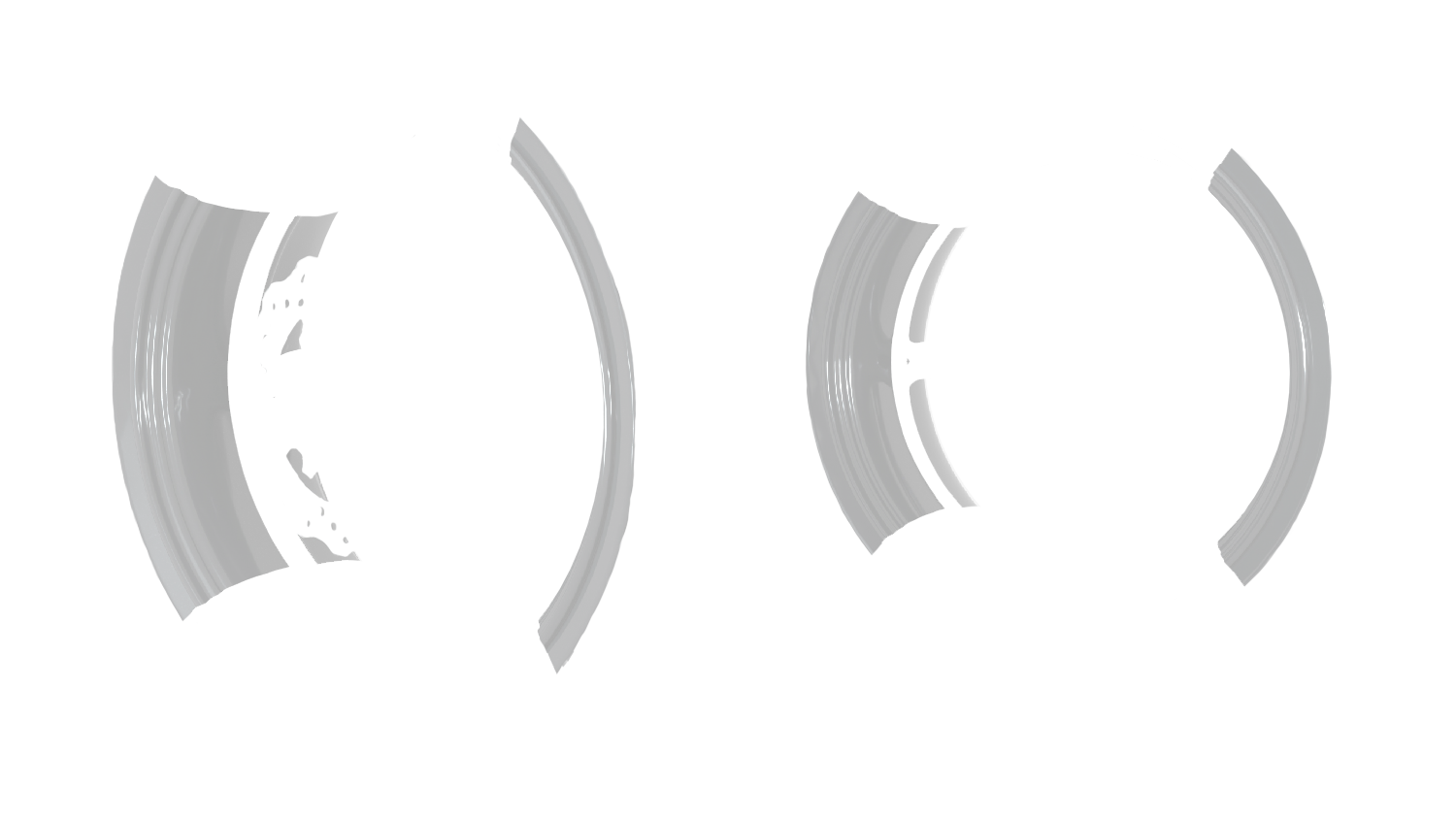
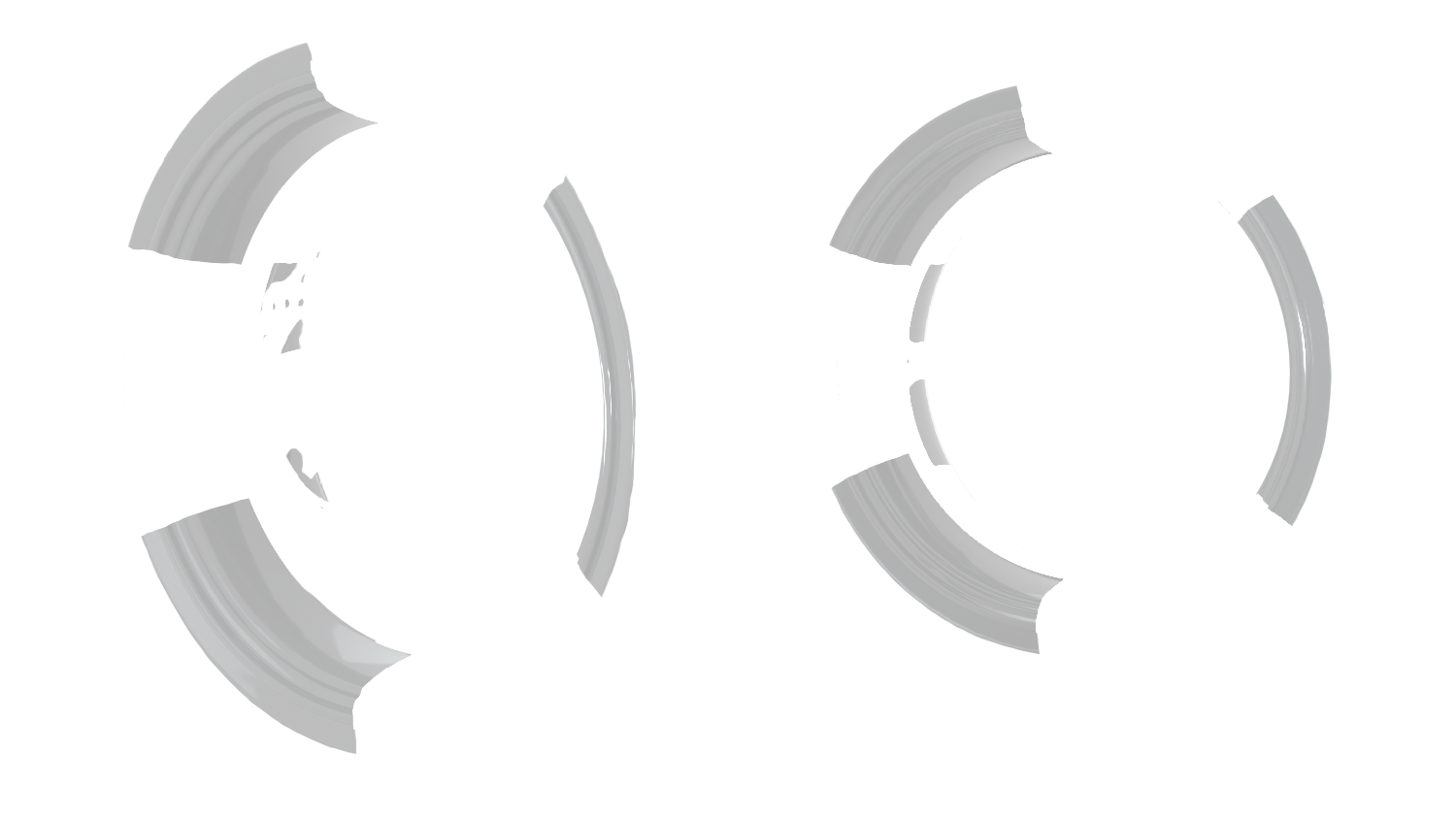
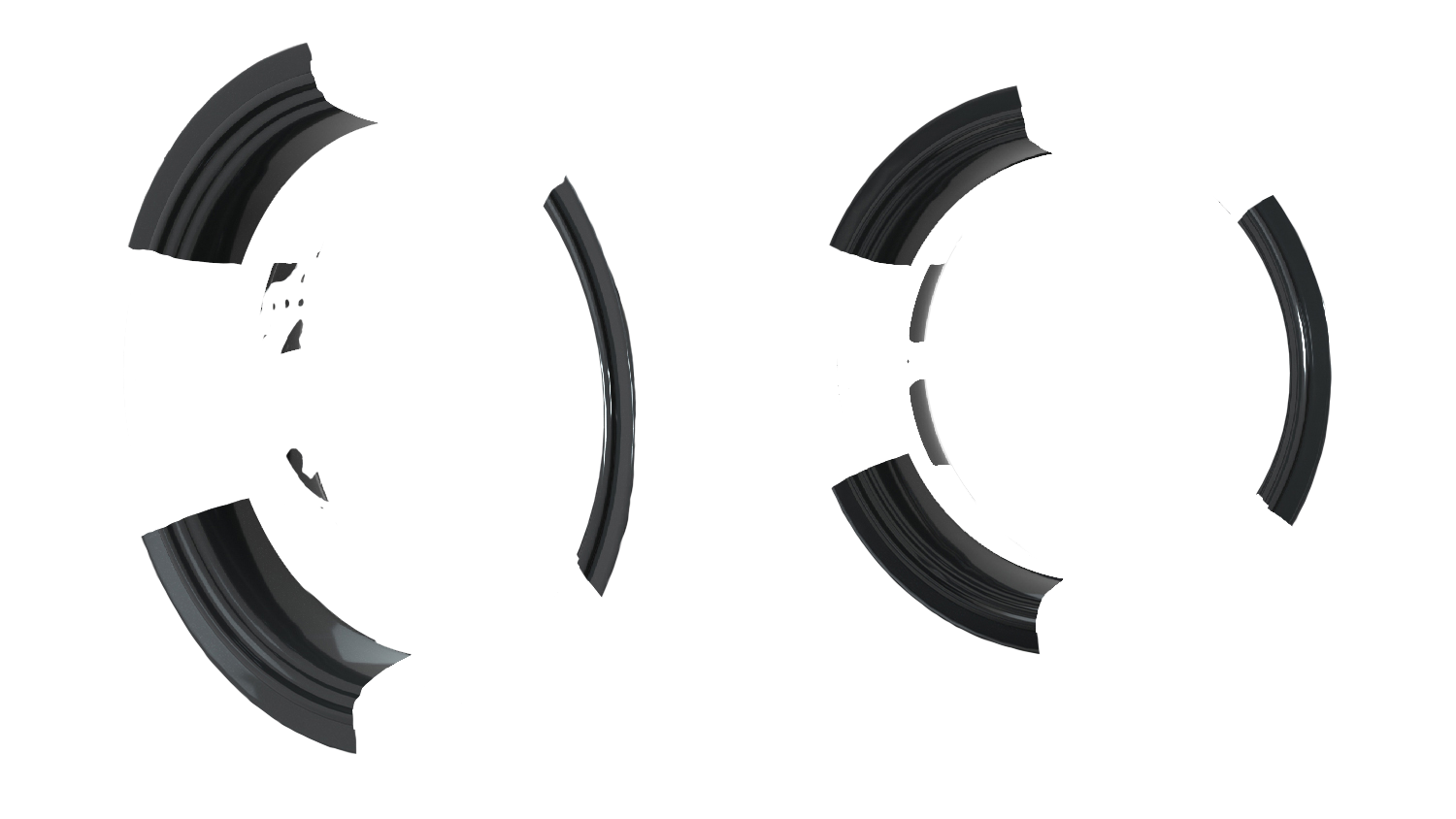
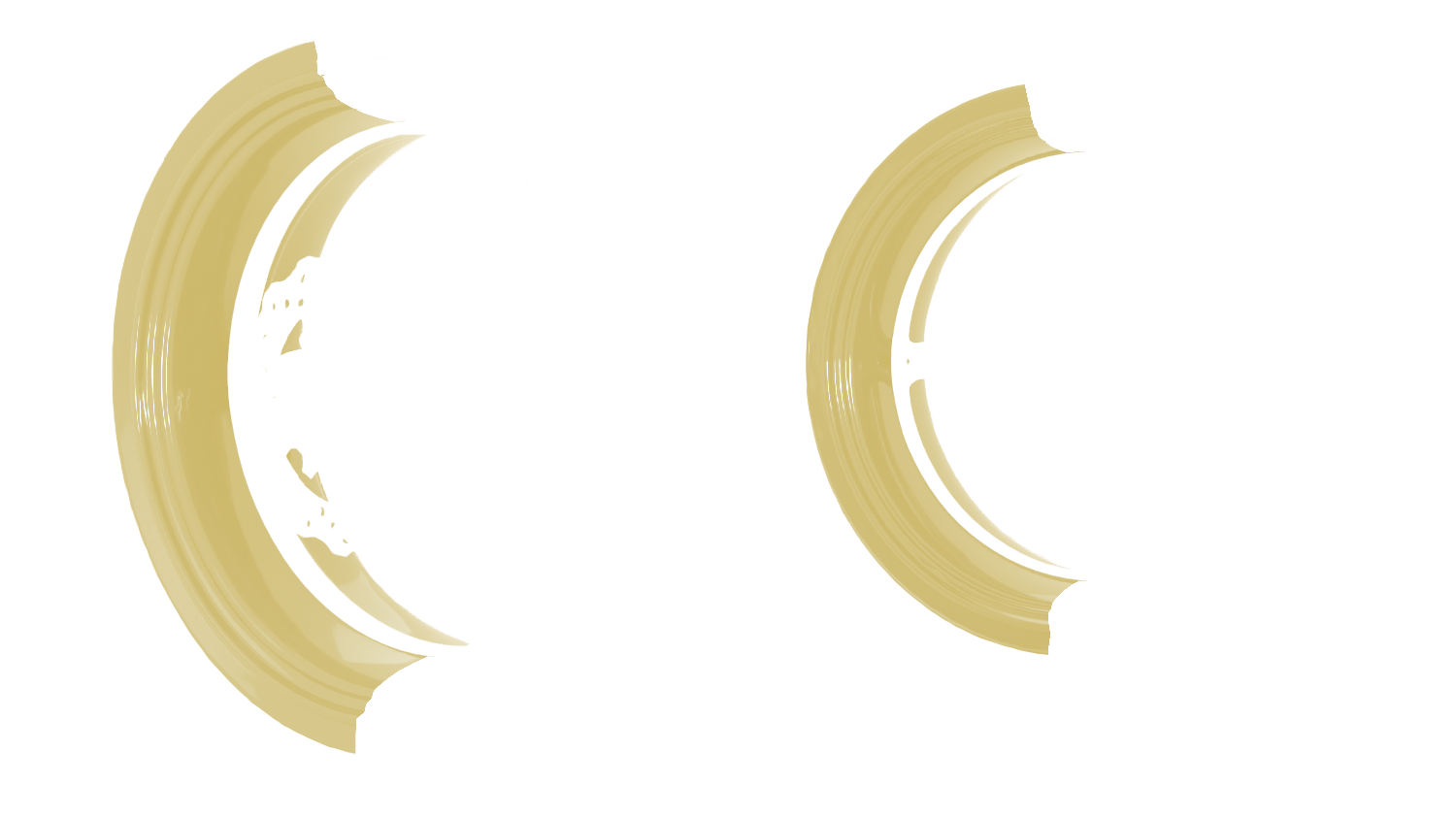
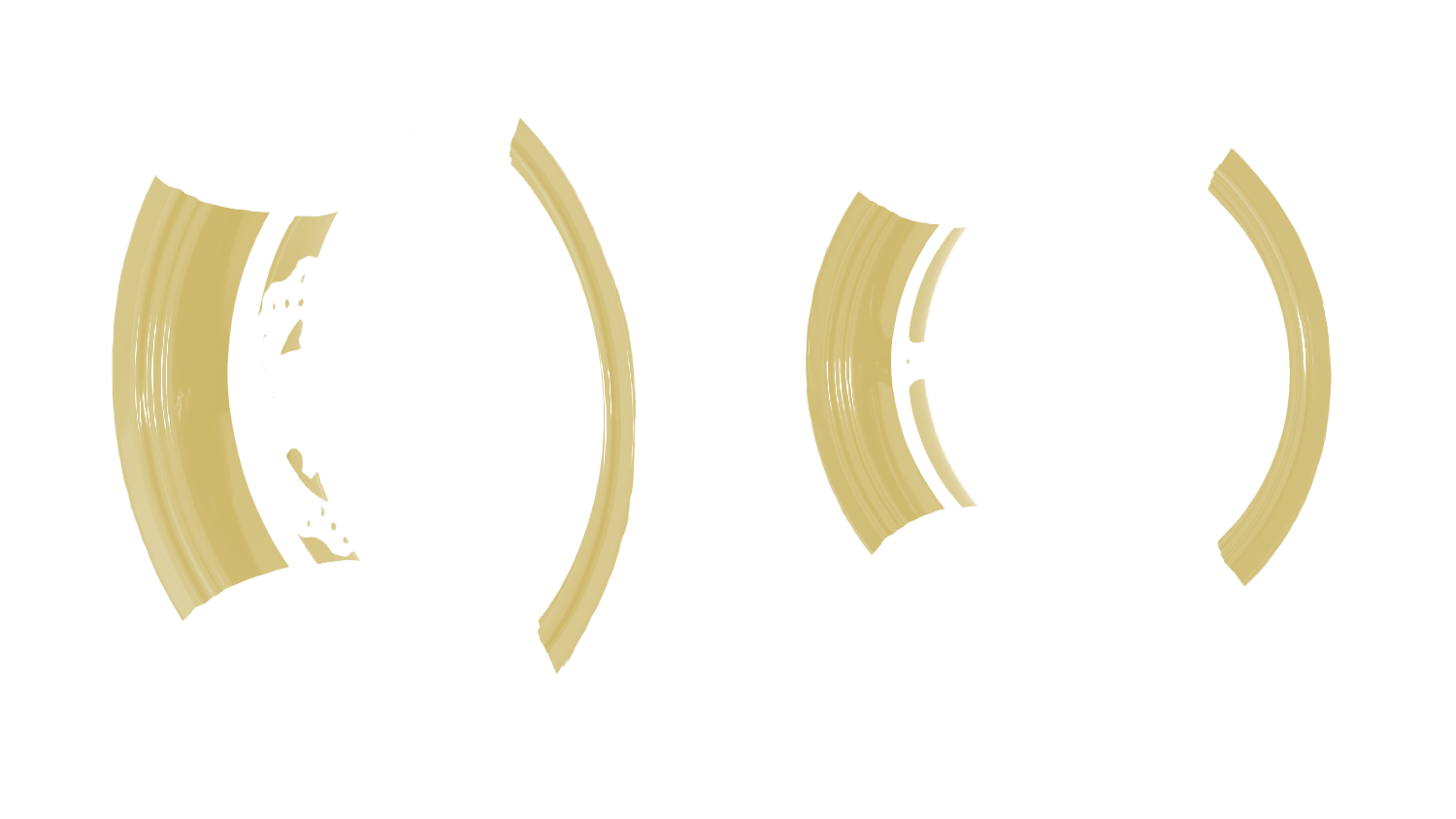
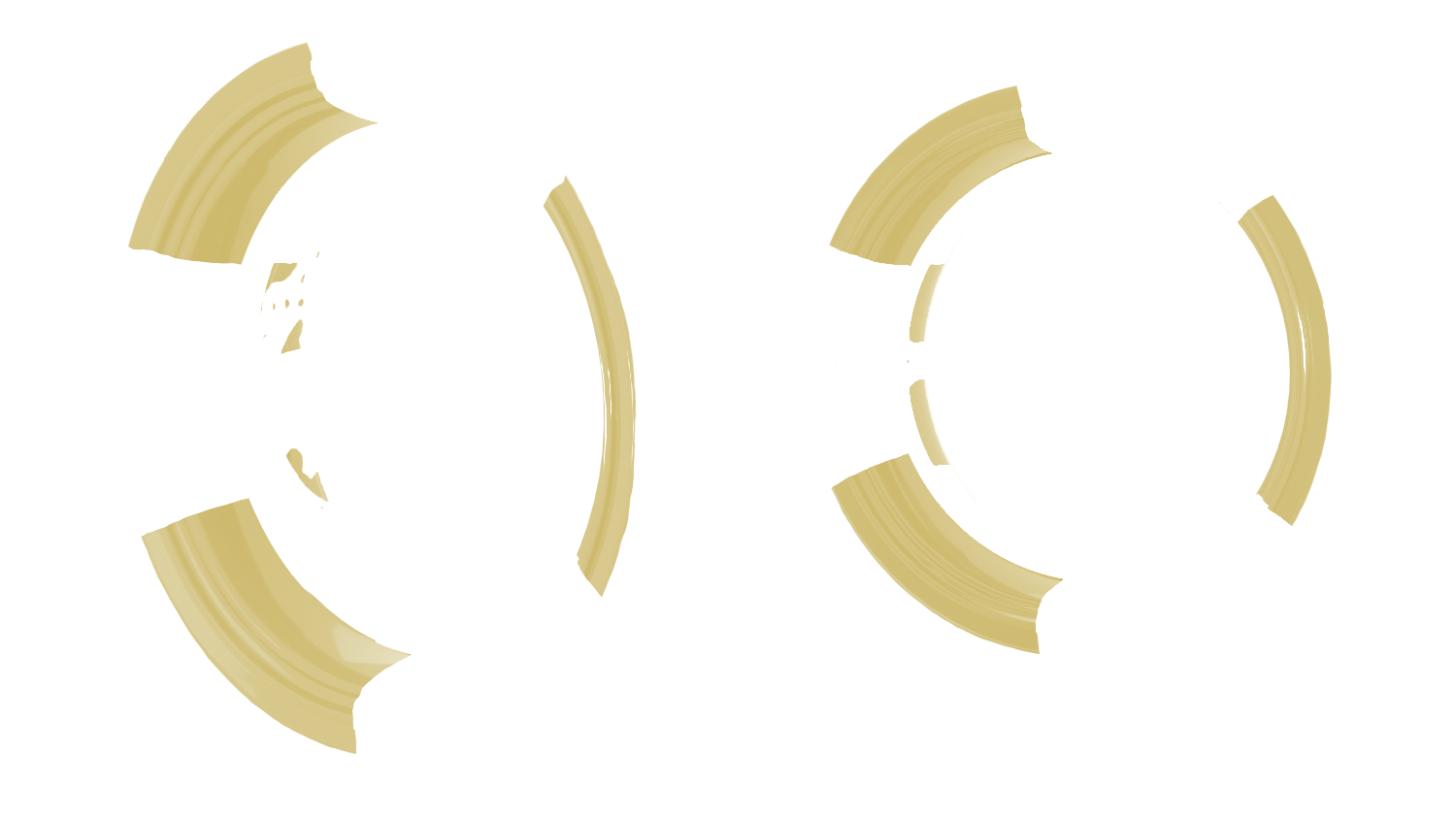
- The "Rim Background" option adds a background to the rims; it will be delivered in 16 parts (8 per wheel) IF the "Ring" option is not selected.
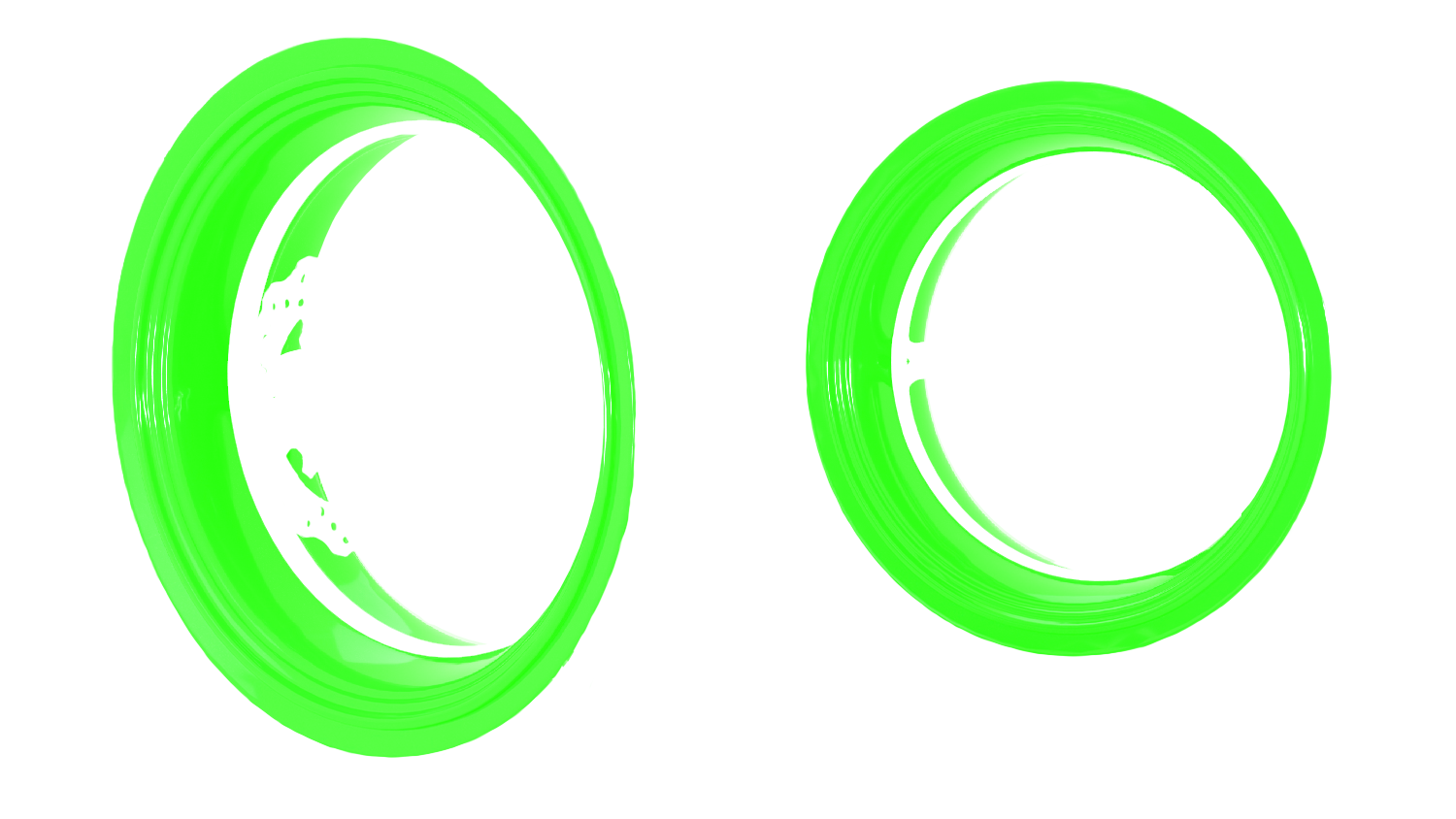
- If the "Ring" option is selected, this adds a background to the stickers, and the kit will be sent in the shape of a circle. It is then imperative to remove the rims to apply the stickers correctly.
Kit contents :
Each kit is carefully adapted to the original wheel rims of the Yamaha XJR 1300. If in doubt, refer to the "Wheel Rim Size" section.
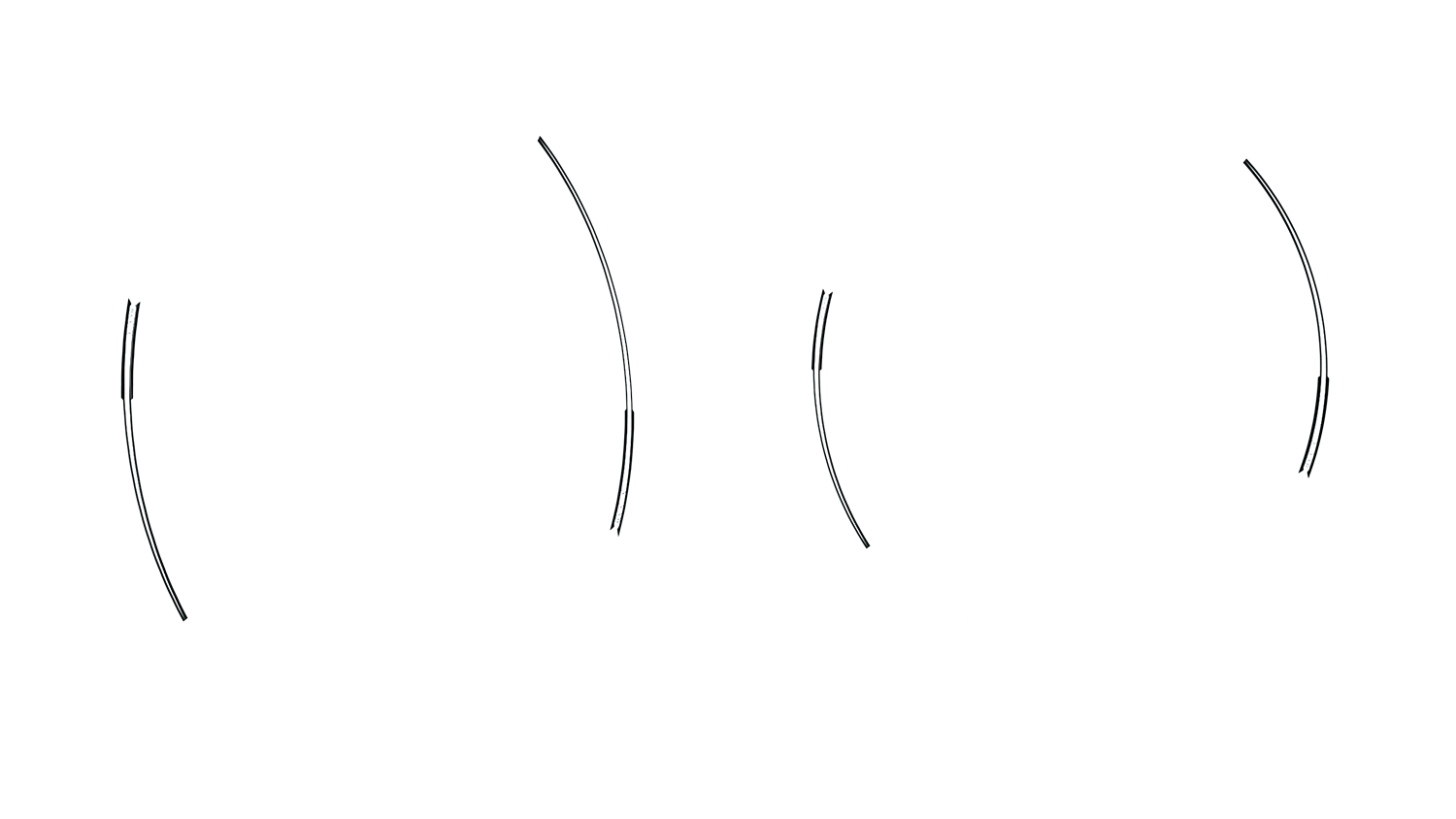
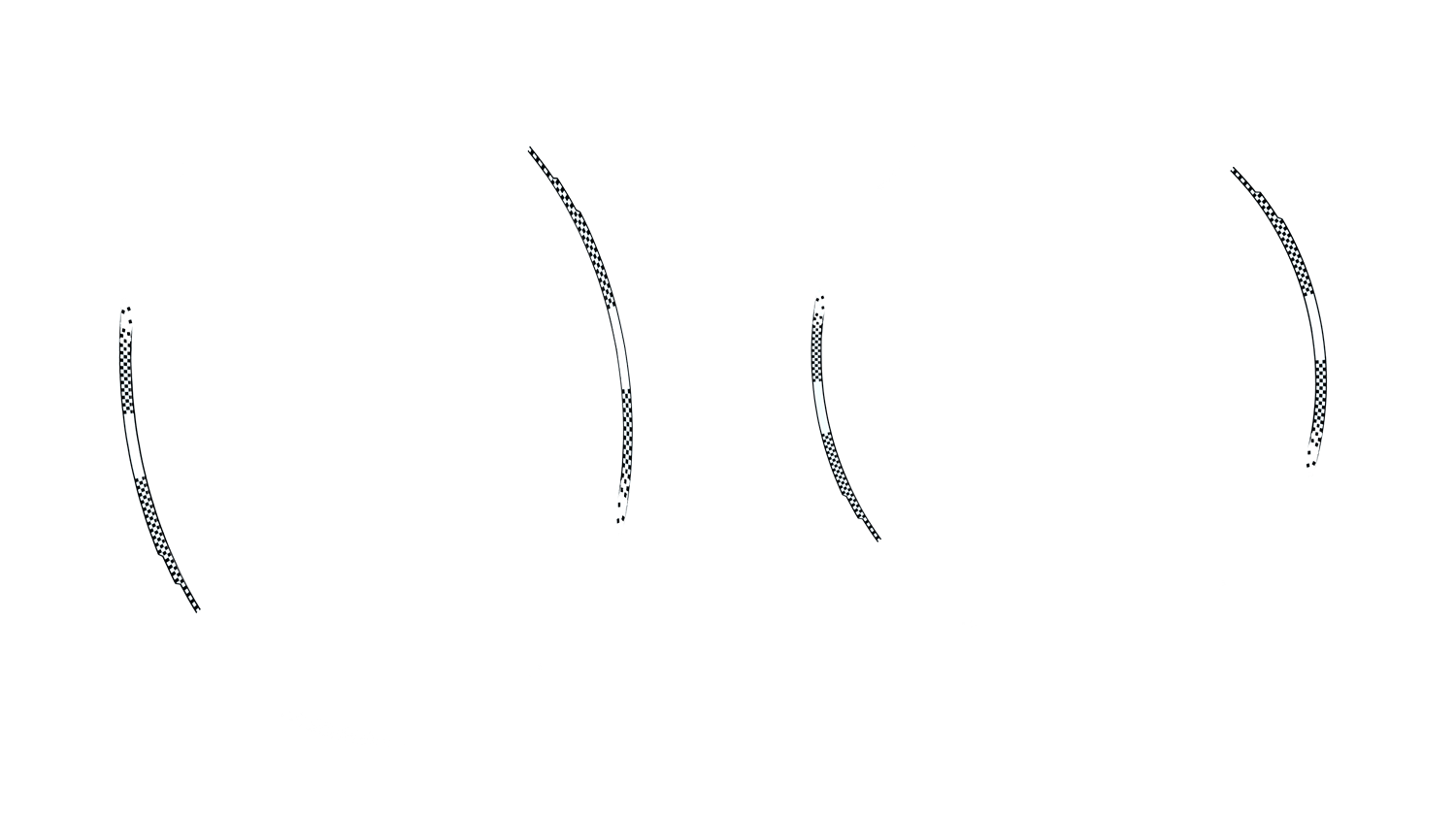
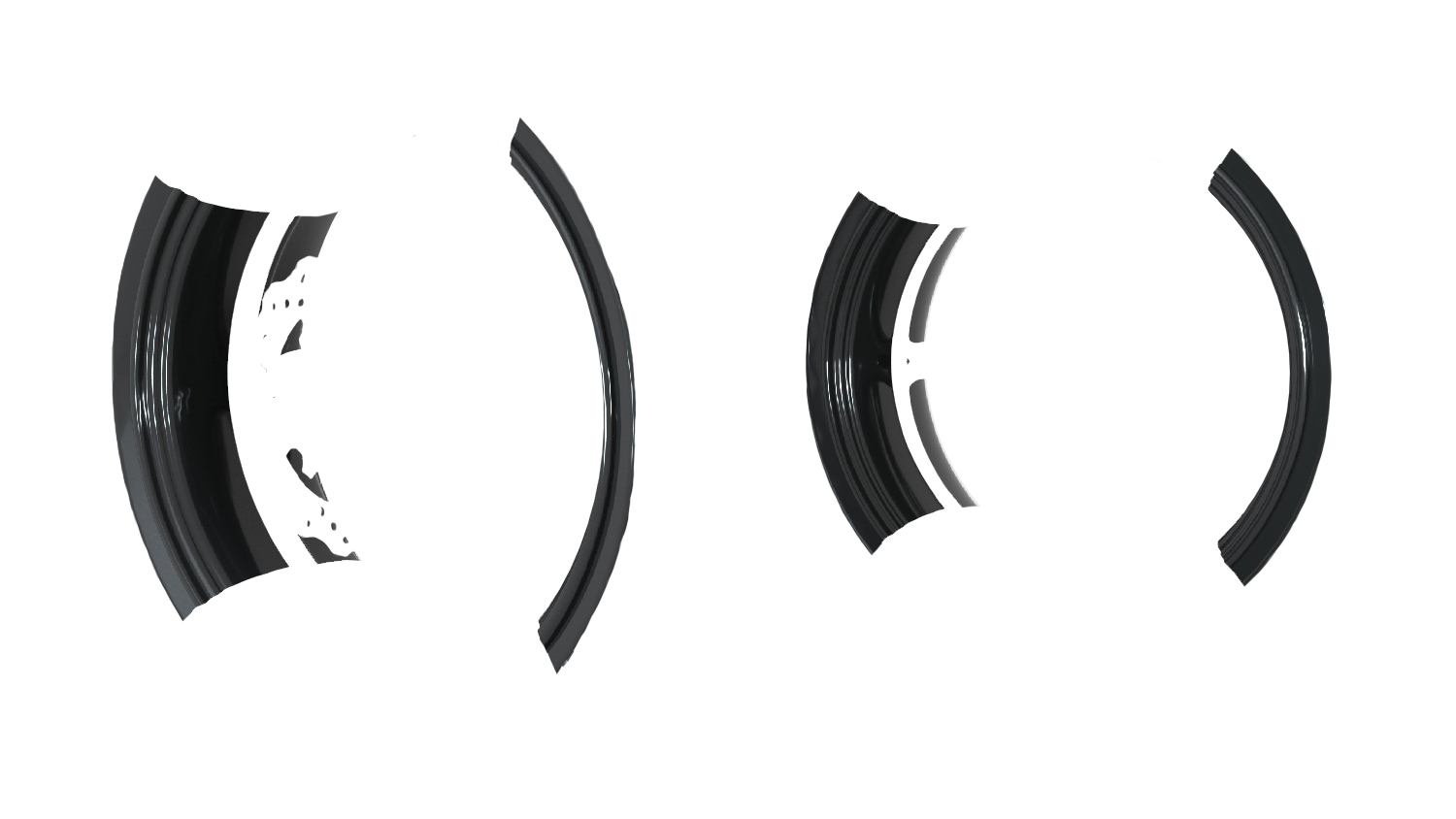
The Yamaha XJR 1300 kit includes 8 model rim stripes, 8 brand rim stripes, 4 model inner rim decals, 4 brand inner rim decals, 1 logo decal (approx. 15*10cm) by default but may vary depending on selected options.
Configure your Yamaha XJR 1300 decals:
- Choose the base color of your wheel rims.
- Select the design and color of each decal according to your wishes.
- Explore options for effects such as holographic, photoluminescent, retroreflective, fluorescent, glossy, matte, reinforced, gold, and silver.
- Choose the "Ring" or "Rim Background" option for a more 'covering' look.
Information :
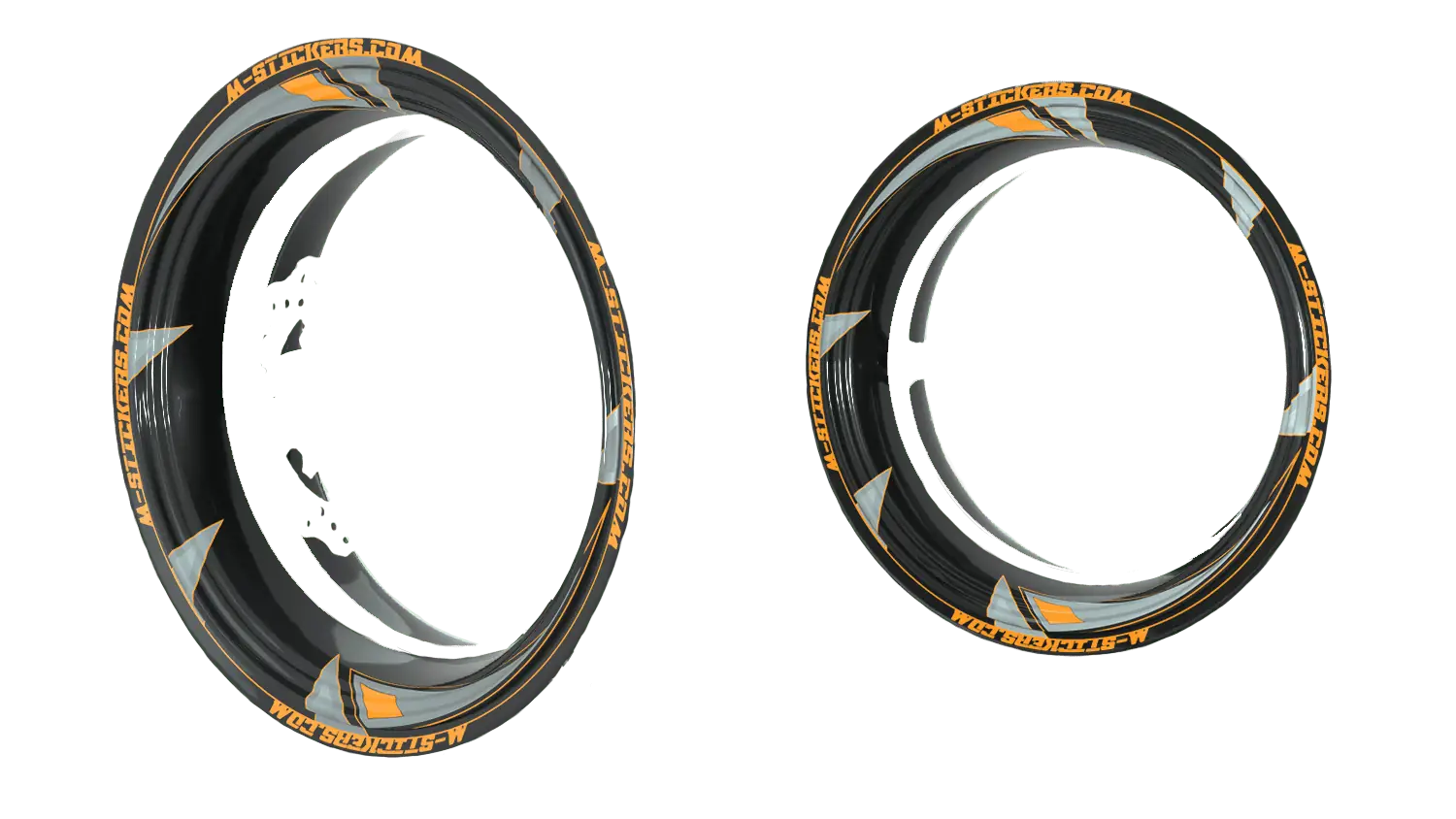
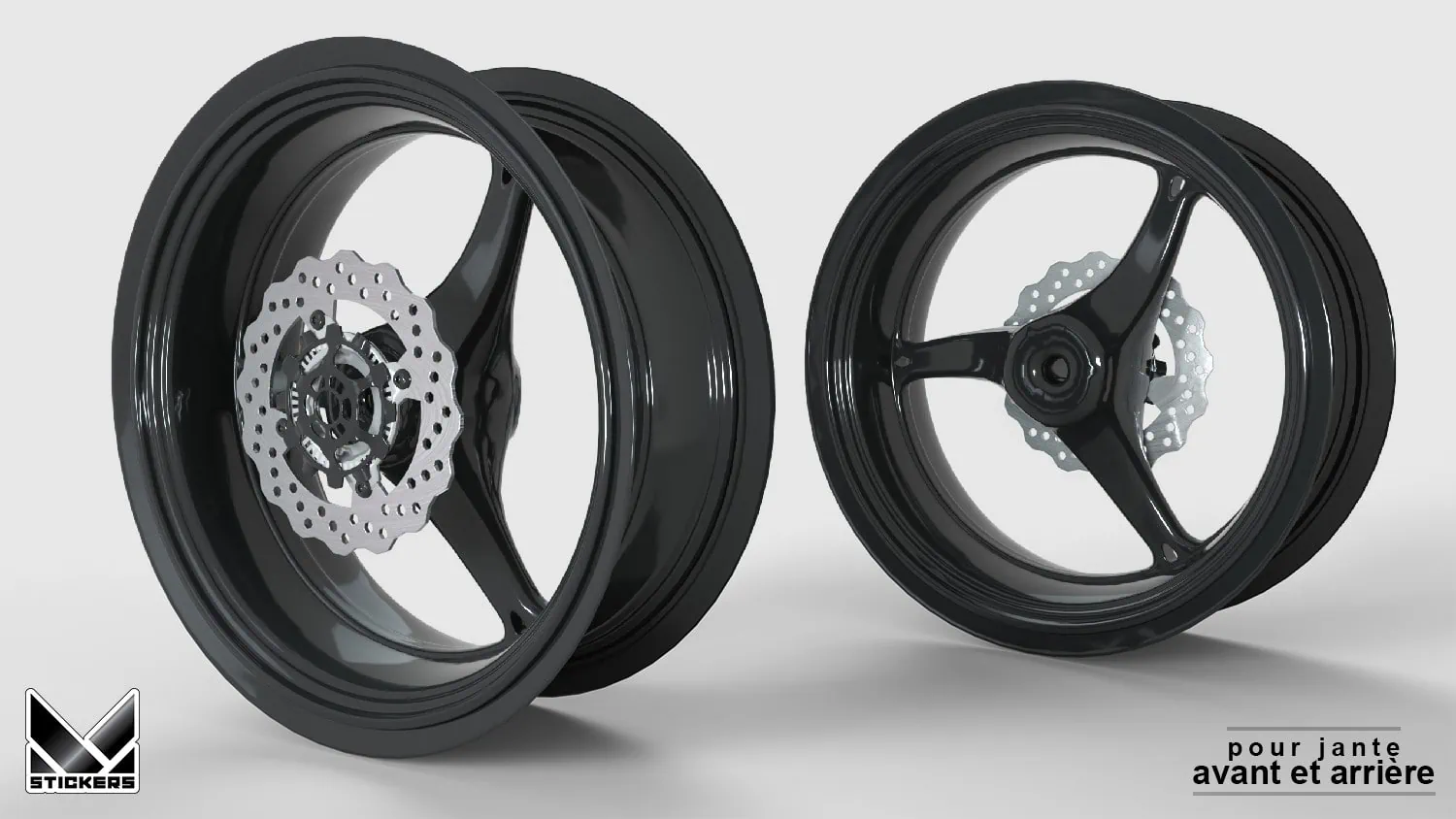
Choose the kit colors and visualize your customization on the front and rear wheels before adding it to the cart.
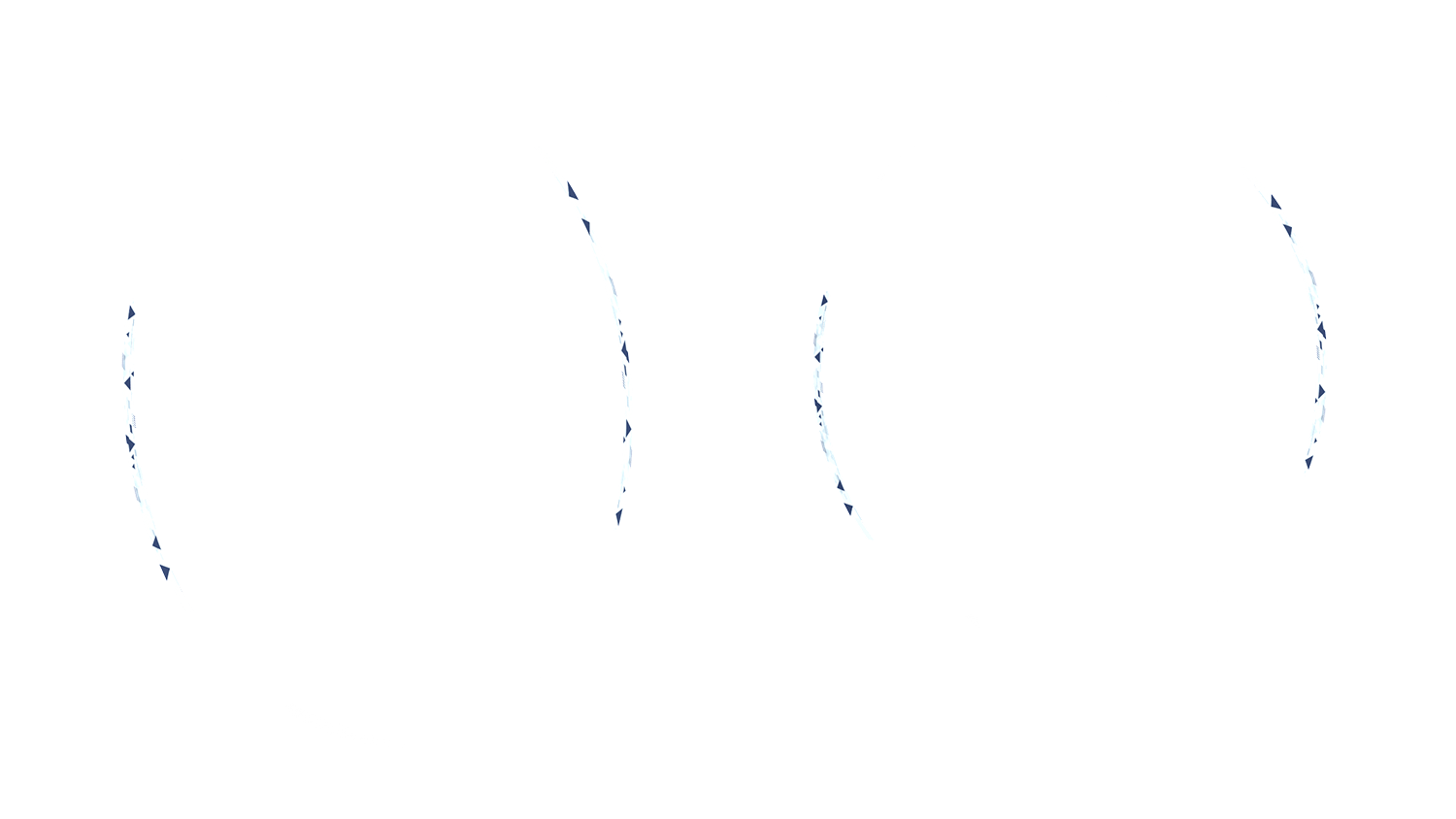
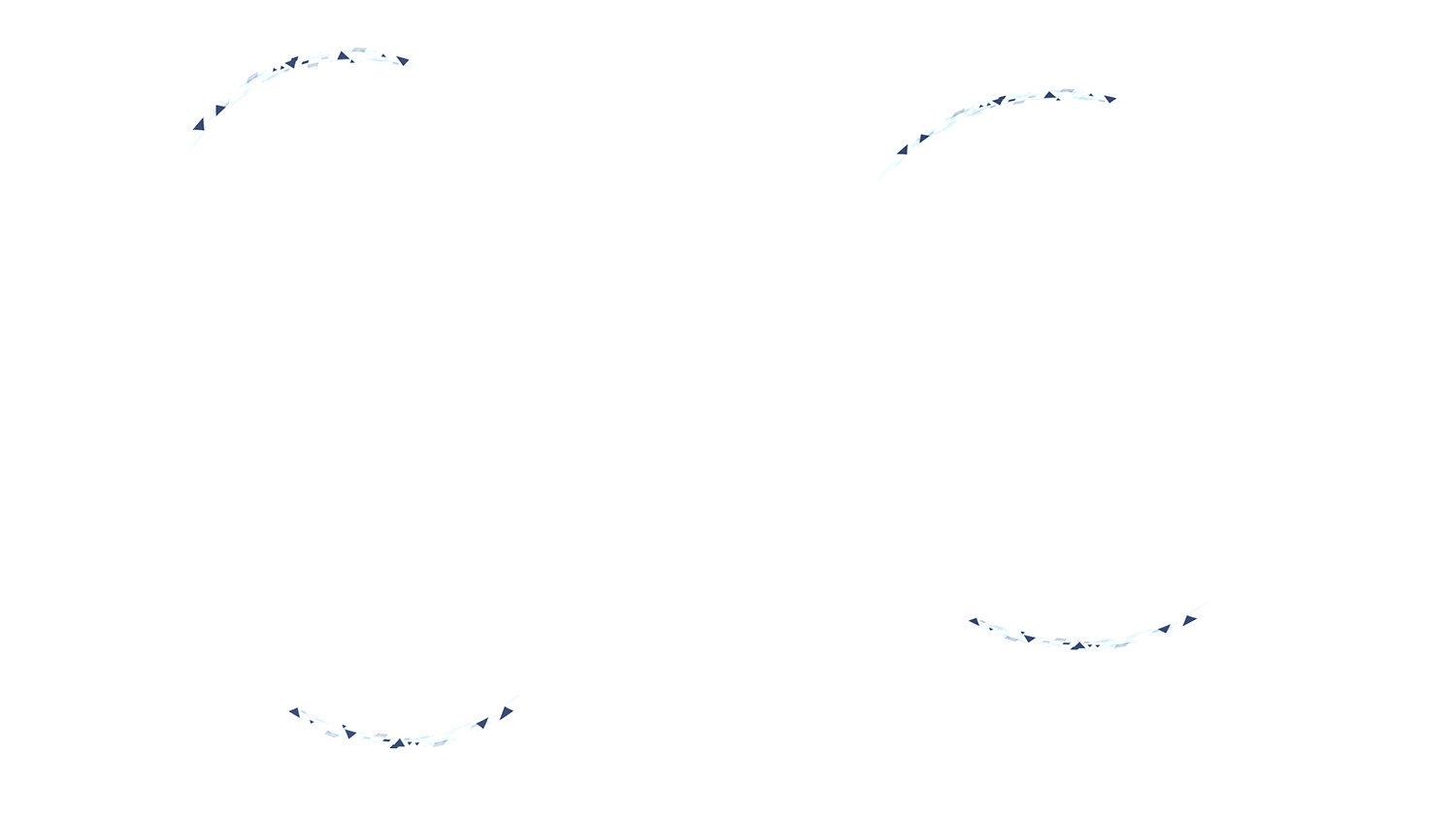
- Preview of the Yamaha XJR 1300 rim decal kit.
- Preview of the render on the front and rear wheels.
 Français